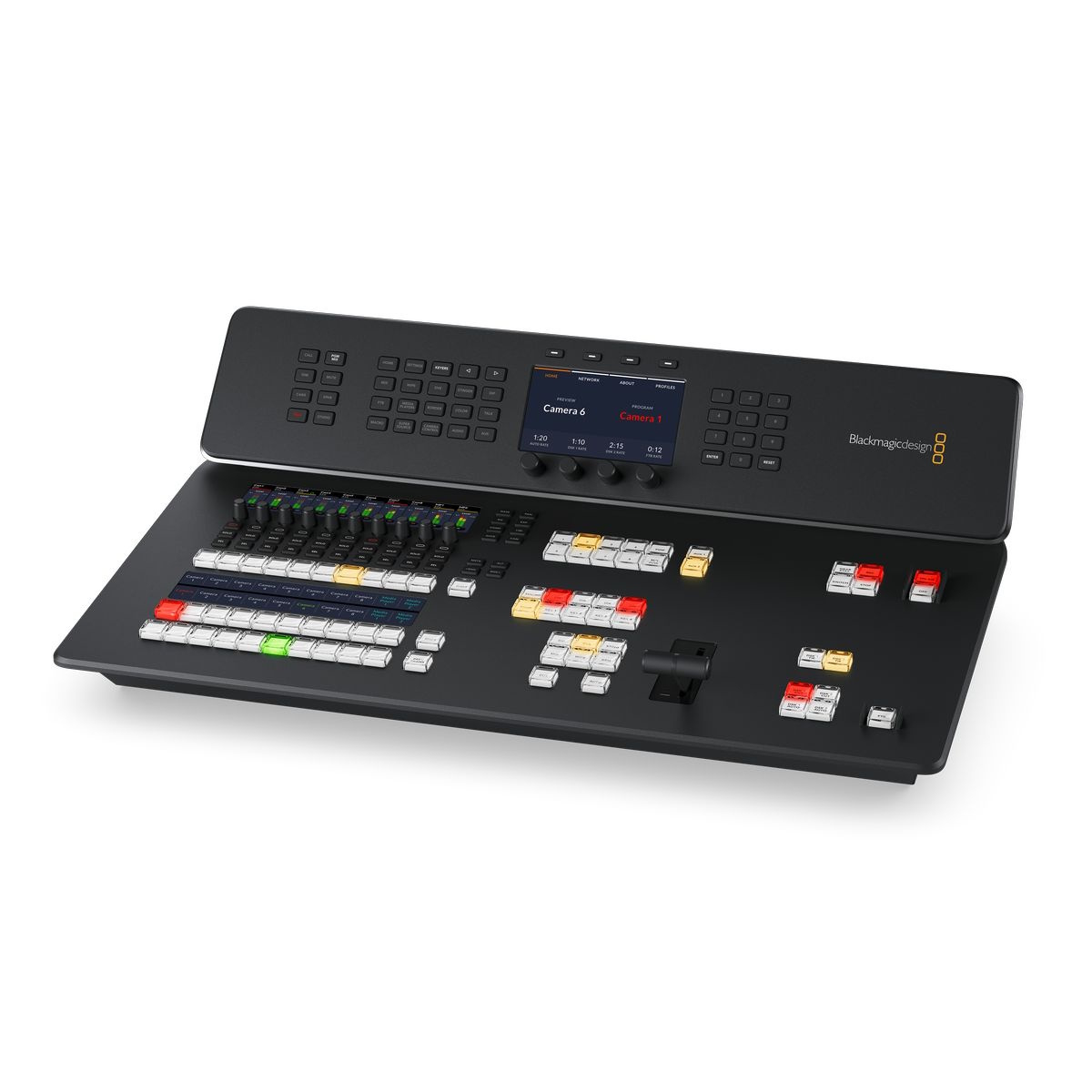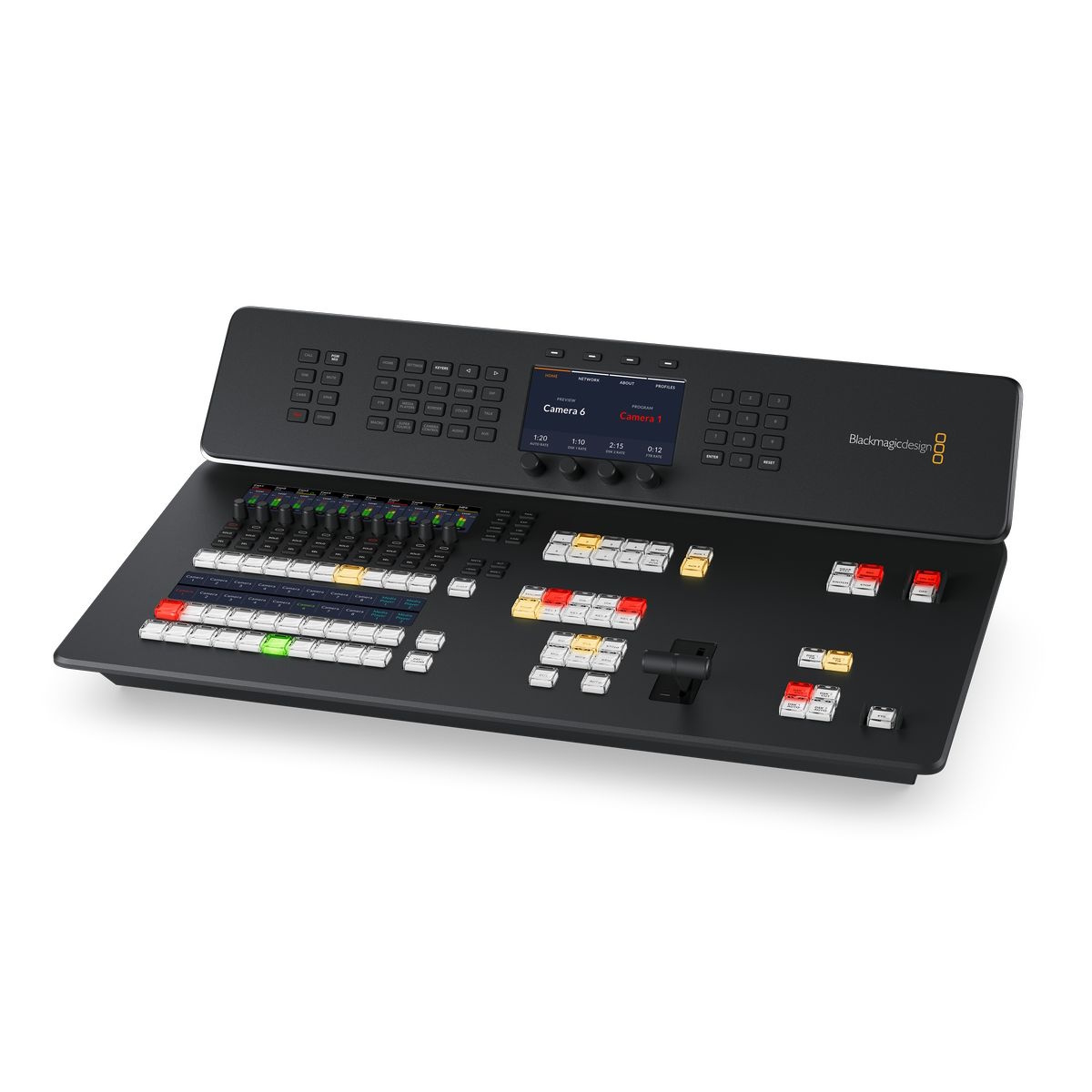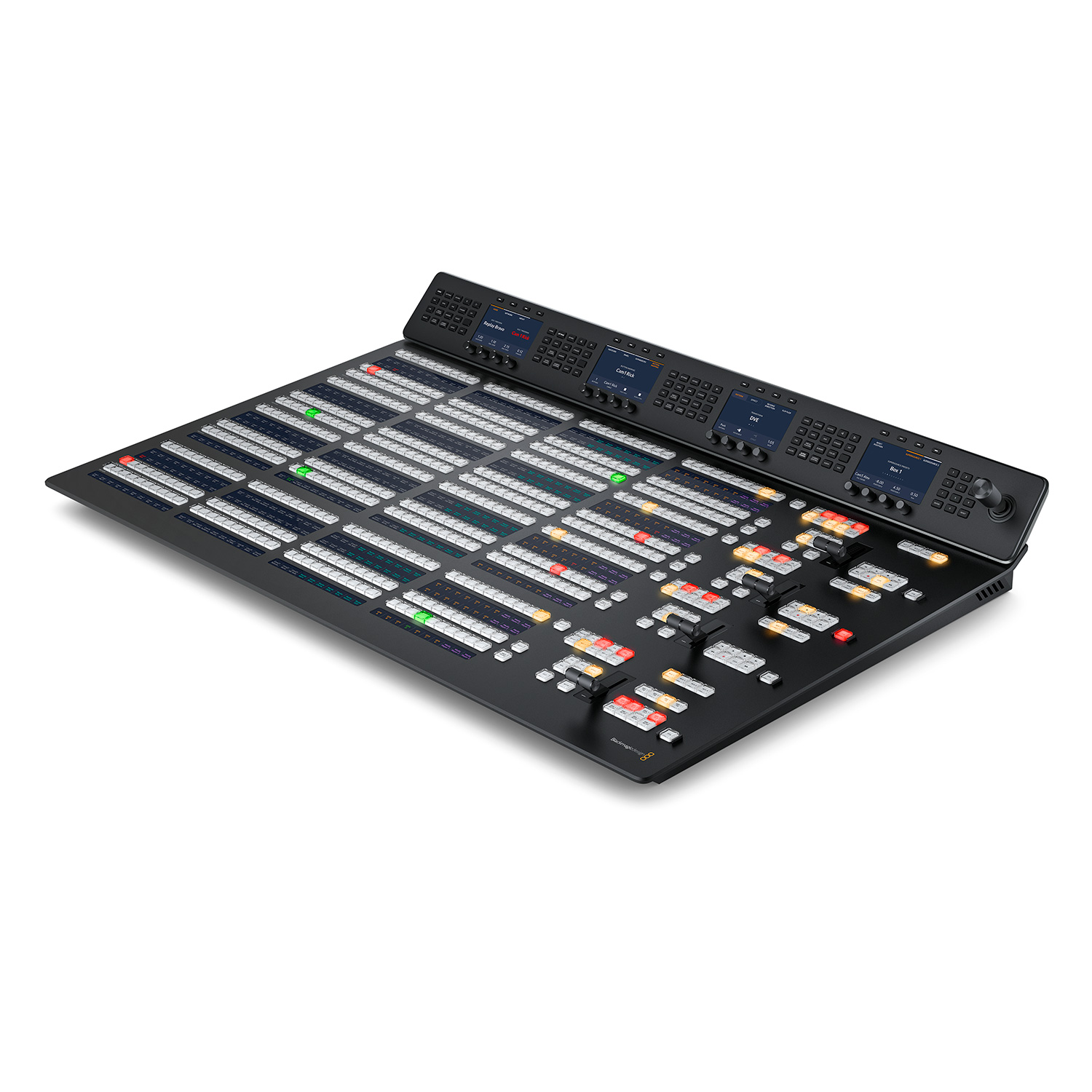
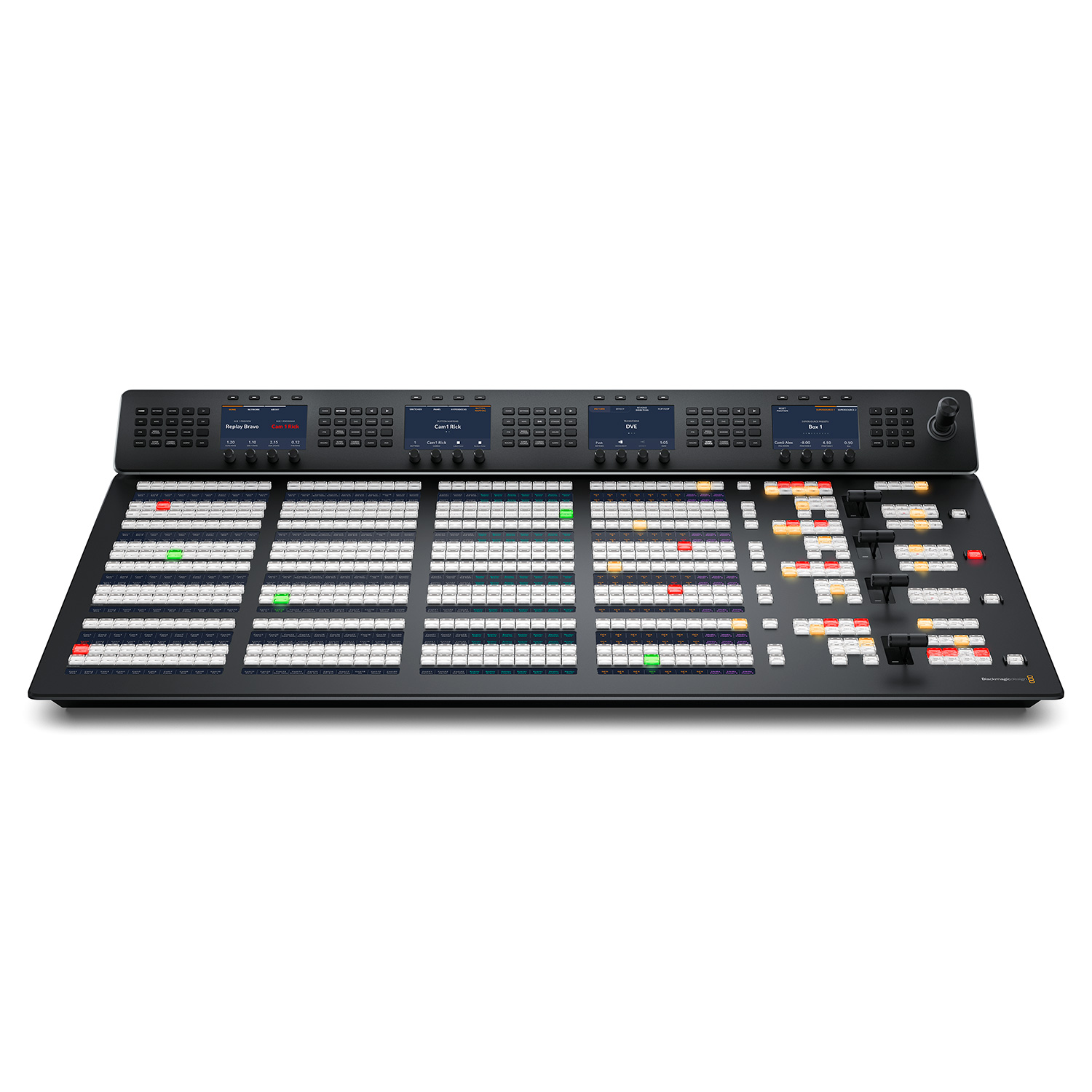
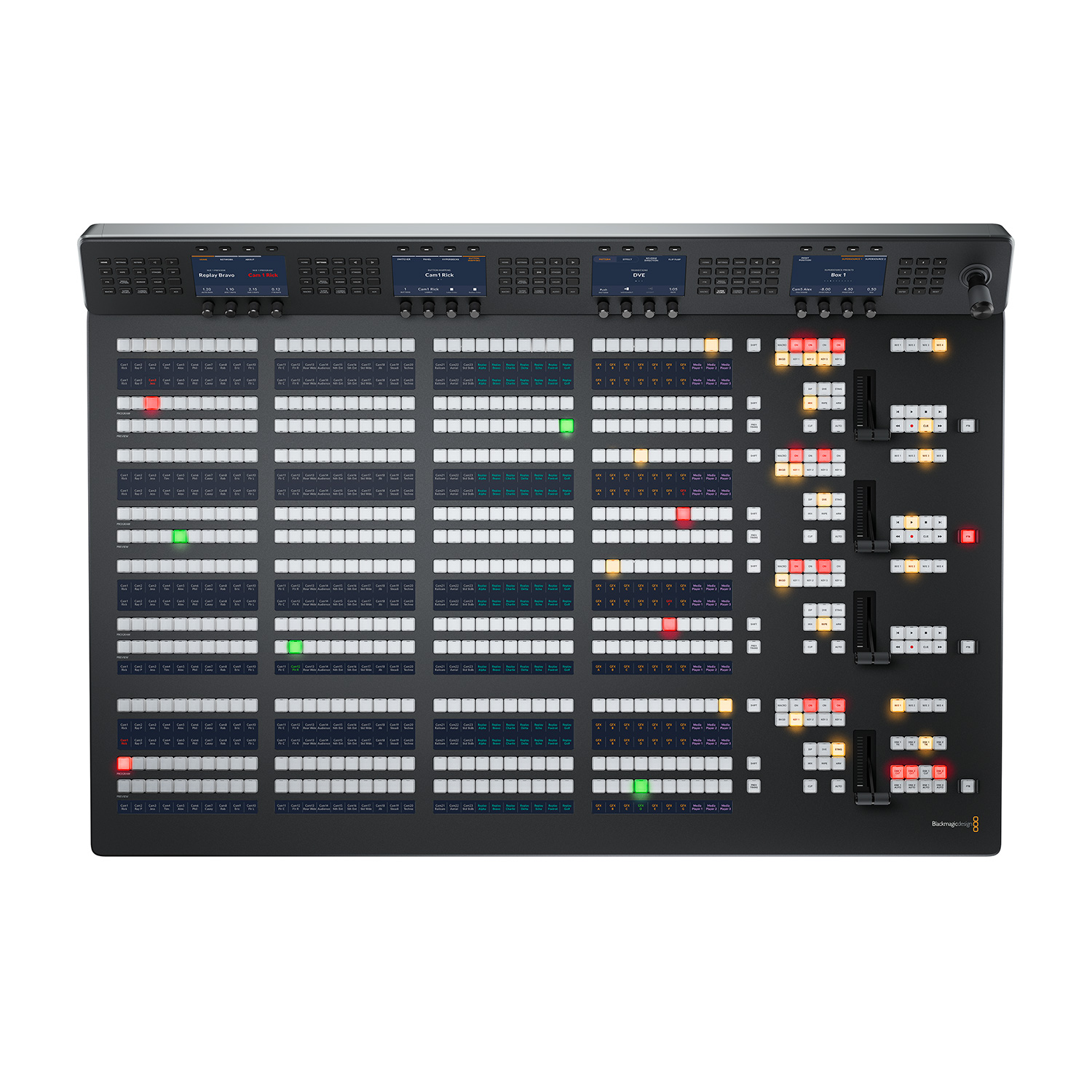
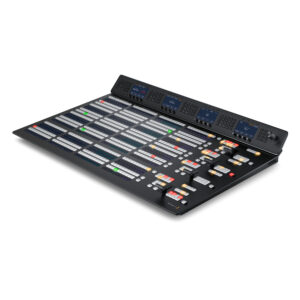
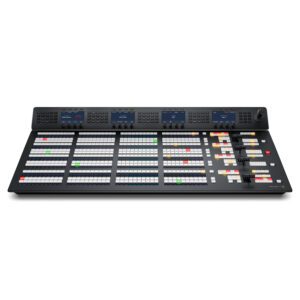
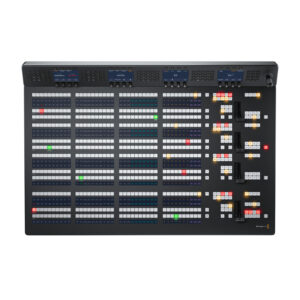


This massive model is big enough to perfectly match the features on the ATEM Constellation switcher! It features 4 M/E rows with 40 input buttons per row and 4 independent system control LCDs for each row. This massive panel includes 24 LCD’s for custom labeling of every button on every row!
The Blackmagic Design ATEM 2 M/E Advanced Panel and ATEM 4 M/E Advanced Panel represent the next generation of ATEM Series overhead panels! Both models will satisfy operators of the most powerful ATEM overheads with support for up to 4 M/E channels and integration of up to 24 separate LCD displays for customizable button labels, 4 LCD displays for parameter settings, 4 T-Bar controls and many other features. With the new design, the desks support direct mounting to overhead tables as well as stand-alone operation.
The ATEM Advanced Panel Series desks are the ideal complement to the ATEM Constellation overhead for easier creation of complex shows. They unlock the full potential of the overhead and also provide a more ergonomic control alternative (to the supplied software control panel) thanks to the high quality buttons, rotary and lever controls:
The Model 1 M/E offers a single M/E series with 10 buttons for inputs and a single LCD display for setting functions. Although it is a 1 M/E console, it allows you to control all M/E channels of larger overheads. Input buttons can be color coded and, thanks to the dedicated LCD displays, labels can also be set. There is also a joystick for TWO effects and a T-Bar controller.
The 2 M/E variant offers two rows of M/Es with 20 buttons for inputs and 2 LCD displays for setting functions. The console allows you to control up to 4 M/Es for larger overheads, LCD displays for creating custom button labels are also standard.
The largest 4 M/E option perfectly complements the ATEM Constellation feature set! It offers four M/E ranges with 40 buttons for inputs and 4 LCD displays for setting functions, as well as displays for creating custom button labels for all buttons.
ATEM Constellation is the most advanced solution for live show check-in. The overhead architecture includes independent Program and Preview buses for fast and accurate shot switching. The Preview bus can be previewed using the Aux output or via the Multi-view function: simply select the source signal on the Preview bus using the Advanced Panel, check it on the preview screen and then include it in the broadcast by pressing the Cut or Auto buttons. If an immediate response is required, it is possible to select shots directly within the Program bus.
When setting up blending between video sources, the operator can see the blending options on the console’s LCD display without having to navigate through complicated menus. There is a wide range of effects, from standard SMPTE blending effects with edge blurring options to complex DVE blending effects where the position of individual elements of the composition can be adjusted using the T-Bar and joystick! Additional counter controls make it easy to adjust the size of DVE elements, shadows, lighting, etc. The ergonomic T-Bar lever provides perfect control over the blending of shots, where it is often important to take into account the camera operator’s work and the movement of the protagonists.
The integrated joystick ensures easy adjustment of, for example, the position of TWO effects in the X, Y and Z axes. It allows you to perfectly position the shot window within the picture-in-picture composition, adjust its size, or even select the start and end points for animated DVE effects.
Each of the displays (for displaying parameter settings) offers a dedicated button for all functions and allows you to control hundreds of parameters for keying functions, interlacing, DVE effects, color background generators, Multi-view settings, button mapping or video standard selection. In addition, users can save/recall 10 console settings! Another advanced feature is the ability to create macros and then trigger them with the push of a button. Working with macro commands does not require the use of a computer and is greatly facilitated by labels on the LCD displays identifying the assigned macros.
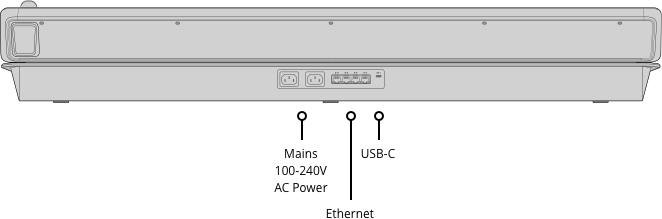
Connections
Ethernet
4 x 10/100/1000 BaseT with loop outputfor additional control panels or computers.
Software Updates
1 x USB-C for firmware updates.
Product Specifics
Number of Mix Effects Rows: 4
Direct Cross Points: 40
Shifted Cross Points: 80
Crosspoint Button Type: Tri-Color LED
Crosspoint Label: 10 rows 24 character LCD
Next Transition Selectors: 4 x BKG, Key 1 – Key 4.
On-Air indicator: 20
Power Status Indicators: None
DSK Transition Selectors: Auto, Cut, Tie/Preview x 4
Preview Transition: 4
Transition Rate Displays: Via main menu
LCD Menu Displays: 4
Menu Control: 20 buttons x 4
Dedicated Macro Buttons: 4 x 40
Transport Control Buttons: 24
Destination Bus: 4
Source Select Bus: 4
Fader Bar: 4
3 Axis Joystick: 1
Numeric Keypad: 1
Software
Software Applications
ATEM Software Control Panel.
Operating Systems:
Mac 10.14 Mojave, Mac 10.15 Catalina or later.
Power Requirements
Input Voltage: 2 x Internal 100 – 240V AC.
Redundant Power: Yes