Recording Clear On-Camera Dialogue for Multiple Speakers
Adding a second voice to your shoot often introduces crosstalk, room echo, and phase cancellation. We know the sinking feeling of discovering irreparable audio bleed in post-production. Here is how to configure your gear to ensure clear, isolated dialogue for multiple speakers.
The One-Mic Myth vs. Isolated Recording
Content creators often ask us if they can simply hang one shared microphone to capture an entire conversation. While a single directional boom mic works beautifully for tightly framed storytelling where one voice dominates, it becomes a liability for unscripted interviews.
In our experience, recording two or more speakers effectively requires isolating each voice. When you equip your talent with individual microphones, you gain total post-production flexibility. If one speaker coughs, taps the table, or speaks softly, an isolated track allows you to correct the issue without affecting the other voice.
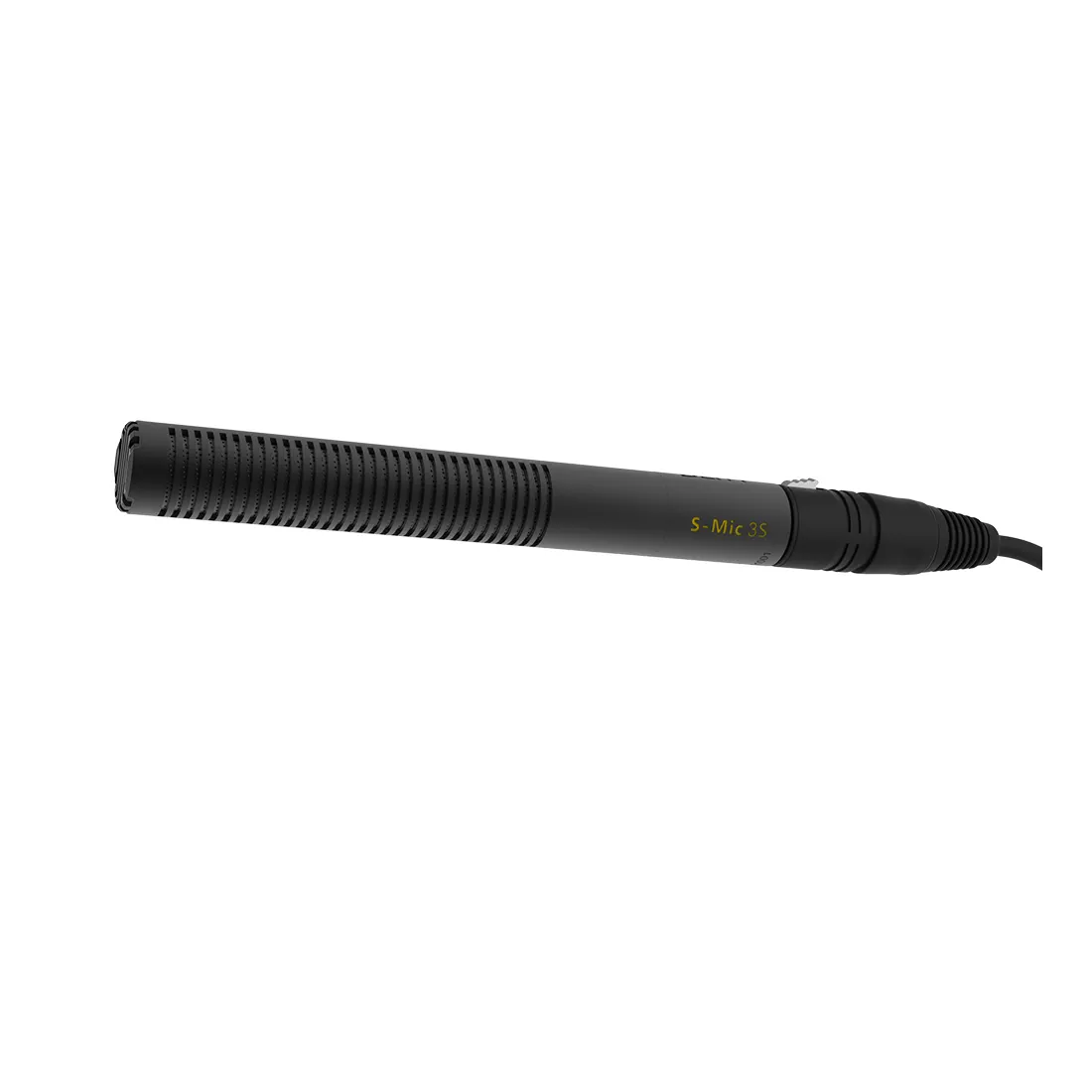
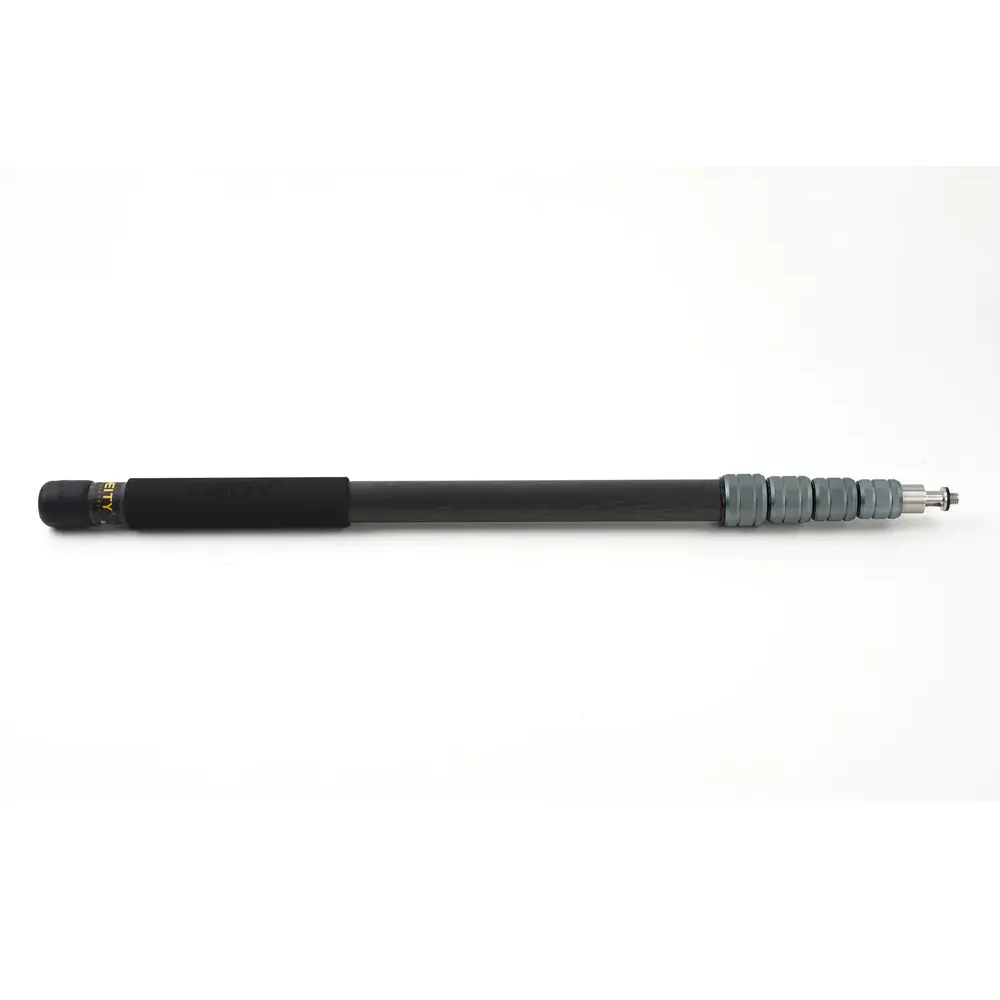
For studio setups involving three or more closely seated subjects, a highly directional boom microphone is sometimes preferred over lavaliers to reject off-axis room echo. A broadcast-quality shotgun microphone paired with a rigid carbon fiber pole ensures your operator can maneuver quietly between speakers to capture full audio detail.
Equipping the Multi-Speaker Interview
The industry standard for professional sit-down interviews is a hybrid approach: an overhead boom combined with individual wireless lavaliers for each participant. This redundancy protects your production against single-point failures, like sudden clothing rustle or unexpected wireless dropouts.
When placing lavaliers, position the capsule mid-chest – about six to eight inches below the chin. This placement balances audio warmth and vocal clarity while preventing distorted nasal frequencies. Because lavalier microphones are generally omnidirectional, they pick up background noise equally from all directions. Keep the placement tight to the talent, angle the capsule toward their mouth, and secure the cable with a strain-relief loop below the mount point to isolate the capsule from vibration.
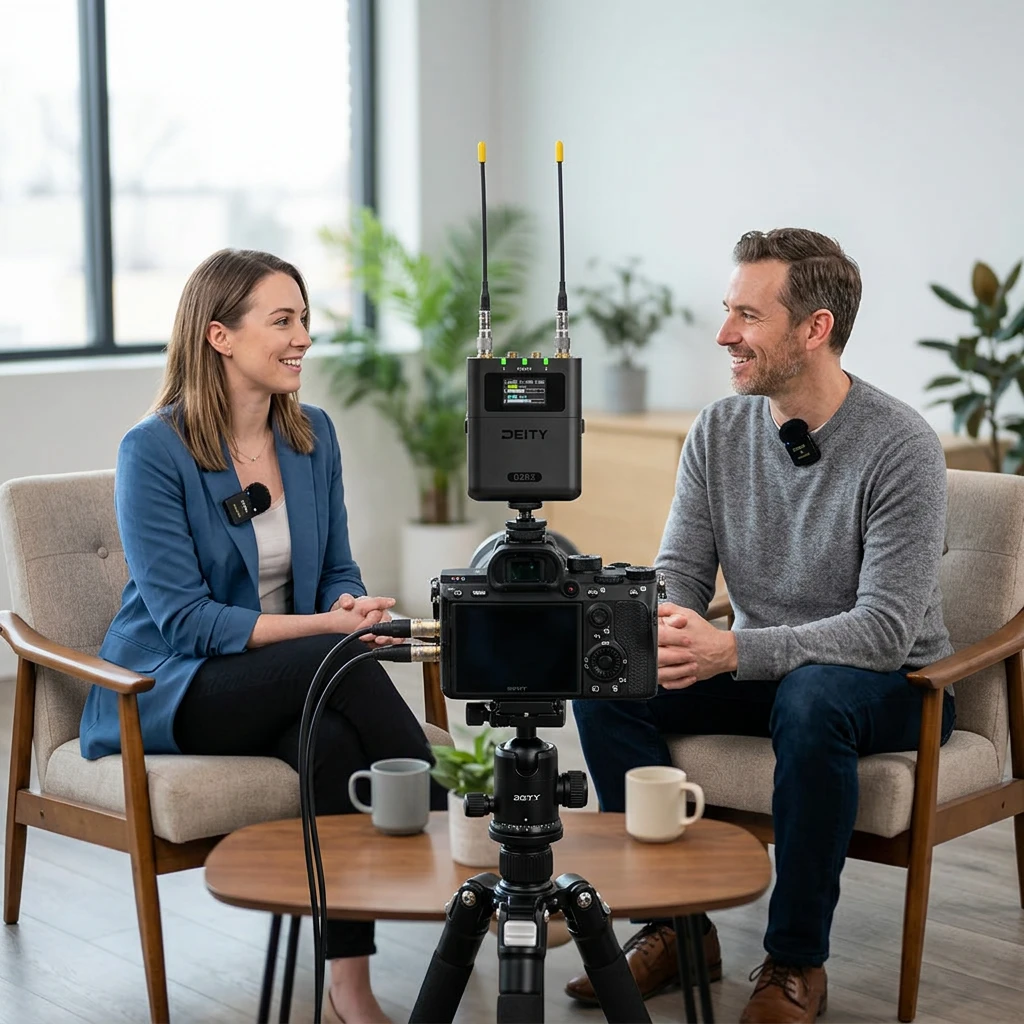
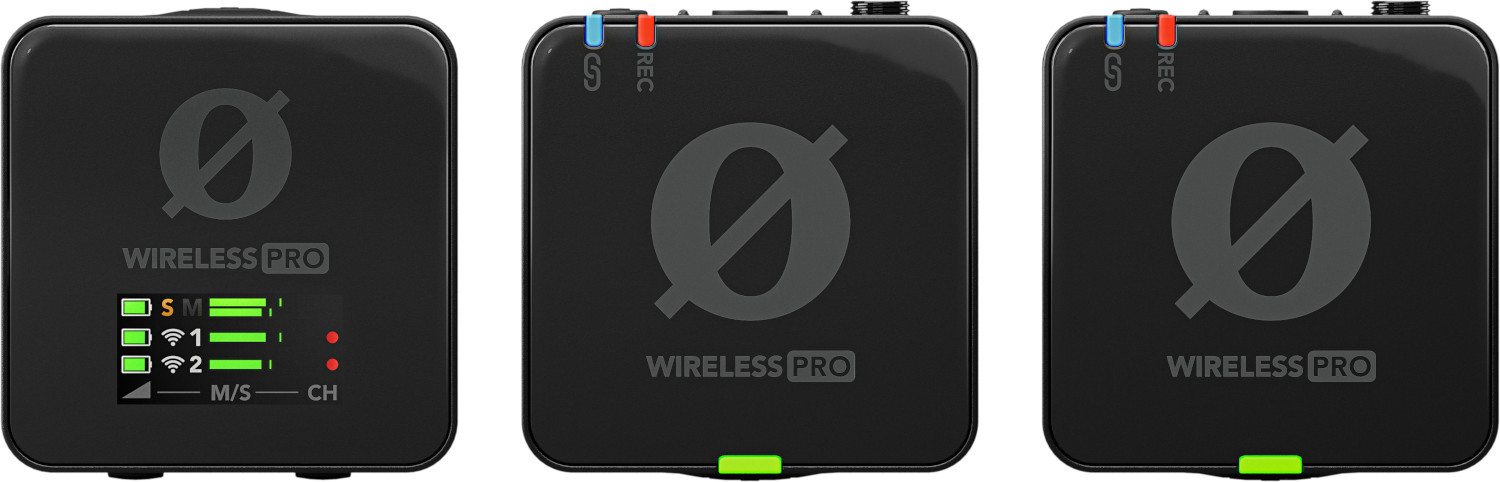
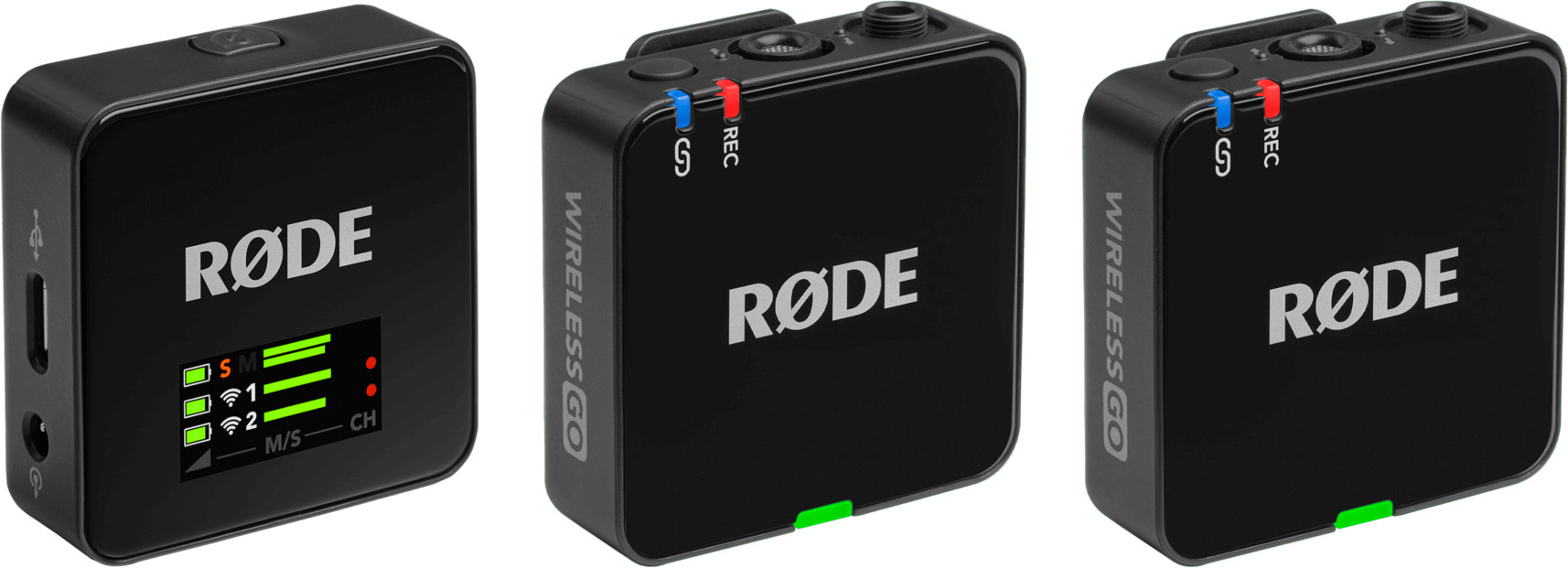
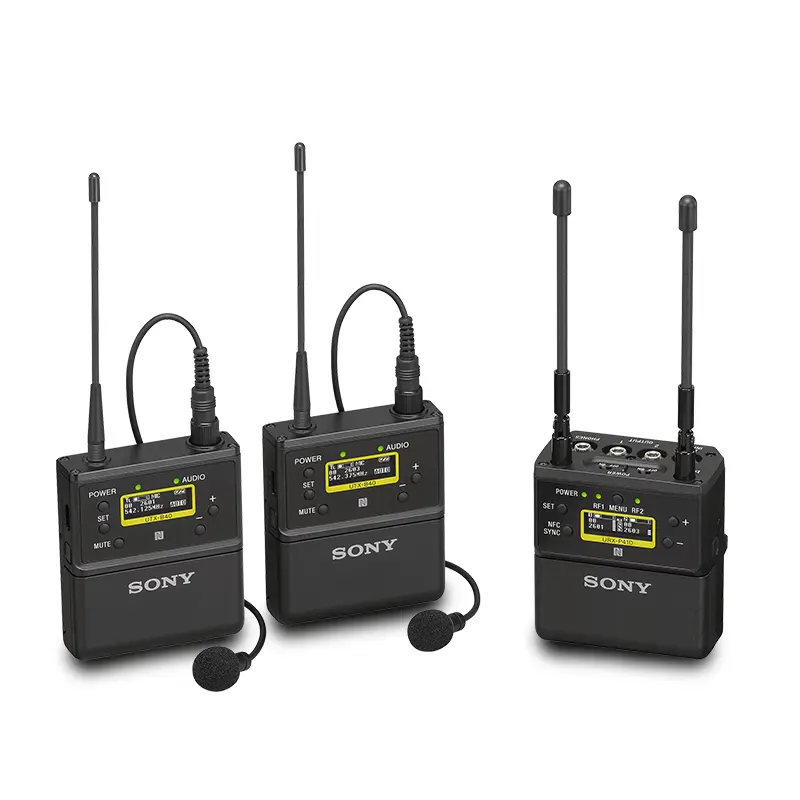
For two-person interviews, dual-channel wireless systems have completely streamlined the location workflow. Instead of managing multiple separate receivers and complex frequency blocks, you can route two discrete transmitter signals into a single compact receiver mounted directly to your camera’s cold shoe.
-
 Microphones
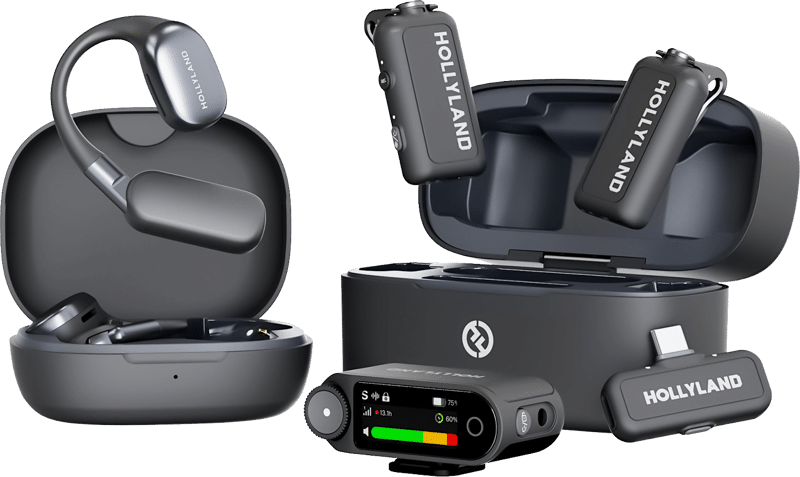
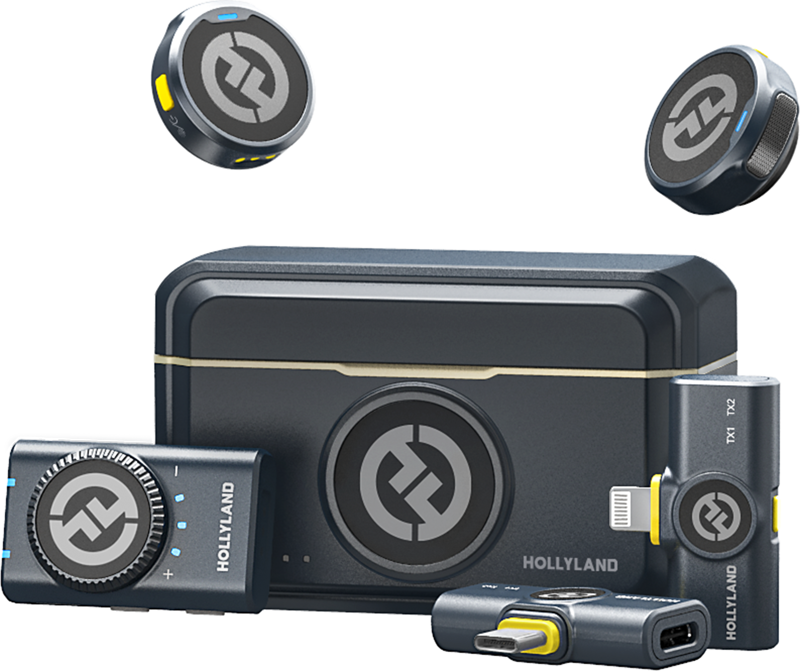
HOLLYLAND LARK MAX 2 Ultimate Combo with OWS Monitor Earphone + Camera RX + USB-C RX
€ 245.52€ 304.44 (incl. VAT)IN STOCK -
 Microphones
HOLLYLAND Lark M2 Combo – Wireless Lavalier Microphone (Duo, Shine Charcoal)
€ 91.92€ 113.98 (incl. VAT) -
 -20%Audio recorders, Microphones
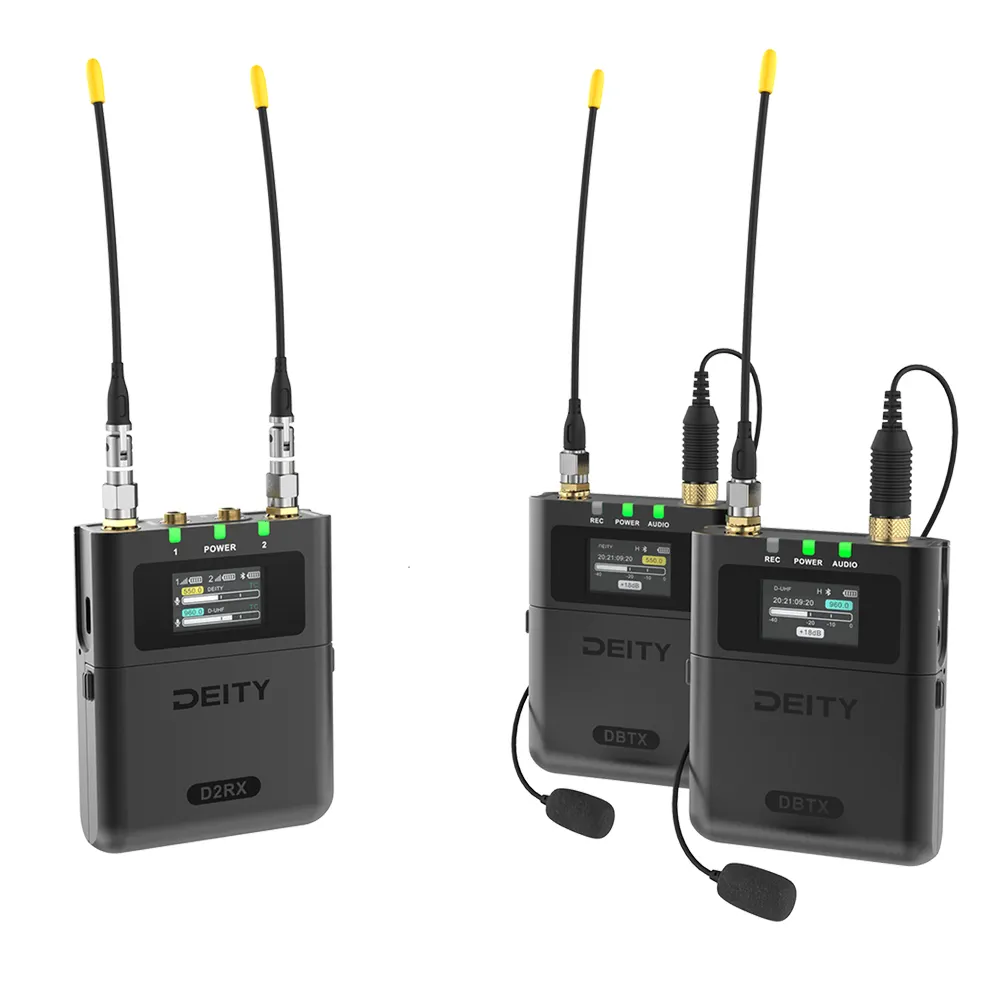
DEITY Theos Digital Wireless 2ch Kit
Original price was: € 1 090.00.€ 872.00Current price is: € 872.00.€ 1 081.28 (incl. VAT)IN STOCK
Managing Limited Camera Audio Inputs
One of the most common hurdles video professionals face is recording multiple participants when the mirrorless camera or cinema rig only offers two audio inputs. Sending a messy mix directly to the camera severely limits your ability to balance the conversation later.
When shooting run-and-gun documentary footage, you can split a dual-channel wireless receiver to output Speaker A to the left channel and Speaker B to the right channel of your camera. This setup keeps the voices isolated on two distinct tracks. Modern digital wireless systems provide incredibly clean signal paths and smart gain assistance to prevent clipping during unpredictable field recording.
If your camera inputs are maxed out, leverage systems with 32-bit float onboard recording. Transmitters that record internally act as safety nets, capturing such a massive dynamic range that unexpected loud laughter won’t clip. Manufacturers like Deity Microphones integrate their recorders natively with timecode ecosystems to make syncing these backup files instantaneous in post-production.
Scaling Up with Field Recorders and Mixers
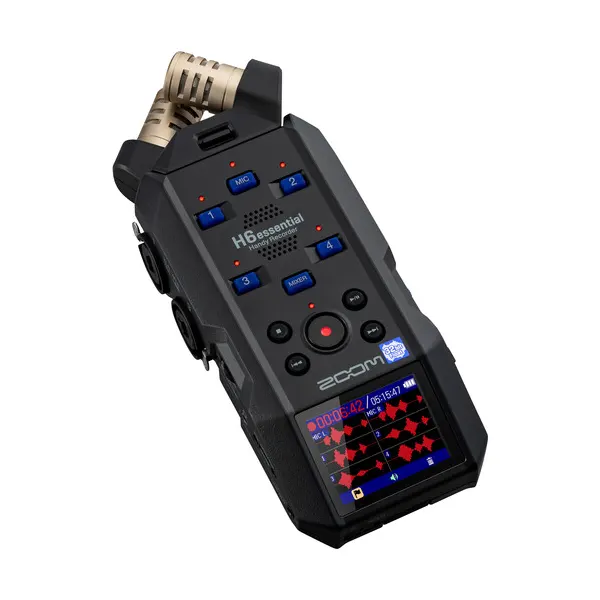
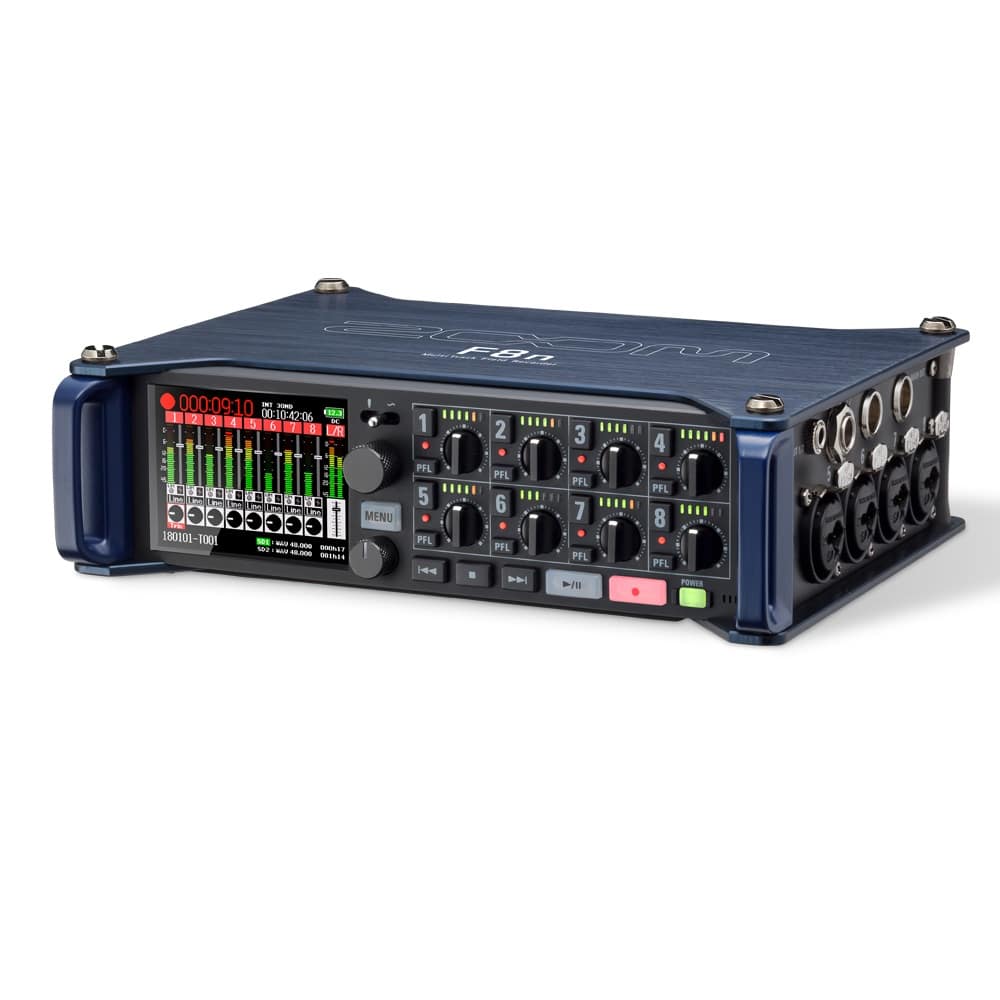
If you are tasked with filming a panel discussion or a multi-host podcast with four or more speakers, you must bypass the camera’s internal preamps entirely. Routing your audio through dedicated hardware gives you the granular control required for complex dialogue mixing.
Using a multi-track audio recorder allows you to set independent input gain for each channel while monitoring pre-fader meters. According to standard gain staging practices, you should set your inputs so the audio sits clearly above the noise floor but leaves enough headroom to prevent digital distortion.
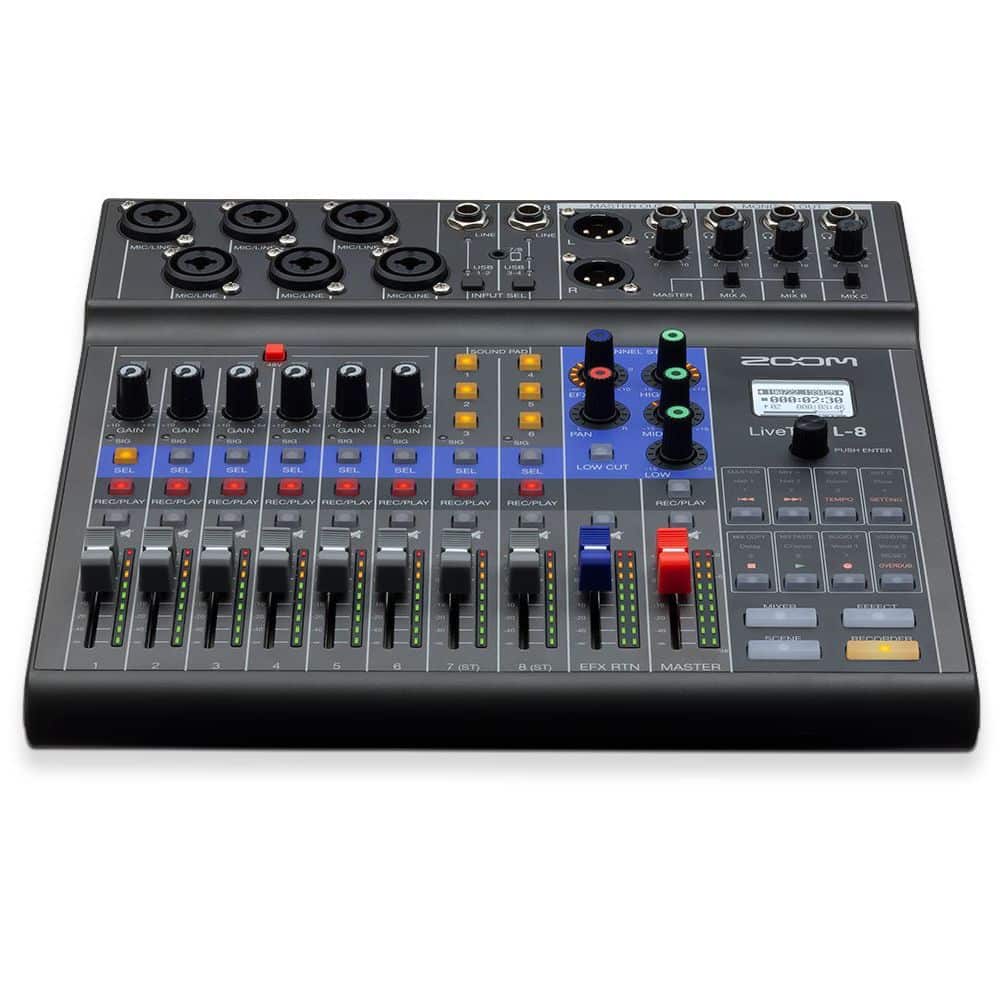
For live-streamed video or events requiring real-time level adjustments, professional mixing consoles offer tactile faders and mix-minus capabilities to prevent audio feedback from remote dial-in guests. This setup ensures that each microphone feed is pristine, phased correctly, and perfectly balanced before it ever reaches your broadcast feed.
Navigating Wireless Frequencies in Crowded Environments
We frequently see crews run into interference issues because they are using outdated wireless gear or operating in congested frequency bands. The 2.4 GHz spectrum is highly accessible and great for lightweight setups, but it can become unreliable in crowded event spaces filled with smartphones and Wi-Fi routers.
For mission-critical multi-speaker setups, rely on professional UHF systems. Equipment with ultra-wideband tuning capabilities allows your sound mixer to scan and coordinate frequencies dynamically. This guarantees a crystal-clear signal and prevents dropped audio even in dense radio frequency environments.
Key Takeaways
- Isolate your audio sources: Always record each speaker to a dedicated track rather than blending them on location, allowing for precise volume correction and dialogue isolation in post-production.
- Implement redundancy: For high-stakes interviews, use a combination of discreet lavaliers and directional boom microphones to protect against clothing rustle and wireless signal drops.
- Bypass camera limitations: When filming three or more subjects, route individual wireless microphones into a dedicated multitrack field recorder rather than crowding a two-channel camera input.
- Utilize 32-bit float: Equip your talent with transmitters capable of 32-bit float onboard recording to ensure unexpected volume spikes never clip your safety files.
Ensure your next multi-speaker production sounds as professional as it looks. Explore our full selection of audio accessories to find the exact mounting hardware, cables, and wind protection your setup requires to capture flawless dialogue.