Choose the Right Video Memory Card: Stop Dropped Frames
You press record on a vital shoot. Seconds later, the camera stops. A “Buffer Full” warning flashes on your monitor. Your audio keeps rolling, but your video is gone.
We have seen this scenario halt countless productions. Often, the culprit is not a broken camera. It is a memory card that cannot handle the video bitrate.
Choosing the right media requires more than just grabbing the highest capacity off the shelf. You need to match the format, sustained write speed, and durability to your specific camera. Here is how to navigate the specifications and select media that will perform reliably on set.
Match the Form Factor to Your Workflow
The first step is identifying the correct physical card type for your device. Standard SD cards remain the industry baseline for most DSLRs and mirrorless cameras. However, video resolutions are pushing toward 8K. RAW formats are also becoming standard. This means new card types must handle massive data pipelines.
CFexpress cards offer significantly higher bandwidth than traditional SD cards. High-end mirrorless bodies and modern cinema cameras now use them as standard media. They allow you to capture stunning, cinema-quality video without dropping frames. They also dramatically expedite your post-production offloading.
MicroSD cards serve an entirely different purpose. Manufacturers build them for extremely compact devices. If you capture drone footage or mount an action camera to a rig, you need a high-performance MicroSD card.
-
 Memory cards
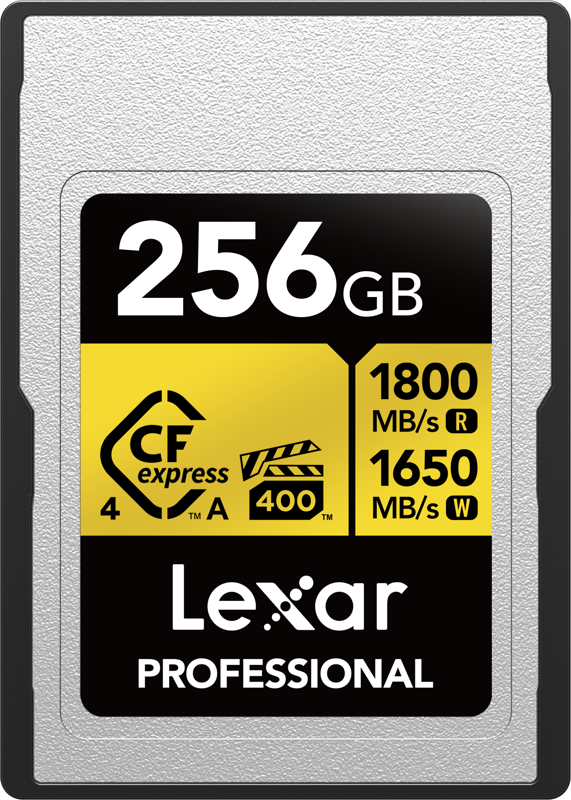
LEXAR CFexpress 4.0 Pro Gold, VPG400/IP68, R1800/W1650 (Type A) 256GB
€ 313.17€ 388.33 (incl. VAT)IN STOCK -
 Memory cards
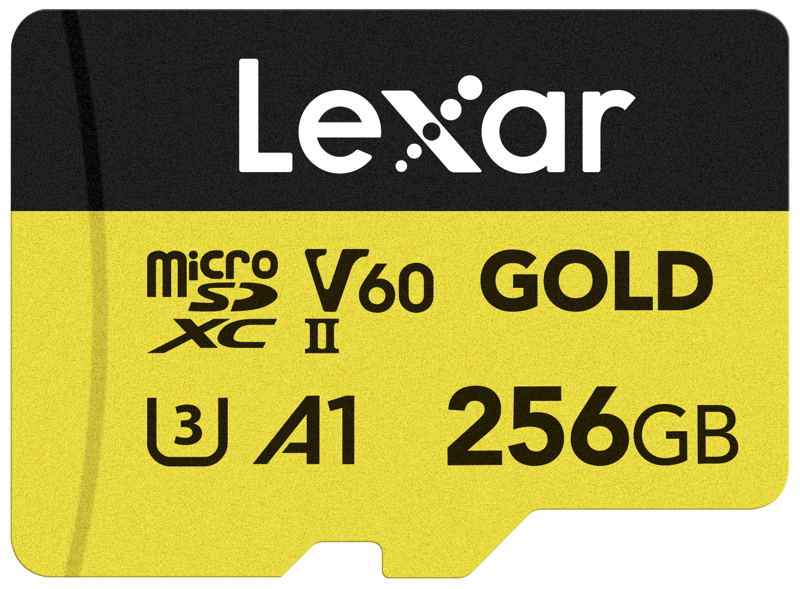
LEXAR microSDXC GOLD UHS-II/C10/A1/U3 R280/W180 (V60) 256GB
€ 133.98€ 166.14 (incl. VAT) -
 Memory cards
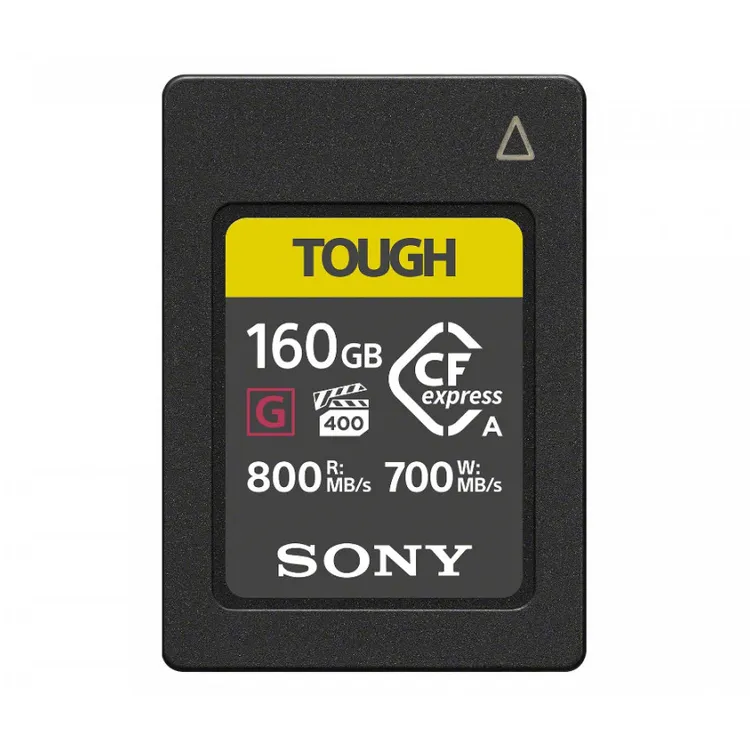
SONY Tough CFexpress Type A 160GB memory card
€ 199.00€ 246.76 (incl. VAT)
Decode Speed Classes for Continuous Video
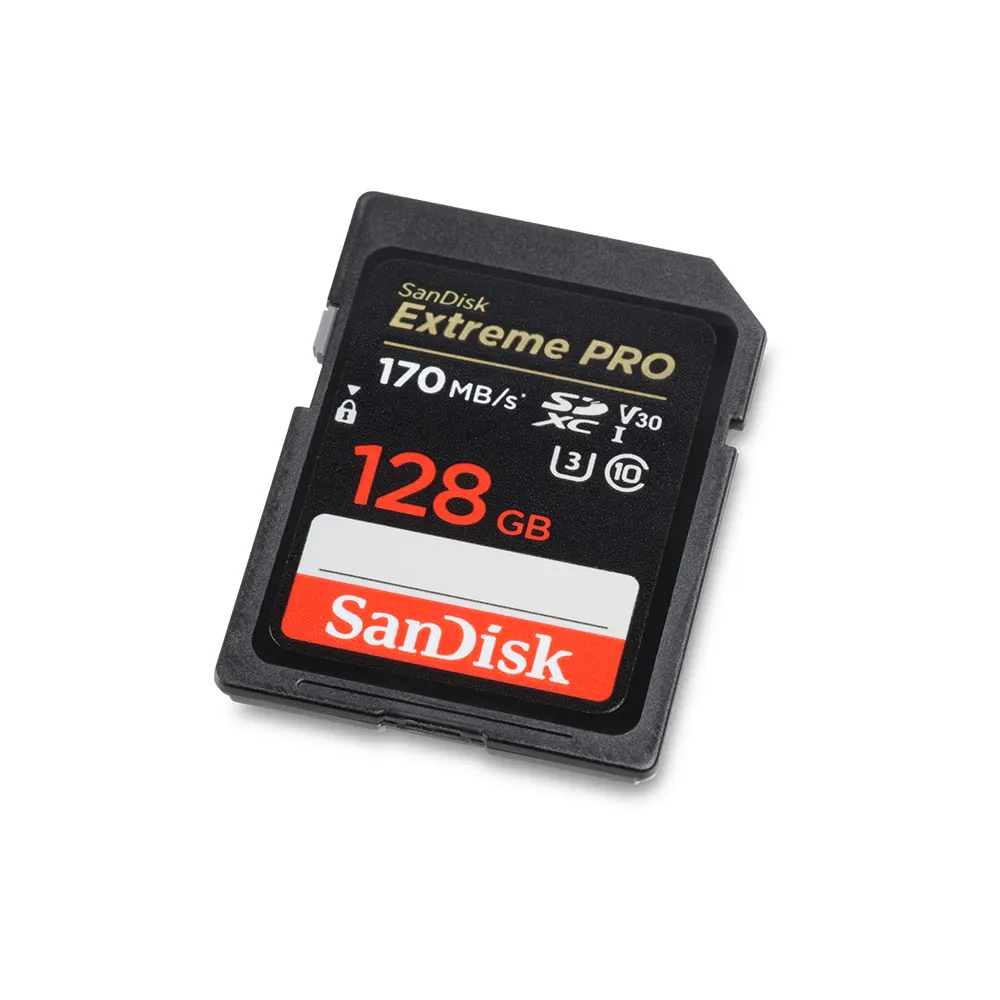
Speed is the most critical factor for video. When you look at a memory card, the large number printed on the front is usually the read speed. Read speed dictates how fast you can transfer files to your computer.
Video recording requires a completely different metric. You must look at the sustained write speed. Video data streams continuously to your storage. If your card’s write speed drops even for a fraction of a second, your camera drops frames and halts recording.
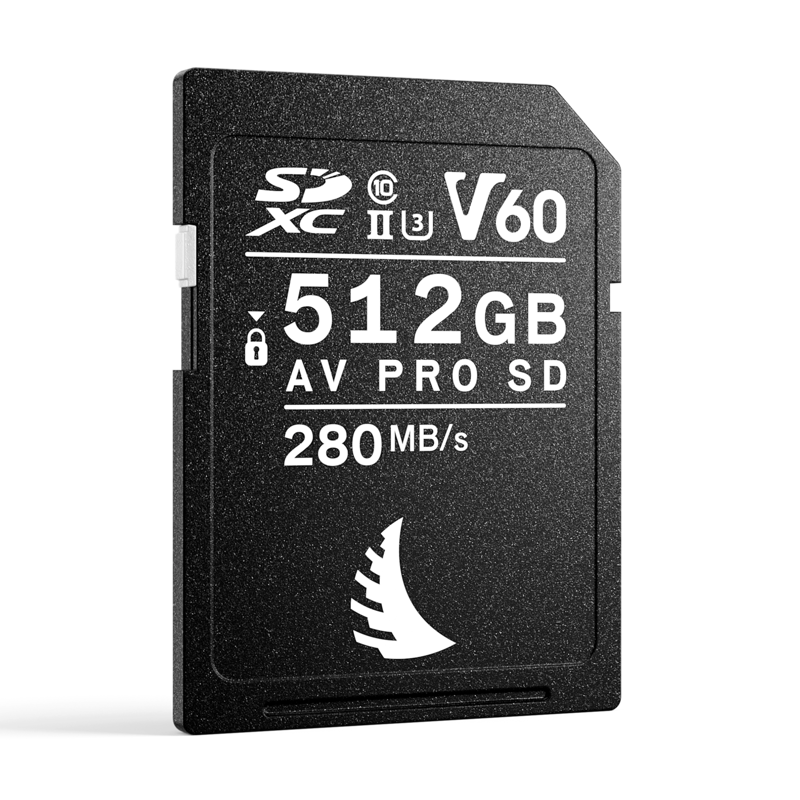
To solve this confusion, the SD Association introduced Video Speed Class ratings. These “V-ratings” guarantee a minimum sustained write speed:
- V30 (30 MB/s): Reliable for standard Full HD and basic compressed 4K video.
- V60 (60 MB/s): The sweet spot for most modern video work. It supports high-bitrate 4K, 10-bit color, and standard slow-motion recording.
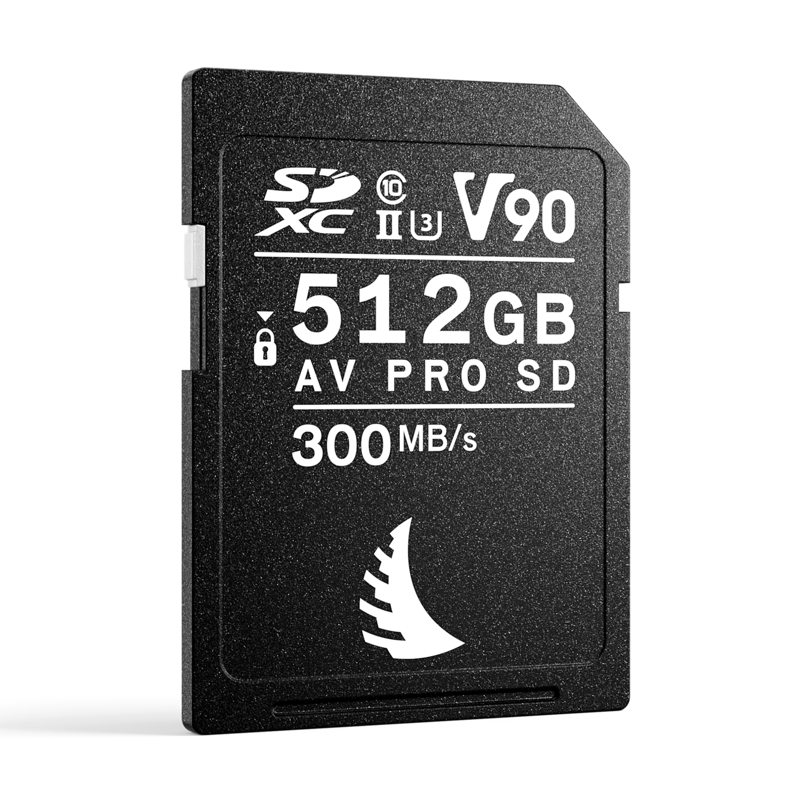
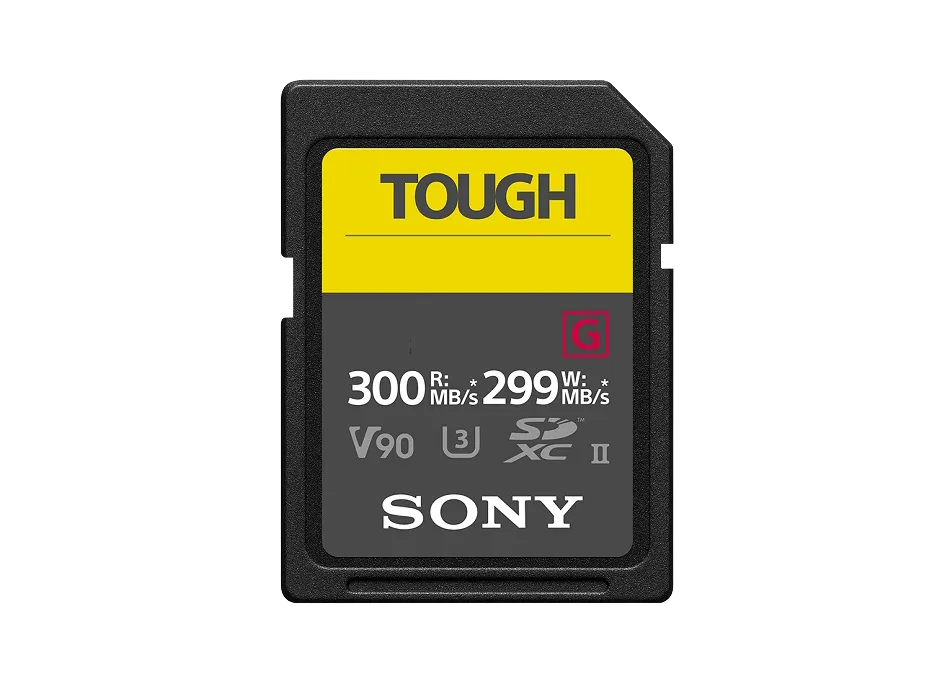
- V90 (90 MB/s): Essential for demanding formats. You need this to capture full-frame 4K All-Intra video, 6K recording, and sequential RAW burst photography.
For CFexpress media, you must look for the Video Performance Guarantee (VPG) rating. A VPG400 rating ensures a sustained write speed of 400 MB/s. This future-proofs your setup for demanding 8K RAW video.
Prevent Split Files with SDXC Capacity
Matching your capacity to your resolution is vital. High-bitrate 4K video consumes storage quickly. When choosing an SD card, you will notice two main capacity standards: SDHC and SDXC.
According to the SD Association specifications, SDHC cards max out at 32GB. More importantly, they use the older FAT32 file system. This outdated system cannot hold individual files larger than 4GB. If you shoot a long interview on an SDHC card, your camera will split the video into multiple 4GB chunks.
SDXC cards solve this issue entirely. They range from 64GB up to 2TB. They use the exFAT file system, which allows for continuous, single-file recording regardless of length. For professional video workflows, we strongly recommend using only SDXC cards. You should start with a minimum capacity of 128GB or 256GB.
Invest in Durability for Harsh Environments
Professional production environments are harsh. You constantly swap cards, drop them, and expose them to the elements. Standard plastic SD cards can chip. The thin plastic ribs between the connection pins can easily snap off inside your expensive camera.
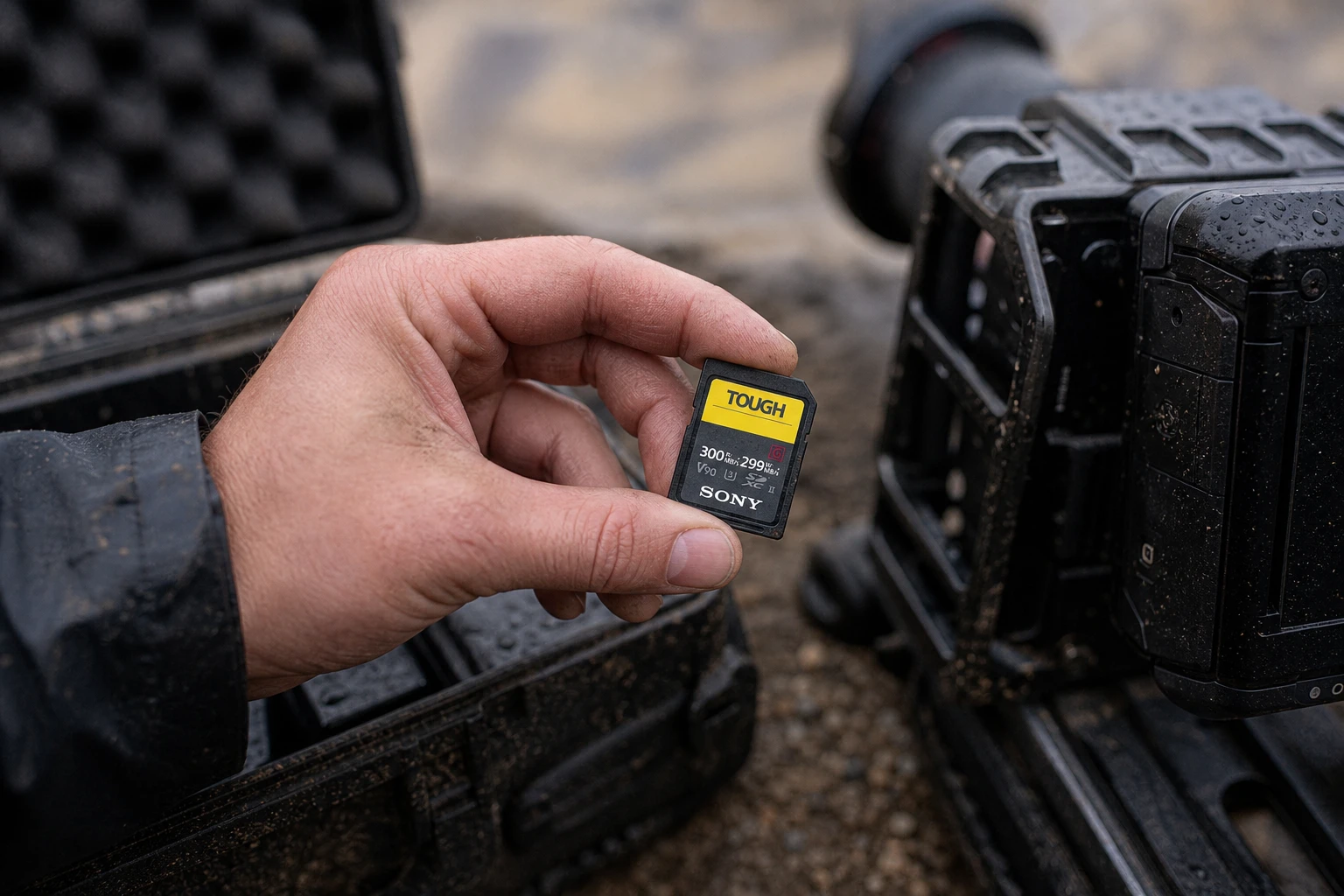
If you work in challenging conditions, you should consider cards designed with structural integrity. Options featuring a rib-less design and no fragile write-protect switch eliminate common breakage points.
Additionally, you can find media with IP68 dust and water proofing. This extra protection ensures your data survives even if your gear gets caught in heavy rain or dropped in the dirt.
Key Takeaways
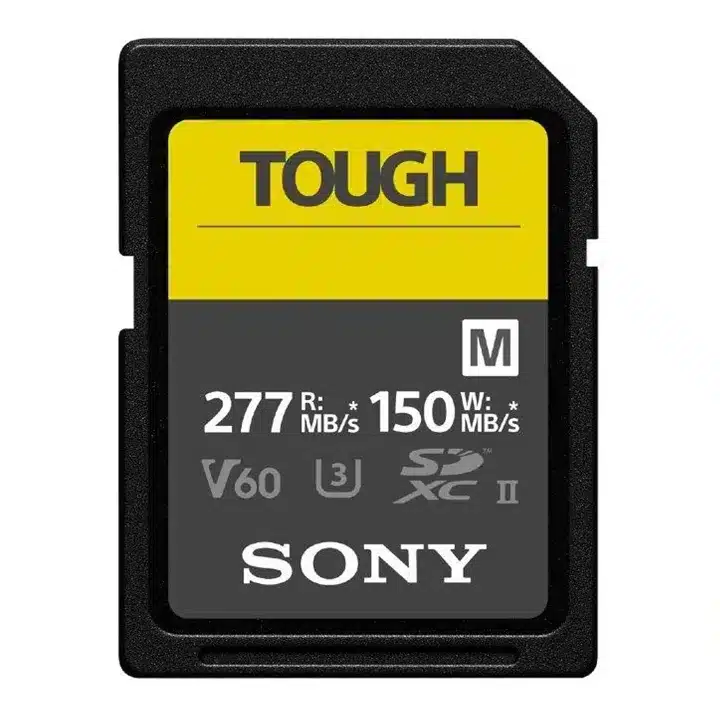
- Prioritize sustained write speeds. Look for V-ratings (V30, V60, V90) or VPG ratings to handle your video bitrate.
- Choose SDXC over SDHC. The SDXC format uses the exFAT file system, preventing your camera from splitting long videos into 4GB chunks.
- Invest in physical durability. Rugged, rib-less, and weather-sealed memory cards protect your vital footage from physical damage.
- Match the media to the mission. Use CFexpress for cinema-grade RAW, V90 SD cards for high-bitrate 4K, and fast MicroSDs for drone work.
Ready to upgrade your storage setup? Browse our curated selection of professional memory cards to find reliable media for your next production.