Audio Mixers for Video: Routing and Sync Guide
Dropped frames are frustrating, but distorted dialogue ruins a production instantly. Over our 20 years supplying professional AV equipment, we have seen countless visual setups fail due to mismanaged sound. Integrating a dedicated audio mixer guarantees the pristine, synchronized audio your workflow demands.
The Core Problem: Bypassing Camera Limitations
Sending audio directly into a camera introduces immediate structural limitations. Even advanced cinema cameras feature preamplifiers that simply cannot match the low-noise floor of a dedicated audio console. When you plug your microphones directly into a camera body, you sacrifice digital headroom and severely limit your post-production flexibility.
By integrating a mixer, you manage gain staging correctly at the source. Following industry gain staging principles, setting your preamp gain to target peaks around -18dBFS prevents clipping during loud, unexpected transients. The mixer then outputs a clean, line-level signal to the camera while simultaneously recording high-resolution multitrack files locally.
This separation of hardware is the only reliable way to manage multiple speakers or complex instrumentation. Bypassing the camera’s internal processing prevents crosstalk and phase cancellation from permanently baking into your video’s master audio track.
Matching Mixer Architecture to Your Production
Hardware needs shift drastically depending on your environment. You must select an architecture designed to solve your specific routing and monitoring challenges.
Location Filming and Field Production
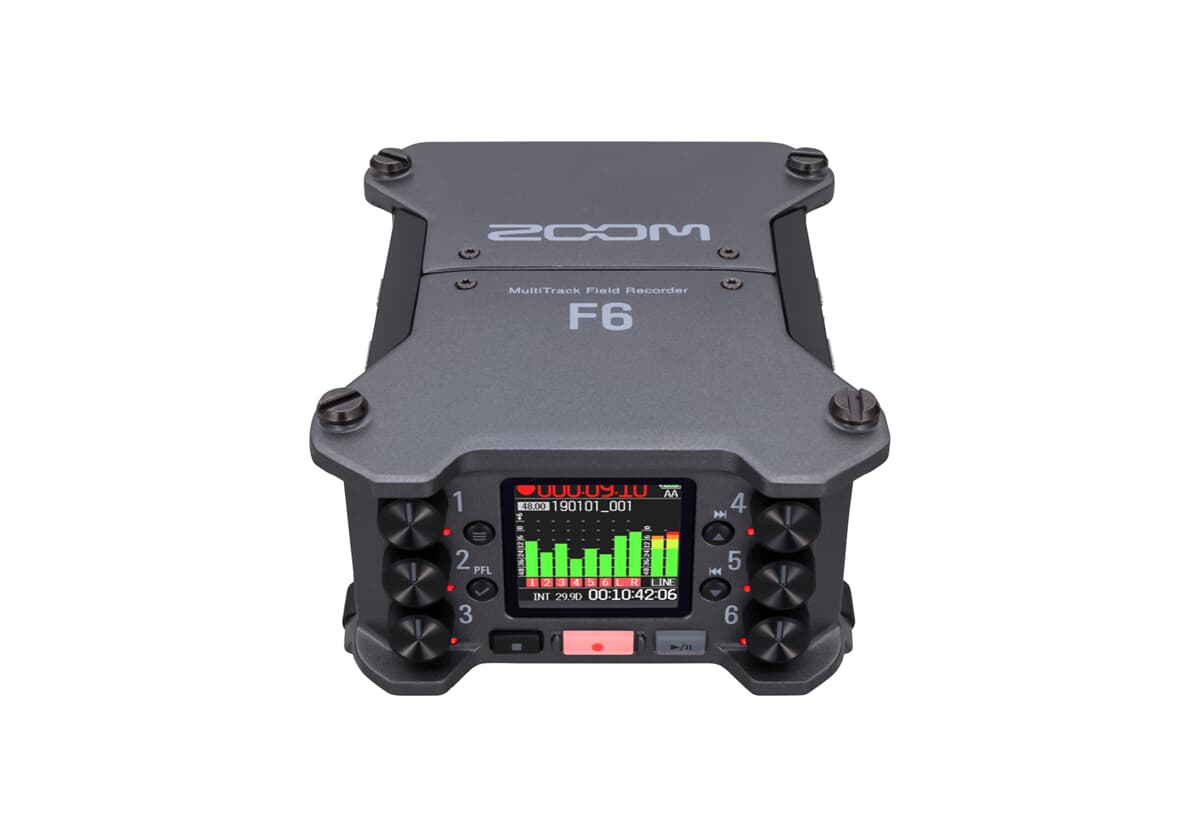
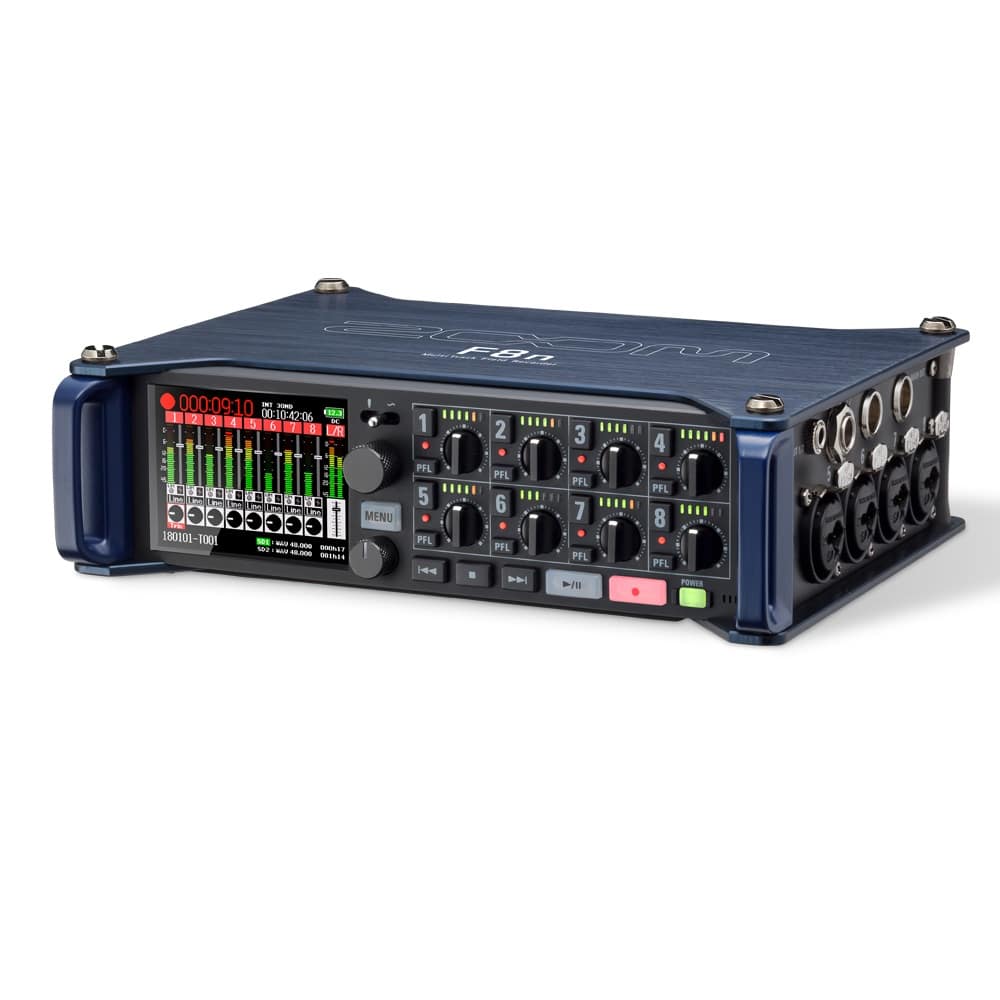
Field audio requires ruggedness, redundant power options, and pristine preamps with extremely low noise floors (ideally an Equivalent Input Noise below -128dBu). When operating on a fast-paced set, you cannot afford to miss a take because of a sudden volume spike.
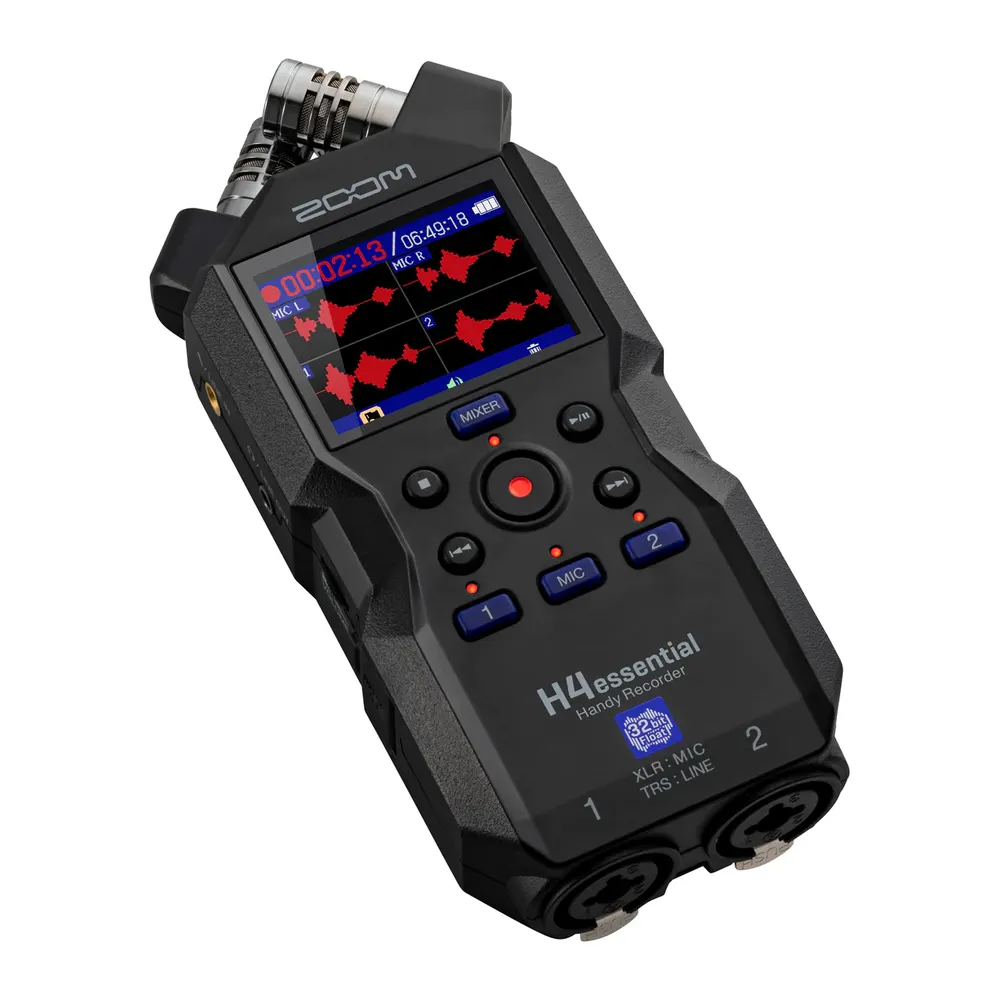
In our experience, run-and-gun crews benefit immensely from 32-bit float recording. This technology utilizes dual A/D converters to capture a massive dynamic range, meaning you can pull clear dialogue from a whisper or an unexpected shout without constantly riding the gain knobs. This enormous digital headroom is particularly vital when recording audio in a noisy environment.
Live Streaming and Studio Broadcasts
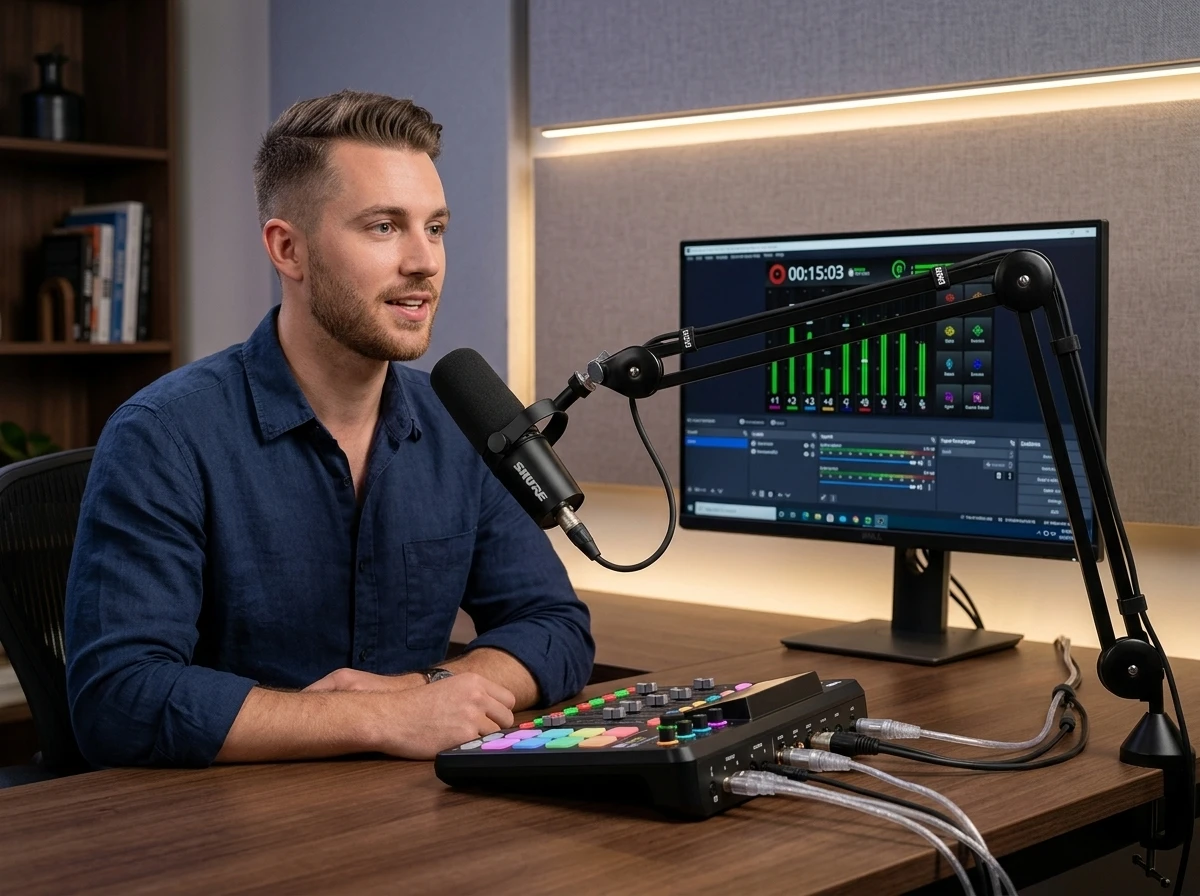
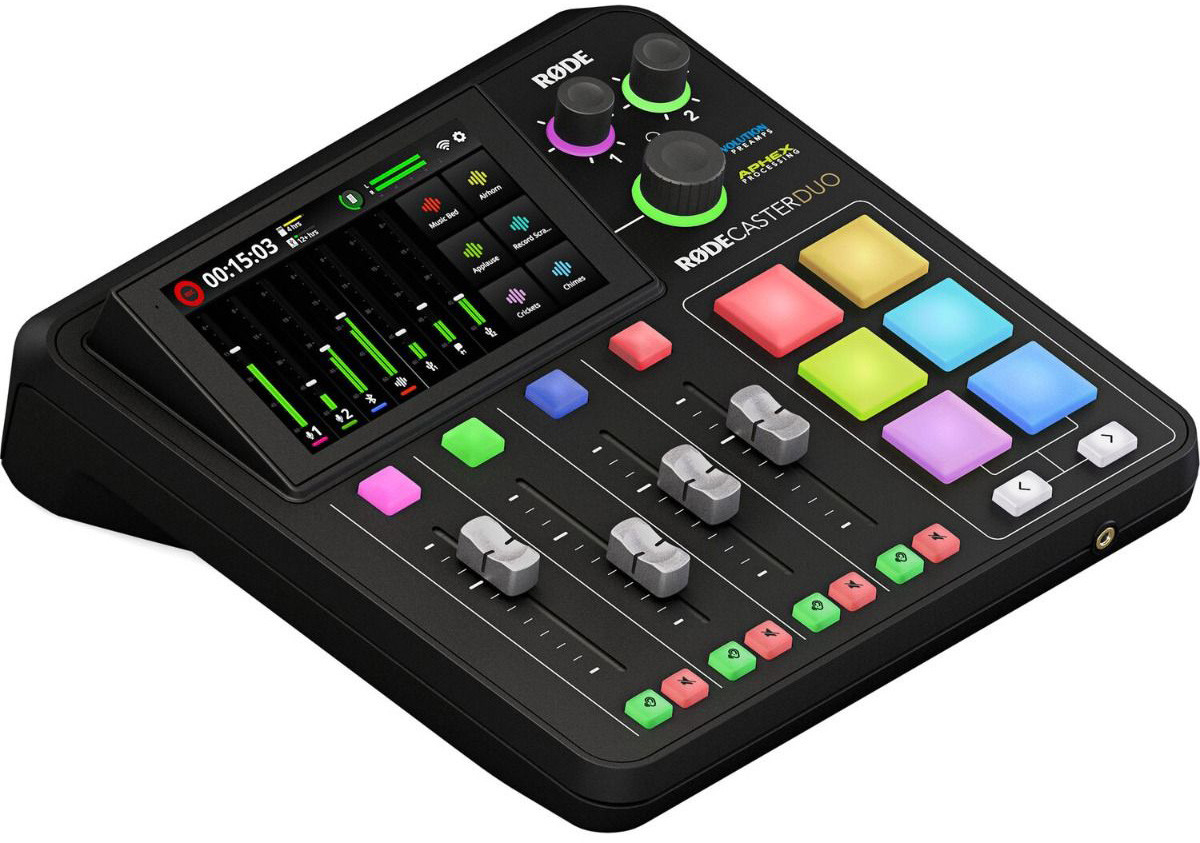
Live content creation introduces an entirely different set of challenges. You are often routing computer audio, managing remote callers, and applying real-time processing to ensure the broadcast sounds polished before it ever hits the internet.
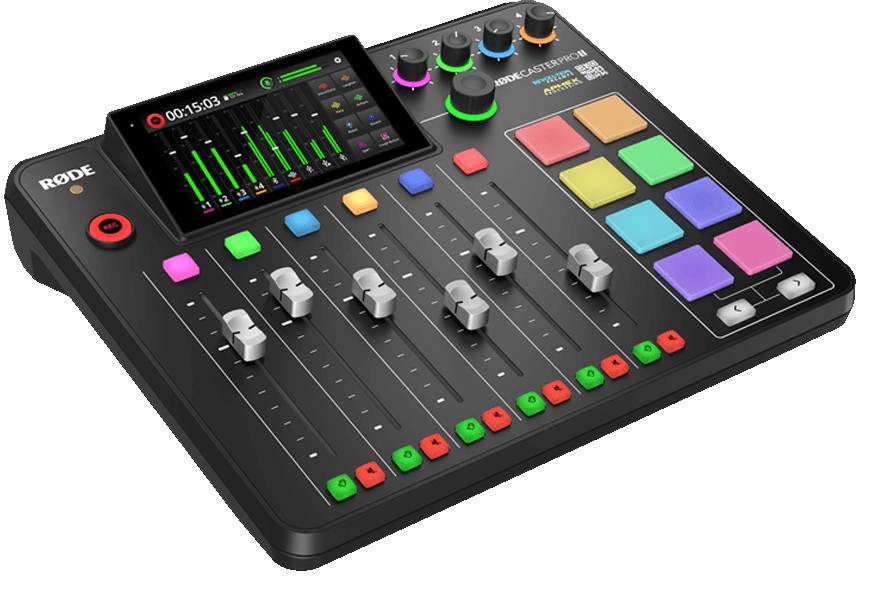
For these setups, you need an integrated digital console with multi-channel USB output. Features like mix-minus are non-negotiable here. A mix-minus routing setup prevents remote guests from hearing a distracting, delayed echo of their own voice by automatically subtracting their incoming audio from the feed sent back to them.
Multicam Events and Live Music
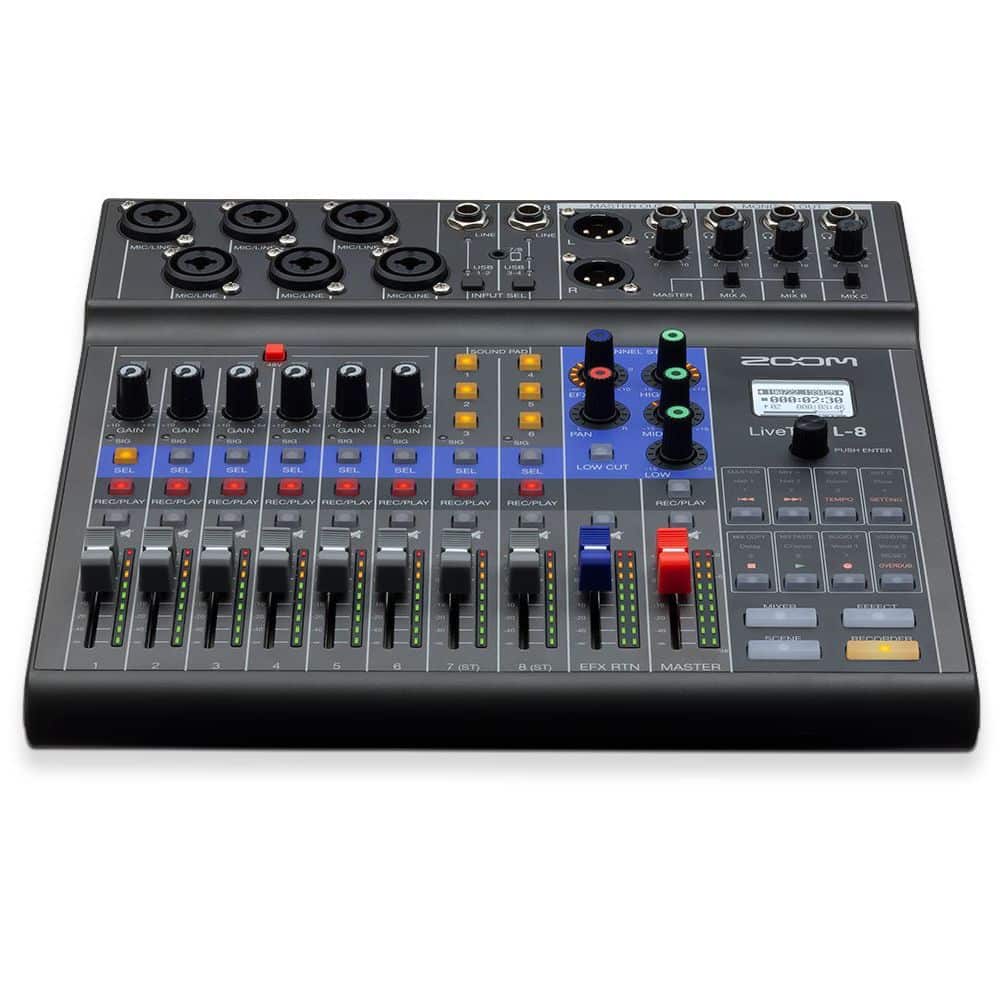
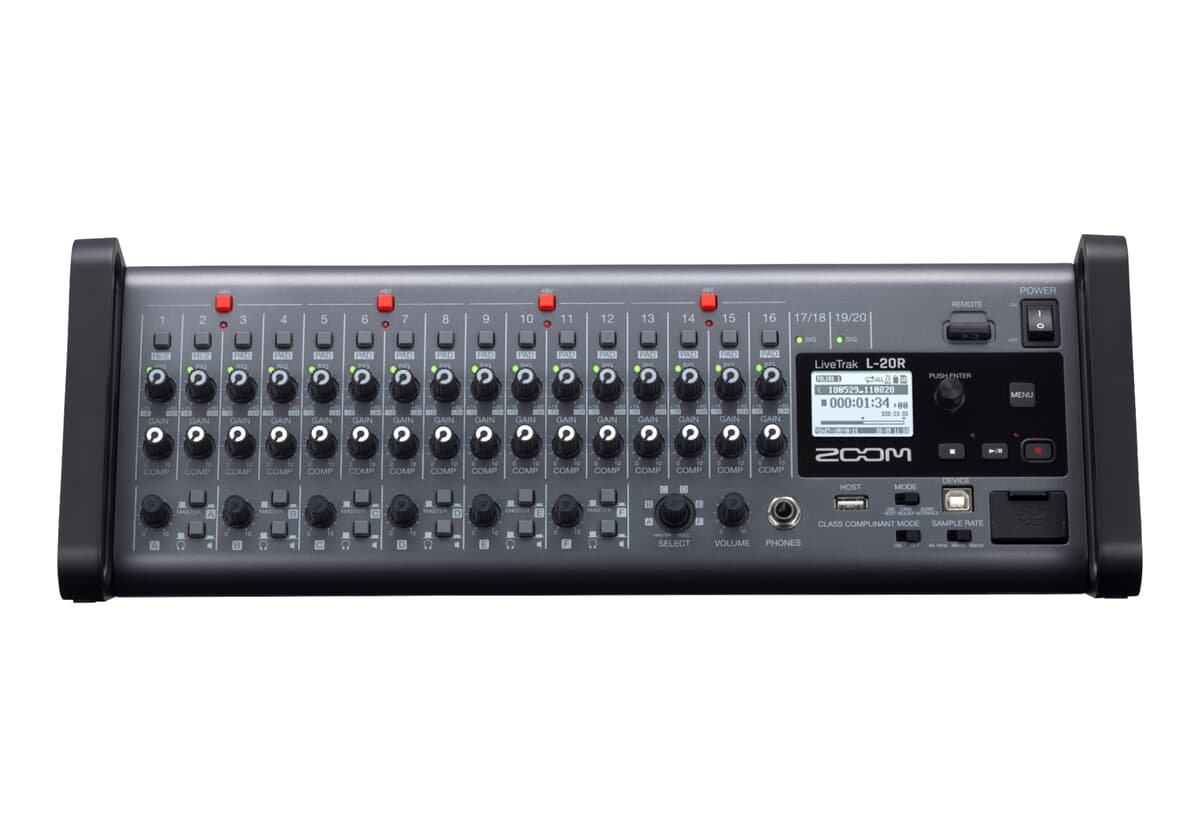
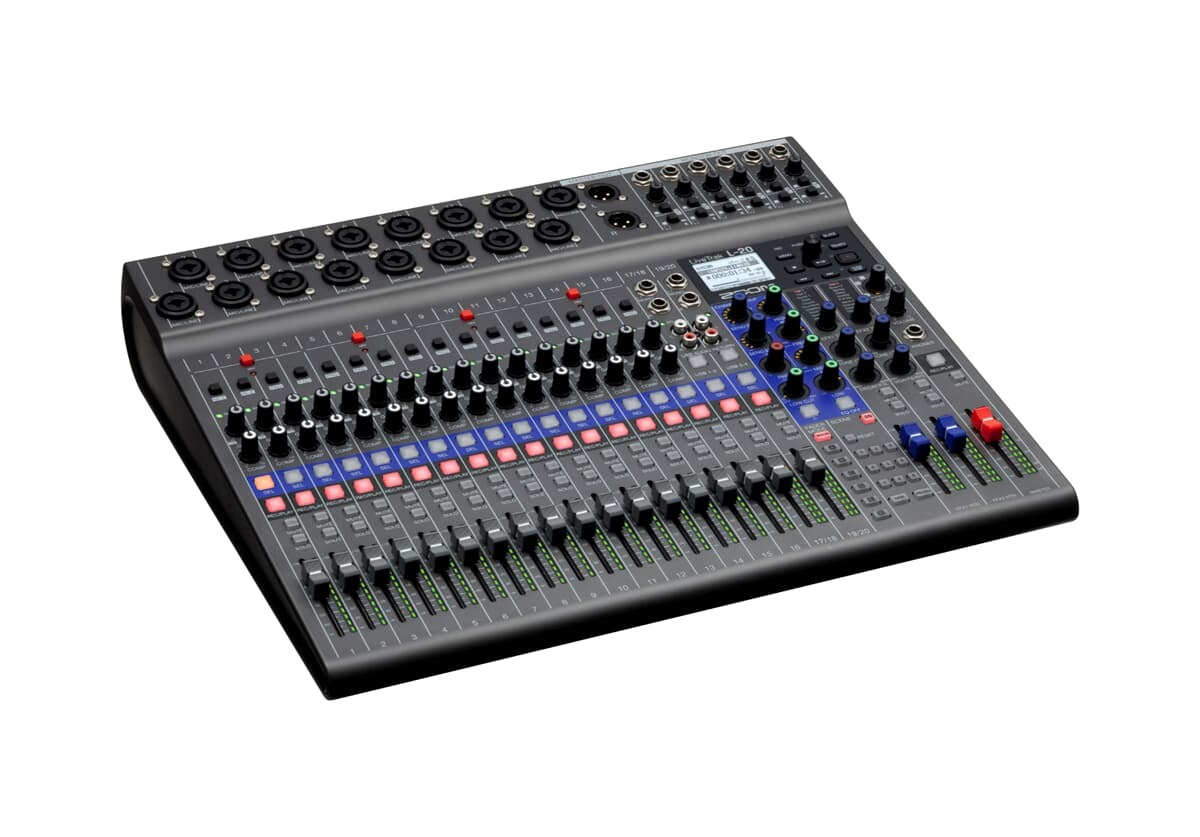
When recording live music for video, channel count and routing flexibility take priority. Intercepting the audio signals effectively requires a console capable of handling a dozen or more discrete inputs without running out of headroom.
You need a digital console with sufficient auxiliary outputs to send independent, customized monitor mixes to the performers. These mixers simultaneously record discrete multitrack files to an SD card for post-production mixing while sending a perfectly leveled stereo master out to your live video switcher.
Crucial Capabilities to Evaluate
When designing your audio-for-video rack, the spec sheet dictates how the hardware will behave under pressure. Here is a breakdown of the primary mixer categories and their core roles in video production:
| Mixer Type | Primary Benefit for Video | Ideal Use Case |
|---|---|---|
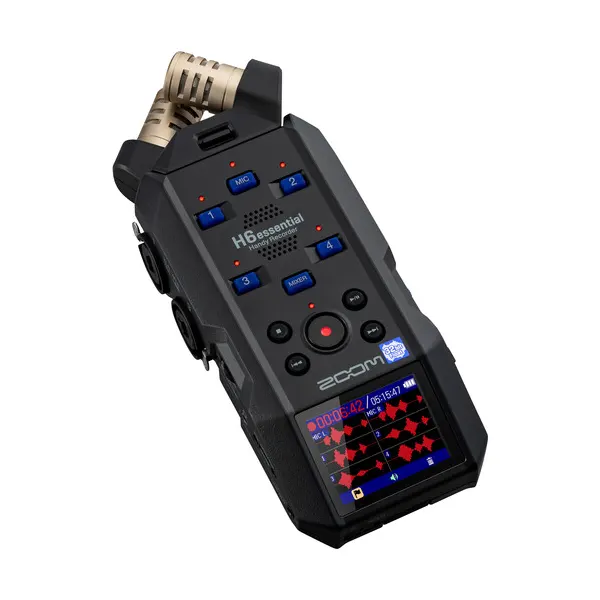
| Field Mixers / Recorders | Timecode integration, battery-powered, 32-bit float | Documentaries, location shoots, boom/lavalier management |
| Digital Studio Consoles | Scene recall, real-time effects, high channel count | Live event streaming, multicam music performances |
| All-in-One USB Desks | Mix-minus routing, sound pads, seamless PC integration | Podcasts, talking-head studios, corporate webinars |
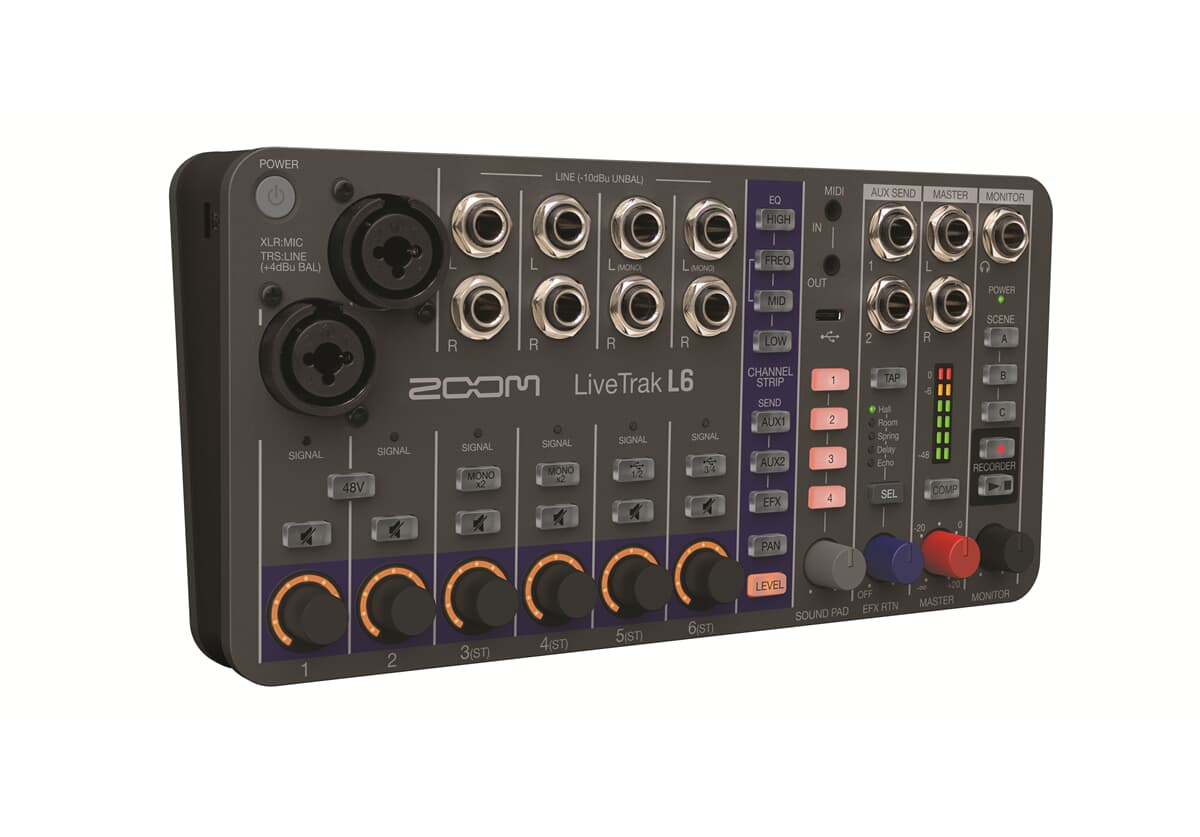
If you are a solo operator who needs a hybrid solution, highly compact audio recorders often bridge the gap efficiently. Modern portable models feature locking XLR inputs and 32-bit float capabilities, allowing them to serve as a USB interface at a desk or a battery-operated recorder in the field.
Synchronization and Signal Integration
Capturing great audio is only half the battle; locking it perfectly to your video frames is where amateur and professional workflows diverge. Never rely entirely on software auto-sync via waveform matching, as environmental noise can easily confuse the algorithm.
Professional sets utilize Linear Timecode (LTC) generated by dedicated sync boxes. By feeding the exact same timecode signal into your camera and your audio mixer, your editing software can snap all files together with frame-accurate precision, completely eliminating audio drift over long recording sessions.
Furthermore, you must ensure your entire digital chain operates at a matching sample rate. Video production universally standardizes on 48kHz for audio. Attempting to pair a 44.1kHz audio recording with a video file will inevitably lead to sync drift over time. Finally, when integrating your audio accessories, always plug your balanced XLR cables in before engaging +48V phantom power to protect your mixer’s preamps from damaging voltage spikes.
Key Takeaways
- Bypass camera preamps: Rely on a dedicated mixer to ensure low-noise gain staging and to capture isolated multitrack files for post-production safety.
- Match hardware to workflow: Choose 32-bit float field recorders for unpredictable location audio, and select USB digital mixers with mix-minus capabilities for live streaming.
- Lock your sync: Standardize your entire equipment chain to a 48kHz sample rate and implement hardware timecode to prevent audio drift during long takes.
- Use proper routing: Send a line-level master mix to your camera to serve as a scratch track, while securely recording individual isolated channels to the mixer’s internal storage.
Ready to upgrade your production’s audio backbone? Browse our complete selection of mixing consoles to find the exact routing solution for your studio or field kit.