Mastering Colour Temperature for Natural Skin Tones
Have you ever recorded an interview only to find your subject looking unnaturally orange or sickly green? In our two decades of outfitting professional broadcast sets, we’ve found that mastering colour temperature is the only dependable way to guarantee true-to-life skin tones.
What is Colour Temperature in Video Lighting?
Correlated Colour Temperature (CCT) is the metric describing how warm or cool a light source appears. Measured in degrees Kelvin (K), this scale dictates your baseline illumination, giving you the power to manipulate coloured light to shape viewer emotions and match challenging environmental conditions.
The Kelvin scale operates oppositely to physical heat: lower numbers produce visually warm amber tones, while higher numbers emit cool bluish light. To understand the foundational physics behind these measurements, review this comprehensive guide on the Kelvin scale.
Understanding the baseline temperatures of different light sources helps you anticipate how your camera will capture a scene:
| Light Source | Typical Kelvin Range | Visual Appearance |
|---|---|---|
| Household Incandescent / Practical Bulbs | 2700K – 3200K | Warm, rich orange |
| Tungsten Studio Lights | 3200K | Standard warm indoor light |
| Fluorescent / Office Lighting | 4000K – 5000K | Neutral to cool (often with a green tint) |
| Midday Daylight | 5200K – 6500K | Crisp, neutral-to-cool blue |
| Overcast Skies / Heavy Shade | 7000K – 10000K | Deep, diffused cool blue |
The Crucial Link to Camera White Balance
Colour temperature dictates the physical output of your fixture, but your camera’s white balance tells the sensor how to interpret that light. If you set your camera to a 5600K daylight preset but illuminate your subject with a 3200K tungsten fixture, the resulting image will look heavily saturated with an unnatural orange cast.
We always recommend capturing a custom white balance using a gray card placed directly under your key light. This establishes an accurate neutral baseline and prevents your camera from automatically shifting colours mid-take as your framing changes.
How Kelvin Settings Affect Complexion
Skin tones are the most closely scrutinized element in any video frame. The human eye immediately notices when a complexion looks artificial, which subconsciously breaks viewer trust and ruins your production value.
Shooting with warmer light (lower Kelvin) naturally boosts red and orange hues. While this flatters many complexions by adding a healthy glow, it can easily oversaturate fair or reddish skin, making subjects look flushed. Conversely, exposing subjects to cooler light (higher Kelvin) desaturates deeper skin tones. If your light is too cool, it introduces an unwanted grayish or blue cast on darker complexions.
When establishing video lighting for beginners, a reliable starting point is a slightly warmer balance – around 4500K to 5000K. This range typically provides a forgiving, natural look across diverse skin tones before you begin making targeted adjustments.
Practical Strategies for Common Filming Environments
Mixed lighting is the primary adversary of clean video production. When you have two radically different colour temperatures hitting a subject simultaneously, correcting the footage in post-production becomes nearly impossible. You must solve the problem on set.
Managing Indoor Office Shoots
Corporate spaces usually rely on overhead fluorescent lighting, which typically sits somewhere between 4000K and 5000K and often carries a sickly green tint. If you introduce a pure 5600K daylight fixture into this space, you create a jarring colour clash that instantly ruins the professional aesthetic.
Your first step should be turning off the overheads entirely. If you are forced to leave them on, utilize high-quality LED panels that allow for variable tuning. Dial your bi-colour panel to roughly 4200K so it blends seamlessly with the ambient room light.
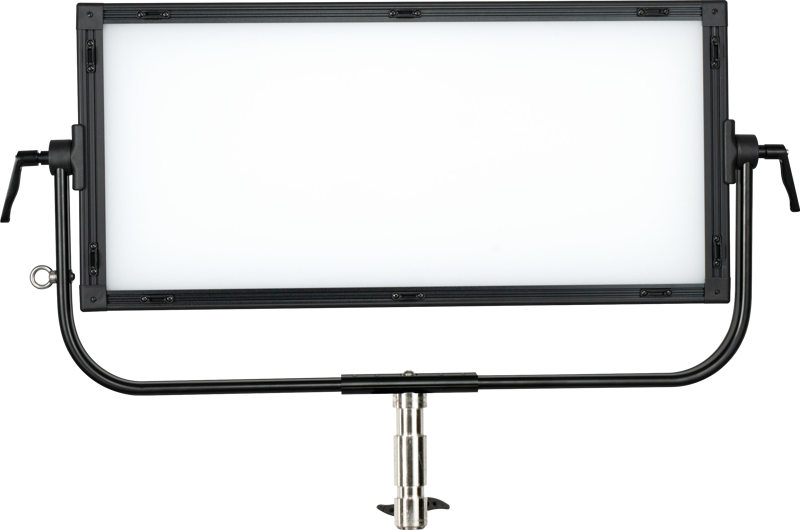
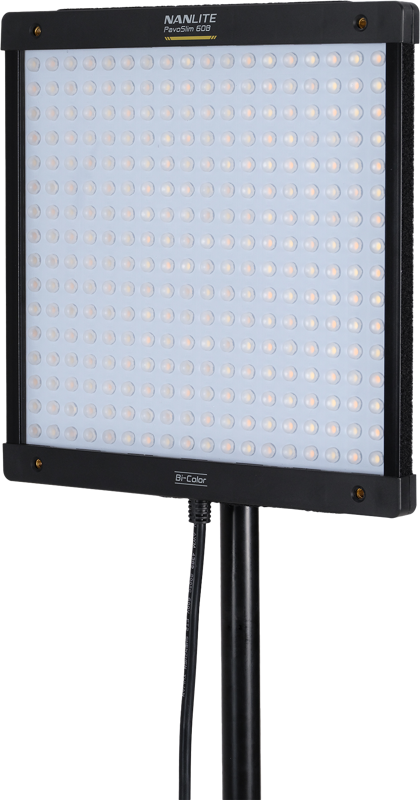
Balancing Window Light and Artificial Fill
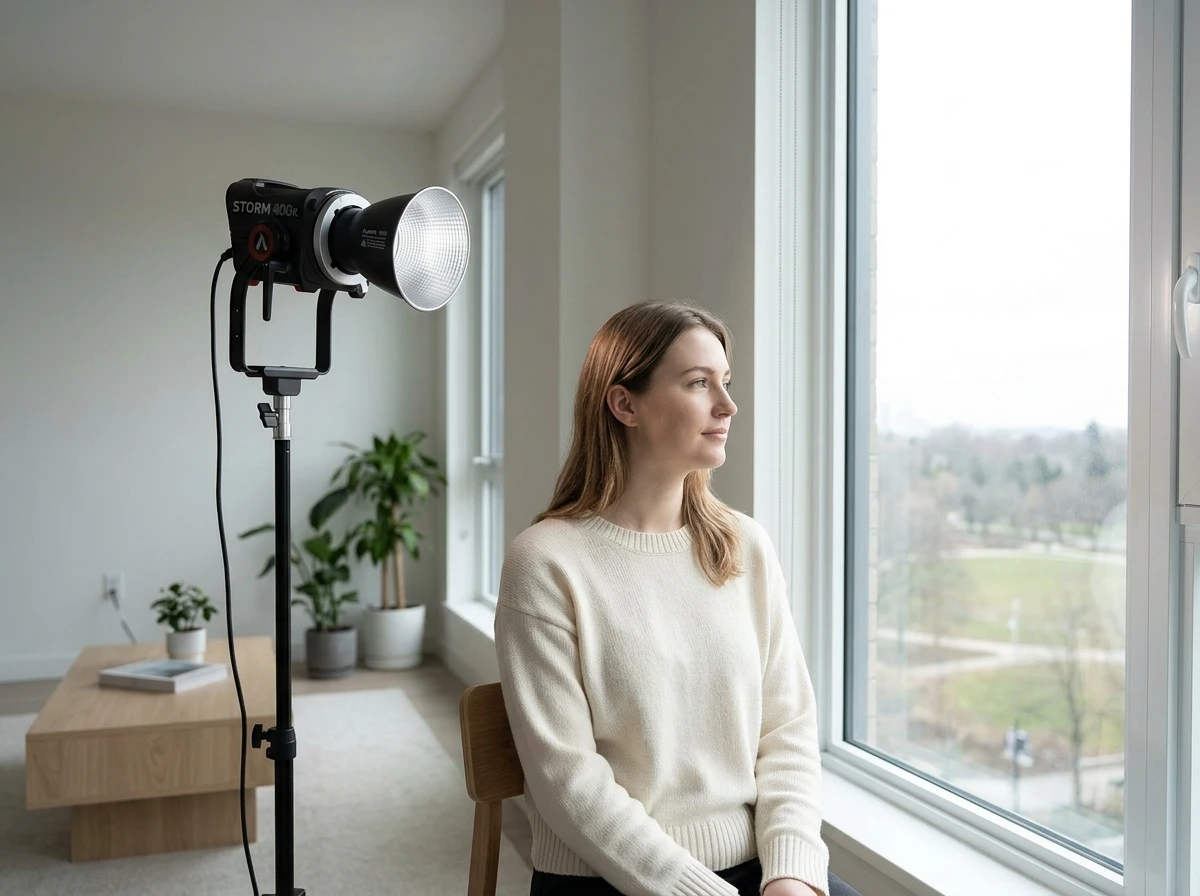
Shooting near a window provides beautiful, soft illumination, but it introduces crisp 5600K midday daylight into your room. If you attempt to fill the shadows with a standard indoor practical bulb, you will accidentally paint one side of your subject’s face blue and the opposite side orange.
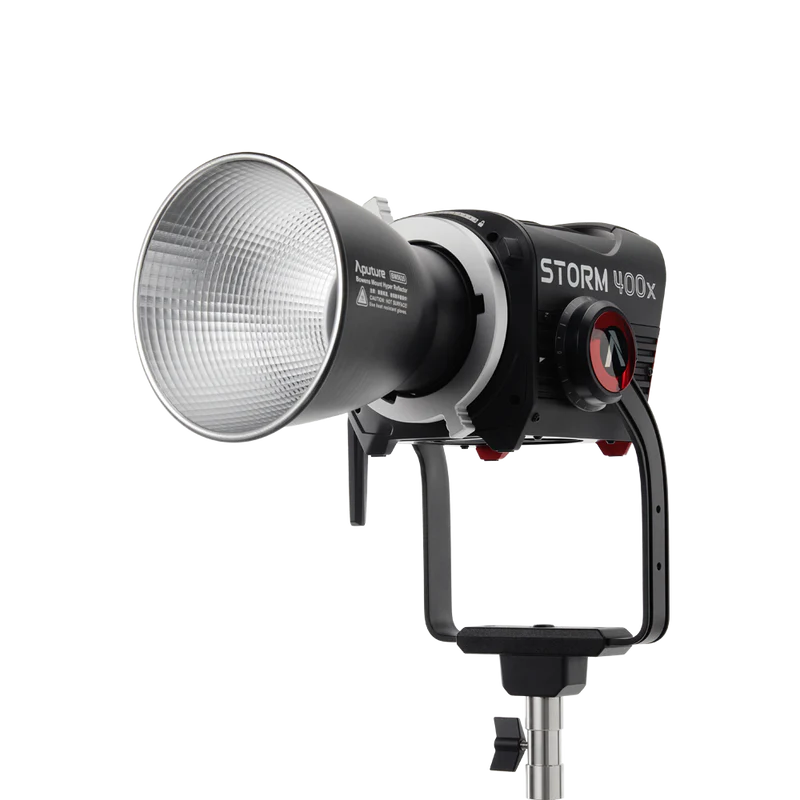
To simulate natural light or complement window spill, you need high-output bi-colour spot lights. By setting these fixtures to exactly match the 5600K exterior daylight, you maintain a cohesive, professional image while effectively lifting the shadows.
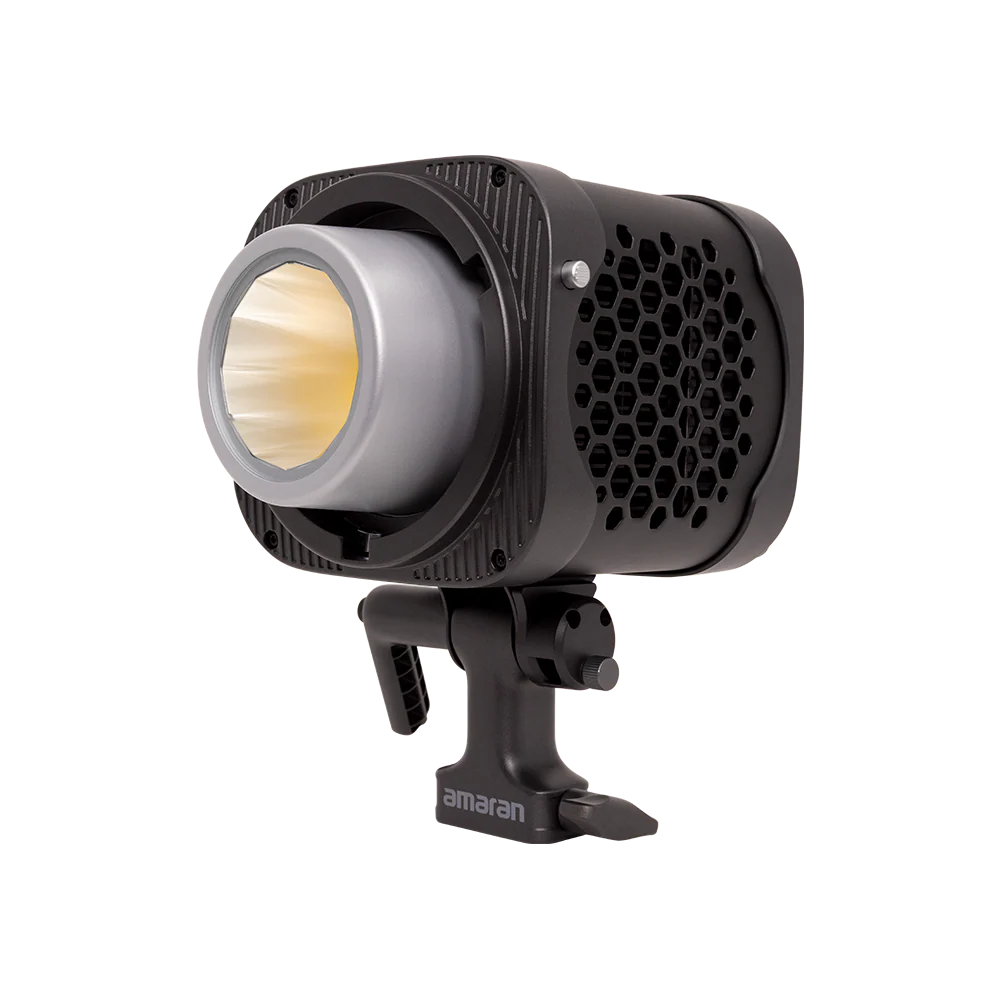
Lighting Controlled Studio Interviews
When you have total control over a windowless room, how you light a subject becomes a creative decision rather than a corrective necessity. For a crisp, modern corporate aesthetic, you might set your primary lights to 5600K. For an intimate, conversational podcast setup, 3200K offers a much cozier atmosphere.
To create depth and physical separation between your subject and the background, consider integrating mini LED lights or tube and ring lights as practicals behind the talent. Setting these background accents to a warm 2700K provides beautiful colour contrast against a neutral daylight key light.
Choosing High-Fidelity Bi-Colour Fixtures
A light’s Kelvin rating simply tells you its colour temperature; it does not guarantee colour accuracy. If you are struggling with how many lights to use, always prioritize exceptional light quality over pure quantity.
To avoid the sickly green or magenta tints common in budget fixtures, you must evaluate a light’s rendering indexes. The Television Lighting Consistency Index (TLCI) is the premier standard for digital video cameras, with industry standards dictating a minimum score of 90 for broadcast use. Furthermore, the Spectral Similarity Index (SSI) helps ensure your artificial illumination closely matches the full spectrum of true tungsten or daylight.
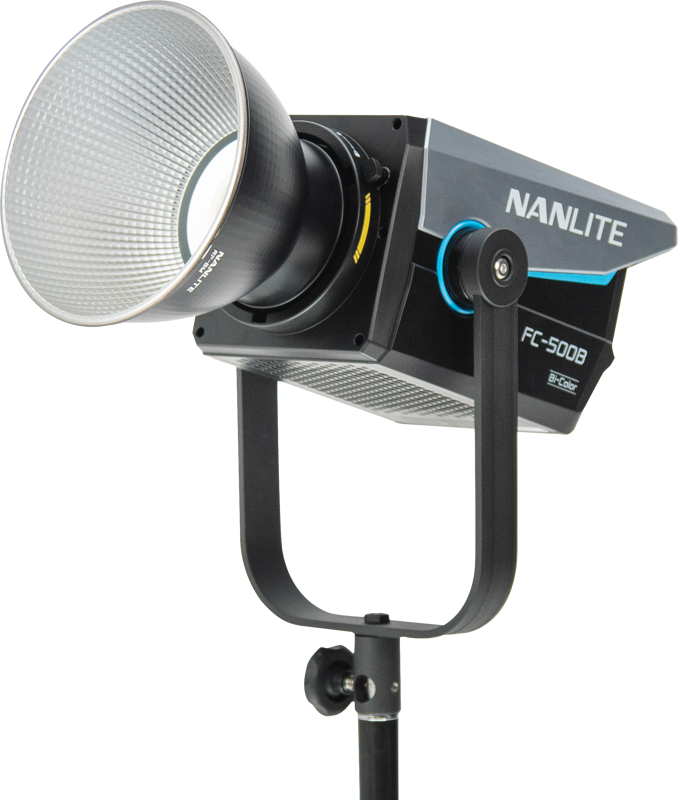
Upgrading to modern bi-colour point-source lighting allows you to sweep from warm to cool seamlessly, completely eliminating the need for cumbersome physical gels without losing a fraction of colour fidelity.
Key Takeaways
- Match ambient sources: Tune your key fixture’s Kelvin temperature to mirror the dominant room lighting, preventing uncorrectable mixed-colour scenarios.
- Use custom white balance: Set a custom balance in-camera using a gray card positioned beneath your primary source so diverse skin tones render accurately.
- Understand complexion impacts: Lower Kelvin values boost reds and oranges, while higher Kelvin values can desaturate deeper skin tones into a gray cast.
- Prioritize colour fidelity: A specific Kelvin range is only effective if the fixture features a TLCI rating of 90 or above, eliminating unwanted green or magenta shifts.
Need help building a lighting grid that guarantees perfect skin tones in any environment? Contact our experienced AV team at MediaGear for tailored equipment recommendations and professional studio installation support.