





How to Choose a Wireless Video Transmission System
A dropped video signal during a live broadcast or feature film shoot costs time and money. Choosing the right wireless video transmission system comes down to balancing latency, transmission range, connection stability, and physical inputs.
In our experience, most workflow failures happen because a production chooses gear optimized for long-range monitoring when they actually need zero-delay tracking for a focus puller. Matching your transmitter and receiver setup to your exact production environment solves this issue before you step on set.
Zero-Delay Transmission for Focus Pulling and Cinema
When pulling focus on moving subjects, standard wireless delay is unusable. A latency of even 60 milliseconds means your focus point trails behind the physical action. Focus pullers and camera operators need zero-delay systems that transmit uncompressed video in under 1 millisecond.
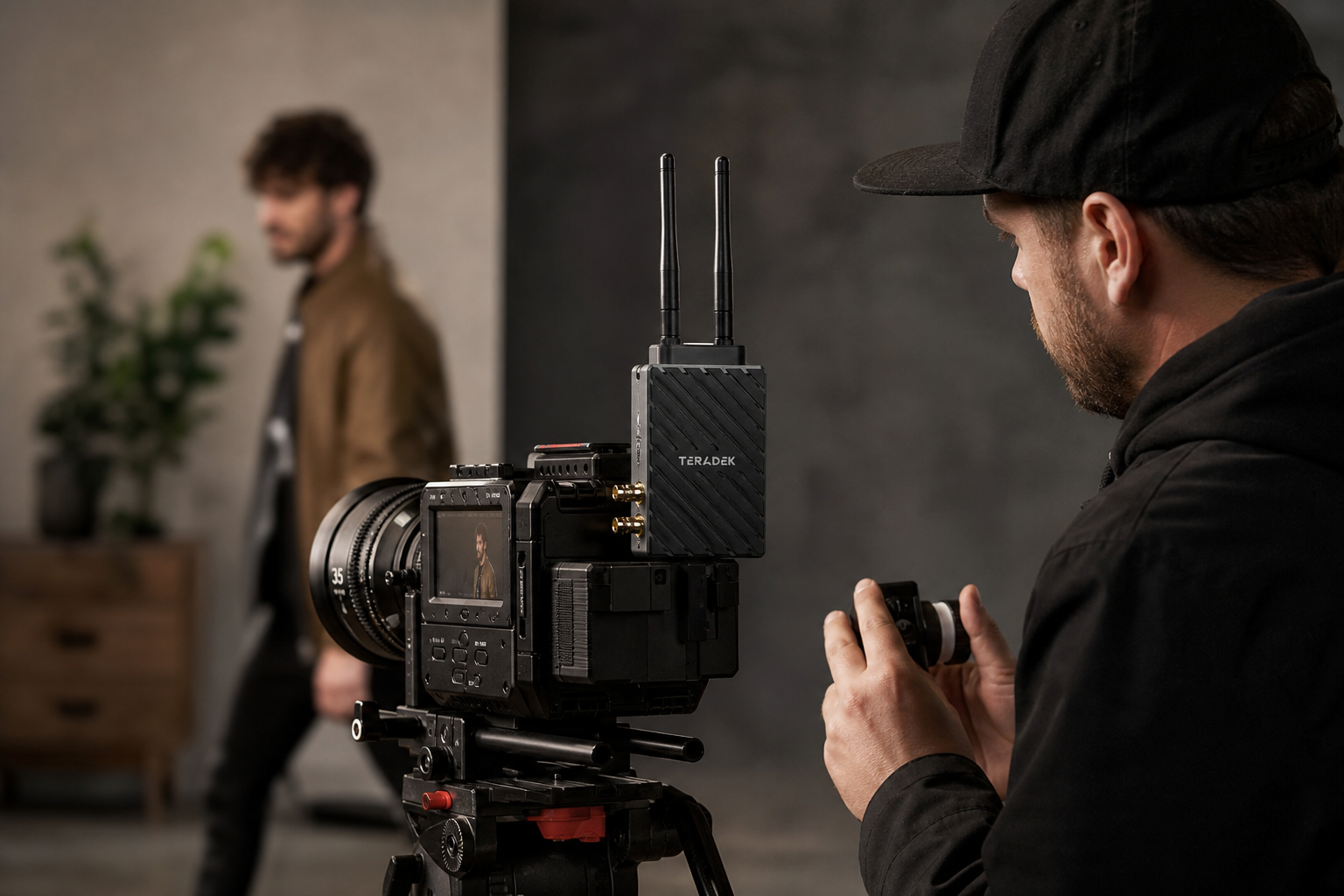
RF congestion on crowded sets often causes signal artifacts and dropouts. Modern zero-delay hardware solves this by utilizing the 6 GHz frequency band alongside traditional 5 GHz channels. According to FCC spectrum regulations, opening up 6 GHz provides additional uncrowded channels that bypass heavy local Wi-Fi traffic.
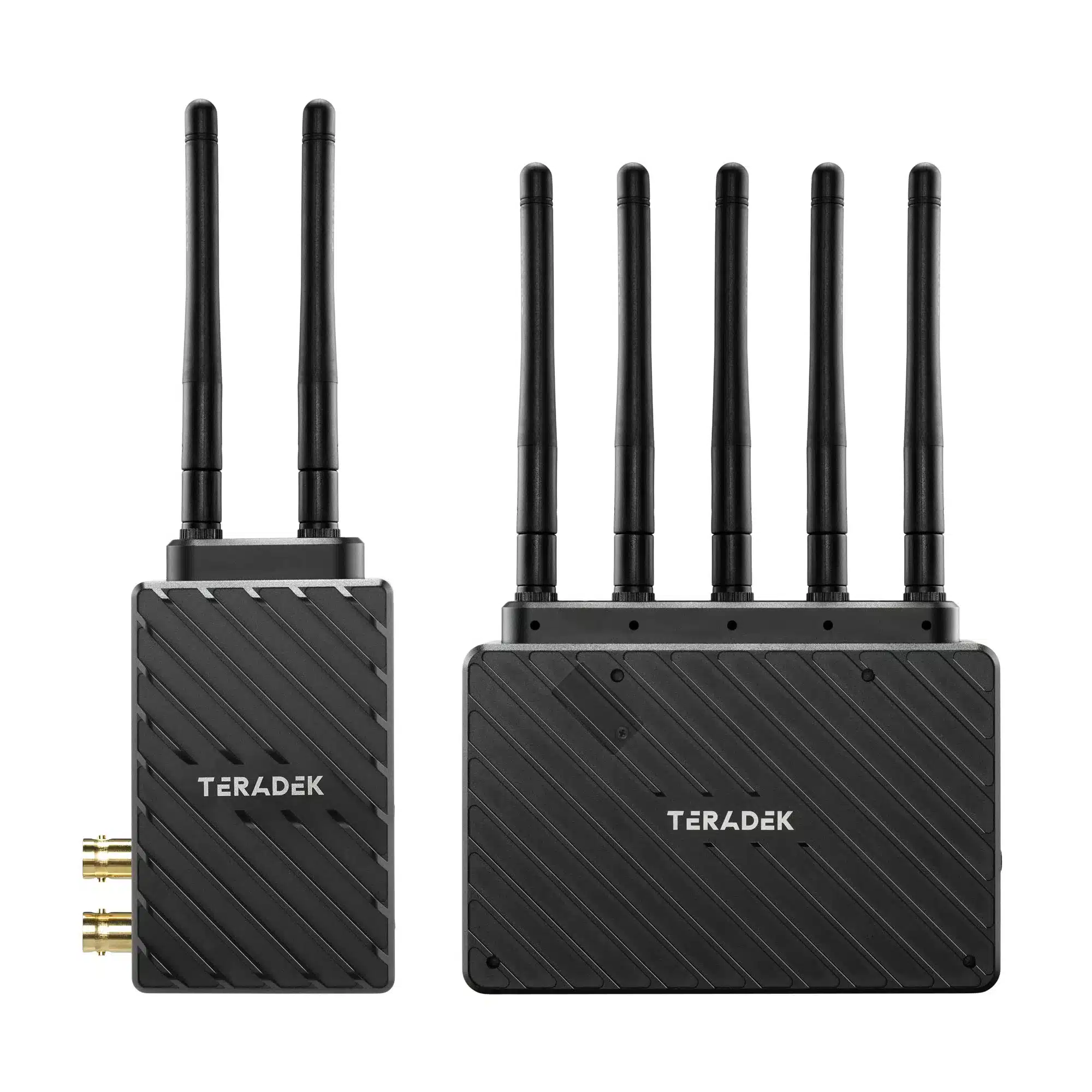
- Teradek Bolt 6 LT 750: Transmits 4K video with zero latency (under 0.001 ms) over the 6 GHz band. It carries camera metadata, timecode, and start/stop flags, making it an essential tool for focus pullers and DITs.
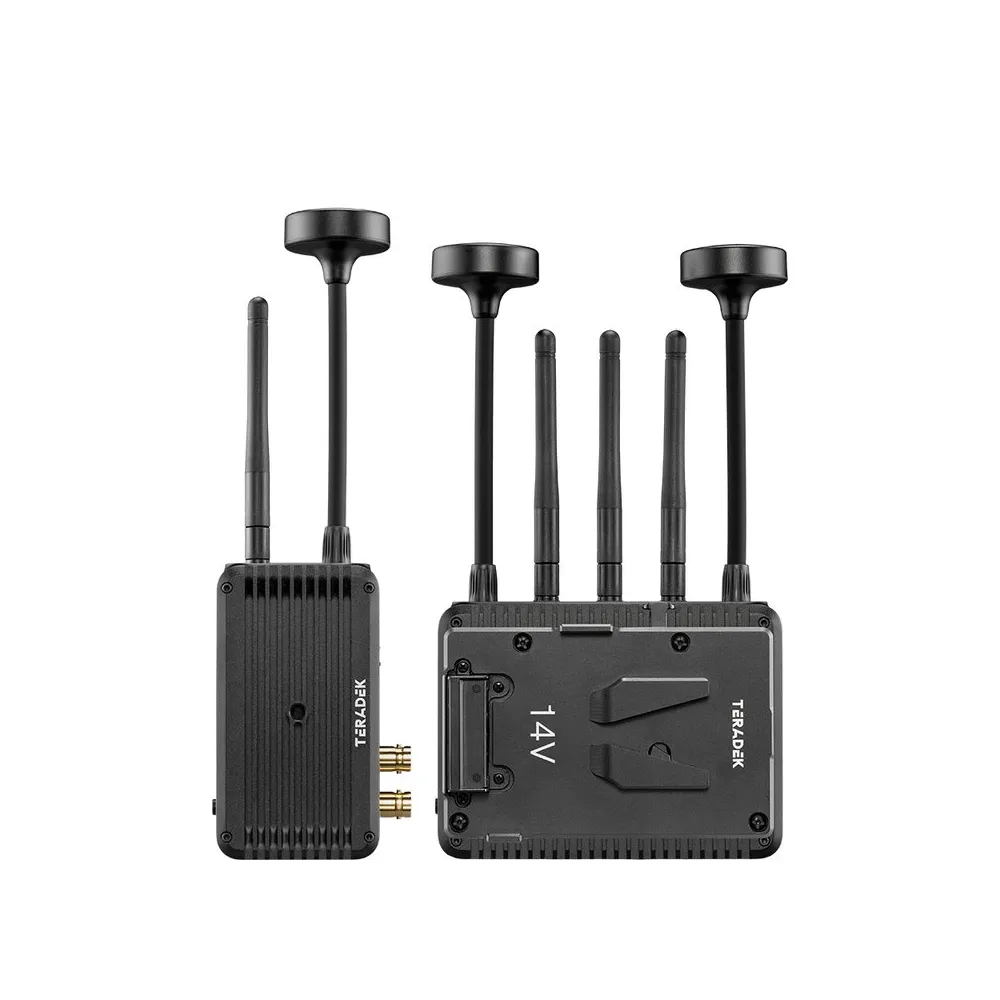
- Teradek Ranger Micro 2500: Built for long-range cinema and broadcast applications, transmitting uncompressed 1080p60 10-bit HDR video up to 750 meters with zero delay.
Multi-Camera Systems for Live Events and Broadcasting
While focus pullers need instant response, live multi-camera broadcasts face a different problem: managing crowded switcher desks. Running four separate wireless receivers on a switcher desk creates cable clutter and power management risks. Multi-camera wireless receivers solve this by routing multiple camera streams into a single receiver hub.
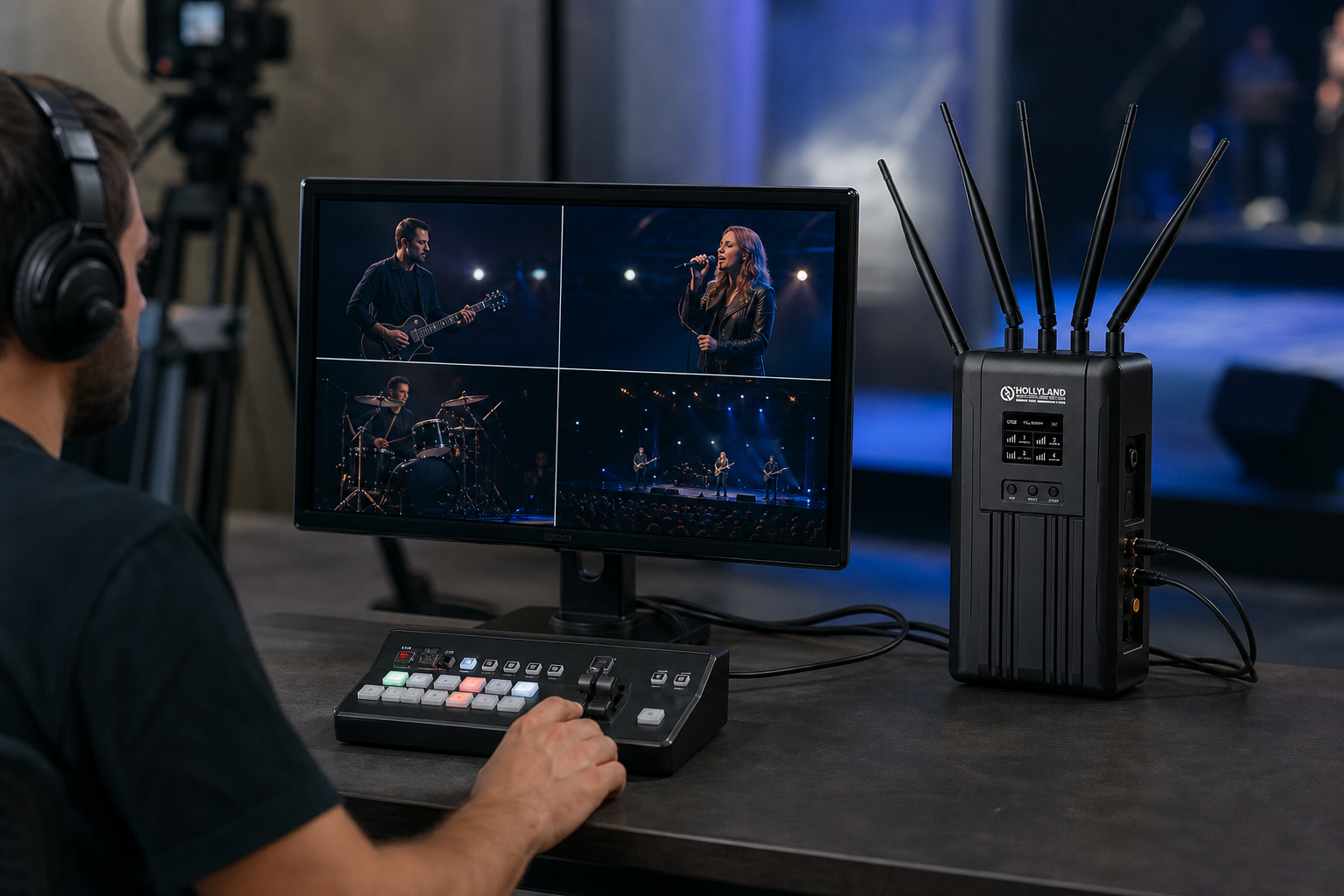
Signal connection security is critical when routing feeds into live production switchers. Choosing the right interface depends on whether you require twist-locking reliability or high-bandwidth transfers over short distances. Learn more about connector security in our guide on HDMI vs. SDI for video.
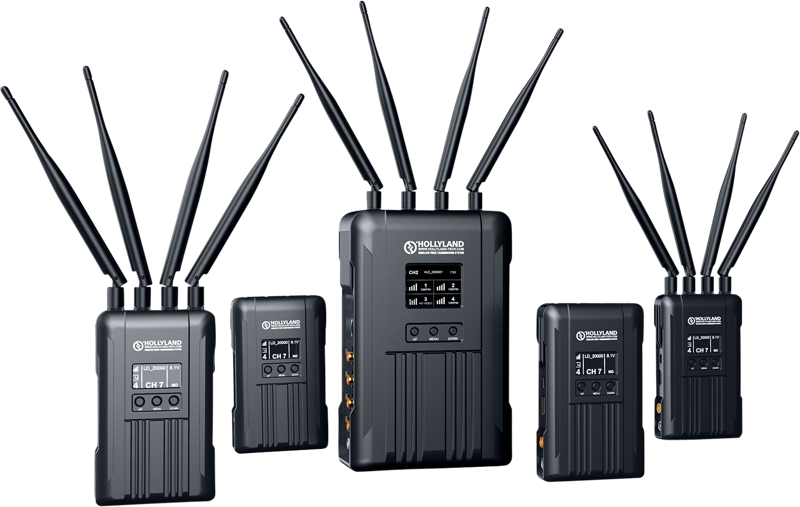
- Hollyland Syscom 421S: Connects up to four transmitters to a single receiver. It supports 1080p60 signals via SDI and HDMI, while providing built-in tally and PTZ control signals for multi-camera video switching.
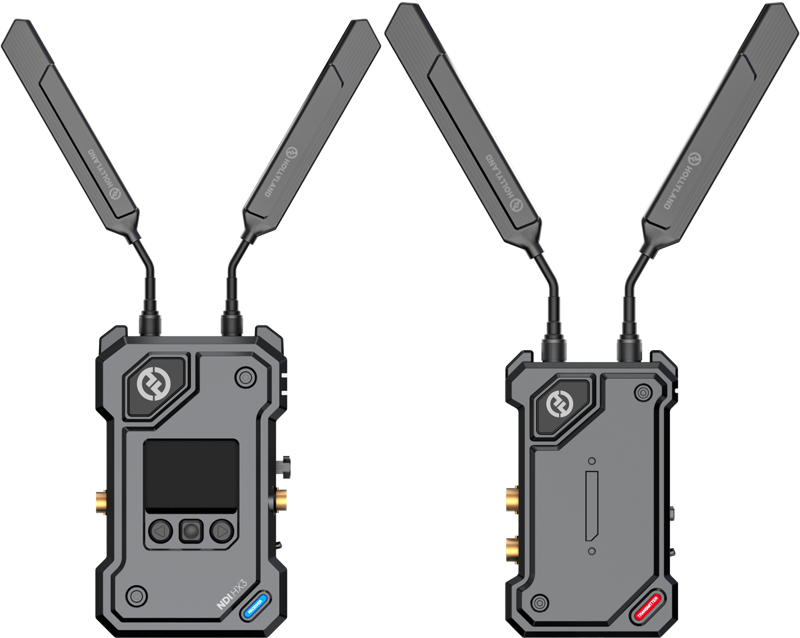
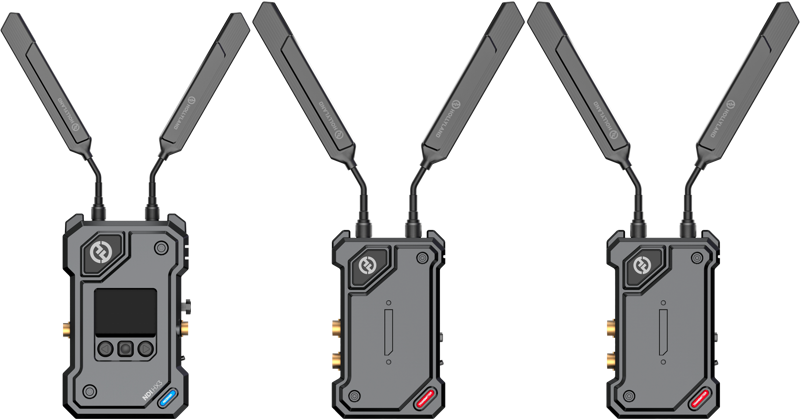
- Hollyland Cosmo C2 (2TX & 1RX): Designed for dual-camera live streaming and EFP workflows. It offers 33ms ultra-low latency, a 1,000-meter range, and frequency hopping to eliminate signal drops.
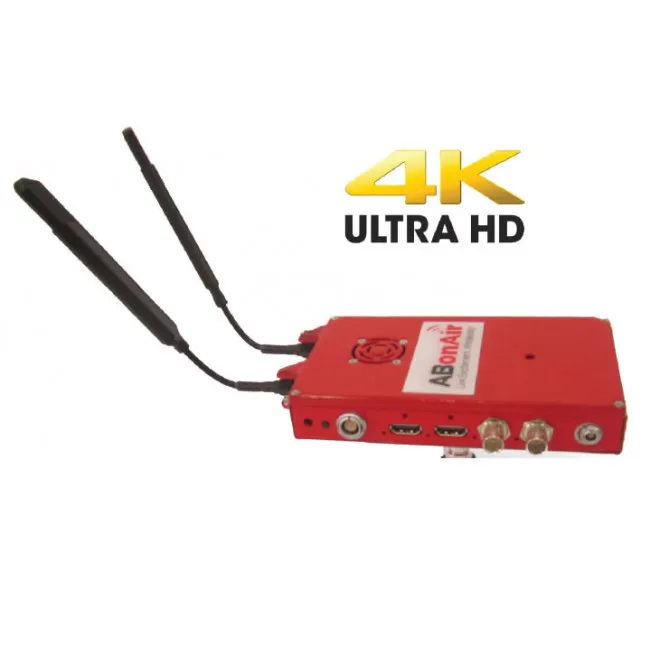
- ABonAir AB4000: Engineered for tier-1 broadcast crews and sports media. It delivers high-definition 4K wireless video links with broadcast-grade reliability over long distances.
-
 Wireless video systems
HOLLYLAND COSMO C2 1 Transmitters/1 Receiver Kit
€ 919.92€ 1 140.70 (incl. VAT) -
 Wireless video systems
HOLLYLAND COSMO C2 2 Transmitters/1 Receiver Kit
€ 1 191.92€ 1 477.98 (incl. VAT) -
 Wireless video systems
HOLLYLAND Syscom 421S 4to1 Multi-Cam Transmitter and Control System
€ 5 943.92€ 7 370.46 (incl. VAT) -
 Wireless video systems
ABonAIR AB4000 Professional 4K Wireless Video Link
Collaborative Monitoring for Directors and Clients
Once your live switcher feeds are secure, you need to deliver clear video to production stakeholders. Not every viewing station on set requires sub-millisecond tracking. Directors, clients, script supervisors, and producers need flexible multi-user monitoring options that send video feeds to handheld screens, tablets, or smartphones without rigging extra receivers.
Integrated wireless monitor kits eliminate separate receiver units, power cables, and mounting hardware. If you are building a custom director’s rig, read our guide on selecting a field monitor for video.
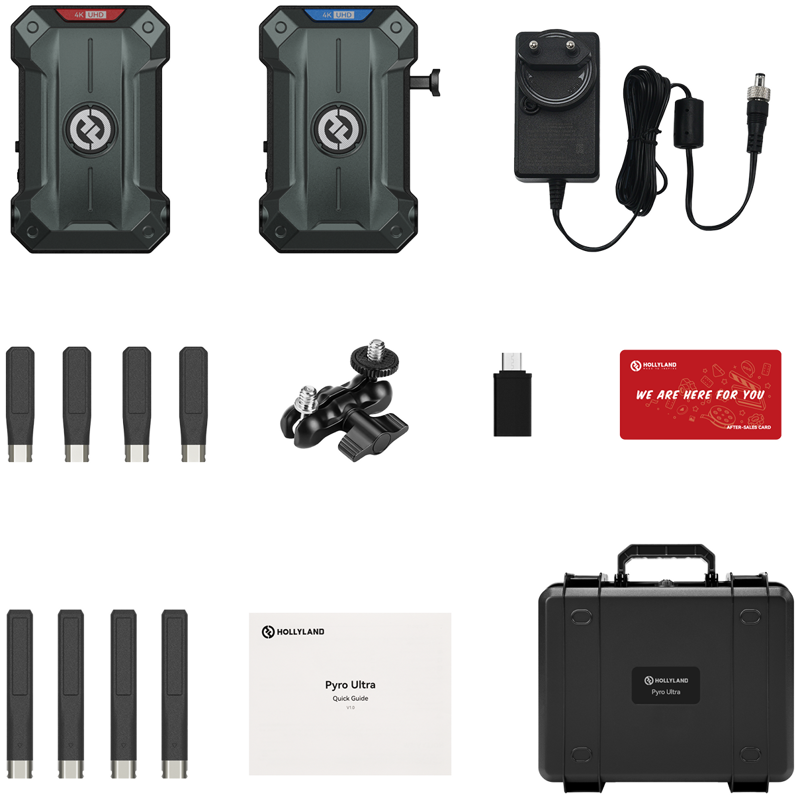
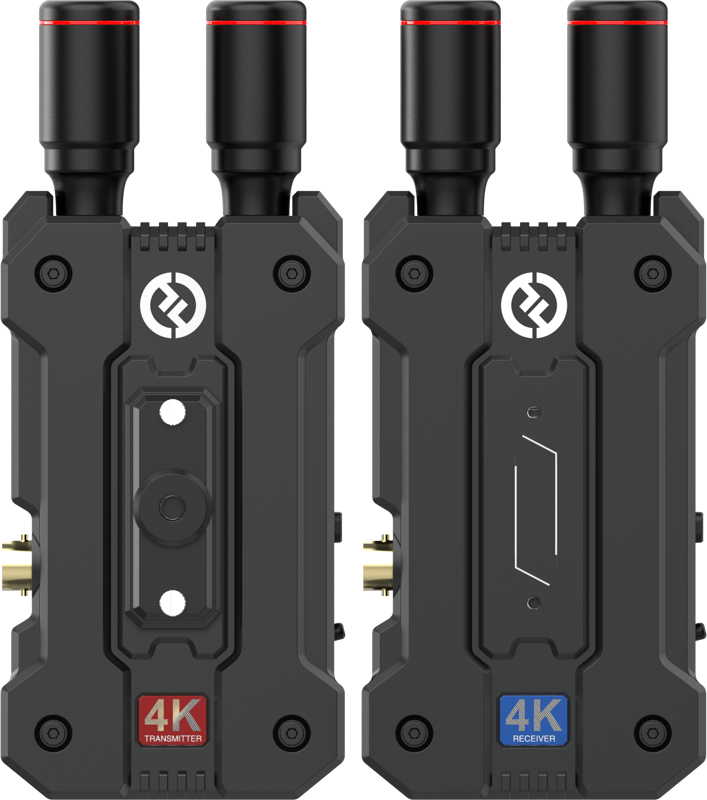
- Hollyland Pyro Ultra 1TX & 1RX: Transmits 4K60 video up to 1.5 km using dual-band frequency technology. In Broadcast Mode, one transmitter routes signals to multiple receivers for team-wide monitoring.
- Hollyland Pyro 5 & 7 Kit: Combines wireless receiver hardware directly into daylight-viewable 1500-nit displays. It features dual-band transmission, camera control options, and direct proxy recording with timecode.
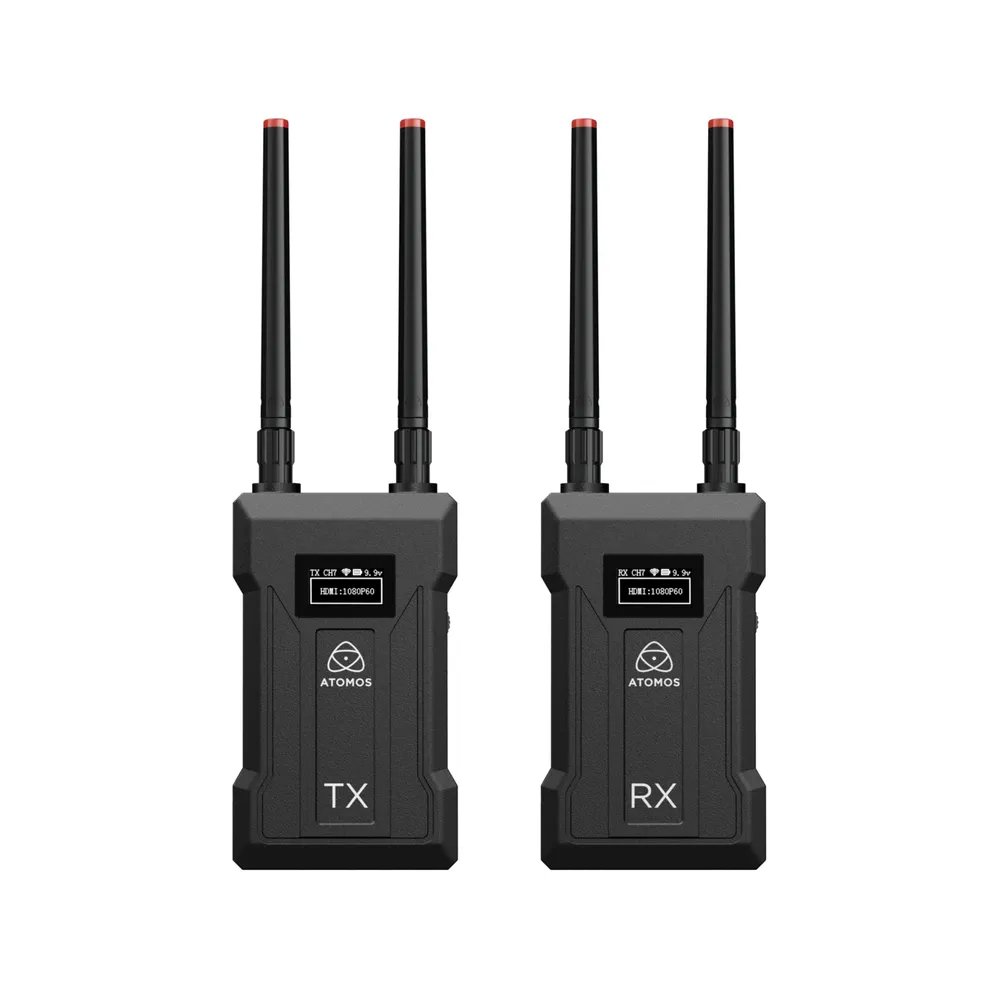
- Atomos TX-RX 4K/HD Set: Sends low-latency HD-SDI and 4K HDMI video over 5G Wi-Fi up to 300 meters, streaming directly to dedicated monitors, tablets, or mobile devices.
- Hollyland Mars 4K: An entry-level 4K UHD wireless kit sending video up to 150 meters, perfect for smaller crews and lightweight gimbal rigs.
-
 Wireless video systems
HOLLYLAND Pyro Ultra 1TX & 1RX Wireless Video Transmission System
€ 1 087.92€ 1 349.02 (incl. VAT) -
 Wireless video systems
ATOMOS TX-RX 4K/HD Wireless Video Monitoring Transmitter & Receiver Set
€ 499.00€ 618.76 (incl. VAT) -
 Wireless video systems
HOLLYLAND Mars 4K 450ft 4K UHD wireless video transmission
€ 377.52€ 468.12 (incl. VAT)
Hardware Comparison Matrix
Selecting the right hardware depends on your production environment, range requirements, and latency tolerance:
| System Model | Max Range (LOS) | Latency | Max Resolution | Target Application |
|---|---|---|---|---|
| Teradek Bolt 6 LT 750 | 228 m (750 ft) | < 1 ms | 4K HDR | Focus pulling, cinema, 6GHz operation |
| Teradek Ranger Micro 2500 | 750 m (2500 ft) | < 1 ms | 1080p60 HDR | Broadcast, live events, drone feeds |
| Hollyland Syscom 421S | 500 m (1800 ft) | < 50 ms | 1080p60 | 4-camera live switching & PTZ control |
| Hollyland Cosmo C2 | 1000 m (3300 ft) | 33 ms | 1080p60 | Dual-camera streaming, studio & EFP |
| Hollyland Pyro Ultra | 1500 m (4900 ft) | 20 ms | 4K60 | High-range cinema & multi-user monitoring |
| ABonAir AB4000 | Long range | Broadcast grade | 4K HDR | Tier-1 live broadcast & stadium sports |
Proper cable selection and power management keep your wireless transmitters operational during long shoot days. Browse our inventory of high-speed HDMI cables and explore dedicated video monitors to complete your wireless rig. If you need clean video capture for external monitoring setups, read our external video recorder guide.
Key Takeaways
- Prioritize zero-delay for camera operating: Select sub-1ms systems like the Teradek Bolt 6 when pulling focus or tracking fast motion.
- Consolidate multi-camera setups: Use multi-transmitter systems like the Hollyland Syscom 421S or Cosmo C2 to feed multiple camera signals into a single receiver point.
- Utilize broadcast modes for client monitoring: Deploy systems with broad device support, such as the Hollyland Pyro Ultra, to stream video directly to multiple client screens and mobile devices simultaneously.
- Match physical connections: Verify whether your production relies on HDMI or SDI locking connections before committing to a wireless rig.
Ready to upgrade your production workflow? Explore our complete range of wireless video systems or contact our technical team at MediaGear for custom equipment matching and project consultation.









