





How to Connect a Microphone to a Camera: 4 Methods
Most cameras take an external microphone in one of four ways: a 3.5 mm mic jack, a wireless receiver, an XLR adapter, or a digital hot shoe. Check which input your camera has, match your microphone’s plug to it, then set the recording level by hand. That is the whole job.
The details decide whether you get clean sound or silence. Here is a quick map before we go step by step.
| Your microphone | Camera input you need | What you may need |
|---|---|---|
| Shotgun or lavalier with a 3.5 mm plug | 3.5 mm mic jack | A TRS-to-TRS cable |
| Wireless system | 3.5 mm mic jack | Receiver on the shoe and a TRS cable |
| XLR microphone | XLR input or hot shoe | An XLR adapter with preamp |
| Sony digital shotgun or receiver | Multi Interface Shoe | Nothing, if the camera supports digital audio |
Find your camera’s audio input first
Look at the sides of the camera. A small jack marked with a microphone symbol is the mic input. A second jack with a headphone symbol is for monitoring. Do not mix them up.
No jack at all? Then you have two options. Some cameras take audio through the hot shoe on top. Action cameras and some compact cameras need a USB-C adapter or a frame with a mic port. We cover both below.
Method 1: Plug a 3.5 mm microphone into the mic jack
This is the simplest route. It suits shotgun mics and wired lavalier mics.
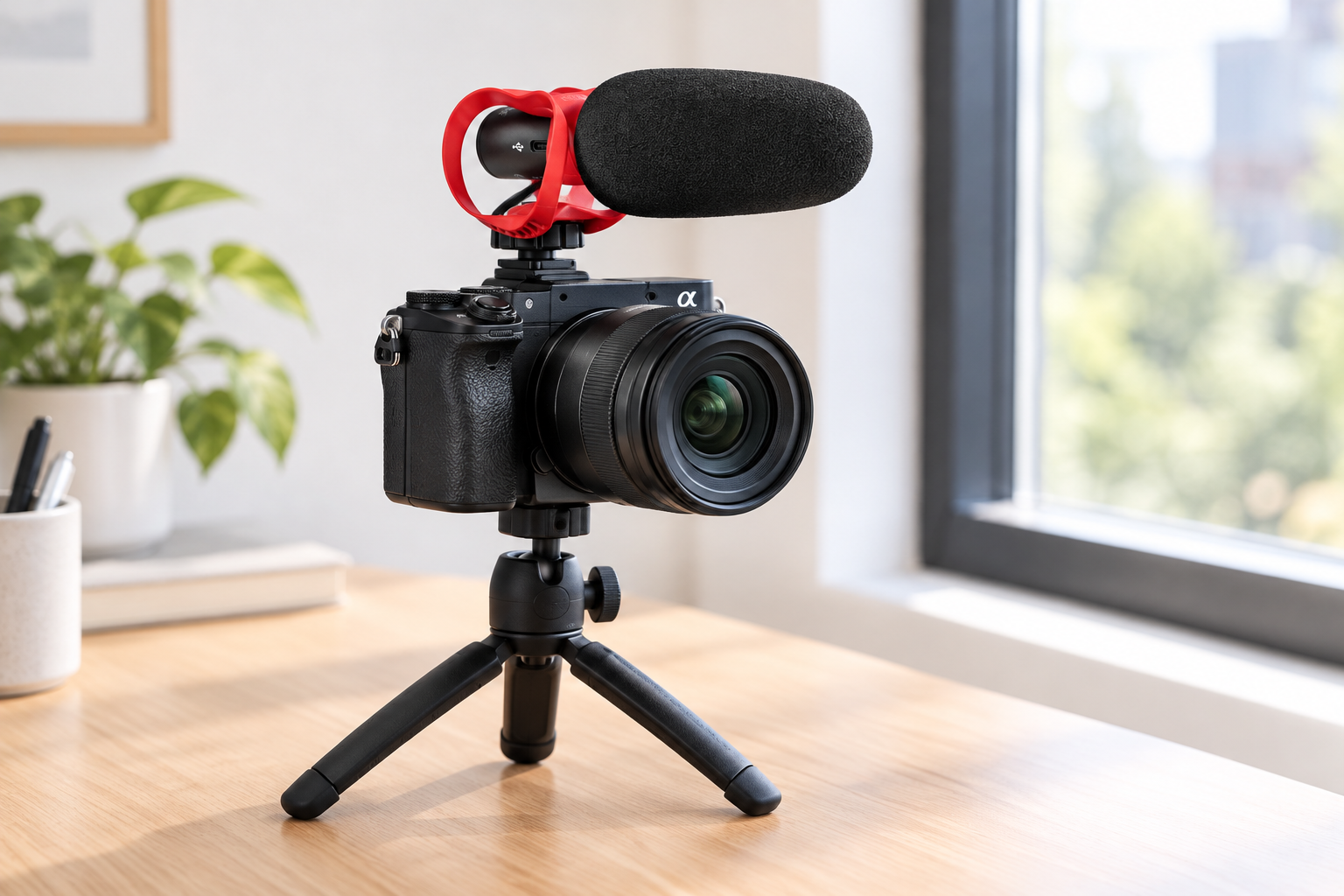
- Mount the microphone on the camera’s cold shoe, or clip the lavalier to the speaker.
- Plug a TRS-to-TRS cable into the mic’s output and the camera’s mic jack. Push until it seats fully. A half-seated plug is a common reason for no sound.
- Turn the camera on. Some mics, such as the RØDE VideoMic GO II, switch on by themselves when the camera powers up.
- Choose the external mic in the camera menu and set the level (see the levels section below).
Check the plug type. TRS plugs have two black bands. TRRS plugs have three. RØDE explains that cameras use TRS, while phones and laptops use TRRS. A phone-style TRRS mic plugged straight into a camera can give no sound or crackly sound. An adapter such as the RØDE SC3 solves it, as it turns a TRRS microphone output into a TRS plug for a camera or recorder.
Check the power. Many small mics have no battery. They run on plug-in power, a low voltage of about 3 to 5 V sent from the camera through the jack. The VideoMic GO II needs 2 to 5 V from the device. If your camera lets you switch plug-in power on and off, Nikon advises turning it off for mics that do not need it, to avoid noise from the power supply.
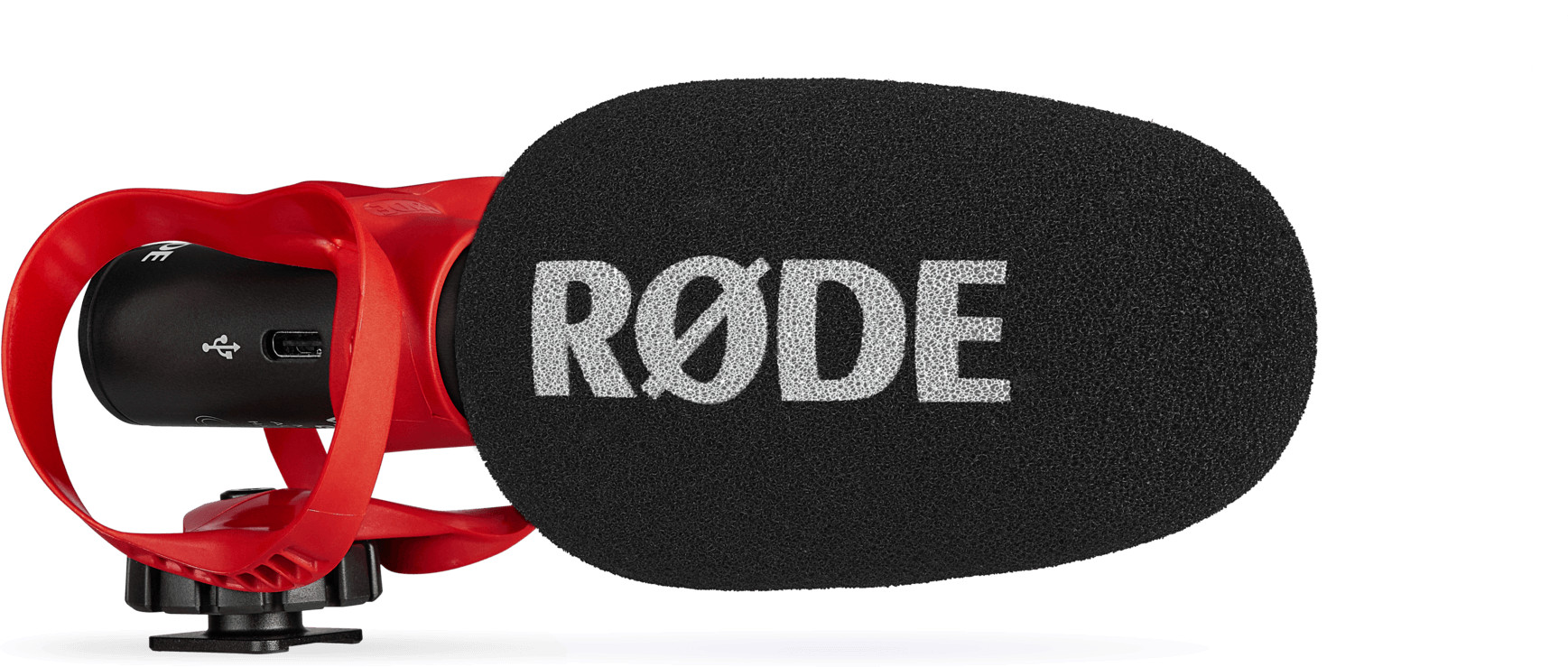
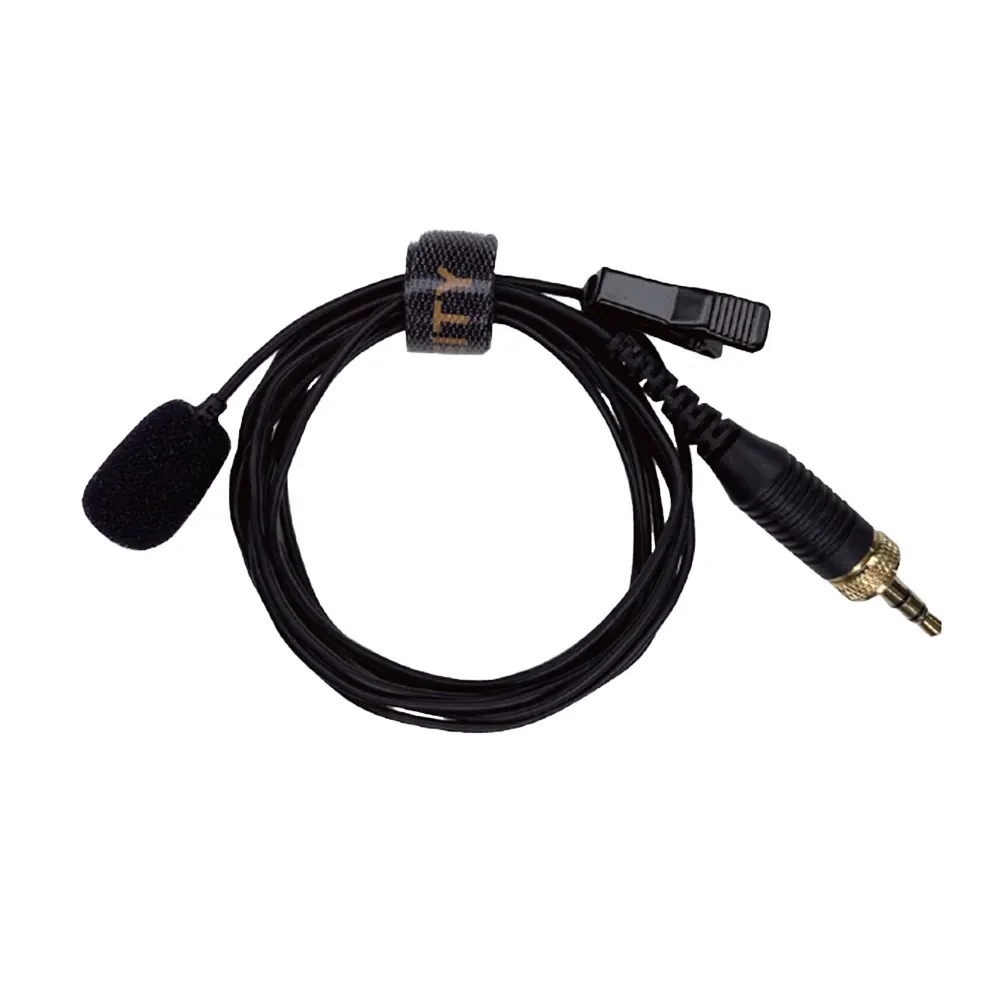
Which mic suits you? A shotgun picks up sound from the front and reduces the sides. It works well for a single speaker in front of the camera. For a deeper comparison, read our guide on shotgun vs condenser mics for video. If the speaker moves, a lavalier is the better fit. See lavalier vs handheld microphones.
Method 2: Use a wireless microphone system
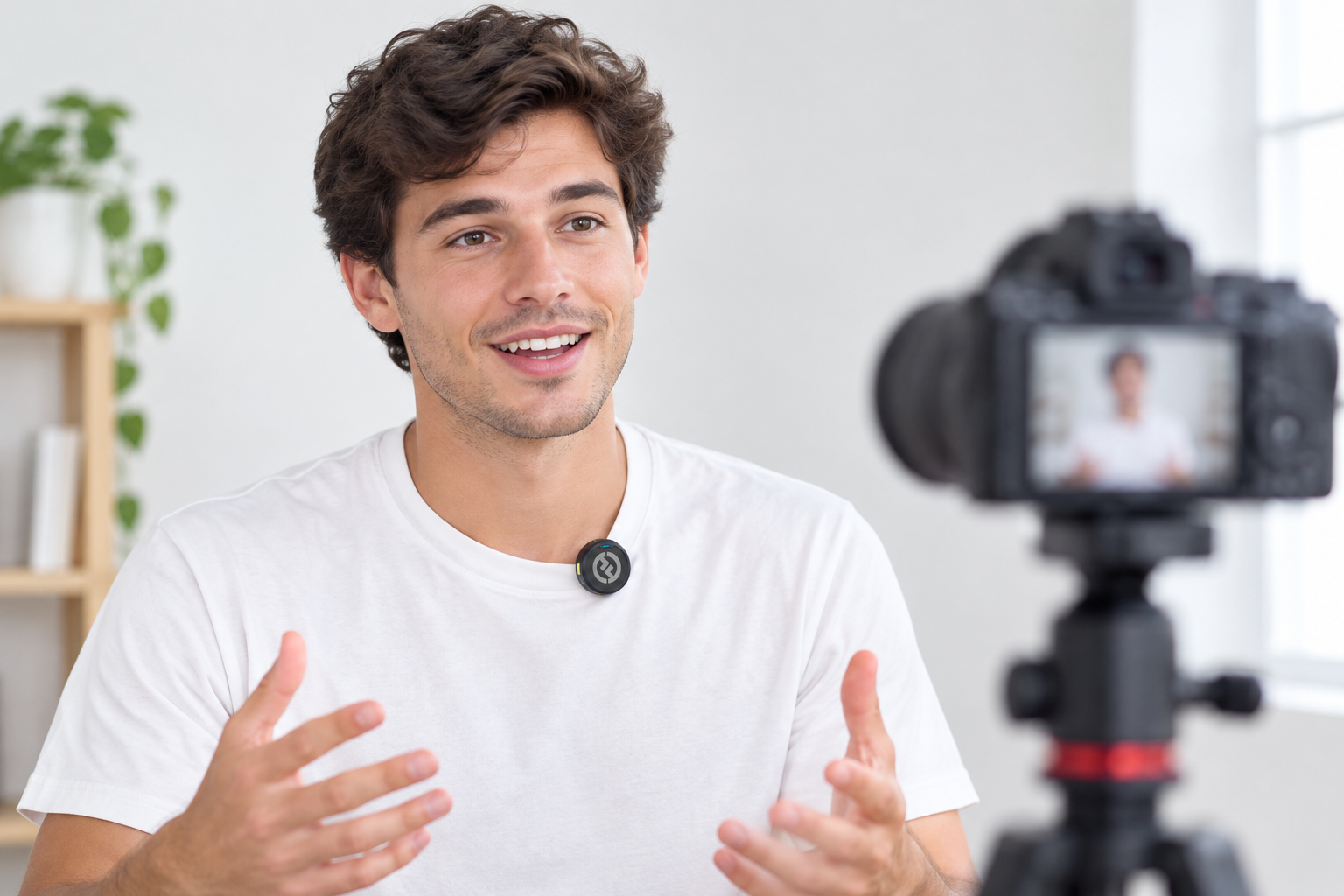
Wireless gives the speaker freedom and keeps the mic close to the mouth. A wireless kit has a transmitter on the speaker and a receiver on the camera.
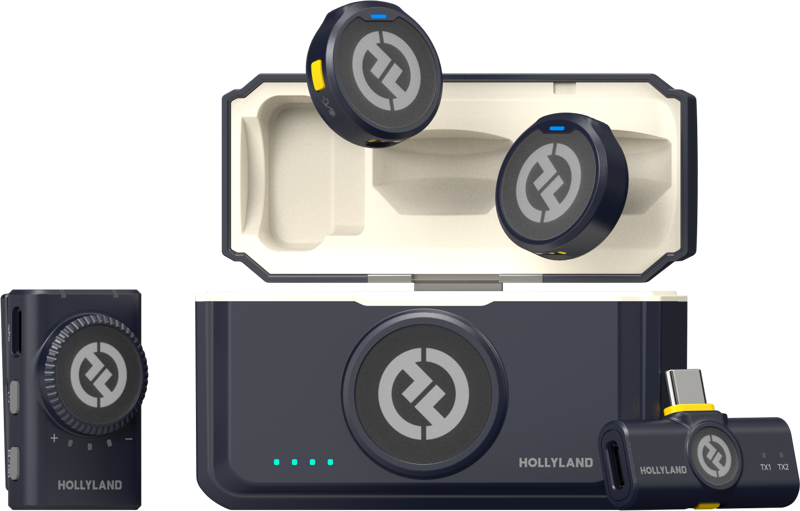
For a camera-version receiver like the Hollyland LARK M2, Hollyland’s LARK M2 manual gives these steps:
- Attach the receiver to the camera’s hot or cold shoe with the back clip.
- Connect the receiver’s 3.5 mm output to the camera’s mic jack with a TRS-to-TRS cable.
- Set the camera’s recording volume to the minimum and the receiver’s output volume to medium for best quality.
That last step surprises people. Camera preamps add hiss as you raise their gain. So keep the camera low and let the receiver output do the work.
The LARK M2 transmitter weighs 9 g. Hollyland lists up to 10 hours of use per transmitter, and a range of up to 300 m with a clear line of sight. Walls and bodies cut that fast: the camera version is rated for 40 m without line of sight. Note that the LARK M2 has no internal recording, so a dropout is lost audio. If you need a backup file, look at the LARK MAX 2, which records onboard.
Shooting in a busy venue? 2.4 GHz systems share the band with Wi-Fi and Bluetooth. Our wireless microphone frequency and interference guide shows how to avoid dropouts. To compare systems, see choosing a wireless mic system for video.
Method 3: Connect an XLR microphone
XLR mics are the professional standard, but most mirrorless and DSLR cameras have no XLR socket. You add one with an XLR adapter. Adapters such as the TASCAM CA-XLR2d take dynamic mics, condenser mics and line-level signals from a mixer. Sony and Panasonic also make XLR adapters for their cameras.
Set the input switch on the adapter correctly:
- MIC for a dynamic mic or a mic with its own battery.
- MIC+48V only for a condenser mic that needs 48 V phantom power.
- LINE for a mixer or other line-level source. Sony lists the line level as +4 dBu.
Sony’s help guide says to move the switch away from MIC+48V before you plug a device in or out. Follow that rule on any adapter. Also use the attenuator (ATT) to match the mic’s sensitivity. A hot condenser mic on a high-gain setting will distort.
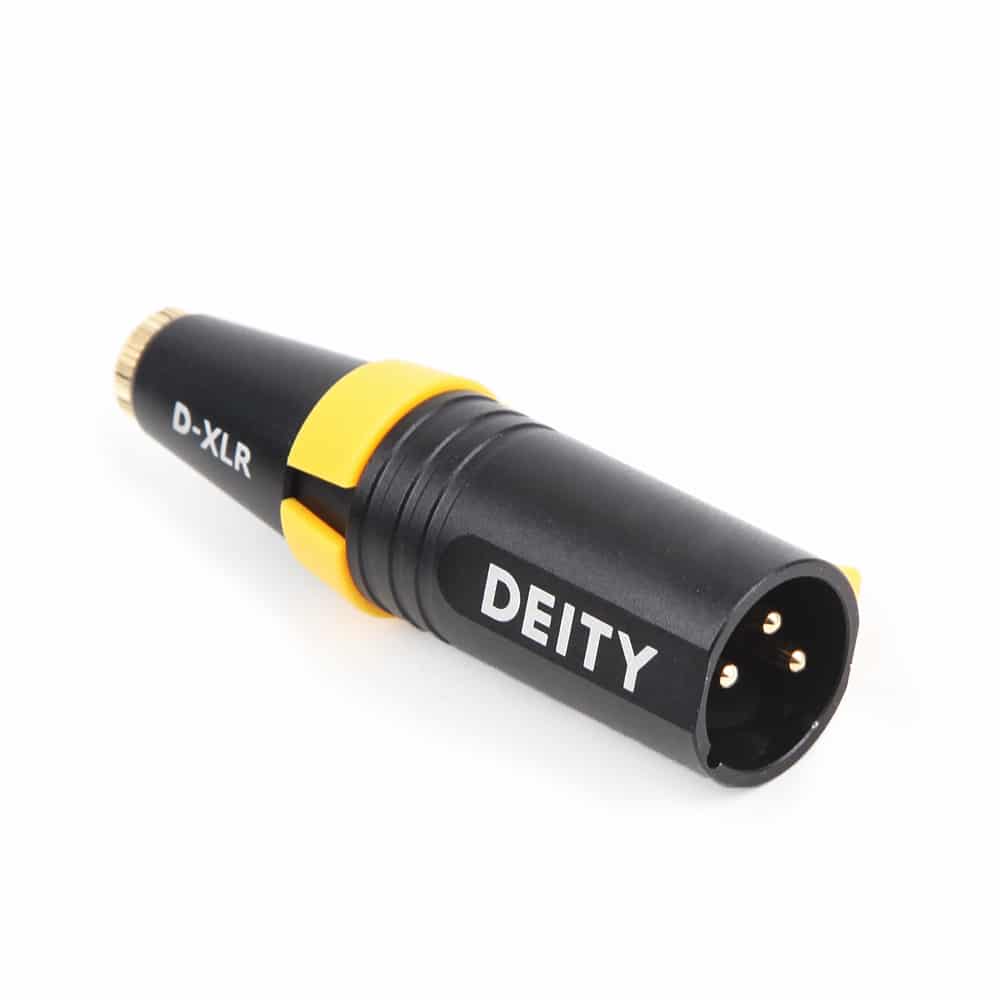
Do you want to use a 3.5 mm mic on an XLR input? Be careful. A mic that needs plug-in power can be damaged by 48 V phantom power. RØDE advises an adapter that converts phantom power down to plug-in power. The Deity D-XLR does exactly that, converting 12 to 48 V down to 3 V.
For more on cables and impedance, see our XLR and DMX cable guide.
Method 4: Use a digital hot shoe (Sony Multi Interface Shoe)
Some Sony cameras send audio through the shoe itself. You slide the mic in and no cable is needed. Sony says compatible mics, such as the ECM-B1M, get power and audio through the shoe, with no battery.
Digital transfer skips extra conversion, which Sony says gives less noise and less audio delay than analog. Many of these mics have a DIGITAL/ANALOG switch. Set it to DIGITAL if your camera supports the digital audio interface. Sony warns that even with a Multi Interface Shoe, some functions may not work on every camera, so check your model’s compatibility list first.
Connecting to an action camera
Action cameras have no mic jack, so the answer depends on the model.
- GoPro: the Media Mod frame adds a 3.5 mm external mic port. Its USB-C port is for power only and does not carry audio. GoPro community guidance says USB-C-to-3.5 mm adapters are not supported.
- DJI Osmo Action: DJI says you can connect a third-party mic through the USB-C port with a 3.5 mm adapter. DJI also lists Bluetooth pairing with DJI Mic transmitters on newer Osmo Action models.
Set your levels before you record
Connecting is half the job. Level setting is the other half.
Switch the camera from auto to manual recording level. Canon’s manuals advise setting the level so the meter reaches just past the -12 dB mark only on the loudest sounds. Above 0 dB the audio distorts and cannot be fixed later. Speech peaking between -12 and -6 dB leaves a safe margin.
Wear headphones while you test. Canon warns not to change the recording mode while wearing headphones, as sudden loud output can hurt your ears. Lower the volume first.
Wind is a different problem. Use a furry windshield outdoors. Camera wind-reduction settings, such as Sony’s, only work on the built-in microphone, not an external one.
Quick fixes when it does not work
| Problem | Likely cause | Fix |
|---|---|---|
| No sound | Plug not fully seated, or wrong jack | Push the plug in fully. Use the mic jack, not headphone out |
| No sound with a phone-style mic | TRRS plug in a TRS jack | Use a TRRS-to-TRS adapter |
| Mic does not work, no battery inside | Plug-in power is off | Turn plug-in power on in the menu |
| Hiss | Camera gain too high | Lower camera gain, raise mic or receiver output |
| Distorted peaks | Level too hot | Lower the level until peaks stay below 0 dB |
Key Takeaways
- Match the plug first: cameras use TRS, phones use TRRS, and XLR needs an adapter.
- Wireless receivers need a low camera gain and a medium receiver output.
- Never connect a 3.5 mm plug-in-powered mic to phantom power without a converter.
- Record manually, peak around -12 to -6 dB, and monitor with headphones.
- Check your camera’s exact audio support before you buy, especially on action cameras and Sony shoes.
Not sure which mic, receiver or adapter fits your camera? Browse our microphone range or contact the MediaGear team. Tell us your camera model and we will help you pick a setup that works the first time you plug it in.









