





CFexpress vs SD Cards: Real Speeds for Reliable Video
Nothing stops a video shoot faster than a dropped frame or a buffer error. Modern sensors shoot in high resolutions, 10-bit color, and RAW formats. Because of this, internal memory media is a key part of your production setup.
Choosing between Secure Digital (SD) cards and CFexpress media determines how your camera performs. The wrong card can lock up your camera during high-bitrate recording. Understanding real speeds, camera compatibility, and overall costs helps you avoid lost footage.
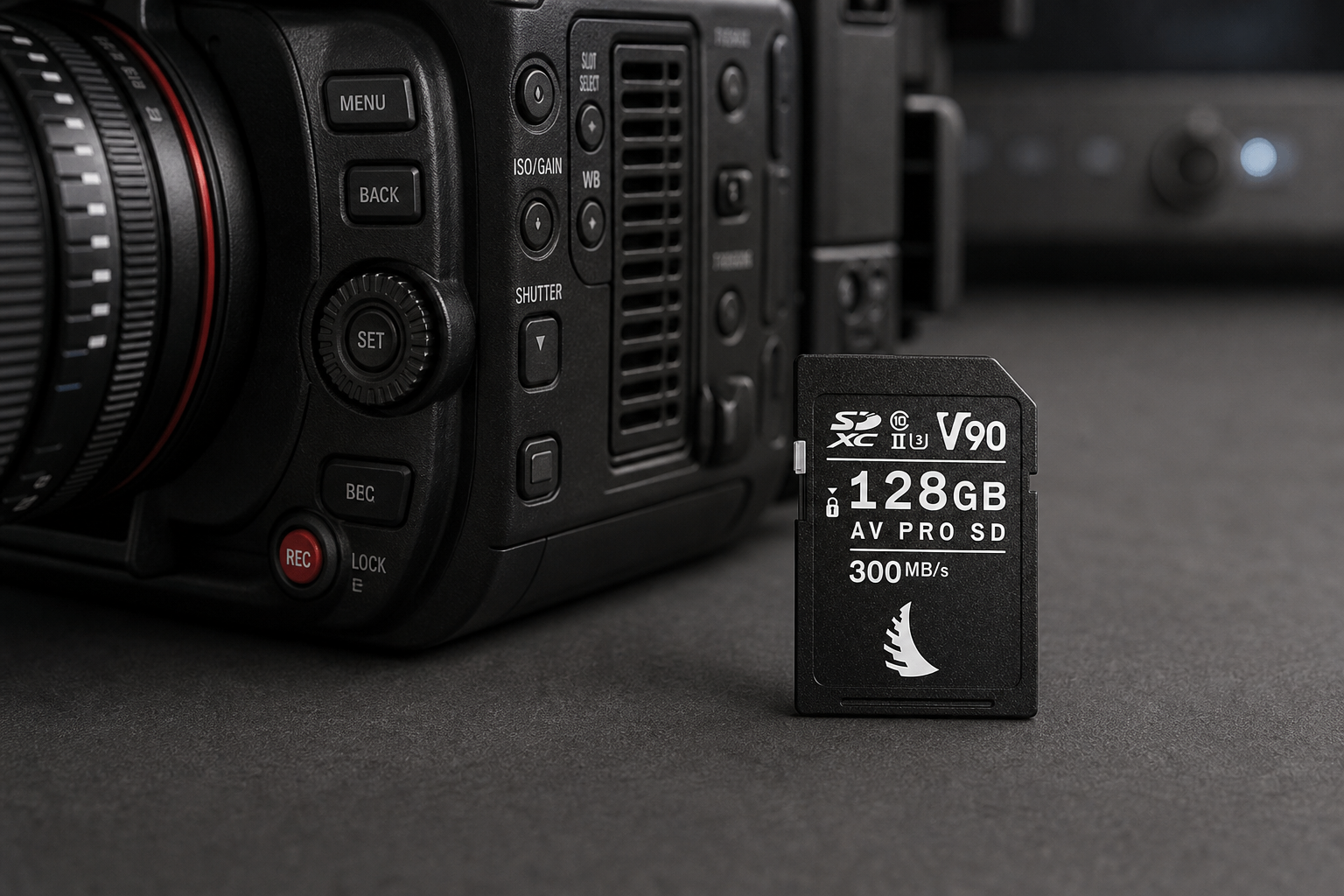
This guide breaks down the core technical differences between CFexpress and SD cards. You can explore our complete range of professional memory cards to match your exact camera setup.
Sustained Write Speeds: Why Peak Speeds Lie
When you choose media for video, read speed and peak write speed do not tell the whole story. Video recording requires continuous data transfer over long periods. A card with a 1700 MB/s peak speed can still drop frames if its sustained speed drops below your codec’s bitrate.
SD Card Speed Classes
SD cards use ratings established by the SD Association. For video work, Video Speed Class (V-rating) is the primary metric to check:
- V30: Guarantees a minimum sustained write speed of 30 MB/s (240 Mbps). It works well for entry-level 4K video.
- V60: Guarantees a minimum sustained write speed of 60 MB/s (480 Mbps). It handles compressed 4K 60p and standard 10-bit bitrates.
- V90: Guarantees a minimum sustained write speed of 90 MB/s (720 Mbps). It supports high-frame-rate 4K, basic 6K, and All-Intra recording.
UHS-II SD cards offer theoretical bus speeds up to 312 MB/s. However, physical connector limits cap real-world sustained video performance at 90 MB/s (V90).
CFexpress Performance Standards
CFexpress cards use PCIe architecture and NVMe protocols. They function like miniature solid-state drives inside your camera. Certified by the CompactFlash Association, CFexpress cards use Video Performance Guarantee (VPG) profiles:
- VPG200: Guarantees a minimum sustained write speed of 200 MB/s.
- VPG400: Guarantees a minimum sustained write speed of 400 MB/s.
- CFexpress 4.0 Standard: Pushes theoretical speeds up to 2.0 GB/s for Type A and 4.0 GB/s for Type B, reaching sustained write speeds over 1000 MB/s.
In our experience on set, codecs like 8K RAW, Apple ProRes 422 HQ, and 4K 120p All-Intra easily exceed 100 MB/s. In these setups, SD cards reach their limits, and CFexpress becomes essential.
| Specification Standard | Interface Protocol | Maximum Theoretical Bus Speed | Minimum Sustained Write Rating | Common Video Workflows |
|---|---|---|---|---|
| SD UHS-I | Legacy Parallel Bus | 104 MB/s | V30 (30 MB/s) | 1080p HD, Low-bitrate 4K |
| SD UHS-II | Dual-Row Parallel Bus | 312 MB/s | V90 (90 MB/s) | 4K All-I, 4K 60p, basic 6K |
| CFexpress Type A (2.0 / 4.0) | PCIe Gen3/Gen4 x1 | 1.0 GB/s / 2.0 GB/s | VPG200 / VPG400 | 4K 120p All-I, 8K compressed |
| CFexpress Type B (2.0 / 4.0) | PCIe Gen3/Gen4 x2 | 2.0 GB/s / 4.0 GB/s | VPG400+ / Custom Sustained | 8K RAW, 12K RAW, ProRes 422 HQ |
Camera Compatibility and Physical Form Factors
Card form factor determines physical compatibility with your camera slots. Modern video cameras use specific card slot layouts.
CFexpress Type A
CFexpress Type A cards measure 20 × 28 × 2.8 mm. They are smaller than standard SD cards. Sony uses Type A media across its Alpha and FX lines, including the FX3, FX6, and A7S III.
Many Sony cameras feature dual-purpose card slots. These slots hold either a UHS-II SD card or a CFexpress Type A card. This design lets you use standard SD cards for daily work or switch to Type A media for high-speed bitrates.
CFexpress Type B
CFexpress Type B cards measure 29.8 × 38.5 × 3.8 mm. They share the same physical shape as older XQD cards. Because Type B uses two PCIe lanes, it provides twice the bandwidth of Type A.
Major manufacturers like Canon, Nikon, Panasonic, Fujifilm, and RED support Type B media. For high-resolution RAW video on cameras like the Canon EOS R5 or Fujifilm X-H2, Type B cards are required.
To learn more about matching media to specific camera bodies, check our guide on how to choose a memory card for video.
Reliability, Durability, and Heat Management
Recording high-bitrate video generates significant thermal energy inside small camera bodies. Reliable media must dissipate heat while keeping flash memory safe.
Thermal Dissipation
High-bitrate video makes memory cards heat up fast. SD cards rely on plastic shells, which trap heat. When internal temperatures rise, the camera controller may throttle speeds to prevent damage. This thermal throttling causes unexpected recording stops.
CFexpress cards feature metal housings that function as passive heat sinks. The metal shell draws heat away from the controller chip and transfers it into the camera body. This keeps data writing stable during long takes.
Physical Build Quality
Standard SD cards use small plastic ribs and a mechanical write-protect switch. We have seen these plastic parts break off or jam on set. To prevent this, rugged SD cards eliminate side ribs and lock switches while adding IP68 dust and water protection.
CFexpress cards use solid metal bodies with protected pin contacts. This layout shields connector pins from dust, static, and physical impact during field work.
Cost Per Gigabyte vs. Value Per Megabyte
When building your camera package, evaluate media costs against required performance.
High-end V90 UHS-II SD cards use specialized flash components to push parallel bus speeds. As a result, premium V90 SD cards can cost more per gigabyte than entry-level CFexpress Type B cards, despite offering much lower sustained write speeds.
If your camera accepts CFexpress Type B media, Type B cards deliver higher sustained speeds and better value per MB/s than top-tier V90 SD cards. However, if your camera only has SD slots, high-speed SD cards remain a necessary choice.
Manufacturers like Angelbird and Lexar produce reliable cards across both formats, giving you clear options for any bitrate requirement.
Selecting the Right Card for Your Workflow
Matching memory cards to your workflow depends on codec choice, frame rate, and post-production deadlines.
Choose SD Cards If:
- You record compressed 4K video (H.264 or H.265) under 400 Mbps.
- Your camera only features SD card slots.
- You need universal compatibility with built-in laptop card readers for fast offloading.
-
 Memory cards
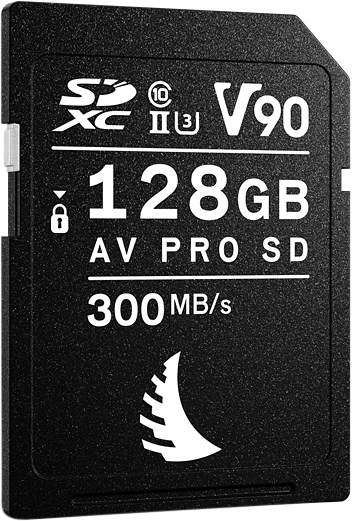
ANGELBIRD SD AV PRO MK2 R300/W280 (V90) 128GB
€ 242.32€ 300.48 (incl. VAT) -
 Memory cards
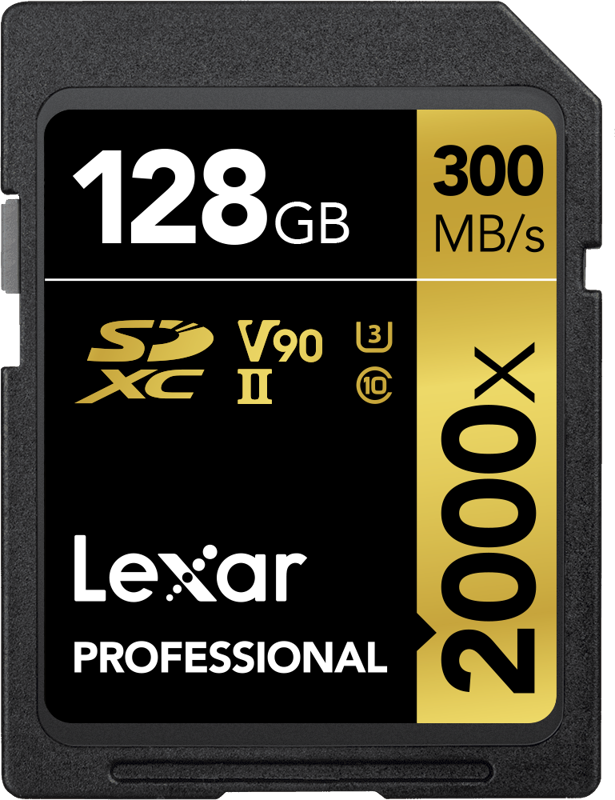
LEXAR SDXC Pro 2000X UHS-II U3 R300/W260 (V90) 128GB
€ 256.24€ 317.74 (incl. VAT) -
 Memory cards
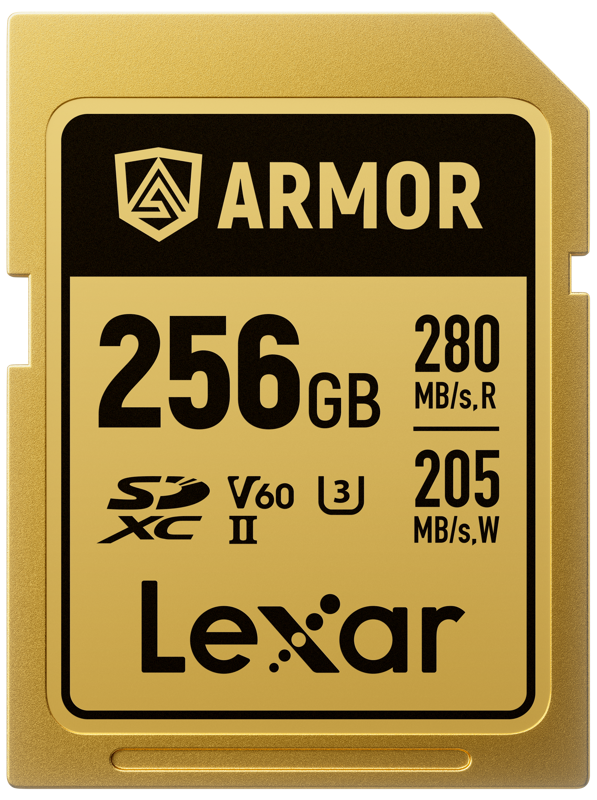
LEXAR SDXC ARMOR Gold UHS-II U3, Stainless Steel, IP68 R280/W210 (V60) 256GB
€ 234.88€ 291.25 (incl. VAT) -
 Memory cards
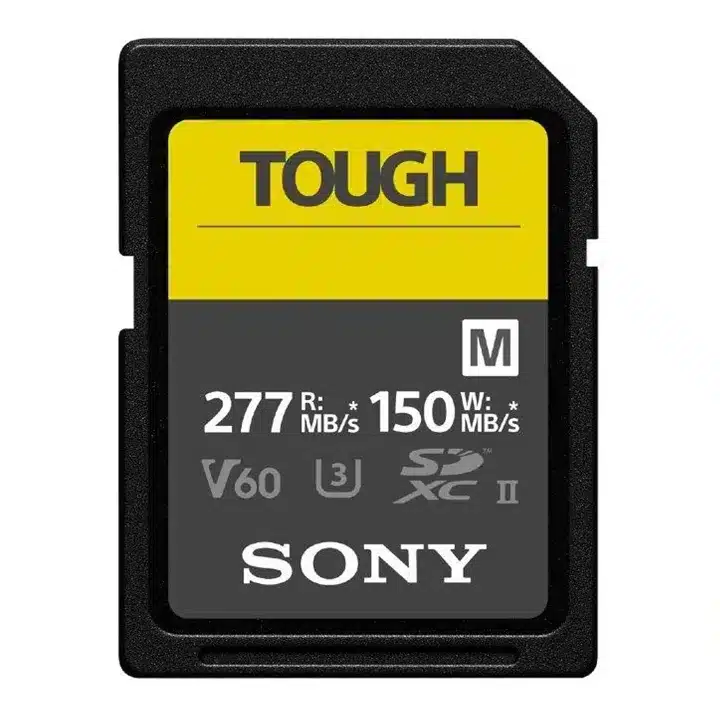
SONY Tough SDXC V60 memory card
€ 61.46 – € 516.00€ 76.21 – € 639.84 (incl. VAT)
Choose CFexpress Cards If:
- You record 8K video, 12K RAW, Apple ProRes 422 HQ, or 4K 120p All-Intra clips.
- You need instant buffer clearing for high-speed photo bursts alongside video.
- You need fast offloading in post-production, where PCIe card readers move files at speeds over 1000 MB/s.
-
 Memory cards
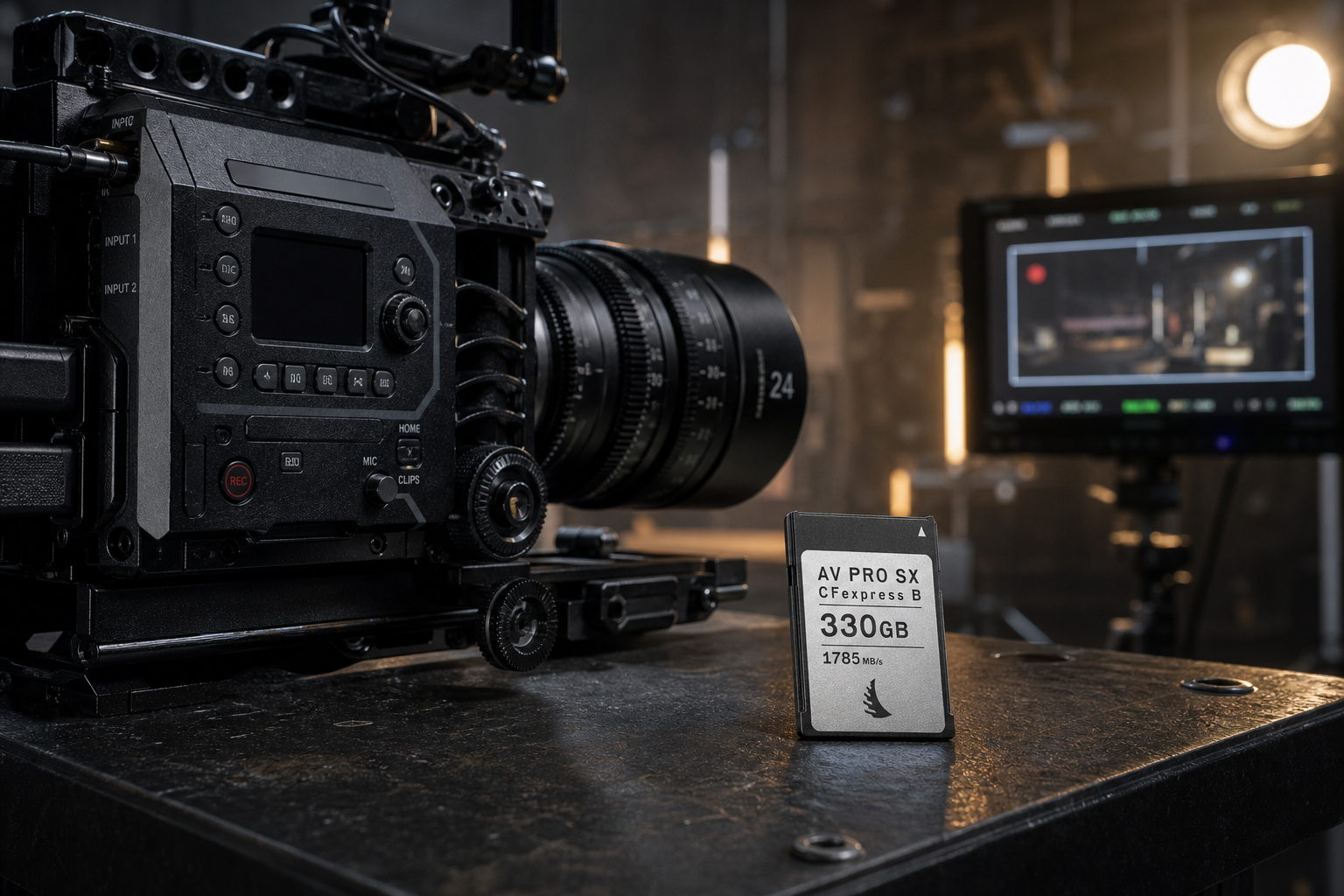
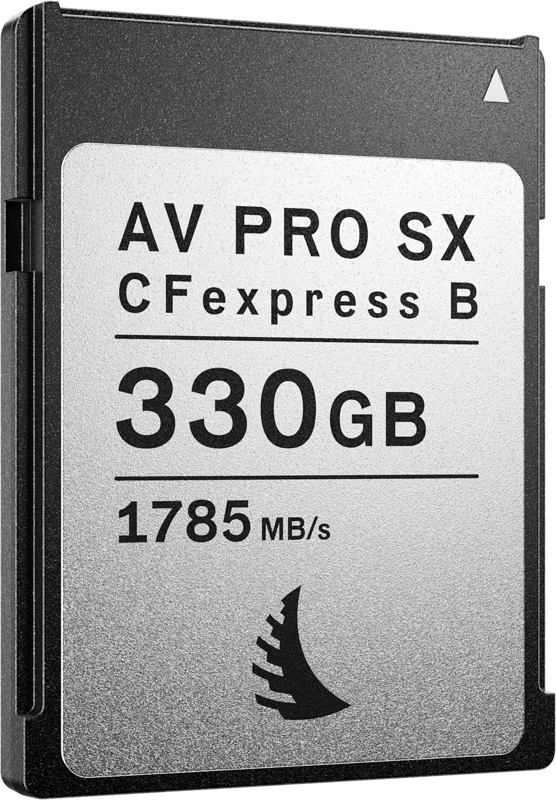
ANGELBIRD CFexpress AV PRO B SX (R1785/W1600) 12K, 330 GB
€ 304.72€ 377.85 (incl. VAT) -
 Memory cards
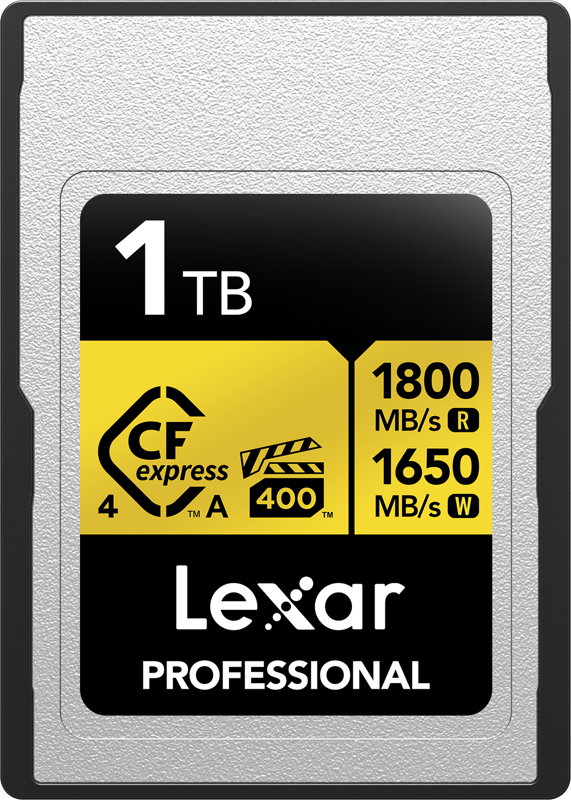
LEXAR CFexpress 4.0 Pro Gold, VPG400, R1800/W1650 (Type A) 1TB
€ 569.40€ 706.06 (incl. VAT) -
 Memory cards
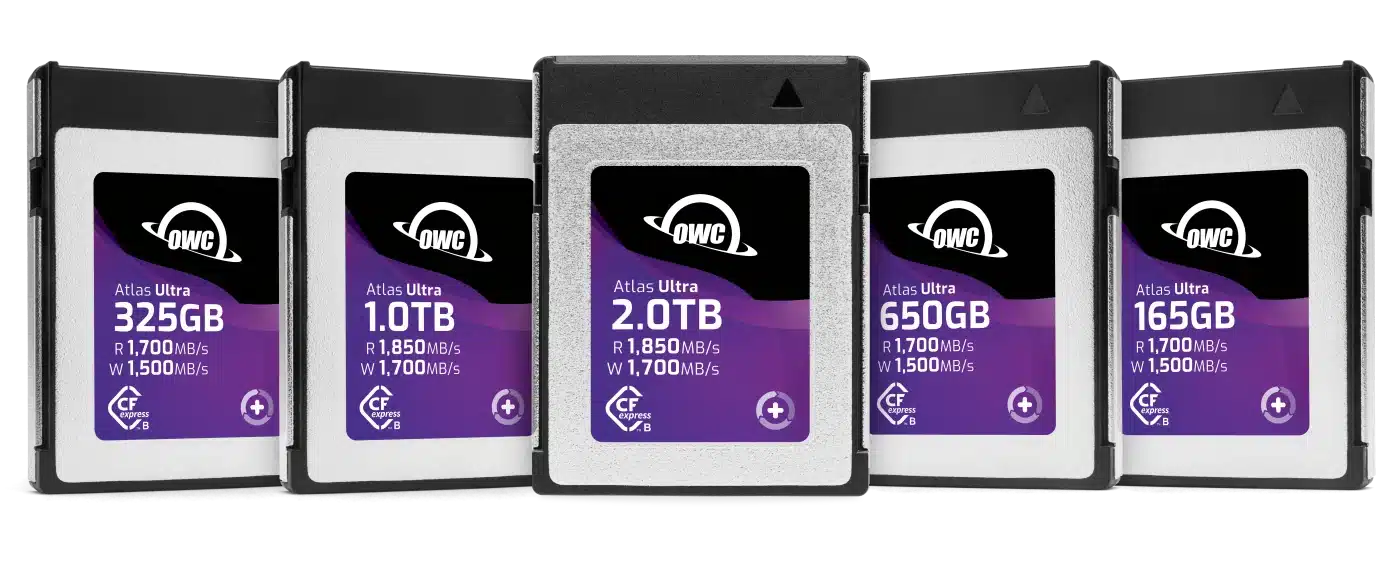
OWC CFexpress Atlas Ultra (Type B) memory card
€ 143.12 – € 575.92€ 177.47 – € 714.14 (incl. VAT)
If your built-in camera slots limit your internal recording options, you can route clean video output to an external video recorder for camera rigs using high-speed SSD drives.
Key Takeaways
- Prioritize sustained speeds over peak numbers: Look for VPG200 or VPG400 ratings on CFexpress cards and V60 or V90 ratings on SD cards to prevent dropped frames.
- Understand physical limits: UHS-II SD cards top out at roughly 90 MB/s sustained write speeds (V90), while CFexpress media supports sustained speeds over 1000 MB/s.
- Verify card slot types: CFexpress Type A and Type B cards use different physical dimensions; ensure you purchase the format supported by your camera.
- Factor in heat dissipation: Metal CFexpress housings manage heat better during extended, high-bitrate video recordings.
Need help matching memory media to your camera system? Contact our technical crew today or read our video camera buying guide to build a complete production setup.









