





ND Filter vs Polarizer for Video: Exposure & Glare Control
Filming outdoors presents constant challenges with bright light and reflective surfaces. Daylight often overexposes your image when you lock your shutter speed for natural motion. At the same time, strong glare on water, glass, or skin can ruin an otherwise perfect composition.
Two essential optical tools solve these problems: Neutral Density (ND) filters and Circular Polarizers (CPL). While both attach directly to your lens, they alter your image in fundamentally different ways. In our experience on set, confusing these optics leads to compromised motion blur, inconsistent exposures, or unexpected optical artifacts.
Understanding how each filter works helps you control exposure, suppress glare, and protect picture quality in any lighting condition.
What is a Neutral Density (ND) Filter?
An ND filter acts as a precise exposure cap for your lens. Its primary function is to reduce the volume of light entering the sensor without shifting color balance or optical geometry.
In video production, maintaining the 180-degree shutter rule requires your shutter speed to remain double your frame rate. Shooting at 25 frames per second requires a 1/50th-second shutter speed to keep motion blur natural. In bright daylight, keeping a wide aperture like f/2.8 at 1/50th second will overexpose your shot, even at base ISO settings.
An ND filter blocks light so you can shoot wide open without overexposing your image. As highlighted in our video camera buying guide, built-in ND filters come standard on professional broadcast equipment, while mirrorless setups depend on external lens filters.
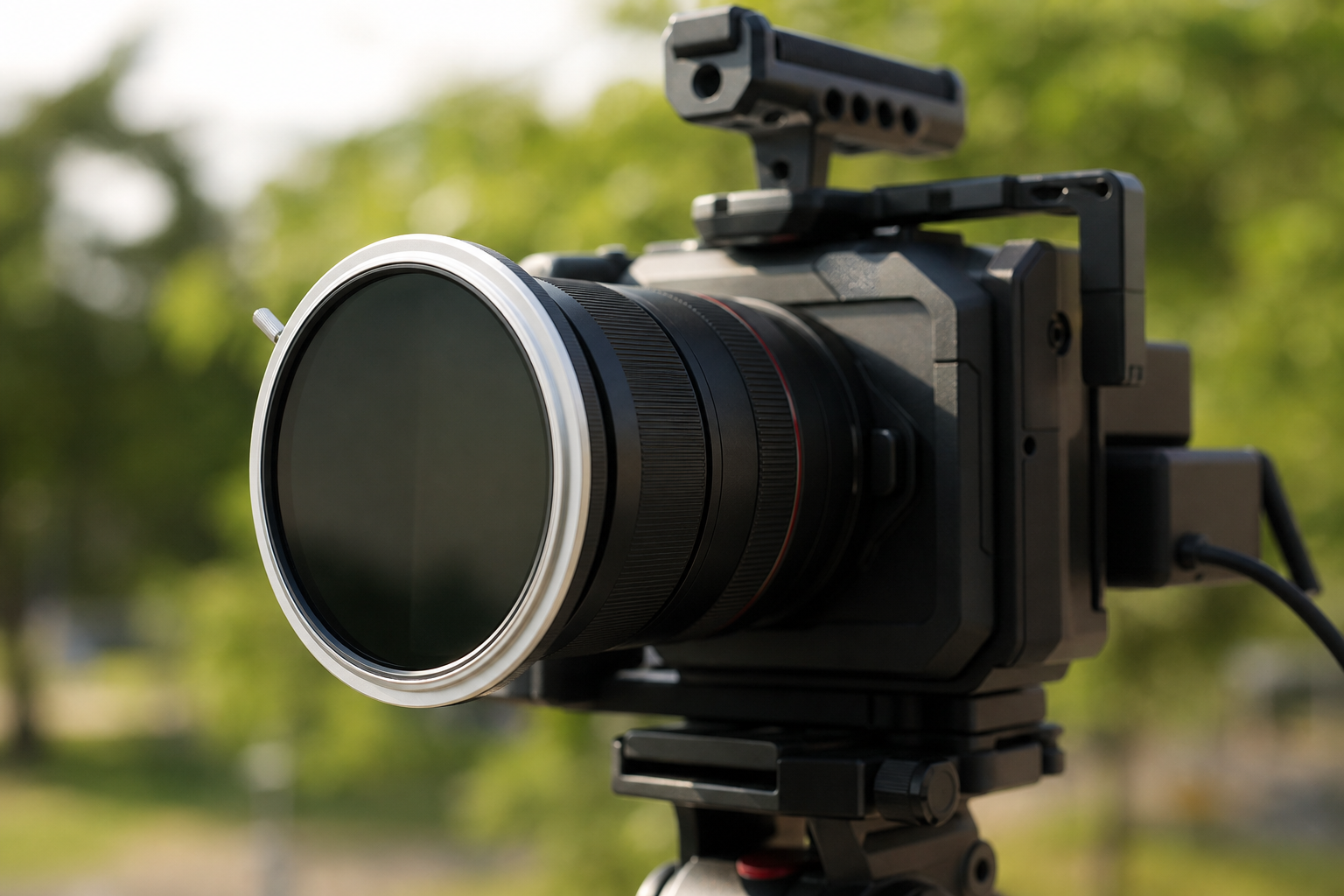
ND filters generally fall into two main categories:
- Fixed ND Filters: Provide a fixed light reduction, such as 3 stops or 6 stops. They deliver high optical purity with predictable color fidelity across the frame.
- Variable ND (VND) Filters: Rotate two polarizing layers to offer adjustable light reduction, typically spanning 1 to 5 stops. They speed up work on run-and-gun shoots, though extreme density settings can create color shifts or cross-polarization patterns, as detailed in Tiffen’s technical guides.
If you are putting together a camera rig, browse our full selection of lens filters to find optics that match your workflow.
What is a Circular Polarizer (CPL) Filter?
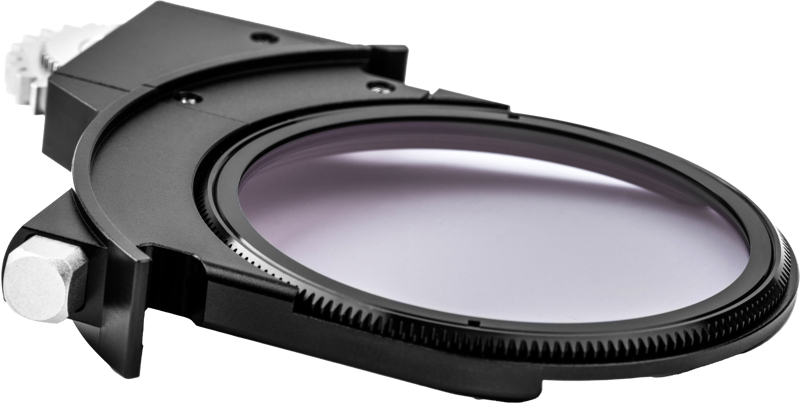
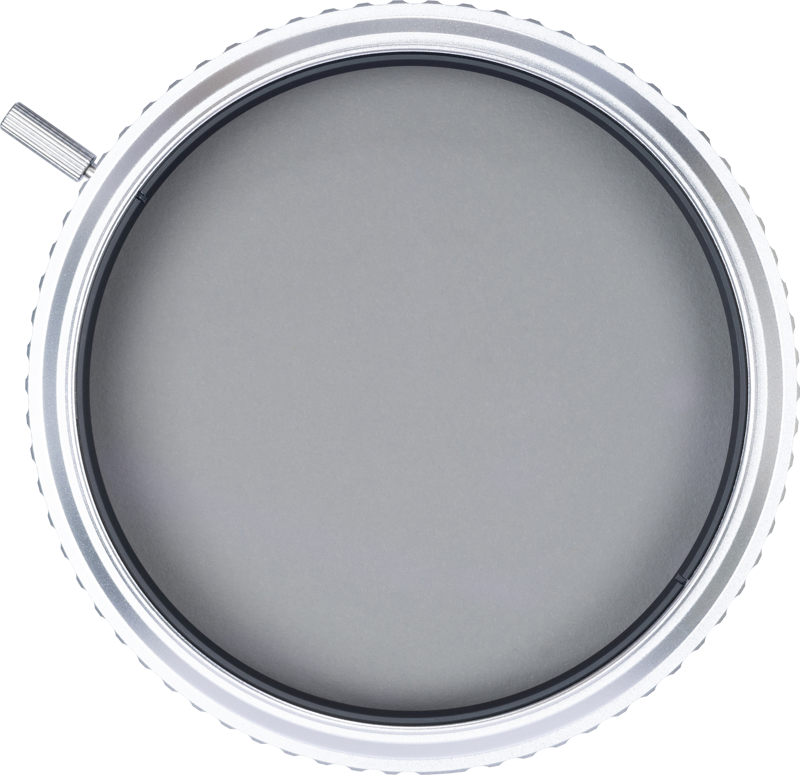
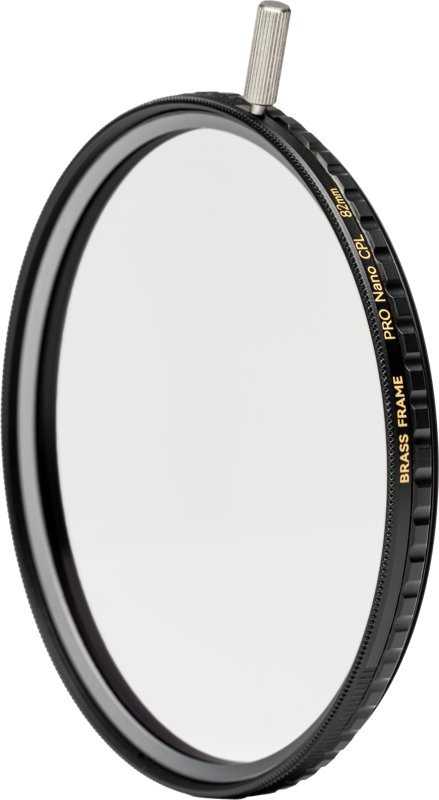
A Circular Polarizer eliminates reflected glare and increases atmospheric contrast. When sunlight strikes non-metallic surfaces like glass, water, or foliage, it creates polarized light rays. A CPL filter blocks those scattered waves.
According to technical documentation from ZEISS, rotating the front ring of a polarizer changes the angle of light entering the lens. On set, this mechanic provides distinct creative benefits:
- Eliminates Surface Reflections: Clears reflections on car windshields and shop windows, letting you capture subjects inside clearly.
- Restores Natural Saturation: Removes micro-glare from foliage, wet streets, and skin, revealing richer underlying colors.
- Enhances Atmospheric Contrast: Cuts through atmospheric haze to deepen blue skies and push cloud contrast.
Polarization works best when your camera is positioned roughly 90 degrees from the sun. Rotating a CPL filter alters light throughput, typically causing a 1 to 2 stop drop in overall brightness depending on your orientation.

ND Filter vs Polarizer: Comparison
While both optics absorb incoming light, they solve completely different image challenges.
| Feature | Neutral Density (ND) Filter | Circular Polarizer (CPL) |
|---|---|---|
| Primary Function | Reduces total light volume evenly | Cuts specular reflections and surface glare |
| Shutter Speed Control | Secures natural motion blur (180° rule) | Variable impact; light reduction depends on rotation angle |
| Reflection Removal | None | Eliminates glare on non-metallic surfaces |
| Color Impact | Neutral (preserves original scene color) | Boosts contrast and color saturation |
| Adjustment Method | Fixed density steps or stepless density control | Continuous rotation relative to the light source |
| Best Used For | Outdoor exposure, open apertures | Car shots, water surfaces, landscape sky contrast |
When to Use Which Filter
Choosing the right glass comes down to identifying the main exposure or reflection challenge in your frame.
Use an ND Filter When:
- You are filming in direct sunlight and must keep your shutter speed at 1/50s or 1/100s.
- You want a shallow depth of field in bright ambient lighting conditions.
- You need consistent exposure control across a scene without altering color saturation.
Use a Polarizer When:
- You shoot through glass, such as car interiors, office windows, or display cases.
- You need clear vision into bodies of water instead of recording surface glare.
- You want vivid skies and deep foliage contrast for commercial landscapes.
Can a Polarizer Replace an ND Filter?
A polarizer reduces light by roughly 1 to 2 stops, but it cannot replace a dedicated ND filter. Its light reduction changes constantly as you rotate the front element or turn your camera relative to the sun. Panning during a shot will cause your exposure to drift unpredictably.
For reliable exposure management in video, Nikon recommends using ND filters to handle light intensity while keeping your shutter speed fixed.
Combining ND and Polarizer Filters
Many outdoor shooting scenarios present high ambient light and distracting reflections simultaneously. Filming a moving vehicle on a clear summer day requires an ND filter to keep your shutter speed legal and a polarizer to clear window glare.
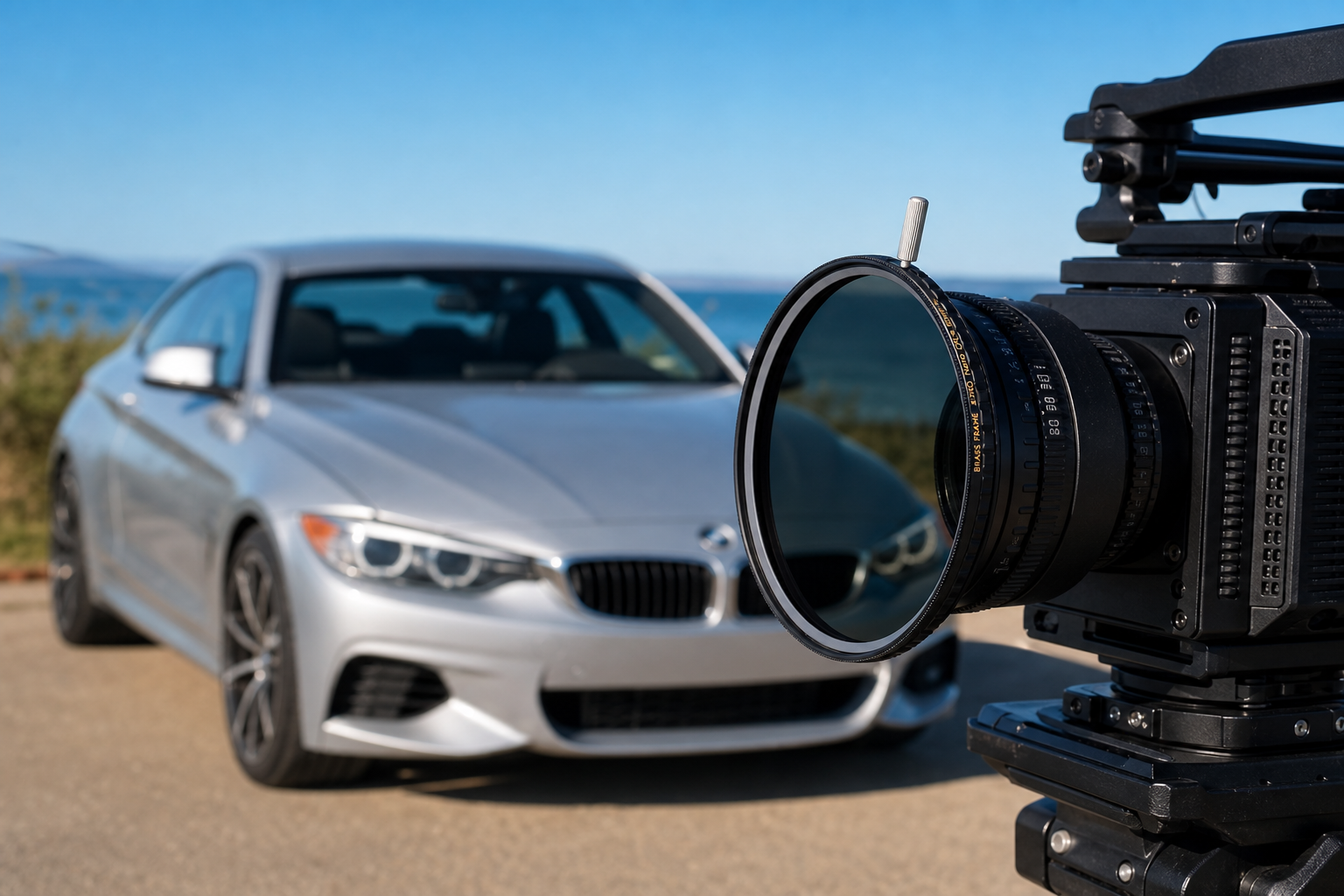
You can combine these optical effects using two popular approaches:
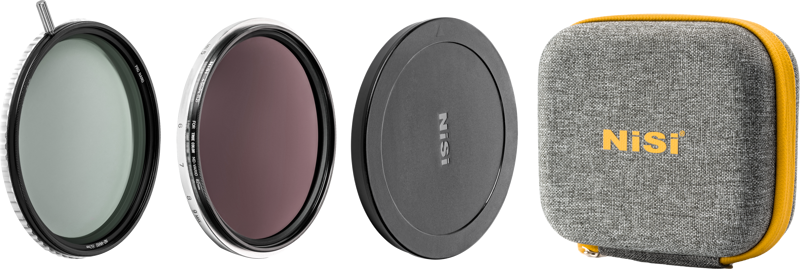
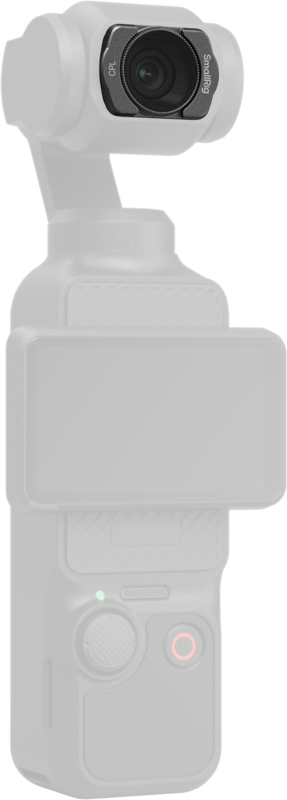
- Combined ND/PL Filters: Integrated glass elements that provide fixed neutral density alongside polarizing coatings. They save weight and reduce setup time on drone and gimbal setups.
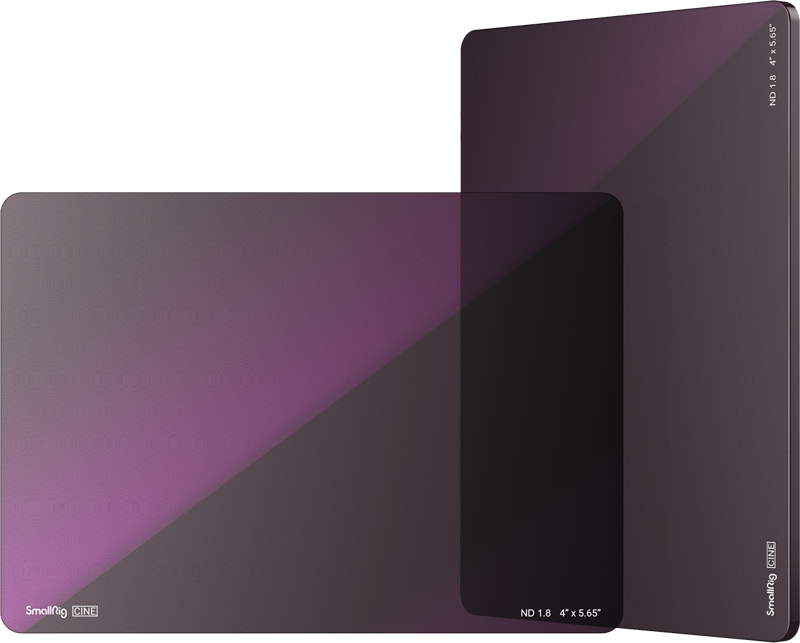
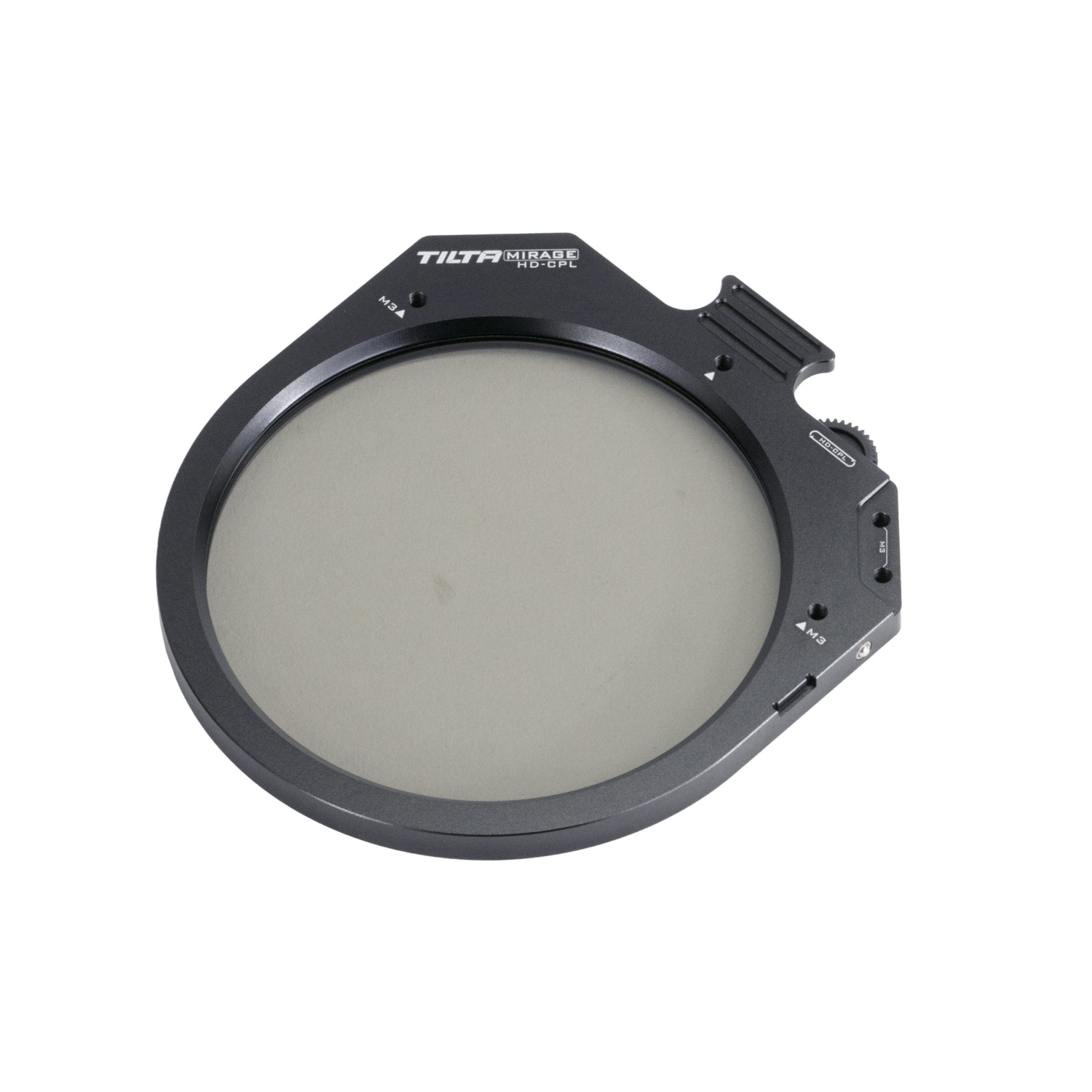
- Modular Filter Systems: Drop-in or magnetic stackable filter setups mounted in a matte box or frame. Using dedicated modular setups allows you to mount a CPL filter directly onto a variable ND unit.
When working with wide-angle optics, such as those covered in our cinema lens guide, watch out for mechanical vignetting. Stacking multiple filter frames can cause dark corners in your video frames.

Key Takeaways
- ND filters control light volume: Use ND filters to protect your 180-degree shutter angle and preserve shallow depth of field in daylight.
- Polarizers suppress glare: Use polarizers to cut reflections on glass, water, and foliage while deepening sky contrast.
- CPLs are not exposure tools: The 1 to 2 stop light reduction of a CPL shifts with rotation and cannot replace an ND filter.
- Combine optics for outdoor scenes: Use combined ND/PL optics or modular stackable systems when dealing with bright light and reflections at the same time.
Need help picking the right filter setup for your camera system? Reach out to our technical team at MediaGear or check out our full range of in-stock optics.









