





XLR vs USB Microphones: Choose Your Audio Setup
Poor audio ruins video content faster than low camera resolution. When setting up a voiceover station, streaming desk, or podcast studio, choosing between an XLR and a USB microphone is your first major hardware decision.
In our experience helping creators and studios design their audio chains, picking the wrong format early leads to unnecessary costs later. USB microphones offer plug-and-play convenience for solo workflows. XLR microphones provide modular control, studio sound quality, and long-term scalability. Understanding these core technical differences helps you make the right investment for your studio setup and budget.
How USB Microphones Work
A USB microphone integrates the mic capsule, preamp, and analog-to-digital converter into a single unit. You plug the microphone directly into your computer or mobile device. It draws power directly from the USB port and outputs a digital signal immediately to your recording software.
Most USB microphones feature a built-in 3.5 mm headphone jack for zero-latency monitoring. Many modern models also feature onboard Digital Signal Processing (DSP) for compression, EQ, and noise suppression. This built-in hardware makes USB microphones ideal for solo podcasters, game streamers, and creators who need a fast setup without external gear.
When to choose USB: If you want a clean desk setup that records in seconds without buying extra hardware, a USB microphone is a practical starting point.
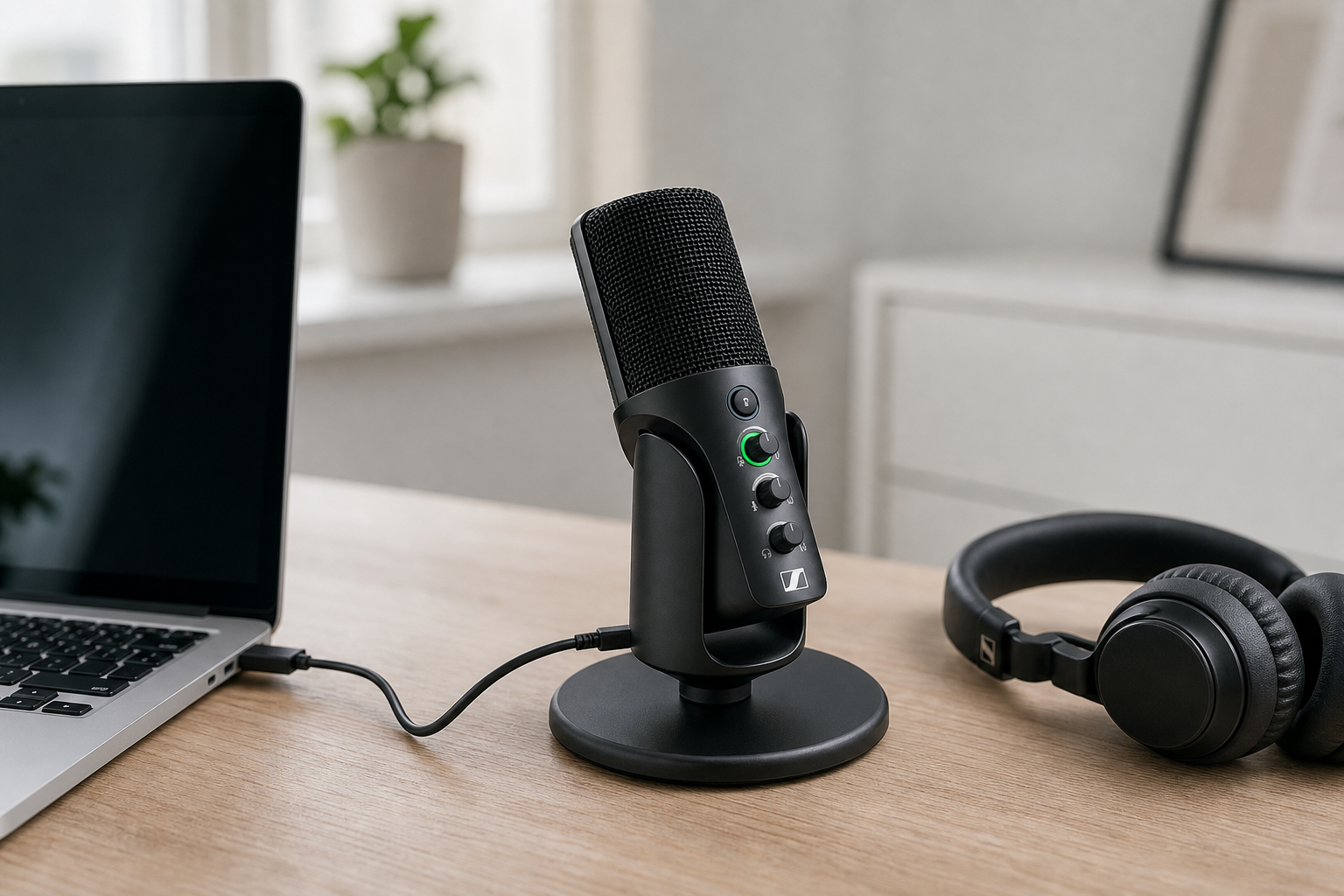
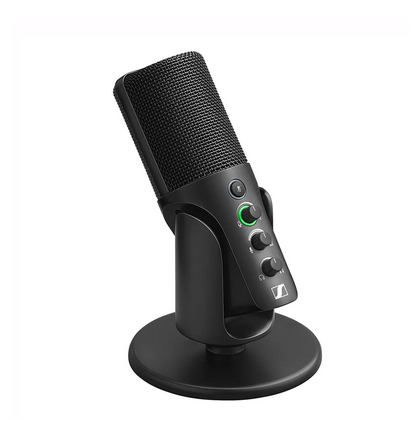
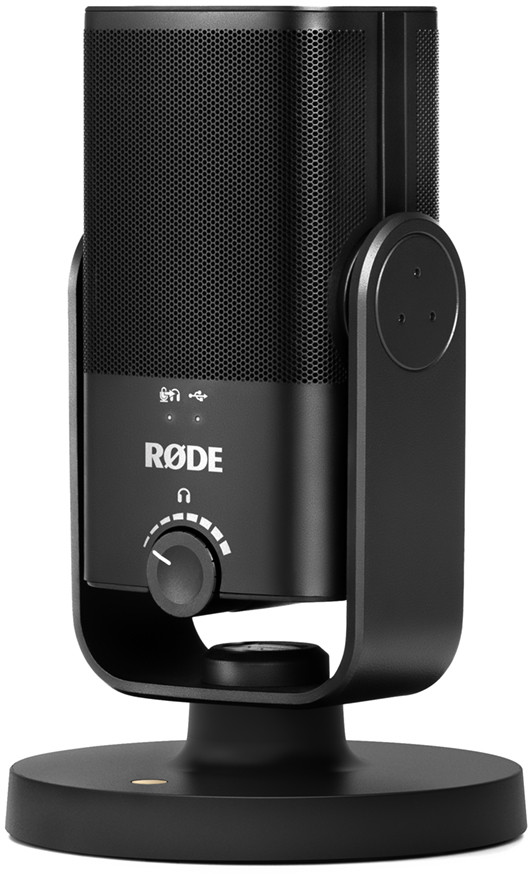
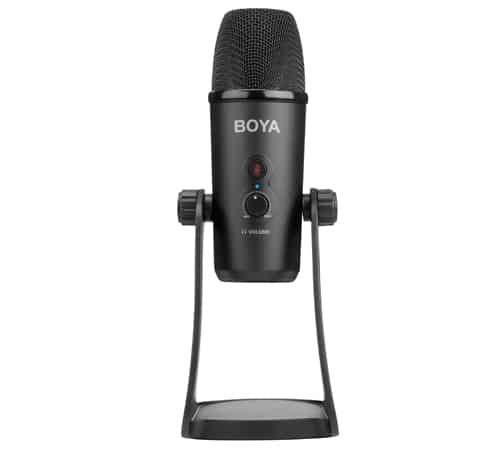
For compact travel setups, models like the RODE NT-USB Mini or SENNHEISER Profile USB deliver clear audio in a small footprint. If you need switchable pickup patterns for tabletop interviews or group discussions, options like the BOYA BY-PM700 offer flexible polar pattern options.
How XLR Microphones Work
An XLR microphone outputs a raw, analog signal through a 3-pin connector. It requires an external audio interface or mixer to amplify the signal and convert it to digital audio for your computer. Balanced XLR cables use two signal conductors and a shield to cancel electrical noise and interference through common-mode rejection.
Condenser XLR models require +48V phantom power supplied by your connected interface. Because the microphone capsule is separate from the digital converter, you can upgrade your microphone, cabling, or preamp independently over time.
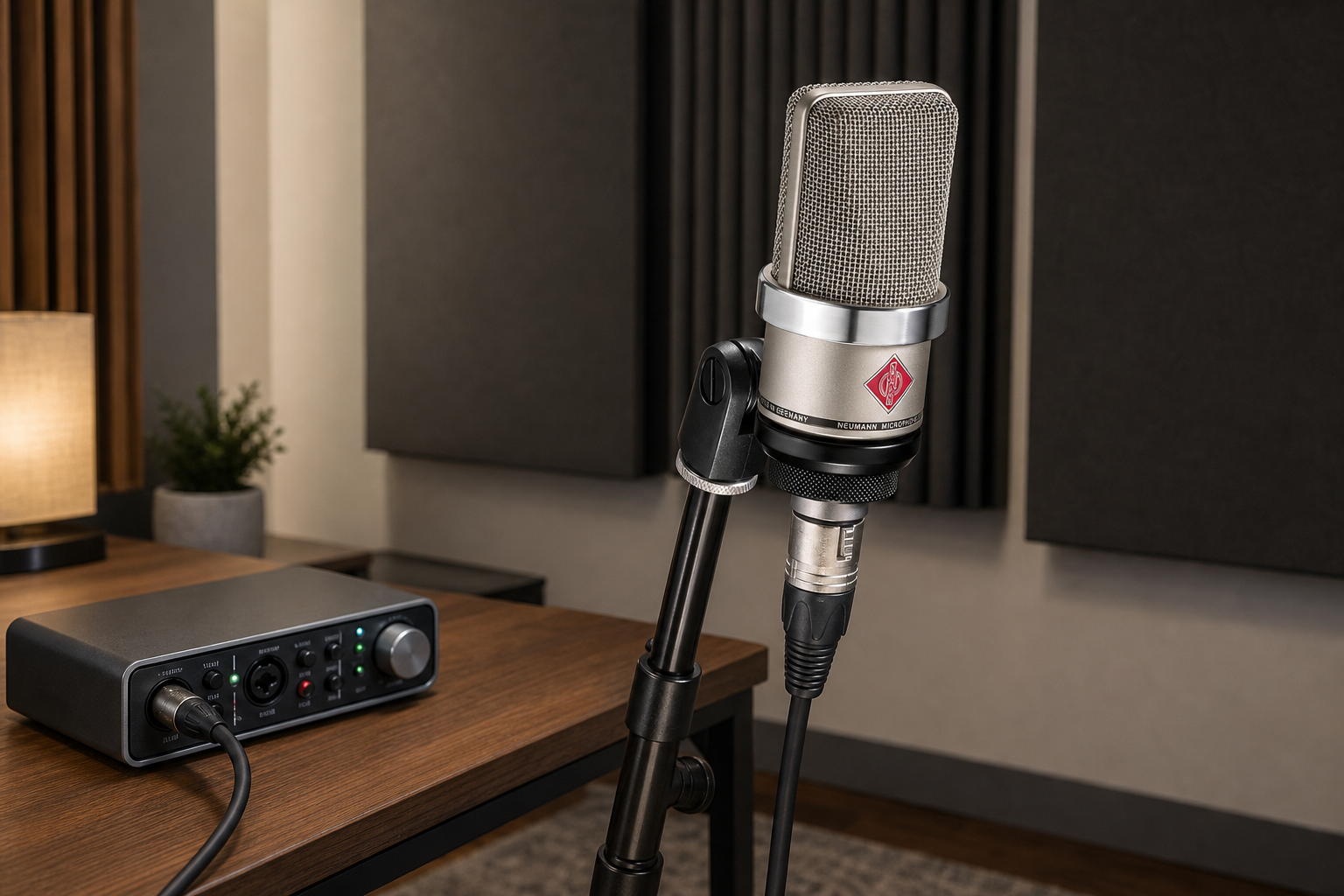
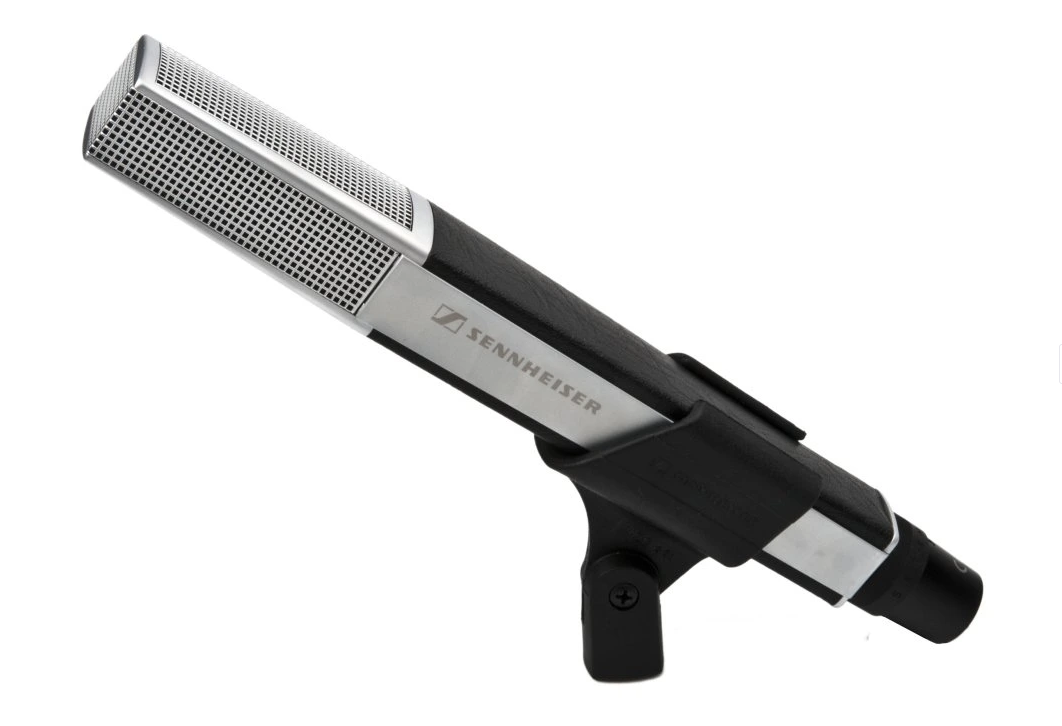
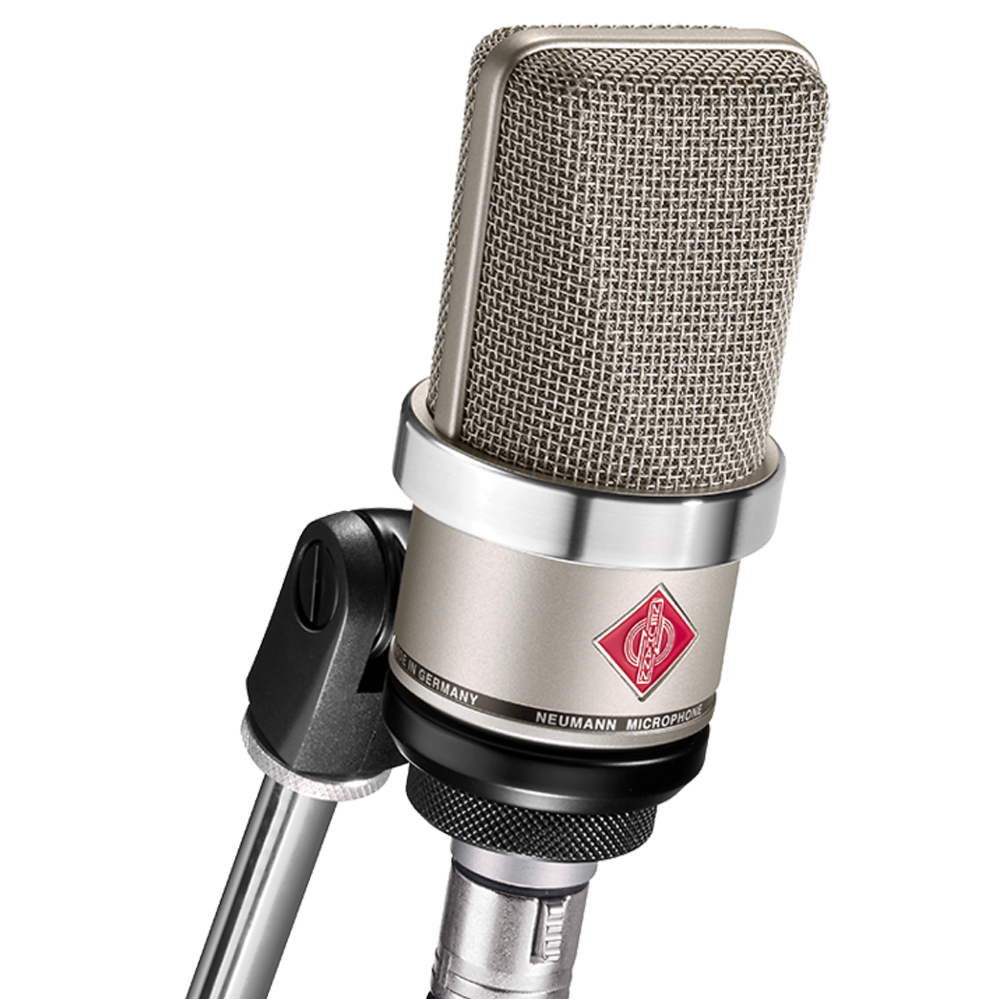
In studio environments, XLR setups offer lower noise floors, superior dynamic range, and full hardware flexibility. Dynamic studio models like the Sennheiser MD 441-U handle high sound pressure levels with smooth response. Large-diaphragm condensers like the Neumann TLM 102 capture delicate vocal nuances with extreme precision. If you plan to capture live instrument tracks alongside video, explore our guide on how to record live music for video.
Hybrid Microphones: Dual-Output Versatility
You do not always have to choose between digital simplicity and analog flexibility. Hybrid microphones include both a USB-C digital port and a traditional 3-pin XLR output.
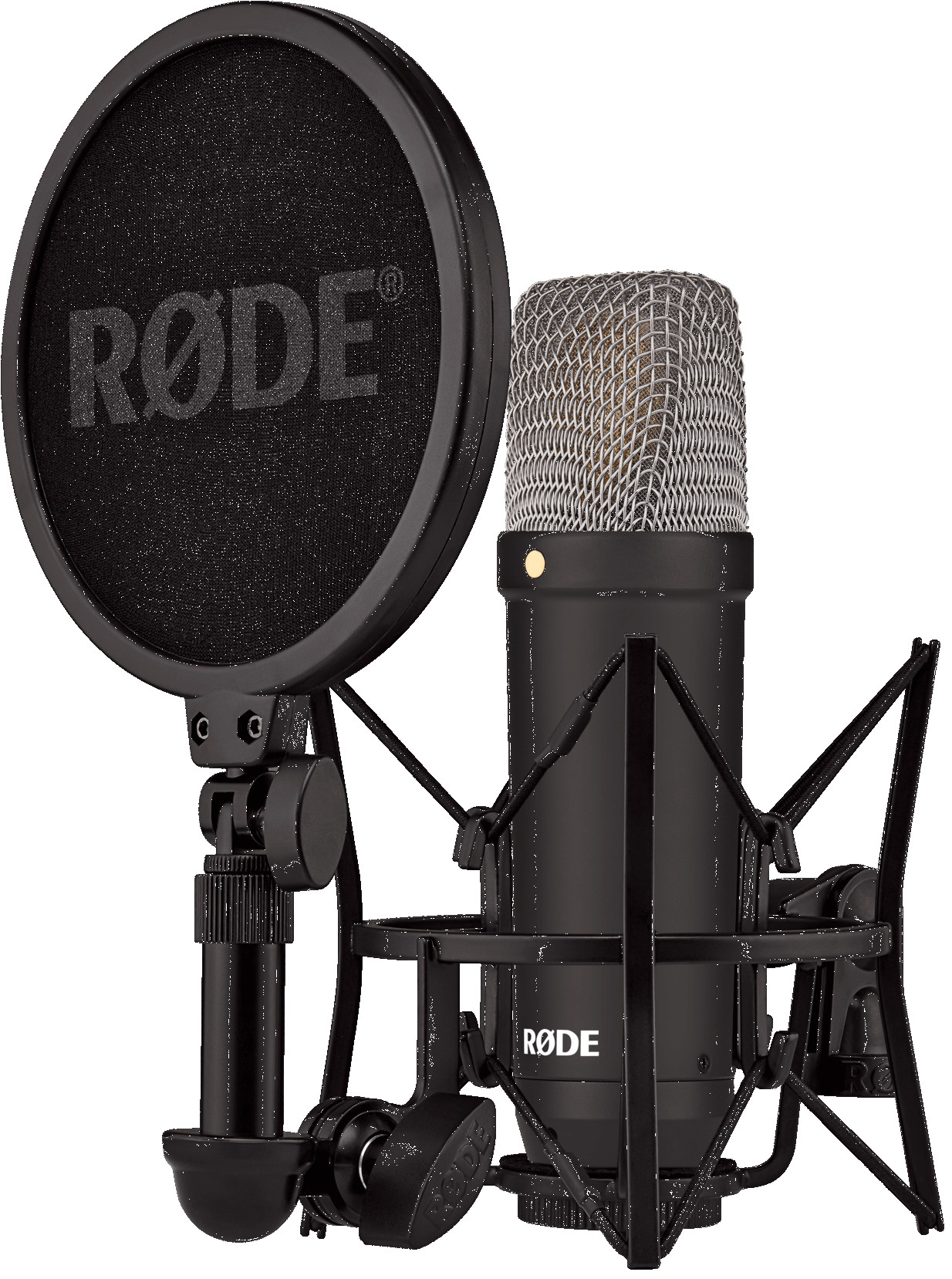
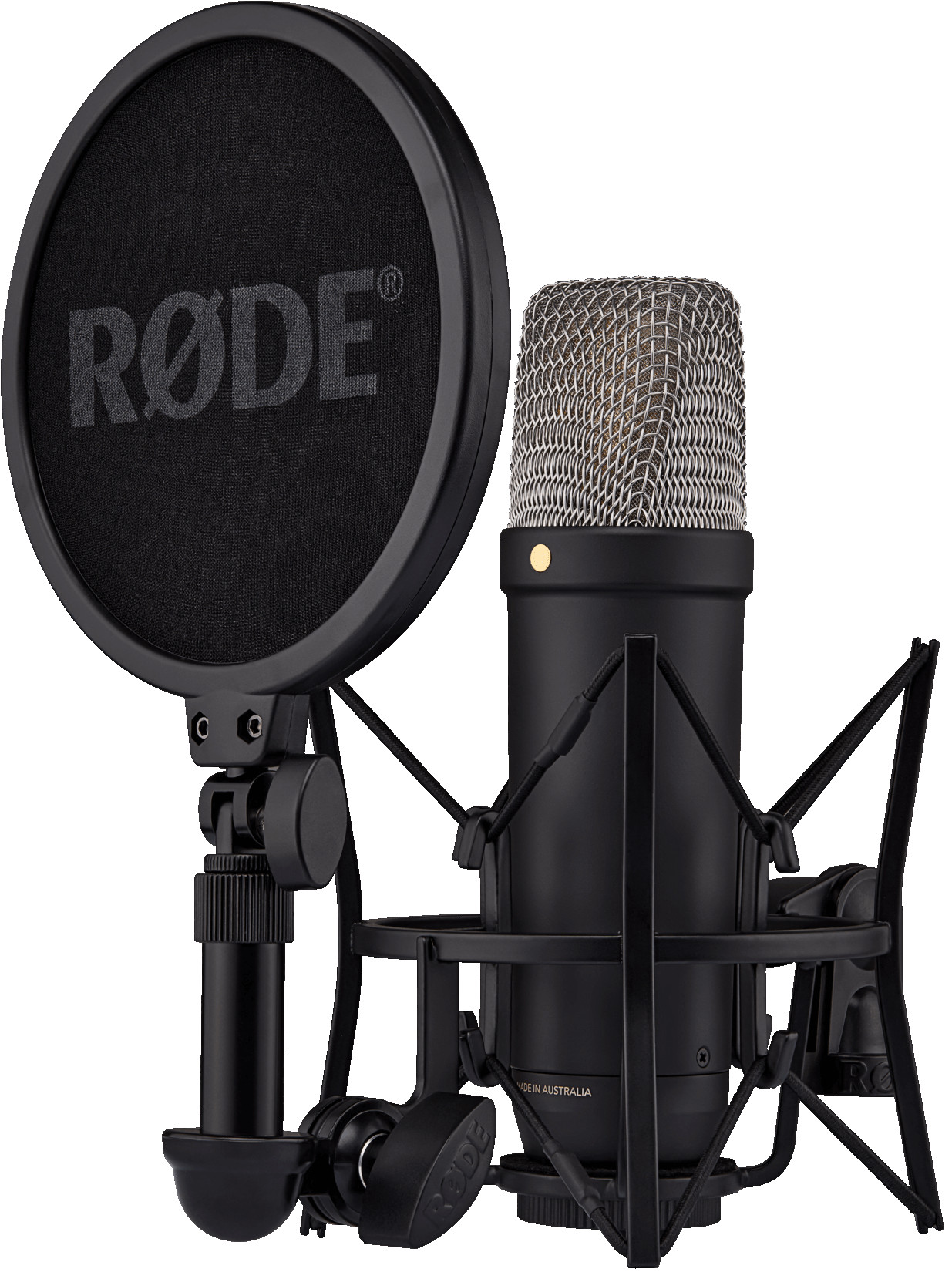
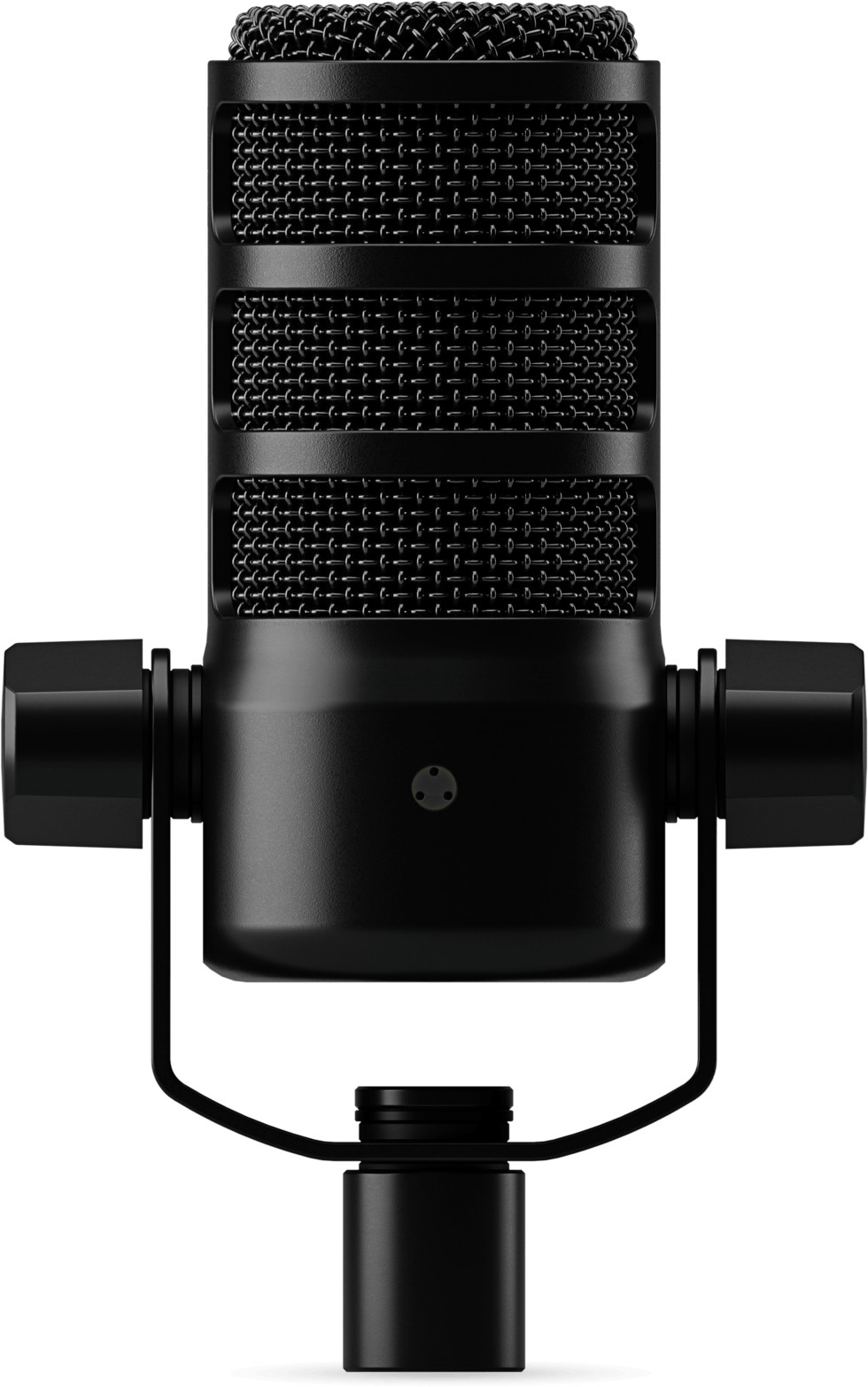
These hybrid designs let you record directly into a laptop while traveling, then plug into a multi-channel XLR audio interface when back in the studio. Microphones like the RODE PodMic USB and RODE NT1 5th Generation combine onboard digital processing with low-noise studio capsules.
Technical Comparison: Sound, Scalability, and Cost
Understanding key technical differences helps you budget your setup correctly.
| Feature | USB Microphones | XLR Microphones |
|---|---|---|
| Setup Complexity | Plug-and-play via USB cable | Requires audio interface & XLR cable |
| Upgrade Flexibility | Low (replace entire unit) | High (replace mic, interface, or cables separately) |
| Multi-Mic Recording | Complex (requires software aggregation) | Simple (add channels to audio interface) |
| Cable Distance | Limited by USB spec (~3–5 m) | Long balanced cable runs (10 m+) |
| Upfront Cost | Lower (€50 – €250) | Higher (€130 – €1000+) |
While modern USB microphones deliver clean digital sound, dedicated audio interfaces provide cleaner gain and higher dynamic headroom. Recording multiple USB microphones on a single computer also presents software challenges. macOS relies on Aggregate Devices, while Windows uses drivers like ASIO4ALL. Mismatched sample rates across multiple USB devices can cause clock drift or dropouts over long sessions. An XLR multi-channel interface avoids these driver issues entirely.
Your room acoustics play a massive role in final audio quality regardless of the mic format you choose. To solve room reverberation problems early, read our guide on how to reduce echo when recording audio. For insights on choosing directional capsules for indoor work, view our comparison on shotgun mic vs condenser mic for video.
Decision Guide: Which Setup Fits Your Needs?
Align your selection with your primary production environment:
- Choose a USB Microphone if: You are a solo streamer, podcaster, or video creator who values fast setup, high mobility, and low upfront costs.
- Choose a Hybrid Microphone if: You want immediate USB recording today, but plan to upgrade to a dedicated mixer or interface in the future.
- Choose an XLR Microphone if: You record multiple commentators in the same room, produce music, or need custom signal processing and long-term hardware modularity. You can pair your microphone with high-quality audio cables to ensure a clean signal path.
If you are setting up a dedicated desktop workstation, see our recommendations for the best desk microphone for video.
Key Takeaways
- USB microphones provide cost-effective, plug-and-play convenience for solo creators, streamers, and mobile setups.
- XLR systems offer professional signal stability, long-term component upgrades, and effortless multi-channel recording.
- Hybrid microphones bridge the gap by offering direct USB-C connectivity alongside standard XLR analog outputs.
- Acoustics and mic placement often impact vocal clarity more than the converter technology inside the microphone.
Ready to build your recording setup? Explore our full range of microphones or contact our audio specialists for personalized system recommendations.









