HDMI vs SDI: How to Build Fail-Proof Video Workflows
When building a live production rig or equipping a studio, your choice of video connections dictates the reliability of your entire workflow. We have seen complex broadcast setups come to a sudden halt simply because a single cable was pulled out by mistake. Deciding between HDMI and SDI is not just a matter of image quality. It is a fundamental choice about physical security, cable length, and your specific production environment.
Both standards deliver high-quality uncompressed digital video and audio. Yet, they serve entirely different purposes in the field. Consumer multimedia devices rely almost exclusively on HDMI. Professional broadcast environments demand SDI. Understanding these technical tradeoffs will help you design a reliable signal processing infrastructure that never lets you down.
Forcing the wrong standard into a setup always leads to trouble. Let us break down when to use each connection and why they matter for your gear.
HDMI: High Bandwidth for Short-Range Setups
HDMI (High-Definition Multimedia Interface) is the universal standard for modern displays, prosumer cameras, and computer outputs. It excels at delivering massive bandwidth over short distances. It also seamlessly handles consumer features like HDCP content protection, which you absolutely need when playing back protected media from consumer laptops or playback devices.
The bandwidth capabilities of modern HDMI are impressive. According to the official HDMI Forum specifications, HDMI 2.0 provides up to 18.0 Gbps of bandwidth. This enables smooth 4K video at 60 Hz. The newer HDMI 2.1 standard increases this aggregate transmission bandwidth to a massive 48.0 Gbps. This gives you enough data throughput to handle uncompressed 8K video.
However, the primary drawback of HDMI is its physical reliability on a busy set. Standard HDMI connectors simply push into a port. They lack any integrated locking mechanism. A slight tug from a passing crew member can instantly disconnect your camera feed. Furthermore, standard copper HDMI cables suffer from severe signal degradation over distance. They usually become unreliable after 7 to 15 meters.
We recommend HDMI primarily for short, stationary runs. It is perfect for routing a mirrorless camera to an on-camera monitor or connecting a presentation laptop to a local switcher. If you must run HDMI over longer distances, you should utilize active optical cables (AOC). These integrate fiber optics to maintain pristine signal integrity over 30 meters or more.
-
 HDMI cables
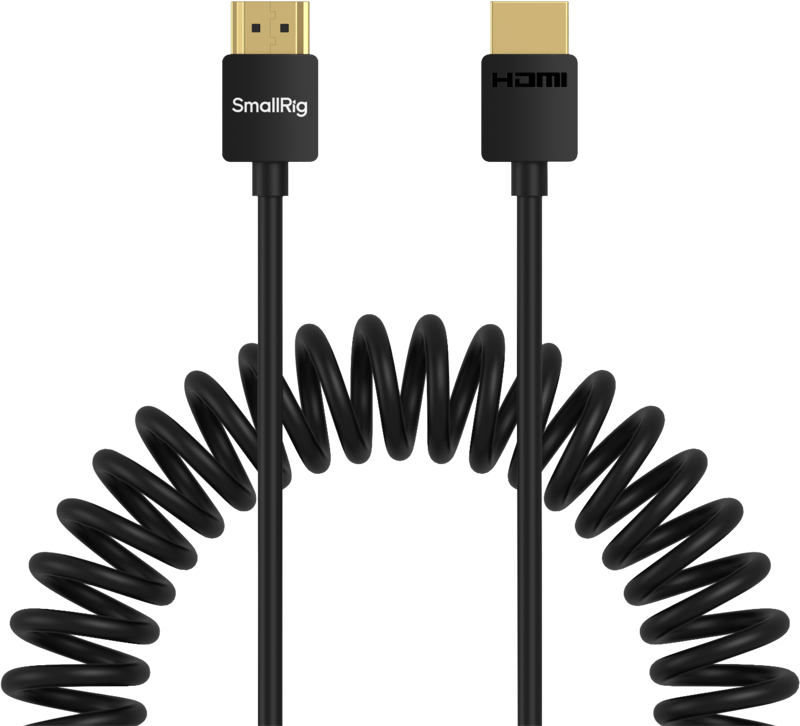
SMALLRIG 4963 Coiled HDMI Data Cable A to A
€ 37.12€ 46.03 (incl. VAT)IN STOCK -
 HDMI cables
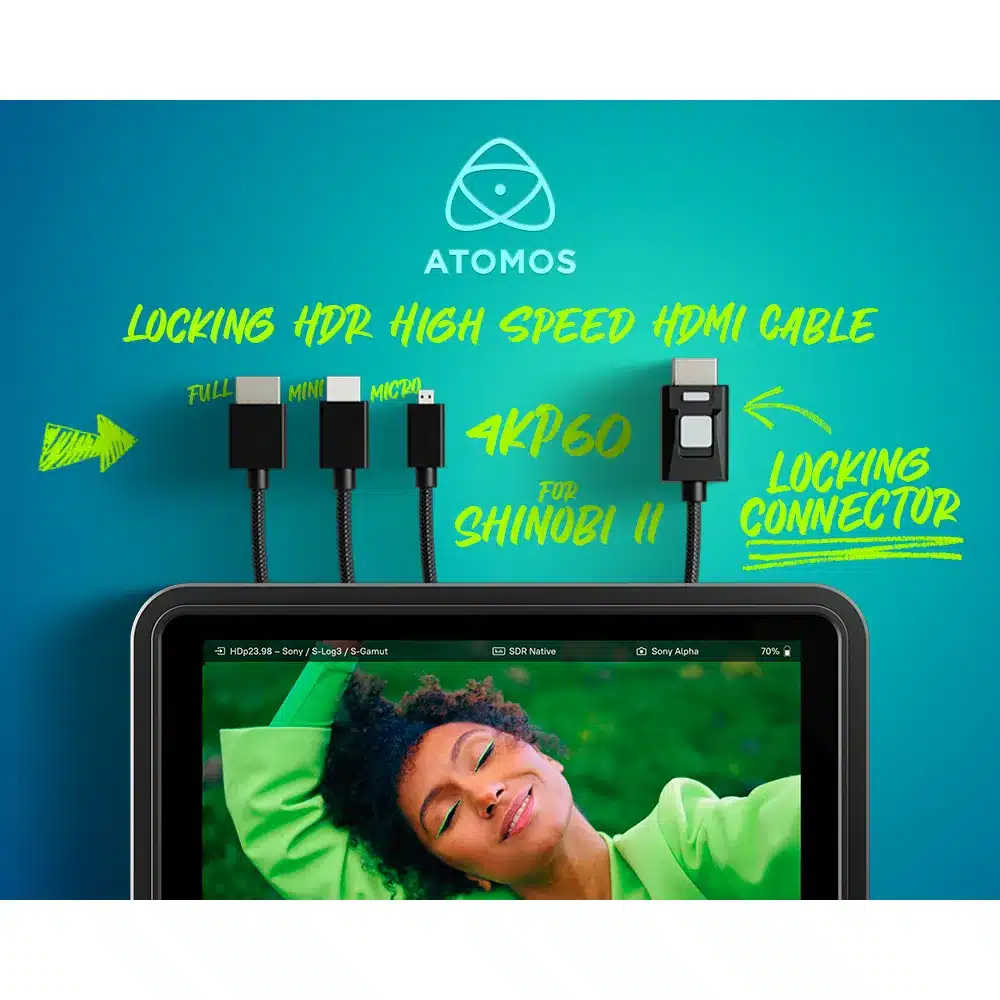
ATOMOS 4kP60 Locking HDR HDMI 30cm High Speed Cables
€ 49.95€ 61.94 (incl. VAT) -
 HDMI cables
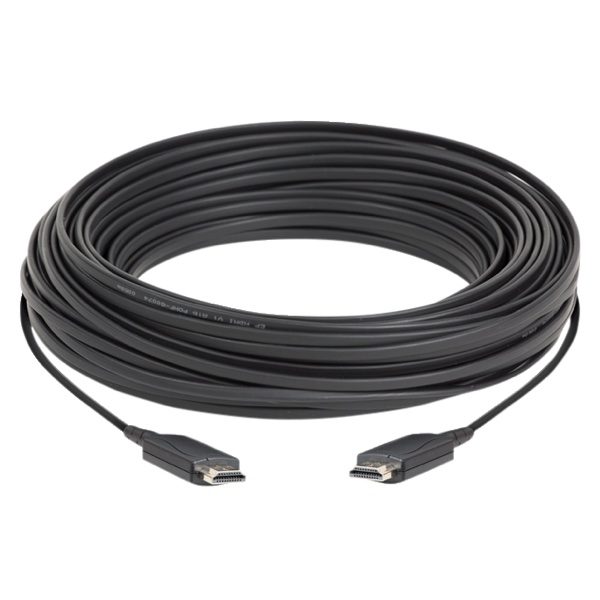
DATAVIDEO CB-60 HDMI Active Optical Cable 30 meter
€ 390.00€ 483.60 (incl. VAT) -
 HDMI cables
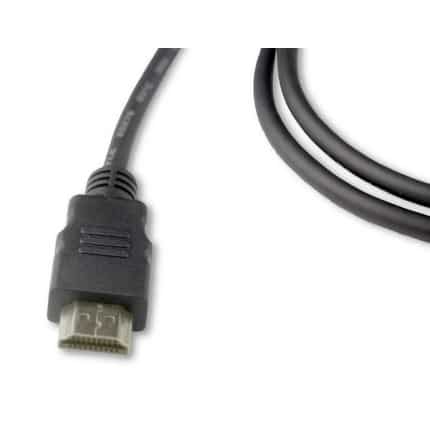
BELDEN HDE015MB high speed active HDMI cable with Ethernet channel, UHD/4K ready, 15m
€ 99.00€ 122.76 (incl. VAT)IN STOCK
SDI: The Locking Broadcast Standard for Reliability
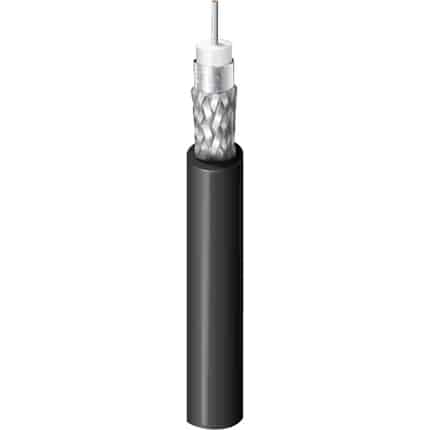
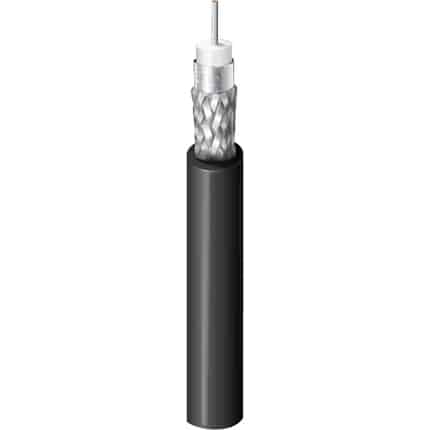
SDI (Serial Digital Interface) is the unquestioned backbone of professional video production. It transmits uncompressed digital video reliably over dedicated 75-ohm coaxial cable.
The most significant advantage of SDI is its physical hardware design. SDI utilizes BNC connectors that feature a robust twist-locking bayonet mechanism. Once you lock an SDI cable into a camera or switcher, it cannot be accidentally pulled out. This secure connection is mandatory in environments with heavy foot traffic, moving camera operators, or live stages where a loose cable ruins the show.
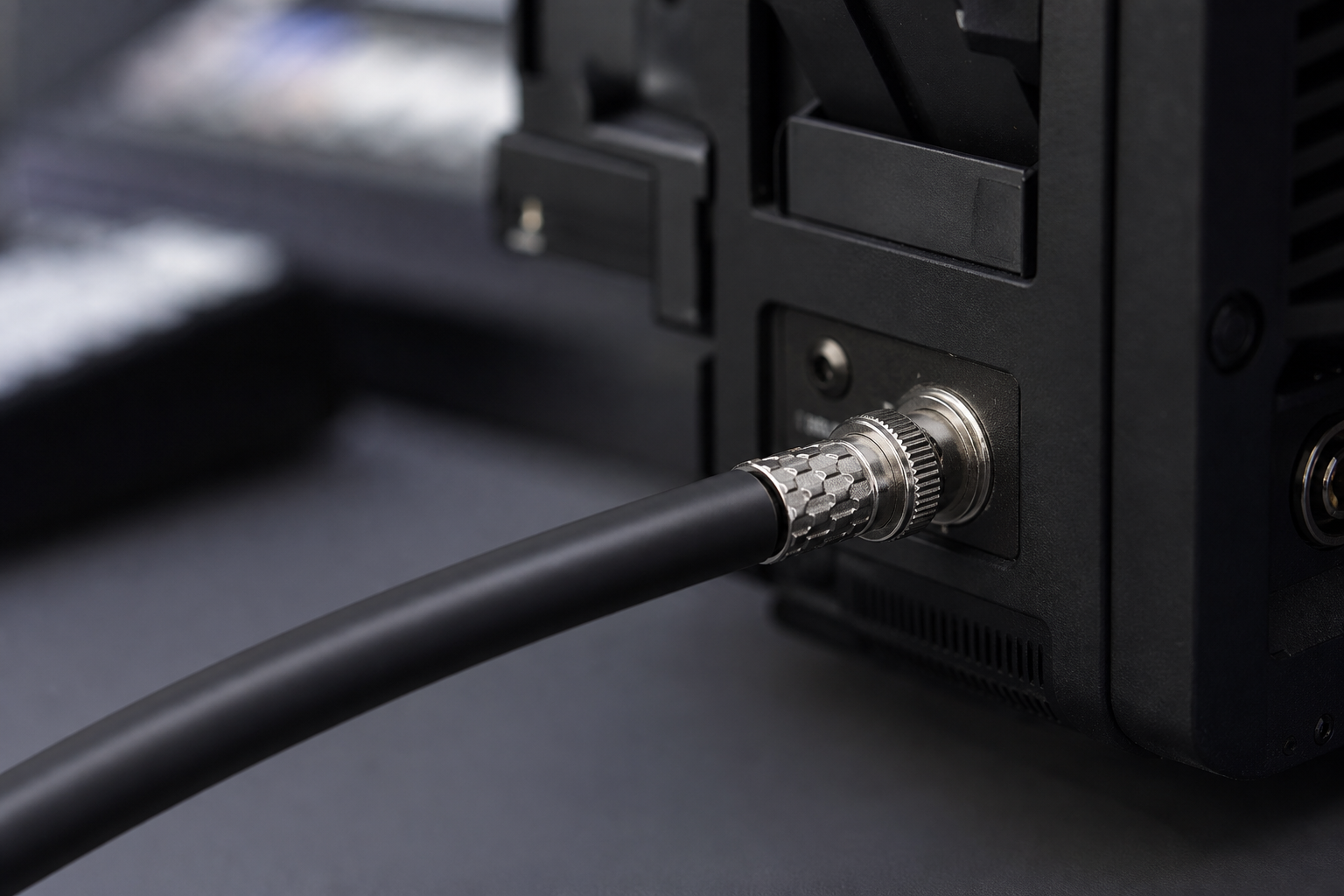
SDI also vastly outperforms HDMI in transmission distance without requiring active signal boosters. As detailed by industry coax authorities like Belden, SDI signals can typically travel up to 100 meters over high-quality coax before experiencing significant signal loss. The exact distance always depends on the cable thickness and the specific bandwidth standard.
The professional standard has steadily evolved to handle modern high-resolution formats:
- 3G-SDI: Operates at 3 Gbps, providing the standard bandwidth for 1080p video.
- 6G-SDI: Handles up to 6 Gbps, typically used for lower-framerate 4K applications.
- 12G-SDI: Operates at 12 Gbps, supporting full 4K at 60fps over a single streamlined link.
When sourcing coax cables, pay attention to the shielding. SDI remains the superior choice when your cameras are positioned far away from your centralized control room.
-
Coax cables
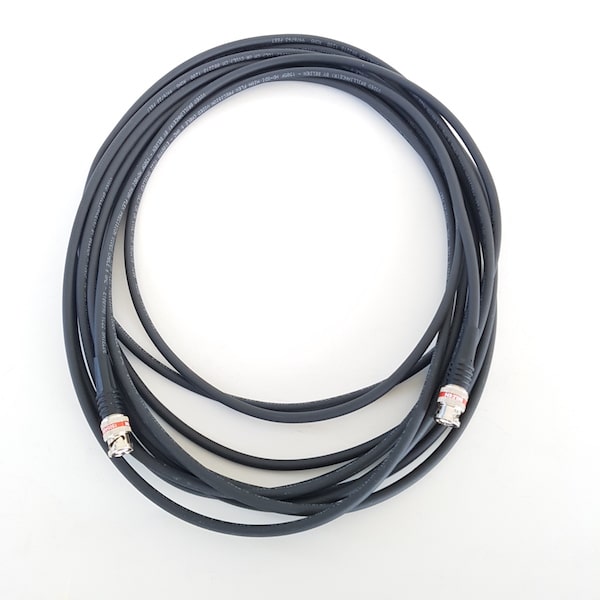
BELDEN 4855R 12G SDI cable with BNC connectors, variable lengths
€ 18.25 – € 84.25€ 22.63 – € 104.47 (incl. VAT) -
Coax cables
BELDEN 1505F 6G SDI cable with BNC connectors, variable lengths
€ 15.25 – € 311.40€ 18.91 – € 386.14 (incl. VAT) -
 Coax cables
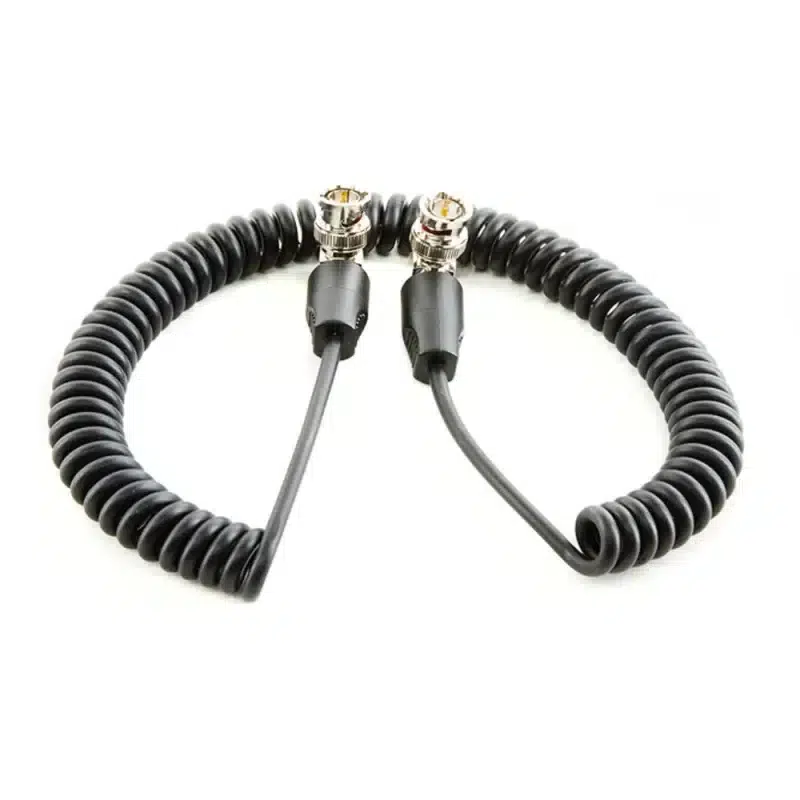
SHAPE 50cm SDI coiled BNC cable with 90° angled connectors
€ 50.08€ 62.10 (incl. VAT)IN STOCK -
Coax cables
BELDEN 4855R – 12 GHz coax, 4K UHD Precision Video Cable, RG-59 Mini
€ 2.75€ 3.41 (incl. VAT)IN STOCK
At a Glance: Technical Tradeoffs
To make hardware decisions quickly, you need to understand exactly where each standard wins. Here is how they compare in a practical daily production setting.
| Feature | HDMI | SDI |
|---|---|---|
| Connector Type | Push-in (friction fit) | BNC (twist-locking bayonet) |
| Max Standard Distance | Around 7 to 15 meters | Up to 100 meters (cable dependent) |
| Content Protection | Yes (HDCP supported) | No |
| Primary Use Case | On-camera monitors, laptops, short rigs | Live broadcast, long cable runs, staging |
| Durability | Lower physical resilience | Built for heavy field use |
When routing cables through a venue ceiling or across a crowded stage, we always recommend SDI. The peace of mind provided by a locking connector easily outweighs the slightly higher cost of the initial cable investment.
Building Resilient Hybrid Workflows
Very few modern productions rely on just one interface standard. Corporate events, live streams, and houses of worship often require a strategic hybrid approach. You might have professional PTZ cameras sending reliable 3G-SDI signals from the back of an auditorium, while a guest presenter’s laptop feeds slideshow graphics exclusively via HDMI.
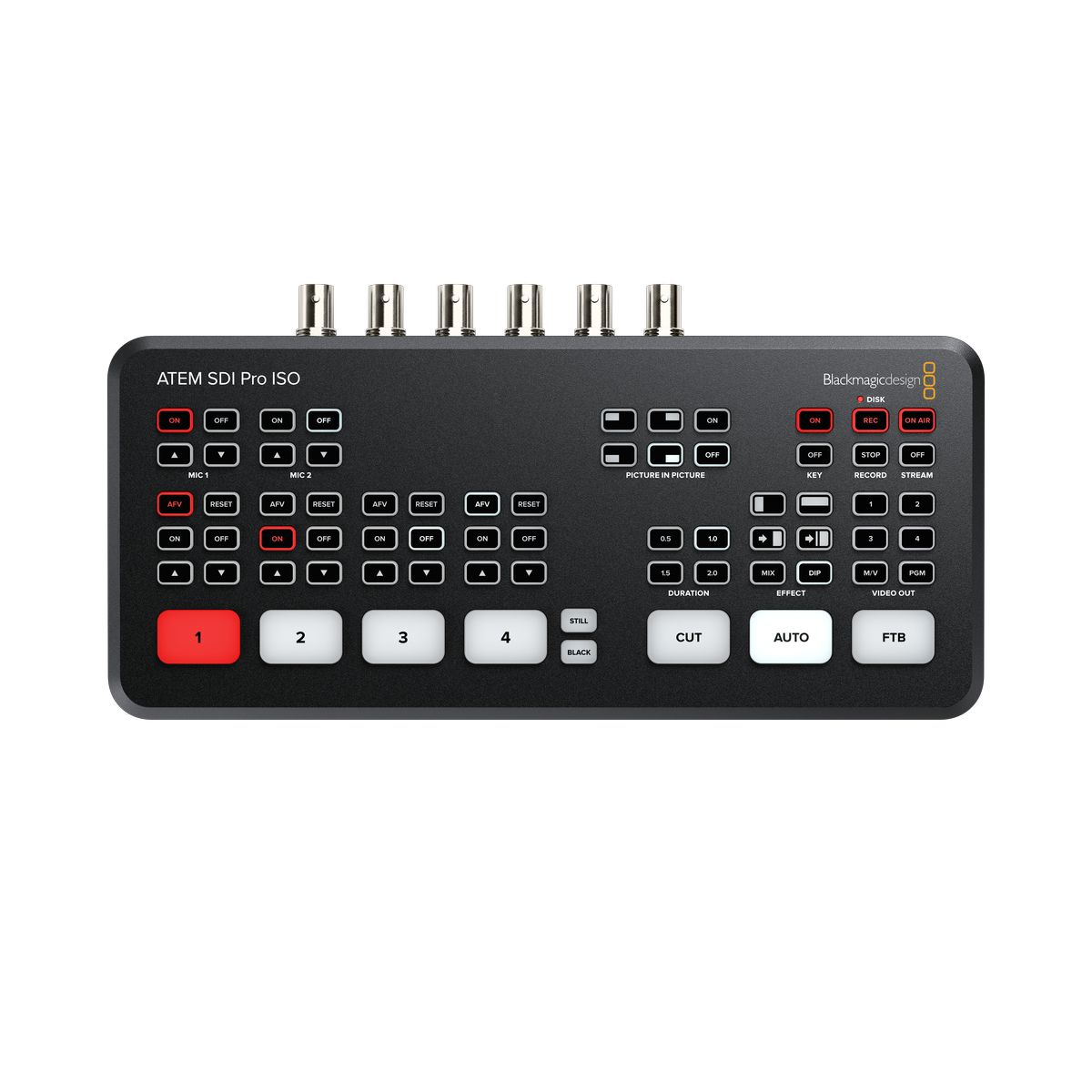
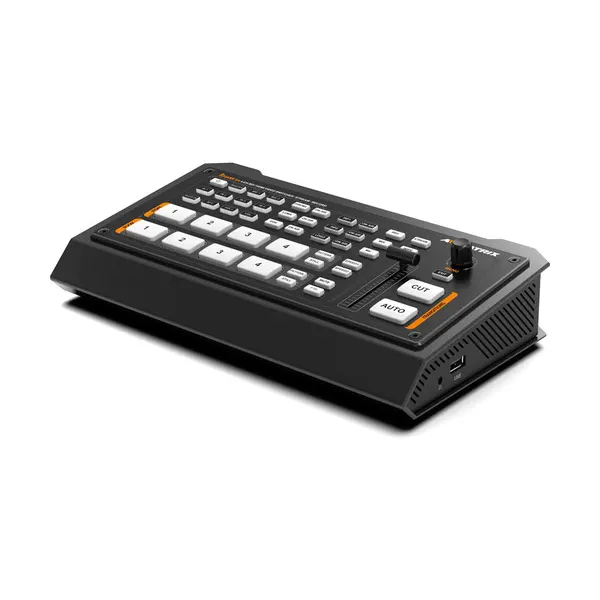
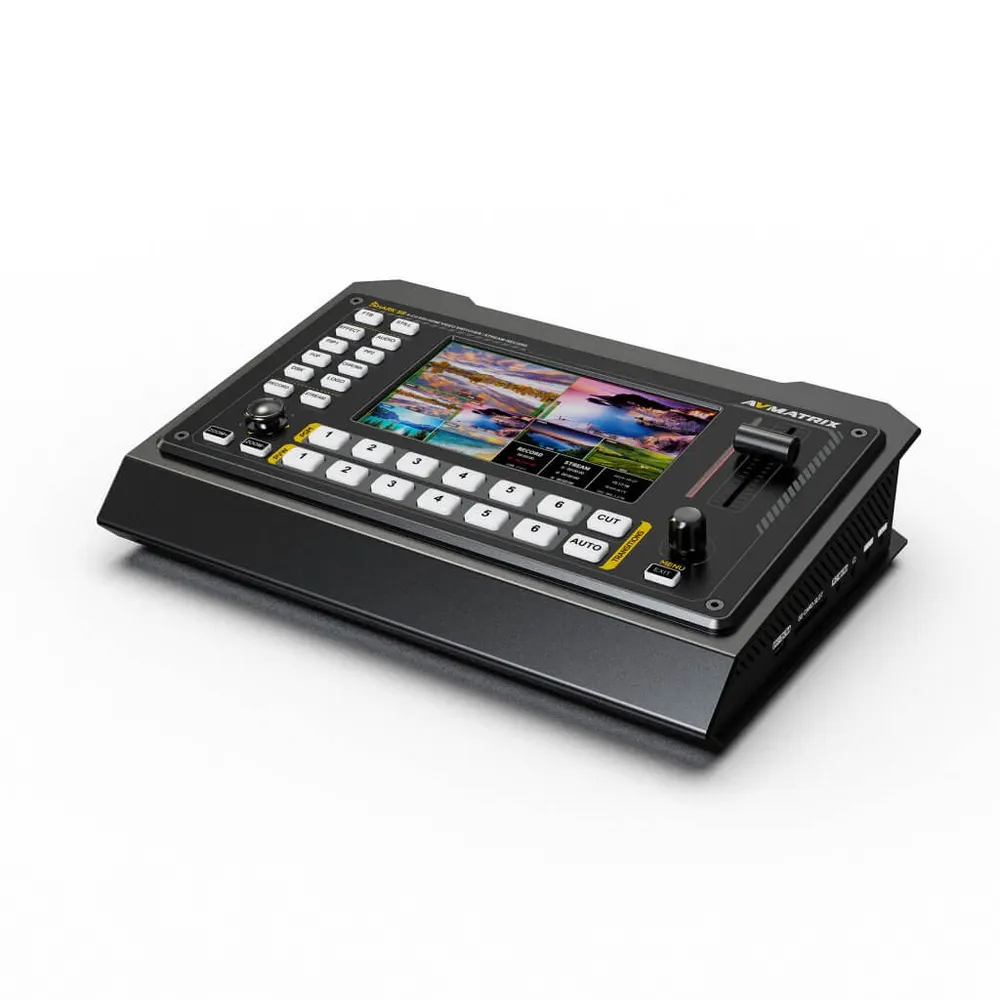
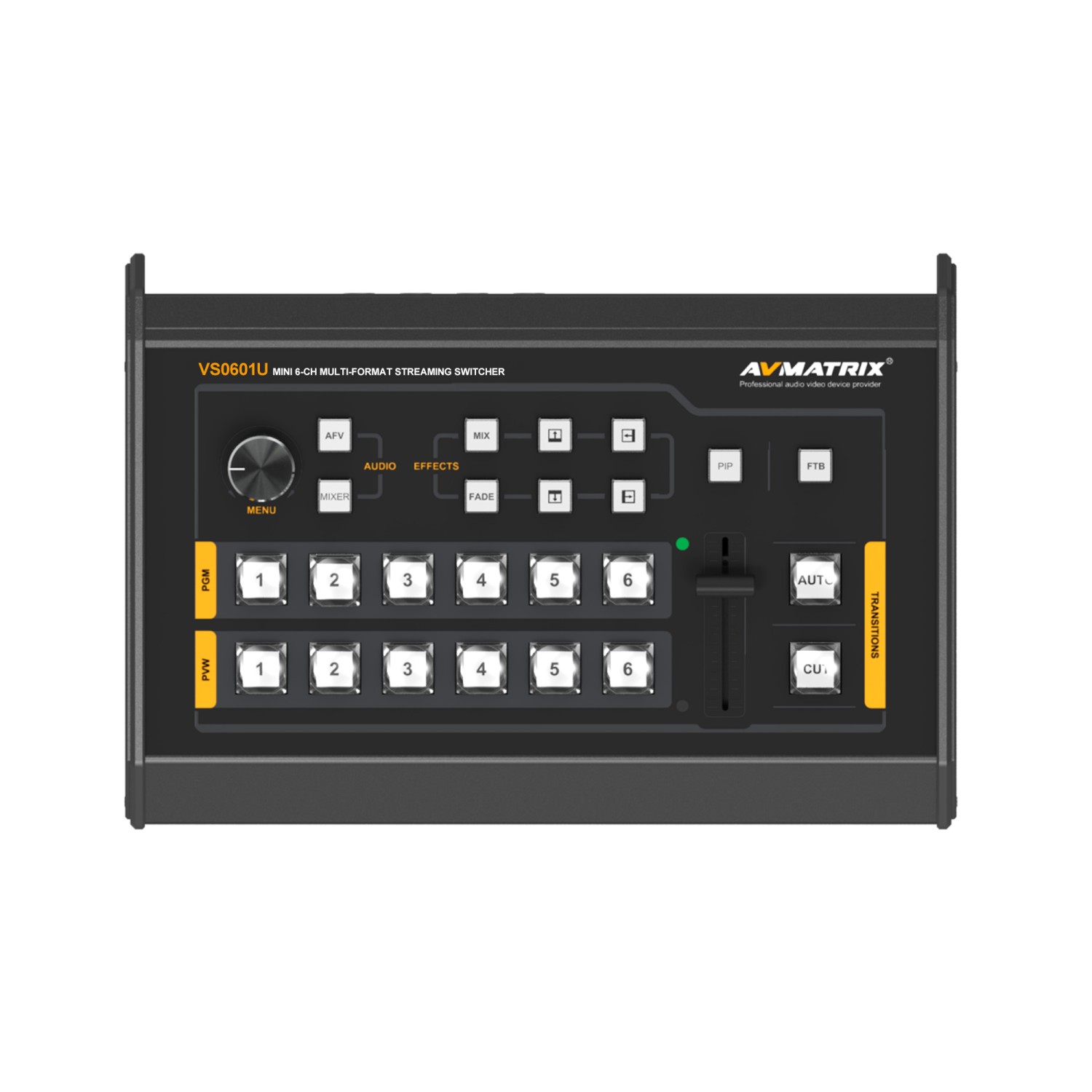
This is exactly where hybrid video mixers become essential. A professional hardware switcher allows you to bring in SDI camera feeds and HDMI computer feeds simultaneously. This native integration prevents you from needing dozens of fragile, heat-generating bidirectional converters scattered across your technical desk.
-
 Video mixers
BLACKMAGIC DESIGN ATEM SDI Pro ISO
€ 729.00€ 903.96 (incl. VAT) -
Video mixers
AVMATRIX Shark S4 SDI/HDMI Video Switcher
€ 459.00€ 569.16 (incl. VAT) -
Video mixers
AVMATRIX Shark S6 6-ch HDMI/SDI Video Switcher with Recording and Streaming
€ 699.00€ 866.76 (incl. VAT) -
 Video mixers
AVMATRIX VS0601U mini 6ch SDI/HDMI multi-format streaming video switcher
€ 799.00€ 990.76 (incl. VAT)IN STOCK
Capturing and Routing the Signal
Getting your video feeds into a computer for broadcasting or local recording requires a dedicated capture interface. Your choice of initial connection directly dictates your capture hardware requirements.
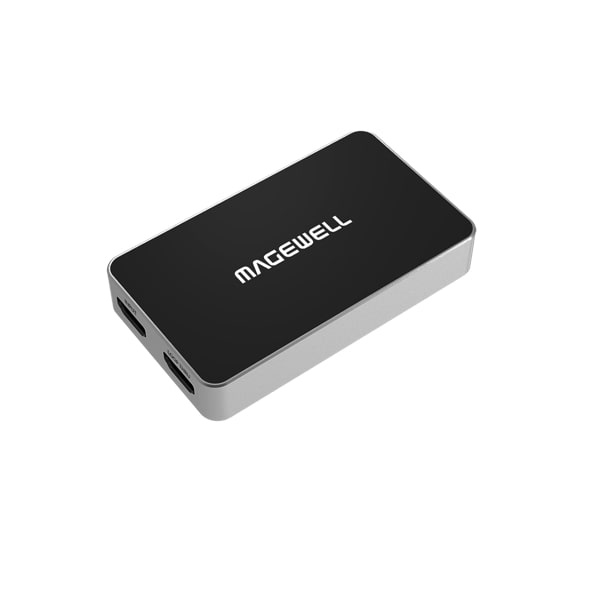
If you are utilizing live streamers or software platforms like OBS and vMix, you need a reliable hardware bridge. USB capture dongles and Thunderbolt interfaces flawlessly convert your incoming HDMI or SDI signals into standard webcam-like inputs for your PC.
For mobile field workflows, dedicated AV recorders let you bypass the computer entirely. These devices record high-quality broadcast codecs directly to local storage. Keep in mind that recording reliable video files also means ensuring you choose the right memory card for video to avoid disastrous dropped frames.
-
AV recorders
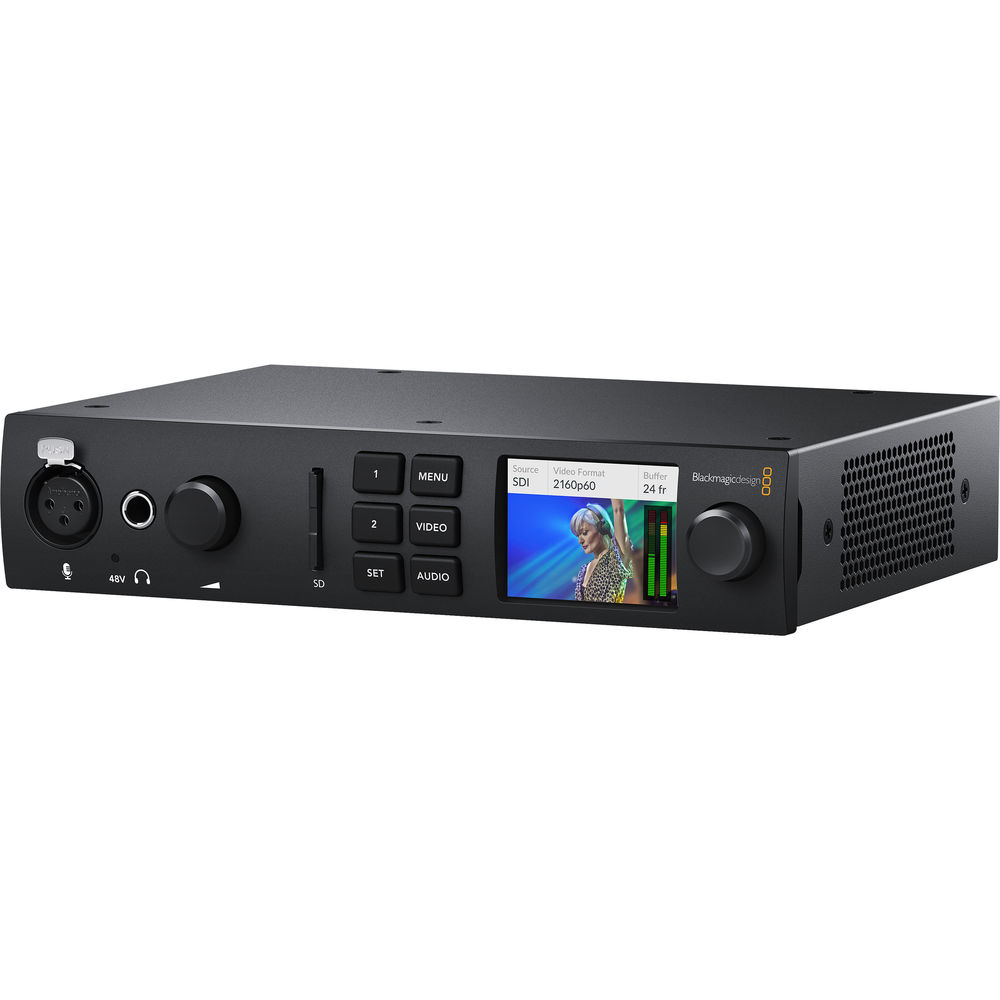
BLACKMAGIC DESIGN UltraStudio 4K Mini
€ 964.00€ 1 195.36 (incl. VAT) -
SIGNAL PROCESSING, Streamers
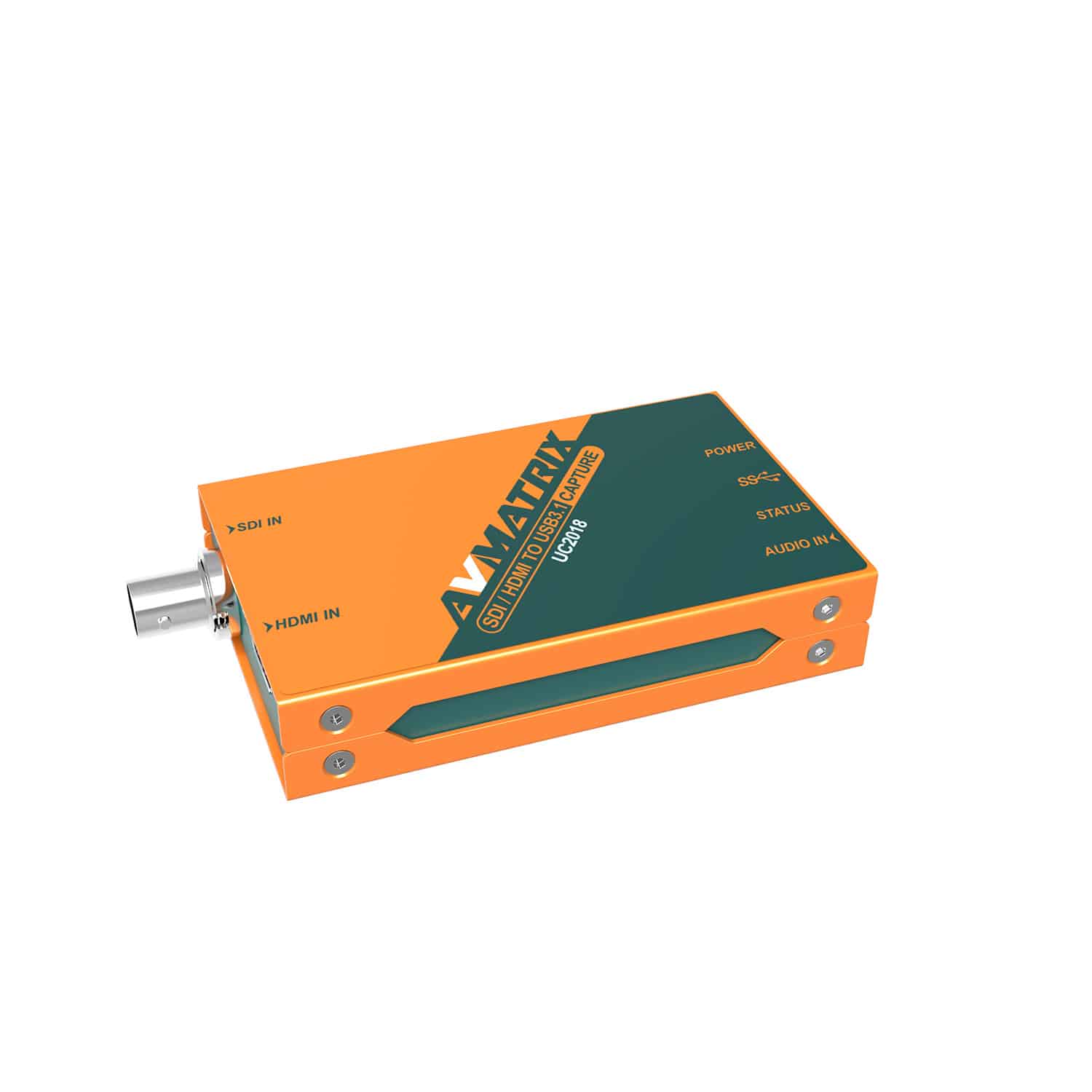
AVMATRIX UC2018 HDMI/SDI to USB3.1 capture
€ 199.00€ 246.76 (incl. VAT)IN STOCK -
 SIGNAL PROCESSING, Streamers
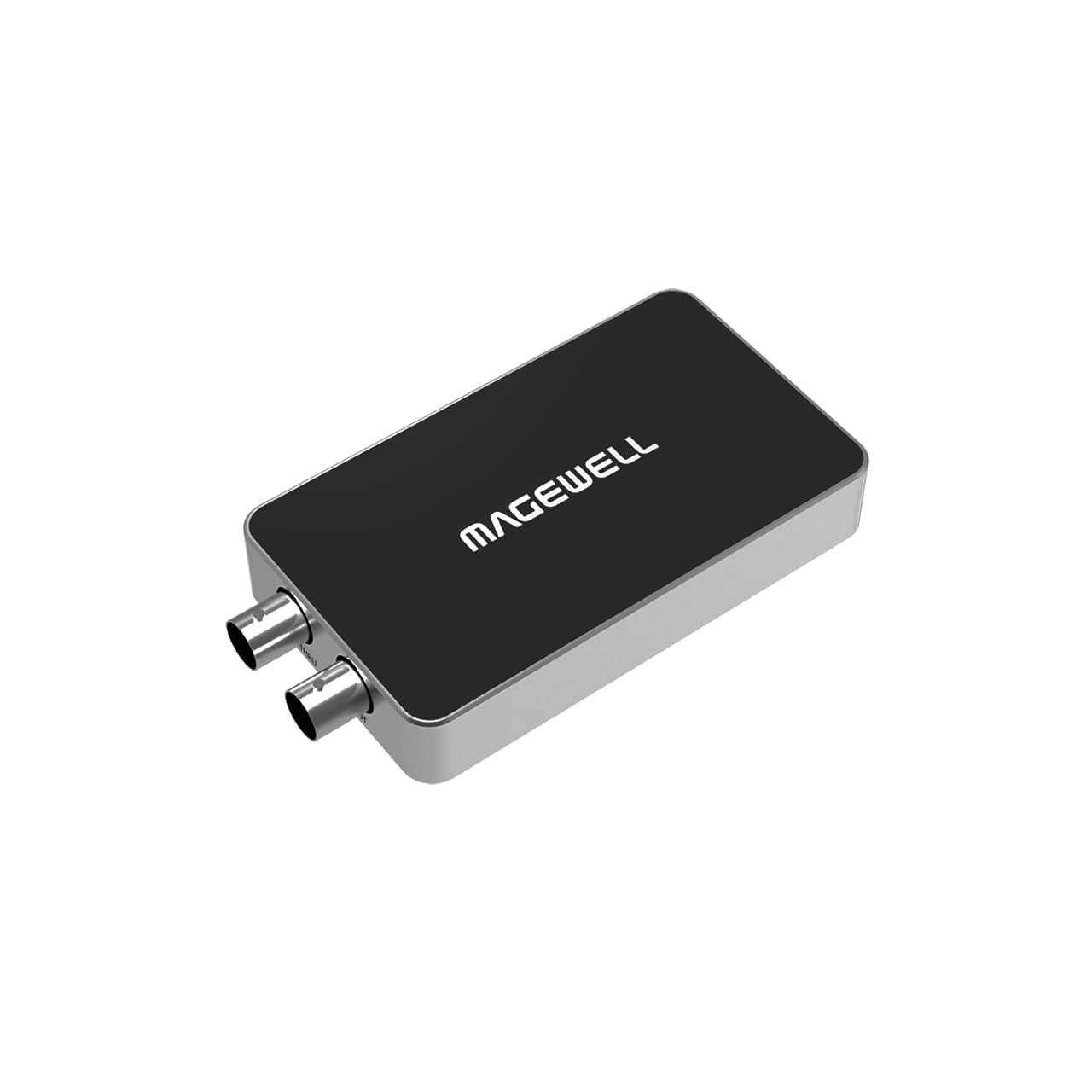
MAGEWELL USB Capture SDI Plus – 32050
€ 349.00€ 432.76 (incl. VAT) -
SIGNAL PROCESSING, Streamers
MAGEWELL USB Capture HDMI Plus – 32040
€ 349.00€ 432.76 (incl. VAT)
Do not overlook the audio side of your signal routing. Both video connections natively embed audio. However, feeding a live band directly into a camera via a basic microphone jack severely limits your dynamic headroom. We highly recommend managing your levels via a dedicated audio mixer for video production. If you capture a dynamic live performance, you should follow strict signal routing guidelines for recording live music for video before embedding that pristine audio back into your SDI or HDMI feed.
Key Takeaways
- Prioritize SDI for live event environments where locking BNC connectors prevent catastrophic accidental unplugs.
- Limit standard HDMI runs to under 10 meters for stationary gear, or invest in active optical cables for longer distance requirements.
- Deploy hybrid hardware switchers that accept both HDMI and SDI natively to eliminate the need for unreliable external signal converters.
- Match your chosen cable specs to your actual bandwidth requirements, especially when shooting 4K at 60fps over 12G-SDI or HDMI 2.0.
Ready to bulletproof your video setup? Browse our professional selection of signal processing equipment and cabling, or reach out to our technical support team for expert advice on your next studio installation.