How to Use a Teleprompter for a Natural On-Camera Delivery
Most people freeze when a camera points at them. We’ve seen experienced executives turn into robots the second someone hits record. Their eyes dart. Their voices go flat. The solution is not memorizing pages of dialogue. It is using a teleprompter correctly.
A proper setup lets you read your script while looking straight into the lens. This builds instant trust with your audience. Viewers feel like you are speaking directly to them.
However, poor setup or badly formatted scripts make you look stiff and awkward. The “teleprompter stare” is obvious to everyone. To avoid this, you need to configure your equipment, structure your text, and rehearse your pacing deliberately.
The Physics of a Teleprompter
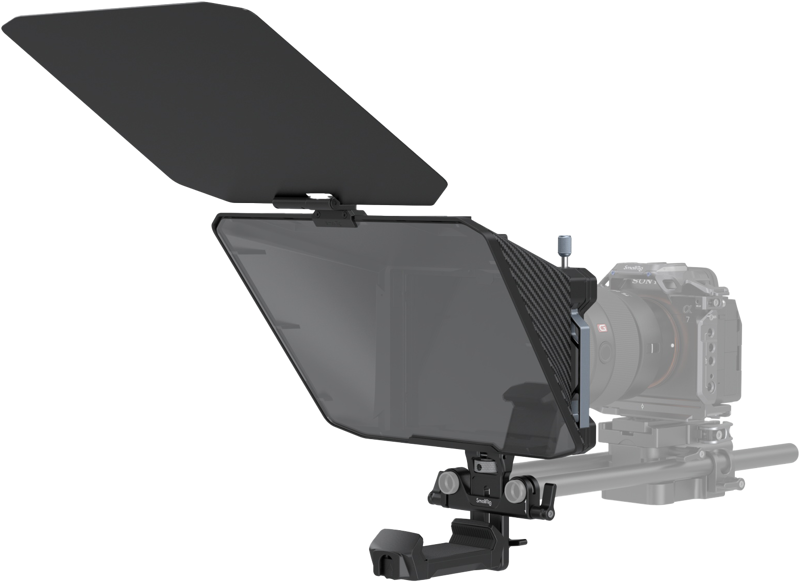
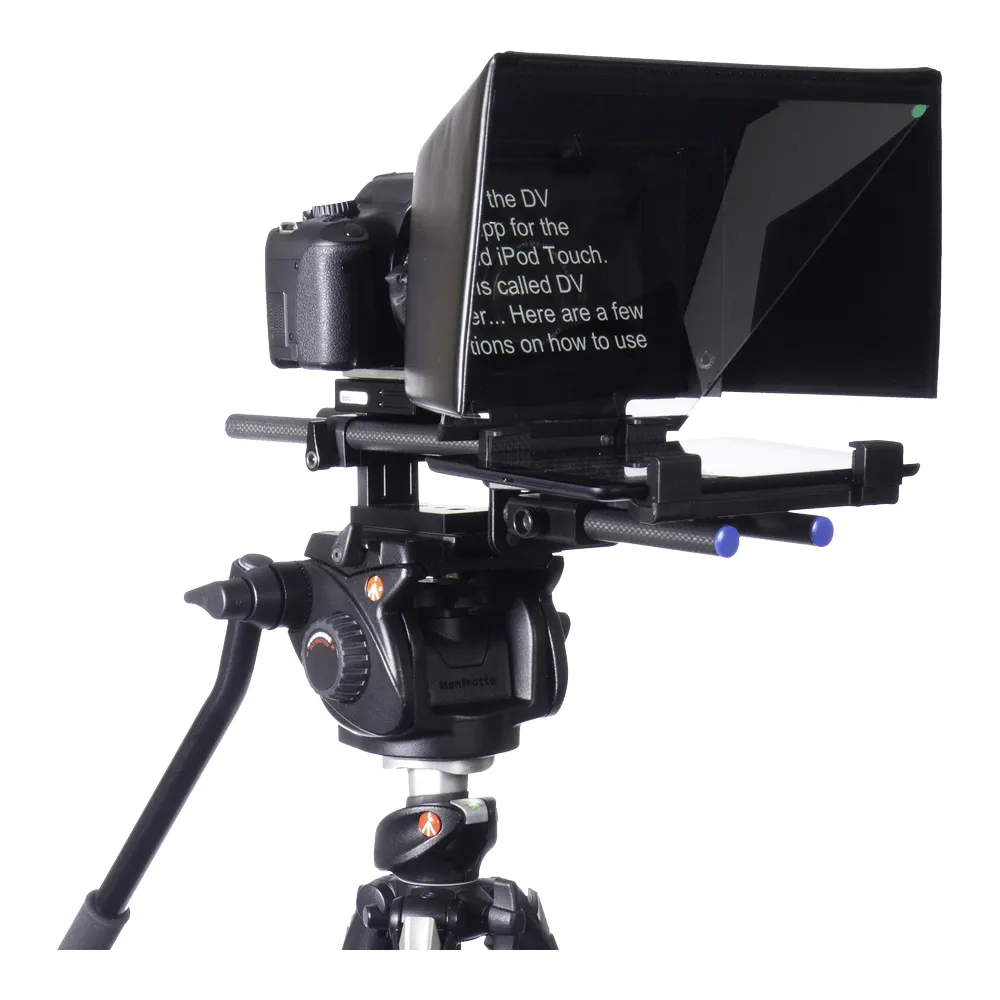
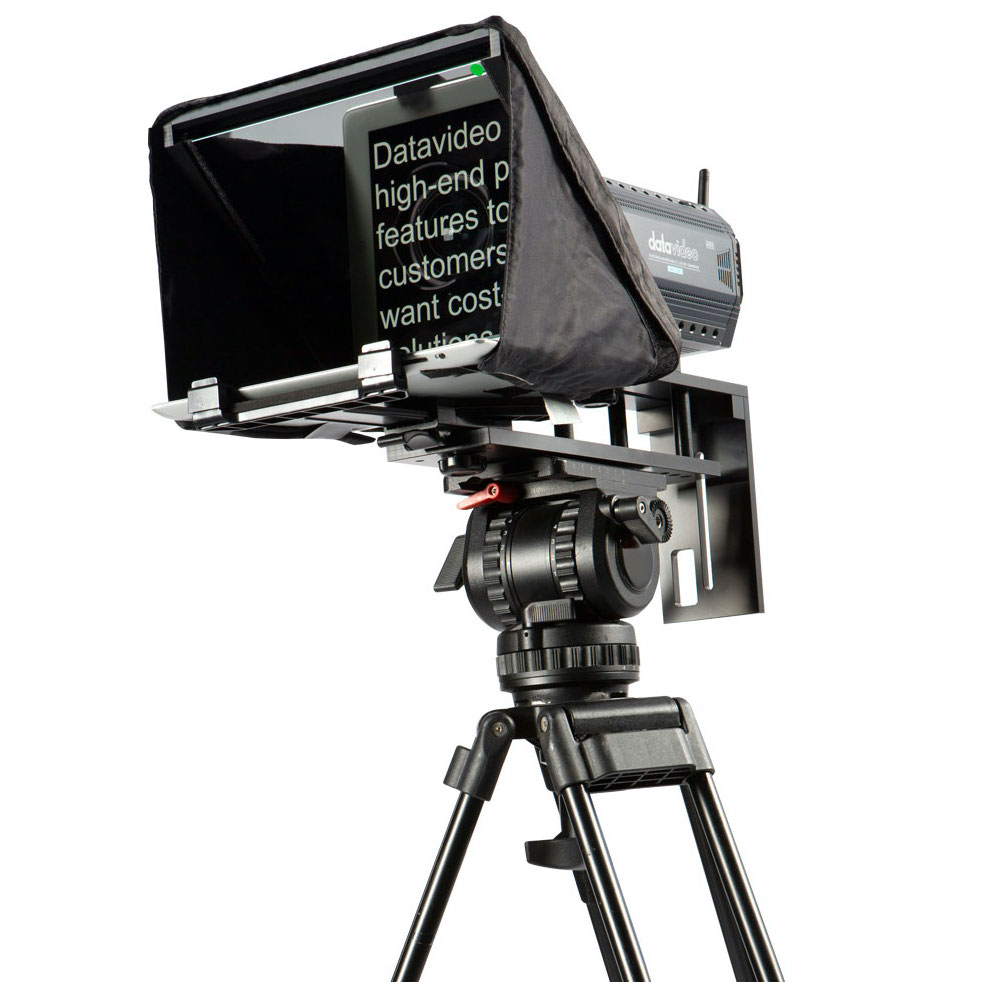
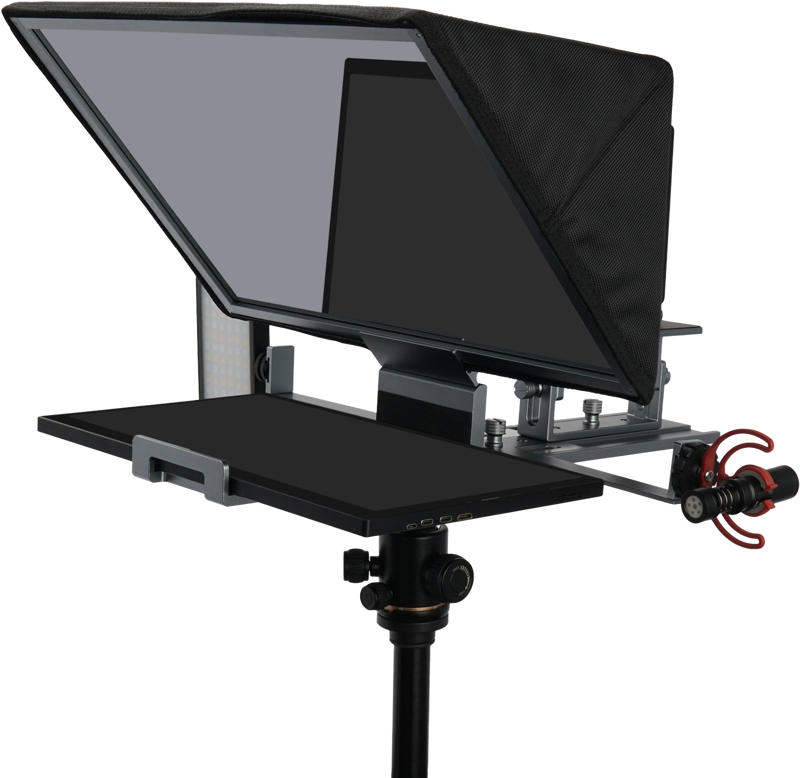
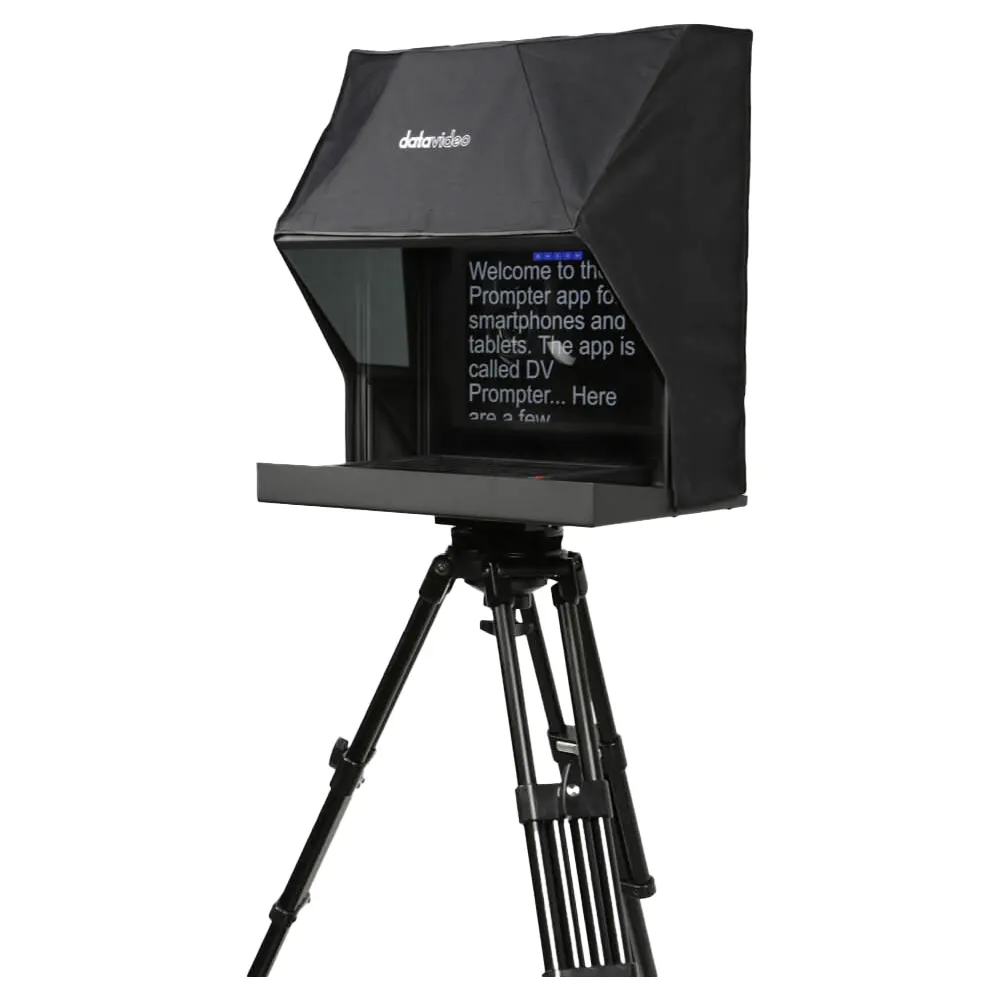
The core of an on-camera teleprompter is a specialized piece of beam-splitter glass. This glass is mounted at an angle in front of your camera lens. A monitor or tablet sits horizontally below the glass, projecting the script upward.
From your perspective, the glass reflects the text clearly. From the camera’s perspective, the glass is completely transparent. The camera shoots right through the glass without capturing any of the scrolling words.
When you look off-camera, viewers instinctively feel disconnected. Placing the text directly over the lens ensures your eye-line remains locked on the viewer.
Many beginners try to place a monitor or a stack of notes just above or beside the camera lens. This causes visible eye shifts. By using a proper beam-splitter setup, you maintain continuous eye contact and project authority.
Setting Up Your Equipment for Perfect Eye Lines
The biggest giveaway of teleprompter use is side-to-side eye movement. If you stand too close to the glass, your eyes have to travel a long way to read from left to right. Viewers notice this tracking motion immediately.
To fix this, increase the distance between yourself and the camera. Moving further away shortens the visible angle of your eye movements. This reduces the parallax effect and makes the reading motion virtually invisible. If you need to stand further back, you will simply need a larger screen with larger text.
Always position the camera lens exactly at your natural eye level. If you look up or down to read, it alters your posture. It also changes the shape of your neck and jaw. A stable rig and a well-balanced tripod allow you to relax and focus on your delivery instead of worrying about the equipment.
Formatting the Script for Natural Delivery
A script formatted like a traditional document will ruin your performance. You need to format your text specifically for the teleprompter screen. This prioritizes rapid visual processing.
Adjust your software margins so the text sits in a narrow column near the center of the screen. Keep line lengths short. This ensures your eyes only scan the middle of the glass, further eliminating lateral eye shifts.
Write for the ear, not the eye. Use everyday language and contractions. Avoid complex run-on sentences. Break your ideas down to one thought per line or paragraph. When you encounter large numbers or acronyms, spell them out phonetically so you do not stumble while reading.
| Formatting Element | Recommendation | Reason |
|---|---|---|
| Font Type | Clean sans-serif (Arial, Verdana) | Highly legible at a distance |
| Font Size | 36 to 60 points | Prevents squinting and eye strain |
| Line Length | 8 to 10 words per line | Reduces side-to-side eye movement |
| Visual Cues | Bracketed notes like [PAUSE] | Forces natural breathing breaks |
Pacing, Rehearsal, and Scrolling Speed
A common mistake is forcing the speaker to adapt to the text speed. The text should always adapt to the speaker.
Text that moves too fast makes you look panicked and rushed. Text that moves too slowly causes awkward pauses. The natural speaking rate for most professional presentations sits between 120 and 150 words per minute. However, natural speech involves varying your speed for emphasis.
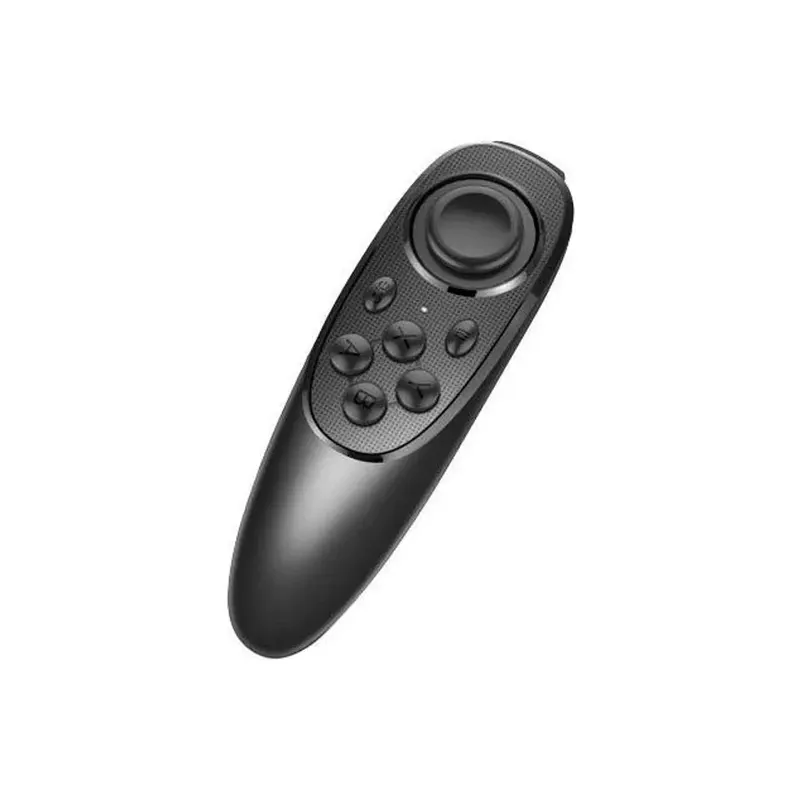
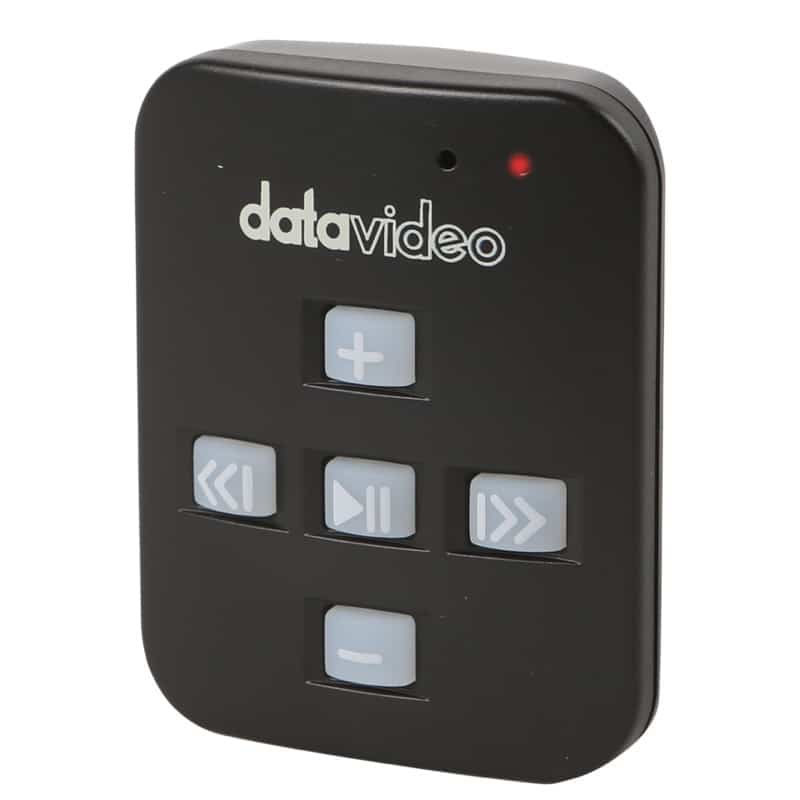
- Rely on a Bluetooth remote or a foot pedal to control the scrolling speed in real-time if you shoot alone.
- Use a dedicated operator in a professional environment to manage the speed and match your phrasing manually.
- Rehearse the script out loud with the actual setup before you press record.
- Dial in the perfect scroll speed and catch unnatural phrases during your practice runs.
Integrating the Prompter Into Your Studio Workflow
A confident visual delivery is only one part of the equation. If your environment does not support the image, the production value will fall flat.
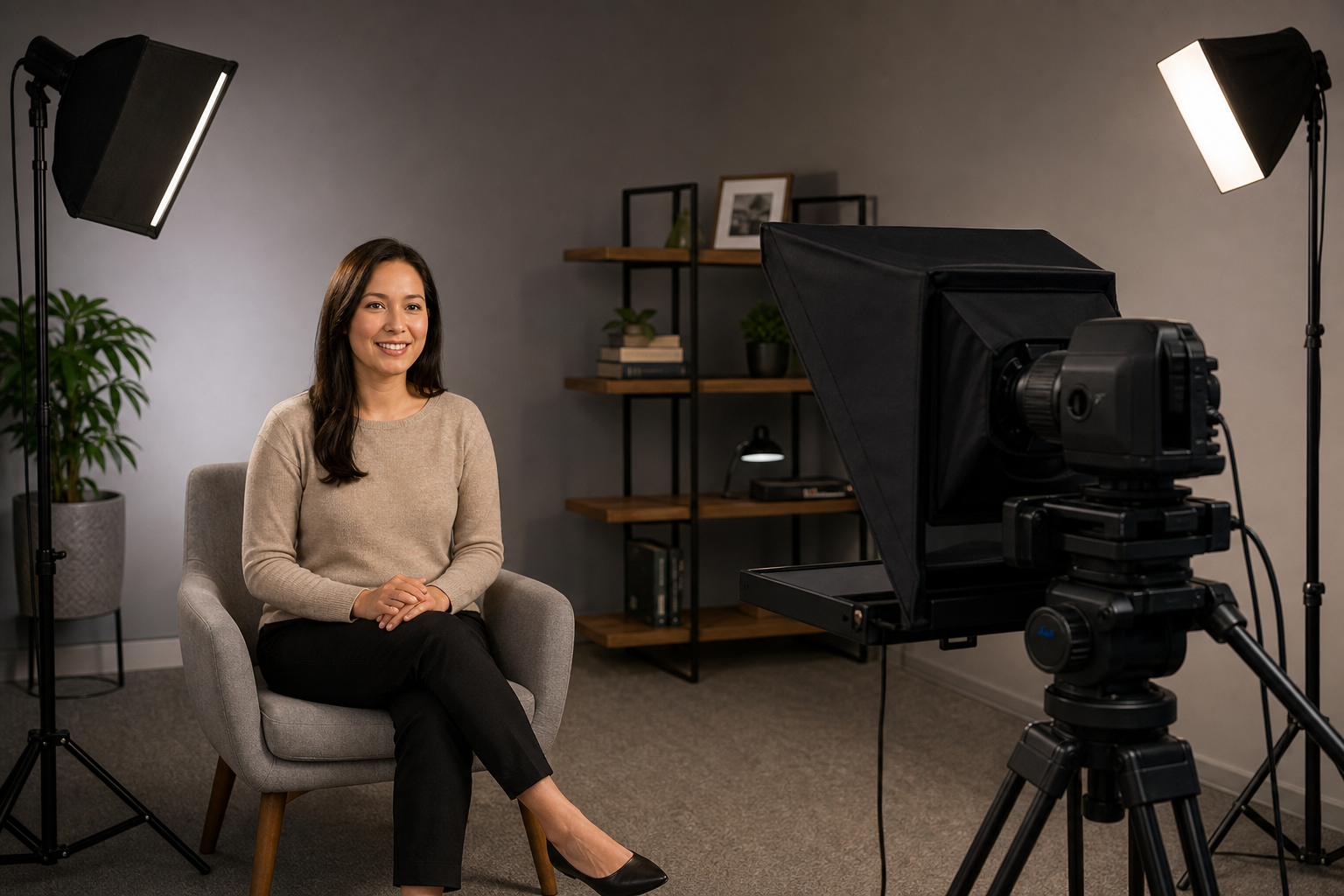
Lighting plays a critical role when using beam-splitter glass. Glare from studio lights can wash out the text on the prompter. When deciding how to light an interview, make sure your key and fill lights are angled so they do not hit the prompter glass directly.
Likewise, poor audio ruins high-end visuals faster than a bad lens ever could. Because teleprompters force you to sit at a specific distance from the camera, camera-mounted microphones rarely sound good. You will need to bring the microphone closer to your mouth. You can choose a wireless system from our guide on lavalier vs handheld microphones, or opt for the best desk microphone for video if you are seated. If you use overhead boom mics, make sure you understand the difference between a shotgun mic vs condenser mic for video to ensure you capture clean dialogue.
Finally, empty rooms create reverb. Take steps to reduce echo when recording audio so your confident visual performance is matched by crisp, professional sound.
Key Takeaways
- Place the camera lens precisely at eye level and use an on-camera beam-splitter to maintain direct eye contact with your audience.
- Increase your distance from the prompter and narrow your text margins to eliminate obvious side-to-side eye movement.
- Write conversational scripts with short sentences, large sans-serif fonts, and clear delivery cues like [PAUSE].
- Use a remote control or a dedicated operator to ensure the scroll speed matches your natural rhythm, typically between 120 and 150 words per minute.
Ready to upgrade your studio and speak with absolute confidence? Explore our complete range of professional teleprompters to find the right fit for your tablet, DSLR, or PTZ camera workflow. If you need advice on integrating a prompting system into your existing broadcast or stage setup, contact our technical team for tailored installation solutions.