Bypass Camera Limits: How to Choose the Right External Video Recorder
We see video productions grind to a halt because a camera stops recording unexpectedly. Many prosumer mirrorless and DSLR cameras enforce strict recording times. They also compress your video files heavily. This leaves you with less flexibility when you sit down to color grade.
You can solve these workflow bottlenecks with a dedicated external video recorder. By taking the direct uncompressed video feed from your camera’s sensor, you bypass internal limits entirely.
This guide explains how to choose the right recording monitors to improve your video quality, extend your record times, and give you better monitoring tools on set.
Why Bypass Internal Camera Limitations?
Many DSLRs and mirrorless cameras have a built-in 29-minute and 59-second recording limit. This rule originally stemmed from European tax classifications for video cameras. If you film long-form events like concerts, lectures, or corporate conferences, this sudden stop becomes a serious problem. An external recorder captures the continuous HDMI or SDI output. This allows you to roll without interruption.
External recorders also drastically improve your image quality. Cameras often apply heavy H.264 or H.265 compression to fit files onto small internal memory cards. An external recorder captures the signal directly from the camera before internal compression degrades the data. According to industry workflow standards from Frame.io, this lets you record in edit-ready, high-quality formats like Apple ProRes, ProRes RAW, or Avid DNx.
Finally, recording externally is often more cost-effective per gigabyte. High-end CFexpress or V90 SD cards are expensive. Many external recorders use standard solid-state drives (SSDs). These drives give you terabytes of reliable, fast storage for a fraction of the cost.
Choosing the Right Monitor-Recorder
We work with a wide range of broadcast and cinema setups. In our experience, your choice of recorder depends heavily on your post-production workflow and your camera’s output capabilities. If your camera outputs an 8-bit signal, the recorder will only capture 8-bit color, even if the device supports 10-bit or 12-bit formats. Always check your camera’s clean HDMI or SDI output specs before buying.
Here is a look at how the leading brands compare:
| Brand & Series | Best For | Key Features |
|---|---|---|
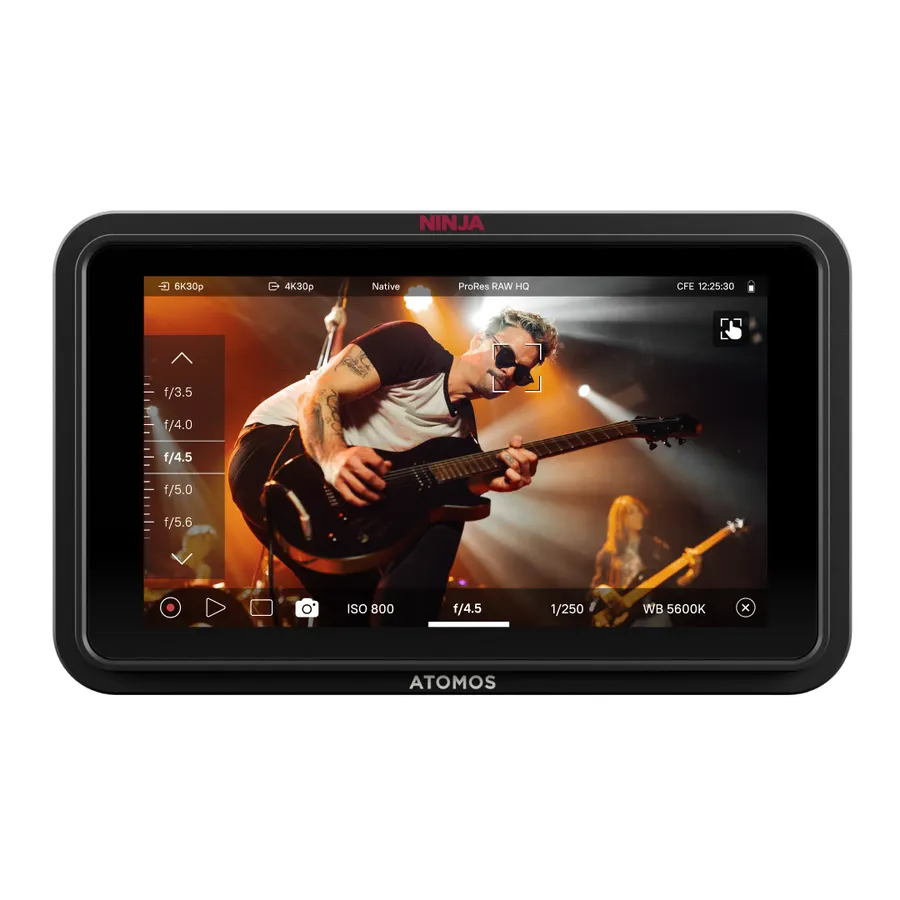
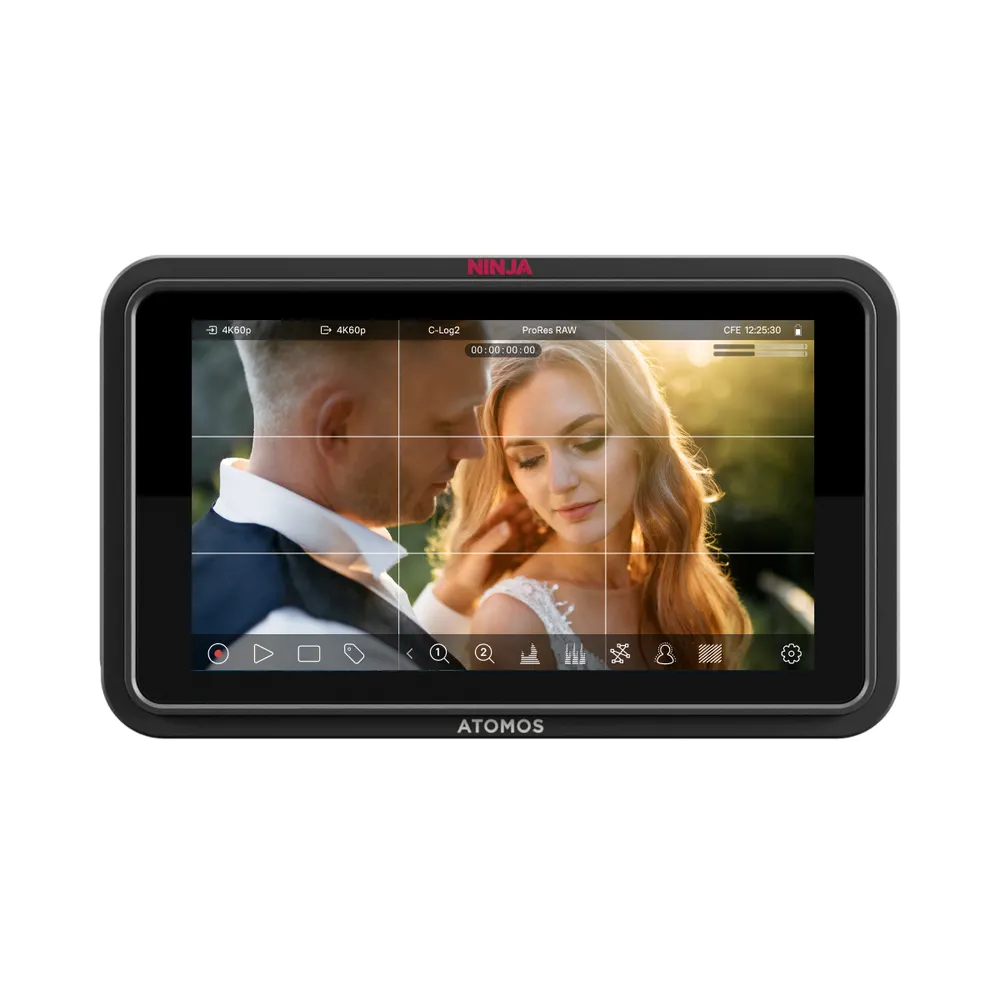
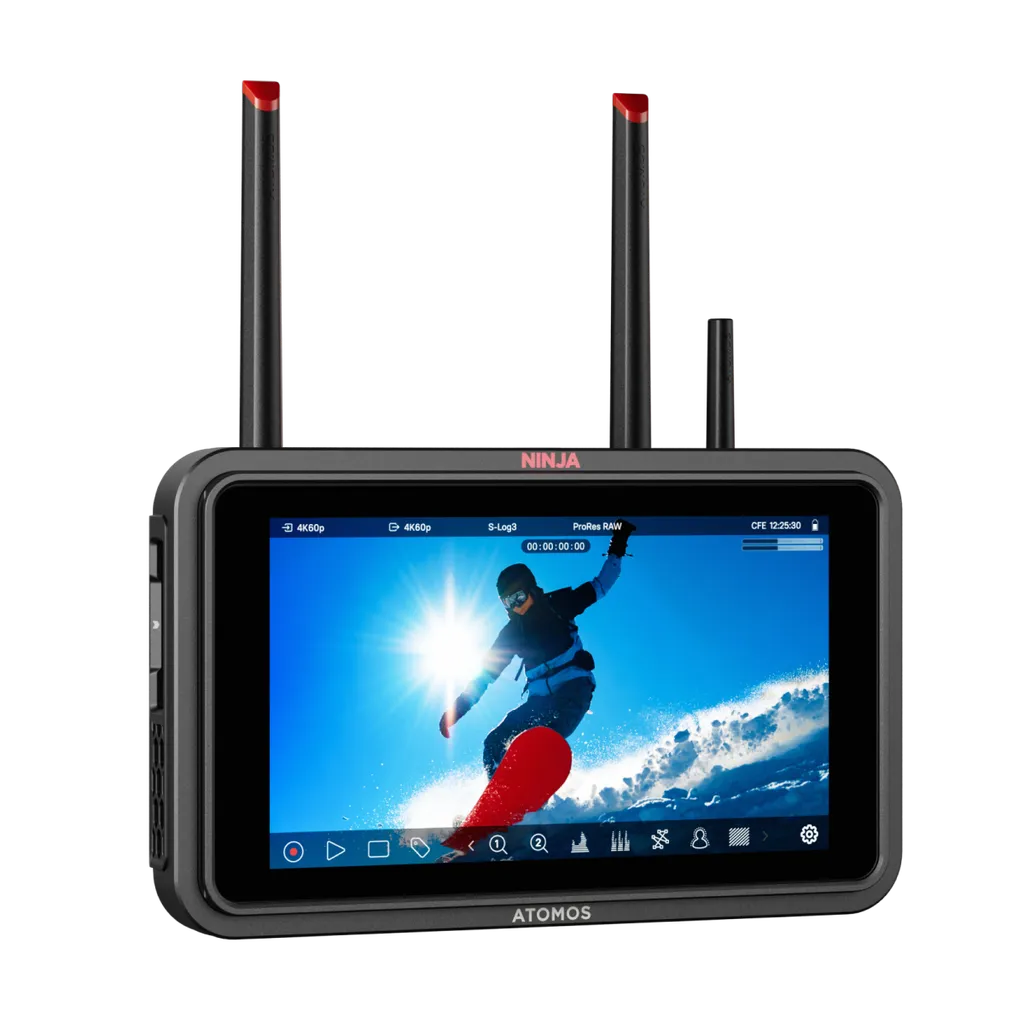
| Atomos Ninja | Mirrorless & DSLR shooters | 5-inch screens, Apple ProRes RAW, high brightness (1000+ nits). |
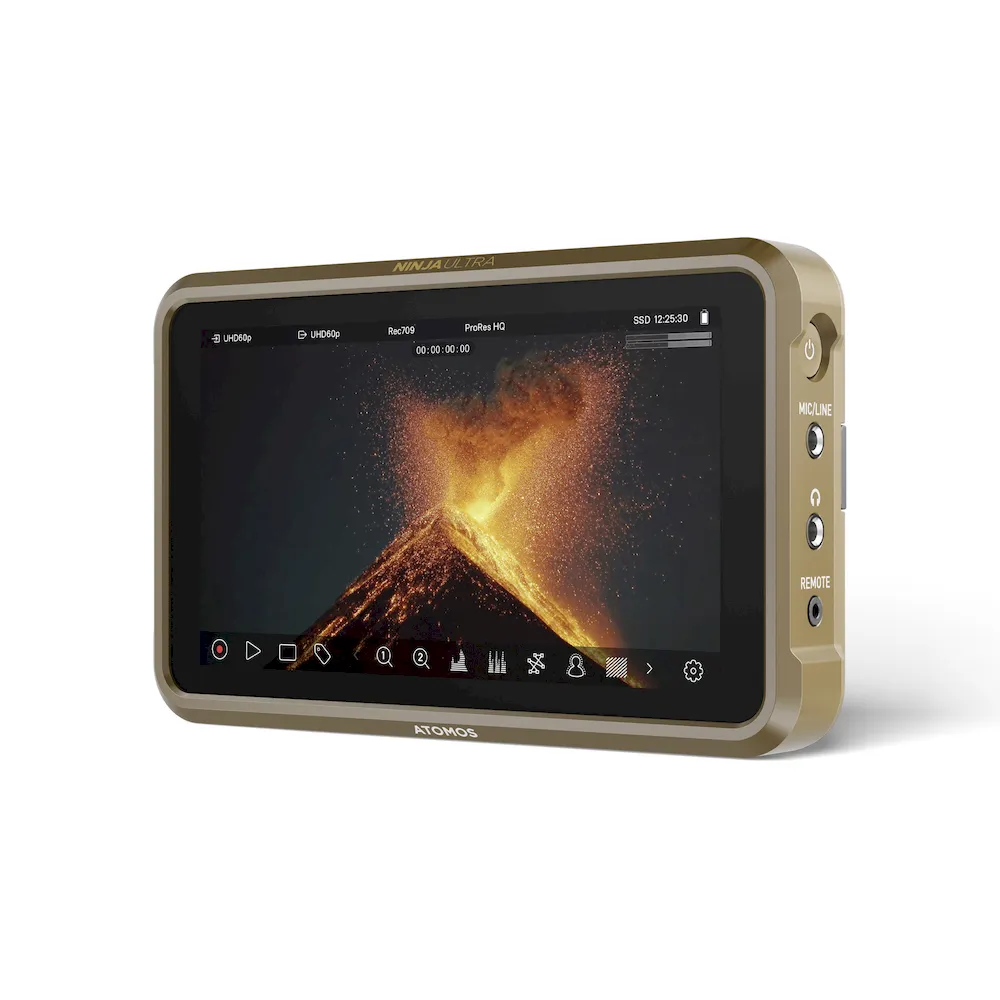
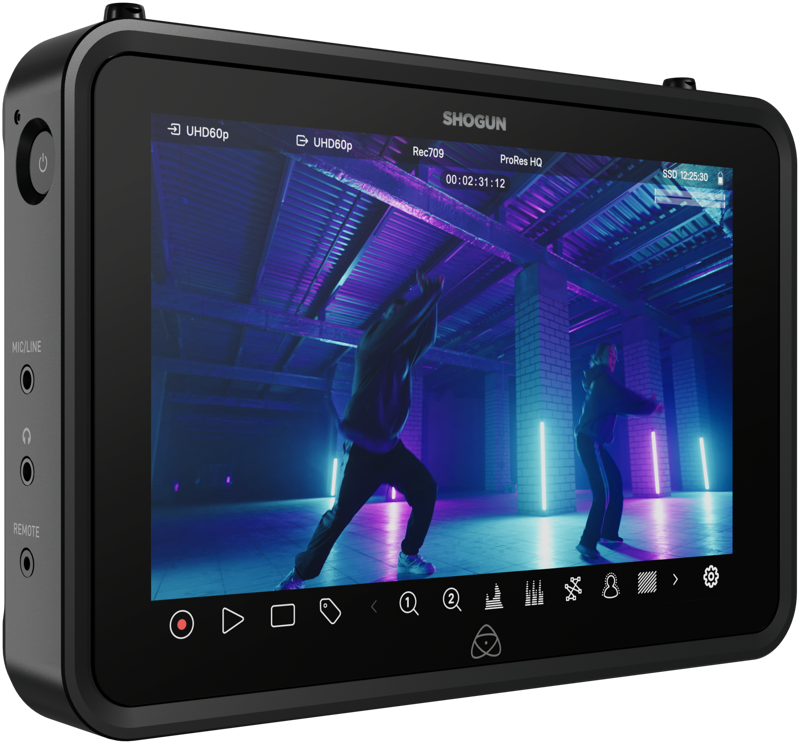
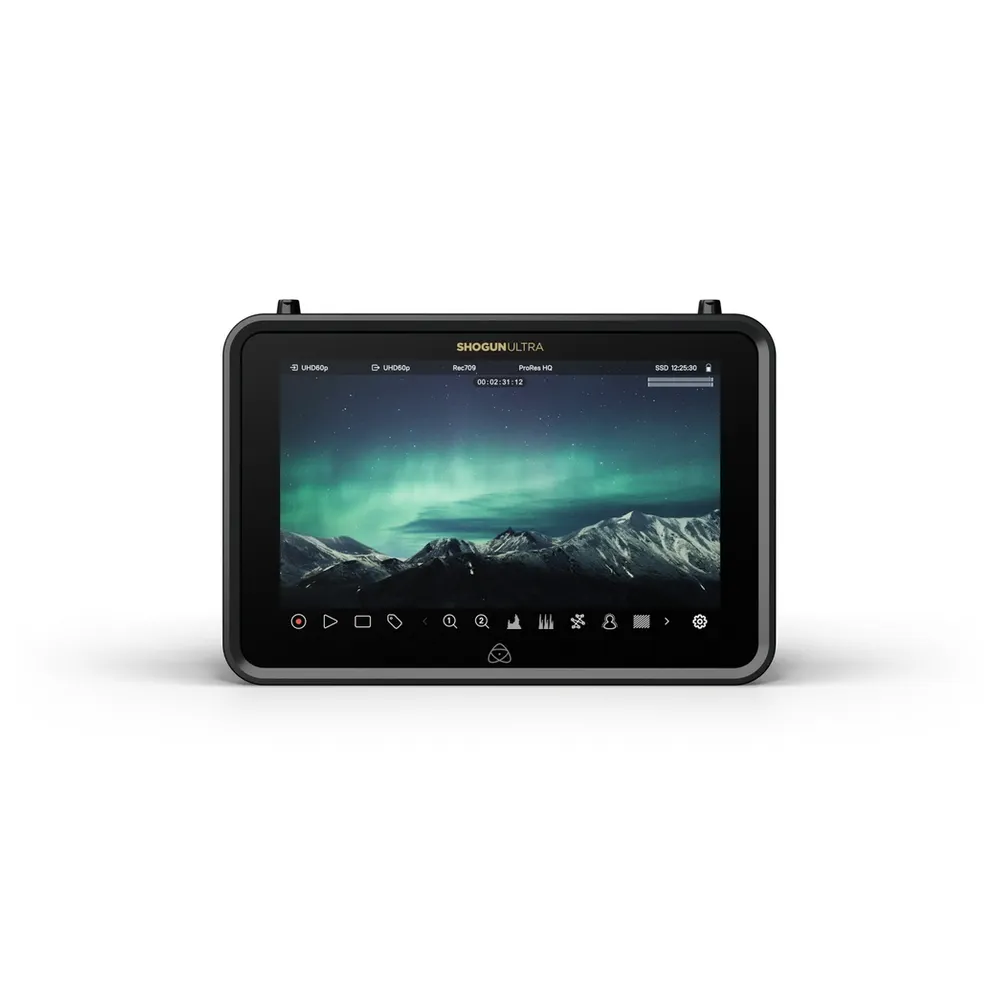
| Atomos Shogun | Cinema cameras & Broadcast | 7-inch screens, 12G-SDI & HDMI cross-conversion, ProRes RAW up to 8K. |
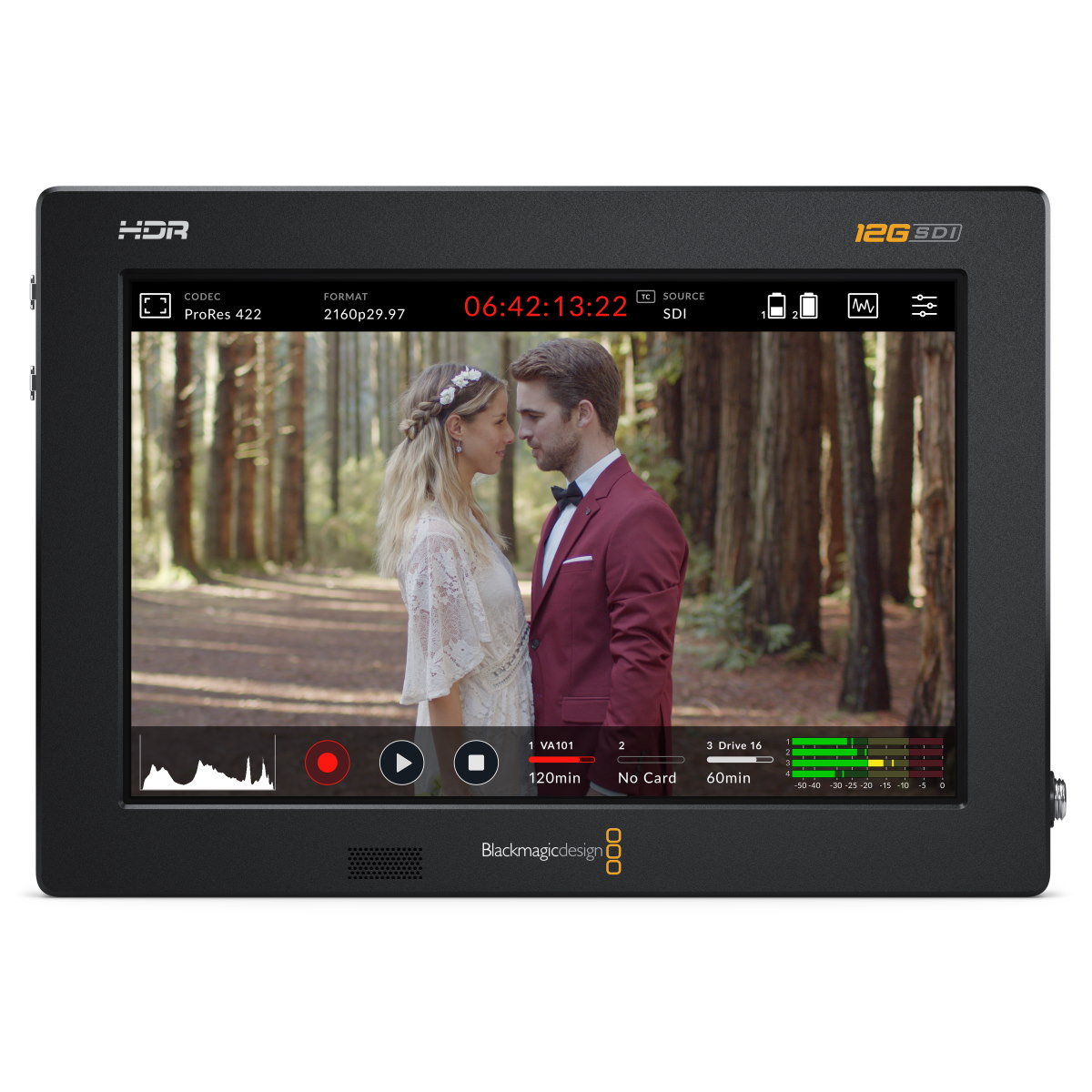
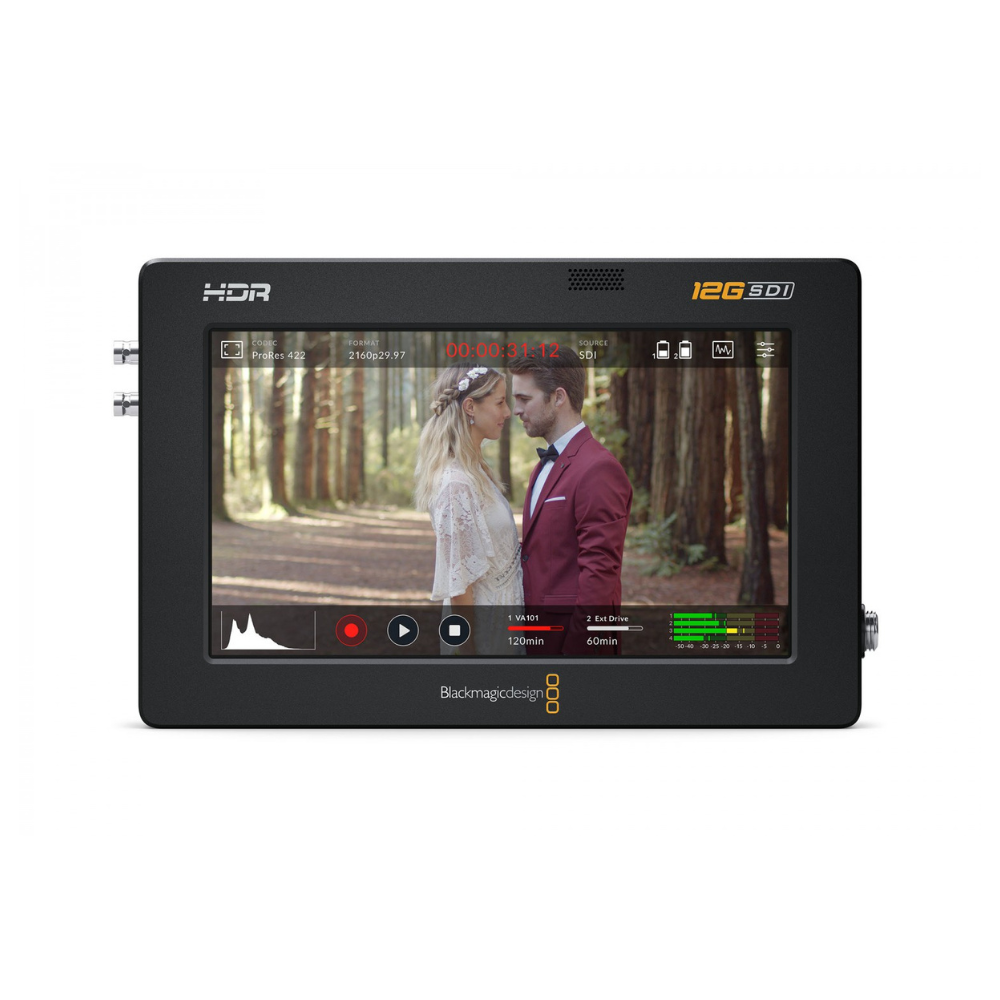
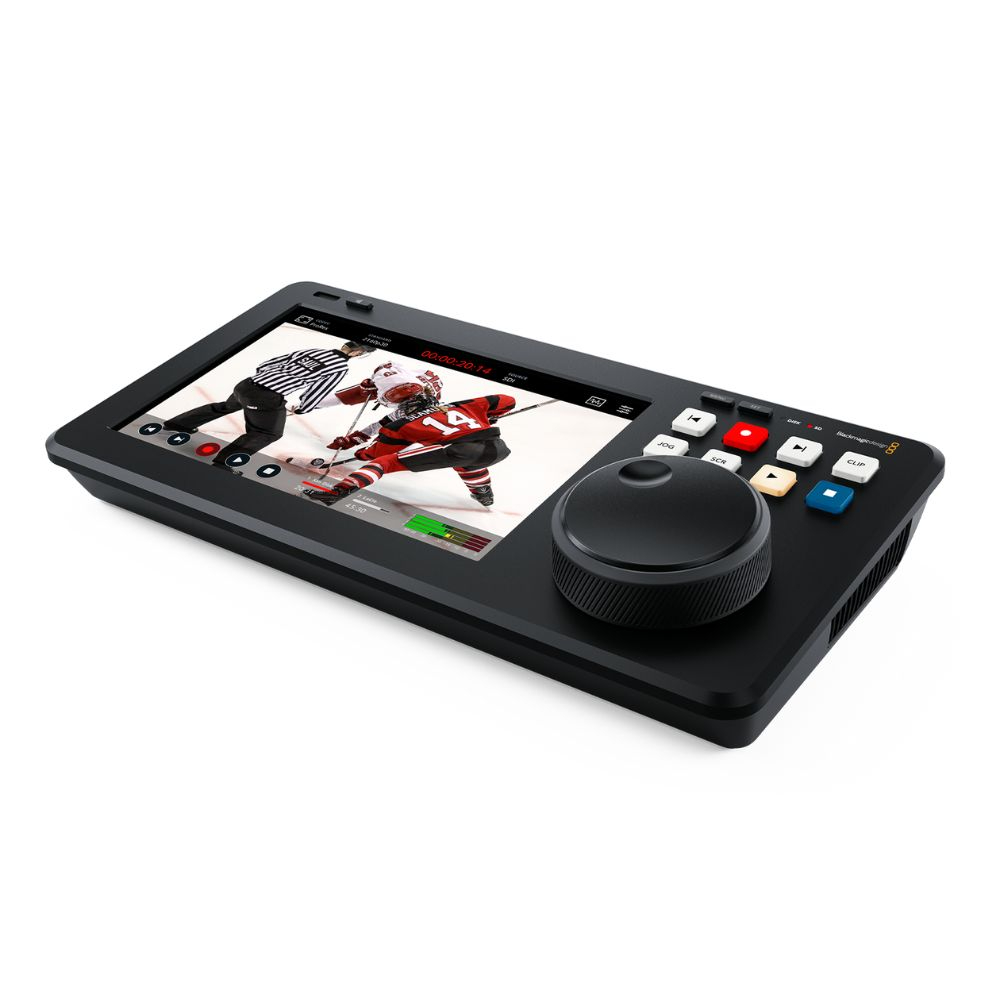
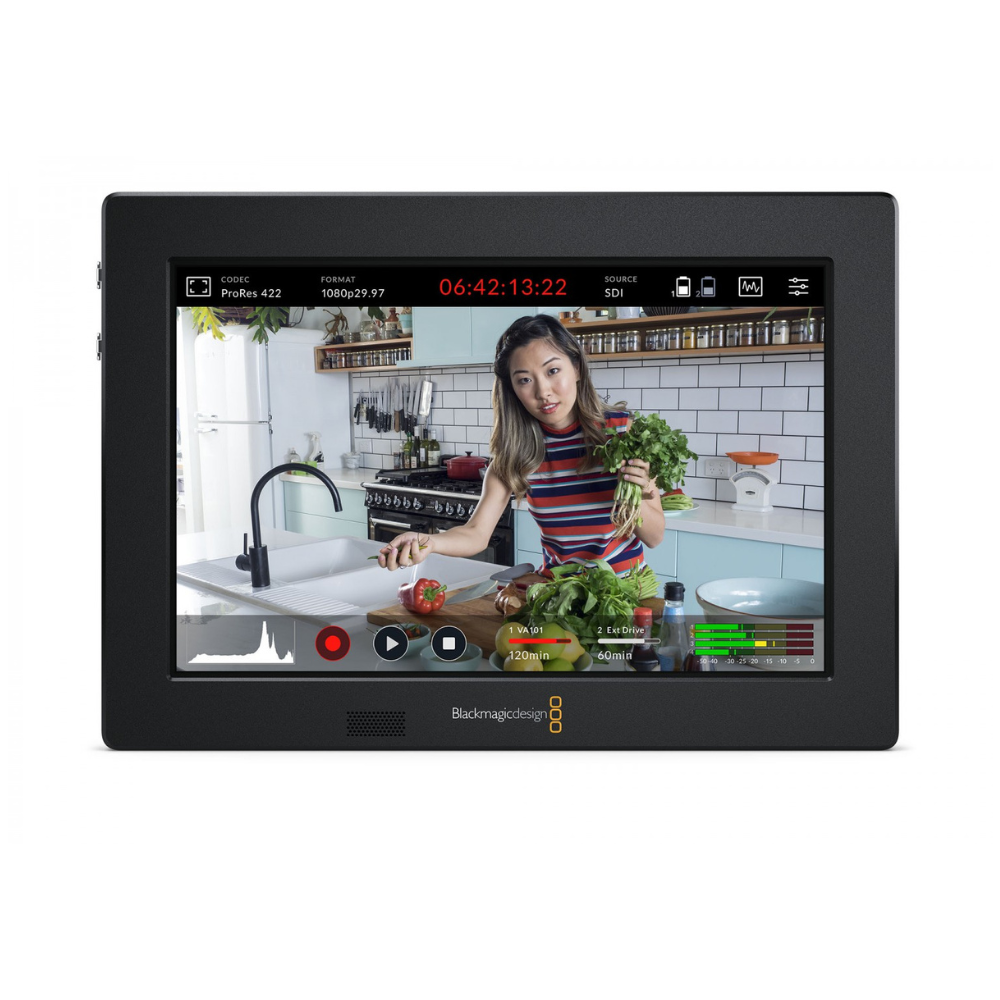
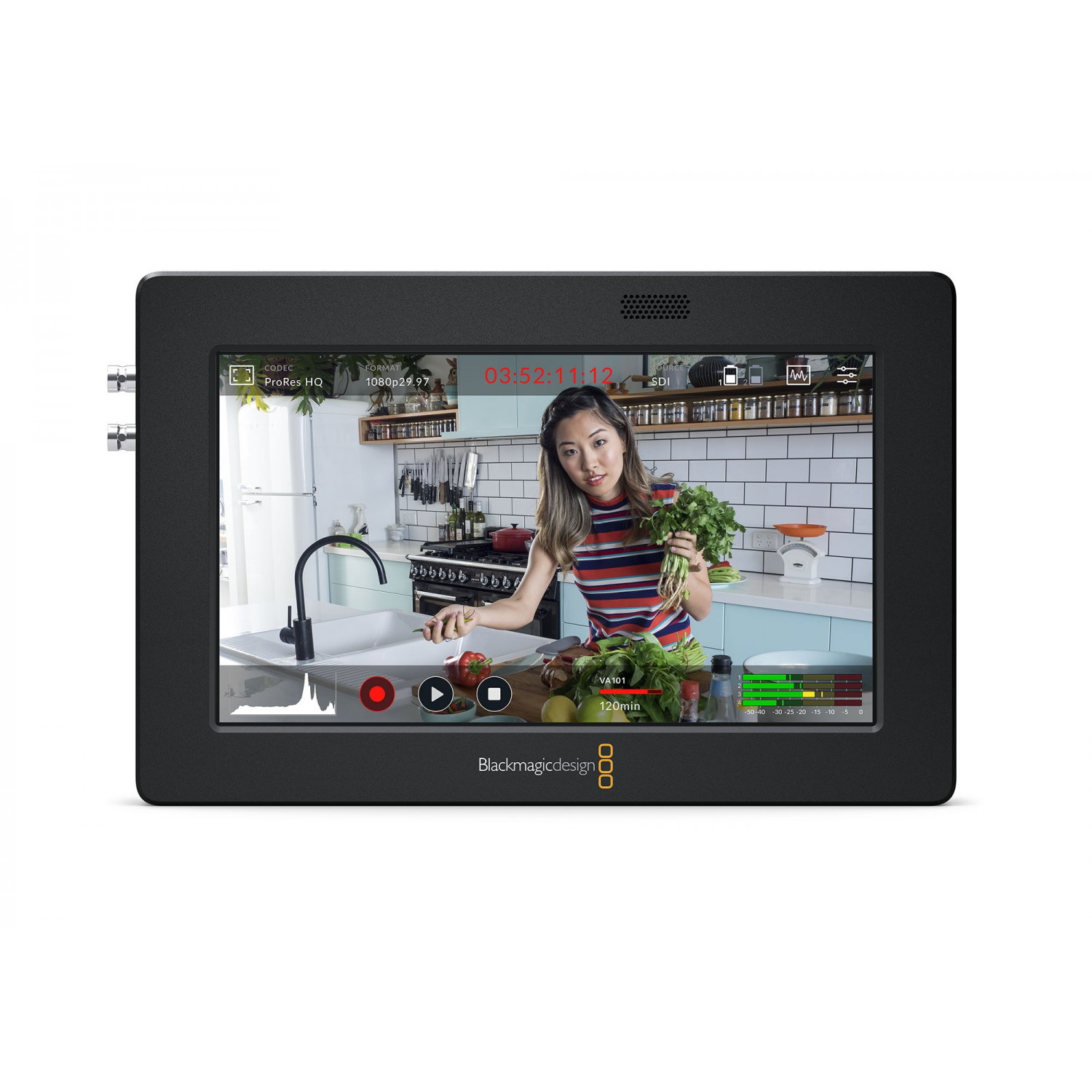
| Blackmagic Video Assist | DaVinci Resolve workflows | 5-inch and 7-inch options, BRAW recording, built-in professional scopes. |
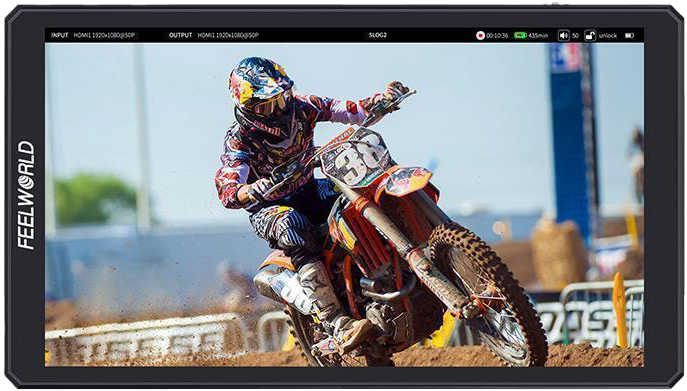
| Feelworld CUT6 | Budget & lightweight setups | 6-inch screen, 1080p USB recording, simple LUT integration. |
Atomos dominates the ProRes RAW ecosystem. Models like the Ninja and Shogun Ultra can record up to 8K resolution depending on your camera. They offer massive flexibility with H.265 proxy recording and cloud integration.
Blackmagic Design Video Assist models are the go-to choice if you edit in DaVinci Resolve. They capture Blackmagic RAW (BRAW) from supported cameras and offer dual SD card slots. For smaller budgets, Feelworld provides monitoring combined with basic 1080p recording to USB drives.
-
 Recording monitors
BLACKMAGIC DESIGN Video Assist 7” 12G HDR
€ 740.00€ 917.60 (incl. VAT) -
 Recording monitors
BLACKMAGIC DESIGN Video Assist 5” 12G HDR
€ 556.00€ 689.44 (incl. VAT) -
AV recorders
BLACKMAGIC DESIGN HyperDeck Shuttle 4K Pro
€ 1 369.00€ 1 697.56 (incl. VAT) -
 Recording monitors
6″ FEELWORLD CUT6 recording monitor
€ 249.52€ 309.40 (incl. VAT)
Professional Monitoring Tools for Precision
A built-in 3-inch camera screen is difficult to see in bright sunlight. It also lacks the space needed to accurately judge focus. Upgrading to a 5-inch or 7-inch screen fundamentally changes how you expose and compose your shots.
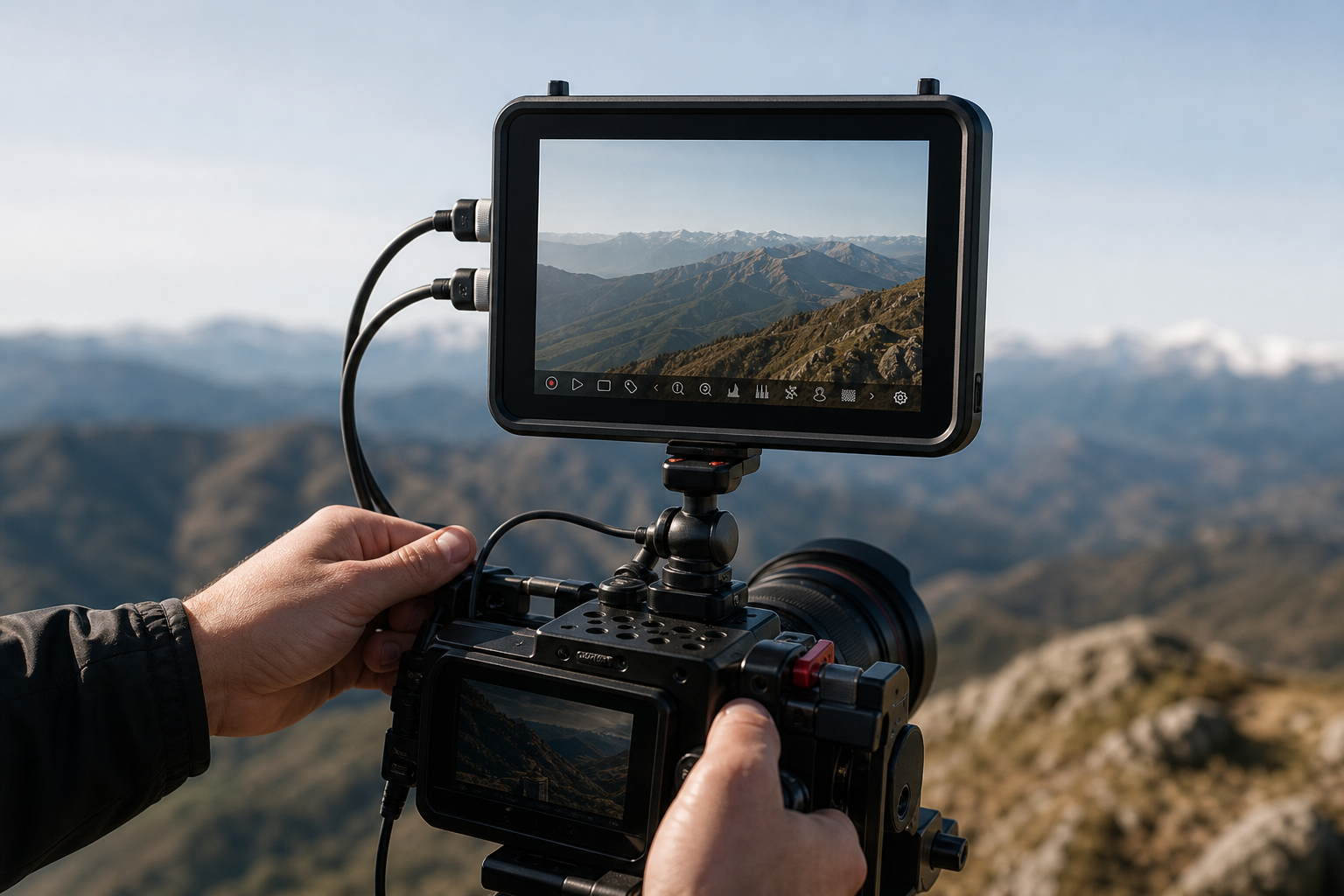
Professional video monitors include critical exposure and focus tools. You gain access to waveform monitors to visualize brightness levels. You get zebra patterns to prevent overexposed highlights. False color displays show you exactly where your skin tones sit.
When you shoot in a flat Log profile, the image looks gray and washed out. Monitor-recorders allow you to load custom 3D LUTs. This lets you preview the final color grade on set while recording the untouched Log image directly to your drive.
Connectivity and Rigging
You must secure your recorder properly. A heavy monitor on a weak hot-shoe mount will eventually fail on a busy set. We recommend checking your camera mounting accessories to find reliable articulating arms and secure clamps that can handle the payload.
Your video feed is only as reliable as your cables. High-bitrate 4K and 6K recording requires certified, high-speed connections. Always invest in premium HDMI cables or SDI cables to prevent signal dropouts during a critical take.
If you use a monitor that records to SD cards or CFexpress, you must ensure your media can sustain the write speeds required for ProRes or RAW formats. Read our guide on how to choose a memory card for video to avoid dropped frames and corrupted files.
-
Recording monitors
BLACKMAGIC DESIGN Video Assist 7” 3G
€ 525.00€ 651.00 (incl. VAT) -
 Recording monitors
BLACKMAGIC DESIGN Video Assist 5” 3G
€ 301.00€ 373.24 (incl. VAT) -
Recording monitors
5″ ATOMOS Ninja TX Go
€ 799.00€ 990.76 (incl. VAT) -
 Recording monitors
5″ ATOMOS Ninja TX
€ 999.00€ 1 238.76 (incl. VAT)
Key Takeaways
- External recorders ignore the standard internal camera recording limits, making them essential for event videography and long interviews.
- You capture edit-ready ProRes, ProRes RAW, or BRAW directly from the sensor instead of heavily compressed internal formats.
- An external recorder only captures what the camera sends, so you must ensure your camera supports clean HDMI or SDI out.
- You improve on-set visibility with 5-inch or 7-inch high-brightness screens equipped with waveforms, false color, and custom LUTs.
Ready to upgrade your production workflow? Explore our full range of AV recorders to find the exact match for your camera and post-production needs.