Selecting PTZ Cameras for Flawless Live Production
You need to capture dynamic live events without crowding the venue with camera operators. That is the core problem PTZ cameras solve. By allowing a single operator to manage multiple angles remotely, they streamline live video workflows and keep your stage clear.
But selecting the right camera goes beyond just picking a brand. In our experience, deploying a camera with the wrong IP transport protocol or inadequate low-light performance creates immediate bottlenecks on set. You must evaluate these cameras as integrated components of your broader production network.
We’ve seen productions stall simply because the team failed to match their hardware to the venue’s physical requirements. This guide breaks down the critical technical factors you need to consider before making a purchase.
Balancing Resolution and Low-Light Performance
Image quality in a live environment is strictly dictated by sensor size and resolution. While 1080p Full HD remains a reliable baseline for many setups, upgrading to 4K resolution offers distinct operational advantages. A 4K camera allows you to digitally crop and reframe a shot during a live stream without noticeable pixelation. This flexibility gives you multiple distinct framing options from a single static camera position.
However, resolution alone does not solve lighting problems. Event venues, theaters, and concert halls are notoriously dim. If you force a small sensor to shoot in low light, you introduce digital noise that degrades your video feed. We highly recommend looking at 1-inch or full-frame sensors for these challenging environments.
Larger sensors capture more light, ensure accurate color reproduction, and provide the high dynamic range required for professional video. Relying purely on overhead stage lighting is rarely enough. By combining a large-sensor camera with a strategic indoor video lighting plan, you actively control your image quality rather than leaving it to chance.
Optical Zoom and Mechanical Precision
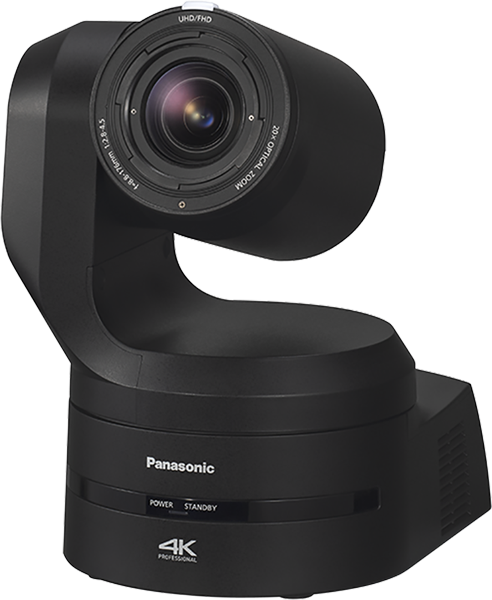
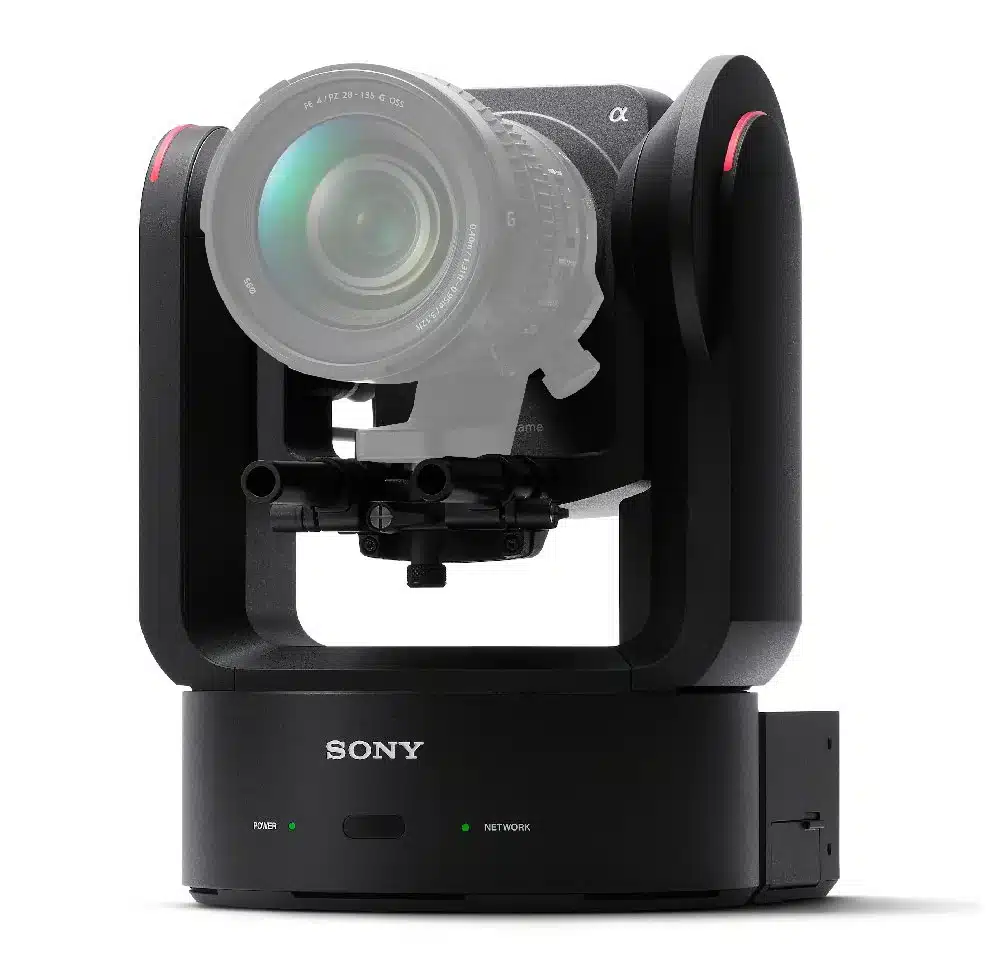
Digital zoom destroys image clarity. When you position a camera at the back of a large auditorium, you must rely entirely on optical zoom to maintain a broadcast-quality feed.
For small studio spaces or corporate meeting rooms, a 12x optical zoom is typically sufficient. For larger concert halls, houses of worship, or theater productions, you need a 20x to 30x optical zoom. This range allows you to capture crisp close-ups of the talent without sacrificing resolution.
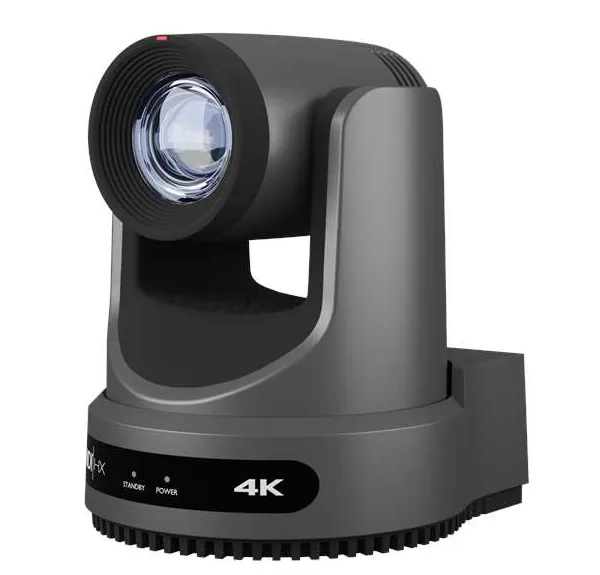
The physical movement of the camera matters just as much as the lens. Fast, smooth, and silent pan-tilt mechanisms are critical. If a motor stutters while tracking a moving subject, the shot becomes unusable for a live broadcast. High-end models utilize precise stepper motors that allow operators to execute slow, cinematic sweeps without noticeable jitter.
When building out your support infrastructure, ensure you pair these units with heavy-duty camera mounting accessories. A secure, rigid mount prevents subtle building vibrations from ruining your heavily zoomed-in shots.
Video Routing and IP Transport Standards
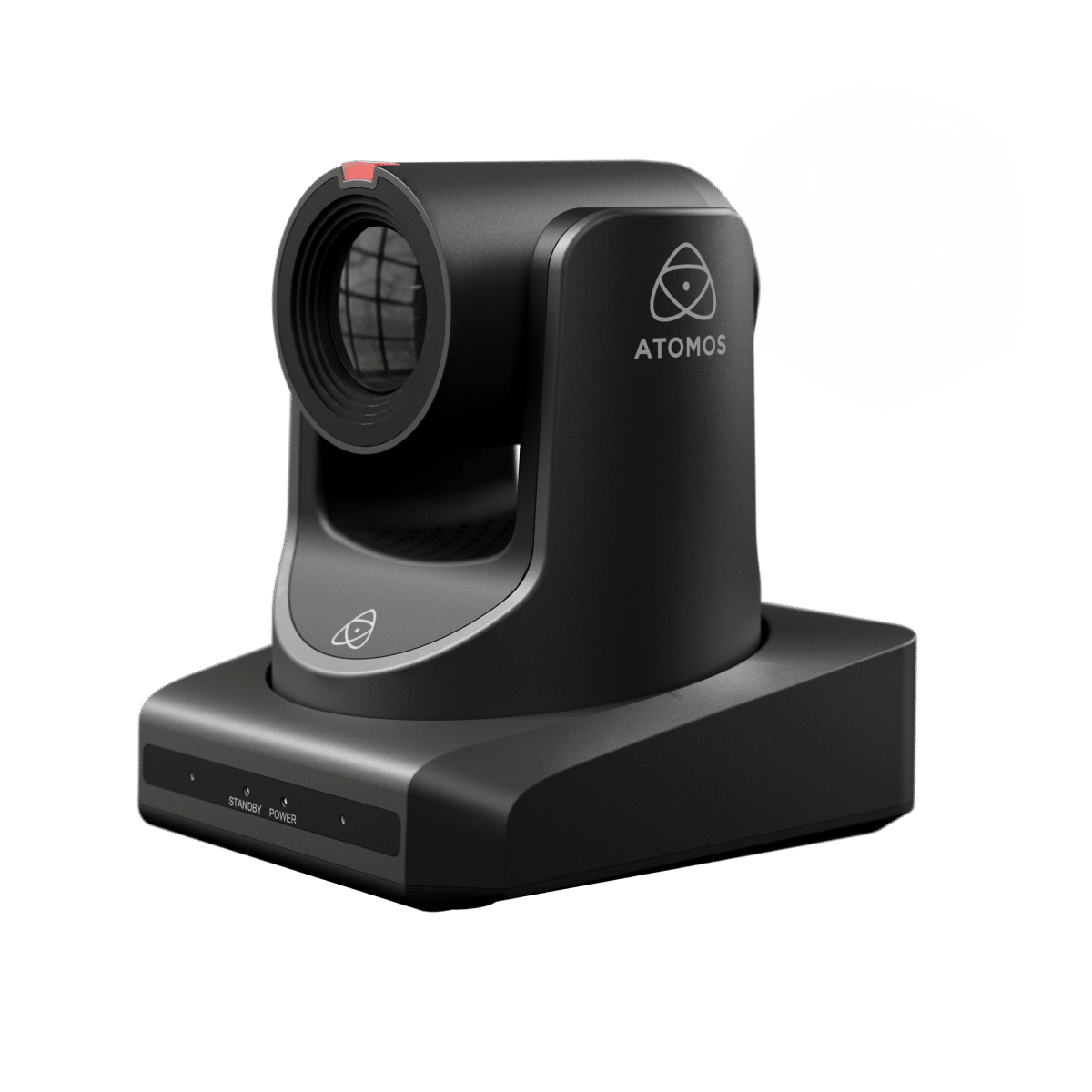
Sending your video feed from the camera to your switcher or your network streamers requires the right connectivity. Traditional broadcast workflows rely heavily on baseband video via 3G-SDI or 12G-SDI cables. These connections offer uncompressed, zero-latency video over long distances and integrate easily with legacy hardware.
Today, IP-based video transport is the standard for modern live production. Instead of running dedicated coaxial cables, you route video, audio, and control data over standard Ethernet networks. For uncompressed, broadcast-grade delivery, the SMPTE ST 2110 suite is the benchmark standard. This protocol allows you to separately route video, audio, and metadata streams over IP networks.
For high-quality, low-latency streaming across local networks, Network Device Interface (NDI) is incredibly efficient. NDI allows multiple systems on a network to instantly identify and communicate with each other. If your production involves remote locations or unpredictable internet connections, Secure Reliable Transport (SRT) provides jitter control and packet loss recovery to maintain a stable stream.
Remote Control Protocols and Surfaces
Your camera is only as useful as your ability to control it accurately. You need a dedicated protocol to send pan, tilt, and zoom commands to the hardware. Standardizing your entire setup on one protocol ensures your hardware communicates seamlessly without requiring messy translation bridges.
| Protocol | Primary Use Case | Technical Advantage |
|---|---|---|
| NDI | Modern IP networks | Carries video, audio, and control data simultaneously |
| VISCA over IP | Broadcast and enterprise setups | Broad compatibility across different hardware brands |
| RS-232 / Serial | Legacy control systems | Extremely stable over short, dedicated cable runs |
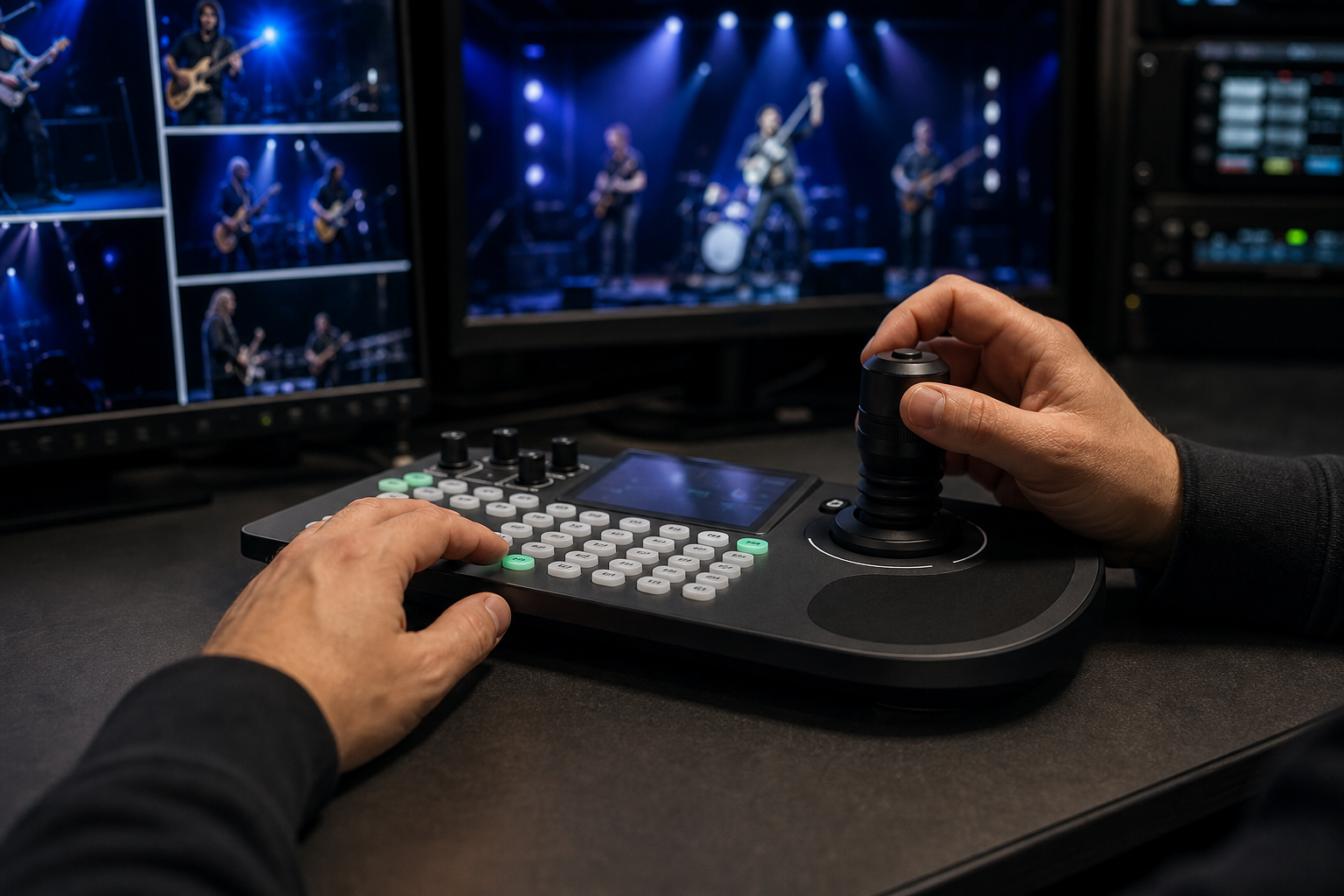
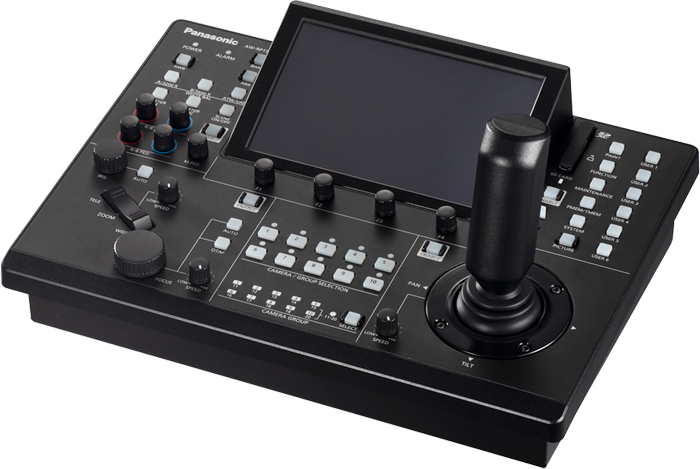
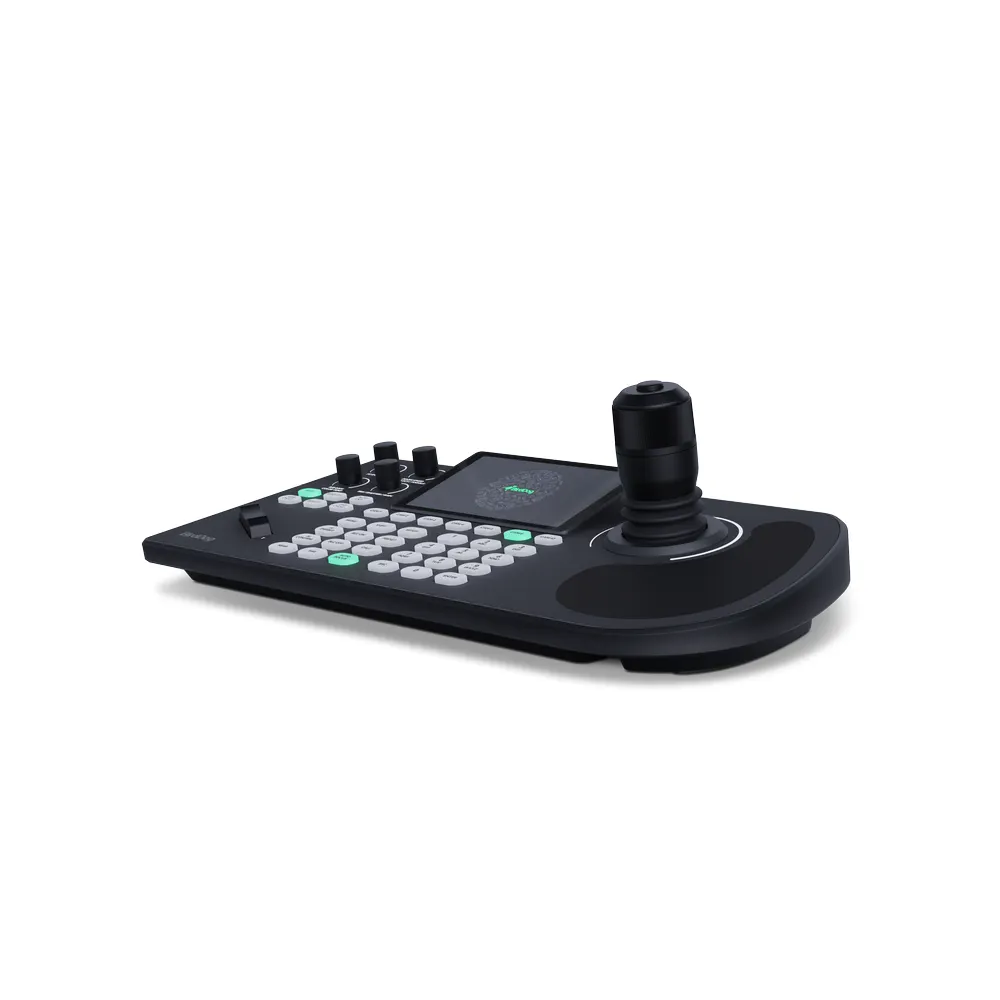
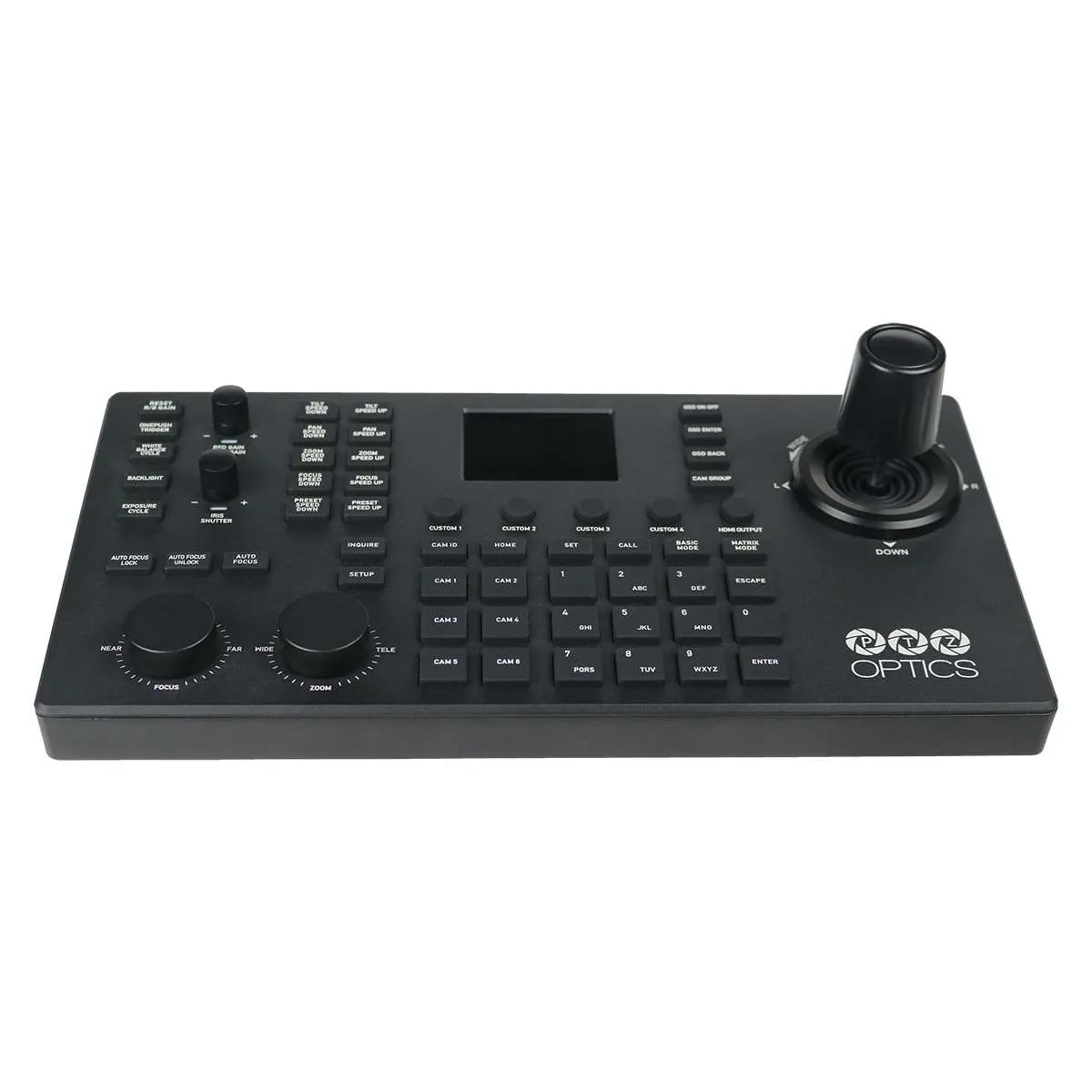
While you can control these cameras using software interfaces on a laptop, professional live broadcasts demand tactile hardware. A dedicated hardware controller with a multi-axis joystick allows an operator to adjust pan, tilt, and zoom simultaneously. This tactile feedback is mandatory for tracking unpredictable movements during live music performances or dynamic panel discussions.
AI Auto-Tracking and Workflow Automation
In recent years, artificial intelligence has fundamentally changed how small crews operate. Advanced systems now feature built-in AI auto-tracking. These cameras lock onto a subject’s face or body and smoothly follow them across a stage. This allows a single operator to manage a multi-camera shoot by relying on AI to keep the main talent centered while they manually line up B-roll shots on a secondary camera.
Power over Ethernet (PoE) is another crucial workflow feature for efficient installations. PoE allows you to send power, video, audio, and control data through a single Cat6 cable. This drastically reduces setup time and eliminates the need to install dedicated power outlets near every camera mounting point.
Additionally, look for models with built-in tally lights. These visual indicators let your on-screen talent know exactly which camera is currently live, preventing awkward glances away from the active lens. When paired with logical audio routing, like sending independent mixes through an audio mixer for video production, your automated workflow feels seamless to both the crew and the audience.
-
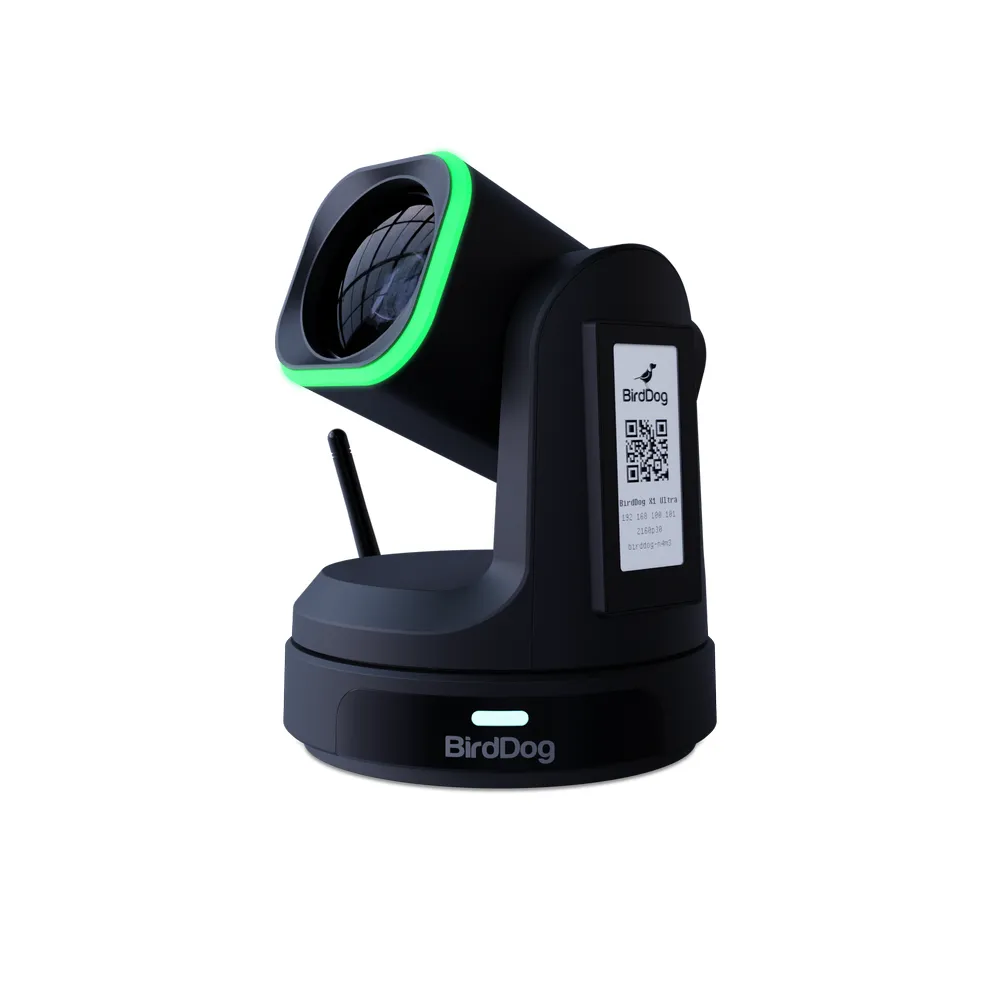
 PTZ cameras
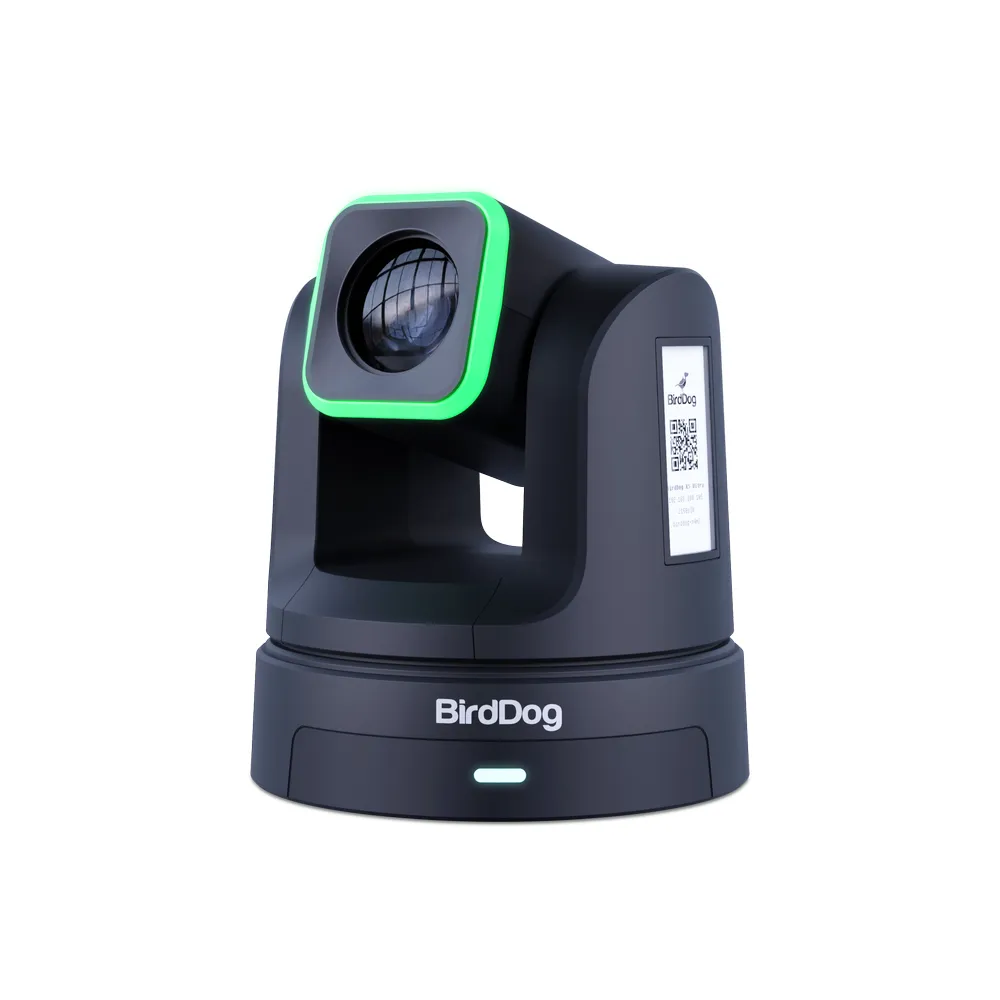
BIRDDOG X1 Ultra – NDI HX3, Wi-Fi, AI Tracking PTZ camera
€ 1 495.00€ 1 853.80 (incl. VAT) -
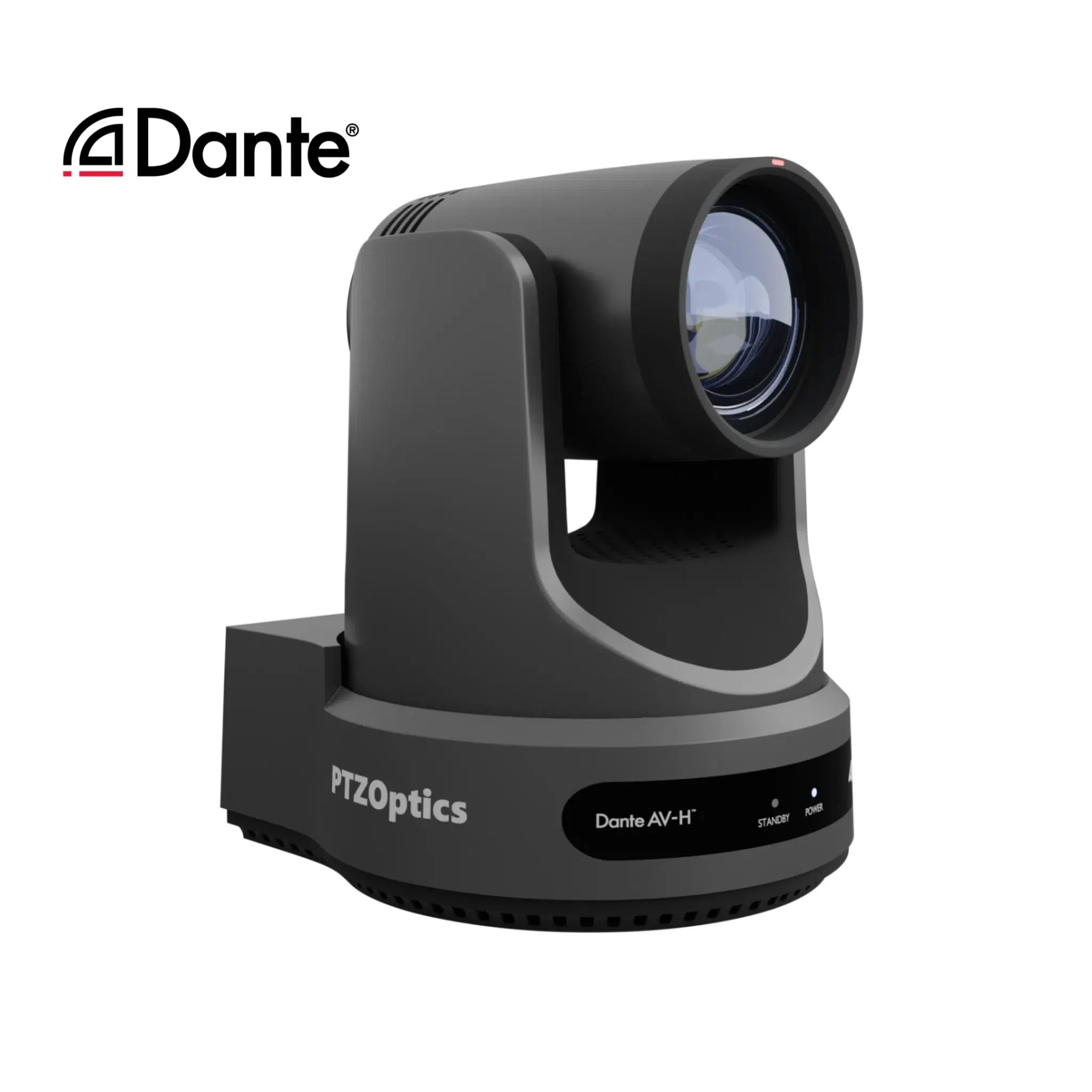
 PTZ cameras
PTZOptics Link 4K Dante AV-H auto-tracking camera 12X, 20X, 30X
€ 1 980.00 – € 2 675.00€ 2 455.20 – € 3 317.00 (incl. VAT) -
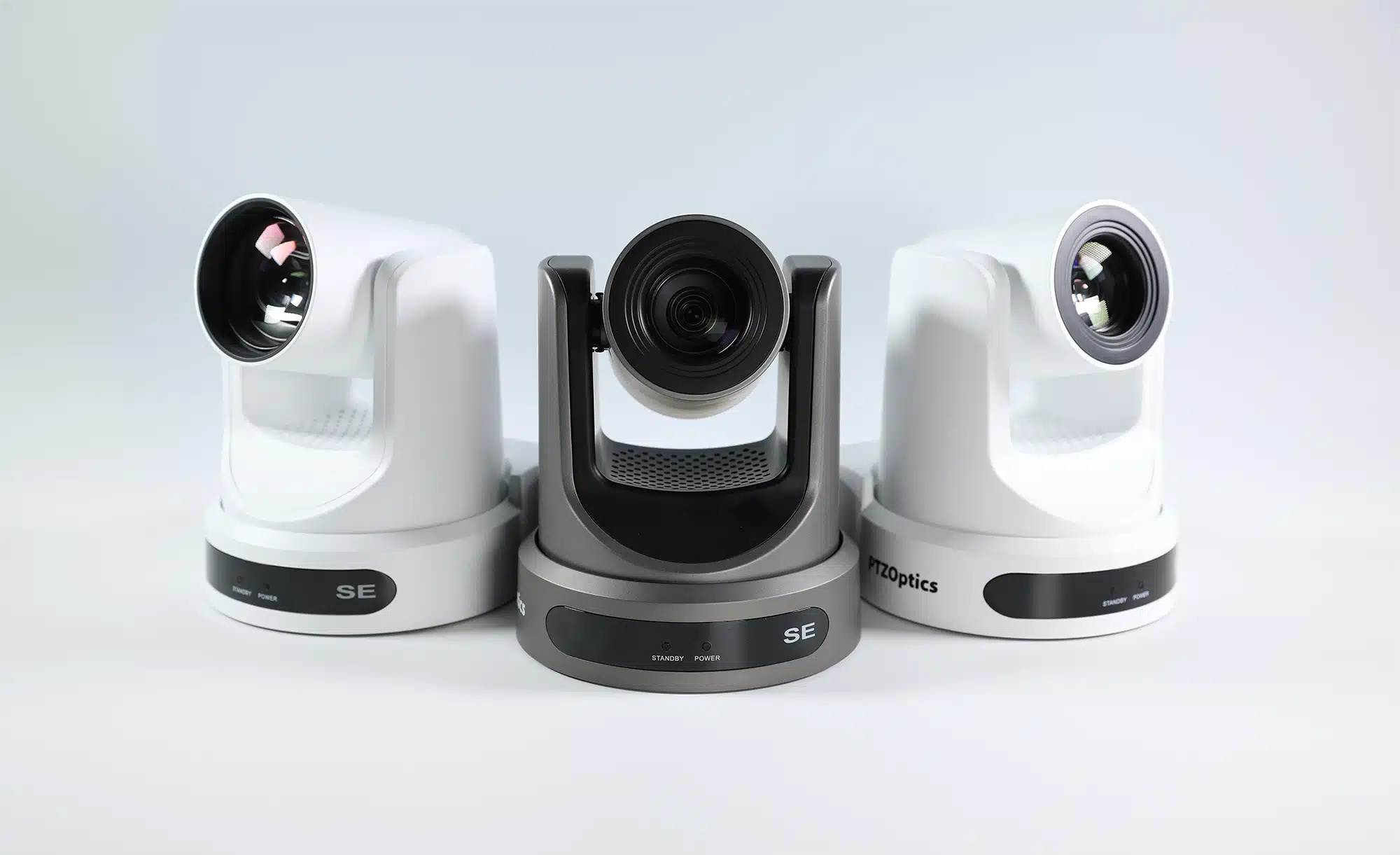
 PTZ cameras
PTZOptics Move SE Full-HD auto-tracking camera 12X, 20X, 30X
€ 1 190.00 – € 1 485.00€ 1 475.60 – € 1 841.40 (incl. VAT)
Key Takeaways
- Prioritize 1-inch or full-frame sensors to mitigate digital noise and maintain image quality during low-light stage productions.
- Stick to 12x zoom for small studios, but invest in 20x or 30x optical zoom for larger auditoriums to maintain crisp close-ups.
- Build your network around a consistent IP transport protocol like NDI or SMPTE ST 2110 to simplify the routing of video, audio, and control data.
- Deploy dedicated hardware controllers with multi-axis joysticks for precise, simultaneous movement.
- Look for workflow enhancements like AI auto-tracking, PoE connectivity, and built-in tally lights to reduce crew requirements.
- Reach out to our technical team to design a custom video camera network tailored to your specific venue requirements.