





NDI vs SDI: Choosing Your Video Transport Backbone
Choosing between SDI and NDI is one of the most critical decisions in video infrastructure design today. SDI has powered broadcast facilities for decades using dedicated coaxial cables and fixed point-to-point connections. NDI brings video transmission into local computer networks using flexible, software-aware IP protocols.
In our experience with venue installations and live production rigs, signal transport choices directly determine system reliability. Selecting the wrong protocol creates unexpected latency, signal drops, or hardware bottlenecks on set. Understanding how SDI and NDI handle video data helps you build a stable workflow that fits your operational needs.
How SDI Works: Point-to-Point Precision
Serial Digital Interface (SDI) transmits uncompressed digital video over 75-ohm coaxial cable. Standardized by the Society of Motion Picture and Television Engineers (SMPTE), SDI operates as a deterministic broadcast standard. Its physical connection relies on BNC connectors with a twist-locking bayonet mechanism. This locking design prevents accidental disconnects on busy live stages.
SDI is strictly point-to-point and unidirectional. One output connects directly to one input, delivering video with near-zero latency. Standard bitrates determine what resolution your physical cable can carry:
- 3G-SDI (SMPTE 424M): Transmits up to 2.970 Gbps. It carries uncompressed 1080p video at up to 60 frames per second over coax runs up to 100 meters.
- 12G-SDI (SMPTE ST 2082): Transmits up to 11.88 Gbps. It delivers uncompressed 4K UHD video at 60 frames per second over a single coaxial cable.
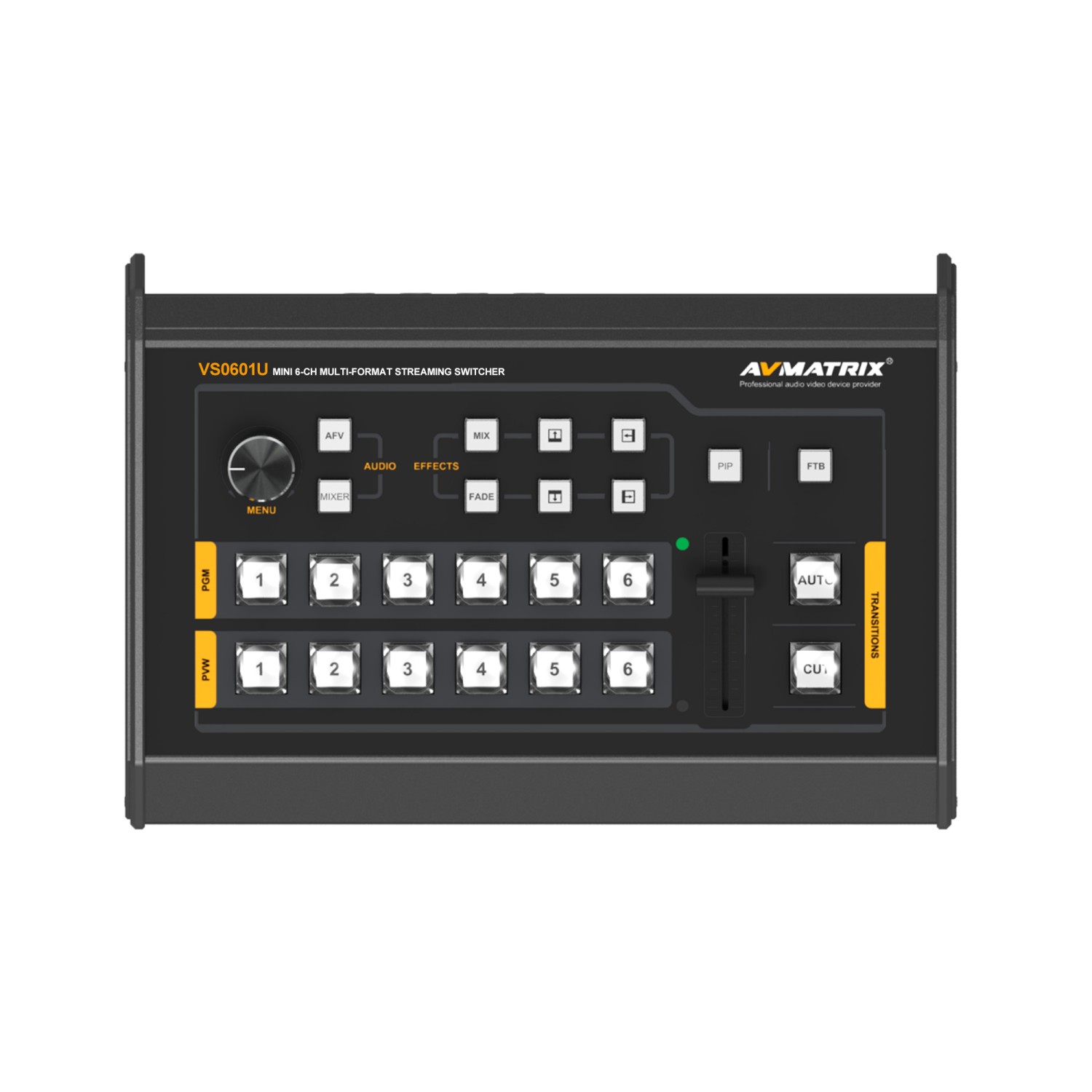
Because SDI carries uncompressed data, signal routing requires dedicated physical hardware. Sending one source to multiple displays requires a distribution amplifier or a hardware matrix switcher. For details on how physical connectors perform on set, read our comparison of HDMI vs SDI for video production.
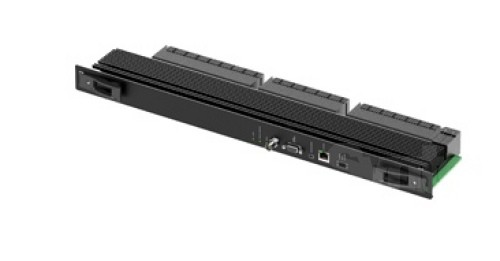
High-density routing environments rely on dedicated hardware matrix frames to maintain synchronous switching across large facilities.
To keep SDI runs stable over longer distances, check our selection of broadcast-grade coax cables.
How NDI Works: Network-Based Flexibility
Network Device Interface (NDI) is an IP video transport protocol that routes video, audio, and metadata over standard Ethernet networks. Unlike SDI, NDI is bi-directional and software-aware. Any device on the network can transmit and receive streams simultaneously.
A single Cat6 cable provides complete operational capability across your network infrastructure:
- Power over Ethernet (PoE)
- High-definition or 4K video
- Multi-channel digital audio
- Pan-tilt-zoom (PTZ) control commands
- Bi-directional tally light indicators
NDI operates across local networks using three main compression formats:
NDI High Bandwidth
Uses the intra-frame SpeedHQ codec. It requires roughly 150 Mbps for a 1080p60 feed or up to 250 Mbps for 4K60. It offers frame-accurate encoding latency under 16 milliseconds, making it ideal for core live switching.
NDI HX2
Uses H.264 or H.265 compression to reduce network demand. A 1080p60 feed requires only 11 to 16 Mbps. This lower bitrate suits constrained networks, though processing latency increases to roughly 100 to 150 milliseconds.
NDI HX3
Uses a short GOP H.264 or H.265 implementation. It delivers visual quality close to NDI High Bandwidth at 50 to 62 Mbps for 1080p60. Latency stays under 80 milliseconds, striking a practical balance between visual fidelity and control responsiveness.
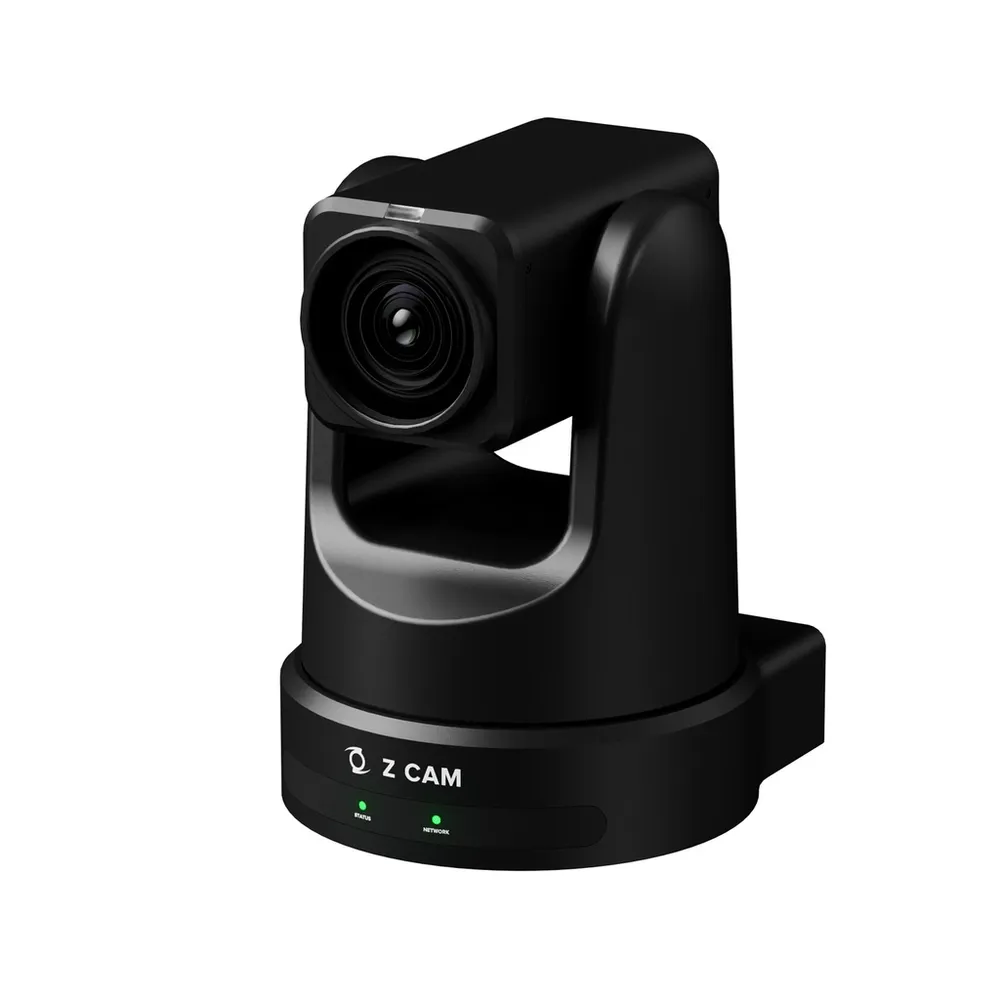
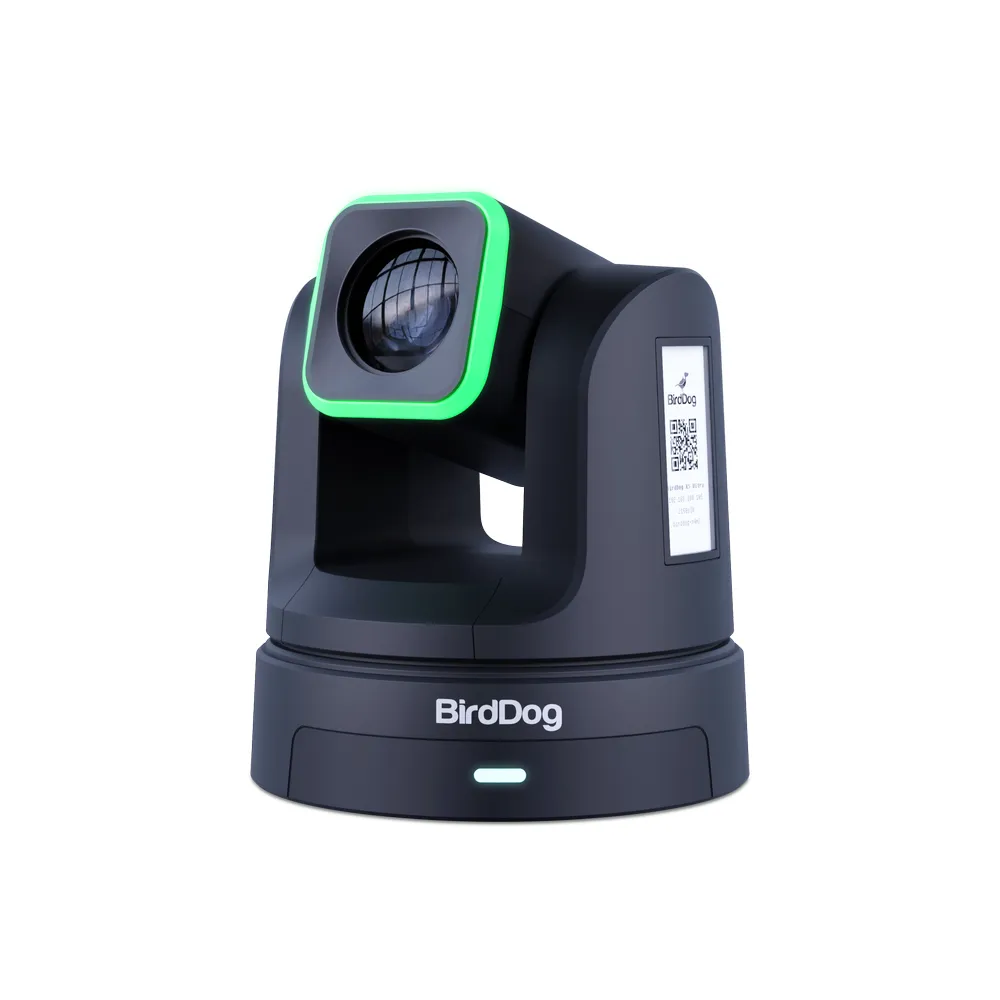
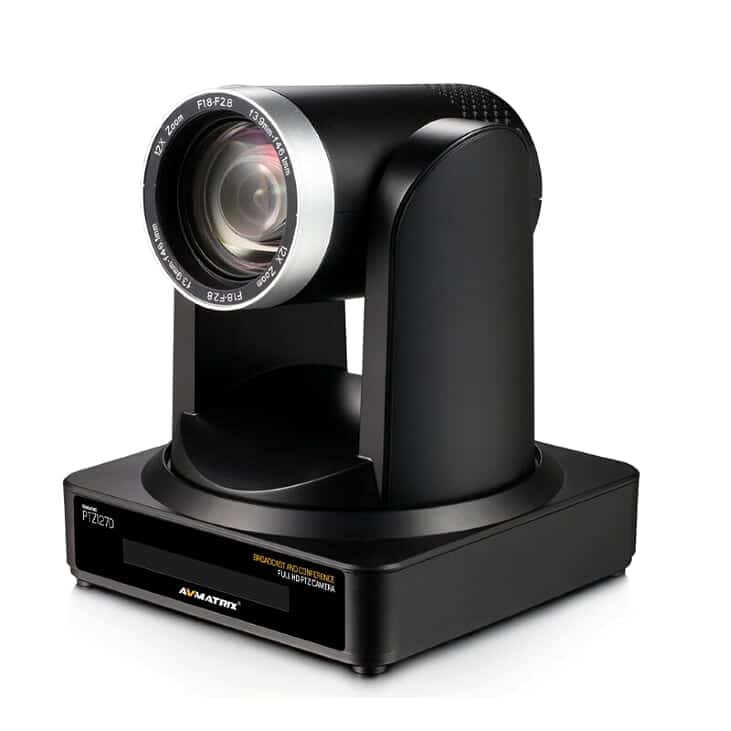
Modern production hardware integrates NDI directly into PTZ cameras and field units. You can explore hardware options in our PTZ camera category and review our guide on selecting a PTZ camera for live production.
Network Infrastructure Requirements
While NDI eliminates heavy cable looms, it requires an optimized network environment. Unmanaged switches can drop packets and disrupt video streams.
We recommend following official NDI network guidelines to maintain stable video transport:
- Gigabit Managed Switches: Deploy switches with non-blocking backplane architecture.
- Bandwidth Headroom: Maintain total network link utilization below 75% to prevent packet loss.
- IGMP Snooping: Enable IGMP snooping and set up an IGMP querier on your VLAN to stop multicast traffic from flooding unused ports.
- VLAN Segregation: Isolate NDI video traffic on a dedicated Virtual LAN separate from corporate data networks.
- NDI Discovery Server: Use the NDI Discovery Server in multi-switch environments to replace mDNS with reliable unicast routing.
Technical Comparison: NDI vs SDI
| Feature | SDI (3G / 12G) | NDI High Bandwidth | NDI HX3 |
|---|---|---|---|
| Transport Medium | 75-ohm Coaxial Cable (BNC) | Cat5e / Cat6 Ethernet | Cat5e / Cat6 Ethernet |
| Data Format | Uncompressed Serial Data | Compressed (SpeedHQ) | Compressed (H.264/H.265) |
| Typical Bitrate (1080p60) | 2.97 Gbps | ~150 Mbps | ~50 – 62 Mbps |
| Latency | Near-zero (< 1 ms) | Very Low (~16 ms) | Low (< 80 ms) |
| Signal Direction | Unidirectional (1 source to 1 dest) | Bi-directional (Multi-point routing) | Bi-directional (Multi-point routing) |
| Max Cable Distance | 100 m (coax) / kms (fiber) | 100 m per switch hop | 100 m per switch hop |
| Hardware Connectors | Locking BNC | RJ45 (standard network) | RJ45 (standard network) |
| Power & Control | Video/Audio only (Requires extra cabling) | Includes PoE, Control, Audio & Tally | Includes PoE, Control, Audio & Tally |
Converters and Encoders: Bridging the Gap
You do not need to replace existing SDI cameras to adopt NDI workflows. Hardware converters bridge legacy broadcast gear with IP production networks.
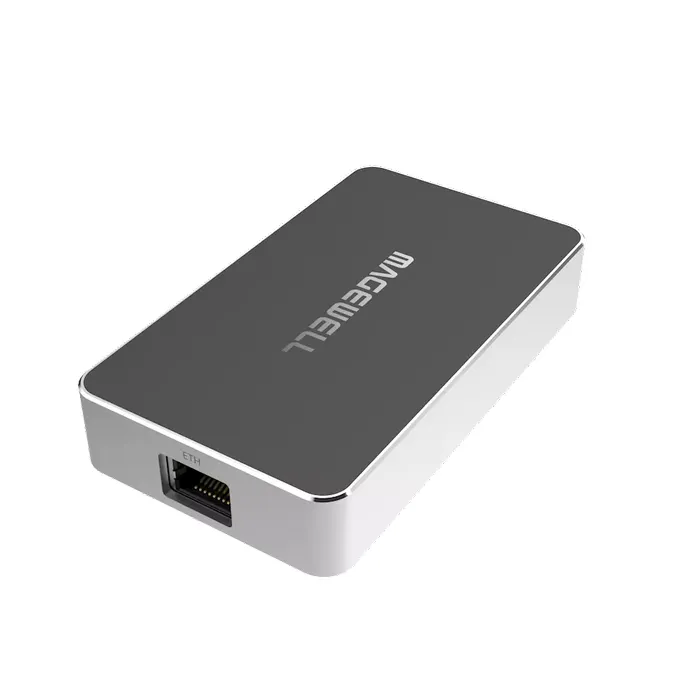
Standalone encoders convert SDI camera feeds into full NDI streams directly at the source. Decoders convert network streams back into physical SDI or HDMI signals to feed local monitors or hardware recorders.
When integrating external gear, signal routing to displays remains critical. Learn how to select monitoring gear in our guide on choosing a field monitor for video production or discover how to capture uncompressed signals in our article on external video recorders for cameras.
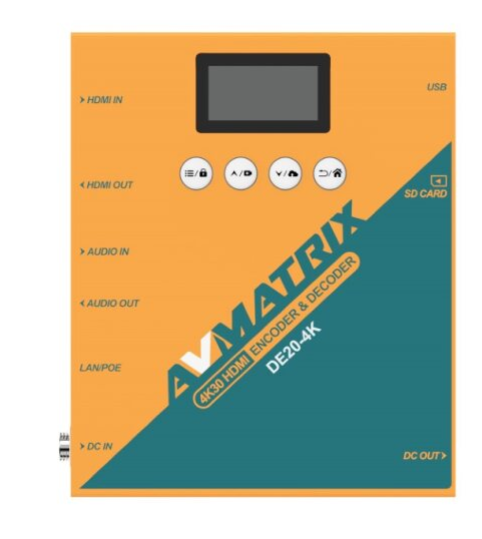
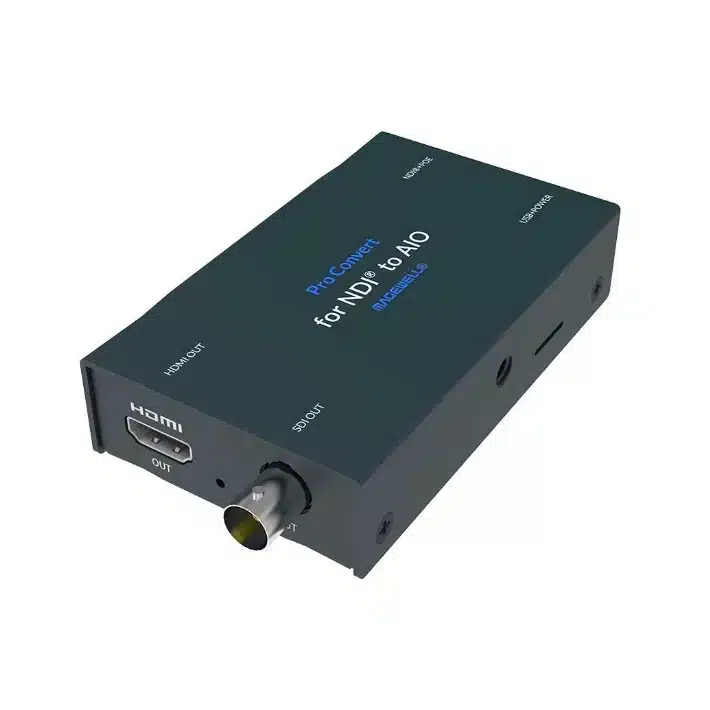
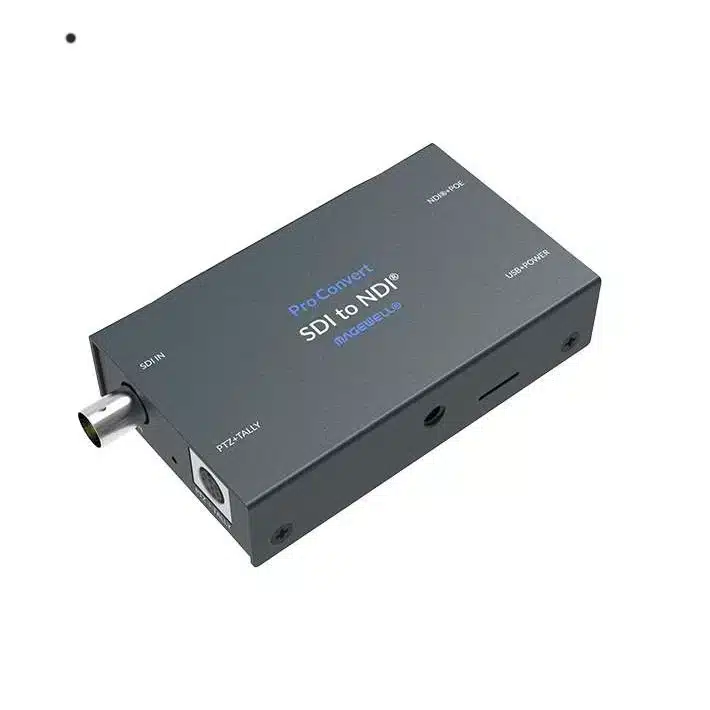
To explore dedicated streaming hardware, browse our signal processing, streamer devices, and hardware video mixers collections.
Ideal Use Cases: Choosing the Right Standard
In our experience, successful installations use signal transport methods aligned directly with environment constraints.
Choose SDI When:
- You run live IMAG (Image Magnification): Stage screens located next to a presenter require near-zero latency. Video delay causes distracting lip-sync issues for live audiences.
- Cables experience heavy handling: Concert stages, rental gear, and mobile production trucks require rugged locking BNC connections.
- Simple plug-and-play setup is required: Fixed point-to-point connections bypass IP configuration, switch settings, and network management.
Choose NDI When:
- Deploying multi-camera PTZ setups: Carrying video, audio, PTZ control, tally, and power over one Cat6 cable simplifies installation in houses of worship and corporate venues.
- Routing video to multiple destinations: A single NDI source feeds software switchers, overflow displays, multi-viewers, and recording hardware simultaneously over the network.
- Building software-based studios: Streaming platforms like vMix, Wirecast, or OBS ingest native NDI feeds without needing extra PCIe capture cards.
The Hybrid Approach
Many professional facilities adopt a hybrid workflow. Production teams run SDI for primary camera feeds to guarantee instant image capture. They then encode those signals to NDI for internal routing, graphics integration, and secondary displays across the building.
If your production includes complex live audio, explore our recommendations on how to record live music for video setups.
Key Takeaways
- SDI delivers zero-latency hardware reliability: Uncompressed video and locking BNC connectors make SDI the gold standard for live stage displays and primary master feeds.
- NDI maximizes network flexibility: A single Ethernet cable carries video, audio, tally, control, and PoE power across standard IT infrastructure.
- Network configuration is critical for NDI: Unmanaged switches cause frame drops and packet loss. Always use managed switches with IGMP snooping and dedicated VLANs.
- Hybrid workflows offer practical balance: Use SDI for primary stage feeds, then encode signals to NDI for flexible routing across your facility.
Are you planning a new facility installation or upgrading your video infrastructure? Contact our technical support team at MediaGear for customized equipment recommendations and system design assistance.









