





Natural Teleprompter Delivery for Videos and Presentations
Reading from a screen can easily make a speaker sound stiff. We’ve seen many promising presentations fall flat because the presenter was clearly tracking text line-by-line across a piece of glass.
Delivering a natural performance on camera is not just a speaking technique. It depends heavily on choosing the right teleprompter hardware for your studio setup and camera gear. Selecting gear tailored to your viewing distance and production environment eliminates awkward eye movements and keeps your audience engaged.
Stopping Eye Tracking: Rigging & Viewing Distance
The most common giveaway of teleprompter use is side-to-side eye scanning. This happens when a presenter sits too close to a display or uses glass that is too wide for their physical position. Standard industry guidelines from presentation specialists at Autocue suggest placing talent approximately one foot away from the screen for every inch of display size.
For solo creators, educators, and field presenters, compact lens-mounted prompters keep text tightly centered over the camera lens. This narrow visual field conceals horizontal reading motion while keeping your rig lightweight.
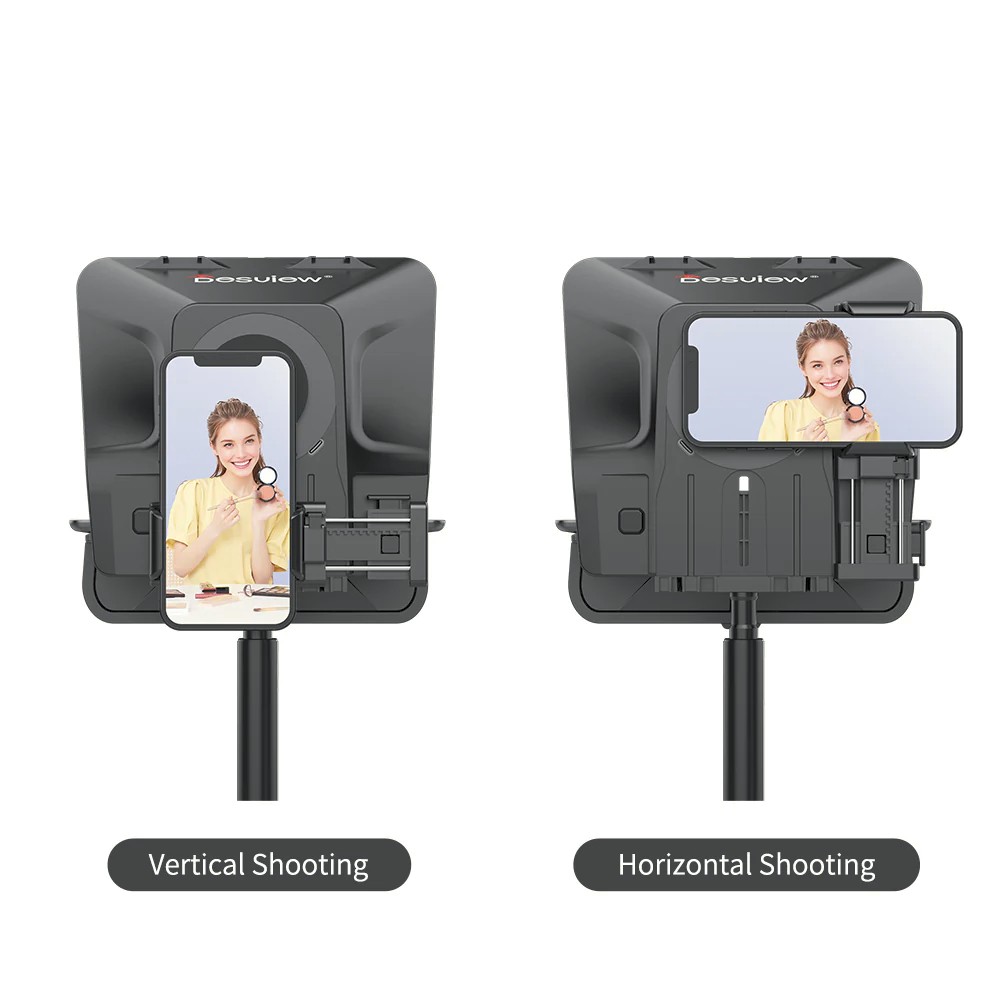
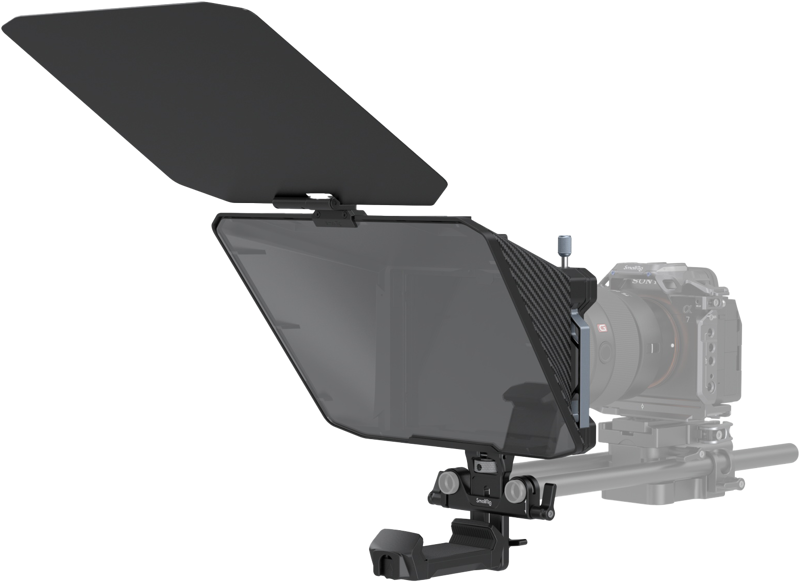
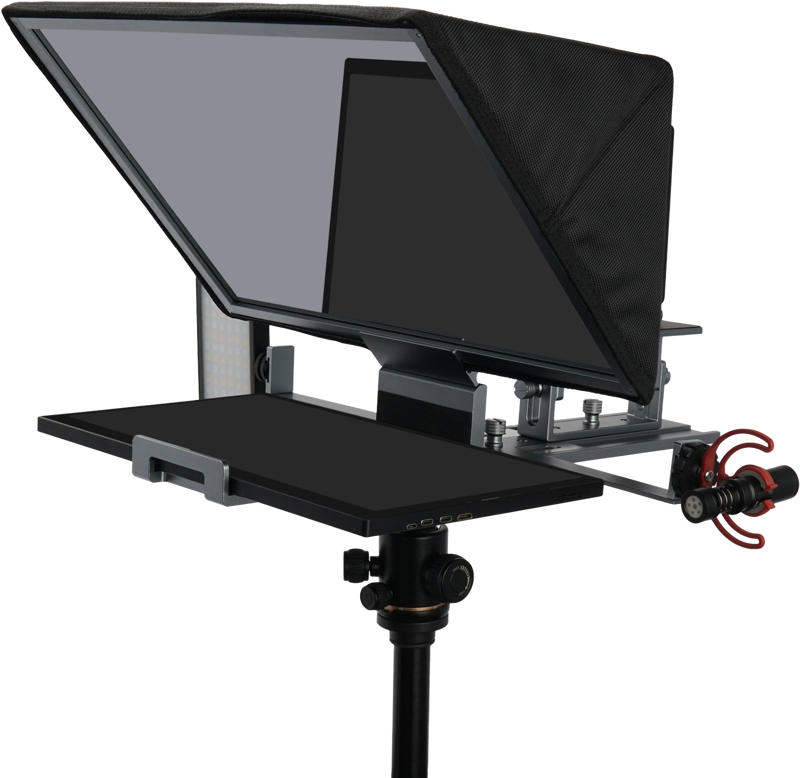
The SmallRig 3646 Multifunctional Teleprompter provides an agile setup for mirrorless cameras and smartphones. It supports horizontal and vertical shooting with quick-release phone and tablet clamps. If you record live streams or quick interview clips on location, the Desview T5 features dual-screen capabilities and a snap-on lens ring system for rapid field setup.
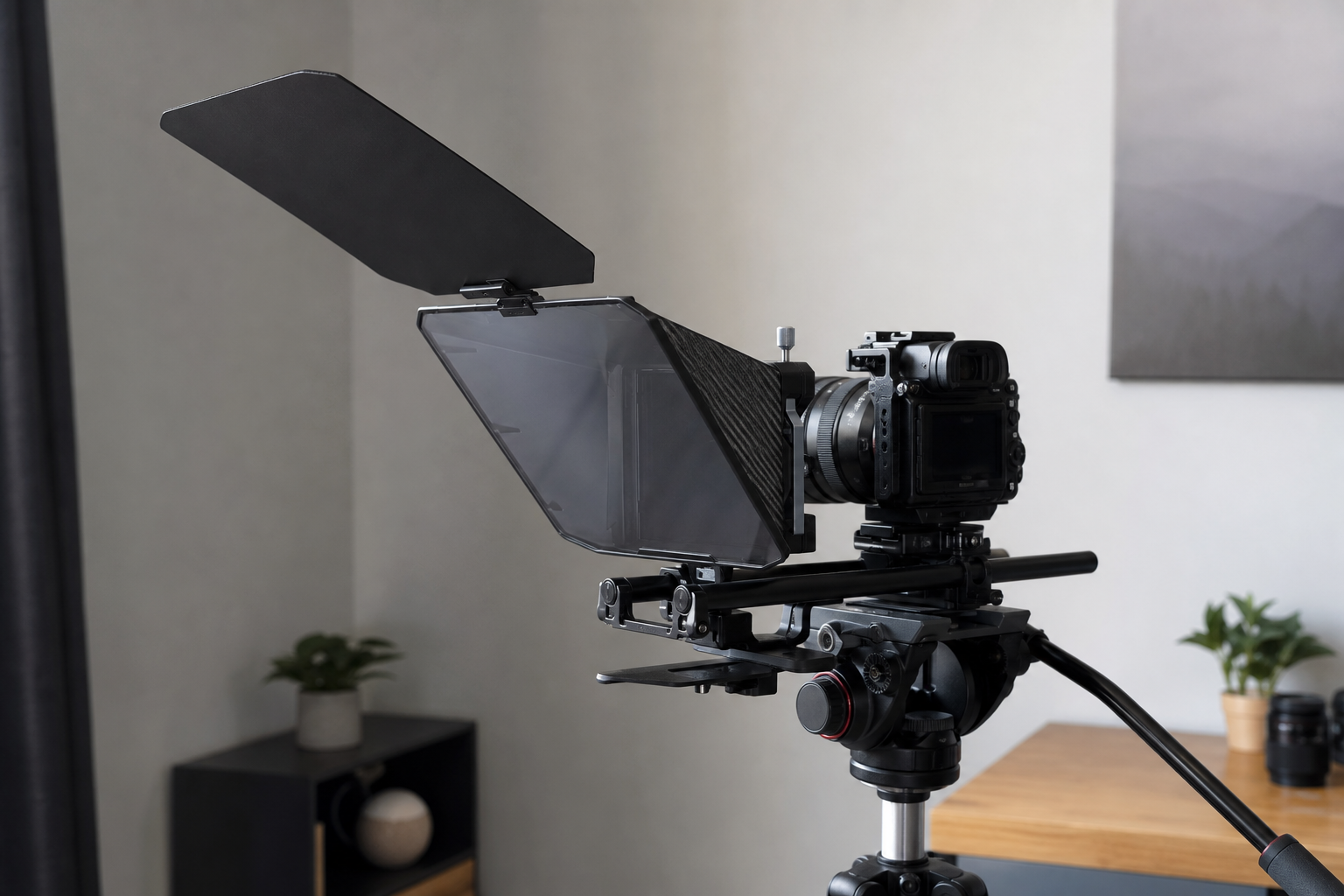
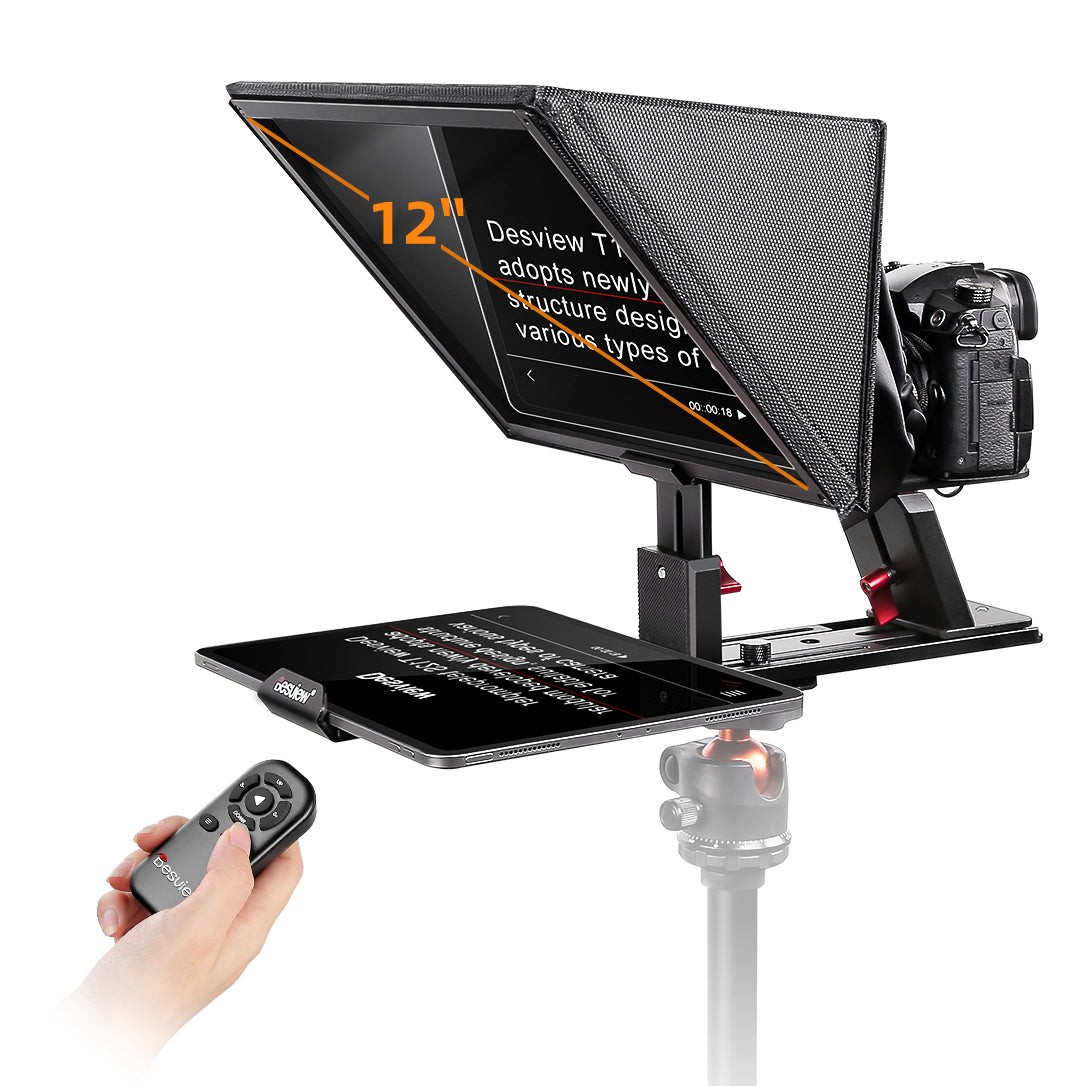
When using medium-sized setups or tablets up to 12.9 inches, you need a rigid beam-splitter frame to support the weight. The Desview T12S uses an all-aluminum construction and 70/30 beam-splitter glass, allowing talent to step back from the camera without losing script legibility. For larger tablets up to 16 inches, the Feelworld TP16 expands reading room, letting you increase font size to make delivery effortless.
Teleprompter Systems for Interviews & PTZ Cameras
Recorded and live interviews present unique visual challenges. If an interviewee looks off-camera to talk to a host, traditional teleprompters break eye contact with the viewer. However, for direct-to-camera commentary or automated PTZ studio workflows, integrated prompters keep speakers relaxed and focused.
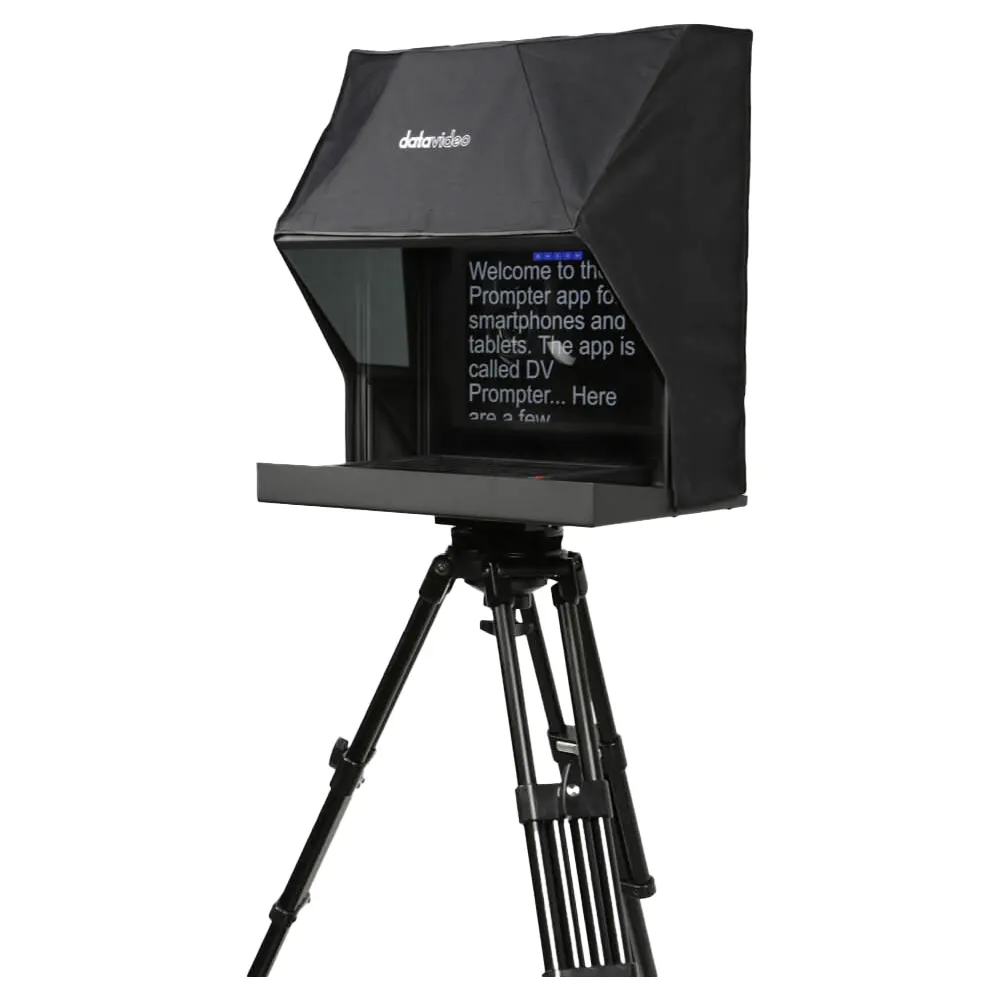
Standard prompter hoods often obstruct the movement of robotic PTZ camera heads. The Datavideo TP-900 solves this with a custom frame designed specifically for PTZ units. It features an integrated 15-inch 4:3 display, dvPrompter Plus software, and IP control. In dual-location or peer-to-peer interview setups, two TP-900 units can be linked via IP so the interviewer and guest see each other directly through the lens.
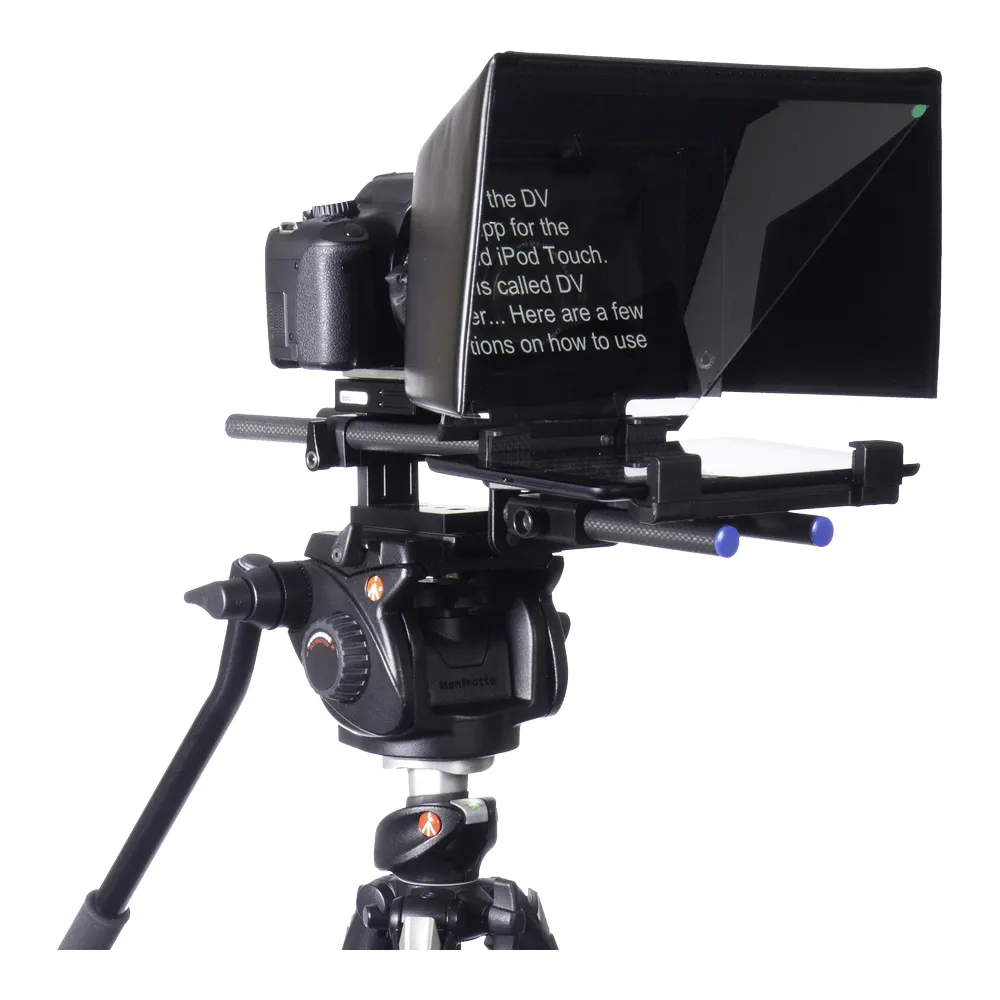
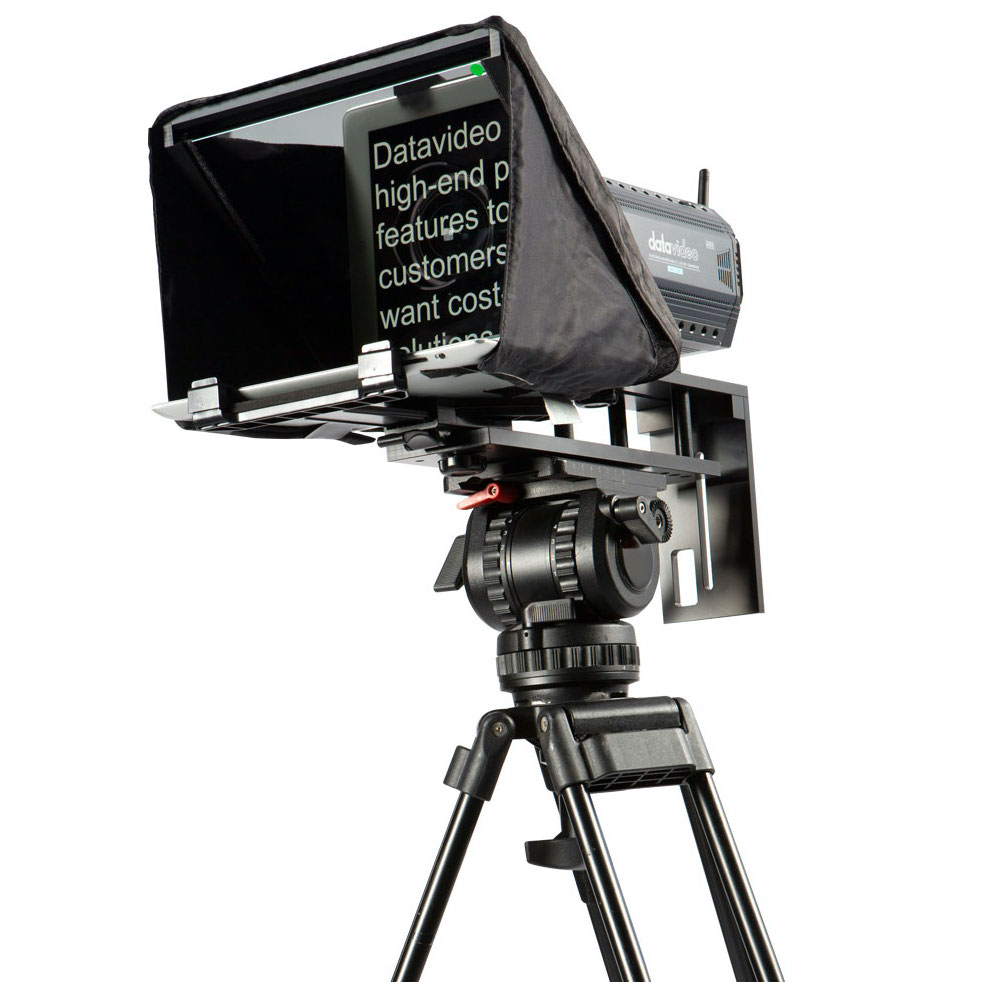
If you prefer building lightweight interview rigs using existing tablets, the Datavideo TP-500 and Datavideo TP-300 convert iOS and Android tablets into robust camera prompters. They mount securely onto standard camera rails, offering quick setup for production crews on tight schedules.
Stage Presentations and High-Brightness Displays
Live event keynotes and broadcast studios require displays designed for bright lighting and longer reading distances. Standard mobile tablets often lack the output needed to cut through powerful stage lights or ambient sunlight.
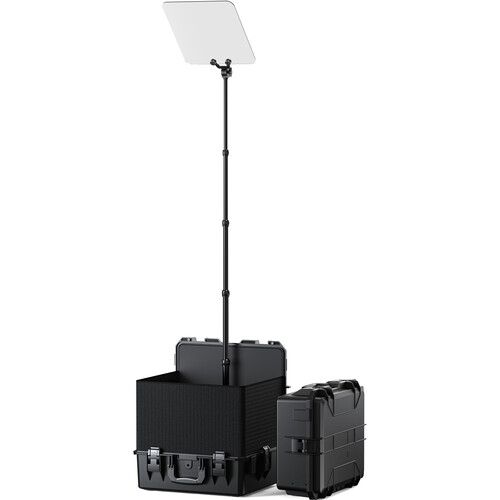
For live speeches and stage presentations, freestanding presidential prompters position glass panels at eye level off-stage. The Desview TP300 pairs a high-brightness 19-inch monitor (1000 cd/m²) with a 22-inch reflective glass pane. Its heavy-duty flight case doubles as a stable base stand, offering rapid deployment for venue presentations.
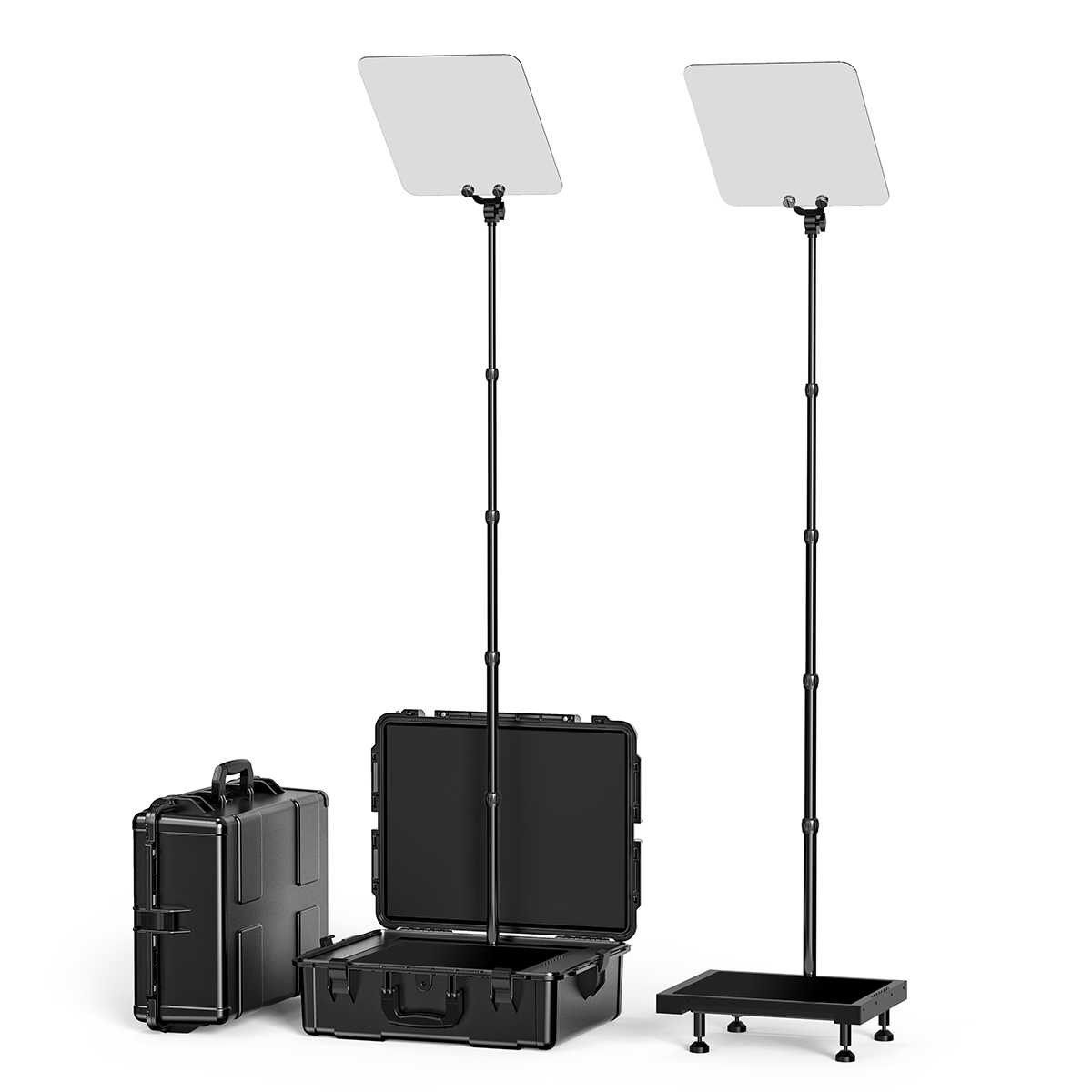
For heavy-duty broadcast setups, the Desview TP200 provides a 17-inch high-brightness screen with 1000 cd/m² luminance and direct SDI, HDMI, and USB connections. It mounts directly to studio tripods, ensuring clear script feeds under high-intensity broadcast lights.
Matching Teleprompter Gear to Studio Workflows
Achieving a natural performance requires combining the right hardware with smart studio setup choices. In our experience, overall production quality improves significantly when hardware matches your environment:
- Manage Light Reduction: Beam-splitter glass reduces incoming light to your camera sensor by roughly one f-stop. To maintain clean visual quality, balance your key and fill lights accordingly. Learn how to balance key fixtures in our guide on how to light an interview.
- Ensure Unrestricted Audio: Because presenters sit at fixed distances from prompter glass, camera-mounted shotguns are often too far away. Pairing your rig with wireless lavalier microphones guarantees clear voice capture without limiting natural head movements.
- Control Script Pacing: Presenters should never feel pressured to race a scrolling script. Equip your setup with Bluetooth remotes or wired foot pedals so talent or an operator can adjust scrolling speed live.
- Master Setup Steps: For detailed instructions on glass alignment and app configuration, check our step-by-step guide on how to use a teleprompter.
Teleprompter Selection Guide
| Production Setup | Max Device Size | Primary Benefit | Recommended Hardware |
|---|---|---|---|
| Mobile & Vlog | Up to 11″ Tablets / Phones | Fast assembly, ultra-portable | SmallRig 3646, Desview T5 |
| Studio & Mid-Size | 12.9″ to 16″ Tablets | Reduced eye tracking, sturdy build | Desview T12S, Feelworld TP16 |
| PTZ Multi-Cam | Integrated 15″ Display | Unobstructed pan/tilt, IP syncing | Datavideo TP-900 |
| Stage & Broadcast | 17″ to 19″ Displays | 1000 cd/m² output, high visibility | Desview TP300, Desview TP200 |
Key Takeaways
- Match display size to distance: Use small lens-mounted prompters for close-up solo shoots and larger 15-to-19-inch displays for distant studio setups to prevent horizontal eye scanning.
- Select workflow-specific mounting: Choose dedicated PTZ prompters like the Datavideo TP-900 for automated studios, or presidential prompters like the Desview TP300 for stage keynotes.
- Compensate for light loss: Adjust studio lighting to offset the light loss caused by beam-splitter glass.
- Control the scroll speed: Always use wireless remotes or foot pedals so the script adapts to the natural pacing of the presenter.
Explore our full catalog of professional teleprompters and broadcast accessories to upgrade your studio setup today.









