





HDMI Cable Maximum Length: How Far Can You Really Go?
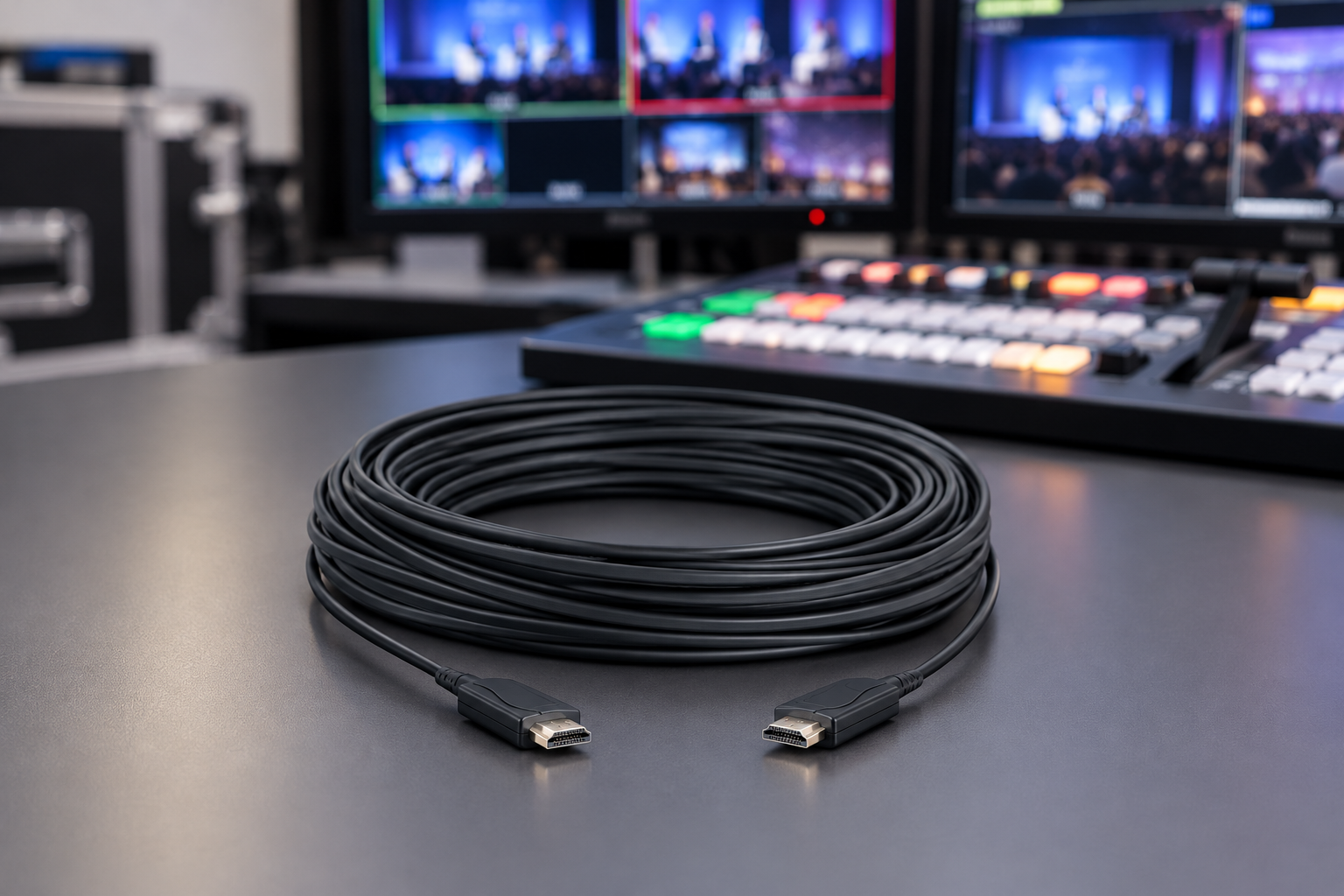
There is no official maximum length for an HDMI cable. The HDMI specification sets how a cable must perform, not how long it can be. HDMI.org certifies cables by bandwidth tier, and every length of a certified model must be tested.
So the real limit depends on your signal. The more data you send, the shorter a plain copper cable can be. Here is a planning guide for passive (unpowered) copper cables. These are practical field figures from manufacturers and installers, not certified limits.
| Signal | Bandwidth | Realistic passive length |
|---|---|---|
| 1080p60 | up to about 10 Gbps | up to about 15 m |
| 4K60 | 18 Gbps | about 3–5 m, sometimes more with thick-gauge cable |
| 4K120 or 8K60 | up to 48 Gbps | about 3 m |
Need more distance? Move to an active cable, an optical cable (AOC), an extender or SDI. We cover each option below.
Does HDMI have an official length limit?
No. HDMI.org says the specification defines the required cable performance but not a maximum length. This lets manufacturers improve cables with better materials or built-in electronics. HDMI.org has reported Standard-rated cables passing compliance testing at up to 10 metres without a repeater.
What the cable can carry is set by its certification tier:
- Standard: tested for 1080i or 720p.
- High Speed: up to 10.2 Gbps, including 4K at 30 Hz.
- Premium High Speed: up to 18 Gbps, built for 4K60 and HDR.
- Ultra High Speed: up to 48 Gbps, for 8K60 and 4K120.
A tier tells you what the cable can carry. It does not tell you how far. Two 10 m cables from different makers can behave very differently at 4K60.
Why long HDMI cables fail
HDMI sends data as fast electrical pulses on several copper pairs. Over distance, the pulses weaken (attenuation) and drift out of step with each other (skew). When the receiver can no longer read them, the picture breaks.
HDMI rarely fades gently. It usually works, then fails. You may see:
- sparkles or white dots in the image
- flicker or short black dropouts
- a display that keeps renegotiating a lower resolution
- “No signal”, or a failed HDCP or EDID handshake
The cable is also only part of the story. The source must drive the signal, and the display must read it. Many camera and laptop outputs are built with a 2 m cable in mind. The same long cable can work with one device and fail with another.
Thin cable makes it worse. Thinner conductors lose more signal, so a slim camera-rig cable is a poor choice for long runs. Use slim cables for the short hop between camera and monitor, and choose a different solution for distance.
What to use when passive copper is too short
You have four main choices. Pick by distance and by what your gear needs.
Active copper HDMI cable
An active cable has a booster chip built into the connector. It reaches further than passive copper and stays simple to use. Two things to know:
- It is directional. One end goes to the source and the other to the display. Plugging it in backwards gives no picture.
- It may need power. Some take it from the HDMI port, others use a USB lead.
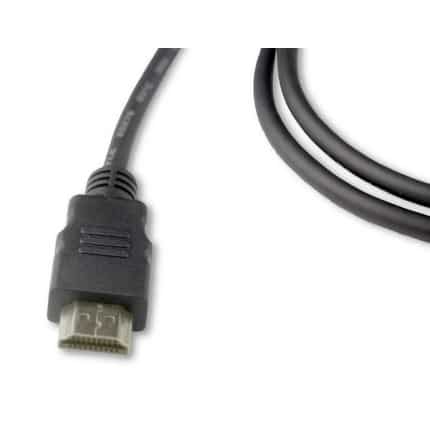
Our Belden HDE010MB 10 m active HDMI cable is an example. The product page states that Belden assemblies over 5 m are active and directional. It supports 1080p at 60 Hz. The listing gives 4K at 30 Hz only for lengths of 5 m or less, so do not assume 4K on the 10 m version.
Active optical cable (AOC)
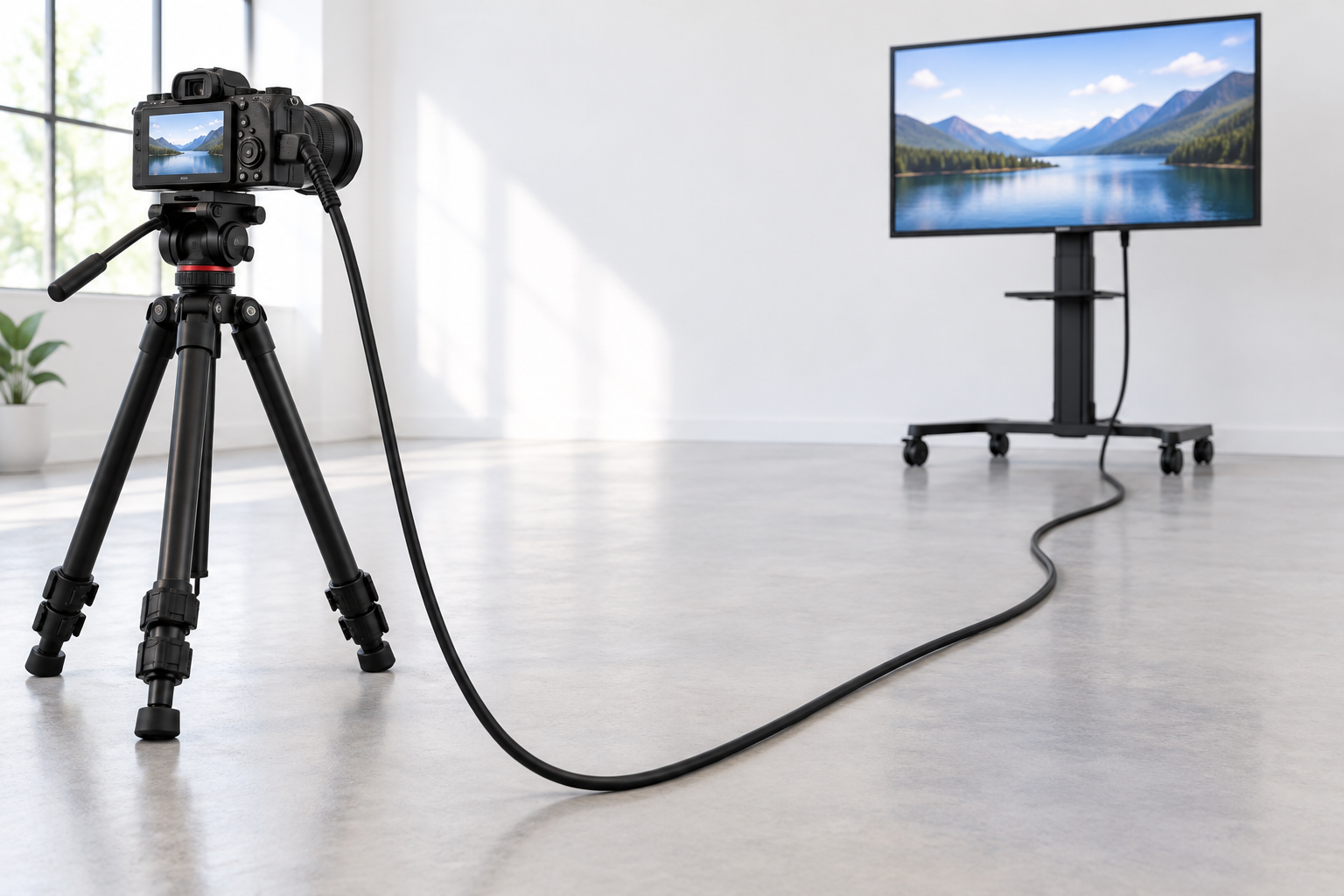
An AOC turns the signal into light inside the connector, sends it over fibre and converts it back at the other end. Manufacturers list AOC lengths up to 100 m for 4K60 at 18 Gbps. Fibre is also thin and light, and it does not pick up electrical interference.
AOCs are directional too, and the ends are marked. Some take power from the source and need no external supply. Check the datasheet of the cable you buy.
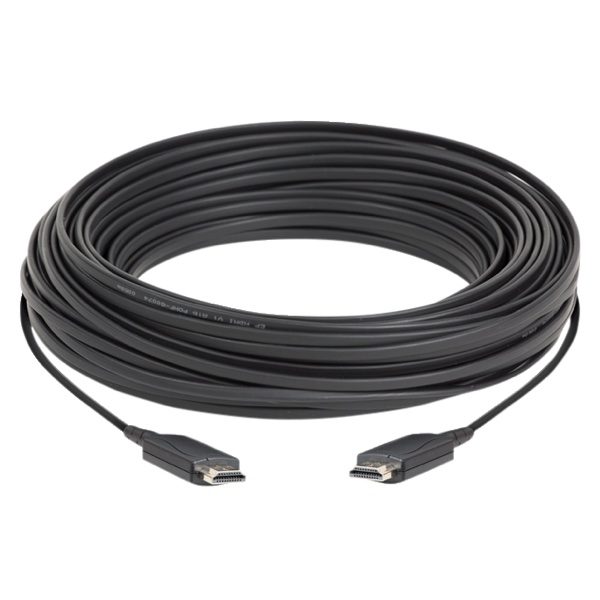
The Datavideo CB-60 is a 30 m HDMI active optical cable. It suits a camera at the back of a room feeding a monitor or switcher at the front. Check the supported resolution on the product page against your signal before you order.
HDMI extender over Cat6 or fibre
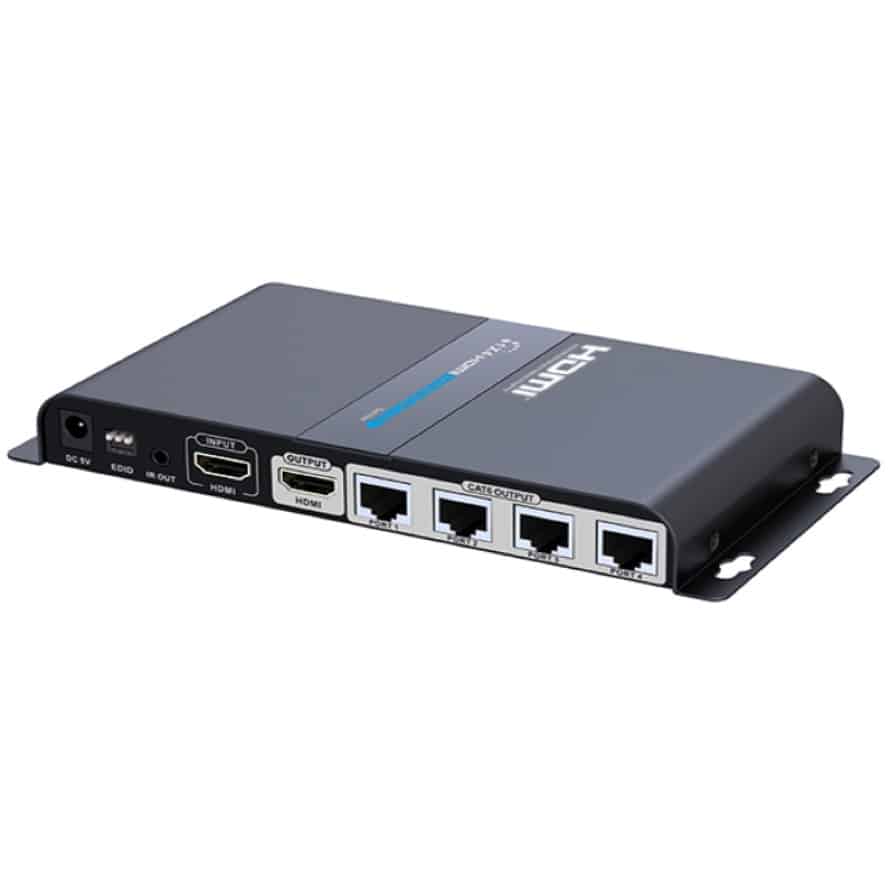
An extender has a transmitter at the source and a receiver at the display. Between them runs ordinary network cable or fibre. Distances depend on the model. For example, ATEN lists one HDBaseT extender at 4K up to 100 m, with 1080p up to 150 m in Long Reach Mode. The same maker lists a simpler Cat6 model at 40 m for 4K at 30 Hz.
Extenders make sense when you want to build the cable into a wall or conduit, or send one source to several screens. The Lenkeng LKV714PRO 1×4 HDMI extender splitter does that: one HDMI source to four displays over Cat6 receivers.
SDI for professional runs
If you are building a production workflow, consider leaving HDMI altogether on the long leg. SDI runs on 75-ohm coax with locking BNC connectors, which HDMI does not have. Belden’s distance chart for 1694A coax estimates about 155 m for 3G-SDI and about 105 m for 6G-SDI. Belden stresses these are cable-only estimates. Connectors and equipment reduce them.
Use an HDMI-to-SDI converter at the camera and an SDI-to-HDMI converter at the display. Our guide to HDMI cables for video production covers bandwidth and long-distance AOC choices for on-set rigs. If you would rather skip cable altogether, read our wireless video transmission guide.
How to choose: a simple decision guide
Measure the full path first, including bends and any cable inside walls or trusses. Then use these rules:
- Under 3 m: use a good certified passive cable. Match the tier to your signal.
- 3–5 m at 4K60: use a certified Premium High Speed or Ultra High Speed cable. Buy a thicker cable if the run is near 5 m.
- 5–15 m at 1080p: passive copper may work, but an active cable is safer for a live show.
- Over 5 m at 4K60: use an AOC or an extender.
- Over 30 m, or runs through walls and stages: use an extender, fibre or SDI.
- Mission-critical live work: use locking connectors and SDI where you can. HDMI plugs can be pulled out by one tug.
Here is a worked example. A 4K60 camera feeds a monitor 12 m away. Passive copper is far outside the 3–5 m range, so a plain cable is a gamble. A 15 m AOC leaves slack for routing and stays well inside the 100 m AOC range. Add a short cable at each end only if the ports are awkward.
One common mistake is buying by the “8K” label on the box. A cable that is certified for 48 Gbps at 3 m tells you nothing about the same model at 10 m. Always check the length and the certification label for that exact length.
Troubleshooting a long HDMI run
If a long run flickers or shows no picture, test in a fixed order. CEDIA recommends this approach for handshake failures:
- Connect the source directly to the display with a short, known-good cable. If it works, the long run is the problem.
- Lower the source resolution or refresh rate. If the picture clears up at 1080p, the run is short on bandwidth.
- Remove switchers, splitters and adapters, then add them back one at a time.
- Power-cycle the source and display, then wait at least 10 seconds before trying again.
- Check which end of an active cable goes to the source.
The HDMI source also supplies a small +5 V power line on pin 18. It powers the display’s EDID chip, which tells the source what the display supports. Some inline devices, such as powered extension cables and adapters, can interfere with that communication. Biamp recommends devices that take external power through USB or DC input.
If the direct test works but the long run fails at full resolution, stop swapping cables. Change the method: active, optical, extender or SDI.
Key Takeaways
- HDMI has no official maximum length. Reach depends on bandwidth, cable build and your devices.
- Plan on about 15 m for 1080p, 3–5 m for 4K60 and about 3 m for 4K120 or 8K on passive copper.
- Use active or optical cables for longer runs, and install them in the right direction.
- Use extenders for walls and multiple screens. Use SDI for long professional runs.
- When it fails, test with a short cable first, then lower the resolution.
Not sure which cable fits your run? Browse our HDMI cables or contact the MediaGear team with your distance, resolution and gear. We will help you pick a setup that holds up on shoot day.









