





Commentary Systems for Sports Broadcasting: A Setup Guide
A sports commentary system has four jobs. It takes the commentator’s voice, gives them a mix to hear, lets them talk to the producer without going on air, and sends the result to the mixer. Get these four right and the rest is detail.
Most productions need one of three setups. Pick yours first, then buy.
| Your situation | What to use | Why |
|---|---|---|
| Two commentators at a venue, simple OB or stream | Analogue 2-user commentary unit | Fast setup, no network needed |
| Venue or studio with a Dante/AES67 network | Network commentary unit | One network cable, flexible routing, scales up |
| Commentators at home or in a studio, “off-tube” | Network unit or codec, plus a mix-minus feed | Commentators hear the game without their own voice |
The sections below explain each part of the chain, with numbers you can check.
What a commentary unit actually does
You can plug a headset into a mixer. Many small productions do. But a commentary unit solves problems a mixer does not.
A dedicated unit gives each commentator:
- Mic input with phantom power and a wide gain range. The range must cover the microphone you use, as Glensound explains in its commentary Q&A.
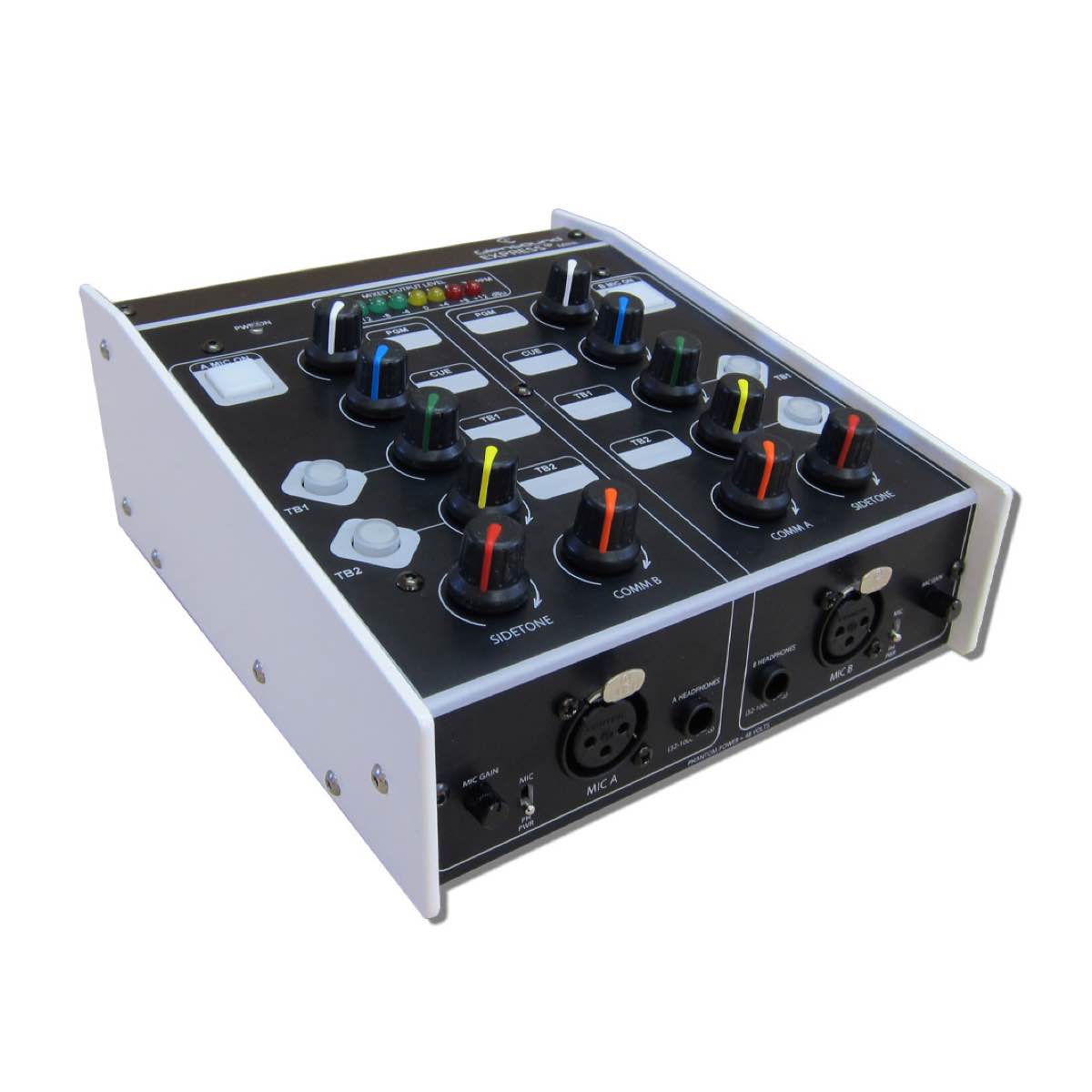
- A personal headphone mix. On the Glensound Express Box MKII, each commentator has four monitor inputs, plus a dial for their own voice (sidetone) and one for the other commentator, according to the manufacturer’s brochure.
- Talkback. Pressing a talkback button removes the mic from the main programme output and sends it to the talkback circuit. The producer hears you. The audience does not.
Sidetone matters more than it looks. A commentator who cannot hear their own voice may talk too loudly and fight the headphone mix. A sidetone control lets each person set their own comfort level.
On-site or off-tube: choose your commentary position
“At venue” means the commentators sit in the stadium or hall. “Off tube” means they work from a studio or from home and watch the game feed on a monitor, as Yahoo Sports describes it.
On-site gives commentators the crowd, the rhythm and the touchline. It costs travel and a booth. Off-tube saves that, but adds a network link and delay.
How much delay can you live with? One reference point: in a VITEC and Eurosport remote commentary project, the target was under 250 ms from capture to the commentator, over the public internet at 4–5 Mbit/s video. That is one project, not a universal rule. Test your own link before the event.
Whatever you choose, one rule holds. A remote commentator needs the programme feed minus their own voice. This is called mix-minus. Without it you get feedback or howlround, and with distance, delayed headphone audio that makes talking hard, as the Institute of Professional Sound explains.
Choose the commentary unit
Match the unit to your network, not to the biggest spec sheet.
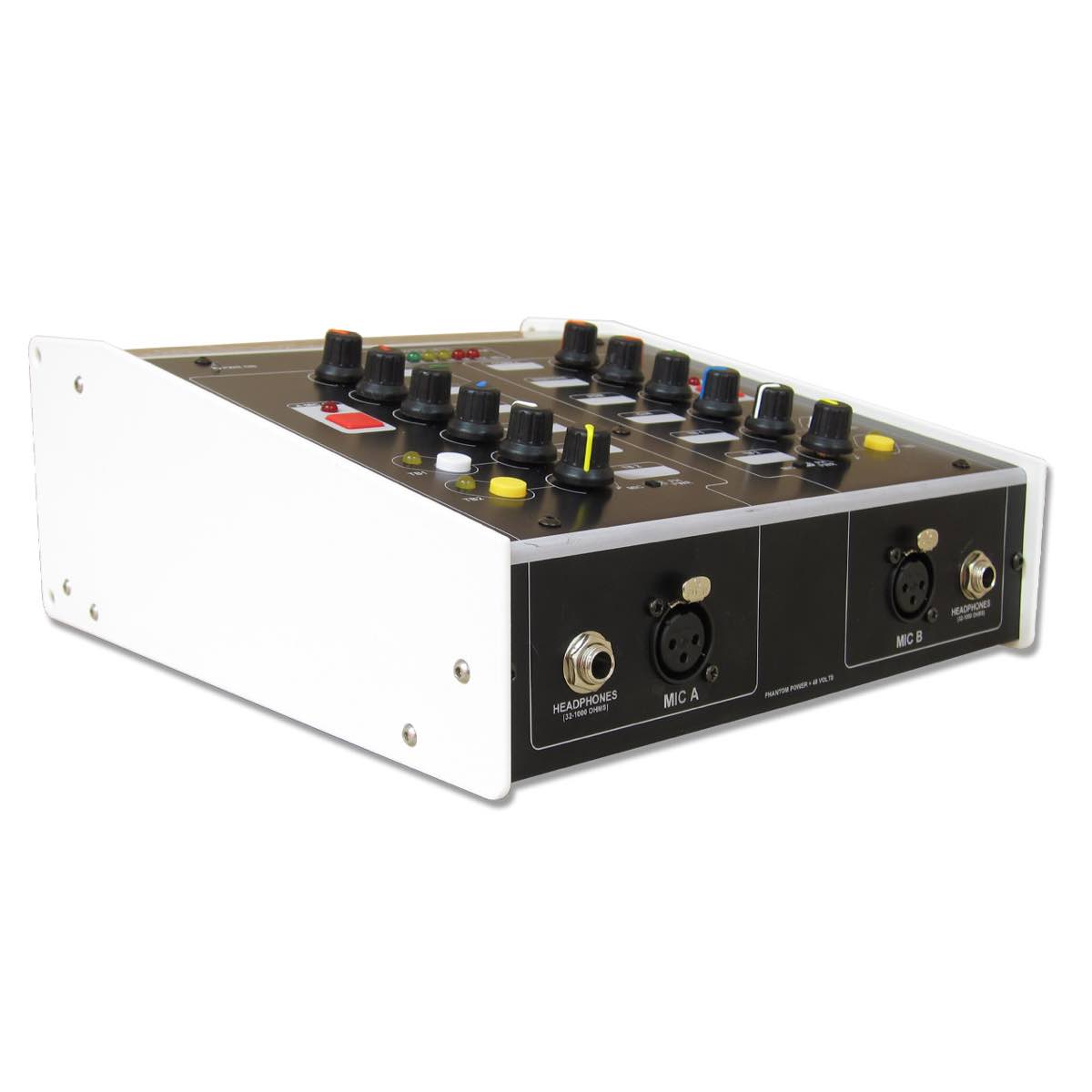
Analogue, two commentators. The Glensound Express Box MKII is built for simple jobs: two positions, four external monitor inputs, two talkback circuits and switchable 48 V phantom power on the mic inputs. It suits a small OB, a school or club match, or a reporter and a co-commentator. It does not suit a venue that wants everything on a network.
Network, two commentators. The Express IP Mini is a compact 2-user unit for Dante/AES67 networks. It also has two talkback circuits, and 48 V phantom power on the mic inputs.
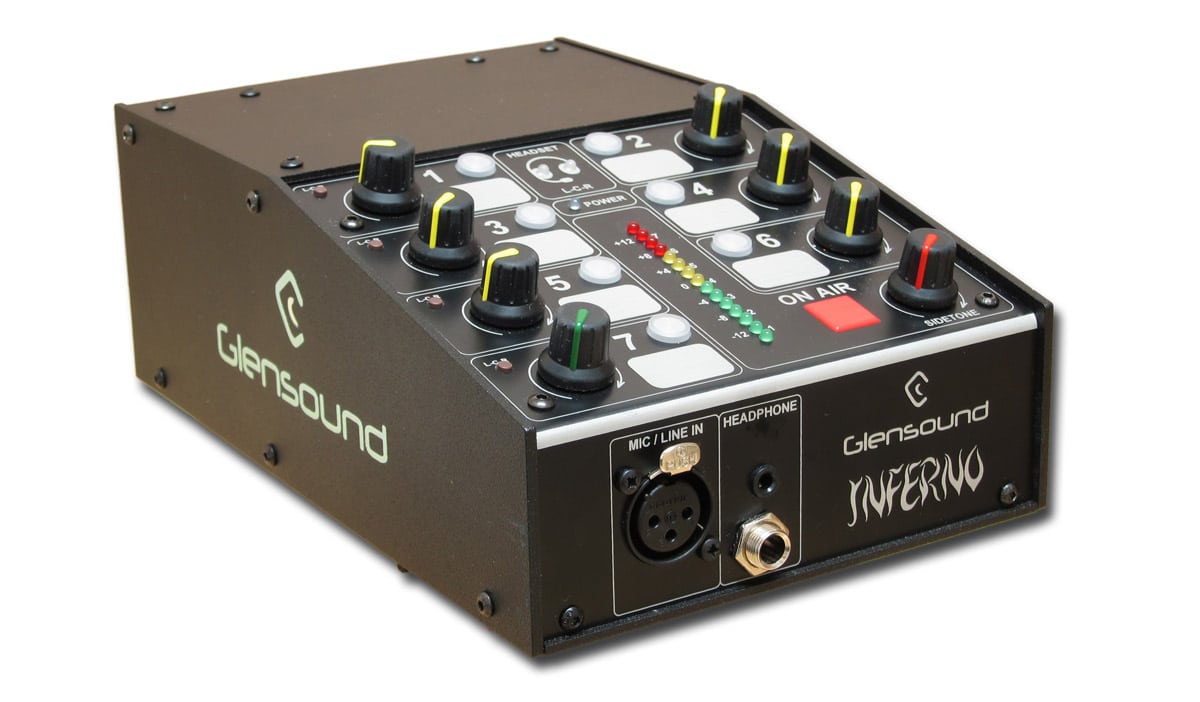
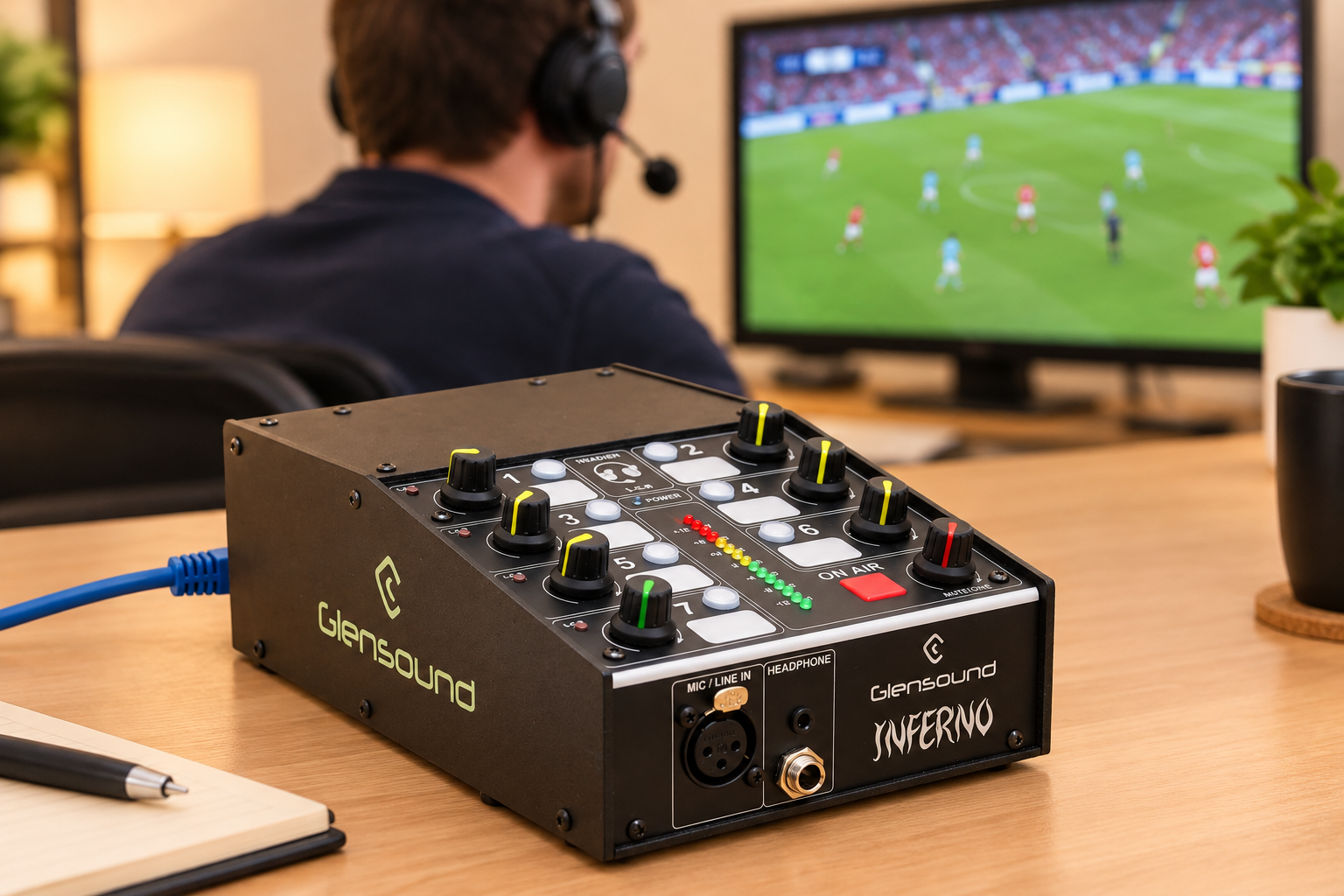
Network, one commentator with more routing. The Glensound Inferno is a single-user Dante box. Its headphone mixer has seven Dante-fed inputs plus sidetone, and it has seven talkback circuits you can program over the network, according to Glensound’s product page. Power comes from PoE, mains or DC. Add one Inferno per commentator as the team grows.
-
 Commentary systems
GLENSOUND Express IP Mini compact 2 user Dante/AES67 commentary unit
€ 1 825.00€ 2 263.00 (incl. VAT) -
Commentary systems
GLENSOUND Express Box MKII simple 2 user commentary unit
€ 1 955.00€ 2 424.20 (incl. VAT) -
 Commentary systems
GLENSOUND Inferno Dante single commentator’s box
€ 2 530.00€ 3 137.20 (incl. VAT)
Browse the full commentary systems range if you need something bigger. Not sure which unit fits? Send us your commentator count and your network type. We will tell you which one to choose.
Pick a headset that survives a full match
A match can run for hours. The headset must stay comfortable and keep the mic close to the mouth. A close, fixed mic position keeps the voice level steady while the commentator moves their head or gets excited. Schoeps makes the same point in its paper on microphones for sports broadcasting: the mic and headphones must form a robust headset that holds the mic very close to the mouth.
Check three things before you buy:
- Phantom power. Glensound notes that the vast majority of broadcast headsets need 5–15 V of phantom power, as stated in its commentary guide. Your unit must supply it.
- Headphone impedance. The Express Box MKII front panel lists 32–1000 ohms for its headphone sockets. A 64-ohm headset such as the Sennheiser HMD 27 sits inside that range, according to Sennheiser’s spec page.
- Hearing protection. The HMD 27 includes a switchable ActiveGard limiter for noise peaks above 110 dB. It protects the commentator’s ears from sudden peaks.
If you want a closed headset with a built-in mic, look at the Behringer HLC 660M. It has a closed earpiece and a condenser mic, with a cable on stereo jack or XLR. The RØDE NTH-100M pairs over-ear headphones with a microphone. If you prefer to choose headphones separately, the Sennheiser HSP 4 is a cardioid headset microphone for hands-free use. For broader choice, see our headphones and speakers and microphones categories.

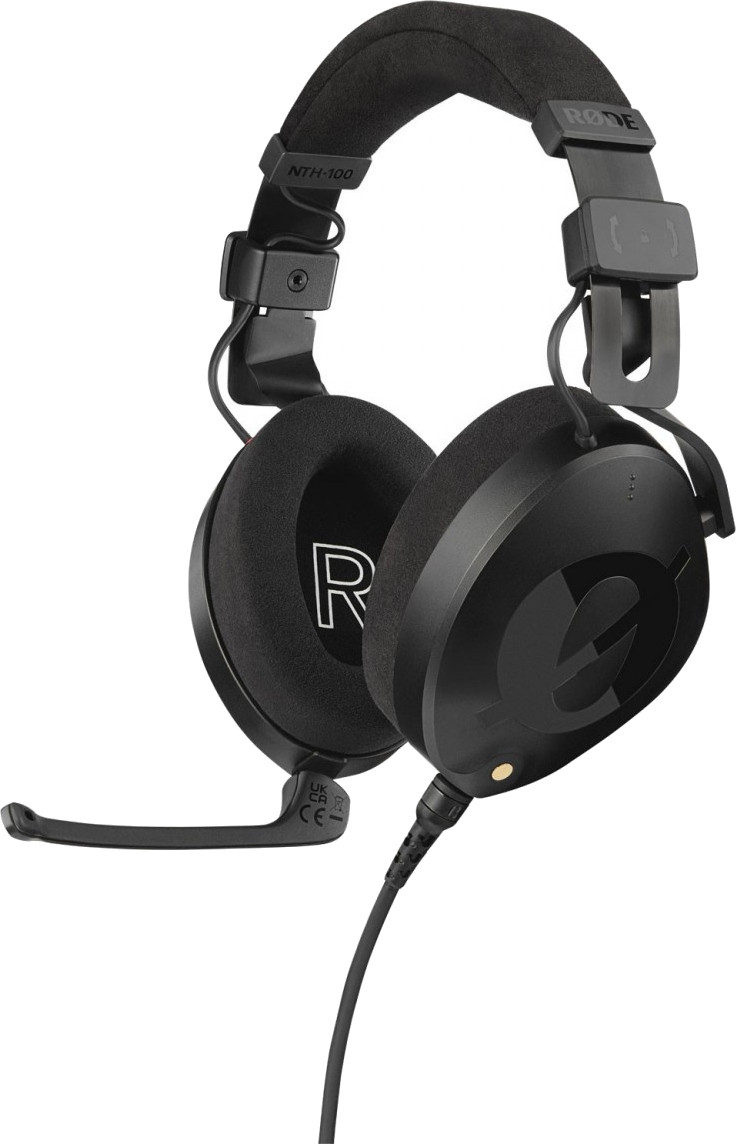
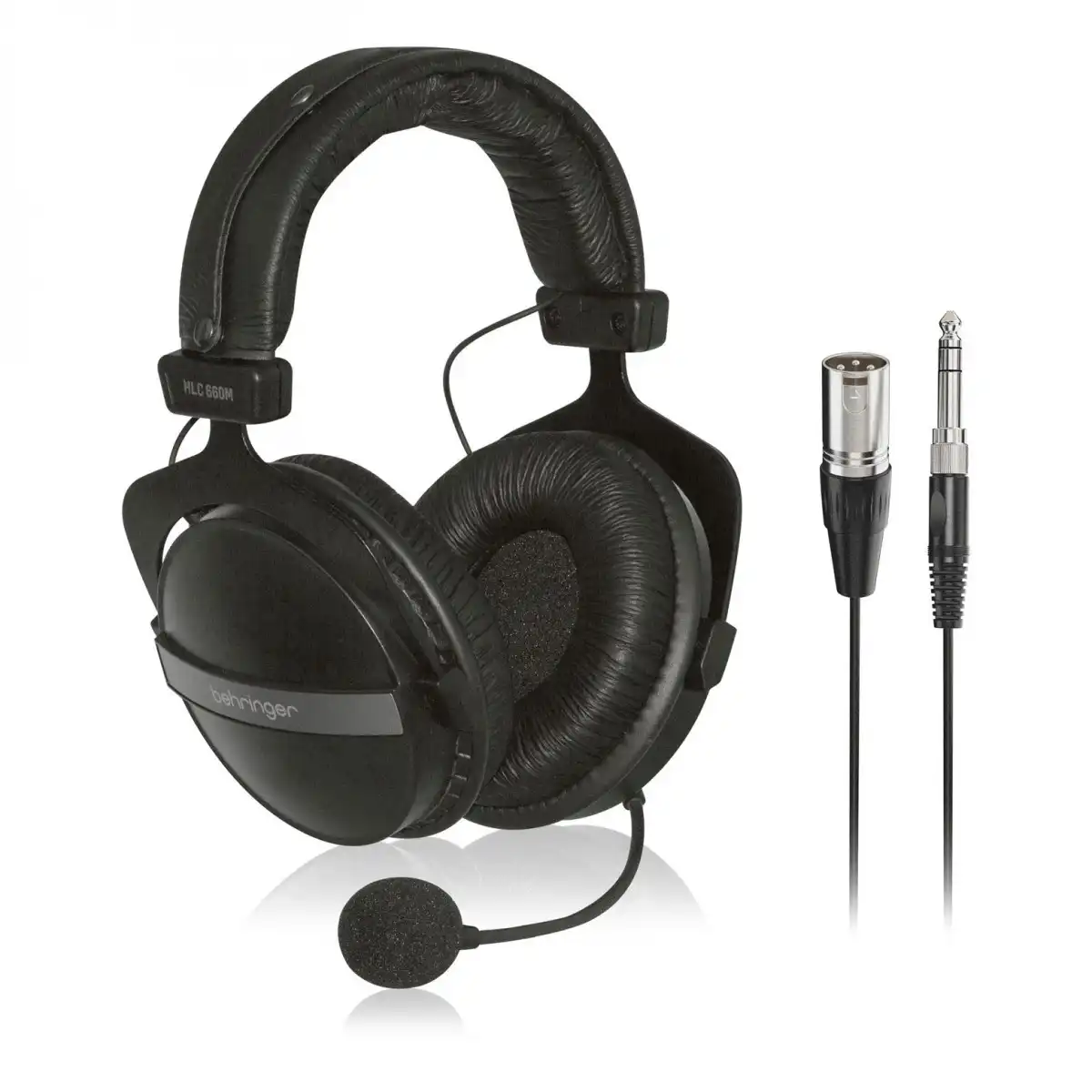
Be honest about the trade-off. A budget headset will do for a club stream. For broadcast to an audience that pays, a dedicated broadcast headset gives you a more reliable mic position and better isolation from the crowd.
Connect it: cables, networks and standards
Analogue units use balanced XLR cables. They are simple and work everywhere. The cost is one cable per signal, which adds up over long runs.
Network units move all signals over one Ethernet cable. Three terms matter:
- Dante is a widely used audio-over-IP system.
- AES67 is an interoperability standard. It covers synchronisation, transport, encoding and session description, as the AES67 standard summarises.
- SMPTE ST 2110-30 carries uncompressed PCM audio over IP and refers to AES67, according to SMPTE.
The practical point: Dante devices can exchange audio with AES67 and ST 2110-30 devices, per the Audinate documentation. You must enable AES67 mode on the Dante side. Do it during setup, not on match day.
Two habits save events:
- Use PoE where the unit supports it. The Inferno can run on PoE, so one cable can power and connect it.
- Plan a backup path. Glensound’s Inferno manual describes redundant copper and fibre connections. For a final or a paid stream, use them.
Talk to your crew: talkback, intercom and phone guests
Commentators are one voice in a bigger crew. The producer, camera operators and replay team need their own channel.
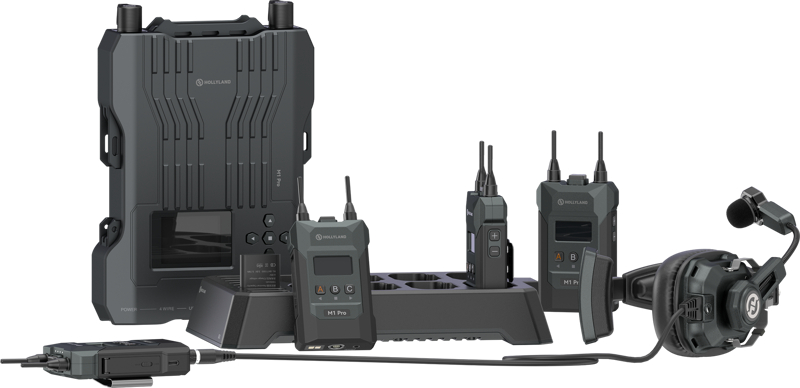
A wireless full-duplex intercom works well for the crew around the venue. Our Solidcom M1 Pro 4-user kit lists a 400 m range, three-group communication and a cascade option for larger crews. Read our guide to wireless intercoms for the basics of wireless crew communication, and browse the full intercom systems range.
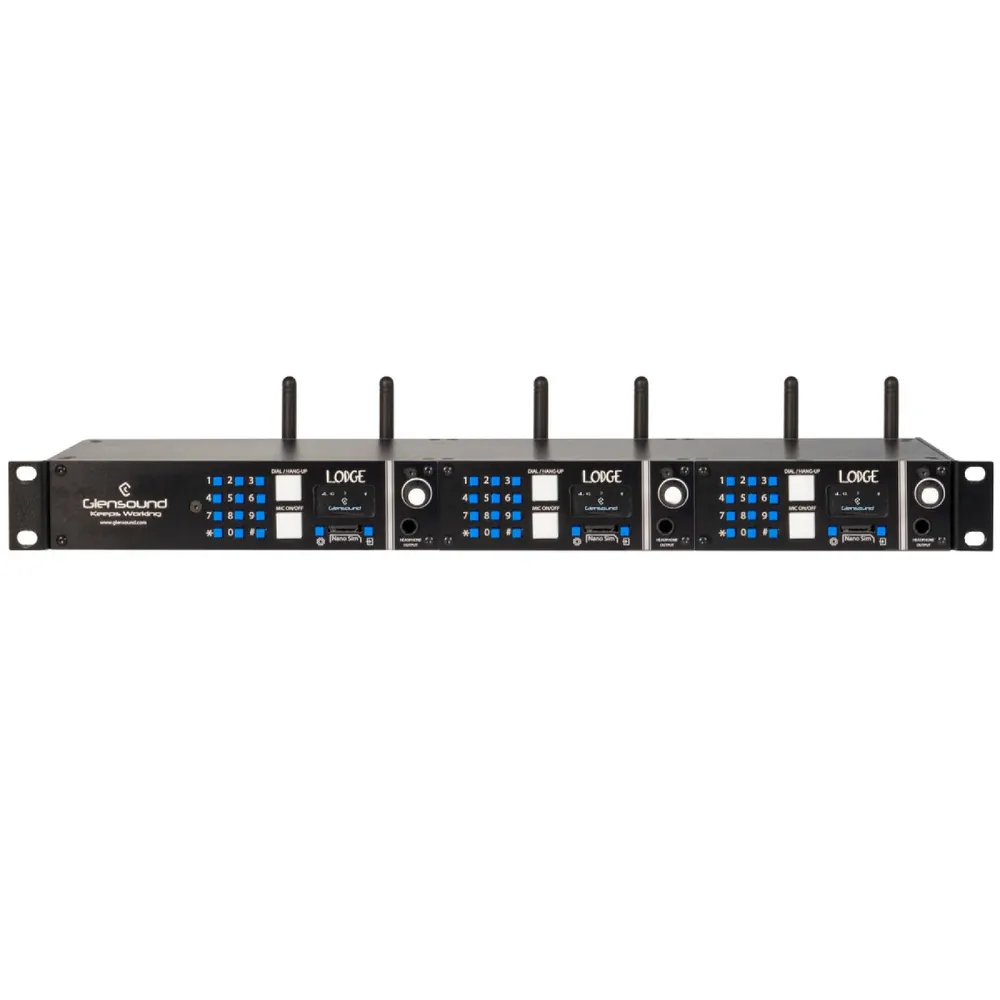
Want to put a phone-in guest or a reporter on the show? The Glensound Lodge is a rack-mount mobile phone hybrid for that job.
Set levels and place the booth
Hardware is only half of it. Two settings protect the sound.
Loudness. EBU R 128 sets programme loudness at −23.0 LUFS. Live programmes are allowed a ±1.0 LU tolerance. The true peak should stay at or below −1 dBTP, according to EBU R 128. The recommendation also warns that sitting near the tolerance limits should not become standard practice. Your national broadcaster may have its own rules, so check them. The commentary limiter on the unit is your first defence against peaks. Set it so that an excited shout does not hit the limiter all the time.
Booth position. Commentary positions should be kept away from direct PA coverage, with acoustic treatment where needed, as Videoteam Hungary notes. Crowd noise and PA bleed into an open mic are hard to remove later. Our guide on reducing echo for broadcast-quality audio covers treatment basics.
Commentary positions also need an IFB feed (interrupted foldback, a direct audio return to the earpiece) and a programme feed, per the same source.
Common mistakes to avoid
- Buying the unit before the network is known. Decide between analogue and Dante/AES67 first.
- Skipping the mix-minus test. Check that each remote commentator hears the programme without their own voice. Do this before the rehearsal ends.
- Mismatched headset and unit. Check phantom power and impedance on paper.
- No backup. A spare headset and a second path cost little compared with a lost broadcast.
Key Takeaways
- A commentary system must give each commentator a mic, a personal headphone mix with sidetone, and talkback that never goes on air.
- Choose analogue for simple two-person jobs and Dante/AES67 units when you have or plan a network.
- Remote commentary needs a mix-minus feed, and you should test your own latency rather than trust a general figure.
- Check headset phantom power (often 5–15 V) and impedance against the unit before you buy.
- Aim for −23 LUFS ±1 LU on live programmes and keep true peaks at −1 dBTP or lower.
Tell us how many commentators you have, where they sit and which network you use. We will suggest a matching setup from our commentary systems range and check current availability for you.









