





External SSD vs Memory Card: Speed, Cost, & Workflow
Storage drives your entire production pipeline. Choosing between an external SSD and a memory card dictates how fast you record on set, offload media, and edit high-bitrate footage.
In our experience, productions often suffer unexpected downtime when storage fails to sustain required write speeds. Selecting the right media keeps your camera running reliably and avoids costly bottlenecks in post-production.
In-Camera Capture: Memory Cards vs Direct SSD Recording
Internal camera slots rely on compact media formats. Standard SDXC and CFexpress cards remain the baseline for most mirrorless and cinema cameras. Memory cards sit safely inside the camera body, protected from rain, dust, and physical impact.
When choosing memory cards, continuous write speed matters more than peak read speed. SD cards rated under SD Video Speed Class standards, such as V90, guarantee a minimum sustained write speed of 90 MB/s. High-end cinema formats require CFexpress cards that meet CompactFlash Association VPG standards to guarantee drop-free recording in 4K, 6K, or 8K RAW. For a deeper breakdown of card formats, read our guide on how to choose a memory card for video and our comparison of CFexpress vs SD cards.
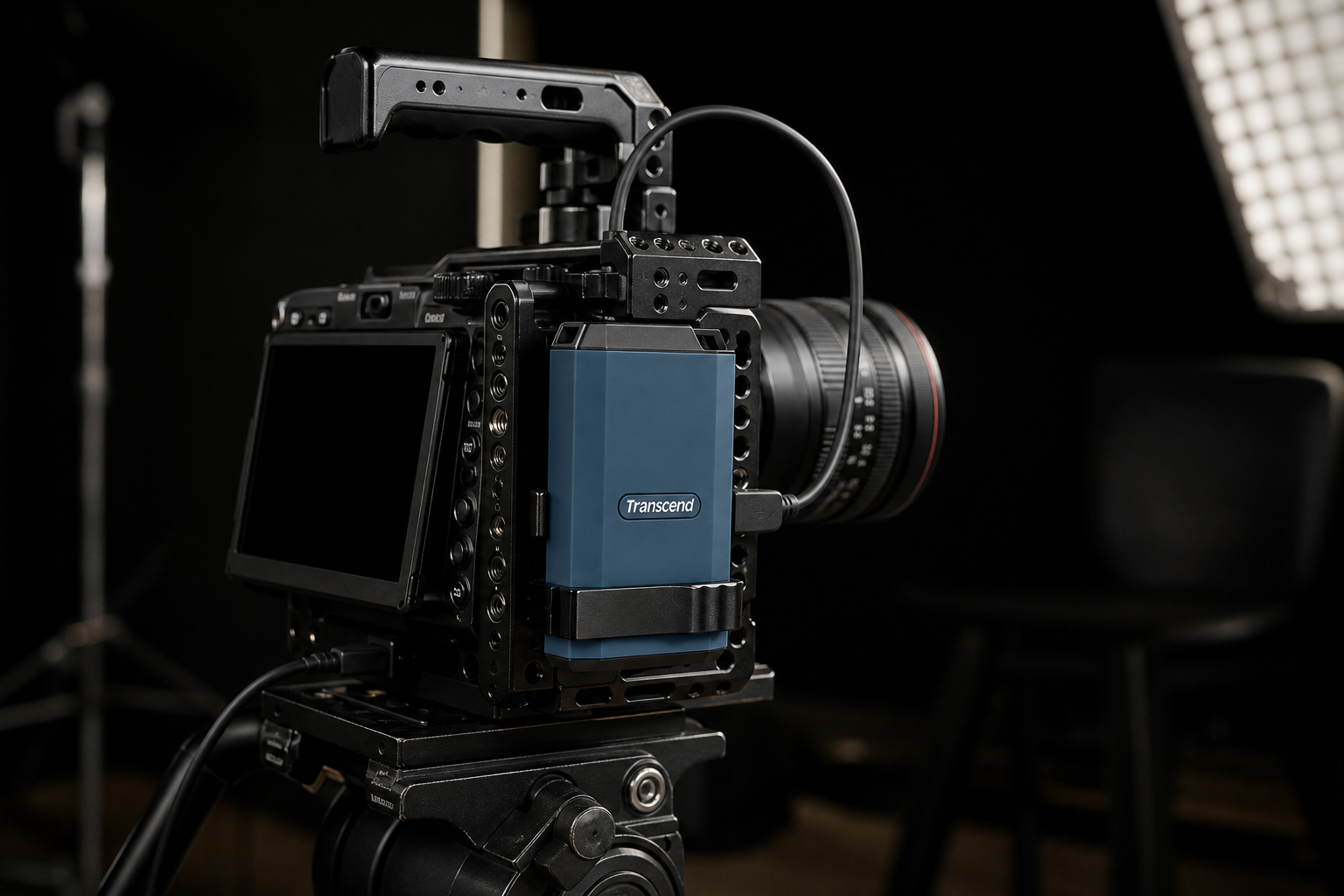
Direct USB-C SSD recording offers an alternative for cameras and external monitors. Routing your camera feed to an external video recorder or recording directly to an external drive lowers your cost per gigabyte significantly. However, external drives introduce rig complexity. They require mounting clamps, expose USB cables to accidental snags, and draw additional battery power from your camera system. Some camera models also restrict USB SSD capacities to 2TB or limit simultaneous internal backup recording.
-
 Memory cards
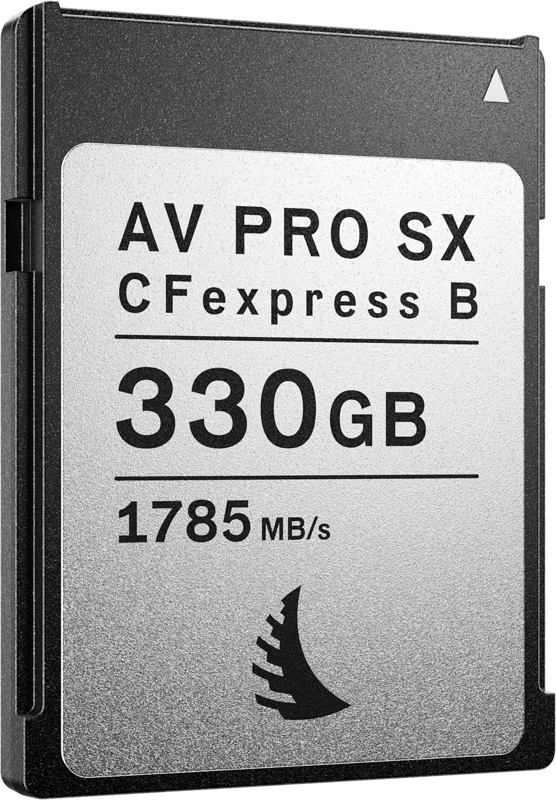
ANGELBIRD CFexpress AV PRO B SX (R1785/W1600) 12K, 330 GB
€ 304.72€ 377.85 (incl. VAT) -
 Memory cards
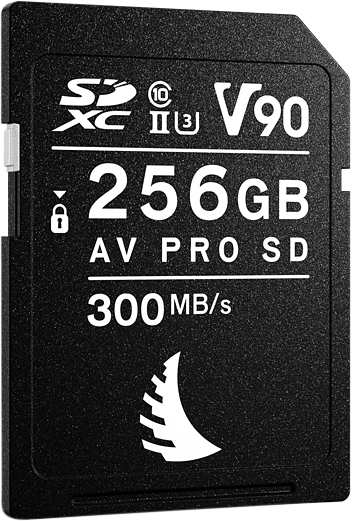
ANGELBIRD SD AV PRO MK2 R300/W280 (V90) 256GB
€ 389.52€ 483.00 (incl. VAT) -
 Memory cards
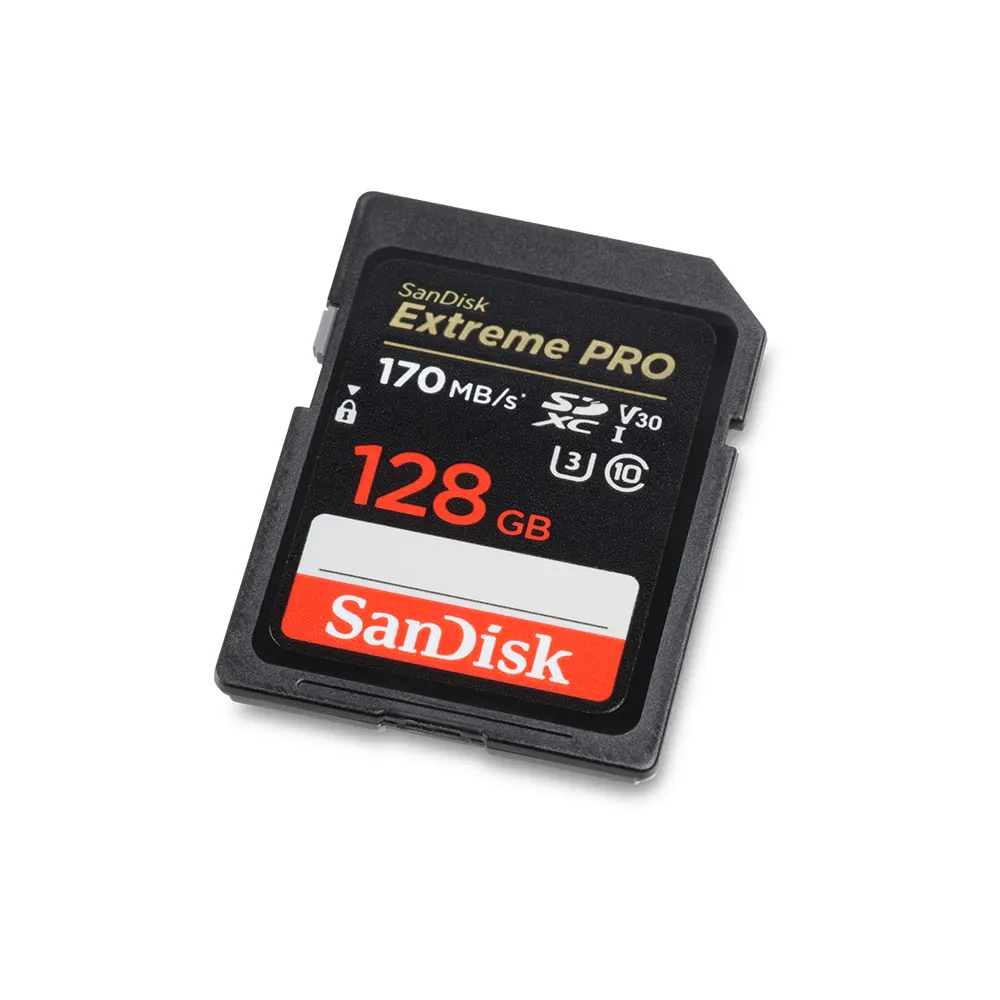
SANDISK Extreme PRO SDXC V30 128GB memory card
€ 30.00€ 37.20 (incl. VAT) -
 Memory cards
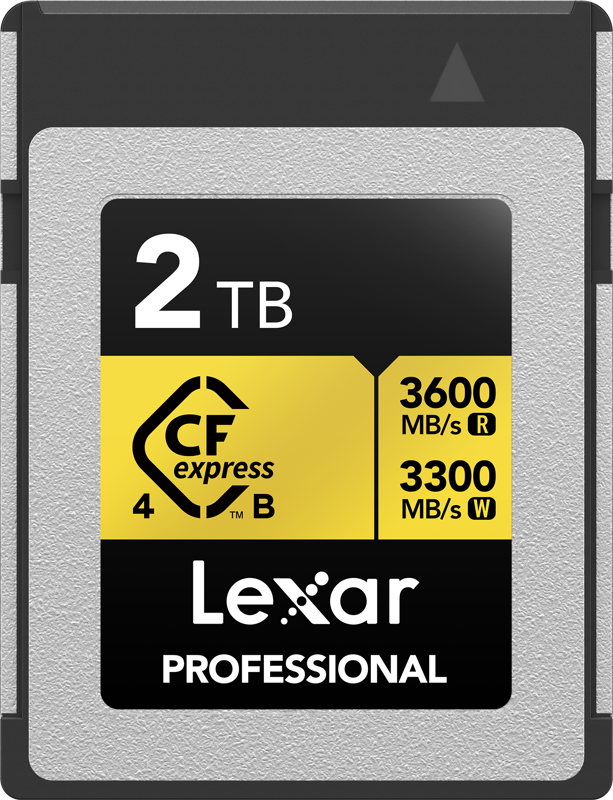
LEXAR CFexpress 4.0 Pro Gold R3600/W3300 2TB
€ 854.11€ 1 059.10 (incl. VAT) -
 Memory cards
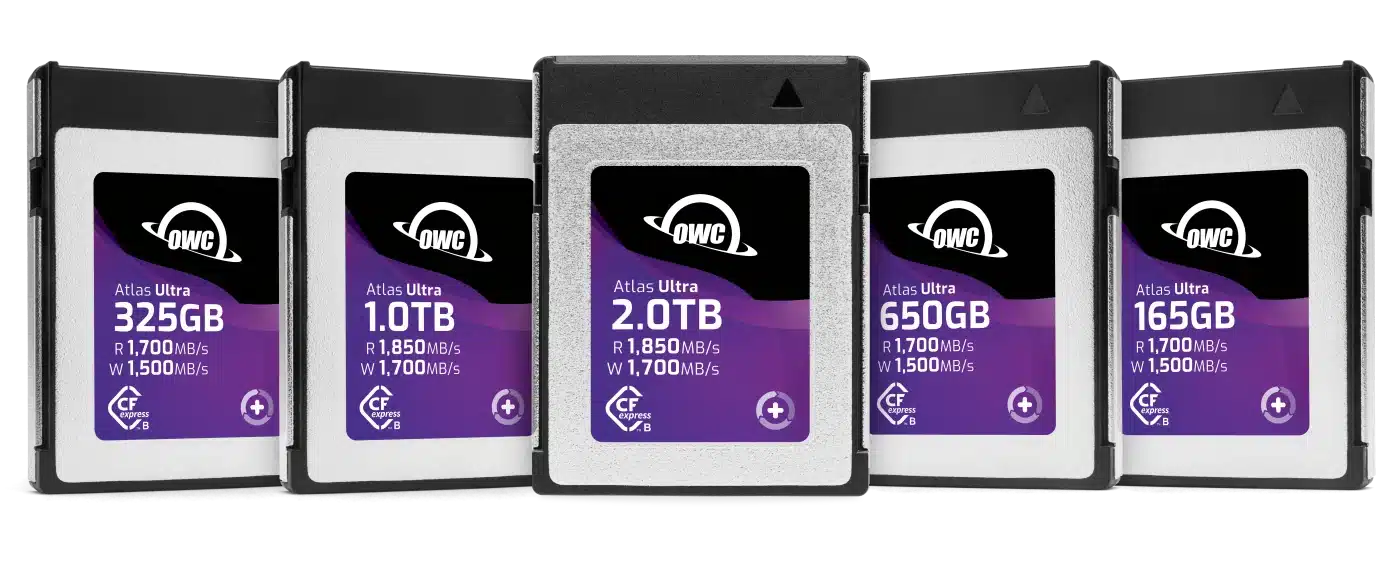
OWC CFexpress Atlas Ultra (Type B) memory card
€ 143.12 – € 575.92€ 177.47 – € 714.14 (incl. VAT)
Editing and Offloading Speed
Post-production bottlenecks often happen off set. Memory cards require dedicated high-speed card readers to copy files to your workstation. If you shoot hundreds of gigabytes on standard SD cards, offloading data can take hours.
Editing directly off storage media is where external SSDs excel. Adobe hardware guidelines recommend fast external NVMe drives for video media and scratch caches. Modern portable SSDs running on USB 3.2 Gen 2, Gen 2×2, or Thunderbolt interfaces achieve real-world speeds between 1000 MB/s and 2800 MB/s. This allows multi-stream 4K editing without copying footage to your internal computer drive first.
To maintain continuous edit speeds, choose external drives built with thermal management and high sustained write rates. Drives that drop speed under continuous load cause dropped frames during video export or timeline playback.
-
 External drives
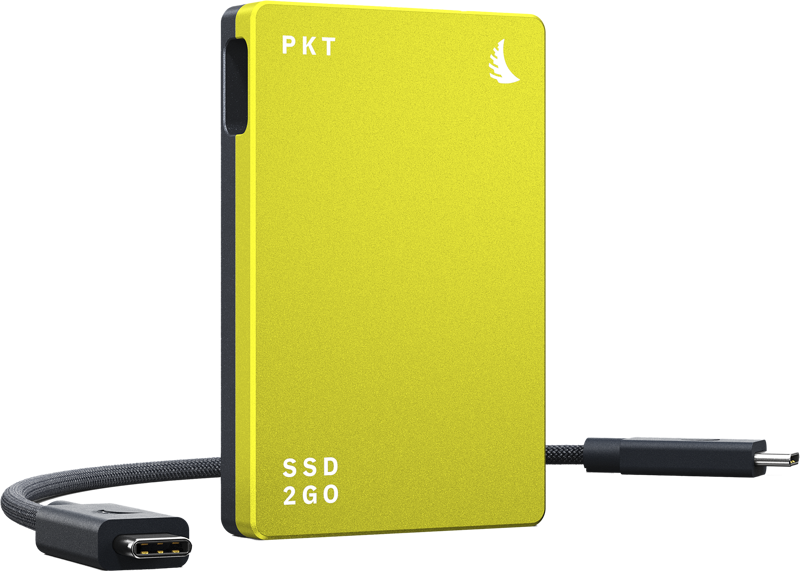
ANGELBIRD SSD2GO PKT MK3 W1600 MB/s, 4TB
€ 783.92€ 972.06 (incl. VAT) -
 External drives
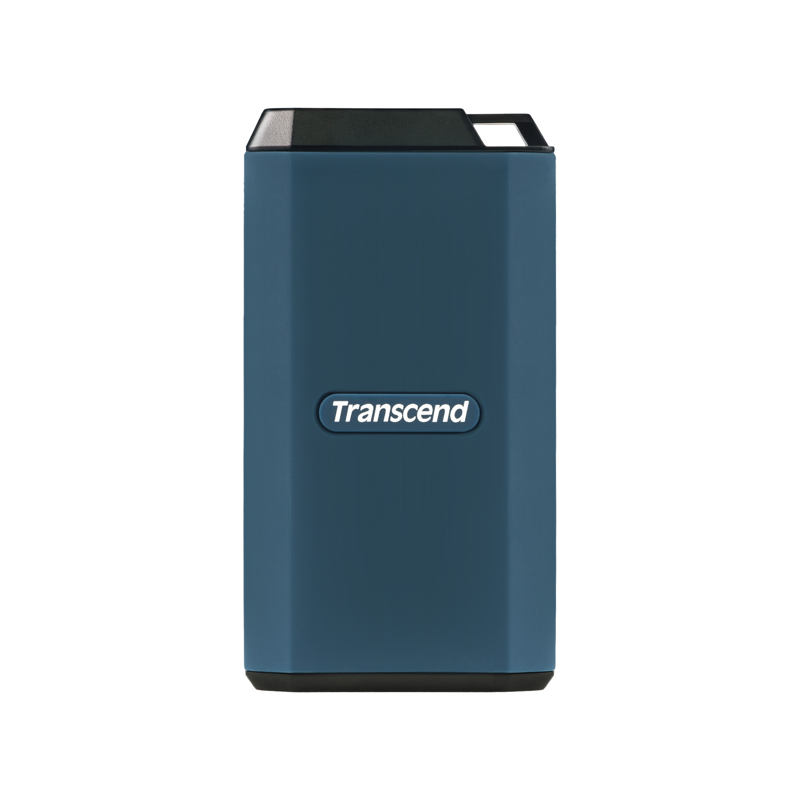
TRANSCEND SSD ESD410C IPX5 (USB 20Gbps, Type C) Rugged and Water-Resistant, 2TB
€ 559.92€ 694.30 (incl. VAT) -
 External drives
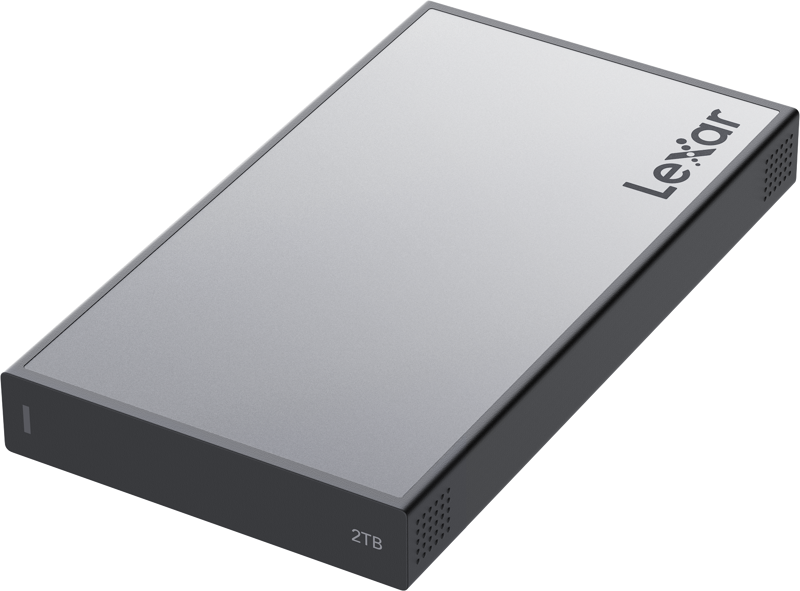
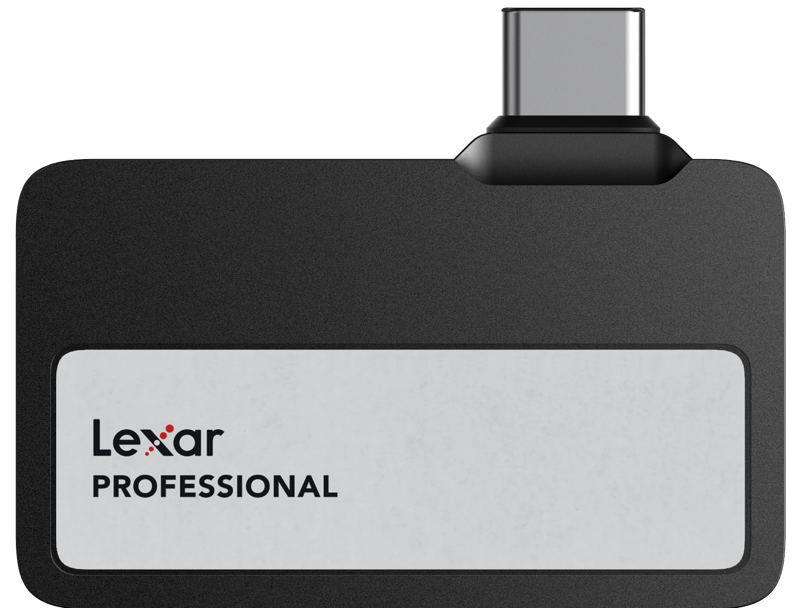
LEXAR Professional Workflow Portable SSD, up to R2000/W2000, IP68, 2TB
€ 818.53€ 1 014.98 (incl. VAT) -
 External drives
LEXAR Professional Go SL400X SSD, USB3.2 Gen2 up to R1050/W1000, 2TB
€ 819.95€ 1 016.74 (incl. VAT)
Data Integrity and Mobile Backup Strategies
Data redundancy protects client projects. Industry guidelines from NIST guidance on data security and the Library of Congress digital preservation standards highlight the importance of maintaining at least three copies of critical media across different devices.
In our experience, combining both media types creates the safest field workflow:
- Primary Capture: Record internally to dual memory cards for immediate camera redundancy.
- Field Offload: Copy memory cards directly to a rugged external SSD at the end of each scene or shoot day.
- Backup Duplication: Duplicate the primary SSD to a second external drive or local field storage before wiping memory cards.
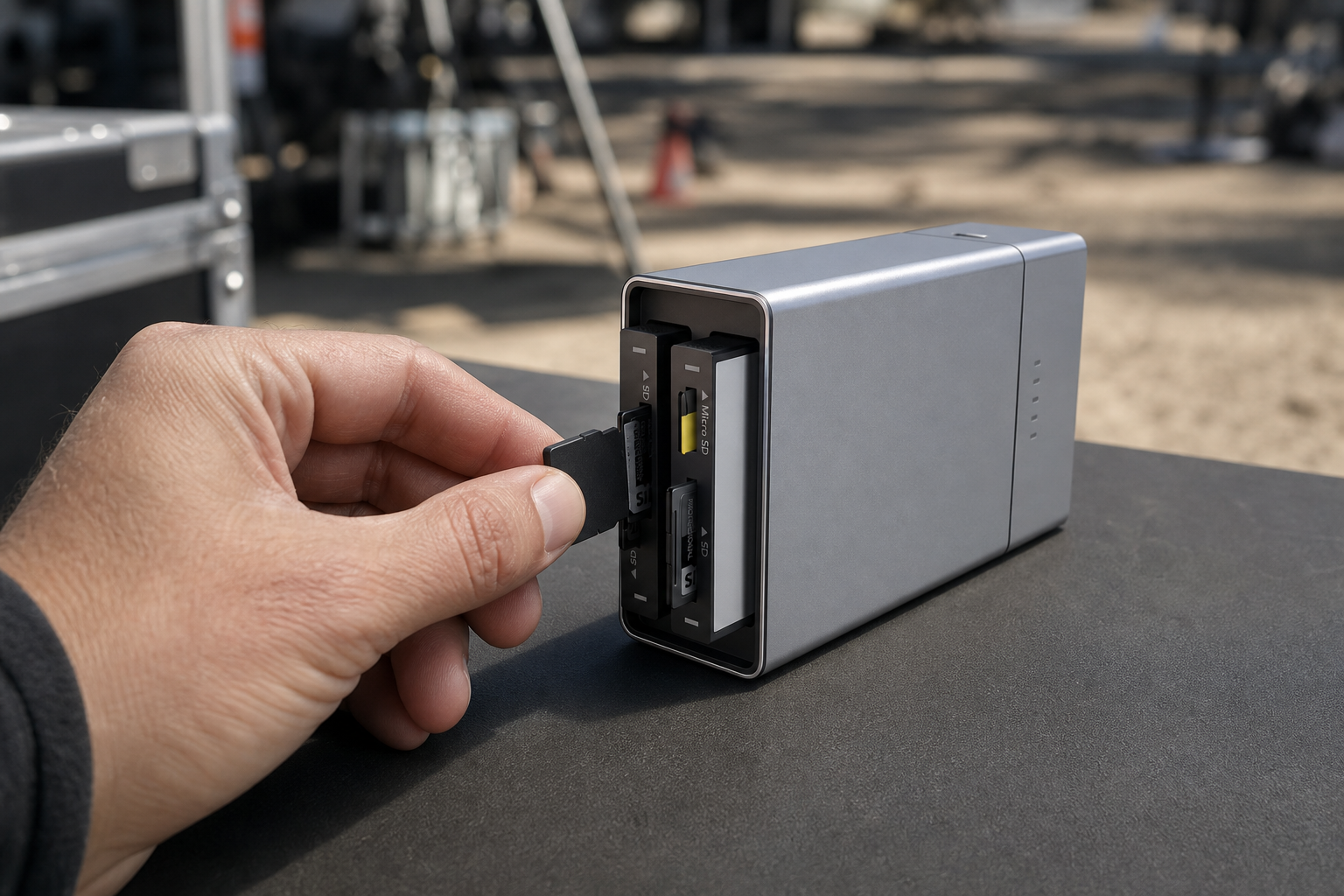
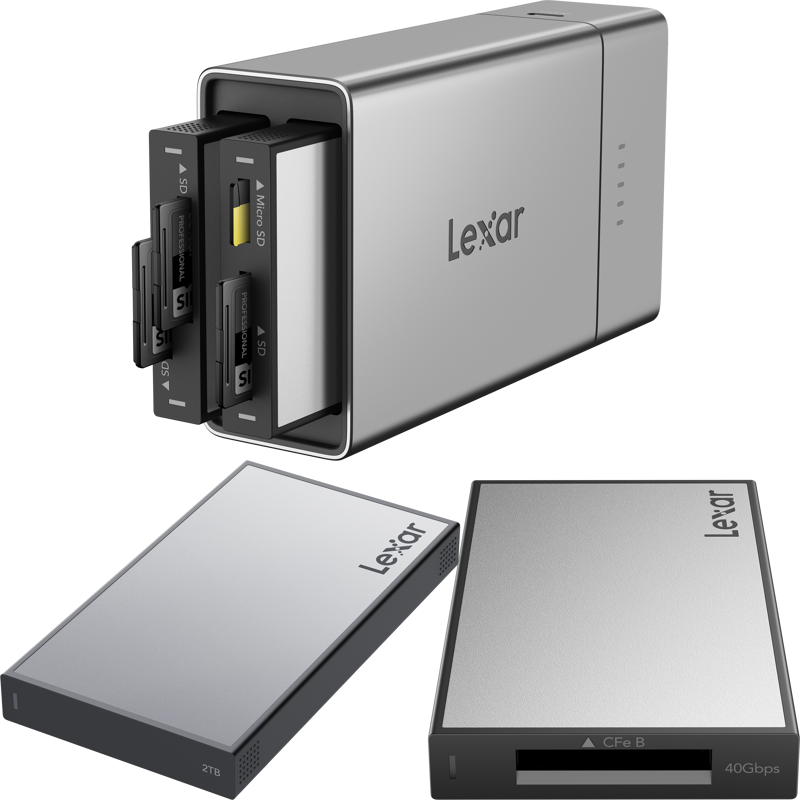
Modular backup docks simplify this process on location. They allow you to offload memory cards straight onto external SSDs without needing a full laptop setup in the field.
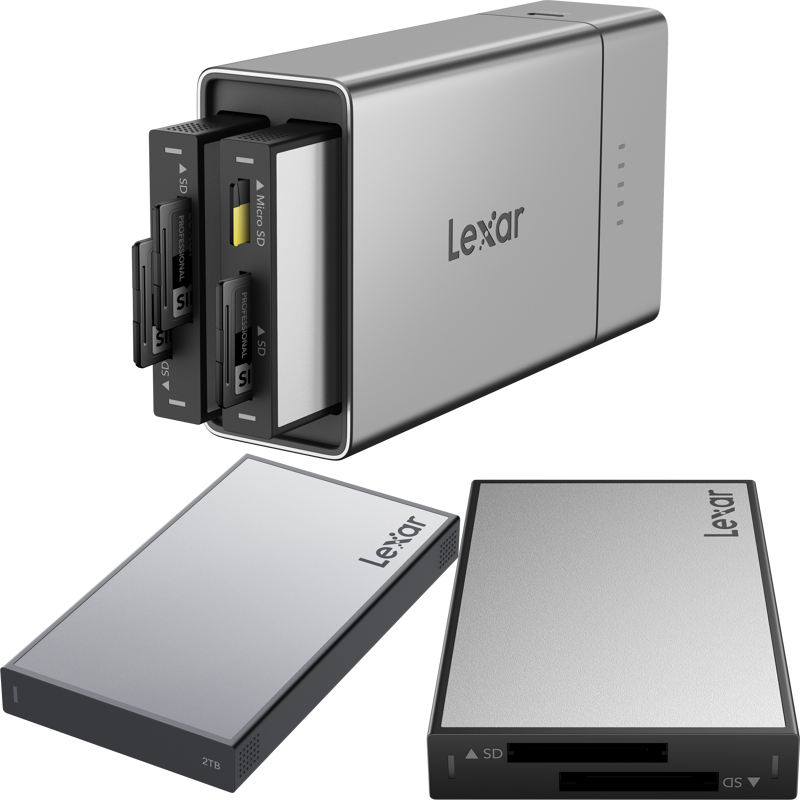
Storage Performance Comparison
| Feature | Memory Cards (SD / CFexpress) | External NVMe SSDs |
|---|---|---|
| Primary Use Case | In-camera primary capture | Post-production editing, fast offloads, direct recording |
| Maximum Real Speeds | Up to 90 MB/s (SD V90) / 3300 MB/s (CFexpress 4.0) | Up to 1000 MB/s – 2800 MB/s (USB-C / Thunderbolt) |
| In-Camera Integration | Seamless internal slot protection | External mounting required (cables, clamps) |
| Editing Direct From Media | Not recommended | Excellent for real-time 4K/8K timeline playback |
| Cost per Gigabyte | Higher cost per GB | Lower cost per GB |
| Physical Durability | Compact; select models offer dust/water resistance | Ruggedized casing; high drop and crushed-load tolerance |
Selecting the Right Storage for Your Production
Your camera setup and shoot style determine the right storage choice.
- Solo Operators and Event Videographers: Use dual internal memory cards for safety. You gain total mobility without extra rig cables. Keep two high-speed portable SSDs in your bag for rapid end-of-day offloads.
- Studio and Cinema Productions: Shoot directly to high-capacity CFexpress media or external USB-C SSDs mounted to camera cages. Direct SSD recording gives you massive storage capacity for long interview takes or high-frame-rate shoots.
- Post-Production Editors: Run your active video editing catalogs directly off high-speed Thunderbolt or USB 3.2 Gen 2×2 SSDs. Keep your computer internal drive free for operating system tasks.
Before purchasing new media, check our video camera buying guide to verify output specifications, bitrates, and hardware port compatibility. Explore our curated range of professional memory cards and high-performance external drives to equip your next shoot.
Key Takeaways
- Match Media to Task: Use internal memory cards for physical protection during capture, and external SSDs for fast offloads and editing.
- Prioritize Sustained Speeds: Check VPG standards for CFexpress cards, V-class ratings for SD cards, and sustained write specs for external SSDs to avoid dropped frames.
- Manage Rig Complexity: Recording to an external SSD reduces storage costs per gigabyte, but requires reliable cable management and extra power planning.
- Maintain Redundant Backups: Follow industry guidance by creating secondary copies on external SSDs before erasing camera memory cards.
Need assistance configuring storage for your camera package? Contact our technical team at MediaGear for personalized advice on media compatibility and workflow integration.









