





Gimbal vs Tripod for Video: How to Choose the Right Support
Choosing between a gimbal and a tripod is one of the most critical decisions in video production. Your choice dictates how fast you operate on set, how heavy your setup can be, and how your video feels to the audience.
A shaky camera shot can quickly ruin a professional project. However, keeping your camera completely still when tracking a walking subject can make your footage feel artificial. Both tools solve camera instability, but they do it in completely different ways. In our experience working with production crews, selecting the wrong support leads to physical fatigue, balance errors, or missed shots.
Video Tripods: Locked-In Precision and Heavy Loads
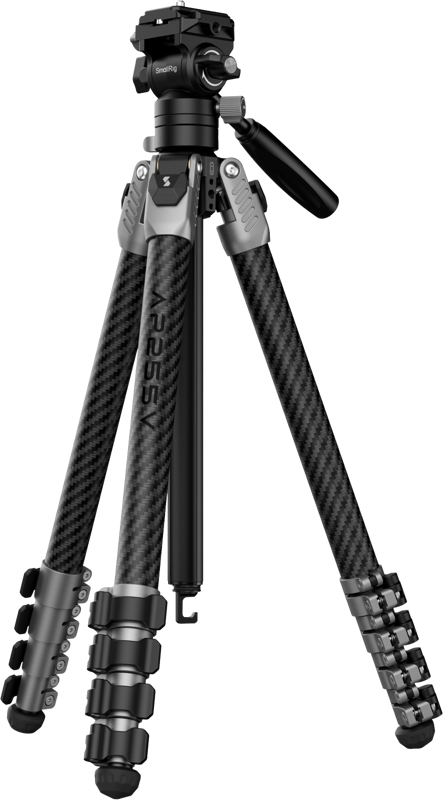
A dedicated video tripod gives you total stability and predictable control. Unlike photography tripods, video tripods feature fluid heads designed with internal drag and counterbalance systems. These components cushion your movements, enabling smooth pans and tilts without micro-jitter or harsh stops.
Tripods excel when your scene demands consistent, precise framing. They easily handle heavy production setups. Once you add a cinema camera, large zoom lens, matte box, follow focus, and V-mount battery, your rig will quickly exceed what a motorized handheld support can bear. Heavy-duty carbon fiber or aluminum legs keep your payload secure and your horizon straight.
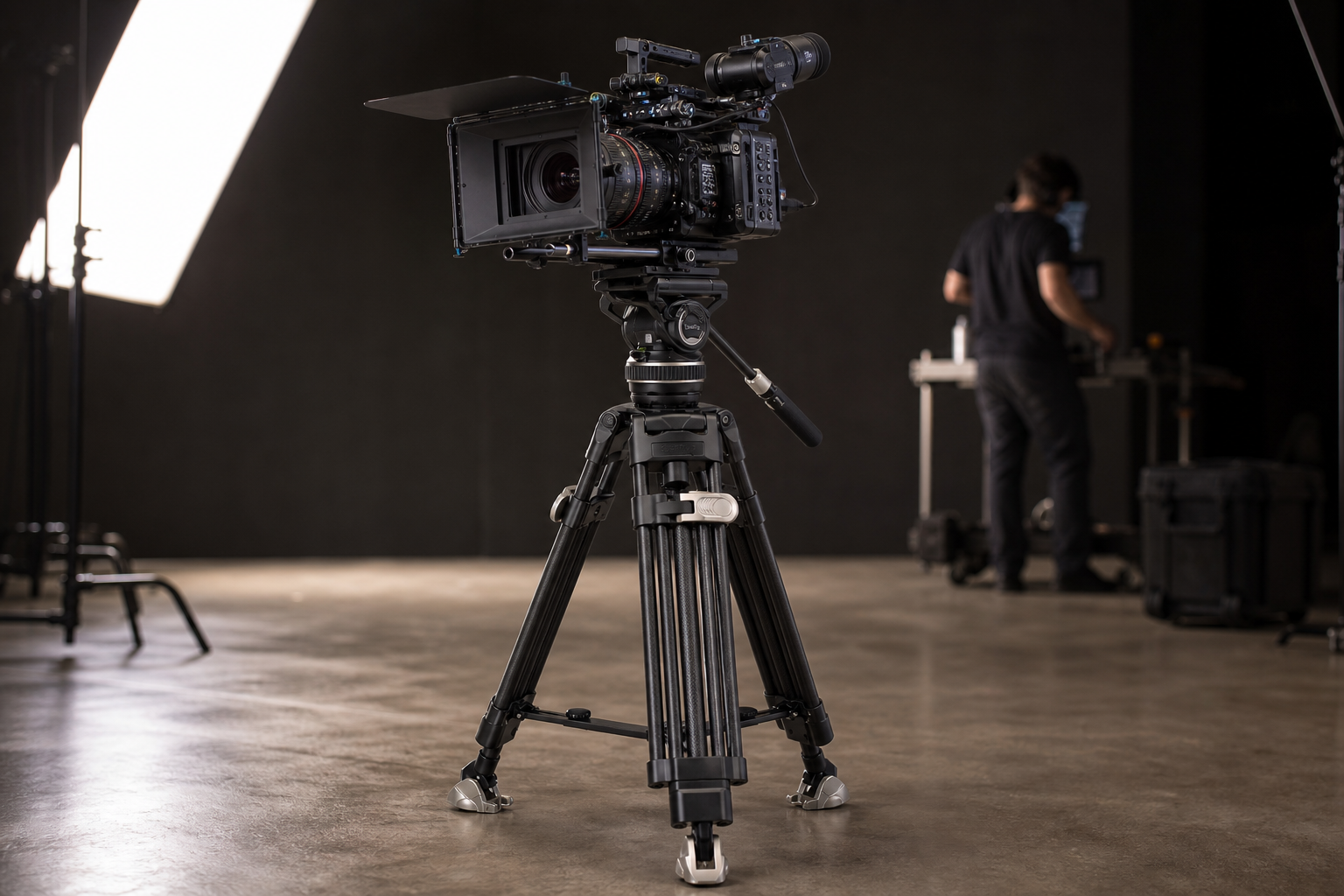
Using a tripod also prevents operator fatigue during long recording sessions. For seated interviews, multi-camera studio setups, or live events, setting up on three legs keeps your hands free to manage focus or monitor audio levels. You can explore our full selection of video tripods built for heavy studio setups and mobile field work.
-
 Tripods
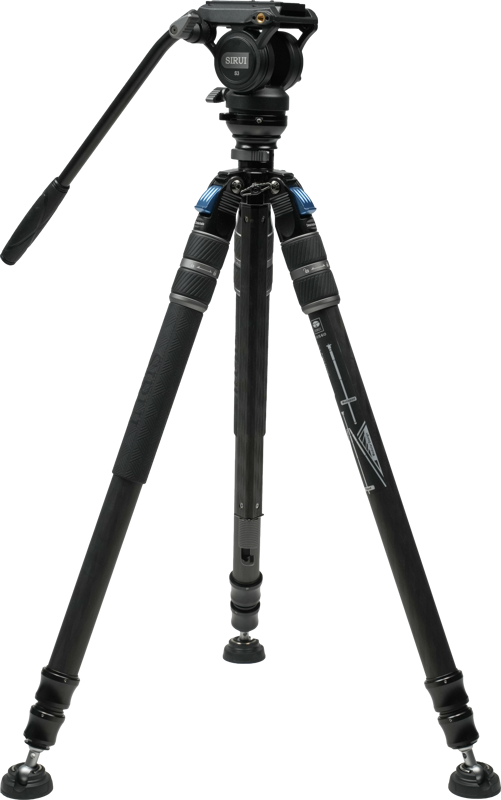
SIRUI One Step Height Adjustment Carbon Video Tripod Kit SVS60 + S3
€ 317.79€ 394.06 (incl. VAT) -
 Tripods
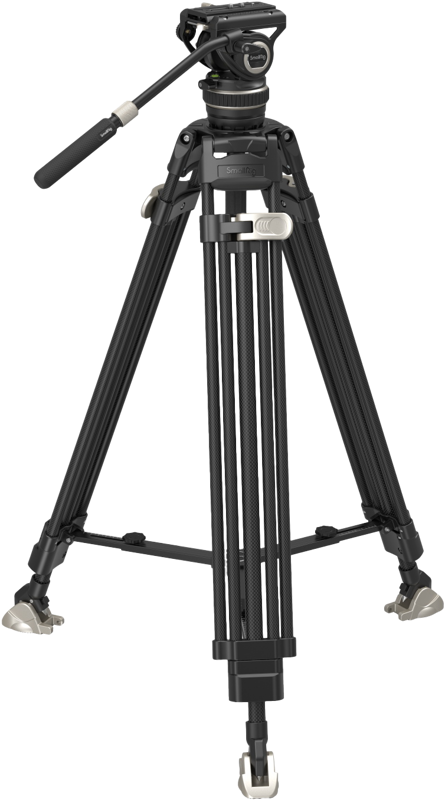
SMALLRIG 3989 Heavy-Duty Carbon Fiber Video Tripod Kit FreeBlazer AD-100
€ 369.52€ 458.20 (incl. VAT) -
 Tripods
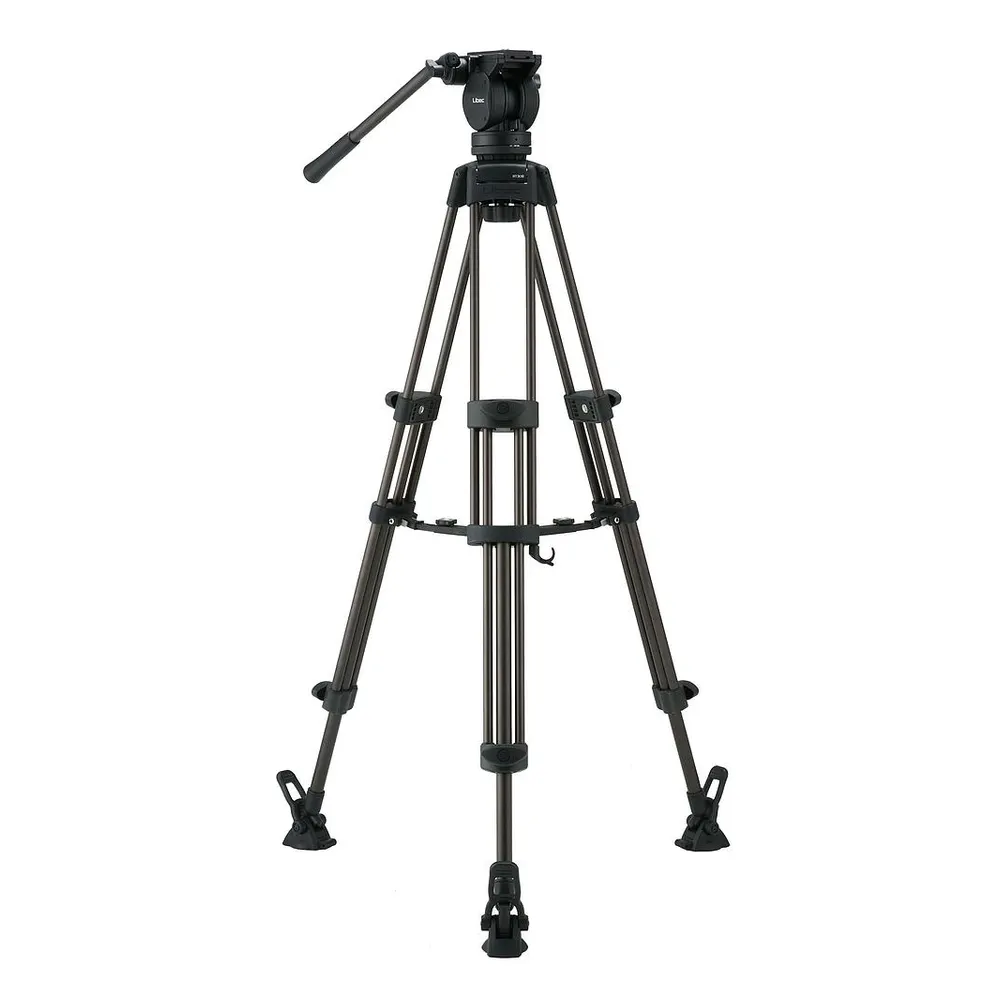
LIBEC LX7 video tripod with fluid head and mid-level spreader
€ 546.00€ 677.04 (incl. VAT)
If you need a static setup that allows faster repositioning in crowded event spaces, read our comparison on tripods vs monopods for video for a detailed breakdown of mobile static options.
Gimbals: Dynamic Motion and Smooth Tracking
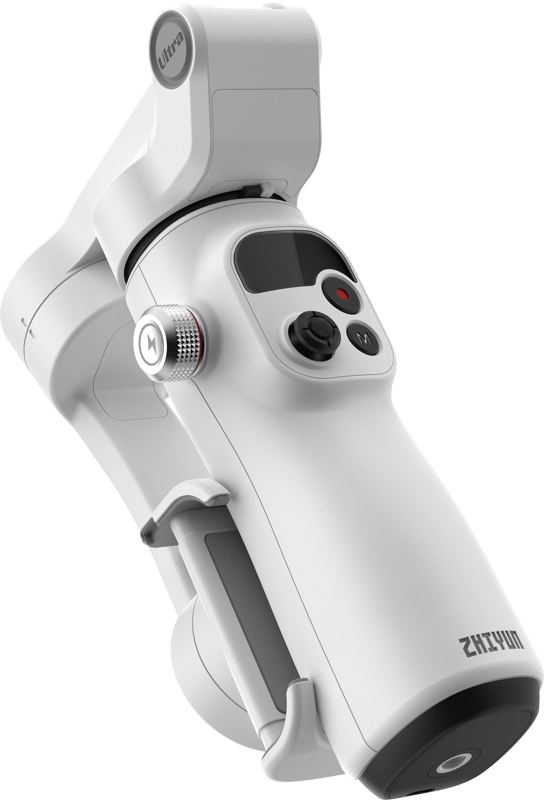
A motorized gimbal uses three electric motors to counteract camera motion in real time. It holds your camera level across the pan, tilt, and roll axes. This continuous stabilization allows you to walk, run, or climb stairs while keeping your shot fluid.
Gimbals let you capture dynamic tracking shots without laying down heavy sliders or floor tracks. You can push through narrow doorways, follow talent down corridors, or move seamlessly from low to high angles.
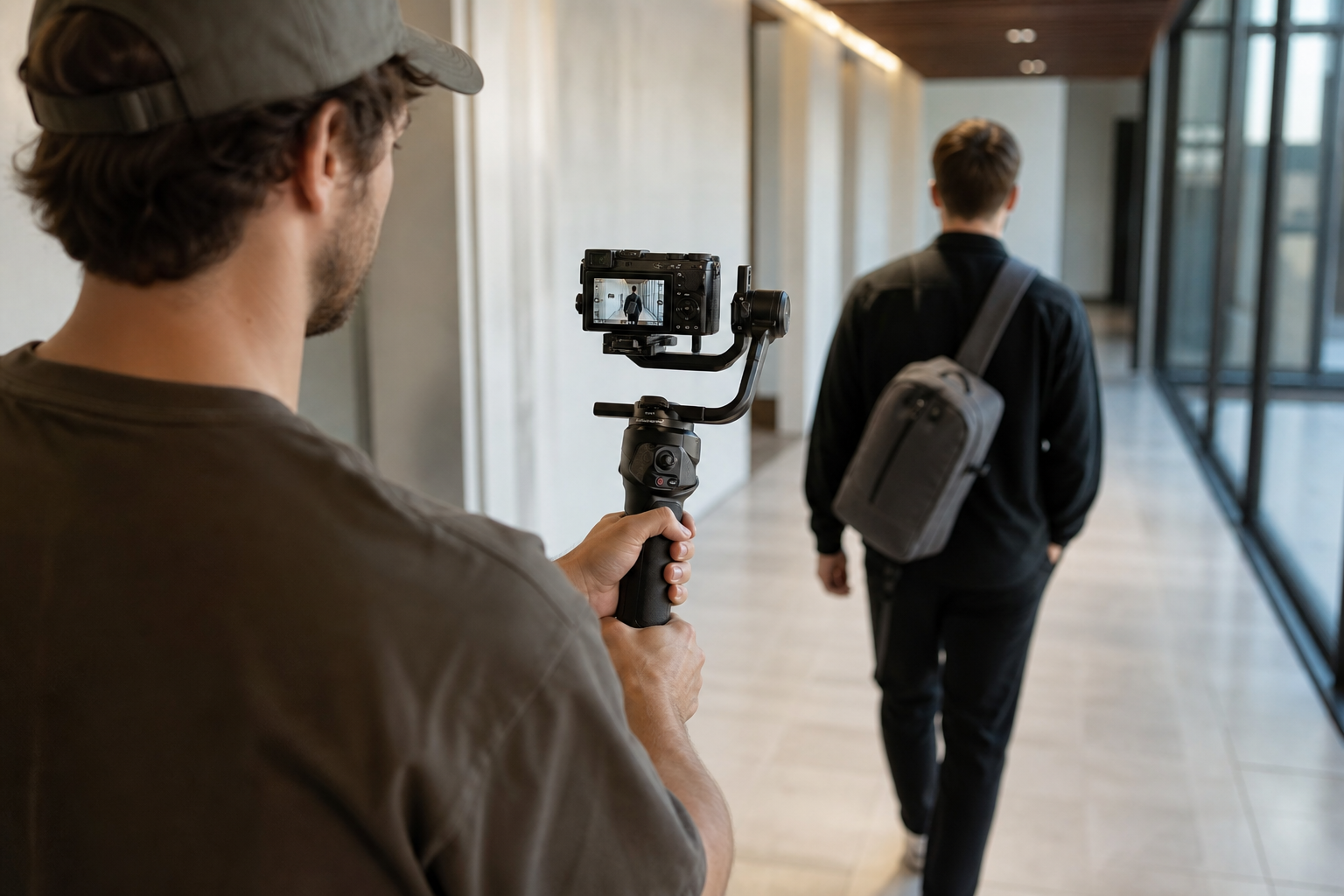
However, gimbals require proper setup before you start filming. You must physically balance all three axes before powering on the motors. Guidelines from manufacturers like DJI highlight that precise mechanical balancing is vital to protect motor health and maximize battery life. Modern handheld units like the DJI RS 4 can stabilize setups up to 3 kg, but holding that weight for long takes requires real physical effort.
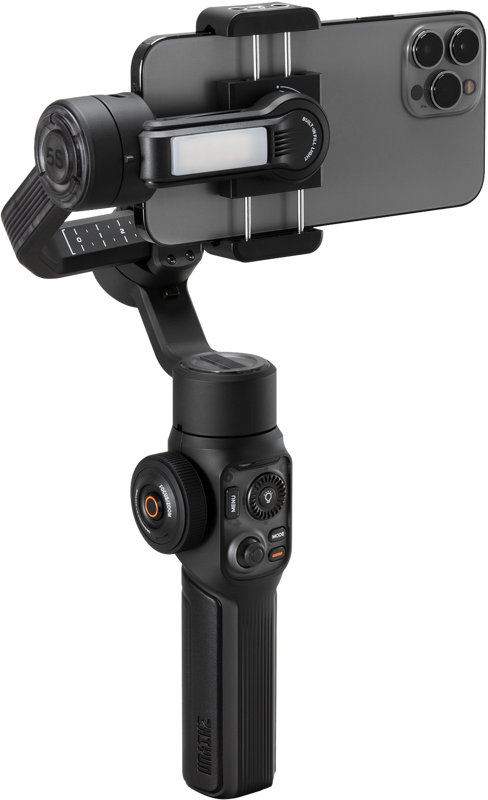
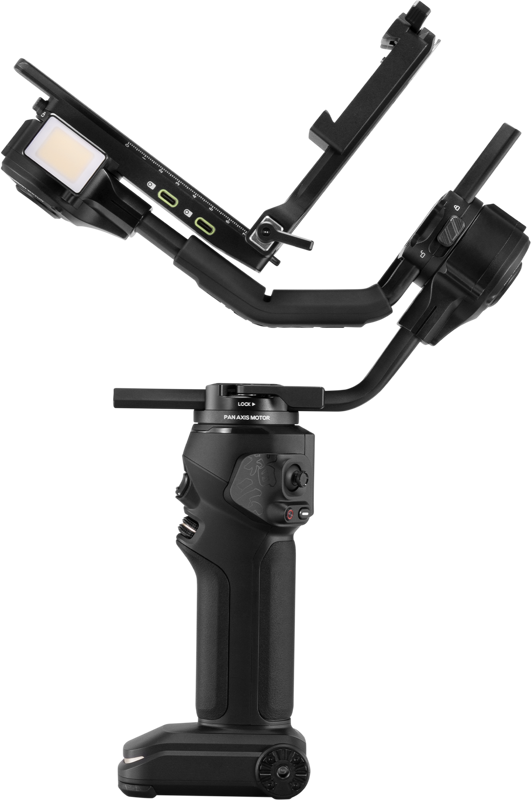
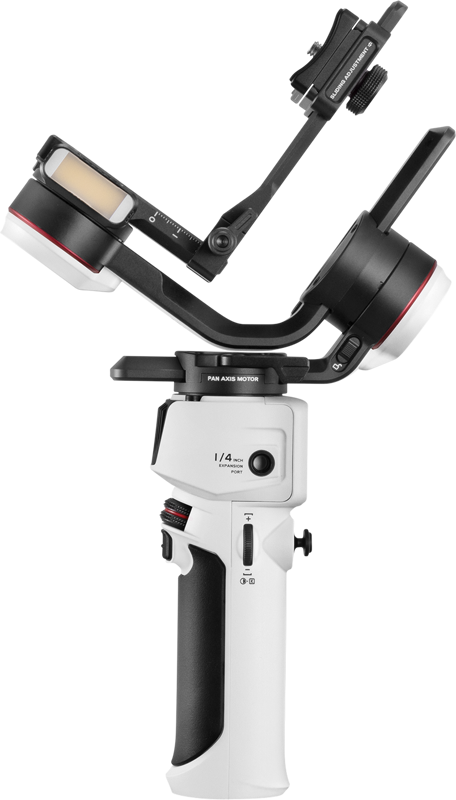
Browse our range of motorized gimbals designed for mirrorless setups and smartphones.
Key Comparison Factors
To select the right support tool, evaluate your production requirements across these main operational areas:
Payload and Rigging Flexibility
Tripods support significant weight, making them ideal for full-sized cinema rigs. Gimbals have strict physical motor limits. If your camera setup relies on a broad camera cage packed with wireless video transmitters, large monitors, and heavy audio receivers, a video tripod is the safest choice. Gimbals require compact, center-balanced rigs to function correctly without overloading motor power.
Shot Style and Movement
Tripods are built for static framing, deliberate pans, and smooth tilts. They offer complete control over stationary subjects. Gimbals provide active motion and tracking. They allow you to move in sync with your subjects, execute orbit shots, and navigate tight spaces on foot.
Setup Speed and Portability
A video tripod sets up quickly once placed on level ground. A gimbal requires physical mechanical balancing, motor calibration, and fully charged batteries. When flying to location shoots, keep in mind that gimbals contain internal lithium-ion batteries. Review our guide on traveling with video gear on a plane to ensure your power setups comply with airline safety rules.
| Feature | Video Tripod | Motorized Gimbal |
|---|---|---|
| Primary Function | Locked-off shots, controlled pans and tilts | Active tracking, smooth walking movements |
| Payload Capacity | High (typically 5 kg to 25 kg+) | Moderate (typically 1 kg to 4.6 kg) |
| Setup Time | Fast (1-2 minutes) | Moderate (5-10 minutes for balancing) |
| Operator Physical Strain | Low (tripod supports full weight) | Moderate to high (arm and core fatigue) |
| Power Requirements | None (purely mechanical) | Requires charged lithium batteries |
Selecting Gear for Your Workflow
Matching your support gear to your production style keeps your team efficient on set:
- Studio Work, Corporate Clips, and Interviews: Use a fluid-head tripod. It offers precise framing control, eliminates physical strain, and delivers continuous performance over long shoots.
- Events, Weddings, and Music Videos: Use a 3-axis gimbal. It lets you react instantly to live movement and capture cinematic tracking shots on the go.
- Travel Vlogging and Mobile Content: Combine a lightweight carbon travel tripod with a compact gimbal. This combination gives you stable static capabilities alongside smooth walking footage without overloading your travel kit.
Key Takeaways
- Select a fluid-head video tripod for locked-off shots, long interview sessions, and heavy cinema camera setups.
- Choose a 3-axis gimbal when you need to walk, run, or follow subjects dynamically in unpredictable environments.
- Always balance your camera manually on all three axes before turning on the gimbal motors to protect motor health and save battery life.
- Heavily rigged camera setups featuring matte boxes, thick cables, and V-mount power exceed gimbal limits and require a sturdy tripod.
Need help building the right camera support system for your upcoming production? Contact our technical team today or explore our catalog to find the exact support gear for your workflow.









