





Studio Monitors for Video Editing: Selection Guide
Video editing requires a specific approach to sound. Music producers often look for deep bass or bright high frequencies, but video editors need absolute clarity across spoken dialogue, room tone, Foley, and background effects.
If your speakers hide harsh frequencies, your mix will sound muddy on commercial television sets. If they exaggerate the low end, your dialogue might end up far too quiet on laptop speakers.
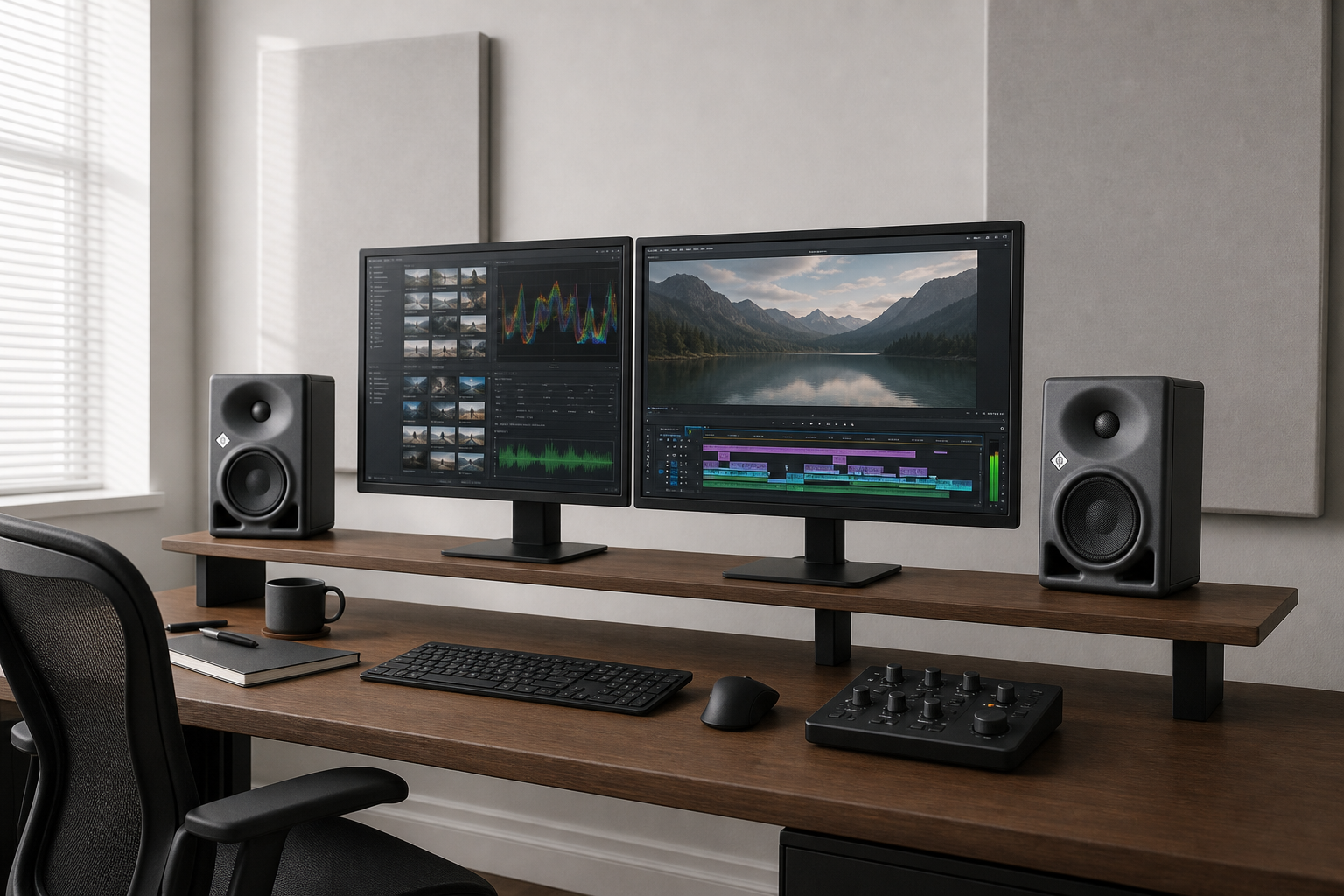
In our experience, accurate mix translation starts with choosing active nearfield monitors built for flat, uncolored reproduction. Here is our guide to selecting studio monitor speakers for your video edit suite.
What Video Editors Need in a Monitor
Music mixes center on drums and melody, whereas video mixes center on dialogue intelligibility.
To deliver audio that meets broadcast standards like EBU R 128 (-23 LUFS integrated) or online video targets like YouTube (-14 LUFS), your speakers must reveal every detail in your timeline.
| Feature | Why It Matters for Video Editors |
|---|---|
| Flat Midrange Response | Ensures speech and dialogue sound clear and natural |
| Onboard DSP / Boundary EQ | Corrects bass buildup when speakers sit near walls |
| Compact Nearfield Design | Delivers accurate sound from 1 to 1.5 meters away |
| Wide Horizontal Dispersion | Keeps sound consistent when moving across the desk |
Most video edit suites sit in small or minimally treated rooms. Desk and wall reflections create muddy low-mid frequencies. You can solve part of this issue by installing absorptive panels to cover 20% to 30% of wall surfaces. Onboard speaker controls and room correction handle the remaining acoustic problems.
Top Studio Monitors for Video Edit Suites
Neumann KH 80 DSP: Compact Precision for Small Edit Bays
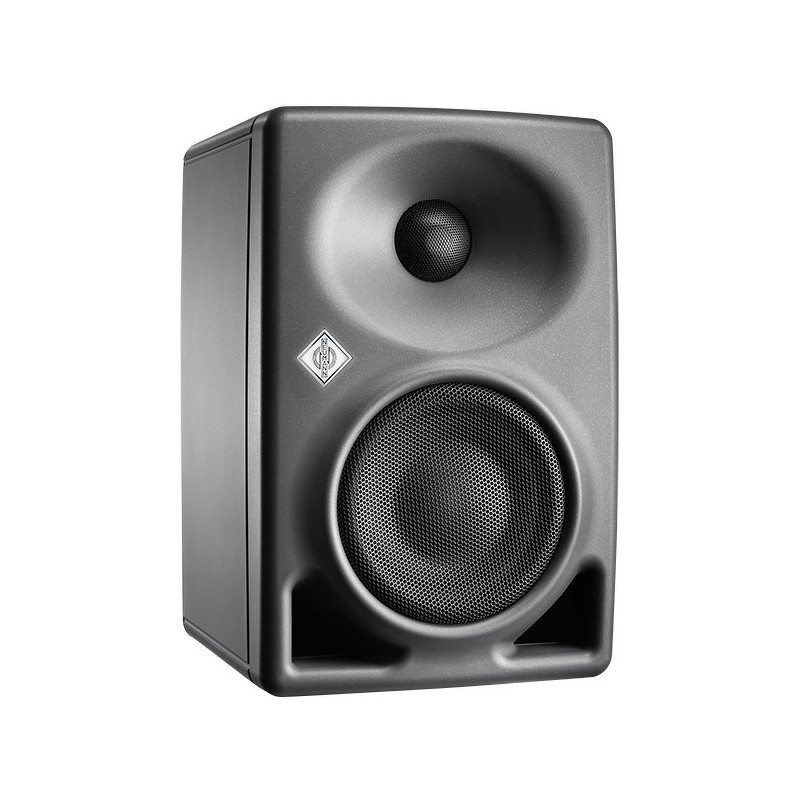
Small editing bays need controlled low end and clear vocal balance. The Neumann KH 80 DSP uses a 4-inch mid-bass driver and a 1-inch titanium-textile tweeter to deliver uncolored sound reproduction.
Its mathematically modeled waveguide creates a wide horizontal sweet spot. This design maintains consistent sound when you move across a dual-monitor editing desk. Onboard DSP room alignment adapts the speaker output directly to your room layout.
Neumann KH 120 A: High-Excursion Reference Power
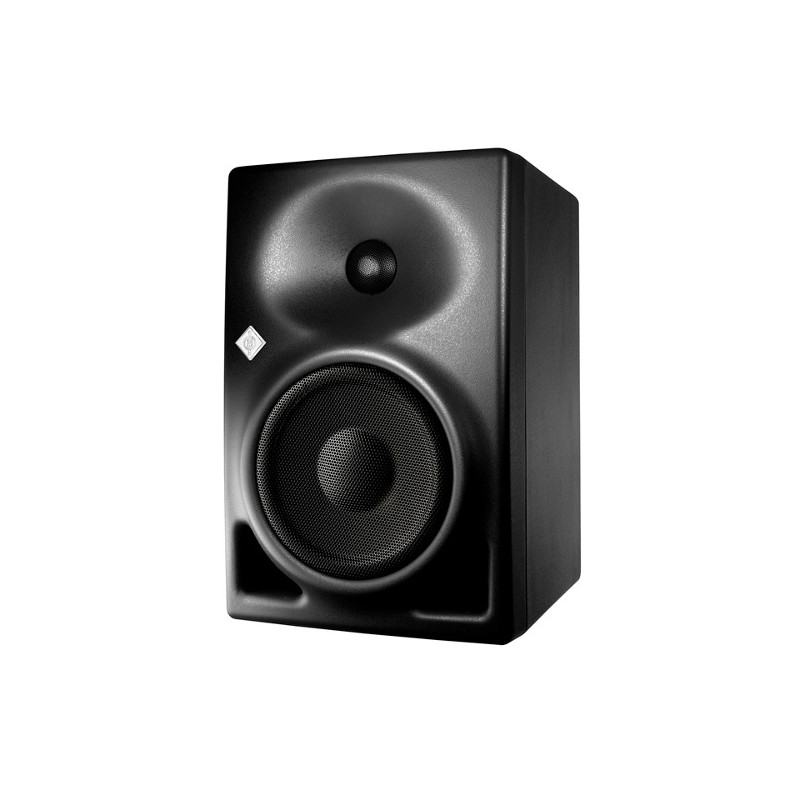
For medium-sized edit suites, the Neumann KH 120 A provides deeper bass extension without requiring an external subwoofer. It features a high-excursion mid-bass driver and a magnetically shielded composite cabinet that minimizes internal resonances.
In our experience, this monitor works exceptionally well for editors handling action sequences or broadcast documentaries. It reproduces subtle background effects and low-frequency rumble with complete neutrality.
Genelec Smart Active Monitors: Modular Scalability
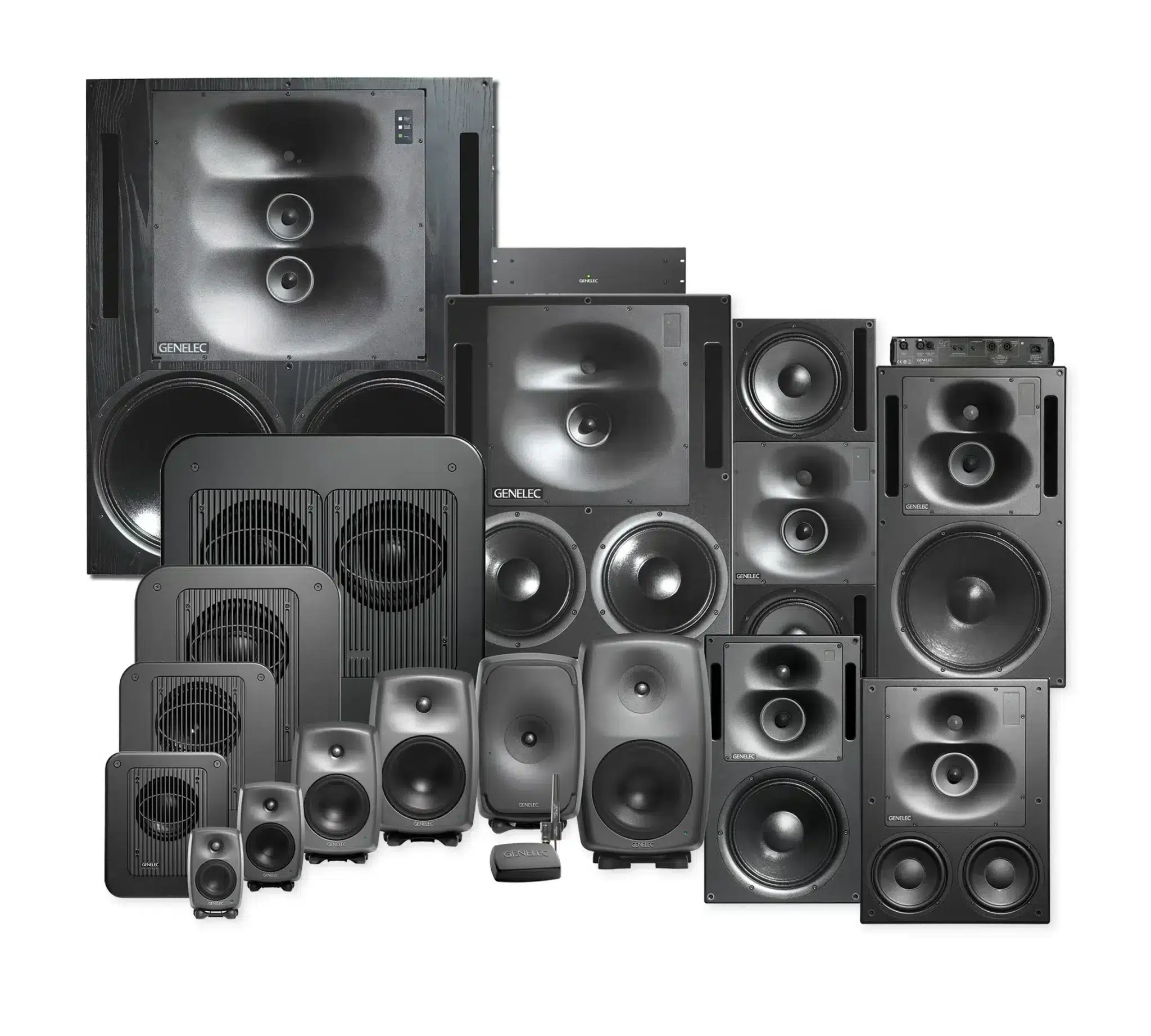
Genelec active monitors serve as a reliable reference standard across broadcast and post-production facilities. Their aluminum enclosures reduce cabinet coloration, while the integrated waveguide provides a smooth response on and off axis.
Models like the Genelec 8030C deliver clear output up to 104 dB SPL. This generous headroom keeps listening fatigue low during long editing sessions.
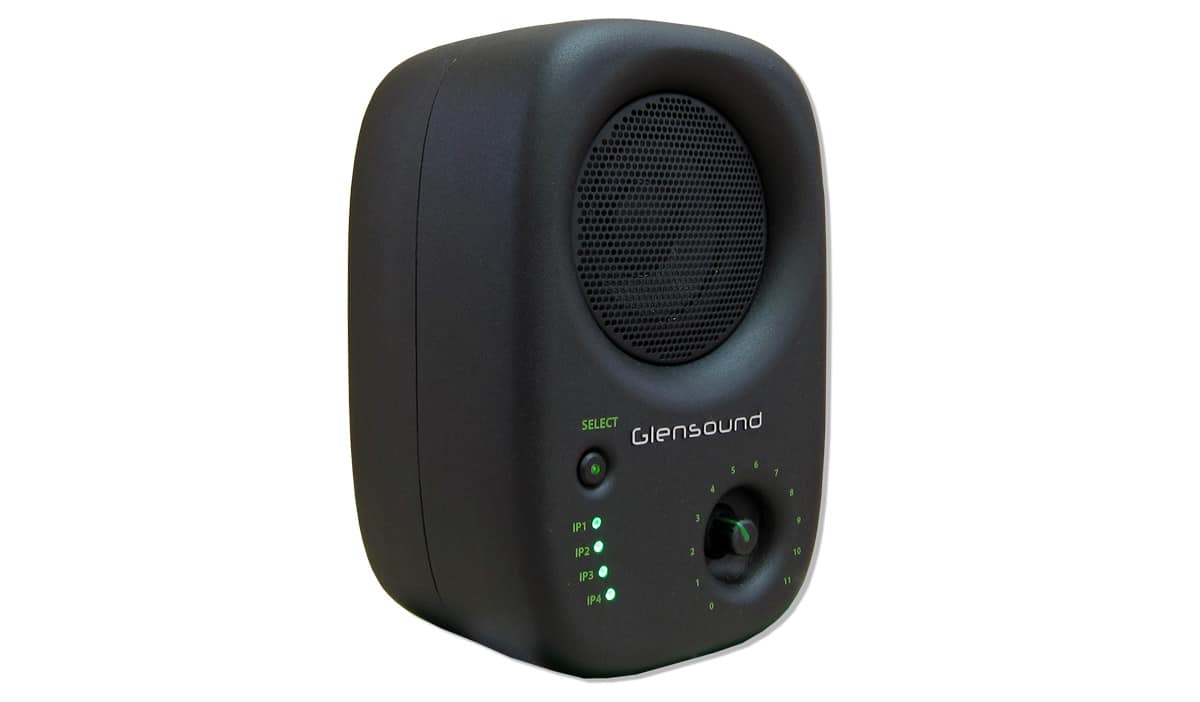
Glensound Divine PoE: Networked Audio for Broadcast Suites
Modern broadcast environments run on IP networks using Dante or AES67 standards. The Glensound Divine is a dedicated Power over Ethernet network loudspeaker designed for edit bays, control rooms, and commentary setups.
It monitors up to four Dante channels over a single network cable. This capability simplifies signal routing across large production facilities.
Monitor Control and Setup Essentials
Proper speaker placement in your suite is essential for accurate monitoring:
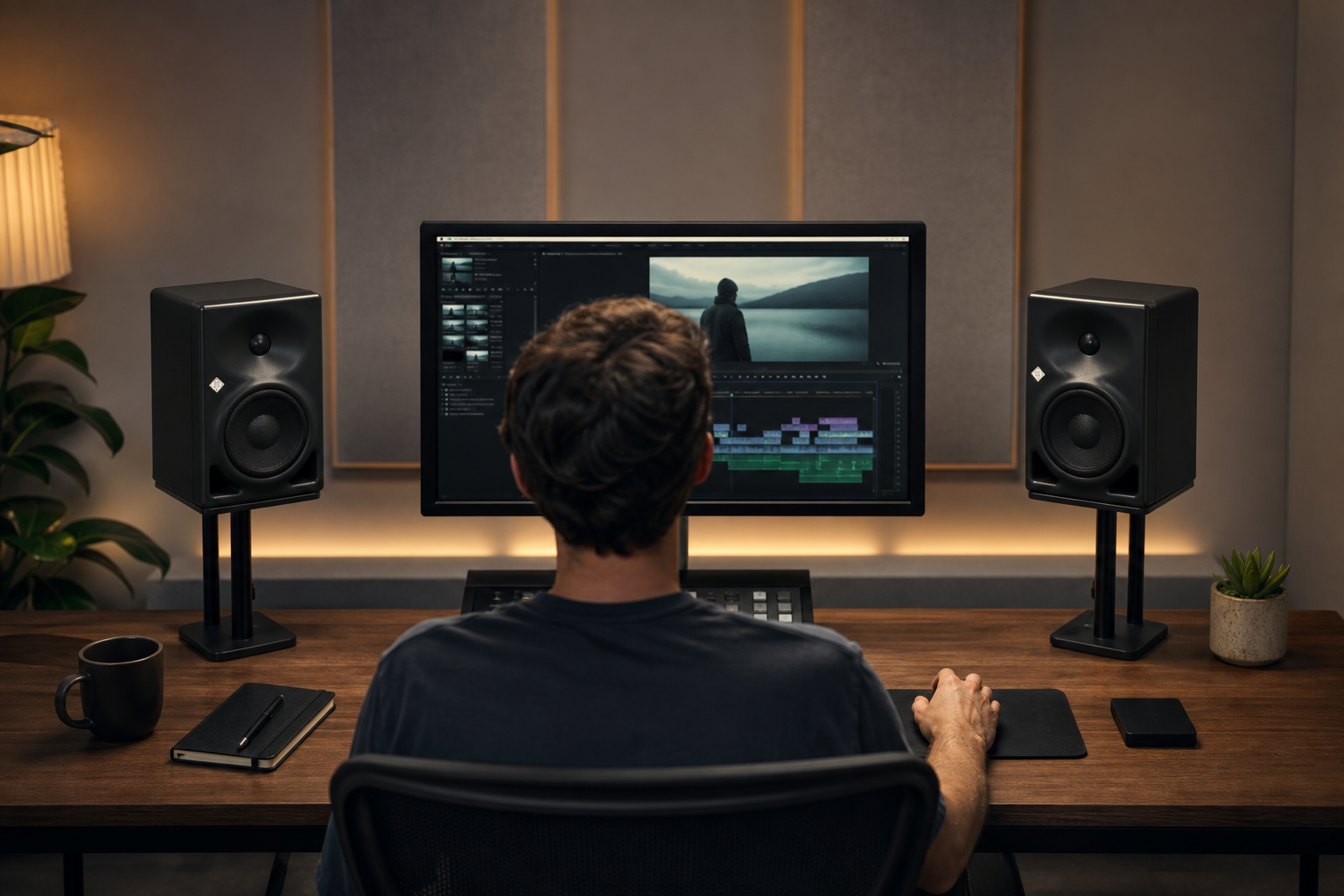
- Equilateral Triangle: Position your left and right monitors at a 60-degree angle relative to your main seating position.
- Ear-Level Alignment: Align the tweeter acoustic axis vertically with your ears, typically 1.2 m to 1.4 m off the floor.
- Wall Proximity: Place monitors less than 0.6 m from the wall to reduce bass cancellations, leaving at least 5 cm clearance for rear ports.
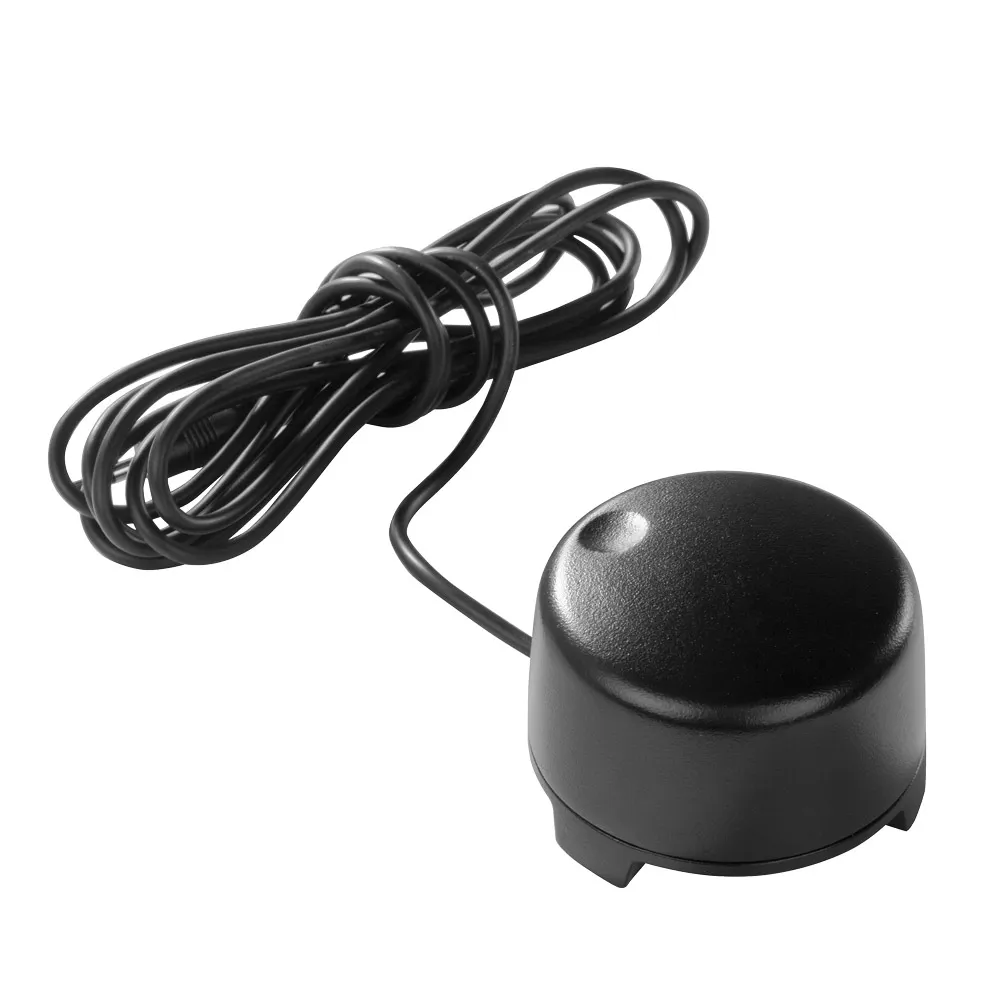
To adjust monitor volume easily without touching software master faders, integrate a dedicated hardware volume controller or connect your speakers through a desktop audio interface or dedicated audio mixer for video production.
Key Takeaways
- Prioritize Midrange: Clear dialogue requires a flat, uncolored midrange response rather than boosted bass.
- Use DSP for Small Bays: Onboard boundary controls and DSP calibration prevent bass buildup in small rooms.
- Maintain Symmetrical Setup: Form a 60-degree equilateral triangle with tweeters positioned at ear height.
- Standardize Monitor Levels: Calibrate room levels to meet delivery targets like EBU R 128 (-23 LUFS).
Ready to upgrade your edit suite monitoring? Explore our full collection of headphones and speakers or contact our technical team for tailored room advice.









