





PTZ Camera vs. Webcam: How to Choose for Live Streaming
Selecting the right camera for your stream comes down to room layout, control features, and budget. Webcams offer fast setups at low costs for stationary creators. PTZ (Pan-Tilt-Zoom) cameras provide motorized movement, optical zoom, and long-distance network connections.
In our experience, creators often purchase costly PTZ units for small desk setups where a webcam works better. Other times, streamers try to cover a large studio space using a single USB webcam and struggle with soft image quality and short cable runs. This guide compares both camera types to help you make the right choice for your stream setup.
Sensor Size and Image Quality
Webcams sit close to your face. They use small image sensors paired with fixed-focal lenses. When you feed them plenty of light, modern 4K webcams produce clean, detailed video for head-and-shoulders desktop streaming. Proper video lighting is essential to keep smaller webcam sensors from generating digital noise.
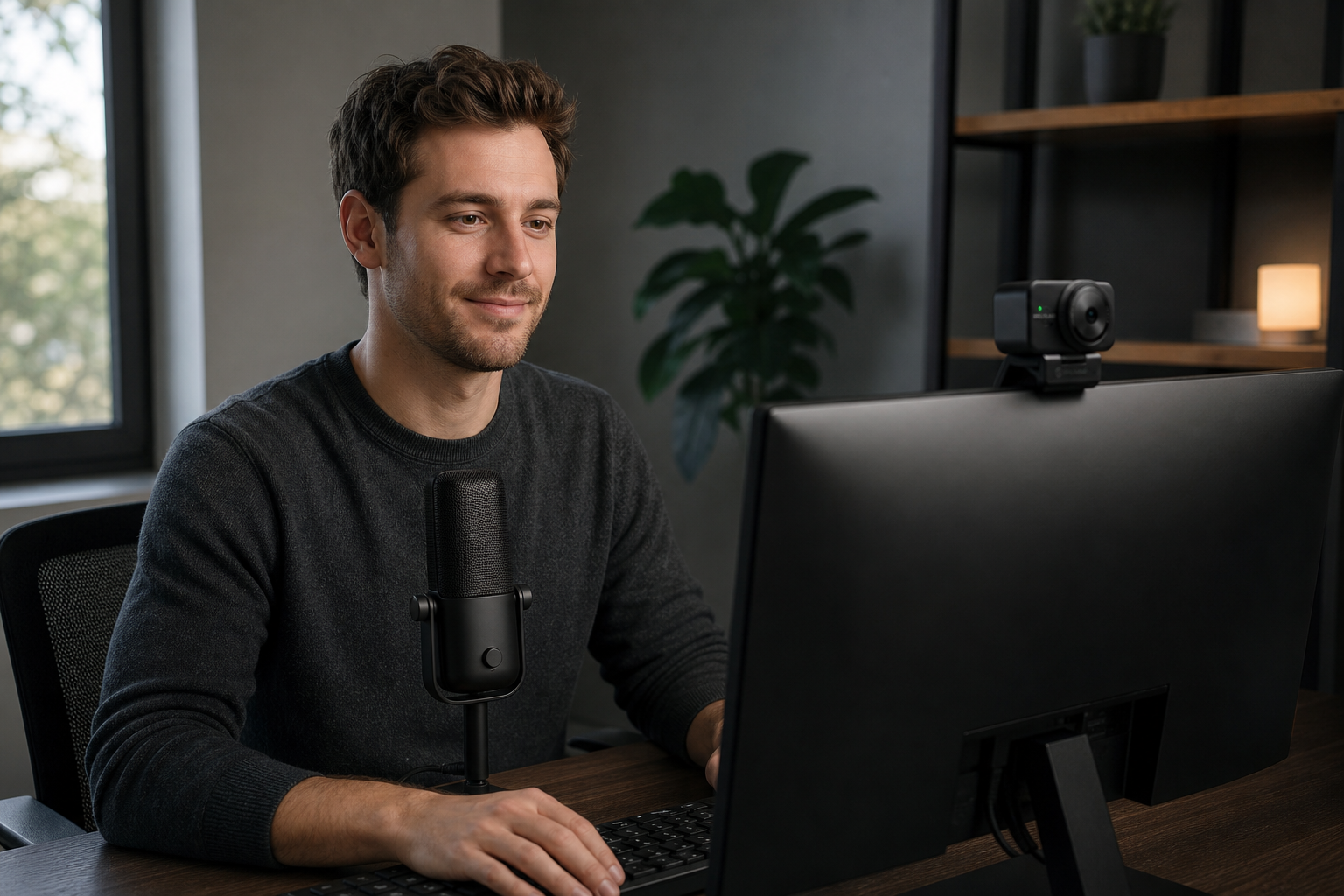
However, webcams rely on digital zoom to adjust framing. When you crop into a webcam image, you reduce resolution and lose image detail.
PTZ cameras use dedicated glass lenses with true optical zoom. They adjust physical lens elements to zoom in up to 12x, 20x, or 30x without losing a single pixel of image resolution. Larger sensor options in PTZ cameras also deliver superior low-light performance and a more cinematic depth of field.

Control Features: Remote Movement vs. Fixed Framing
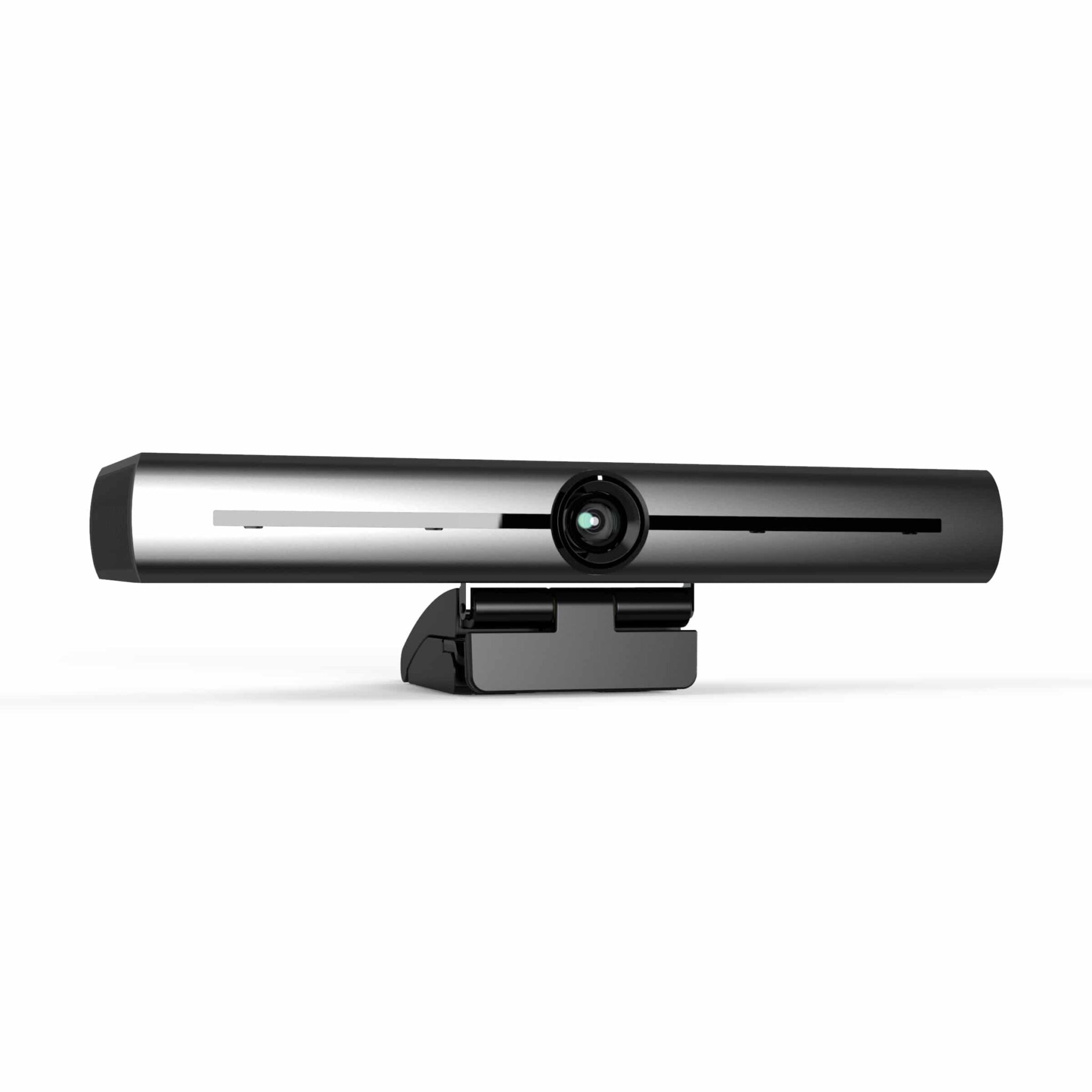
Standard webcams remain fixed once mounted on a monitor or tripod. Changing your camera shot requires reaching over to adjust the device manually. Some higher-end webcams feature auto-framing or digital pan-tilt (ePTZ), but these adjustments always crop into the digital sensor image.
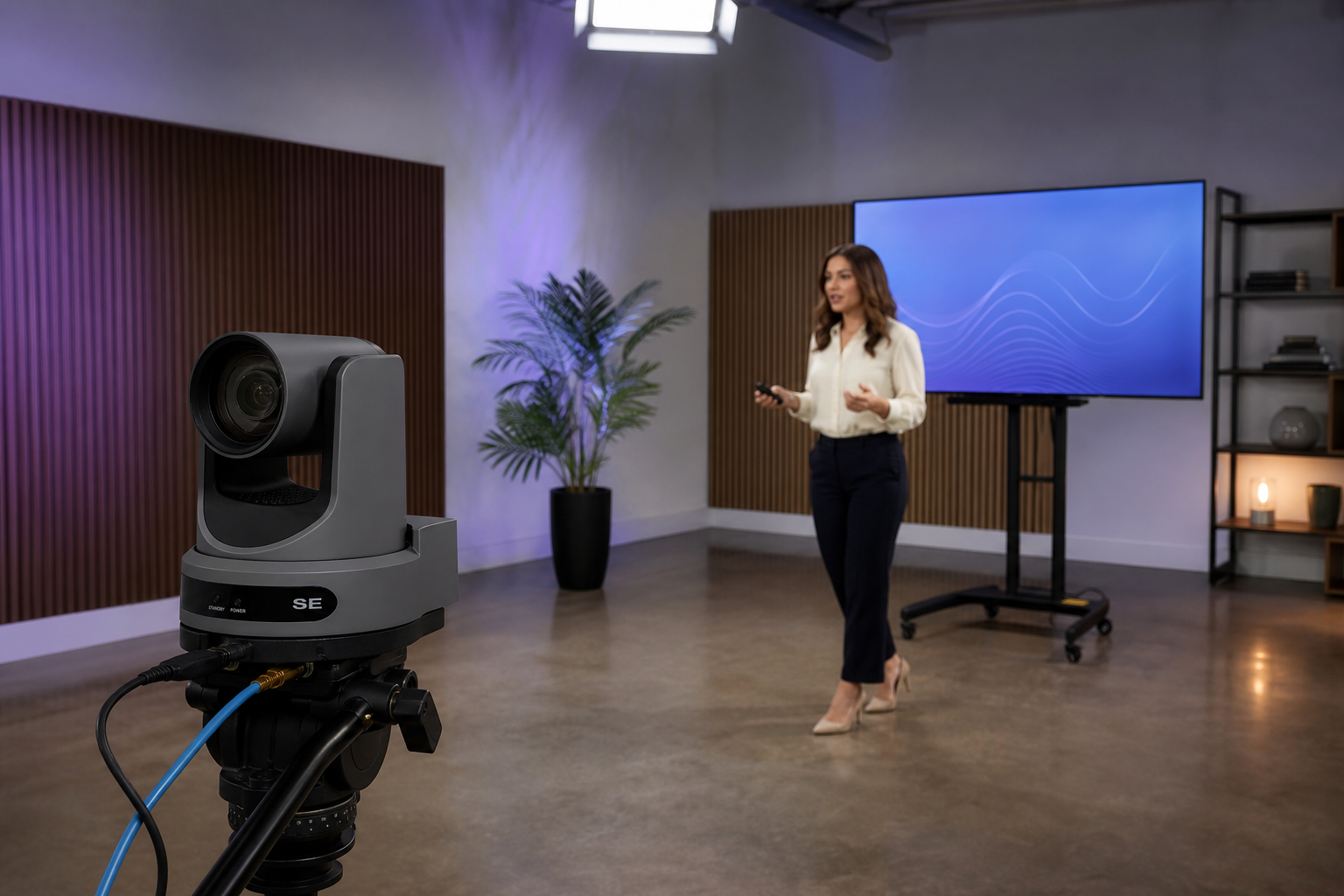
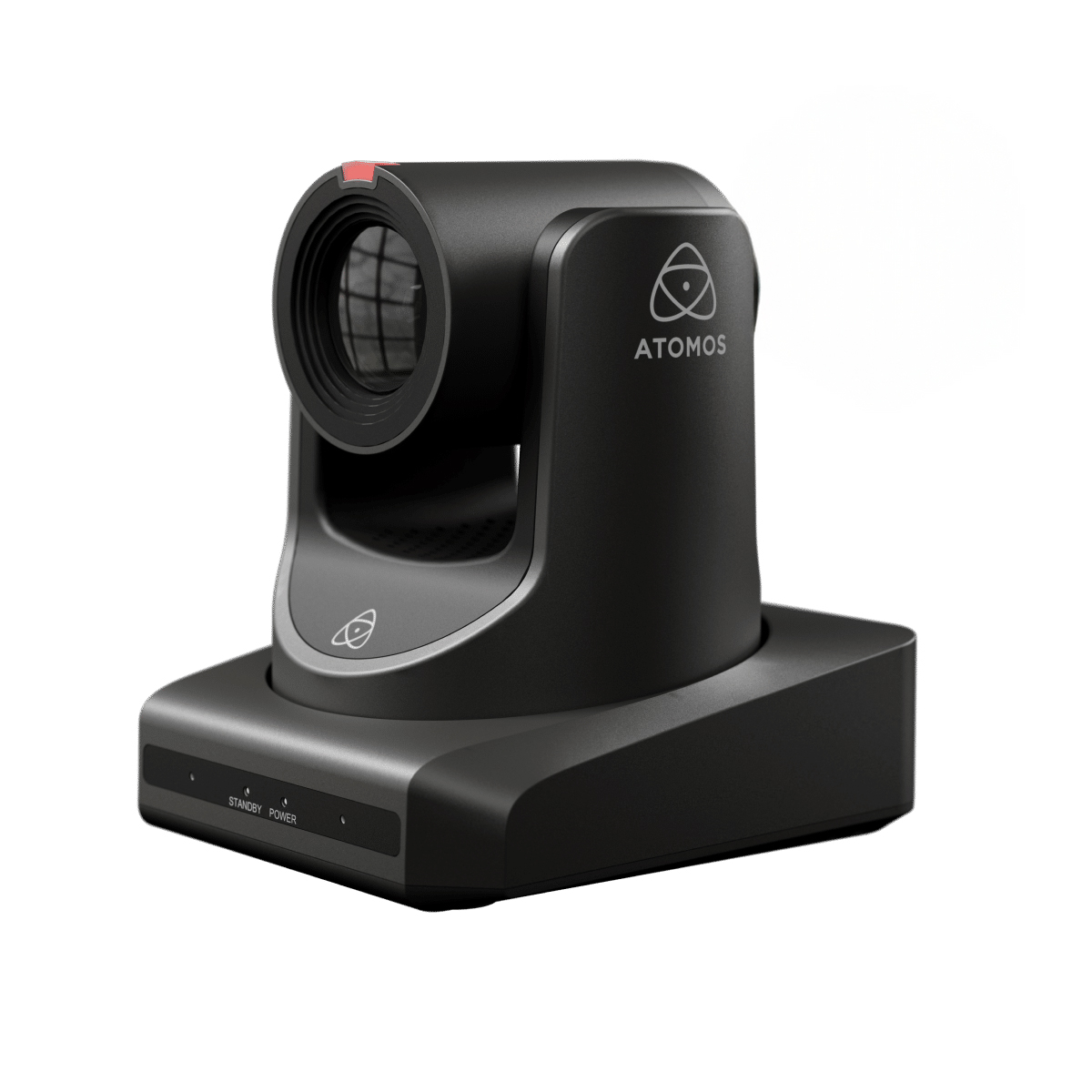
PTZ cameras feature built-in, whisper-quiet motors. You can pan across a room, tilt up or down, and zoom in remotely using a joystick, IR remote, or production software like OBS and vMix.
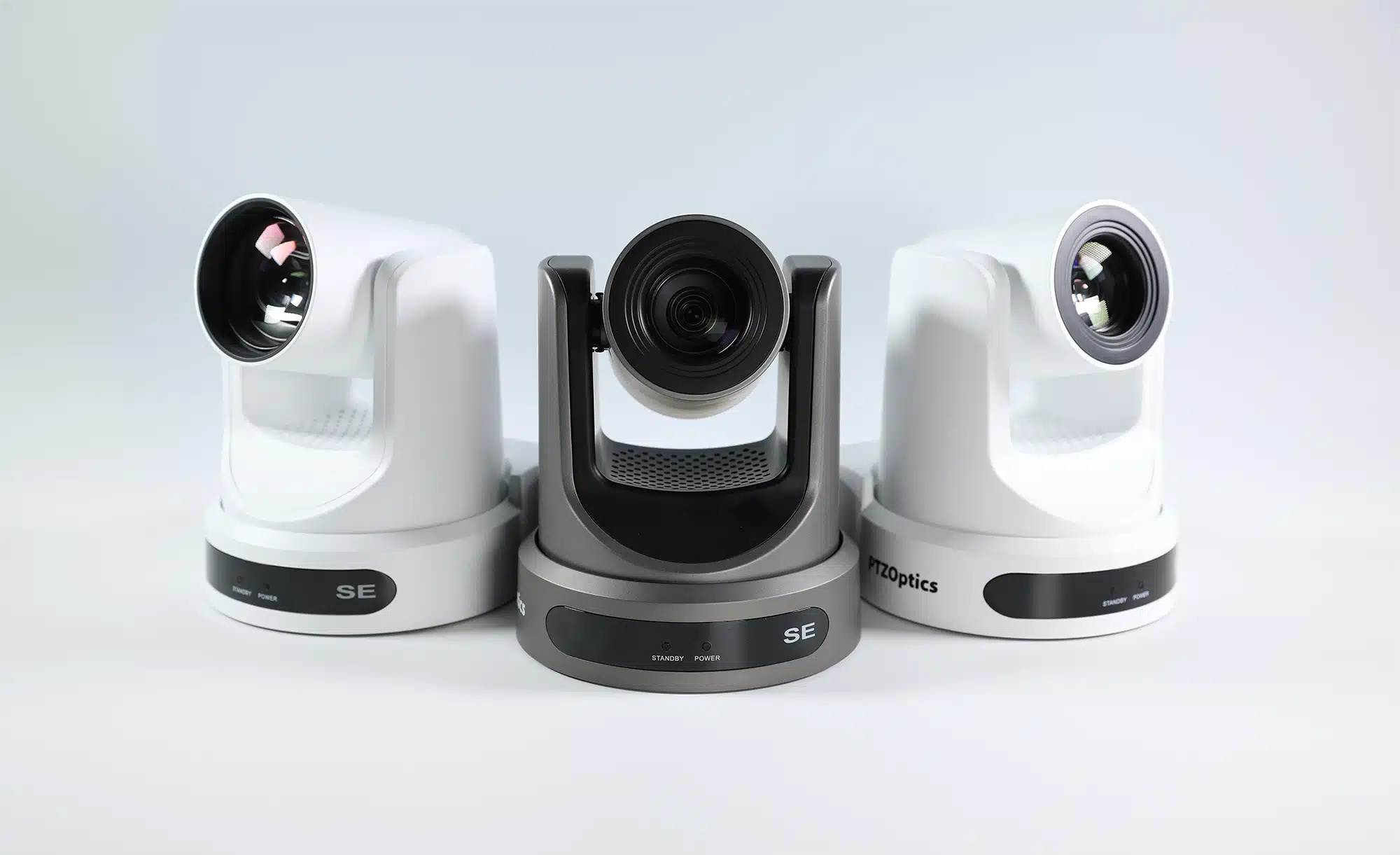
PTZ cameras allow you to store preset framing positions. One button push smoothly shifts your camera angle from a wide room shot to a close-up of a desk host or product demonstration. Built-in AI auto-tracking on models like the PTZOptics Move series lets the camera follow a presenter across a room automatically.
Cable Distances and Room Size Limits
Your physical streaming environment severely impacts cable choice and placement. Standard USB 3.0 webcam cables begin losing signal stability beyond 2 to 3 meters, according to USB cable specifications. If your camera sits right next to your computer, USB works reliably. If you need to mount a camera high on a back wall or across a wide room, USB cables become a bottleneck.
PTZ cameras connect over much longer cable runs. Using standard Cat5e or Cat6 Ethernet cables, you can route NDI video streams and Power over Ethernet (PoE) up to 100 meters without signal degradation.
PTZ cameras also support broadcast output options, including 3G-SDI and HDMI. If you are choosing signal types for longer studio runs, review our technical breakdown on HDMI vs SDI for video.
Setup Complexity and Hardware Hybrids
Webcams offer instant plug-and-play simplicity. You connect a USB cable, select the device inside your streaming software, and go live instantly. This minimal workflow is ideal for solo streamers, casual gamers, and basic desk spaces.
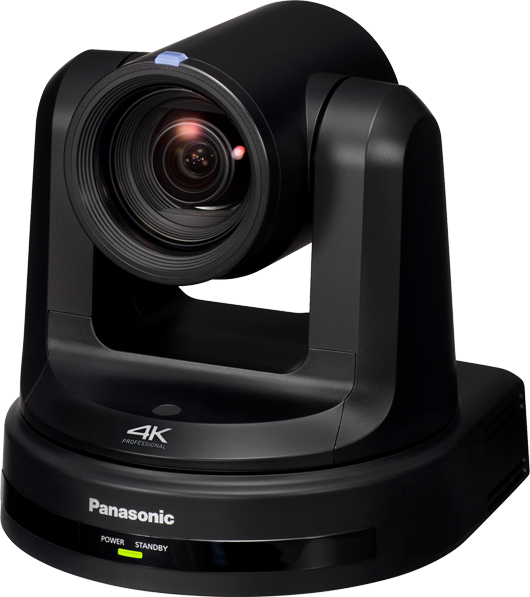
PTZ cameras traditionally require IP network configuration, dedicated power supplies, and external video switchers. This infrastructure delivers broadcast flexibility, but it adds setup complexity for single-person streams.
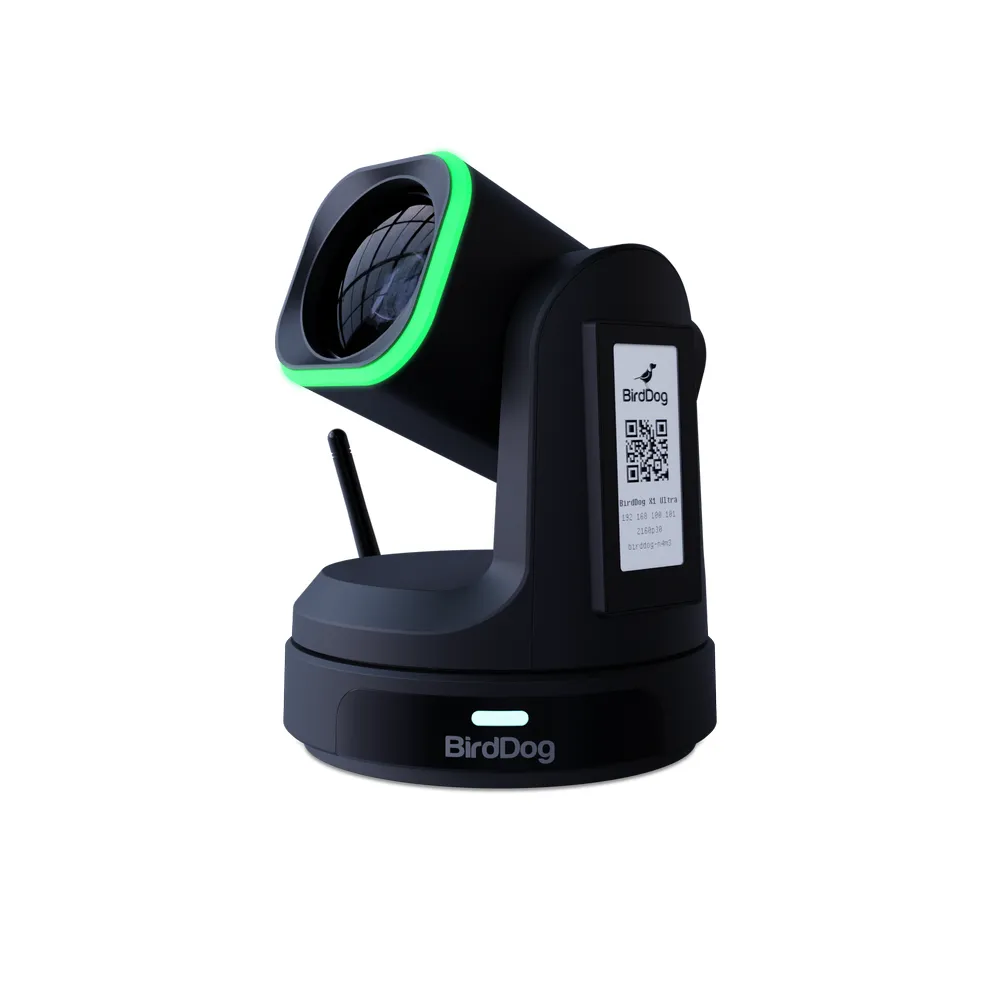
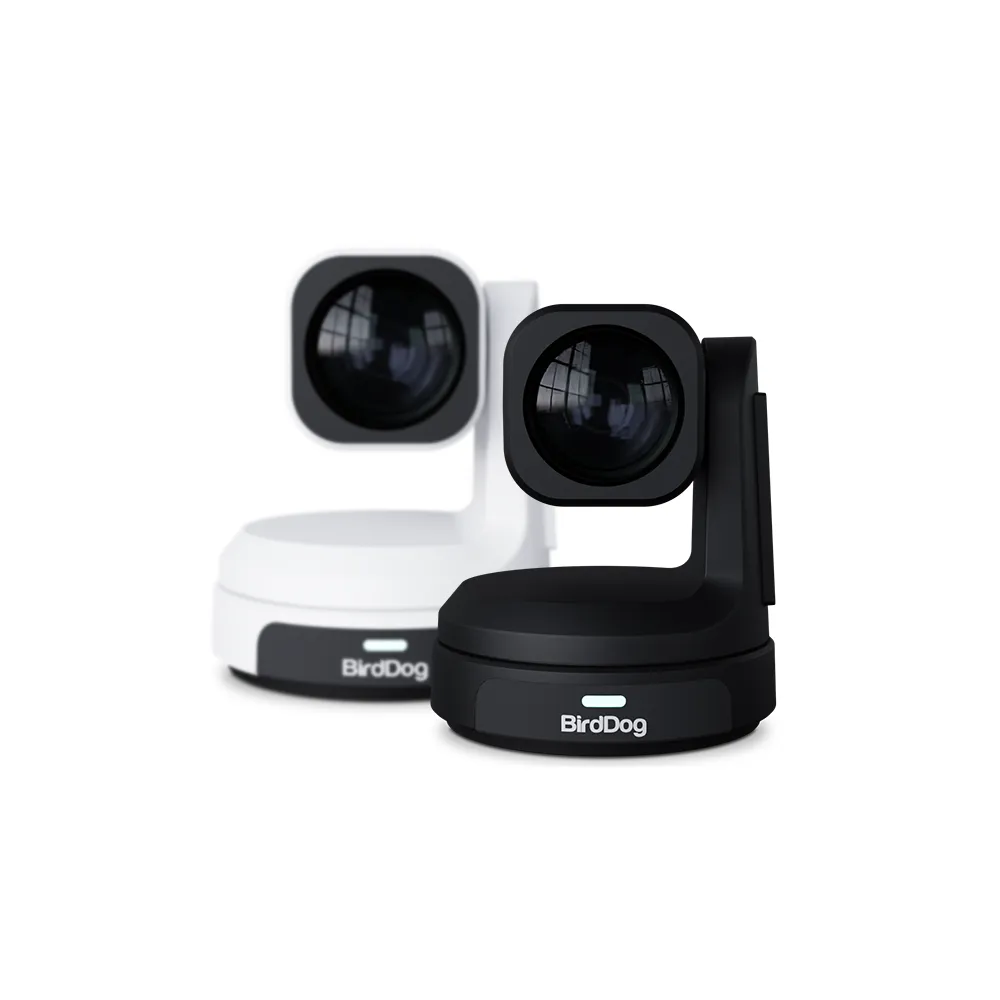
Fortunately, hybrid devices bridge this gap. Solutions like the BirdDog Max PTZ Web Camera combine PTZ optical glass and remote pan-tilt mechanics with a standard USB-C port for plug-and-play computer connections.
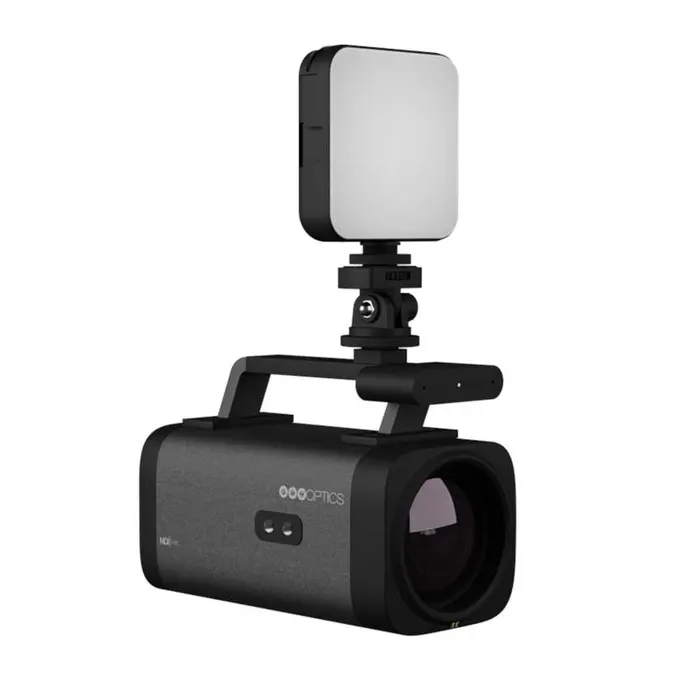
Comparing PTZ Cameras and Webcams
| Feature | Standard Webcams | Professional PTZ Cameras |
|---|---|---|
| Primary Use | Desk streaming, single presenter | Multi-angle studio streams, stage events |
| Connection Types | USB-A / USB-C | HDMI, 3G-SDI, NDI, IP, USB |
| Max Cable Distance | 2–5 meters (USB limit) | Up to 100 meters (Ethernet / SDI) |
| Zoom Type | Fixed lens or Digital Crop (ePTZ) | True Optical Zoom (12x to 30x) |
| Movement Control | Manual setup | Motorized (VISCA, IP, Joystick, IR) |
| Power Delivery | USB Bus Powered | Power over Ethernet (PoE) or DC Power |
Selecting the Right Camera for Your Stream Setup
Choose a camera from our webcam category if you:
- Stream exclusively at a computer desk.
- Work inside a small bedroom or office space.
- Operate on a tight production budget under €300.
- Need simple, plug-and-play USB setup.
To improve audio alongside your webcam, consider adding a dedicated desk microphone.
Choose a camera from our PTZ camera category if you:
- Present across a wide studio space, whiteboard, or stage.
- Need multiple preset camera positions controlled by one operator.
- Require true optical zoom to focus on detailed objects across a room.
- Need to run cables over 5 meters back to your production computer.
To learn more about general hardware formats, check out our complete video camera buying guide or read our guide on choosing a PTZ camera for live production.
Key Takeaways
- Webcams offer affordable plug-and-play performance for desktop streamers working in tight spaces.
- PTZ cameras provide motorized movement, remote camera framing, and true optical zoom without losing video clarity.
- Cable limits matter: USB webcam signals break down after 2–3 meters, while network-enabled PTZ cameras run up to 100 meters over standard Ethernet cables.
- Hybrid PTZ webcams deliver optical zoom and motorized positioning over a simple USB connection for smaller studios.
Ready to upgrade your video setup? Explore MediaGear’s full selection of PTZ cameras and webcams, or contact our technical team for custom advice on your studio layout.









