





Broadcast Monitor vs Consumer TV for Video Editing
You walk into an electronics store and see a massive 55-inch 4K OLED TV for under €1,000. The colors look vibrant, and the contrast feels endless. Then you price professional broadcast reference monitors. A screen half that size often costs three times as much.
It is natural to ask if a modern consumer TV is good enough for your editing suite. In our experience, relying on a consumer display for color-critical edits leads to costly errors. You risk client rejections, unexpected noise, and renders that fall apart on other screens.
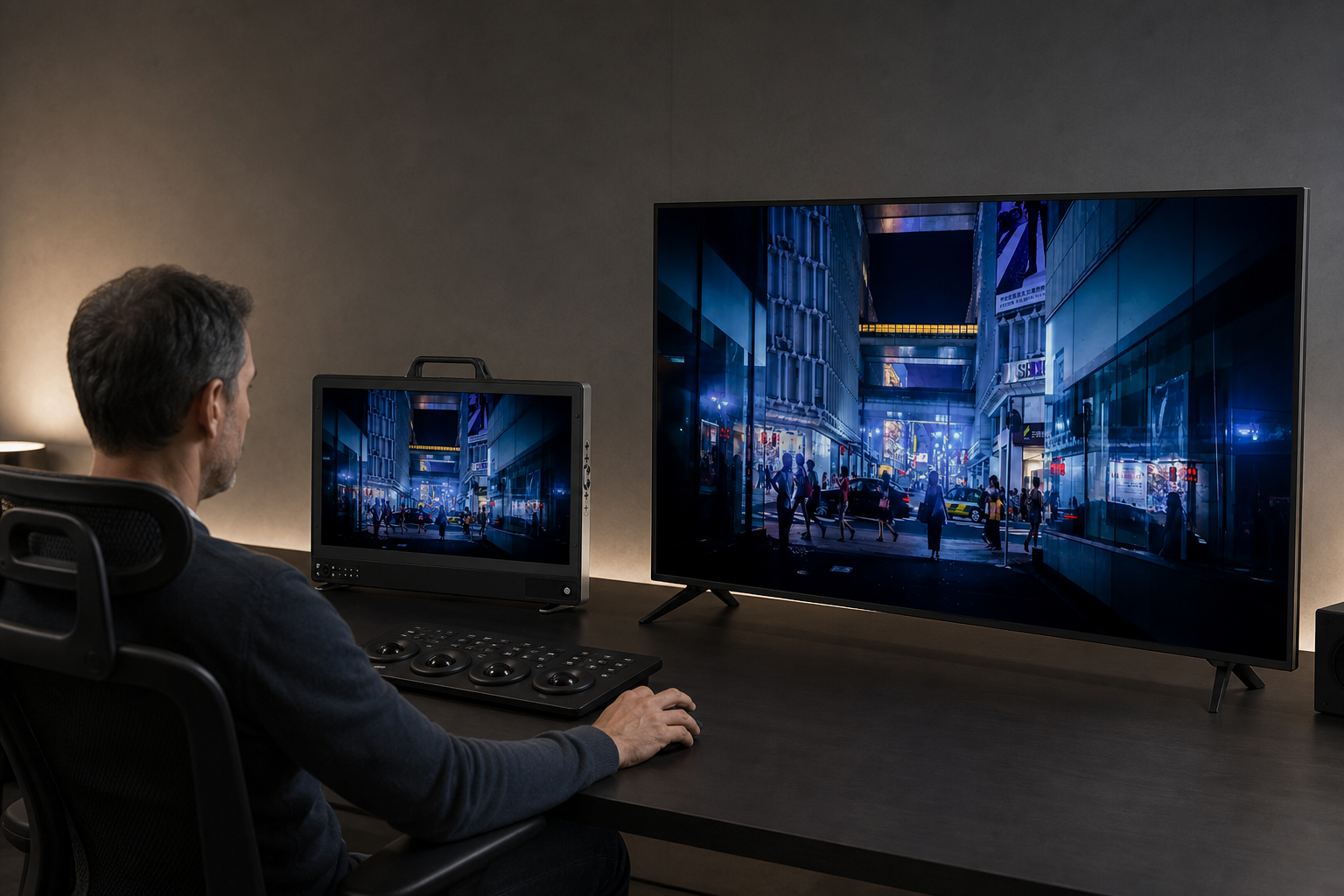
Understanding the technical gap between consumer screens and broadcast reference displays helps you build a reliable post-production setup.
Signal Processing: Accuracy vs Enhancement
Consumer TVs make picture quality look vivid for entertainment. Internal image processors actively smooth out motion blur, boost dynamic contrast, and sharpen soft edges.
Broadcast reference monitors serve a completely different purpose. They function as visual measuring tools for video signals. According to the EBU Tech 3320 specification, a Grade 1 monitor must display the video signal faithfully. It cannot alter the image, mask existing flaws, or add artificial processing.
When you grade video on a consumer screen, you work through an active filter. If your TV automatically lifts shadow detail, you might darken your blacks to compensate. When your exported file plays on a standard screen, those shadow areas turn into crushed black blocks.
Color Accuracy and Calibration
Professional video delivery demands tight color compliance. Broadcasters and streaming platforms require master deliverables to conform to precise standards, such as ITU-R BT.709 for SDR or BT.2020 for HDR.
Consumer screens offer presets like Cinema Mode or Filmmaker Mode. While these settings bring the picture closer to target ranges, they do not guarantee accuracy. Consumer panel components also drift as they age, shifting white points and color balance over time.
Broadcast reference monitors support hardware calibration. You can write custom 3D LUTs directly to the display memory. This maintains precise D65 white-point targets, exact gamma curves, and clean grey-scale tracking.
Establishing a routine monitor calibration workflow ensures your display remains accurate across every project.
Inputs, Latency, and Signal Handling
Consumer TVs rely strictly on standard HDMI inputs. HDMI handles short cable runs well, but push-in friction connectors can accidentally pull free during production.
Broadcast displays feature professional 12G-SDI, 3G-SDI, and SFP fiber interfaces. These connections handle uncompressed 10-bit video streams from hardware playback cards. SDI utilizes robust BNC twist-locking connectors that lock securely to your gear. If you are planning your studio infrastructure, read our guide on HDMI vs SDI comparison.
Input latency is another major drawback of consumer displays. Image enhancement processing introduces display delays ranging from 30 to over 100 milliseconds. Broadcast reference displays process picture data with near-zero latency, keeping video playback in perfect synchronization with your audio timeline.
| Feature | Consumer TV | Broadcast Reference Monitor |
|---|---|---|
| Primary Goal | Enhance picture for home viewing | Reproduce input signal faithfully |
| Color Calibration | Preset modes, software tweaks | Hardware 3D LUTs, accurate D65 tracking |
| Video Interfaces | Friction-fit HDMI | Locking 12G-SDI, 3G-SDI, SFP Fiber, HDMI |
| Input Latency | High due to active image processing | Near-zero real-time playback |
| Diagnostic Scopes | None | Built-in Waveform, Vectorscope, False Color |
Built-in Measurement and Quality Control Tools
Judging exposure or balance with your eyes alone leads to errors. Ambient room light and visual fatigue constantly alter how you perceive brightness and tint.
Broadcast monitors place professional measurement tools right on the screen:
- Waveform monitors and vectorscopes evaluate exact luminance and saturation without straining your edit computer.
- False color and zebra patterns reveal clipped highlights and underexposed shadows instantly.
- Focus peaking highlights sharp edges on high-resolution 4K feeds.
- Audio metering displays embedded SDI or HDMI audio channels directly alongside your video.
Consumer TVs lack these diagnostic utilities. Checking software scopes inside your editing application slows down playback and reduces your available workspace.
Choosing the Display for Your Suite
Selecting the right display depends on your daily post-production tasks and workspace requirements.
If you work on set or edit in mobile units, compact on-camera monitors or rugged field monitors provide reliable exposure tools in portable frames. If your workflow requires capturing uncompressed feeds alongside monitoring, an external video recorder acts as both a screen and a capture deck.
For permanent post-production suites, dedicated studio displays deliver high peak luminance and wide color gamuts. These units satisfy strict technical evaluation targets like the Netflix Studio Guidelines.
Explore our full range of professional video monitors and high-brightness recording monitors. Keep your signal path stable by pairing your monitors with certified high-speed HDMI cables or heavy-duty coax cables.
-
 Video monitors
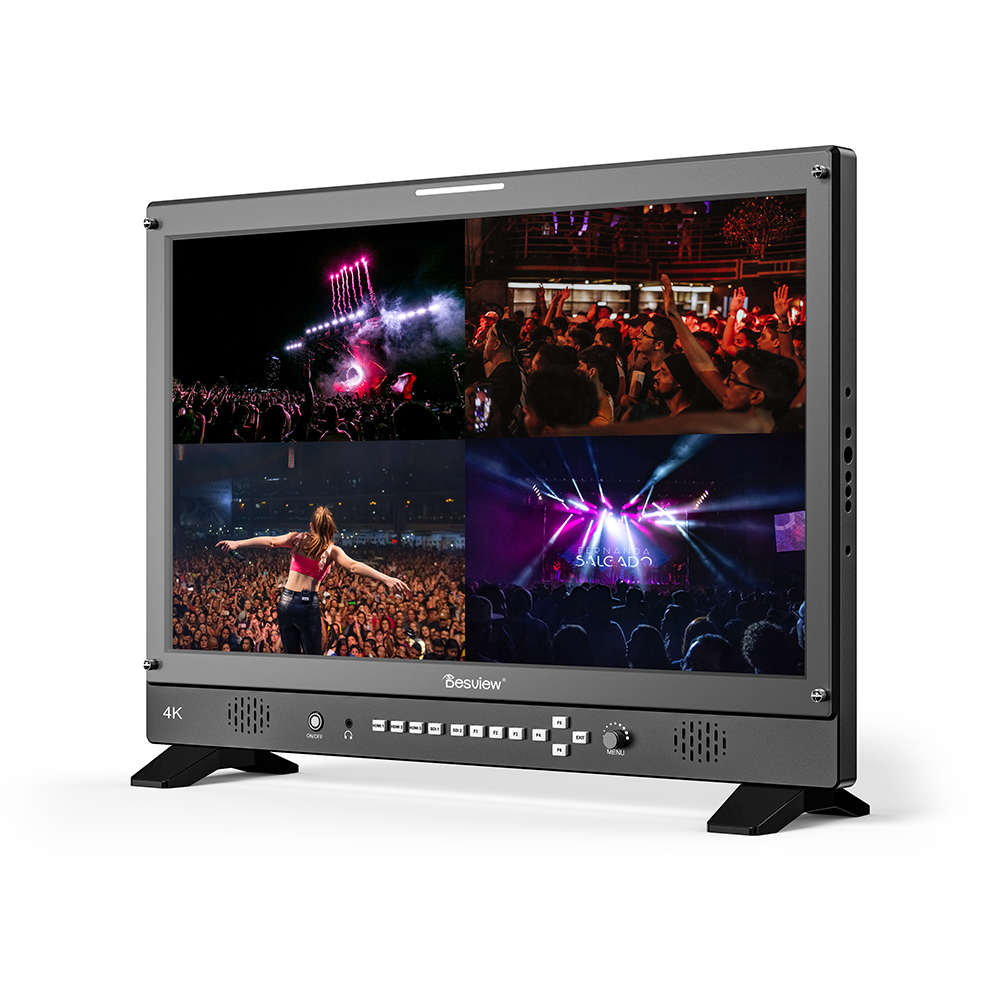
Desview D24-HDR
€ 1 180.91€ 1 464.33 (incl. VAT) -
Video monitors
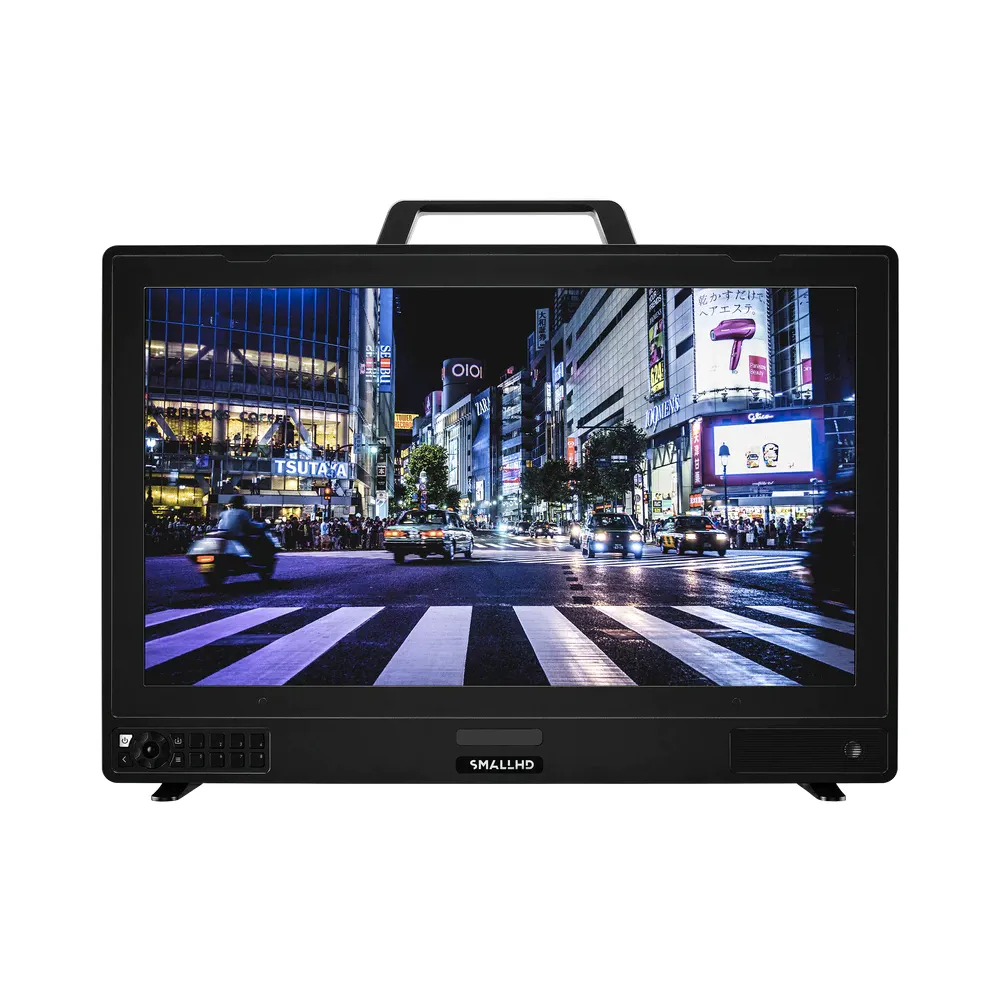
24″ SMALLHD Vision 4K HDR Monitor
€ 8 222.00€ 10 195.28 (incl. VAT) -
Video monitors
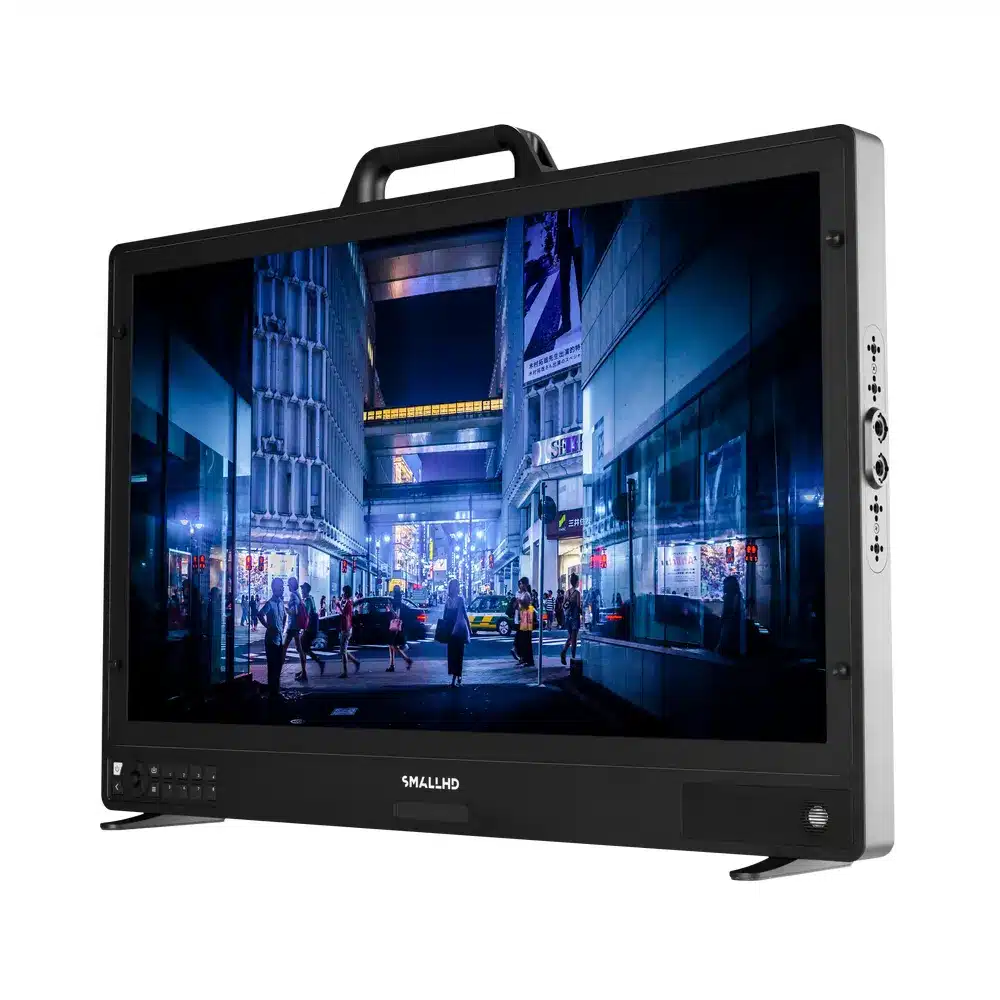
27″ SMALLHD OLED 27 video monitor
€ 11 760.00€ 14 582.40 (incl. VAT) -
 Video monitors
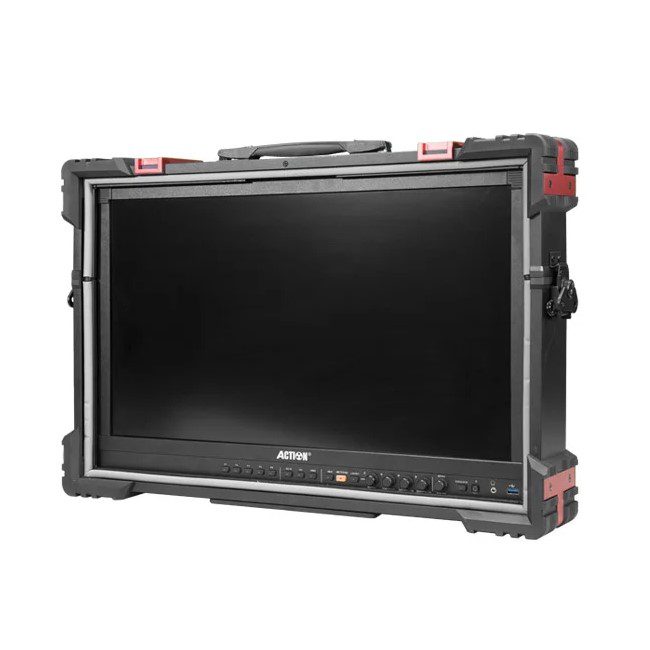
24” RUIGE AT-2400HR 4K 12G-SDI/HDMI broadcast monitor with armor case
€ 5 225.00€ 6 479.00 (incl. VAT) -
 Video monitors
17.3″ LILLIPUT Q17 Full-HD 12G-SDI production/broadcast monitor
€ 1 499.00€ 1 858.76 (incl. VAT)
Using a Consumer TV as a Client Monitor
Consumer screens still play a useful role in post-production when deployed as secondary client displays.
Clients do not read vectorscopes or analyze signal metrics. They want to see how a commercial or film will look in a typical home viewing environment. Placing a consumer screen in a controlled environment built to ITU-R BT.2035 guidelines gives clients a comfortable view of the project.
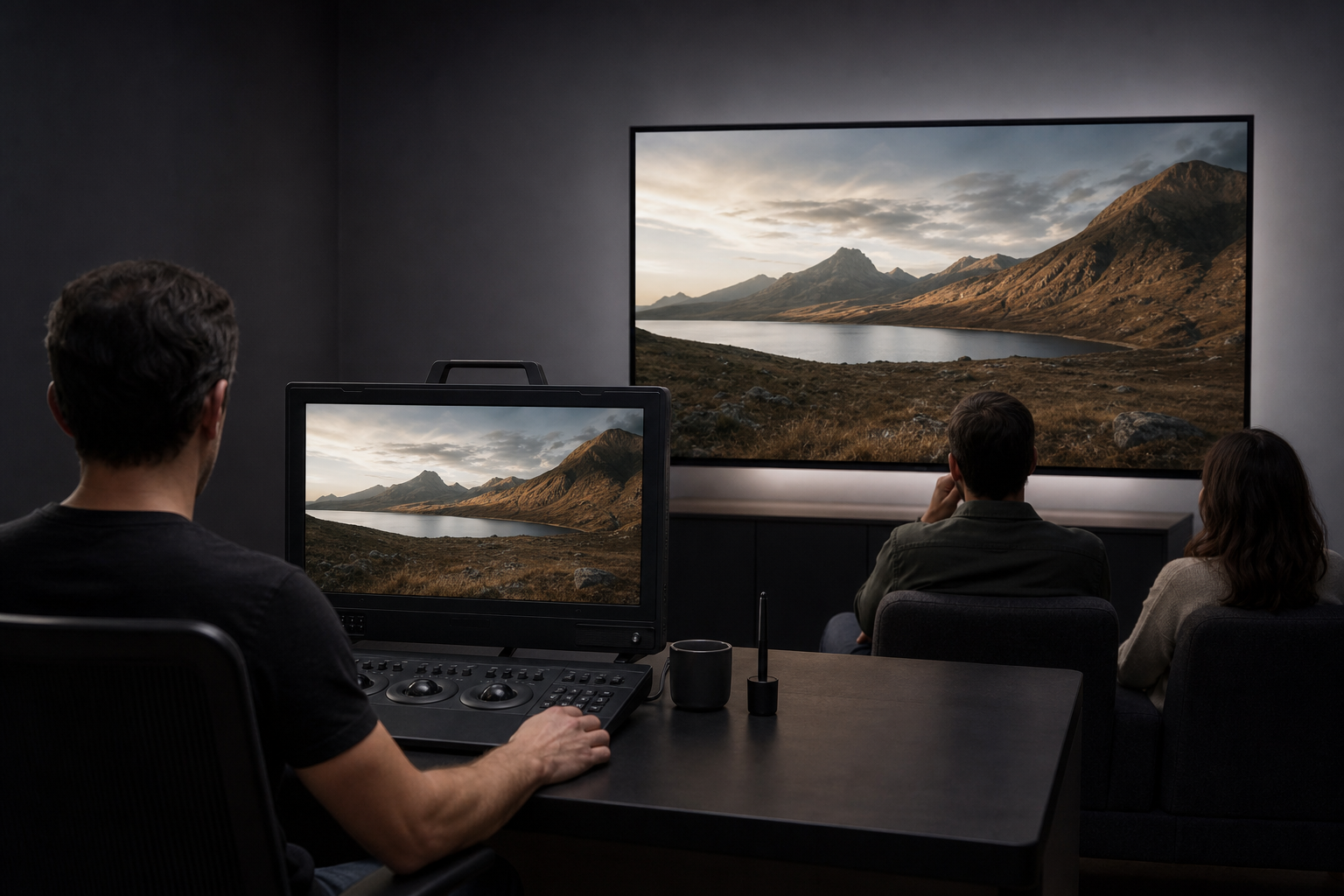
A dual-monitor configuration gives you the best of both worlds:
- Reference Display: A calibrated broadcast monitor connected via dedicated video I/O hardware for precise color and exposure decisions.
- Client Display: A consumer screen fed from a secondary output to show client previews without compromising your master reference feed.
Key Takeaways
- Consumer TVs alter images actively. Motion smoothing, artificial sharpening, and dynamic contrast hide defects and destroy color accuracy.
- Broadcast monitors prioritize true signal fidelity. They conform to EBU and ITU standards to give you an unvarnished look at your media.
- Hardware 3D LUT calibration is essential. Reference monitors store calibration data internally to guarantee consistent white points and gamma curves.
- Professional SDI connectivity prevents signal dropouts. Locking BNC connectors and low latency keep your timeline secure and in frame sync.
- Reserve consumer TVs for client viewing. Use a dedicated reference display for your primary color and edit decisions, and use consumer screens only for home viewing checks.
Ready to build an accurate, reliable post-production suite? Contact our technical team today for expert guidance on selecting the ideal reference displays, signal routing, and calibration tools for your workflow.









