





Master Video Scopes for Accurate Exposure and Color
Camera screens lie. Bright outdoor sunlight makes images look dark. Dark studio corners hide shadow details. Relying only on your eyes to judge video brightness leads to ruined shots, lost highlights, and unnatural skin tones.
Waveform monitors and vectorscopes fix this problem. They turn visual signals into exact charts. Instead of guessing, you read clear numeric data for brightness and color. In our experience working with production crews, using dedicated scopes on set saves hours of frustrating work during color grading.
Reading a Waveform Monitor for Precise Exposure
A waveform monitor measures the luminance, or brightness, of your video signal. The chart reads horizontally from left to right, matching your video frame. The height of the graph shows pixel brightness. Top values show white highlights, while bottom values show deep blacks.
In Standard Dynamic Range (SDR) Rec.709 workflows, levels are measured in IRE units. A standard setup maps pure black to 0 IRE and clipped white to 100 IRE. Middle gray sits near 45 IRE. A flat line crushed at the top of your chart warns that you are losing highlight detail to clipping.
| Format Standard | Black Reference Level | Middle Gray Target | Highlight Limit |
|---|---|---|---|
| Rec.709 (SDR) | 0 IRE | ~45 IRE | 100 IRE |
| ARRI LogC4 | ~10% signal level | 28% signal level | Sensor dependent |
| HLG (HDR) | 0 nits | Variable | 75% level (203 nits white) |
Log and High Dynamic Range (HDR) workflows use different exposure targets. Log curves do not share one universal target level. For example, ARRI LogC4 targets mid-gray near 28%, while other log curves sit around 35%.
In HDR standards like Perceptual Quantizer (PQ) or Hybrid Log-Gamma (HLG), scales measure absolute brightness in nits. In HLG workflows, reference white of 203 nits sits at a 75% signal level.
Reading flat log signals on set can be confusing for client monitoring. Applying a log-to-Rec.709 preview LUT on your screen gives you a clean visual image while keeping accurate waveform data underneath. To explore how displays handle these signal tools on set, check our guide on on-camera monitors for video.
Evaluating Color and Skin Tones with Vectorscopes
While waveforms check exposure, vectorscopes evaluate color. A vectorscope plots color hue and saturation on a circular wheel. The angle around the center point shows the hue. The distance from the center point measures color saturation. Muted colors stay near the center, while vivid colors push outward toward the edge.
The skin tone reference line is the most important feature on a vectorscope. This diagonal line sits between red and yellow targets. Human skin tones align along this exact line regardless of ethnic background because human blood gives skin its core warmth. If your actor’s skin trace pushes toward green or magenta, your color balance is wrong.
Vectorscopes also reveal overall color casts instantly. If a neutral white wall creates a trace that strays away from the center point, your camera white balance needs tuning. Learn how to pair scope analysis with proper set lighting by reading our guide on colour temperature for video lighting.
For deep color balancing, switch your scope to RGB Parade mode. This view splits red, green, and blue video channels into three side-by-side graphs.
- Equal heights across all three channels mean your neutral whites and grays are balanced.
- A higher blue channel in shadow areas indicates an unwanted cool blue tint in your dark tones.
- A spike in red channel highlights shows your light sources are pushing warm tones into bright areas.
Matching Multiple Cameras on Set
Multi-camera shoots often suffer from color and gamma variations between different camera sensors and lenses. Relying on auto white balance or eye estimates causes mismatched footage that is hard to fix in post-production.
We have seen productions cut editing time in half by matching cameras with scopes before shooting starts. Follow these steps for reliable multi-camera matching:
- Place a standardized color chart under your production lighting.
- Frame the chart with your primary reference camera and adjust white balance and exposure.
- Capture and save the reference camera waveform and vectorscope profile.
- Connect your secondary camera feed to the monitoring setup.
- Adjust the secondary camera exposure, black level, and chrominance until its live trace matches the reference targets.
Selecting Equipment for Scopes and Monitoring
Choosing the right monitoring equipment depends on your shoot environment, crew size, and signal requirements.
On-Camera Monitors and Recorders
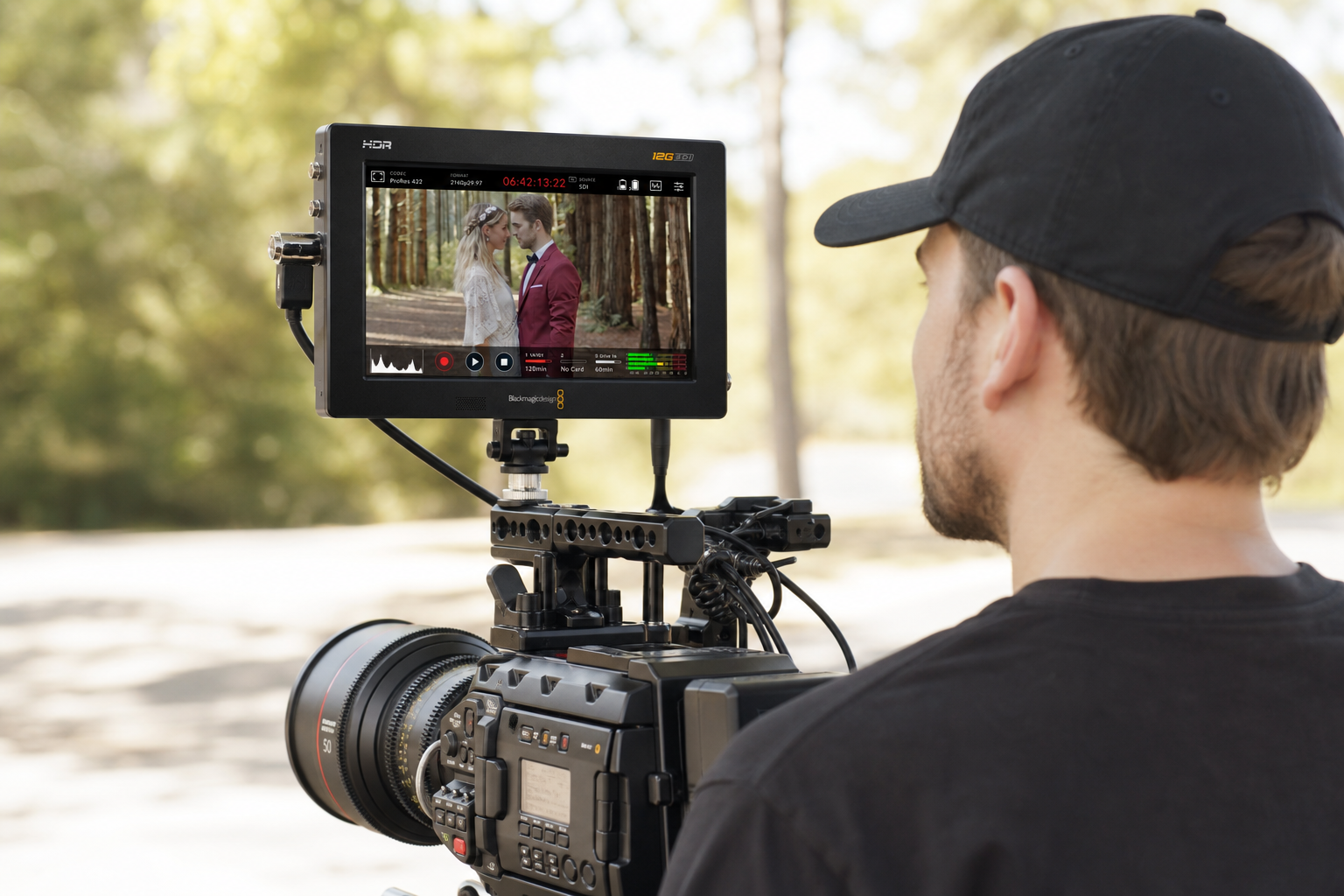
Compact on-camera displays give small crews and solo operators sharp exposure tools on high-brightness screens. Panels rated between 1500 and 2500 nits maintain clear scope visibility even in direct sunlight. Monitor-recorder units also save high-bitrate codecs directly to SSD storage while analyzing live signals. You can learn more about signal recording options in our article on external video recorders for camera.
-
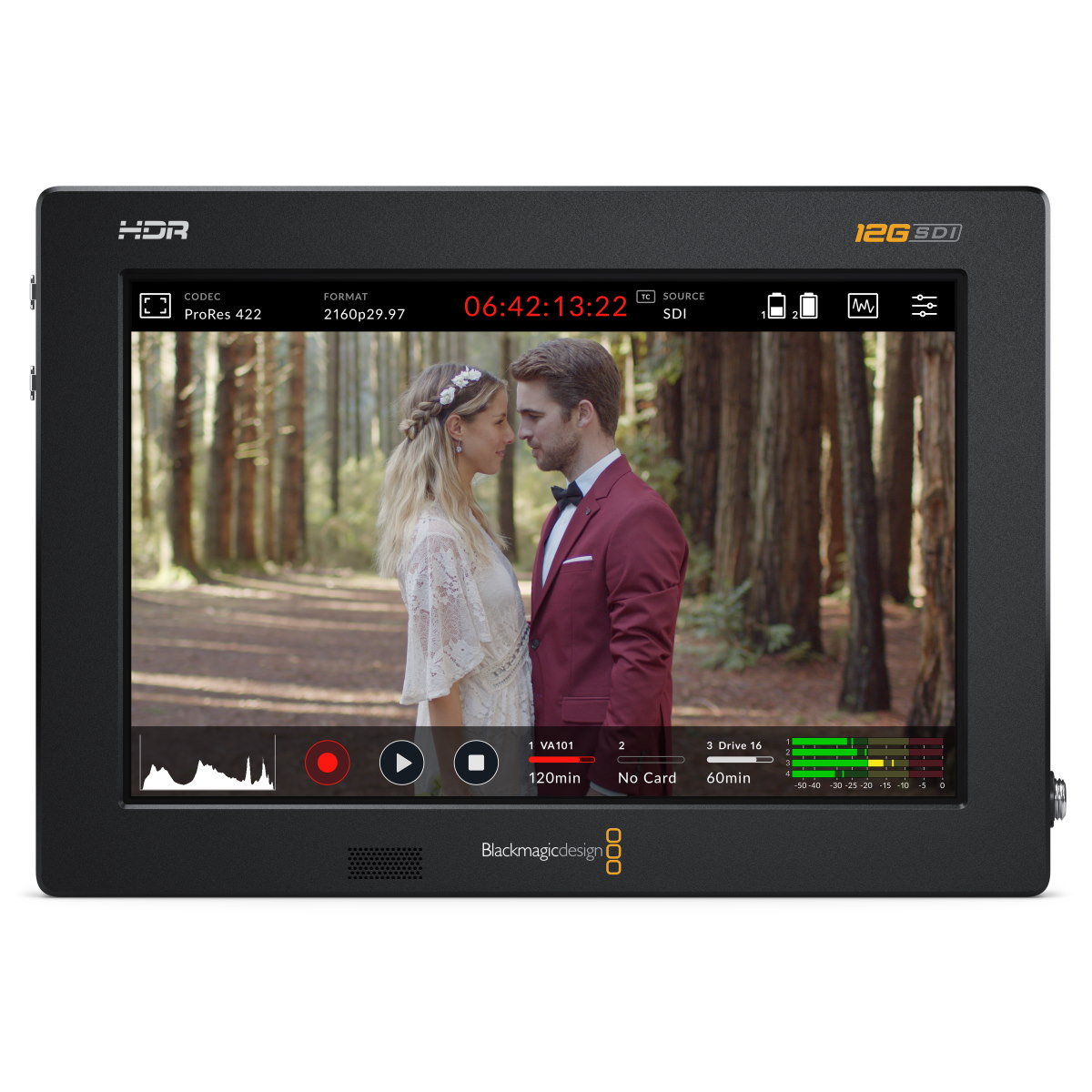
 Recording monitors
BLACKMAGIC DESIGN Video Assist 7” 12G HDR
€ 740.00€ 917.60 (incl. VAT) -
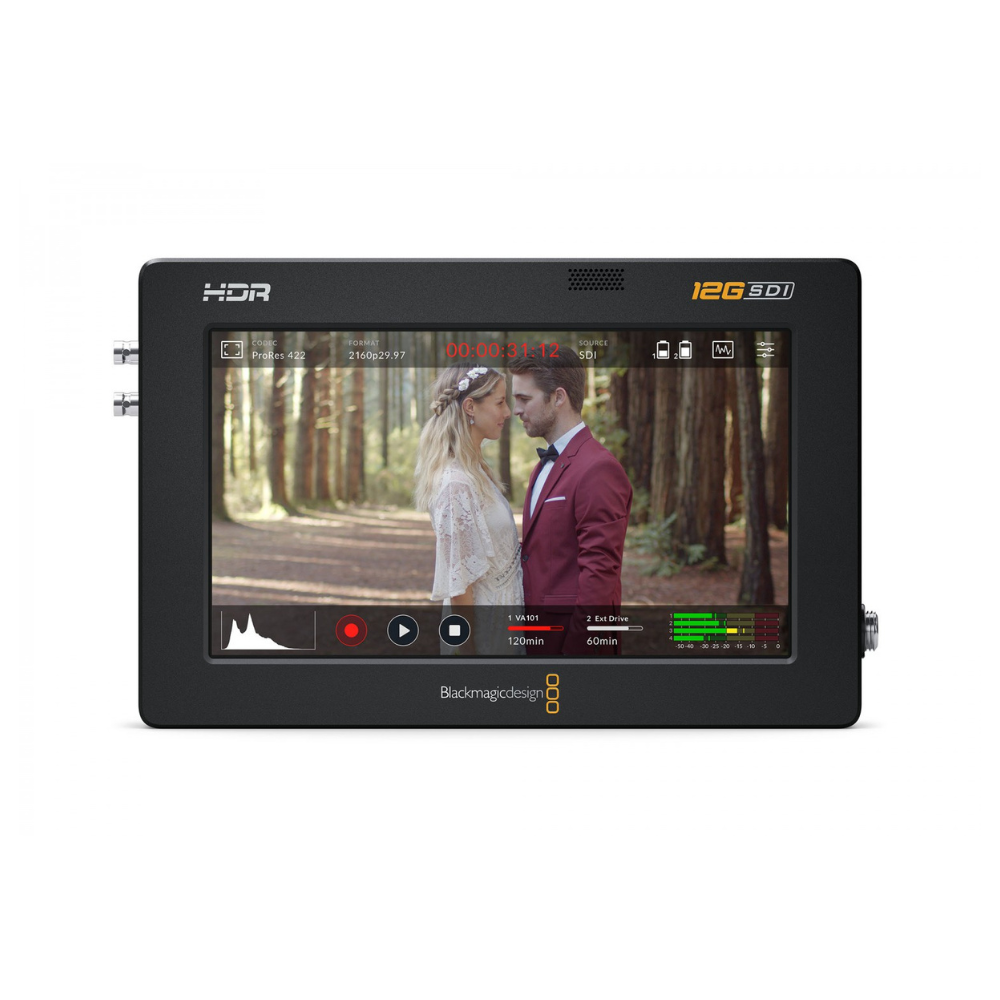
 Recording monitors
BLACKMAGIC DESIGN Video Assist 5” 12G HDR
€ 556.00€ 689.44 (incl. VAT) -
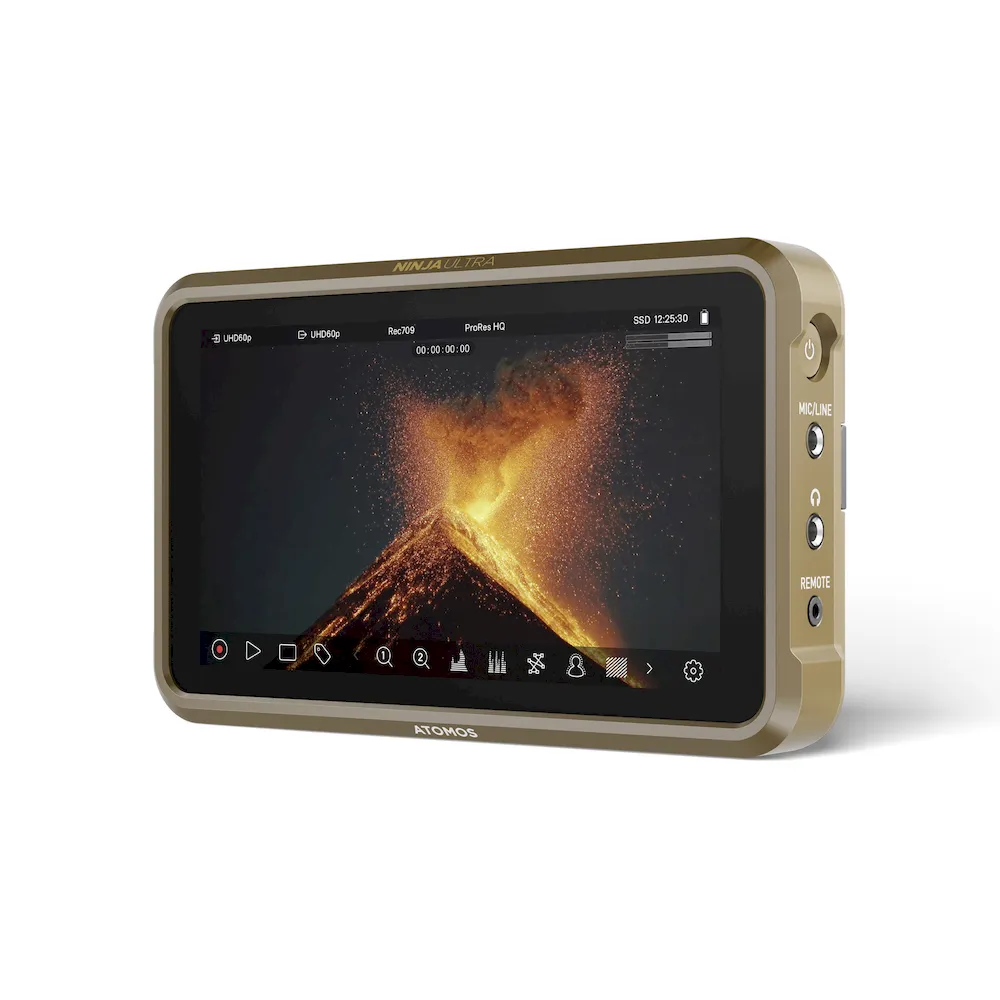
Recording monitors, Video monitors
5″ ATOMOS Ninja Ultra monitor-recorder
€ 799.00€ 990.76 (incl. VAT) -
Recording monitors
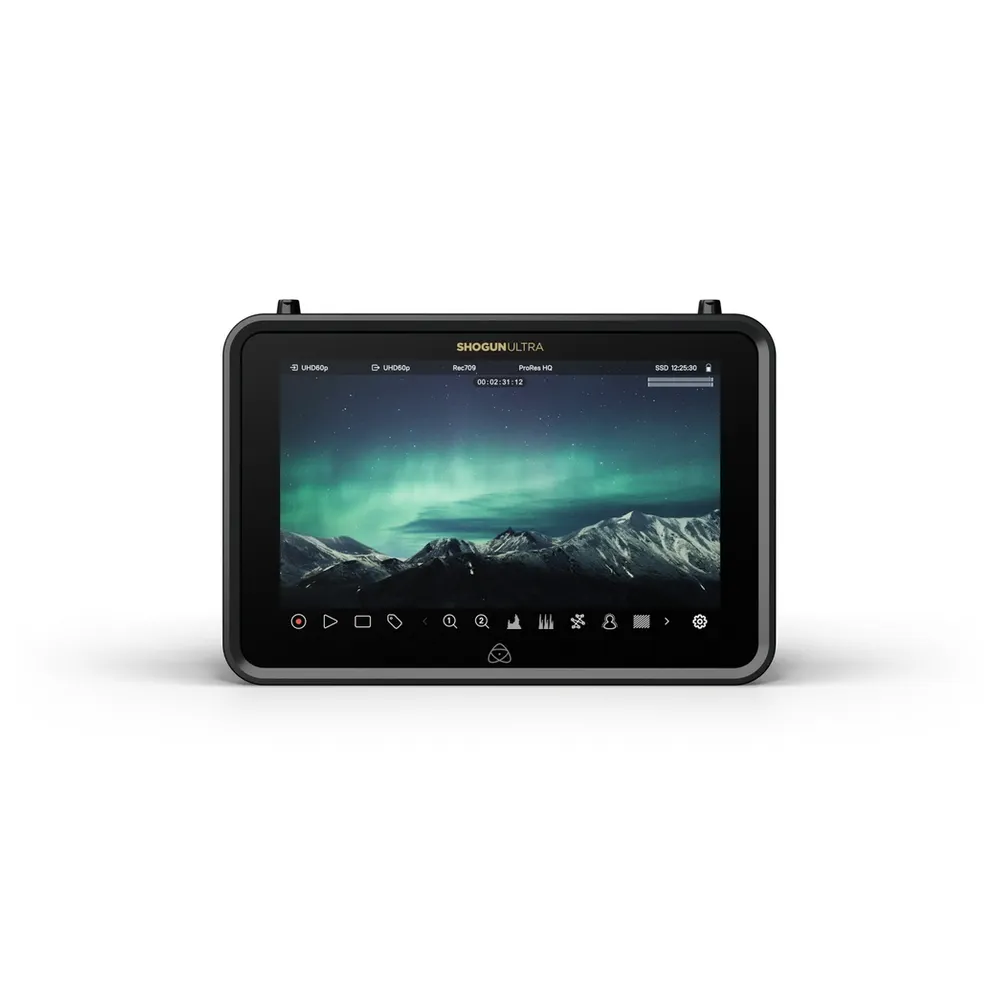
7″ ATOMOS Shogun Ultra monitor-recorder
€ 1 199.00€ 1 486.76 (incl. VAT)
Studio and Production Field Monitors
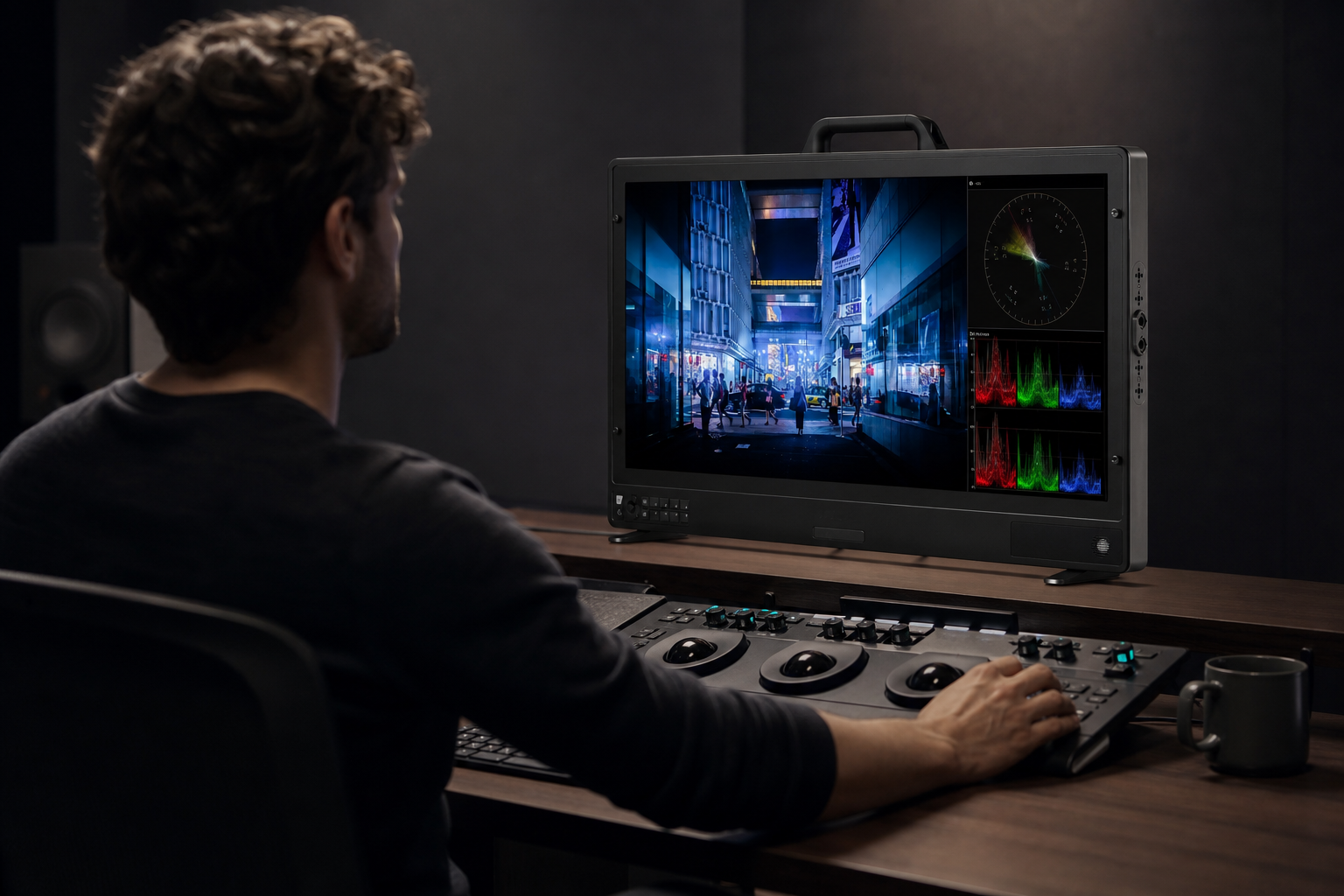
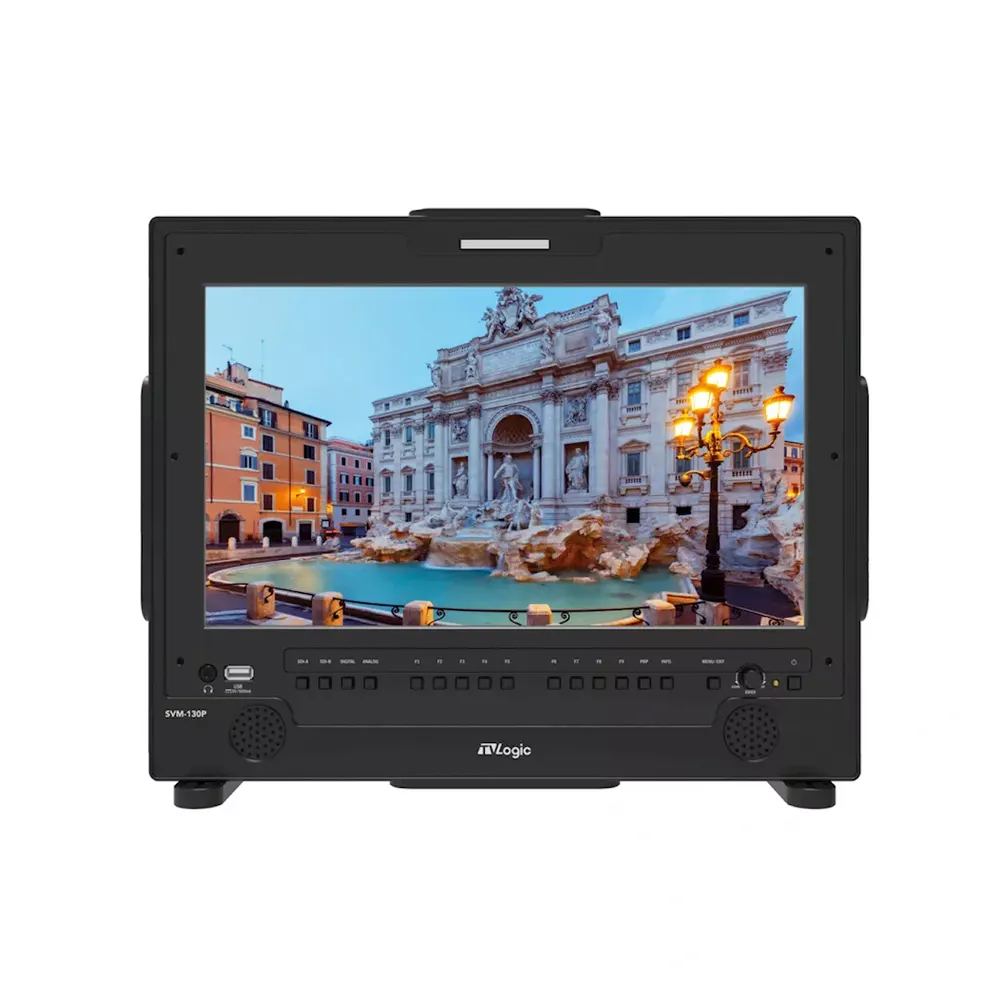
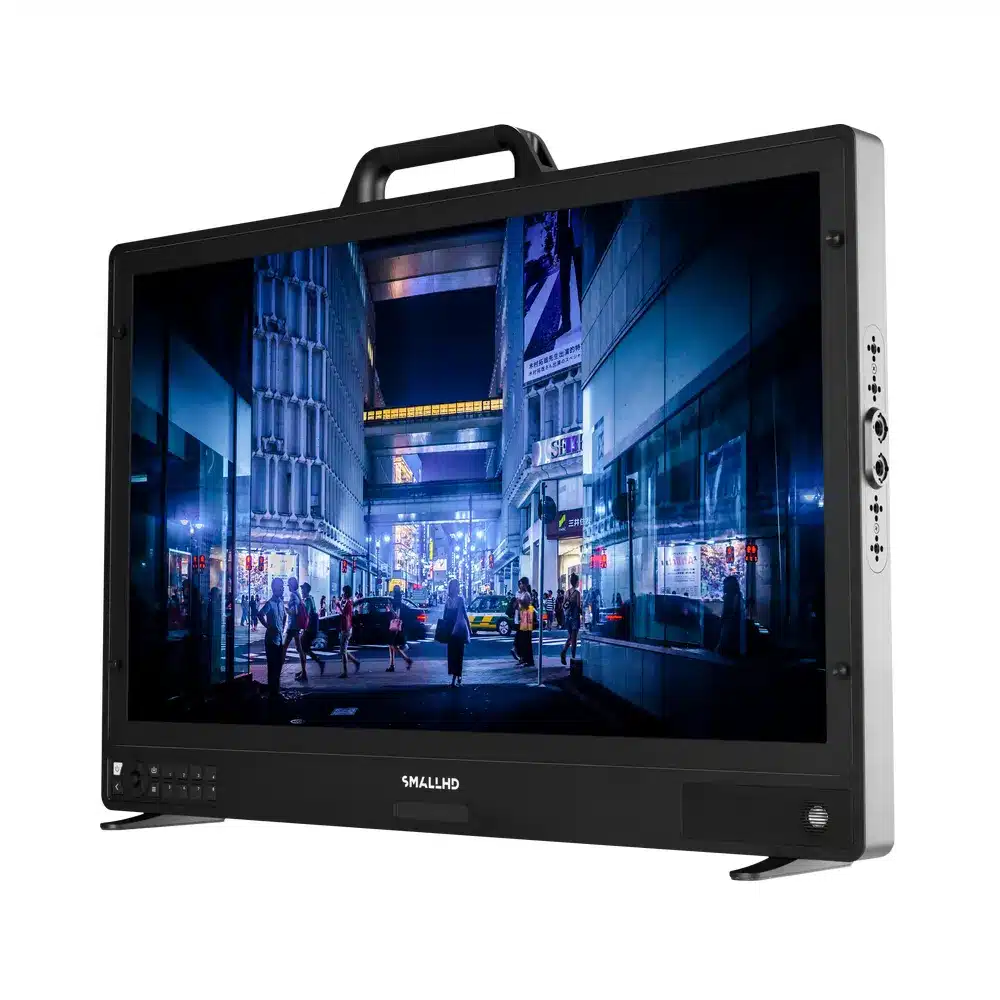
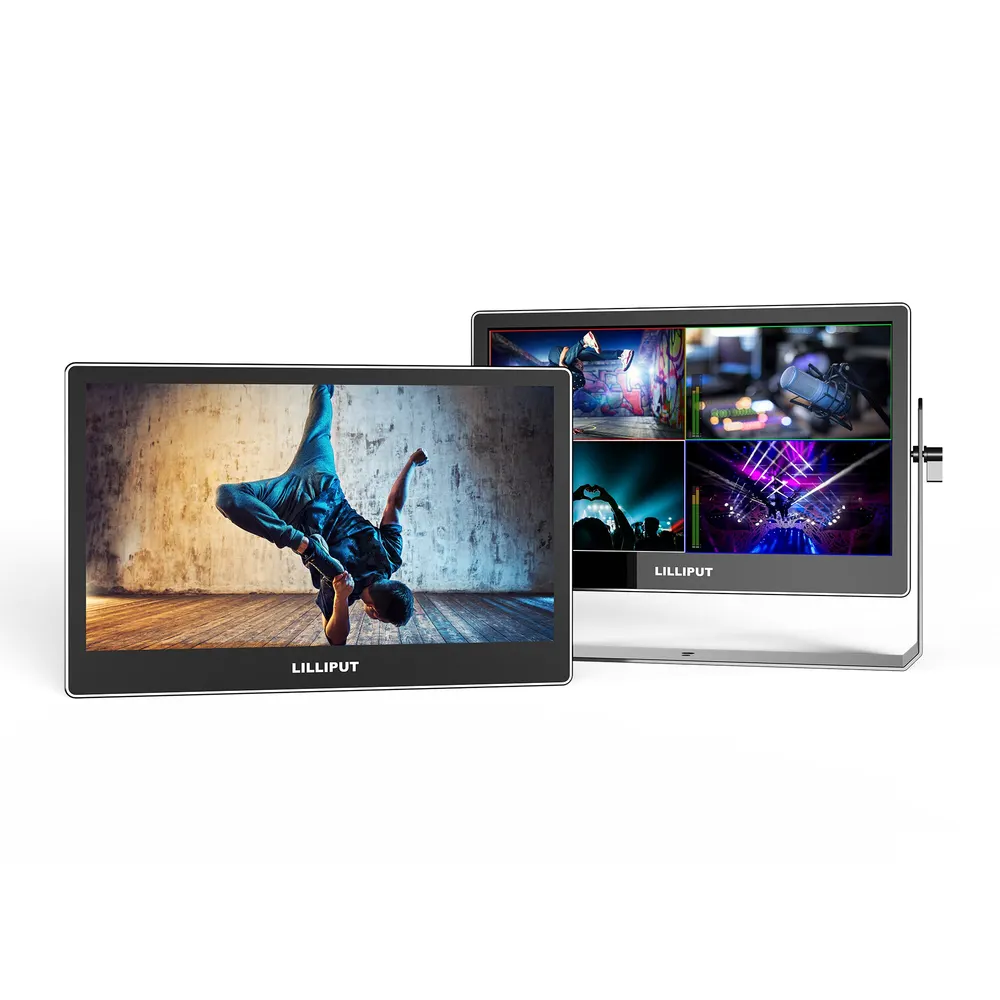
Director displays and studio reference monitors feature larger screens, strict color accuracy, and simultaneous multi-scope views. For large rigs and studio setups, picking the right cabling standard is critical for clean signal transmission across long distances. Learn about connection choices in our guide on HDMI vs SDI for video. You can also review versatile outdoor displays in our overview of field monitors for video.
Dedicated Rack Recorders and Signal Hardware
Control rooms and live production spaces need dedicated hardware units. Rackmount processors and playback hardware offer SDI loop outputs, physical controls, and multi-channel signal routing for permanent broadcast setups.
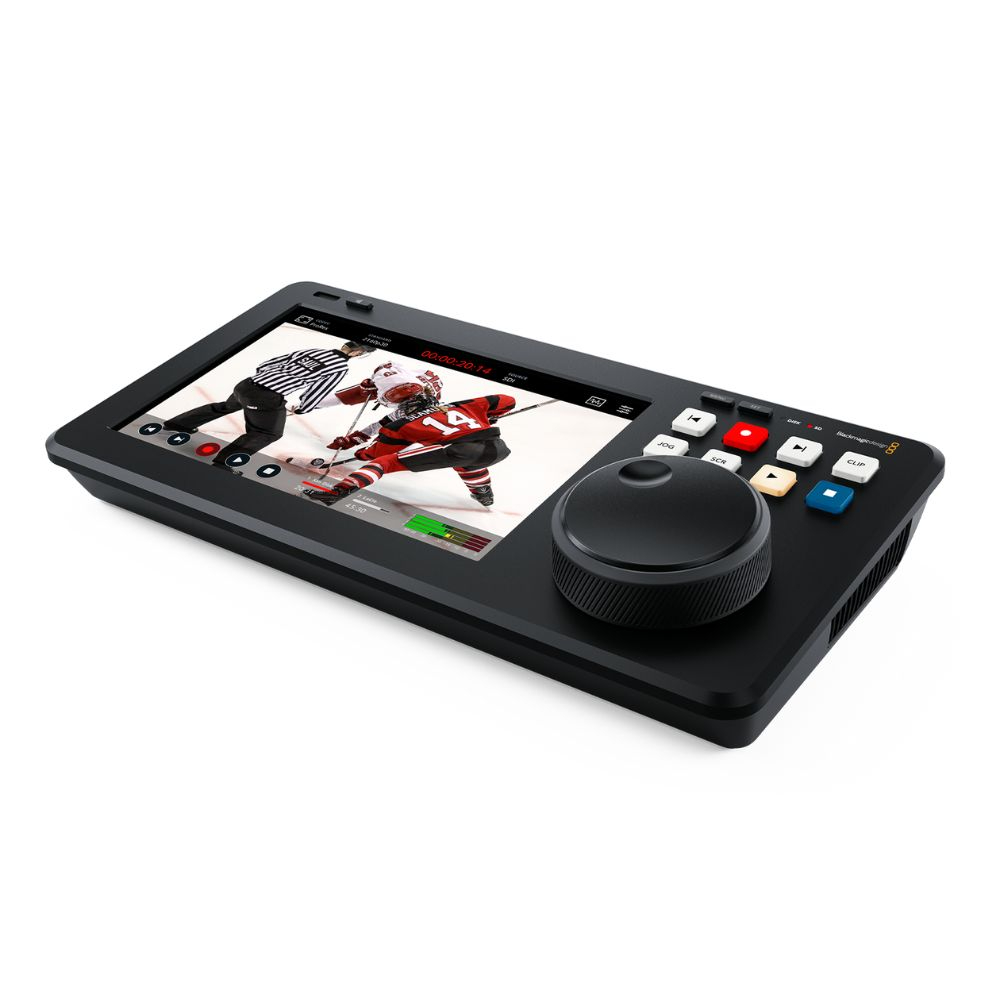
Explore our complete catalog of video monitors, recording monitors, and AV recorders to find gear tailored to your production workflow.
Key Takeaways
- Waveform monitors give objective numeric brightness data so you can set exposure accurately without clipping highlights.
- Vectorscopes map hue and color saturation on a circular graph with a built-in skin tone line for realistic complexions.
- RGB Parade charts separate red, green, and blue channels to highlight color casts in shadows and highlights.
- Using precision color charts and scopes on set lets you match multiple camera angles before hitting record.
- Choose high-nit on-camera displays for field work, high-contrast studio displays for color evaluation, or rackmount units for live control rooms.
Need expert advice on choosing the right monitoring gear for your production rig? Contact the MediaGear team today or browse our full inventory online.









