





Variable ND Filter for Video: Choose the Right Stops
A variable ND filter lets you keep a cinematic shutter speed in bright light. You turn one ring and the picture gets darker or lighter. No filter swaps. For most video work, pick a 1–5 stop filter if you shoot in mixed light or at f/4 and smaller. Pick a 6–9 stop filter if you shoot wide open in direct sun.
Here is the quick version:
| Your situation | Stops you need | What to buy |
|---|---|---|
| Overcast, shade, indoors near windows | 1–3 | 1–5 stop VND |
| Full sun, f/4, 25 fps | about 5 | 1–5 stop VND (at the top of its range) |
| Full sun, f/2.8, 25 fps | about 6 | 6–9 stop VND or fixed ND64 |
| Camera has built-in ND (Sony FX6, Canon C70) | Use the built-in ND first | Screw-on filter only if you need more |
The rest of this guide shows how to work out your own number, how to avoid the dark “X” that cheap filters create, and when a fixed ND is the better choice.
Why video needs ND filters
Video has a shutter rule that photos do not. For natural motion blur, you set the shutter to about twice your frame rate. This is the 180-degree shutter rule. The shutter is open for half of each frame.
| Frame rate | Shutter speed (180°) |
|---|---|
| 24 fps | 1/48 s (often set to 1/50) |
| 25 fps | 1/50 s |
| 30 fps | 1/60 s |
| 50 fps | 1/100 s |
Source: Primer disparo video exposure guide. RED’s own shutter documentation uses 180° as the default shutter angle.
Now think about a sunny day. A fast shutter fixes the exposure, but every pan looks choppy. Closing the aperture fixes it too, but you lose the shallow depth of field you wanted. An ND filter solves both. It cuts light, so you keep the shutter and the aperture you chose. If you also need to cut glare, read our guide on ND filters versus polarizers for video.
How a variable ND filter works
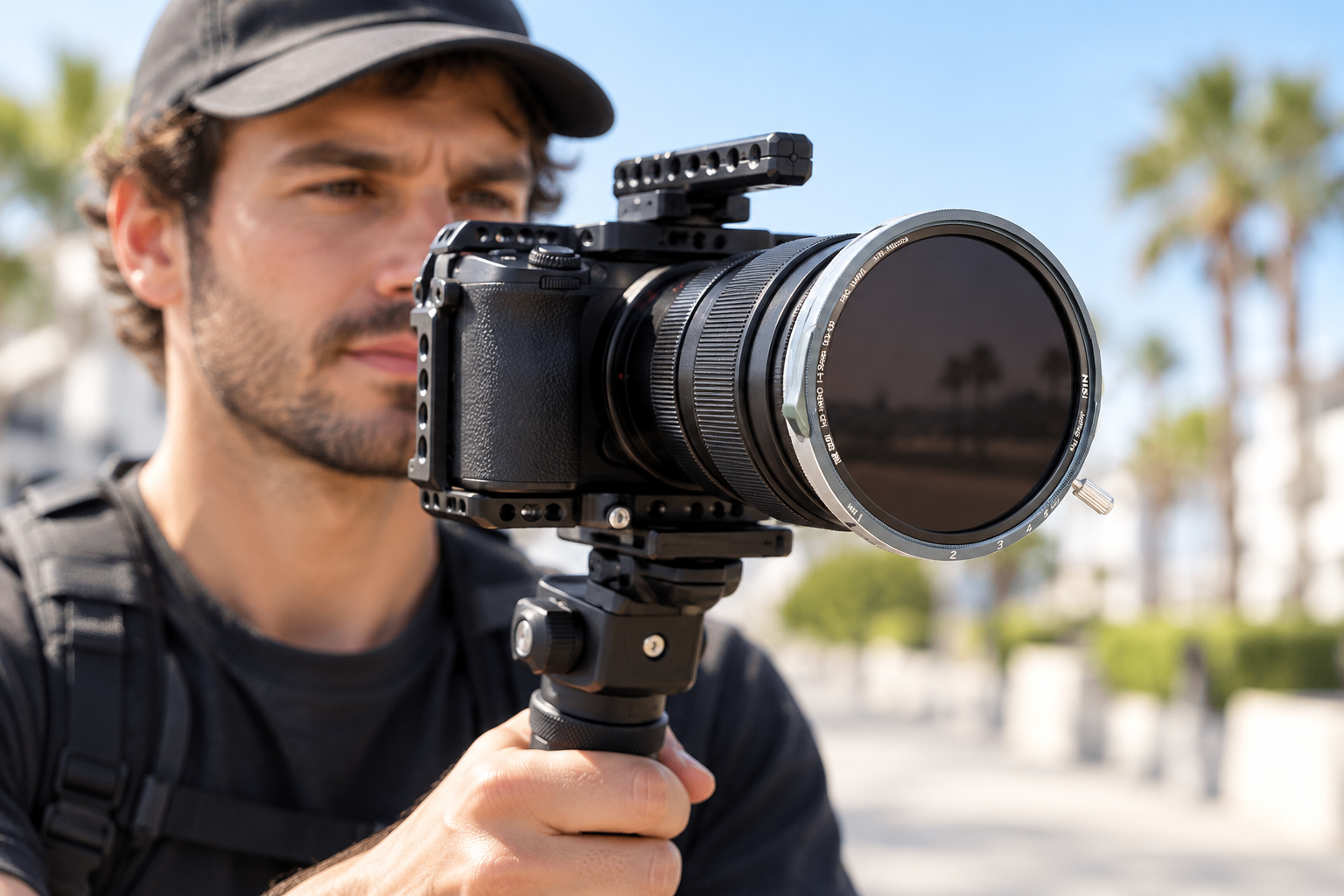
A variable ND filter is two polarizers stacked together. You rotate the front one against the fixed rear one. The angle between them sets how much light passes. As The Digital Picture’s review explains, a good design also adds quarter-wave plates so the first polarizer sees unpolarized light.
Typical ranges are 2–5 stops, 6–9 stops, or a wide 2–8 stops. One stop halves the light. So each stop you add doubles the filter’s effect.
How many stops do you need? A worked example
Do this maths before you buy. It takes one minute.
Say you shoot at 25 fps in direct sun. You want f/2.8 and the 1/50 s shutter.
- The sunny 16 rule says direct sun at ISO 100 is f/16 at 1/100 s (Wikipedia).
- Going from 1/100 s to 1/50 s lets in 1 more stop.
- Going from f/16 to f/2.8 lets in about 5 more stops.
- Total: about 6 stops. That is ND64.
A 1–5 stop filter cannot do this job. At f/4 you need only about 5 stops (4 for the aperture, 1 for the shutter). That sits right at the top of a 1–5 stop filter, where problems start. So for sunny, wide-open work, we suggest a 6–9 stop filter.
Two cautions. First, this uses ISO 100. A camera that runs at base ISO 800 is three stops more sensitive, so add three stops to your ND. Second, the sunny 16 rule is a starting point. Always check on your monitor or waveform.
Here is how stops, density and the ND label connect:
| Stops | Optical density | ND label | Light passed |
|---|---|---|---|
| 3 | 0.9 | ND8 | 12.5% |
| 6 | 1.8 | ND64 | 1.56% |
| 8 | 2.4 | ND256 | 0.39% |
| 10 | 3.0 | ND1000 | 0.10% |
Source: Tools for Film ND reference. The rule is simple: each stop adds 0.3 of density.
Avoid the X pattern and colour cast
Every variable ND has a limit. Near maximum density, the two polarizers cross and a dark X appears. It shows most on wide lenses and on even backgrounds such as blue sky, water or snow. K&F Concept calls it a physical limit of dual polarizers, not a defect.
Follow these rules:
- Stay off the end stop. Tiffen tells users to stay within the recommended range. Going past “MAX” can cause uneven exposure or an X-shaped colour shift (Tiffen guide).
- Check the filter ring. Some filters mark where the X starts. Others, such as PolarPro’s Peter McKinnon VND, use preset stops so you cannot cross the limit. PolarPro says its filters avoid vignetting down to a 16 mm focal length (PolarPro).
- Do not trust the dots. Tiffen notes that the marks between MIN and MAX are not calibrated stops. Use them only to return to an earlier setting.
- Pick a larger filter than your lens needs. A thin, wide filter is less likely to vignette on a wide lens.
- Test at your widest focal length before the shoot, pointed at a plain sky.
Colour is the second risk. Cheaper filters can show a tint that changes as you turn the ring. Look for filters that advertise neutral colour, such as NiSi True Color. These are manufacturer claims, so run your own test: shoot a grey card at two or three ring positions and compare.
Variable ND or fixed ND?
Neither is better in every case. Choose by how you work.
Choose a variable ND if:
- You shoot run-and-gun, documentary or events and the light changes often.
- You want to adjust exposure without changing aperture or shutter.
- You carry one lens or a few lenses and want less gear.
Choose fixed ND filters if:
- You shoot controlled scenes where light stays the same.
- You work with ultra-wide lenses at strong densities.
- You want zero risk of the X pattern.
Some reviewers also report colour shifts from infrared light at high densities. These reports are not consistent across sources, so treat the point as a reason to test, not as a rule.
A practical mix: carry one 1–5 stop VND for everyday work and one fixed ND64 for planned sunny shots at wide apertures. NiSi’s JetMag Pro MAXMAG Landscape ND Kit shows the fixed approach. It includes ND8, ND64 and ND1000 plus a polarizer.
Does your camera already have built-in ND?
Check this before you spend money. Built-in ND sits behind the lens. It adds no front glass and no extra flare surface.
- Sony FX6: electronic variable ND from 1/4 to 1/128 (2–7 stops). It has an auto mode (Sony).
- Canon EOS C70: built-in ND at 2, 4 and 6 stops, with 8 and 10 in extended mode (Canon).
- Blackmagic Pocket Cinema Camera 6K Pro: motorized IR ND at clear, 2, 4 and 6 stops (Blackmagic).
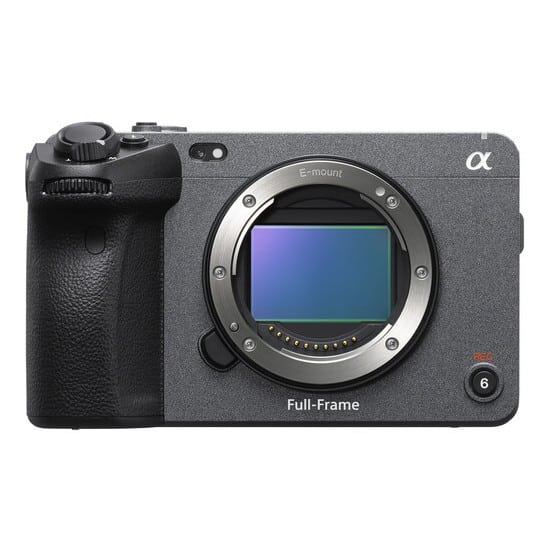
- Sony FX3: no built-in ND. Its ND setting only records the density of a filter you attach (Sony help guide).
So if you shoot on an FX3-class body, a screw-on VND is the main way to control light outdoors. If you want a compact full-frame option, see the SONY FX3A and our other video cameras.
Built-in ND does not replace everything. It cannot cut reflections or add diffusion. For that you still need a front filter.
Pick the right filter size
Filter size comes from your lens thread, not your focal length. Look for the “Ø” mark on the lens barrel. Ø67mm means a 67 mm filter.
If your lenses have different threads, buy the filter for your largest lens. Then add step-up rings for the smaller ones. A 67–82 mm ring puts an 82 mm filter on a 67 mm lens (Video Links guide). Never step down. A filter smaller than the thread vignettes.
This also helps with the X pattern, because a bigger filter on a smaller lens gives more clearance at wide angles. The trade-off is size: the filter may block a lens hood or sit awkwardly on a small rig.
Variable ND filters we suggest
Our range includes screw-on filters, matte-box filters and kits. Many of them show as on backorder at the time of writing, so check the stock status on each product page.
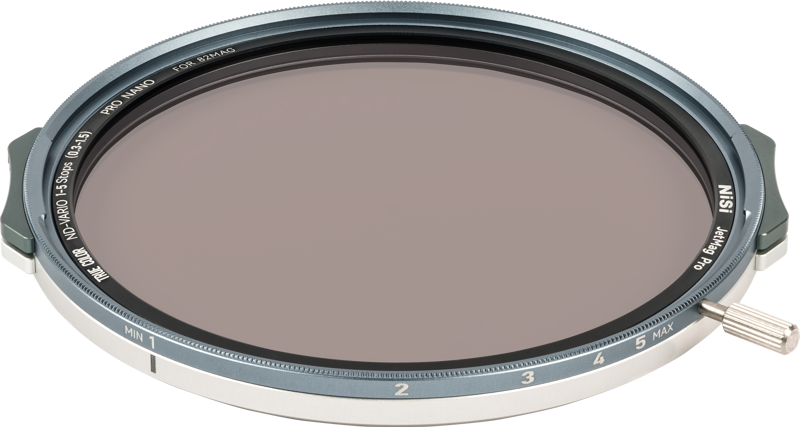
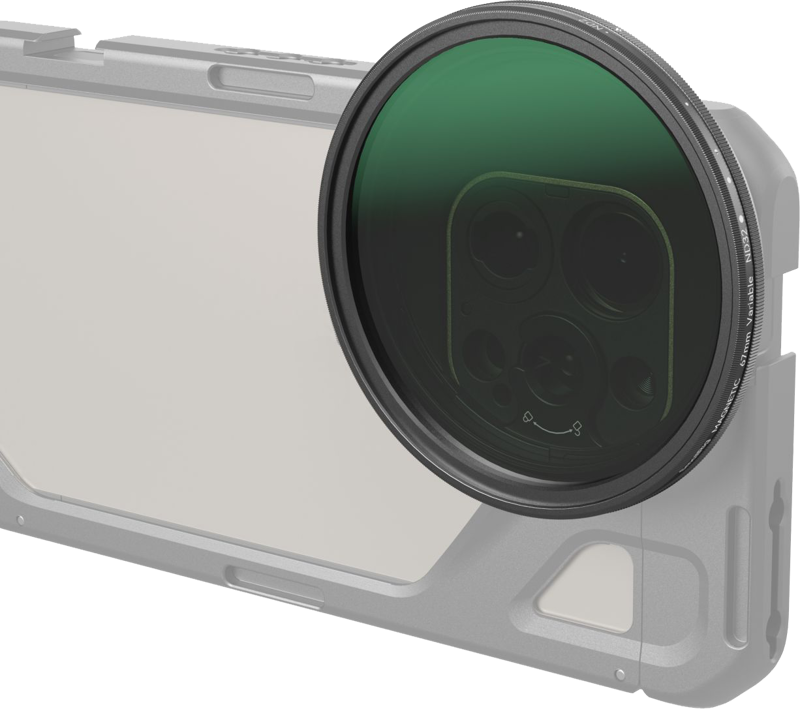
For everyday video in mixed light, take a 1–5 stop filter. The NiSi JetMag Pro 82 VND 1-5 Stops True Color covers ND2–ND32. It suits shooters who want neutral colour and one filter for many scenes. The SmallRig 4581 VND ND2–ND32 in 67 mm is a lower-cost option for the same range.
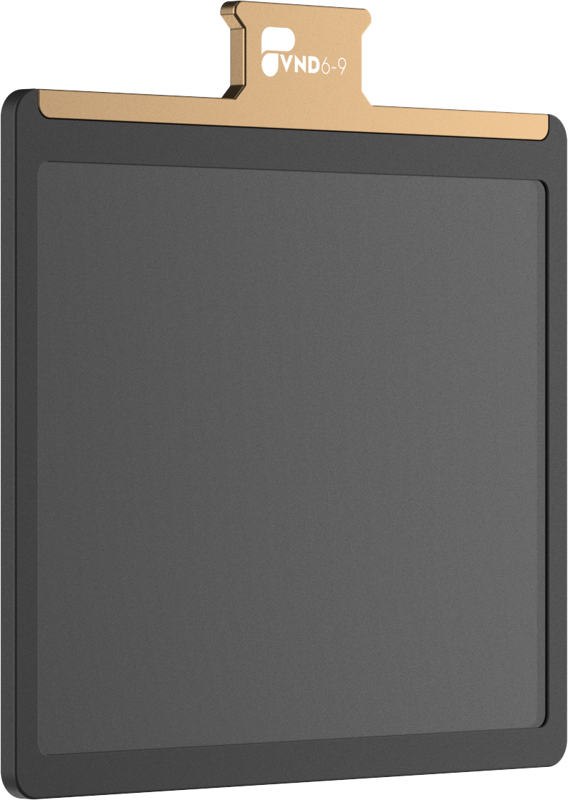
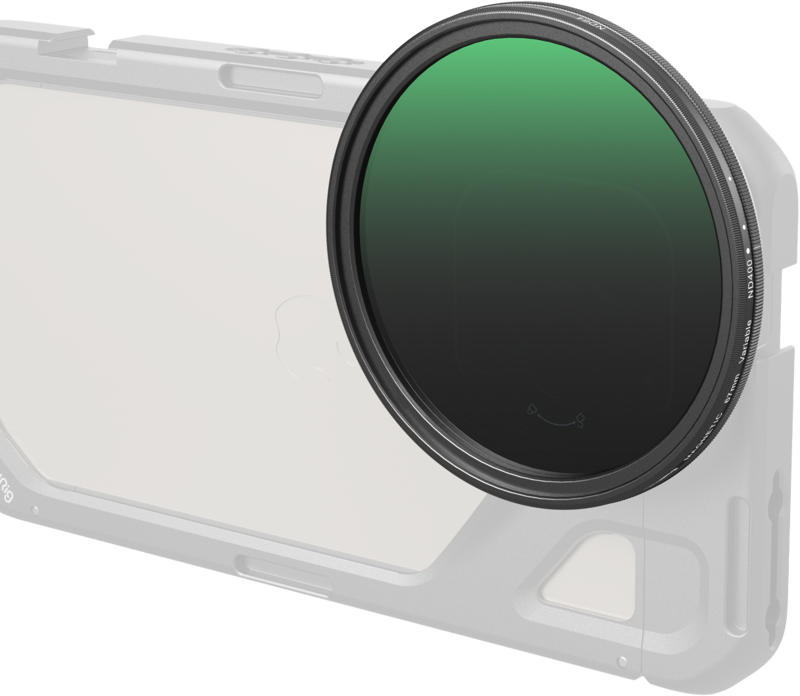
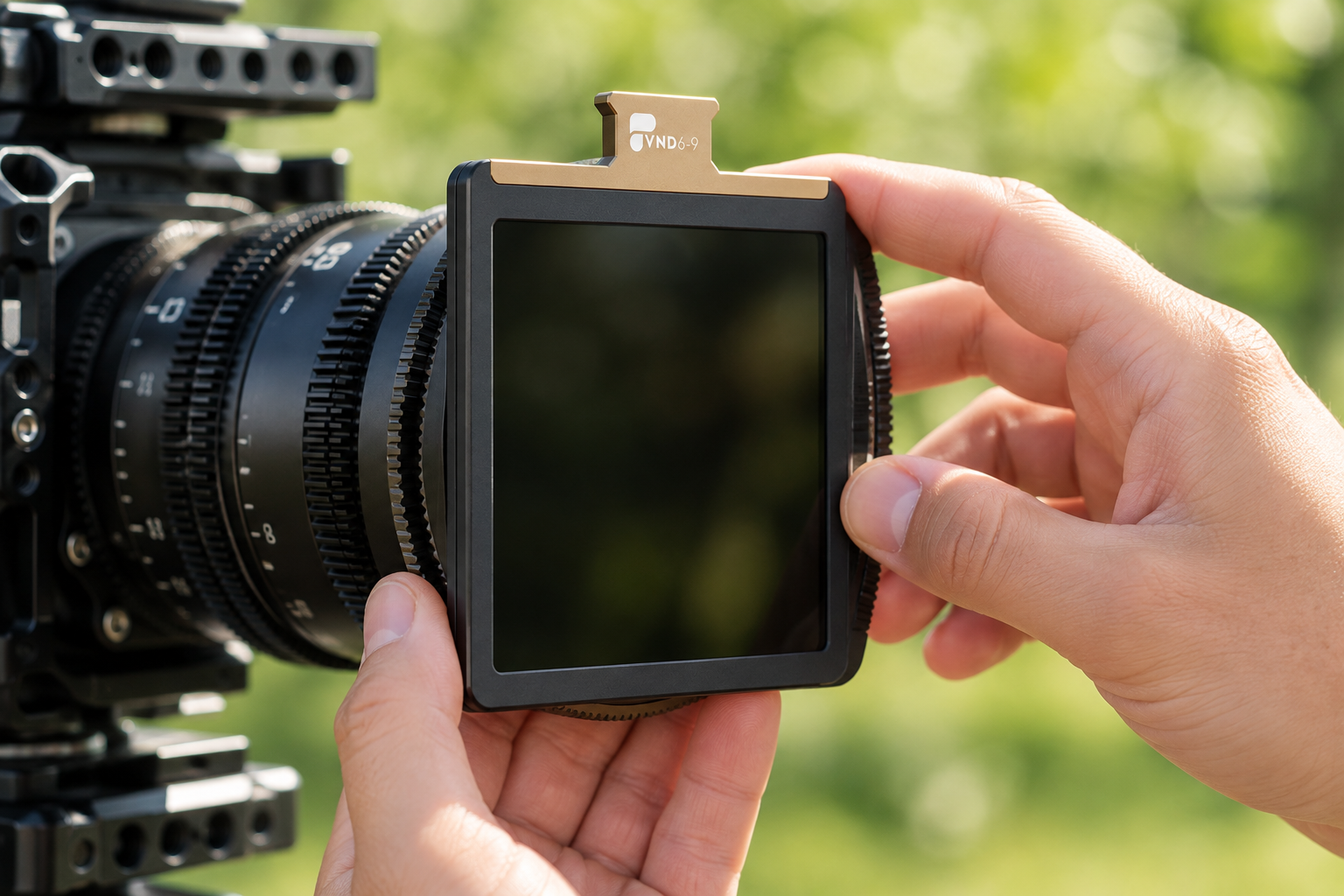
For bright sun at wide apertures, take a 6–9 stop filter. The SmallRig 5169 VND ND64–ND400 is a 67 mm screw-on. It does not suit dim scenes, because it never goes below 6 stops. If you use a matte box, the PolarPro BaseCamp Stage 2&3 VND 6-9 stop is a square filter made for the BaseCamp system, not a screw-on.
You can browse every option in our filters category or check lenses and thread sizes in lenses.
Key Takeaways
- Video needs ND filters to hold a 180° shutter (1/50 s at 25 fps) in daylight without closing the aperture.
- Work out your stops: sunny 16 plus one stop for the shutter plus the aperture steps. Direct sun at f/2.8 needs about 6 stops.
- Use a 1–5 stop VND for mixed light and a 6–9 stop VND or fixed ND64 for sun at wide apertures.
- Never turn a VND to its end stop. Test at your widest focal length for the X pattern and run a grey-card colour check.
- Check built-in ND first. The FX6, C70 and Pocket 6K Pro have it. The FX3 does not.
Not sure which filter and size fit your lens and camera? Contact the MediaGear team with your lens model and shooting conditions. We will help you pick the right filter. You can also start in our filters category.









