





BNC vs HDMI Cable for Video: Which One to Use
Use BNC (carrying SDI) when you run video over more than a few metres, when the cable must not fall out, or when the gear is broadcast-grade. Use HDMI for short links to monitors, laptops and consumer gear. In most real rigs you need both, plus a small converter between them.
One thing causes most of the confusion. BNC is a connector. HDMI is a connector and a signal standard. A BNC cable usually carries SDI (Serial Digital Interface), the broadcast video standard. So the real question is “SDI over coax or HDMI?”
| BNC with SDI | HDMI | |
|---|---|---|
| Connector | Locking bayonet BNC | Non-locking (screw-lock versions exist) |
| Typical run | Tens of metres to about 100 m on coax | About 5 m passive copper at 4K60 |
| Long-run fix | SDI over fiber | Active optical cable (AOC) |
| Max single-cable video | 12G-SDI: 2160p60 | HDMI 2.1: 8K60, 4K120 |
| Copy protection (HDCP) | None | Yes |
| Best for | Cameras, switchers, stage and studio | Monitors, laptops, recorders, short links |
What each cable actually is
SDI is a professional digital video standard from SMPTE. It sends uncompressed video, with audio embedded, down one 75-ohm coaxial cable. The ends are BNC connectors. The standard has grown with resolution:
- HD-SDI runs at 1.485 Gbps.
- 3G-SDI runs at 2.97 Gbps and carries 1080p60.
- 6G-SDI runs at 5.94 Gbps and carries 2160p30.
- 12G-SDI runs at 11.88 Gbps and carries 2160p60.
Those rates come from the SMPTE standards as listed by Altera, and the resolution pairings from a 12G-SDI distribution amplifier spec sheet.
HDMI is a consumer-born interface that has grown up. HDMI 2.0 gives up to 18 Gbps and 4K at 50/60 Hz. HDMI 2.1 gives up to 48 Gbps, with 8K60 and 4K120. On paper, HDMI has more bandwidth than SDI. That is why HDMI is the usual choice for high-end monitors and gaming-style sources.
Bandwidth is not the whole story, though. In production, distance and reliability decide.
Distance: where BNC wins
Copper loses signal over length, and faster signals lose more. This is the main reason SDI exists.
SDI. On Belden 1694A coax, Cypress Technology lists tested distances of 100 m for 3G-SDI, 80 m for 6G-SDI and 60 m for 12G-SDI. Other sources are more careful. Barco’s guide lists 12G-SDI at 30 m on Belden 4855R. Belden itself notes that the length tables in the SMPTE standards are calculated values, not measured distances. So treat published lengths as a ceiling. Plan below it, and check the data sheet of your exact cable.
HDMI. The HDMI specification sets no maximum length. Passive copper cables are a different matter. Amphenol Socapex says HDMI 2.0 performance on copper starts to drop from 5 m. One home-theatre guide puts certified 48 Gbps passive cables at about 3 m. For longer runs you need an active optical cable. The same Amphenol datasheet specifies its HDMI 2.0 AOC for up to 100 m, though that is one product’s rating, not a rule for all AOCs.
A worked example
You need to move a camera signal to a switcher.
- 8 m, 1080p60: HDMI can work if you pick a good cable and test it. SDI is safer.
- 40 m, 1080p60: passive HDMI is out. Use 3G-SDI on coax, well within its range.
- 60 m, 4K60: 12G-SDI on coax sits at the edge. Use an SDI fiber extender, or an HDMI AOC if both ends are HDMI.
- 150 m or more: use fiber in either case.
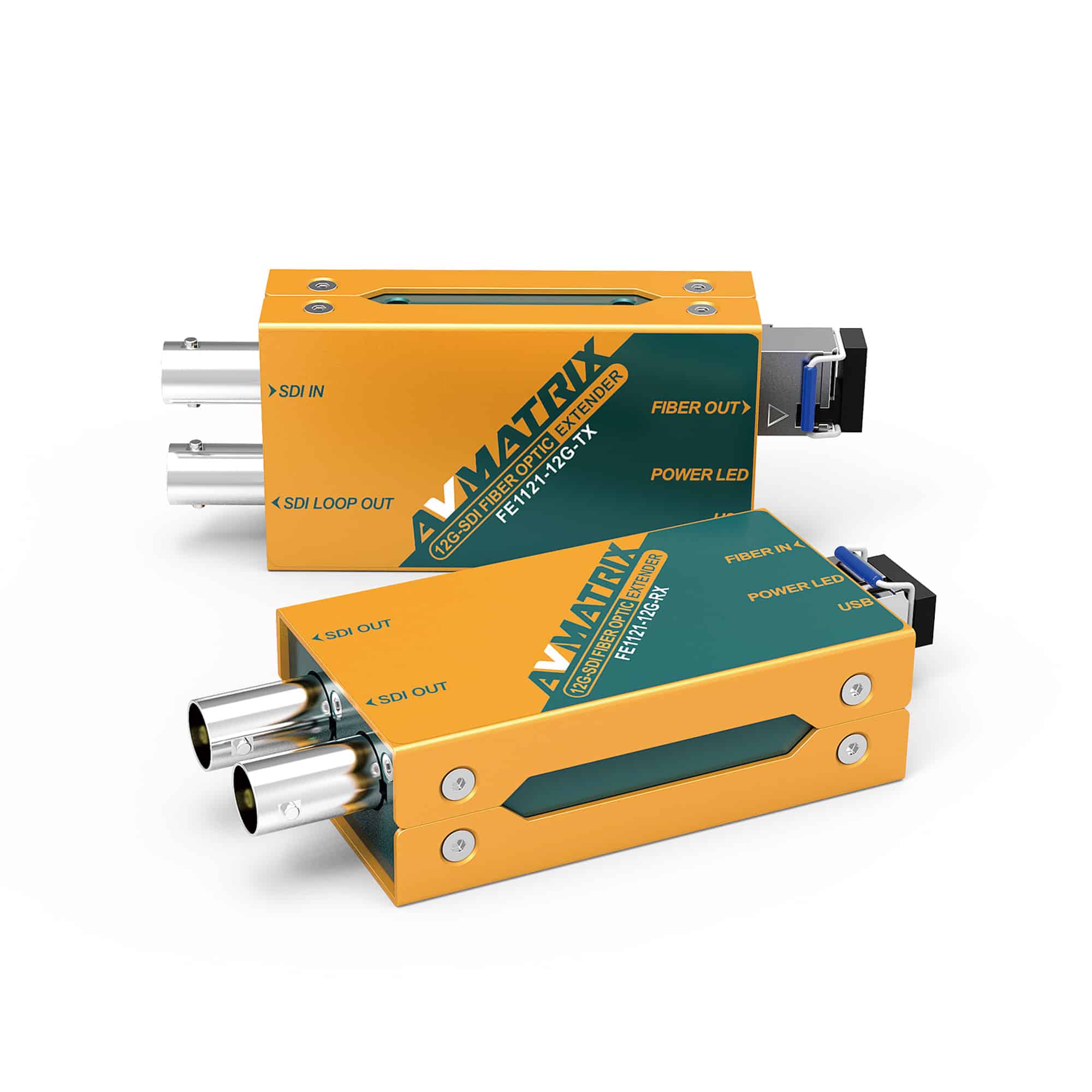
For a longer SDI run, a fiber extender such as the AVMATRIX FE1121-12G carries up to 12G over fiber.
Reliability: the plug matters more than people expect
A BNC connector locks with a quarter turn. Two lugs on the female connector engage slots in the male shell. Once locked, it stays locked when a cable gets tugged on a busy set.
HDMI does not latch. Some connectors have a spring that grips the socket, and Eaton advises a screw-lock connector where vibration or movement is likely. On a gimbal, a crane or a live stage, a loose HDMI plug is a real risk. If your camera has an HDMI port only, use a cage with a cable clamp or a locking cable.
There is a second reliability gap: the handshake. HDMI devices swap capability data (EDID) when you connect, and then authenticate copy protection (HDCP). Extron says both must succeed before video flows. CEDIA lists the usual causes of failure: mismatched EDID, extenders or switchers that corrupt data, boot-up timing, and poor or overlong cables. This is why an HDMI picture can flash or go black when you power-cycle one device.
SDI carries an unencrypted stream, so there is no copy-protection step to fail. That removes a whole class of black-screen problems on a live show.
Not all BNC cables are the same
Do not buy a BNC cable by the connector alone. Two traps catch people.
50 ohm vs 75 ohm. BNC comes in both. They fit together, but they are not electrically compatible for high-frequency or high-bit-rate use. Video and SDI need 75 ohm. 50 ohm BNC is for RF jobs, such as the antenna cables that come with a Sennheiser AC41 antenna combiner. Using a 50 ohm cable on an SDI port risks signal reflections and dropouts, so keep the two kinds clearly labelled.
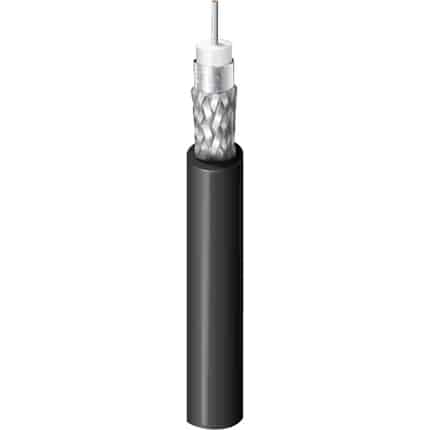
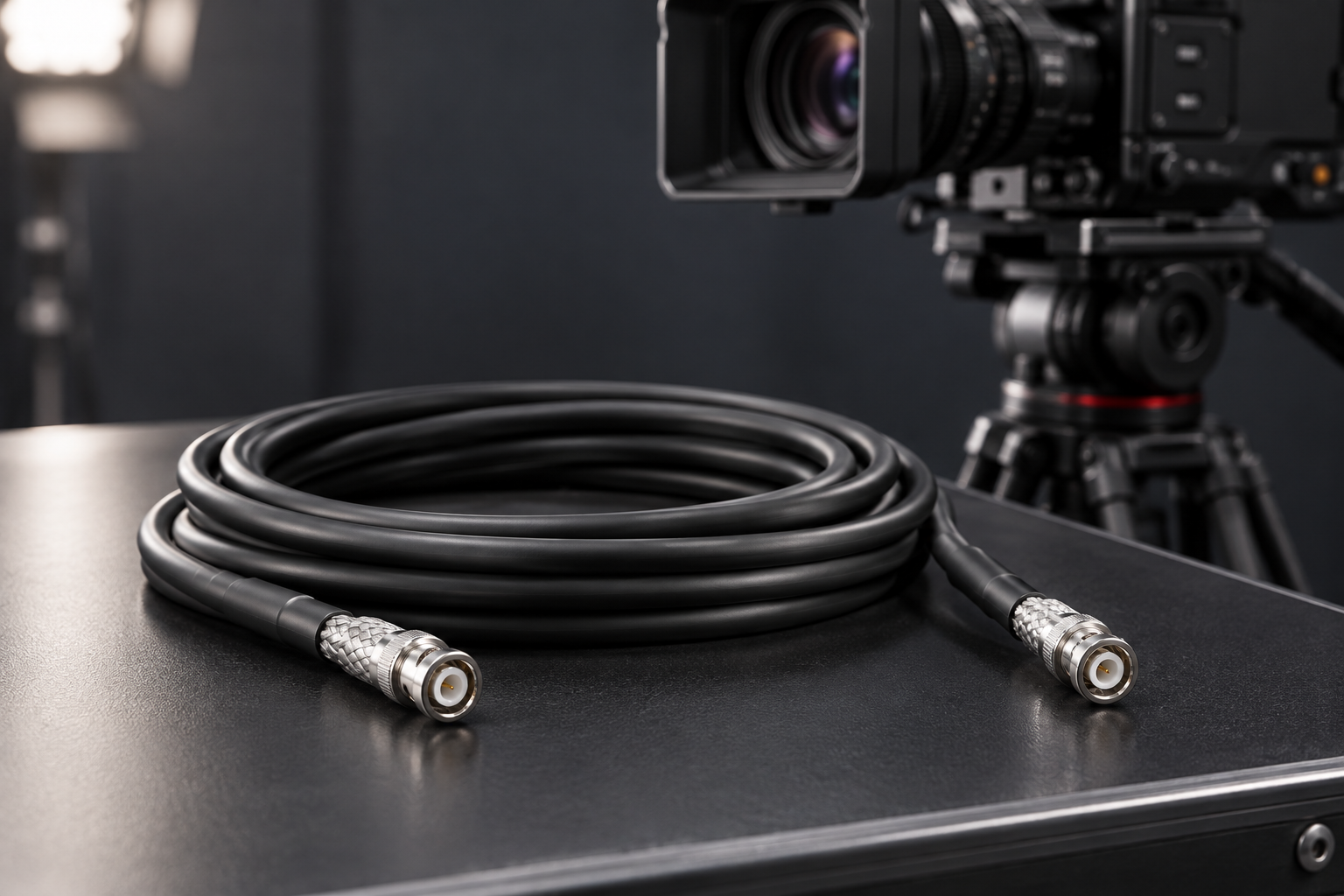
Cable and connector rating. A cable for 1080p is not automatically fine for 4K. For 12G-SDI, use cable and connectors built for it, such as Belden 4855R assemblies. Barco warns that ordinary BNC connectors are not made for these frequencies and cut the usable length. For 6G and 3G, Belden 1505F assemblies are a flexible option. Browse the full range in our coax cables category.
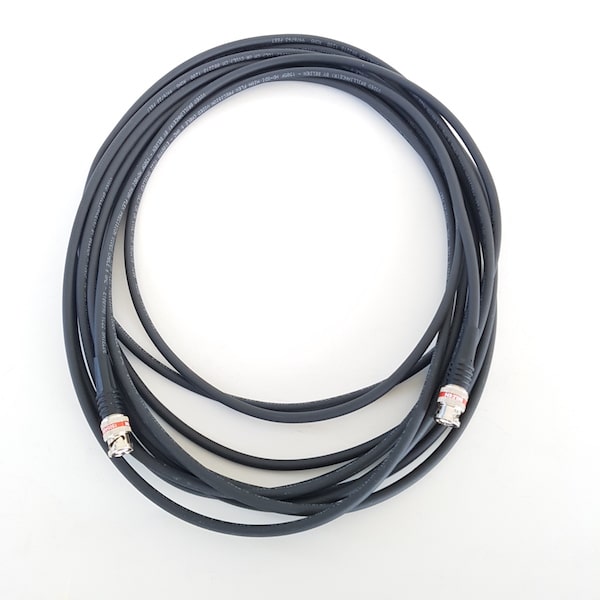
For short links on a camera cage, thin angled cables save space and strain. The SHAPE 25 cm coiled SDI cable is one example.
Can I use an HDMI cable with a BNC port?
No. A plain HDMI cable cannot connect to a BNC input. The plugs differ and so do the signals. You need a converter that supports the right signal and direction.
Check which kind of BNC you have:
- SDI BNC (cameras, switchers, broadcast monitors): use an SDI/HDMI converter.
- Analog CCTV BNC (CVBS, AHD, TVI, CVI): this is not SDI. You need a CCTV-to-HDMI converter that supports your camera’s format, as CCTV converter makers state. An SDI converter will not read these signals.
For SDI and HDMI, converters work both ways. Black Box lists converters in each direction, and the SDI side uses 75-ohm BNC. Here is how we would match them:
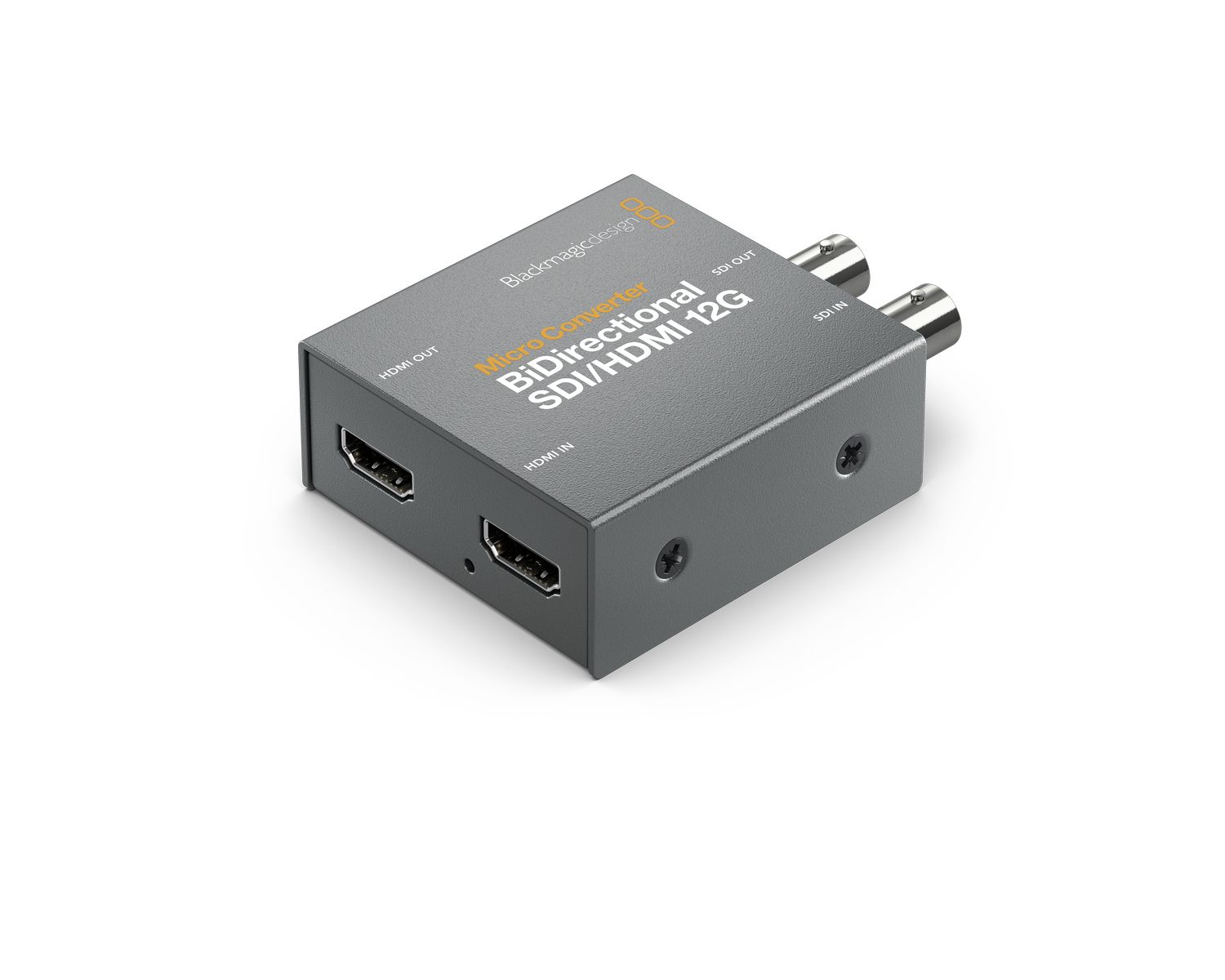
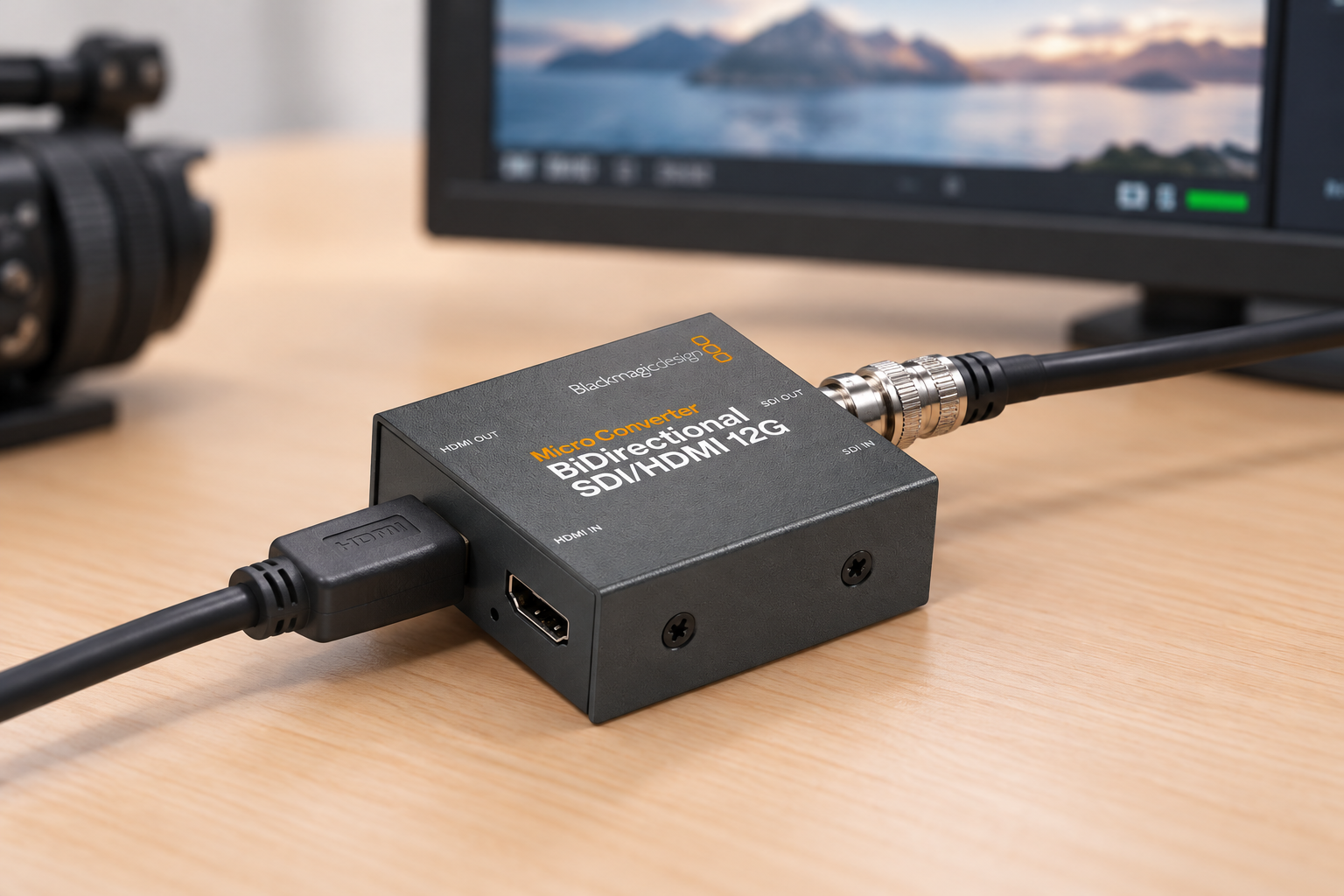
- Mixed gear, one box: the Blackmagic Micro Converter SDI/HDMI 12G BiDirectional converts both ways, so it suits a kit that changes from job to job.
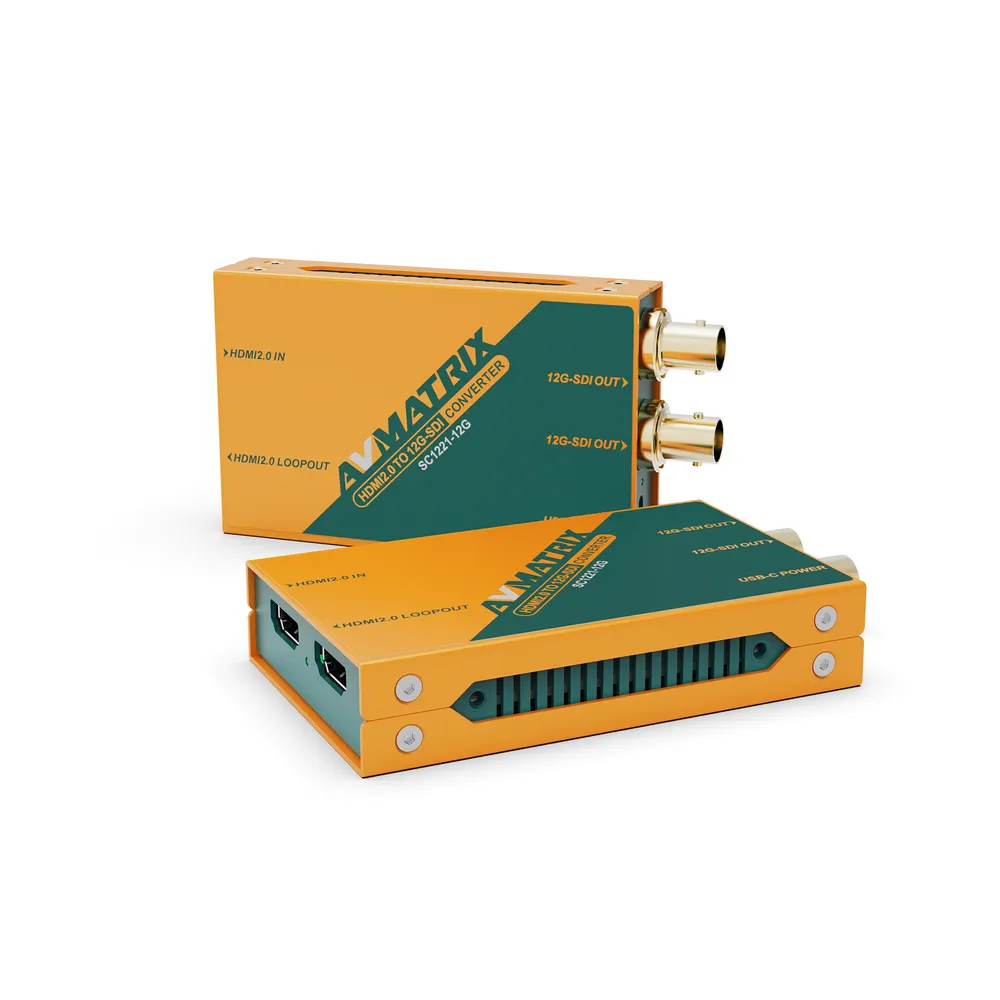
- HDMI camera to a 4K SDI chain: the AVMATRIX SC1221-12G converts 4K60 HDMI 2.0 to 12G-SDI and has an HDMI loop-out.
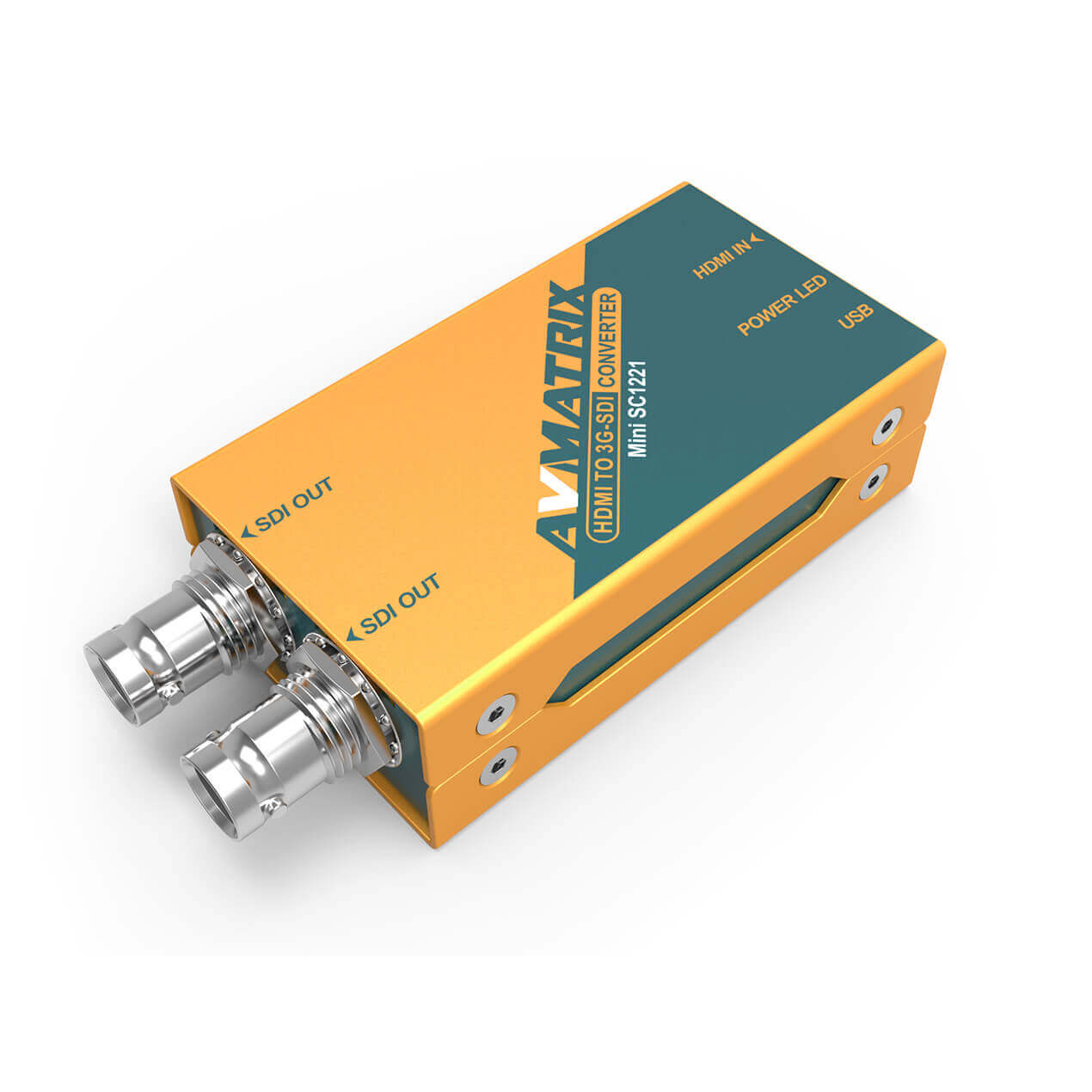
- Only 1080p needed: the AVMATRIX SC1221 mini converter is a smaller, simpler option for HDMI to 3G-SDI.
-
 SIGNAL PROCESSING
BLACKMAGIC DESIGN Micro Converter SDI/HDMI 12G BiDirectional (incl PS)
€ 159.00€ 197.16 (incl. VAT) -
 SIGNAL PROCESSING
AVMATRIX SC1221-12G HDMI2.0 to 12G-SDI 4K broadcast converter
€ 199.00€ 246.76 (incl. VAT)IN STOCK -
 SIGNAL PROCESSING
AVMATRIX SC1221 HDMI to 3G-SDI mini converter
€ 79.00€ 97.96 (incl. VAT)IN STOCK
The usual pattern is simple. Keep HDMI for the last short hop at each end. Do the long run in SDI. Put a converter at each point where the signal changes standard. See more options in our signal processing category.
How to choose
Ask these four questions in order.
- How long is the run? Over about 5 m at 4K60, HDMI copper gets risky. Choose SDI, or HDMI AOC.
- What ports do both devices have? Match them. If they differ, add a converter rather than forcing a cable.
- Will anyone touch or move the cable? If yes, choose locking BNC, or a locking HDMI solution.
- Does the signal pass through switchers or splitters? SDI has no HDCP to authenticate. With HDMI, plan for EDID and HDCP handshakes and test the full chain before the show.
Choose HDMI when the whole chain is short and consumer-style: a mirrorless camera into a monitor, or a laptop into a capture device. Our guide to choosing HDMI cables for video rigs covers bandwidth and port protection. If you stream, see our capture card buyer’s guide for HDMI and SDI inputs. If you want no cable at all, read how to choose a wireless video transmission system.
Key Takeaways
- BNC is a connector, usually carrying SDI. HDMI is both a connector and a signal. Compare SDI with HDMI, not BNC with HDMI.
- Use SDI for runs beyond a few metres and for anything that must stay connected. Use HDMI for short links to monitors and recorders.
- Treat published SDI lengths as a ceiling. Check the data sheet of your cable, especially at 12G.
- Use 75 ohm cable and connectors for SDI. 50 ohm BNC is for RF.
- An HDMI cable never plugs into a BNC input. Use the right converter, and check whether your BNC is SDI or analog CCTV.
Tell us your camera, switcher and run length, and our team will help you pick the cables and converters. Browse our HDMI cables and coax cables, or contact us for a rig check.









