





How to Choose a Live Production Hardware Video Switcher
Live video production leaves zero room for error. When you switch camera sources during a live webcast or stage show, software crashes or dropped frames ruin the event. Hardware switchers deliver low latency, dedicated physical buttons, and continuous processing stability.
Choosing the right hardware unit depends on your input cables, streaming destinations, and workflow scale. In our experience, matching your switcher directly to your signal environment prevents costly downtime on set.
Signal Connectivity: HDMI vs. SDI Inputs
Your choice between HDMI and SDI dictates cable distance and connector security.
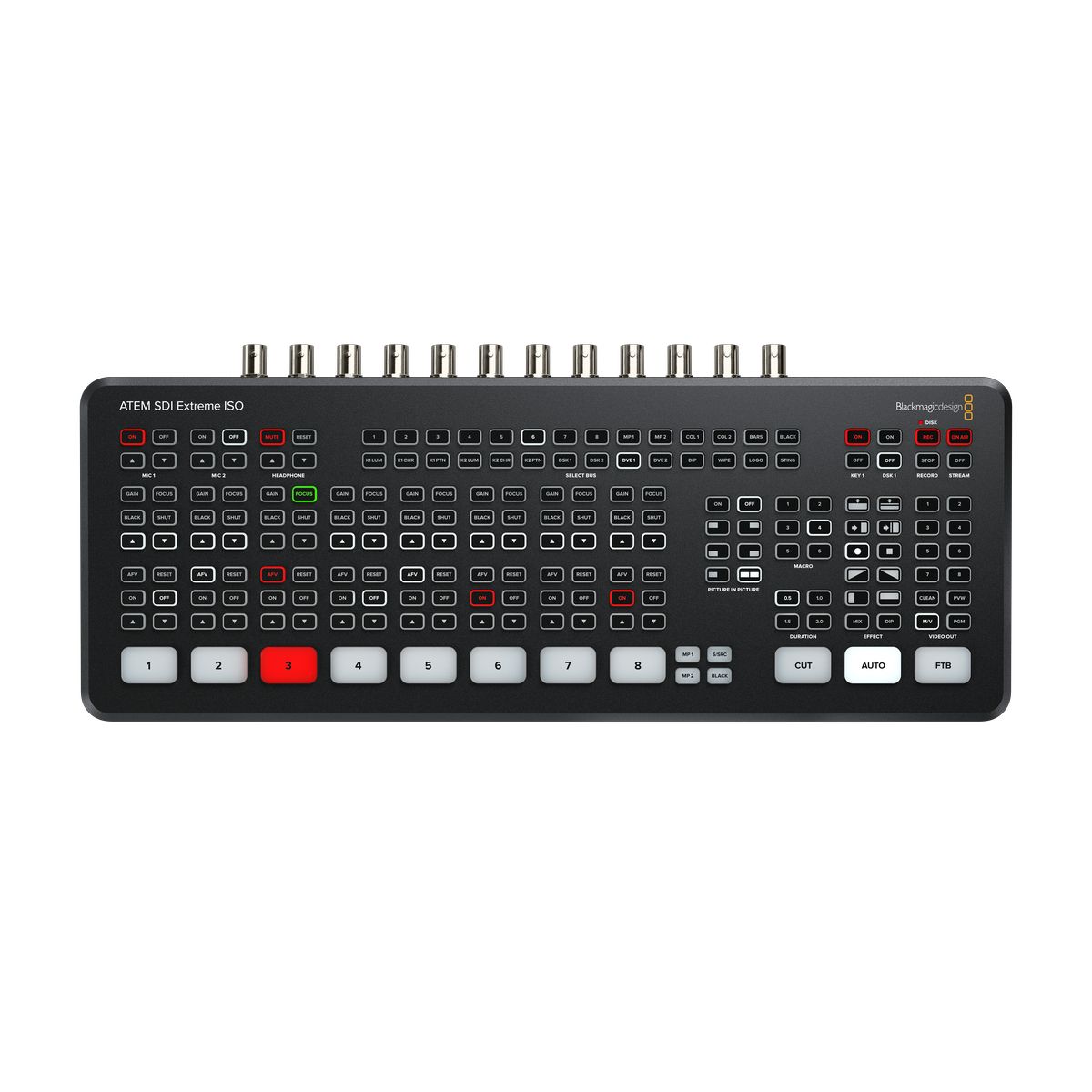
HDMI works well for compact setups, computer graphics, and short cable runs under 10 meters. If you need long runs across a large venue, SDI is the broadcast standard. SDI uses locking BNC connectors that cannot pull loose. According to SMPTE standards, high-grade SDI coaxial cables support reliable runs up to 100 meters or more without signal dropouts.
Many productions combine both standards. You can run long camera feeds over SDI while using HDMI for laptops, slides, or local monitoring. To explore these physical tradeoffs, read our guide on HDMI vs SDI for live video.
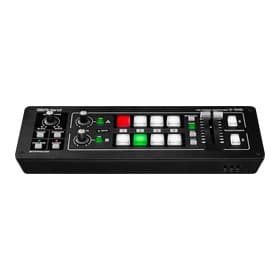
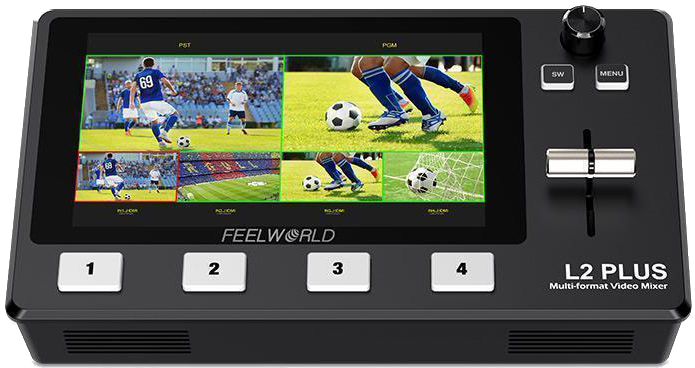
For pure HDMI setups, compact hardware mixers handle basic multi-camera switching:
If your venue requires long cable runs without extra signal converters, an SDI-native switcher keeps your rig simple:
All-In-One Mobile & Smart Switchers
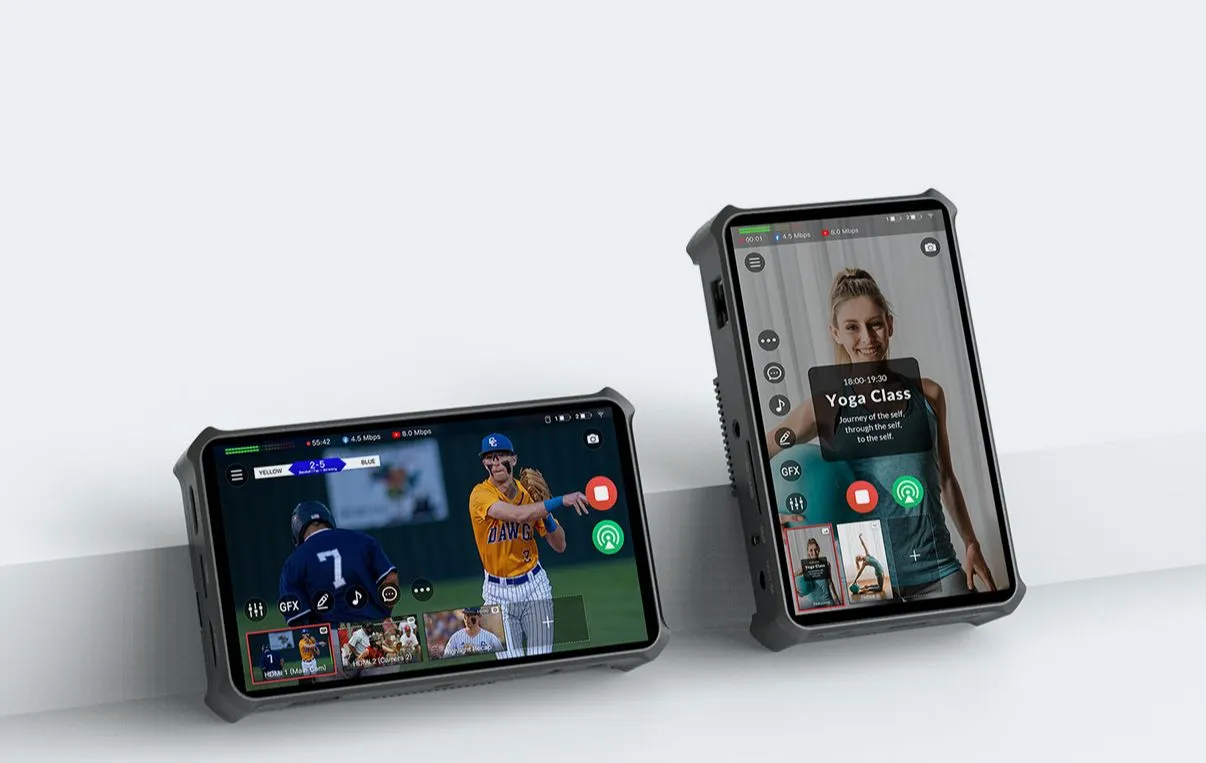
Solo operators and mobile crews often need high functionality in a compact footprint. All-in-one streaming consoles combine video switching, wireless bonding, touchscreens, and audio control into a single battery- or DC-powered device.
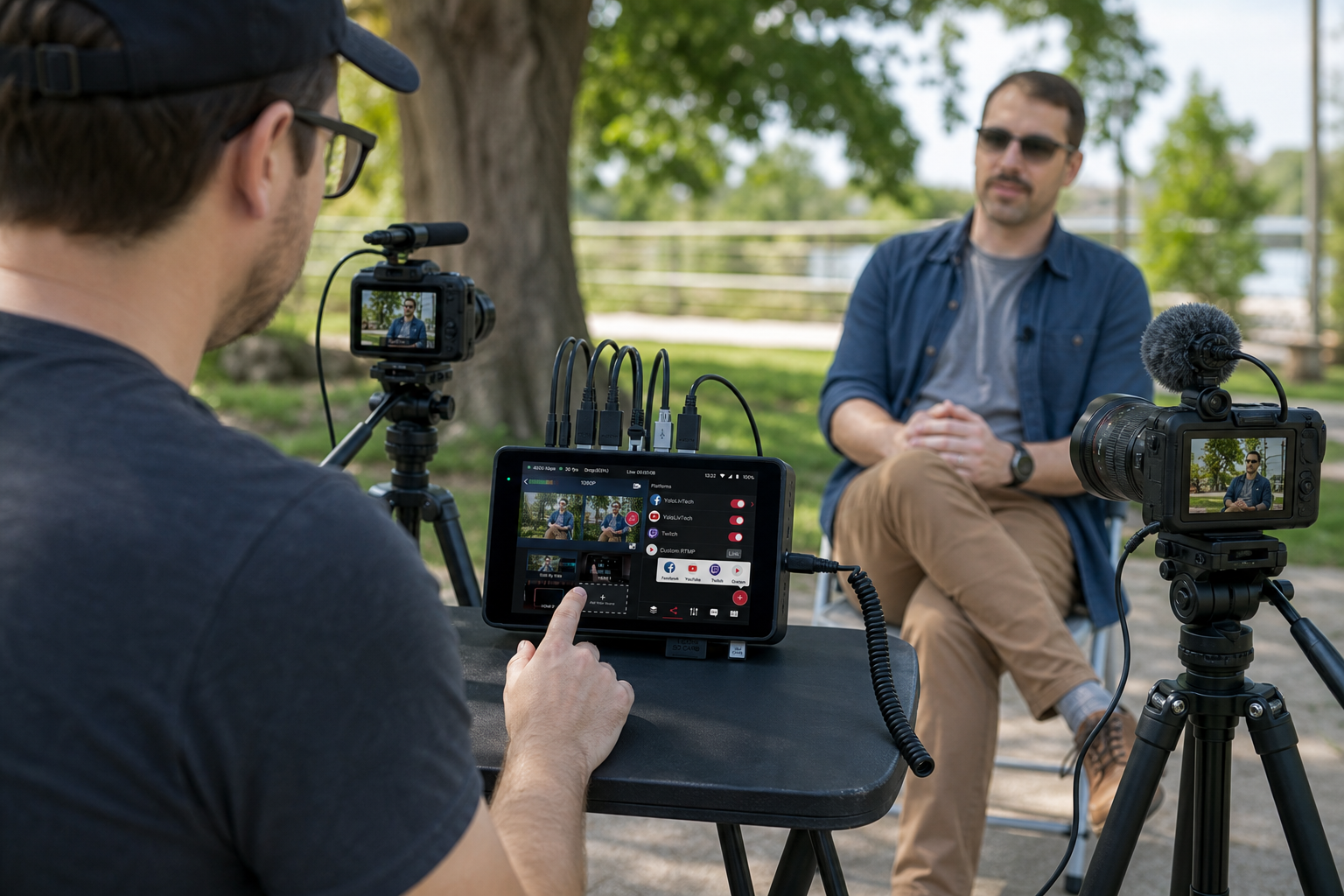
These systems let you trigger lower-third graphics, record clean camera feeds, and push video directly to online platforms. They work well for field interviews, pop-up events, and creators who need fast setup times without heavy rack cases.
If you run fast-paced field shoots, explore these versatile mobile switchers:
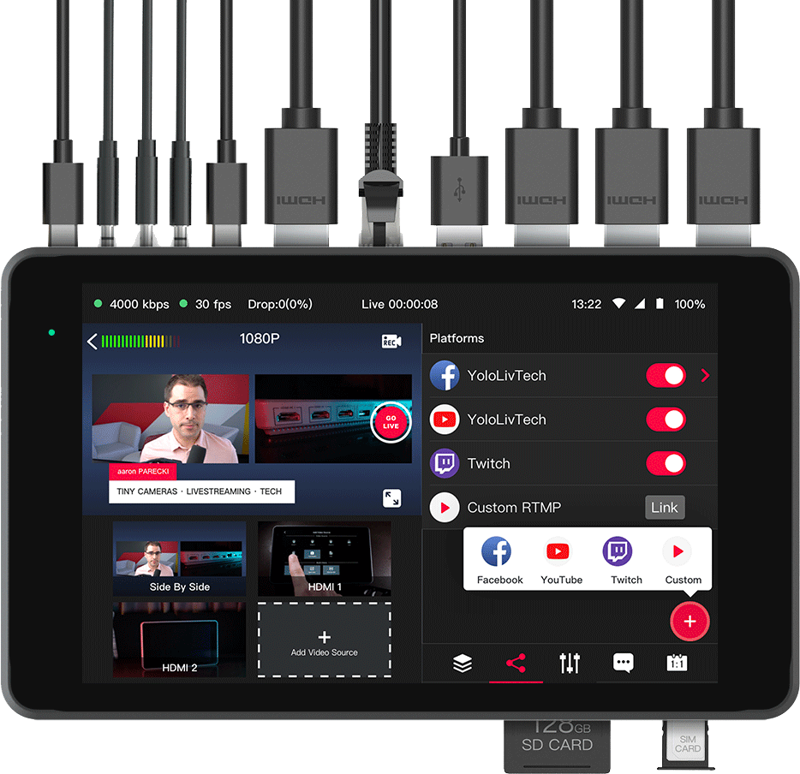
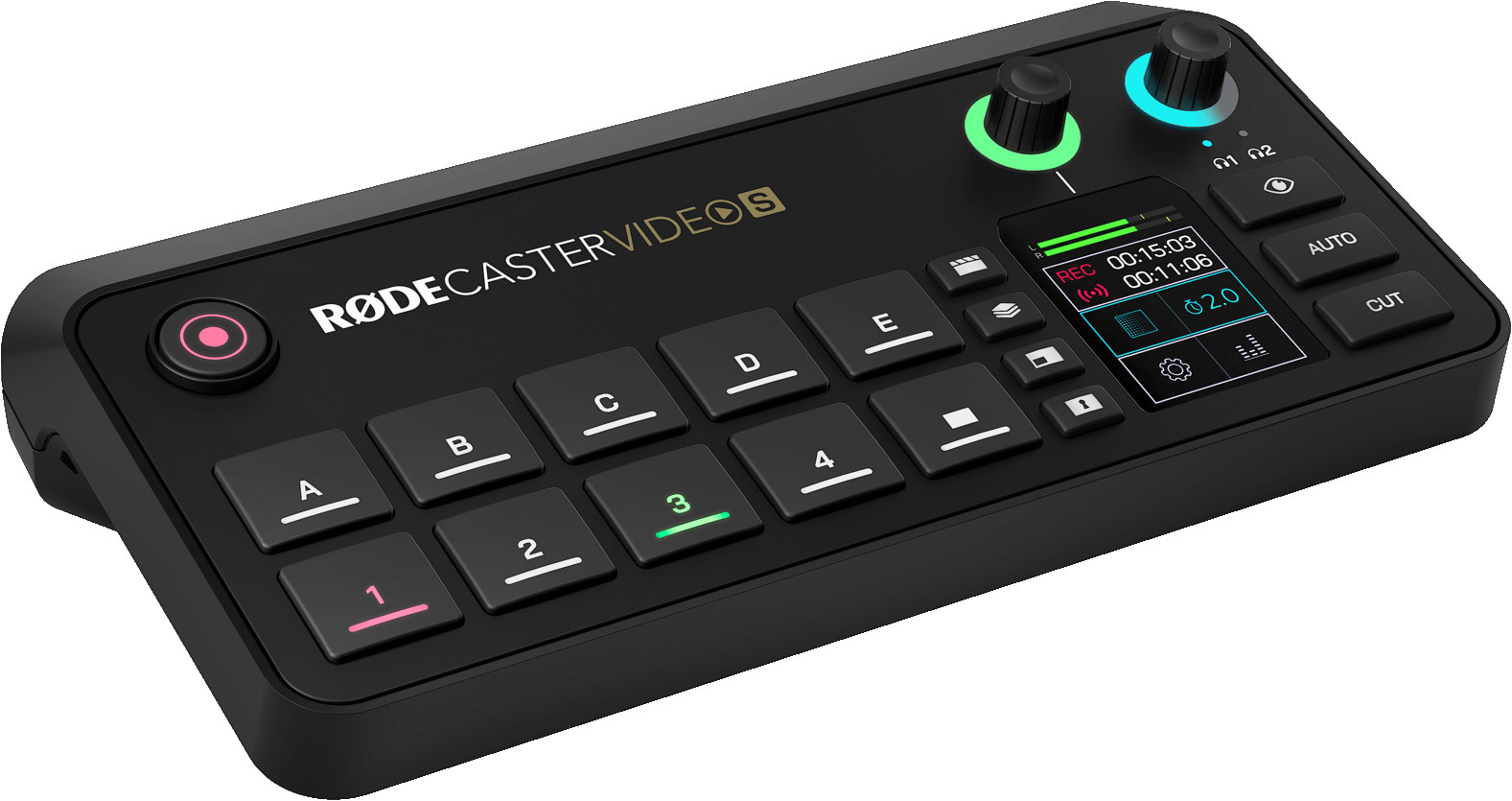
For creators who prioritize both live switching and integrated audio processing, unified control consoles simplify routing:
Mid-Tier Portable Production Consoles
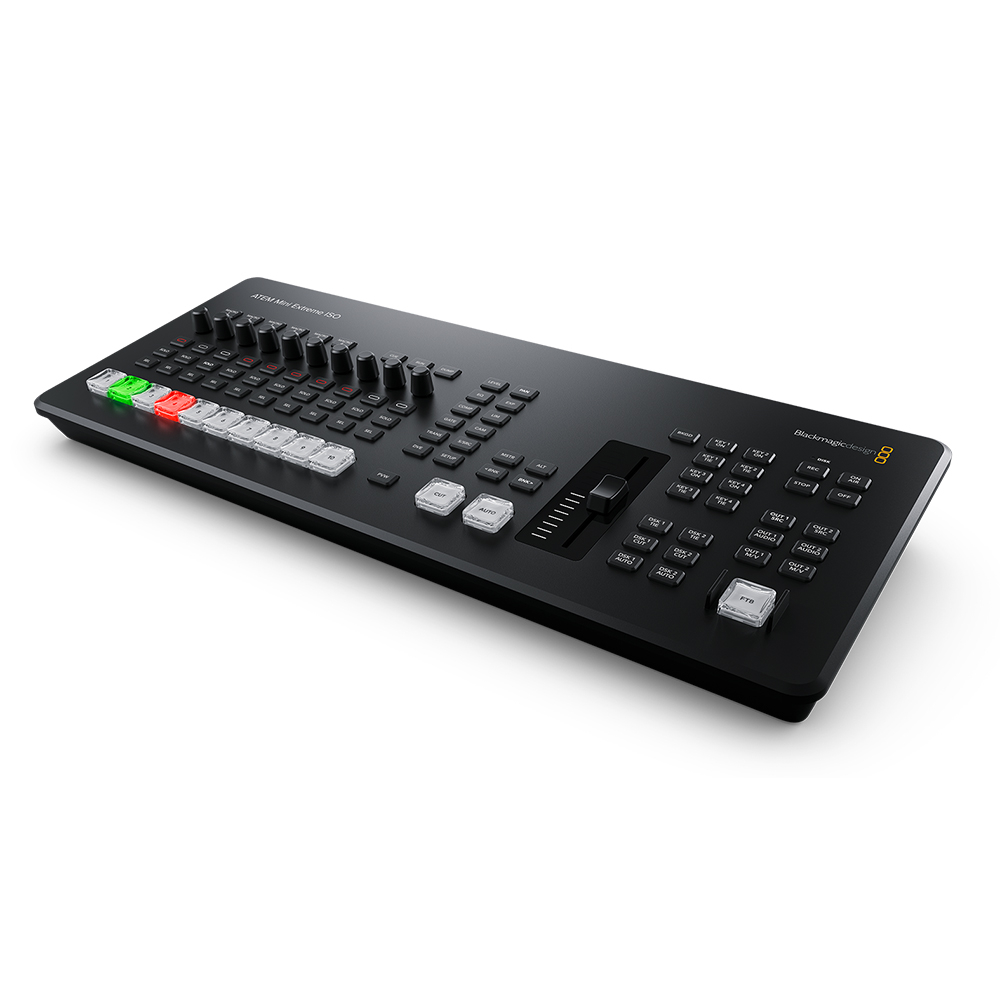
Mid-tier video switchers bridge the gap between portable streaming devices and full broadcast racks. They feature tactile T-bars, dedicated physical buttons, built-in preview screens, and USB webcam capture interfaces.
In our experience, having dedicated auxiliary outputs on a portable console is critical for live events. An auxiliary output lets you send an un-keyed feed to an onstage projector while sending the main Program mix with graphics to your webcast.
If you manage corporate presentations, houses of worship, or multi-camera webcasts, explore our range of video mixers:
-
 Video mixers
BLACKMAGIC DESIGN ATEM Mini Extreme ISO G2
€ 1 799.00€ 2 230.76 (incl. VAT) -
Video mixers
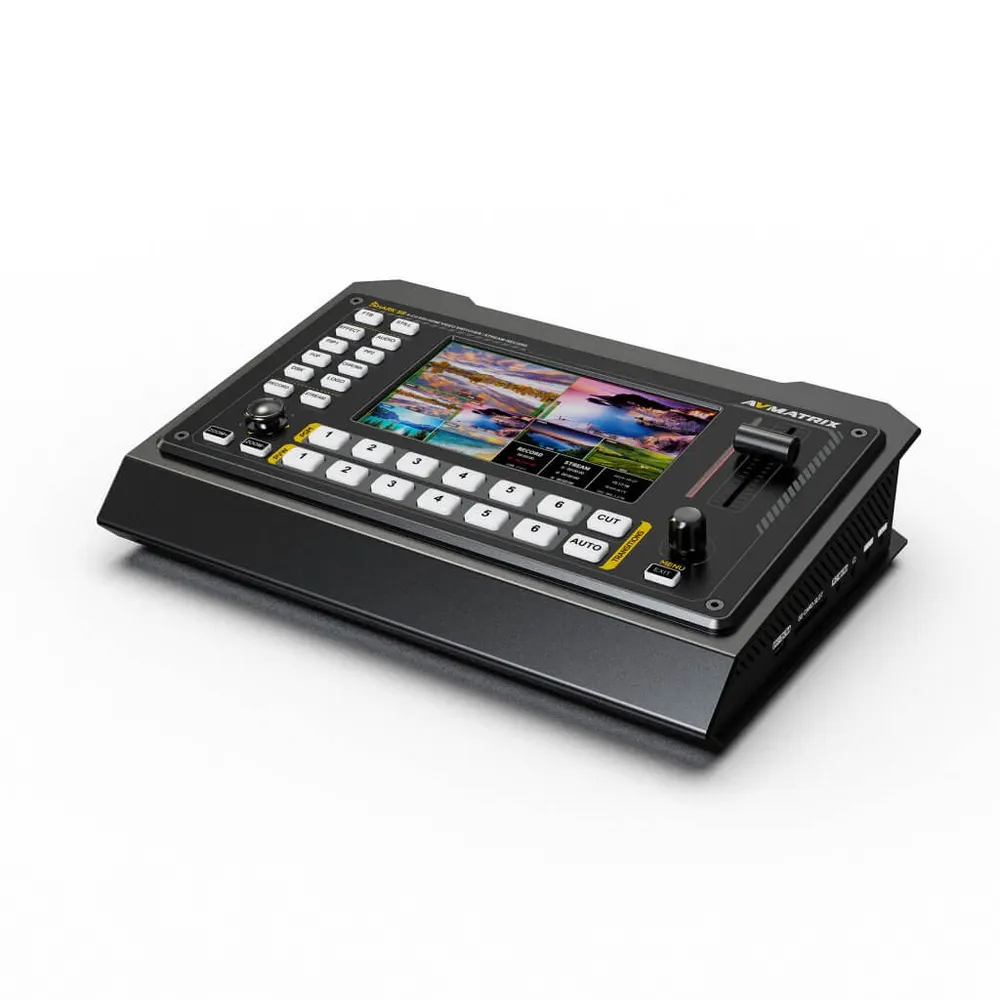
AVMATRIX Shark S6 6-ch HDMI/SDI Video Switcher with Recording and Streaming
€ 699.00€ 866.76 (incl. VAT) -
 Video mixers
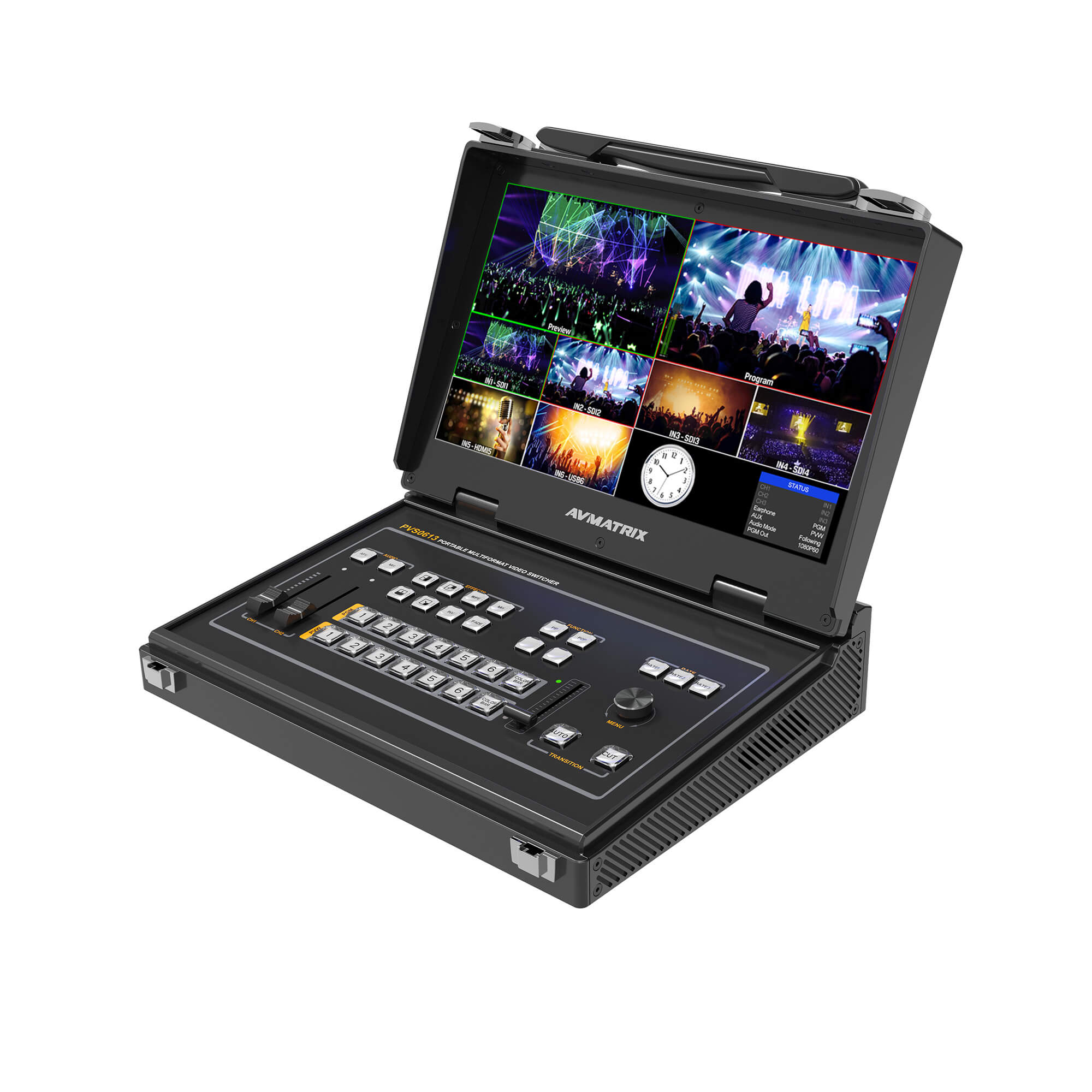
AVMATRIX PVS0613U portable 6ch SDI/HDMI multi-format streaming video switcher
€ 1 299.00€ 1 610.76 (incl. VAT)
Broadcast & Hybrid Multi-Format Systems
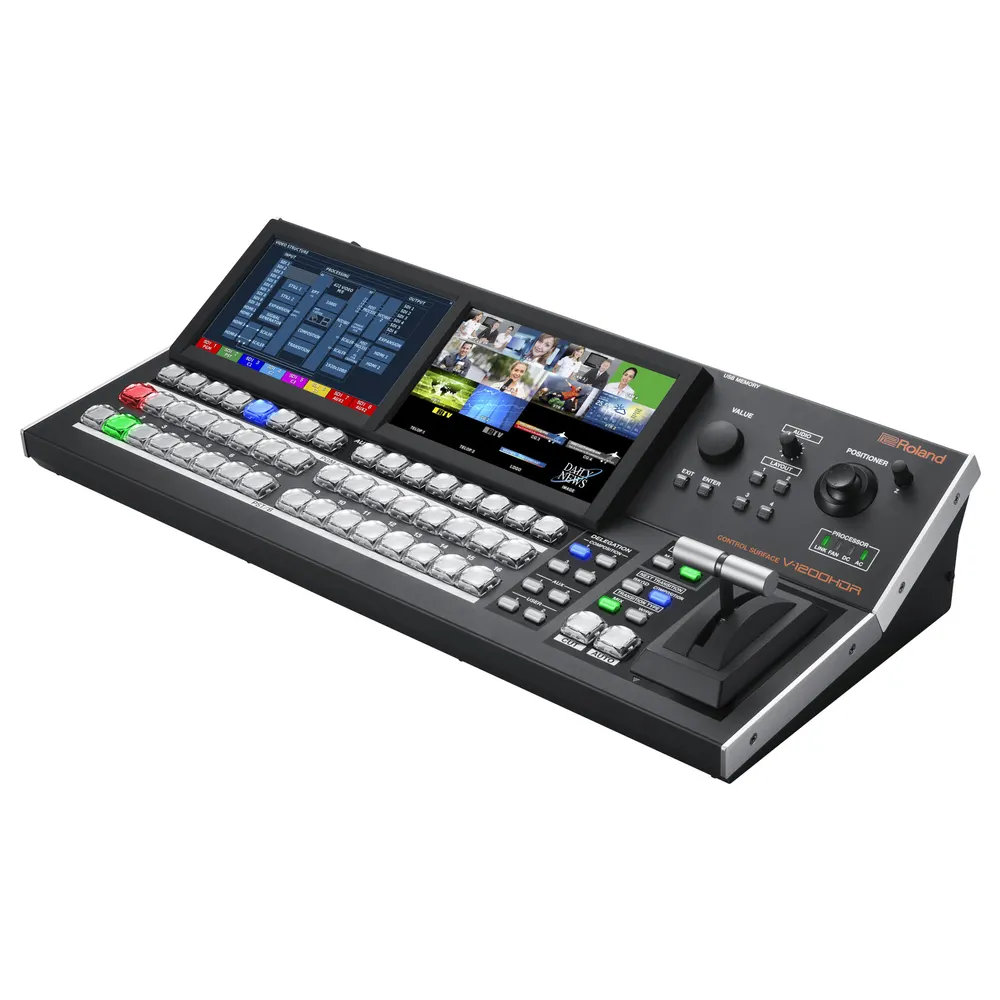
Large-scale live broadcasts and sports productions require heavy-duty processing engines. Broadcast switchers provide 12G-SDI support, internal standards conversion, frame synchronizers on every input, multi-layer effects, and multi-channel audio mixing.
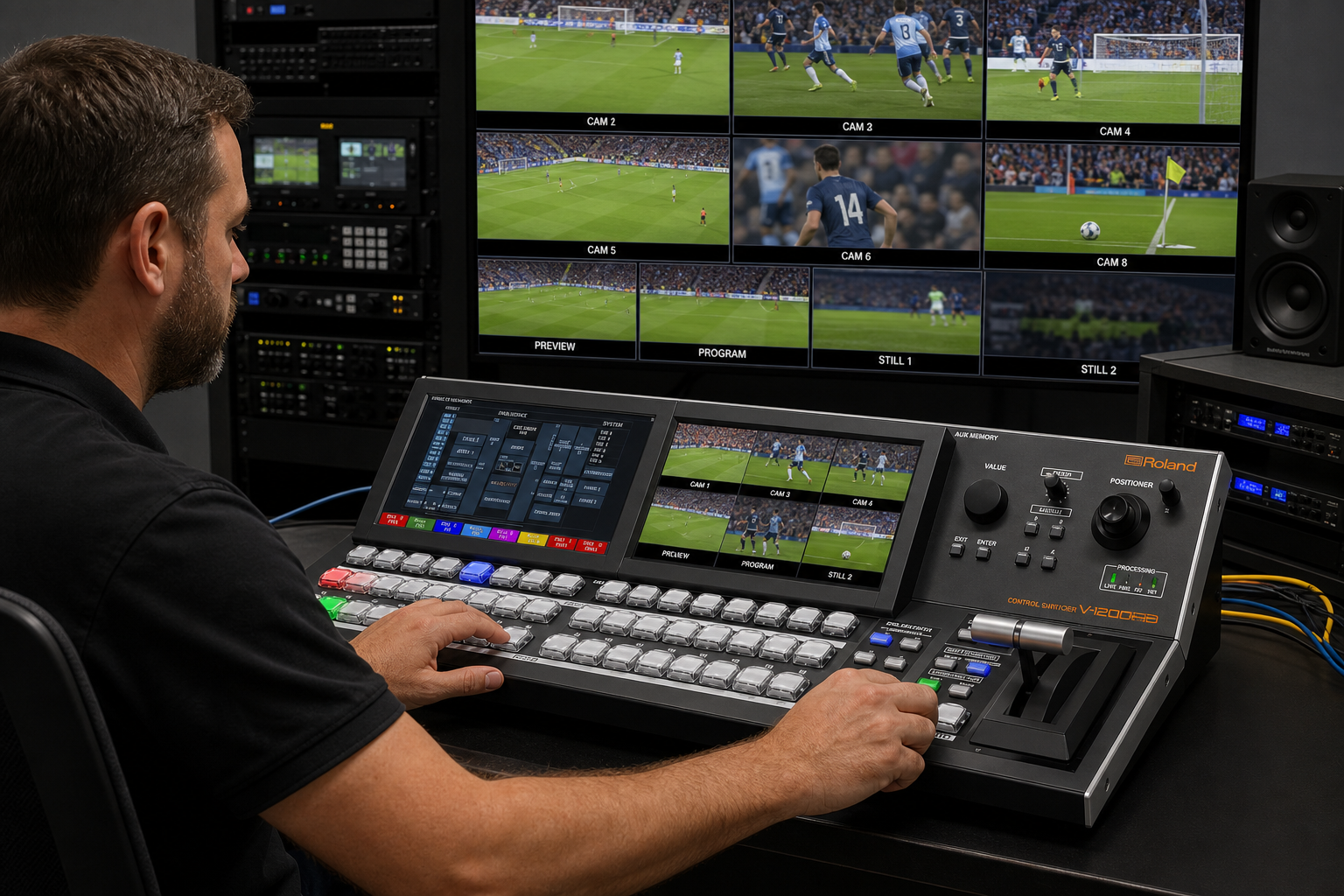
In complex setups, every camera source must arrive in sync. Hardware standards converters automatically process mixed resolutions and frame rates – such as matching 1080p50 feeds with 2160p60 feeds – without locking up your switcher.
Advanced switchers also integrate with automated PTZ camera systems and route clean feeds to external video recorders.
For Ultra HD 4K workflows and high-density SDI environments, these advanced switchers deliver professional performance:
Key Technical Considerations Before Buying
Before selecting a video switcher, evaluate these critical operational factors:
- Input Frame Rate Conversion: If your cameras output different resolutions or frame rates, verify that your switcher includes frame synchronizers or scalers on every input.
- Auxiliary Outputs & Look-Ahead Preview: Look-ahead preview displays prevent accidental switching errors on air. Auxiliary outputs let you send customized feeds to local displays, confidence monitors, or isolated recorders.
- Audio Routing Capabilities: Live production requires precise sound management. Look for embedded audio demuxing, XLR analog inputs, or MADI support to sync your audio sources. Read our guide on audio mixers for video production to refine your sound workflow.
- Redundancy & Power: For mission-critical events, dual redundant power supplies protect your production against sudden power failures.
Hardware Video Switcher Specifications Compared
| Switcher Model | Inputs | Max Output Resolution | Key Streaming & Recording Features | Form Factor |
|---|---|---|---|---|
| Roland V-1HD | 4x HDMI | 1080p | Hardware T-Bar, BPM Sync, FX Engine | Desktop / Portable |
| Blackmagic ATEM SDI Extreme ISO | 8x SDI | 1080p | 9-Stream ISO Recording, Direct RTMP, MADI | Desktop Panel |
| YoloLiv YoloBox Pro | 3x HDMI, 1x USB, SD/IP | 1080p | Built-in Touchscreen, Cellular Bonding, Graphic Overlays | Mobile Tablet |
| AVMatrix Shark S6 | 4x SDI, 2x HDMI | 1080p | Built-in 5″ LCD, SD/USB Recording, LAN RTMP | Portable Briefcase |
| Blackmagic ATEM Mini Extreme ISO G2 | 8x HDMI | 1080p | 9-Stream ISO Recording, 2x USB Streams, Cloud Sync | Desktop Panel |
| Blackmagic ATEM TV Studio 4K8 | 8x 12G-SDI | 2160p60 (4K) | Fairlight Audio, 10x Aux Out, Standards Conversion | Integrated Console |
Key Takeaways
- Match physical connections to distance: Use HDMI switchers for short-range indoor setups and SDI switchers for long runs over locking BNC cables.
- Verify format scaling: Switchers with per-input frame synchronizers let you mix different camera resolutions and frame rates smoothly.
- Plan output destinations early: Ensure your switcher offers enough AUX outputs and dedicated multiview lines for your local screens and online streams.
- Streamline your rig: All-in-one mobile switchers save space for small teams, while broadcast consoles give multi-operator teams complete control.
Need help choosing the right live video switcher or designing a complete signal workflow? Explore our full range of signal processing gear, or contact our technical team at MediaGear for custom equipment recommendations and advice.









