





Choosing a Fog or Haze Machine for Video Production
Atmospheric effects transform a flat video frame into a rich, three-dimensional visual scene. Adding haze or fog reveals light rays, separates subjects from backgrounds, and establishes mood. However, selecting the wrong machine can lead to poor continuity between takes, lingering set residue, or unexpected fire alarms.
In our experience, filmmakers often struggle to choose between dense fog generators and subtle hazers. Knowing how output volume, control, portability, and safety work together helps you pick the right tool for your shoot.
Fog vs. Haze: Visual Differences and Set Intent
Choosing between fog and haze comes down to the visual look your camera needs to capture. Both effects use aerosolized fluids, but their density and movement in the air behave differently.
Haze Machines (Hazers)
Hazers create a fine mist that hangs evenly in the air for long periods. The goal of haze is not to build a thick cloud, but to give light something to interact with.
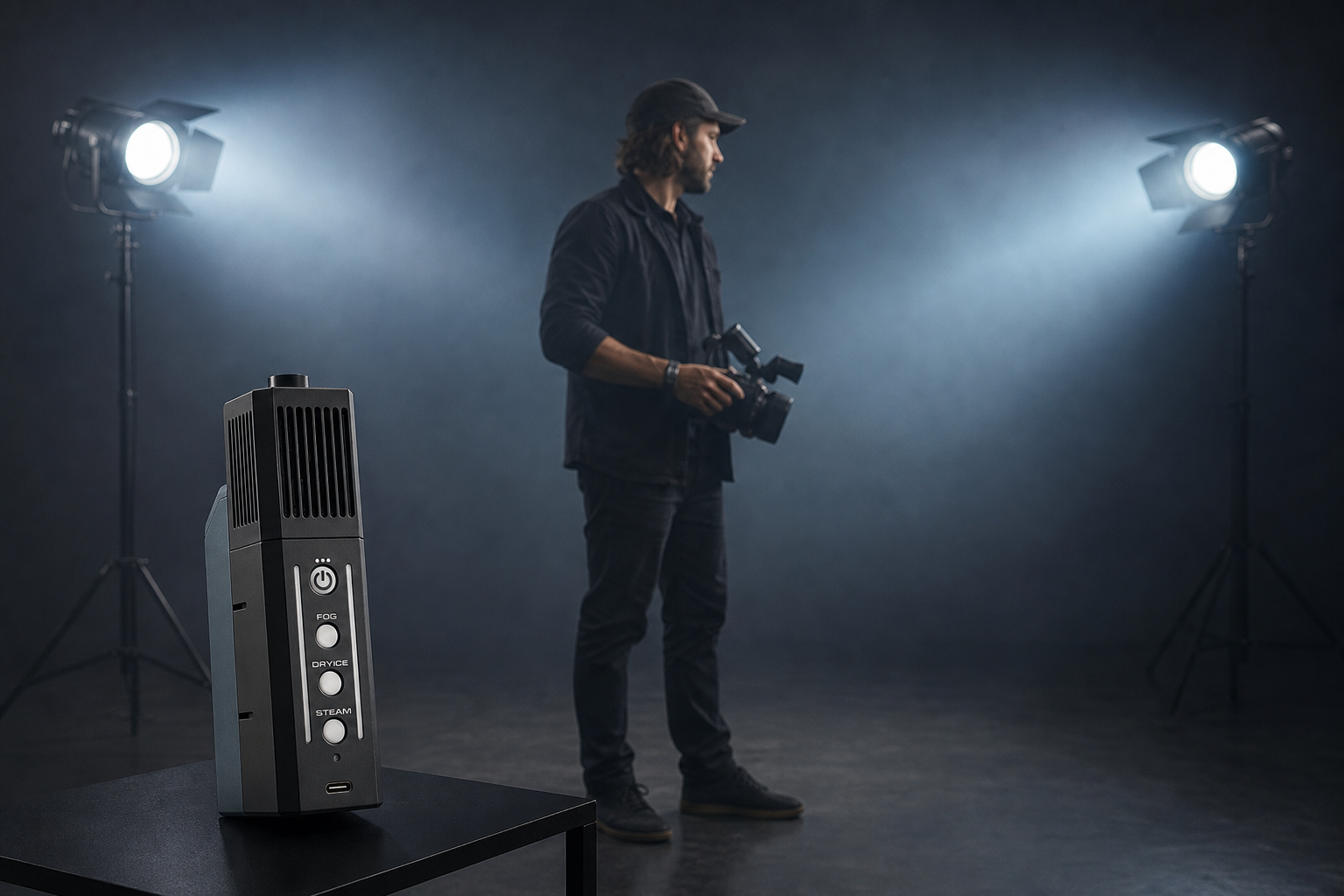
- Visual Character: Fine mist with high transparency that spreads evenly.
- Best Used For: Enhancing light beams, defining backlights, and adding subtle visual depth.
- Set Advantage: Long hang time makes maintaining identical atmospheric levels across multiple takes easy.
When pairing atmospheric haze with dynamic lighting, haze catches background beams without hiding your subject. To build strong light levels that cut through atmospheric haze, see our guide on colored light in video production.
Fog Machines (Smoke Generators)
Fog machines generate dense, opaque clouds for dramatic visual effects. Unlike haze, fog dissipates faster and creates localized visual volume.
- Visual Character: Opaque clouds, heavy smoke, or low-lying mist.
- Best Used For: Practical smoke effects, steam simulation, sudden reveals, and dry-ice ground effects.
- Set Advantage: Quickly fills specific zones in the frame for fast practical shots.
| Feature | Haze Machines | Fog Machines |
|---|---|---|
| Particle Size | Very fine | Medium to large |
| Hang Time | High (hangs evenly) | Low to medium (settles or dissipates) |
| Primary Visual Effect | Visible light beams, ambient depth | Opaque clouds, steam, localized smoke |
| Continuity Control | Easy to maintain across takes | Requires frequent resets between takes |
Output, Control, and Portability
Matching a machine’s physical size and power requirements to your filming location prevents production delays.
Warm-Up Time and Battery Operation
Traditional stage foggers require several minutes to heat up before firing. If you shoot fast-paced location scenes, waiting for a unit to reheat between takes wastes valuable daylight. Modern handheld smoke generators use instant-heating chambers powered by internal lithium-ion batteries or removable 18650 cells. These battery systems eliminate warm-up waiting periods and deliver instant fog on demand.
When filming off-grid away from wall outlets, you can charge battery packs and light rigs directly with a power station for video production.
Precise Control and Variable Output
Atmospheric continuity is essential for seamless video editing. A sudden cloud of thick smoke ruins a take if the matching shot only contained a light mist.
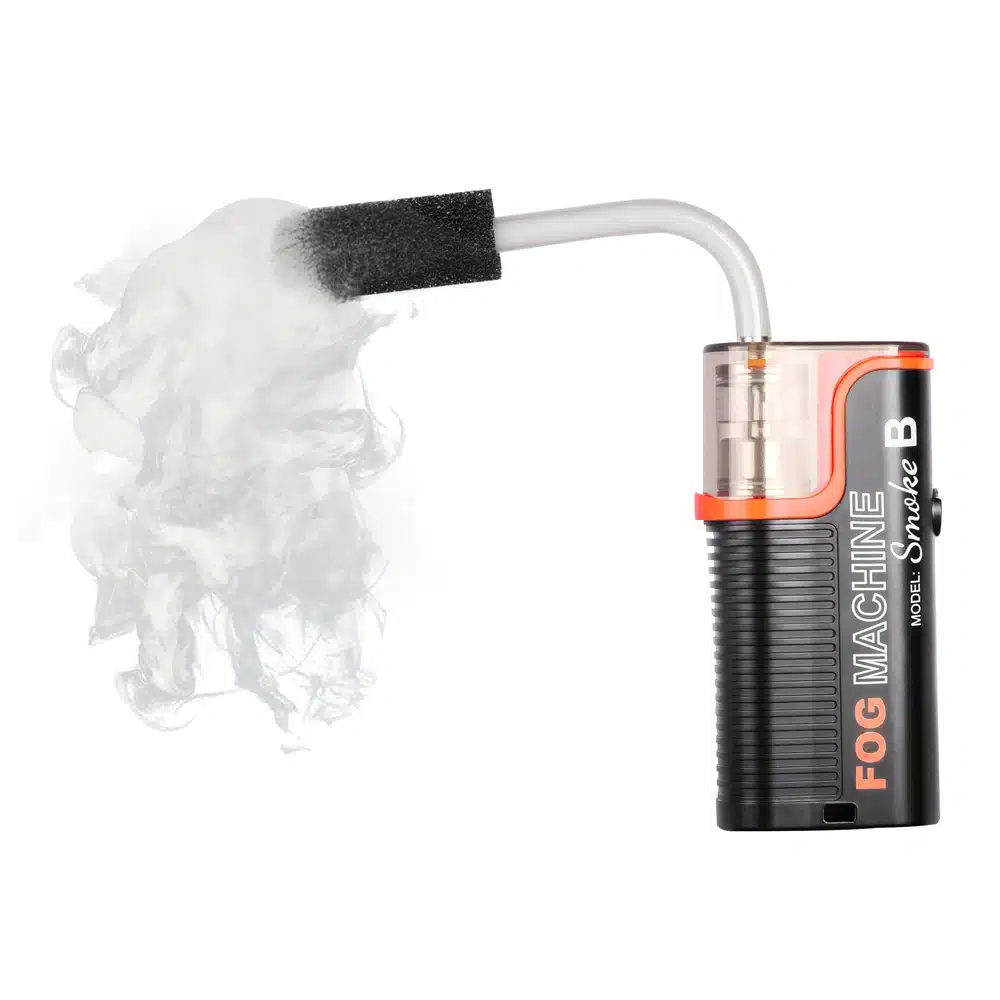
Look for equipment that offers multi-stage output settings to adjust cloud density precisely. Wireless remotes let operators trigger bursts out of frame during a shot. Dedicated attachments like extension tubes, silicone hoses, and nozzles help direct smoke exactly where needed.
For run-and-gun crews operating with minimal gear, combining portable smoke tools with a lightweight portable lighting kit for video gives you complete atmospheric and lighting control anywhere.
Recommended Atmospheric Machines for Video Sets
We carry specialized atmospheric tools ranging from portable spot-foggers to multi-mode cinematic generators.
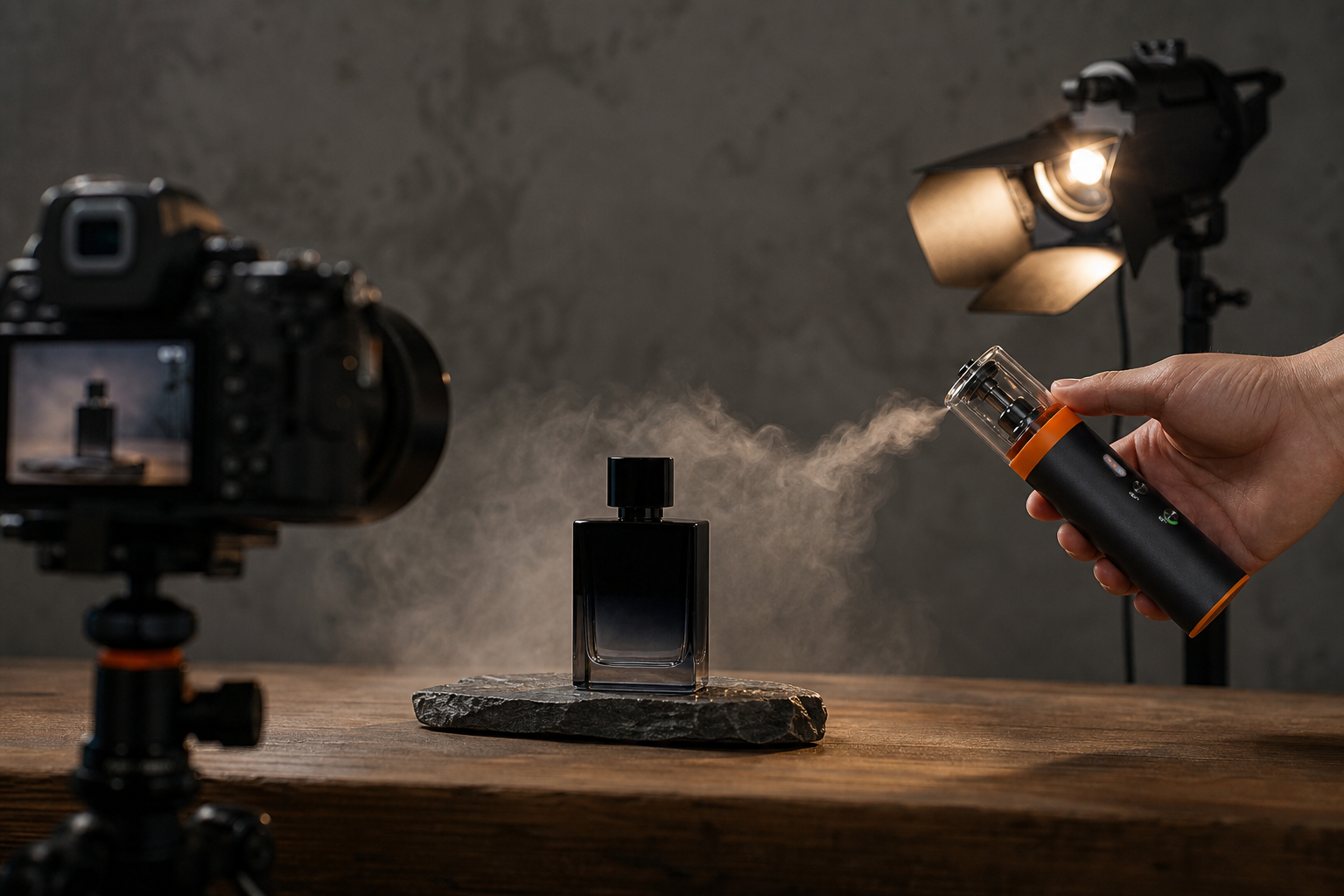
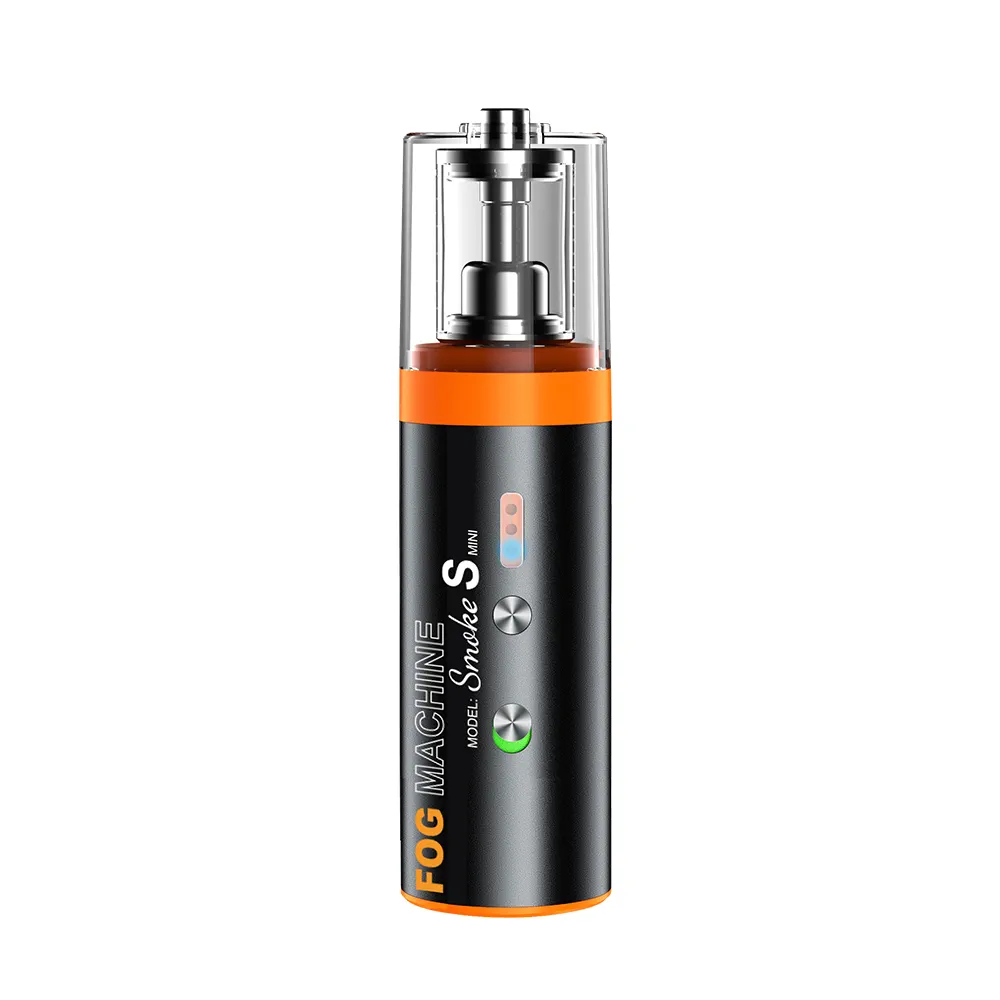
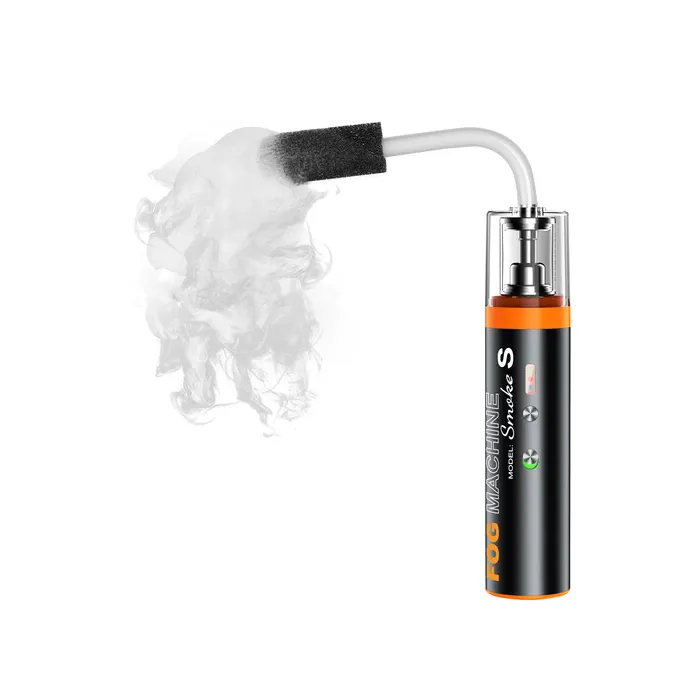
Lightweight Handheld Smoke Machines
Compact battery-powered units give you direct physical control over smoke placement during product shoots and interior scenes. They fit into tight corners, run quietly, and require zero warm-up time.
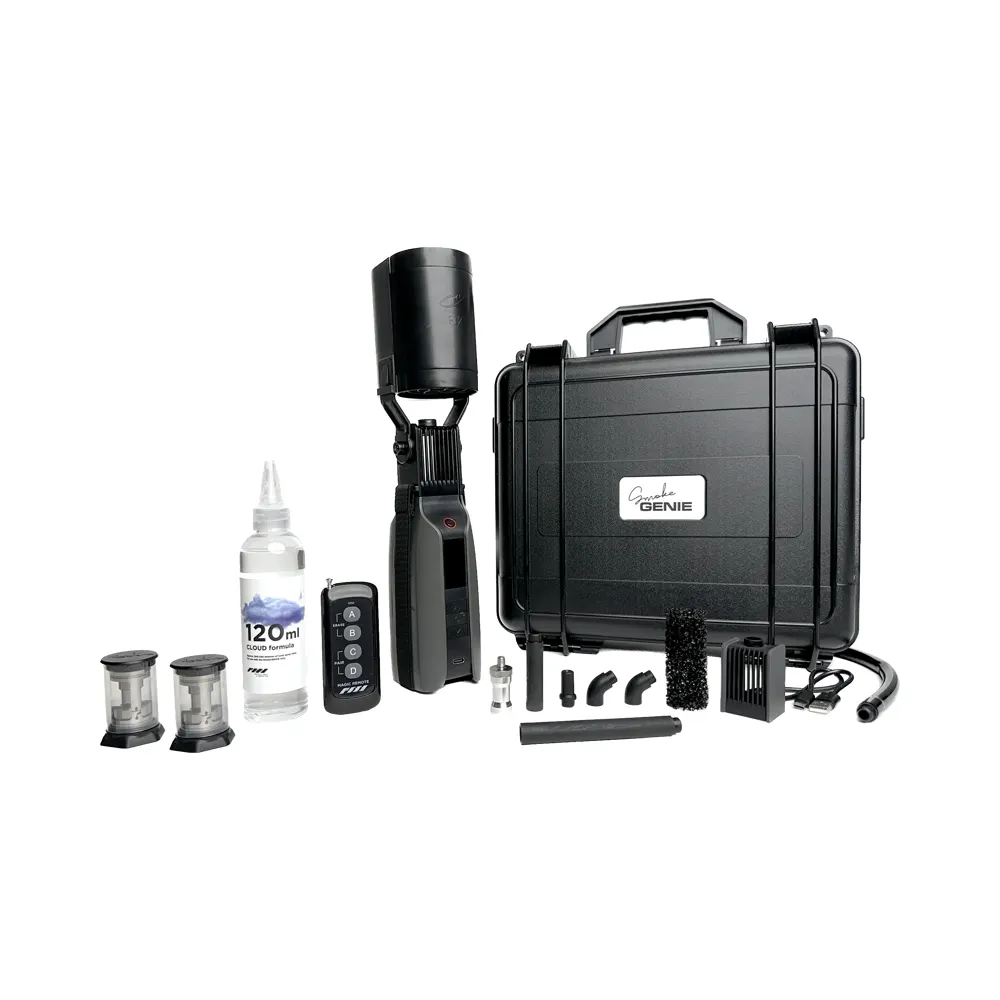
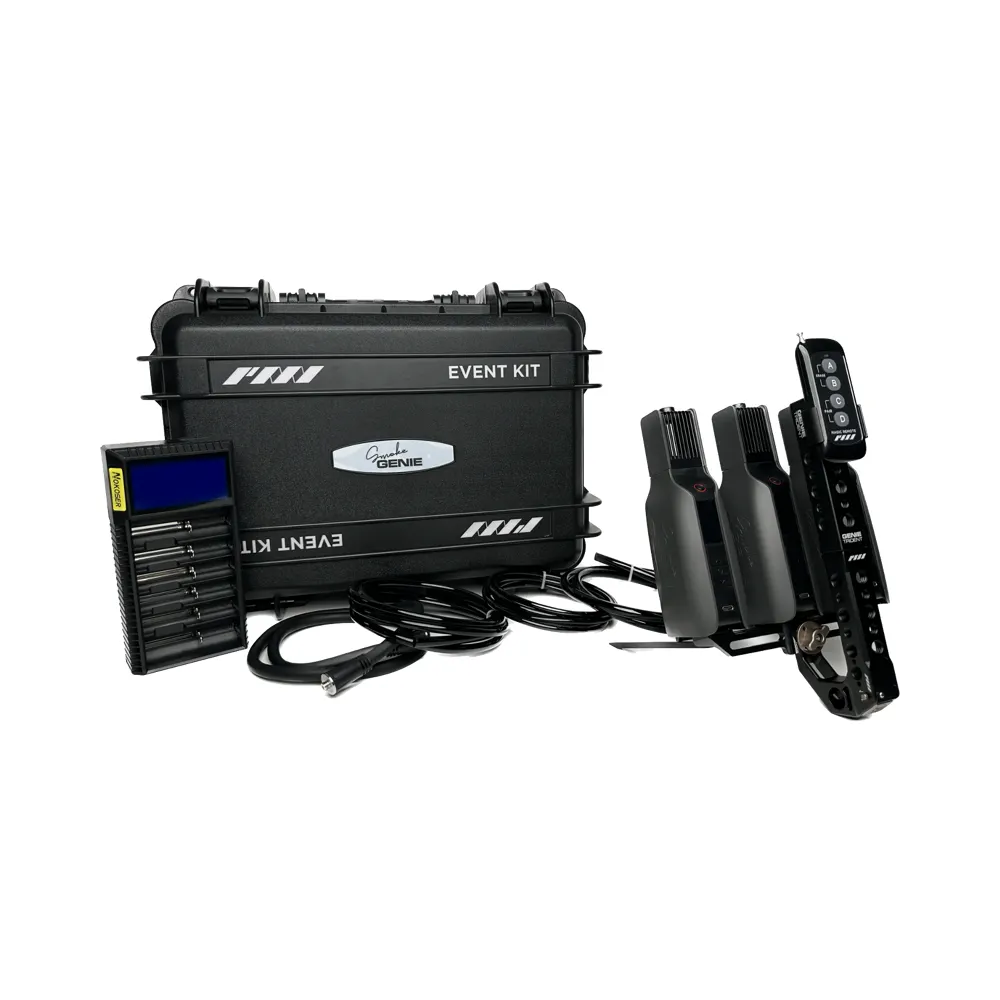
Multi-Mode Atmospheric Generators
When sets require both dense fog and subtle room haze, multi-mode generators deliver higher output, remote operation, and specialized nozzles for dry-ice and steam effects.
To compare full equipment categories and accessories, explore our complete selection of studio smoke machines.
Indoor Set Safety and Fire Alarm Compliance
Using atmospheric effects indoors requires careful planning to maintain set safety and prevent false fire alarms. We have seen productions face costly shutdowns because smoke triggered optical sensors.
Working Around Fire Alarms
Most commercial venues feature optical smoke detectors that trigger when particles break light beams inside the sensor chamber. Both fog and haze aerosols trip these alarms if volume levels build up near the ceiling.
- Consult Facilities Early: Contact venue managers and local fire authorities before using atmospheric effects indoors.
- Implement a Fire Watch: Post a designated crew member to monitor the set whenever fire alarm zones are isolated during filming.
- Conduct Test Runs: Fire short bursts while checking airflow pathways to ensure drift does not reach active alarm zones.
Fluid Safety and Industry Exposure Standards
Never use unapproved homemade mixtures or third-party fluids. Always use the exact fluid formulations specified by the equipment manufacturer.
According to the ESTA Technical Standards Program, safe theatrical fog fluids use food-grade polyhydric alcohols like glycols or glycerin mixed with water. Standard workplace exposure guidelines established under ANSI E1.5 standards recommend keeping total glycol aerosol levels below 10 mg/m³ for an 8-hour workday, with short-term peak limits between 40 mg/m³ and 50 mg/m³.
Managing Set Airflow and Residue
Indoor sets require planned air exchange cycles. Open exterior doors or run exhaust fans between takes to clear old haze and restore clean air for crew and talent.
Keep exit signs and emergency pathways completely visible at all times. Use shaping nozzles to direct fog onto your subject rather than letting it wander across the set. You can apply the same spatial control principles used for beam spill in our guide on how to use light modifiers for video. Finally, wipe down hard surfaces after filming, as glycol and glycerin drops can leave a slippery residue on smooth floors.
Key Takeaways
- Match Effect to Visual Intent: Choose hazers for long-lasting ambient depth and sharp light beams; choose fog machines for opaque clouds and practical steam effects.
- Prioritize Precise Output Control: Select gear with variable output modes, instant heating, and shaping attachments to maintain shot continuity across takes.
- Maintain Indoor Safety and Fire Compliance: Use food-grade fluids that meet established aerosol exposure limits, and coordinate with venue management to avoid triggering optical fire alarms.
- Keep Production Gear Portable: Battery-powered mini foggers eliminate warm-up delays and allow quick placement inside tight frames or remote locations.
Need help finding the right haze or fog setup for your upcoming shoot? Contact our technical support team today to match atmospheric gear to your video production workflow.









