





What Is Phantom Power? 48V Explained for Mic Users
Phantom power is a DC voltage, usually 48 volts, that your mixer, audio interface or recorder sends down a microphone cable. It powers the electronics inside condenser microphones. Without it, most condenser mics stay silent.
You do not need a separate power cable. The same XLR cable carries the audio and the power. That is why it is called “phantom”: you cannot see the power supply on the mic side.
Here is the short version:
| Microphone type | Needs phantom power? | What to do |
|---|---|---|
| Condenser (XLR) | Yes, in most cases | Switch on +48V for that channel |
| Dynamic (balanced XLR) | No | Leave it off. It is harmless if the cable is wired correctly |
| Passive ribbon | No | Keep it off and check the manual first |
| Active ribbon | Yes | Needs 48V to work at all |
| 3.5 mm camera or lavalier mic | No, uses “plug-in power” | Do not feed it 48V directly. Use a converter |
Read on if you want to know how it works, how to switch it on safely and where it can go wrong.
How phantom power works
A balanced XLR cable has three pins. Pins 2 and 3 carry the audio. Pin 1 is the ground and shield.
Phantom power puts the same positive DC voltage on pin 2 and pin 3. Pin 1 is the return path. Shure explains that for a 48V source, pin 2 and pin 3 both carry 48V relative to pin 1.
This is clever for one reason. The audio is the difference between pin 2 and pin 3. The phantom voltage is identical on both pins, so there is no difference. The mic preamp subtracts one pin from the other. The DC cancels out and only the audio remains.
This also explains why you need a balanced cable. Shure’s microphone guides state that you must use balanced XLR cables. A cable that is not balanced will not carry phantom power to the mic.
The standard behind the 48V
The standard is IEC 61938. Sound On Sound notes that the 48V version, called P48, allows a range of 44 to 52 volts. Two other versions exist, P12 and P24, but P48 is by far the most common.
Each of the two signal wires gets its power through a 6.8 kΩ resistor. These resistors limit current, so the supply can only give a mic around 10 mA.
What this means in practice
Two 6.8 kΩ resistors in parallel act like one 3.4 kΩ resistor. So every milliamp the mic draws costs you about 3.4 volts. Here is a simple worked example using that maths:
- A mic that draws 1.2 mA (the figure Shure lists for its SM81) loses about 4 V. It still gets about 44 V.
- A mic that draws 8 mA (the figure on Shure’s Microflex spec sheet) loses about 27 V. It gets only about 21 V.
Many mics are built to cope with this. Shure’s SM81, for example, works from 11 to 52 V, with slightly lower headroom and sensitivity at the low end. Still, a supply that cannot deliver the current a mic needs can make it sound distorted.
How to switch it on safely
Most mixers and interfaces have a button marked “48V” or “+48V”. Some switch all channels at once. Others let you choose per channel. Follow this order every time:
- Turn the channel gain and monitor volume right down.
- Make sure phantom power is off.
- Connect the microphone with a good balanced XLR cable.
- Switch on +48V for the channels that need it.
- Bring the gain up slowly.
To unplug a mic, reverse the steps: turn the gain down, switch phantom off, then unplug. Focusrite recommends the same habit. Sony’s manual for its XLR adaptor warns that plugging and unplugging a device while the “MIC+48V” setting is active may cause a loud noise or a malfunction.
If you are still choosing between mic types, our guide to dynamic vs condenser microphones shows when each one makes sense.
Can phantom power damage your gear?
Mostly no. But there are a few cases where you should be careful.
Dynamic mics. A balanced dynamic mic is not affected by phantom power. Shure confirms this. An unbalanced dynamic mic can be affected, and you may hear a hum or buzz. Turn phantom off to fix it.
Ribbon mics. This is the real risk. Royer Labs says the ribbon in some vintage ribbon mics can be harmed or destroyed by phantom power. Modern Royer ribbons normally tolerate it. The exceptions in Royer’s FAQ are miswired cables and live cross-patching on a patch bay. In both cases a short can send a damaging spike to the mic. Active ribbons, like Royer’s R-122, need 48V to work.
Our advice: if you own a ribbon mic, read its manual before you touch the 48V button. If you are not sure, leave phantom off.
Bad cables. If pin 1 is accidentally shorted to pin 2 or 3, phantom power can harm a ribbon mic. Focusrite’s support team suggests buying cables from reputable makers and replacing any with damaged connectors.
Phantom power on cameras and recorders
On a film or video shoot, the question changes. Does your camera or recorder even supply 48V?
An XLR socket does not guarantee it. Check the spec sheet. The Canon XA55 lists two XLR inputs with 48V phantom power. The Zoom F3 lets you pick +24V or +48V. Zoom notes that +24V can extend battery life if your mics support it.
That battery point matters. Phantom power draws energy from your recorder or camera battery. Expect shorter runtimes and carry spare batteries.
Mics with a 3.5 mm plug
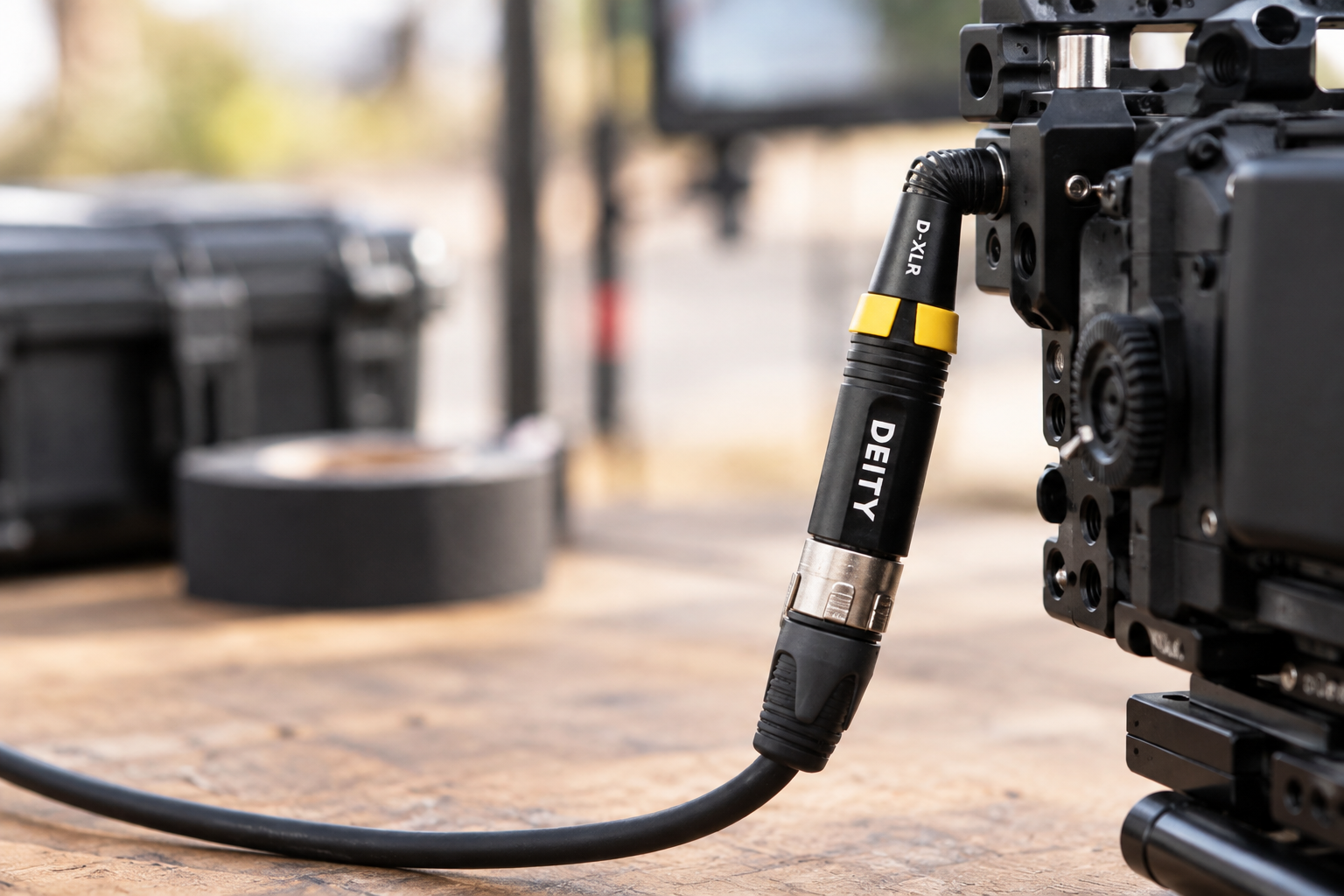
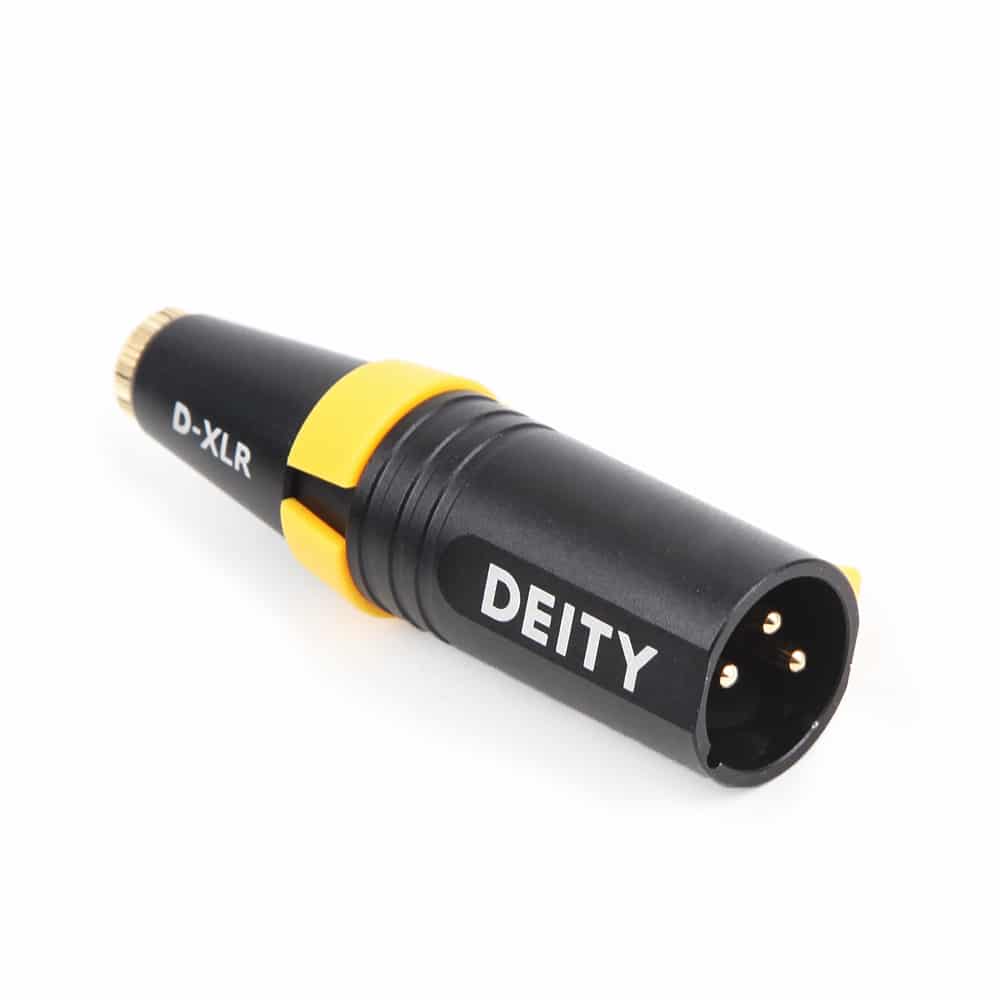
Camera-style mics with a 3.5 mm jack use “plug-in power”, which is about 3V, not 48V. Do not connect them to 48V through a plain adapter. A converter like the DEITY D-XLR steps 48V phantom power down to 3V plug-in power. This lets you use a small video mic on an XLR mixer or recorder.
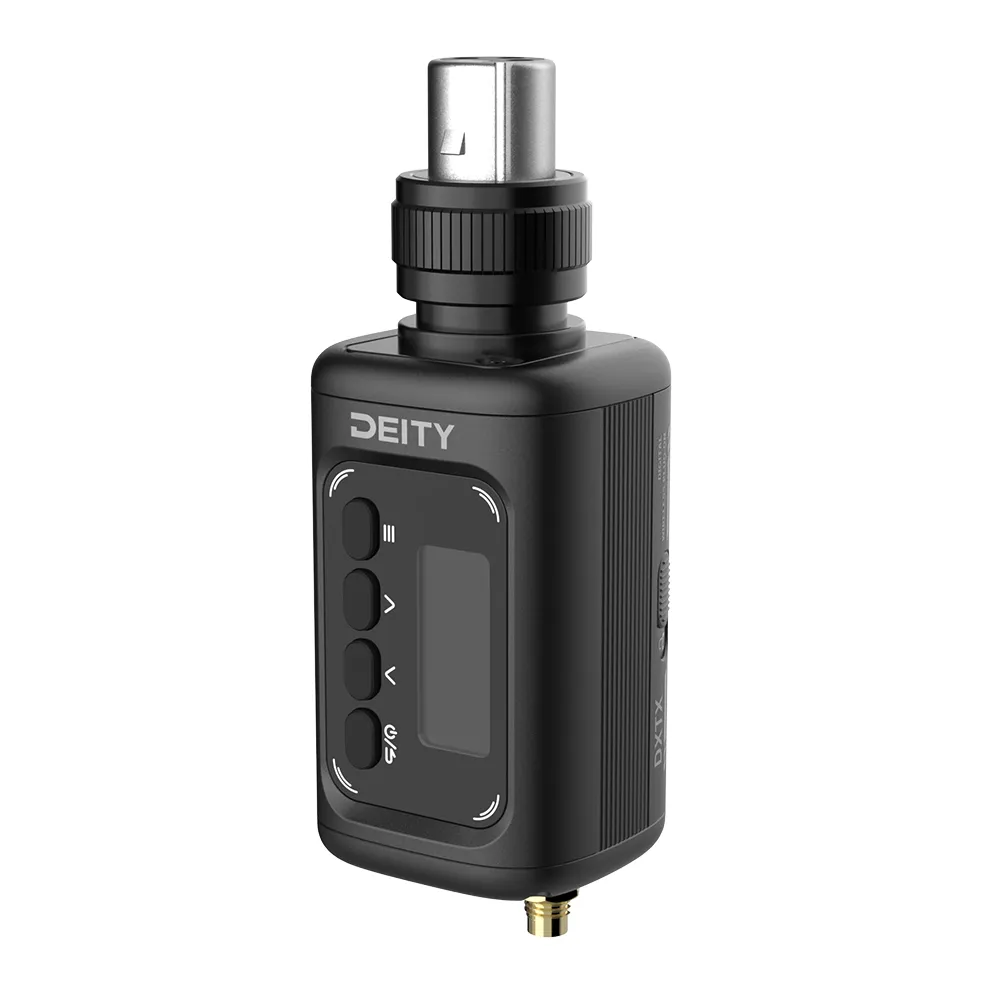
For wireless work, the DEITY Theos DXTX plug-on transmitter has an XLR input with 48V phantom power. It turns a phantom-powered XLR mic into a wireless one. Both products suit crews who mix consumer-style and pro gear.
When your gear has no phantom power
If your recorder has no 48V, you can add an external phantom supply. For example, the Mackie M48 runs from a 9V battery or an AC adapter.
Inline preamps need care too. The Cloudlifter guide states that phantom power does not pass through the unit. A condenser mic behind a Cloudlifter therefore needs its own separate phantom supply.
Quick fixes when something goes wrong
| Problem | Likely cause | Fix |
|---|---|---|
| Condenser mic gives no signal | Phantom power is off, or the cable is not balanced | Switch on +48V and swap the cable |
| Loud pop when connecting | Mic was plugged in with 48V on | Switch 48V off before connecting |
| Hum or buzz from a dynamic mic | Unbalanced mic on a phantom-powered input | Switch 48V off |
| Thin, distorted sound | Weak supply or high-current mic | Check the mic’s current draw and use a stronger source |
| Recorder battery drains fast | 48V is on for every channel | Switch phantom off on channels that do not need it |
Choosing a phantom-powered microphone
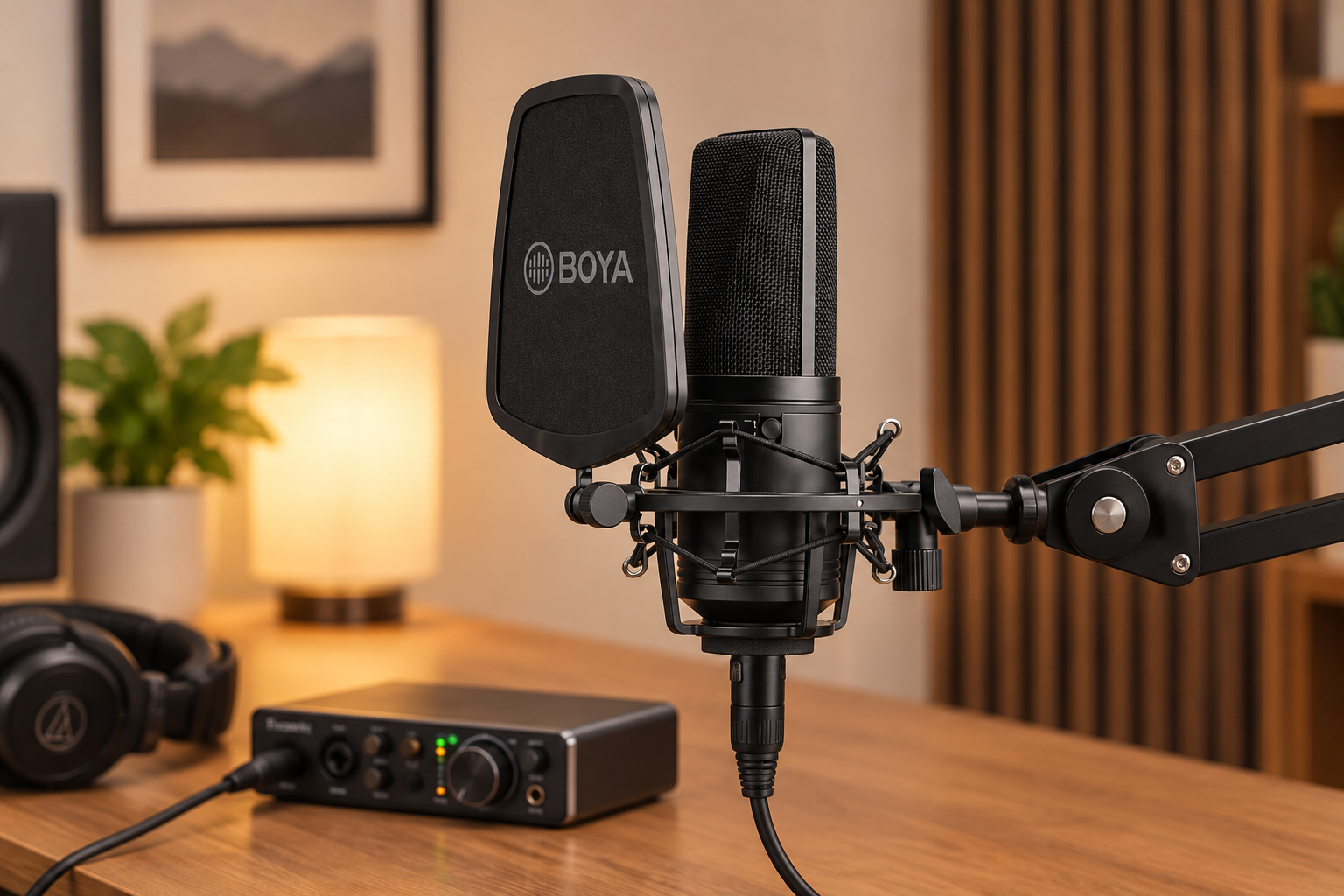
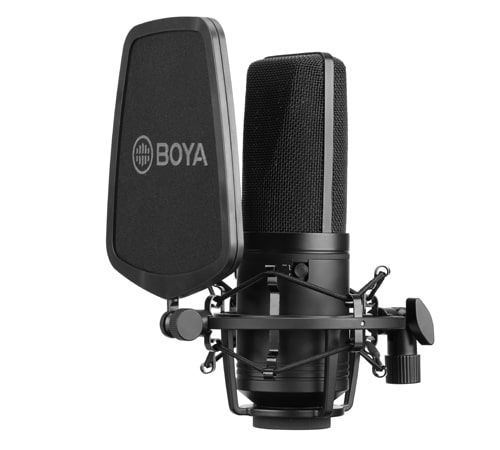
If you are buying your first condenser, start with the power requirement. The BOYA BY-M1000 is a large diaphragm condenser that uses standard 24V or 48V phantom power over XLR. It has three polar patterns (cardioid, omnidirectional and bidirectional) and a 0 dB / -10 dB pad switch. It suits voice-over, podcasts and music in a quiet room. It is not the right choice for noisy locations or live stages, where a dynamic mic copes better.
Not sure whether a condenser or a USB mic is better for you? Our comparison of XLR vs USB microphones walks through the trade-offs. If you need an interface with phantom power for video work, see our guide to choosing an audio interface for video production. You can also browse all microphones and audio accessories.
Key Takeaways
- Phantom power is DC, usually 48V, sent down a balanced XLR cable to run condenser mic electronics.
- Always turn the gain down and phantom off before you plug or unplug a mic.
- Balanced dynamic mics are safe. Check the manual before you use a ribbon mic with 48V.
- Not every XLR input has 48V, and it shortens battery life on cameras and recorders.
- Mics with 3.5 mm plugs need a converter, not raw 48V.
Need help matching a mic to your mixer, camera or recorder? Contact the MediaGear team and tell us what you shoot. We will help you pick gear that works together from the first take.









