





XLR vs DMX Cables: How to Avoid Live Stage Signal Failures
During a live production, few problems cause panic faster than flickering lights or audio buzzes. When troubleshooting under tight show deadlines, stage crews often grab whatever 3-pin cable is within reach.
At first glance, standard analog XLR microphone cables and digital DMX cables look identical. They frequently share flexible outer jackets and 3-pin XLR connectors. However, using an audio cable for lighting signals can trigger severe interference and total signal failure.
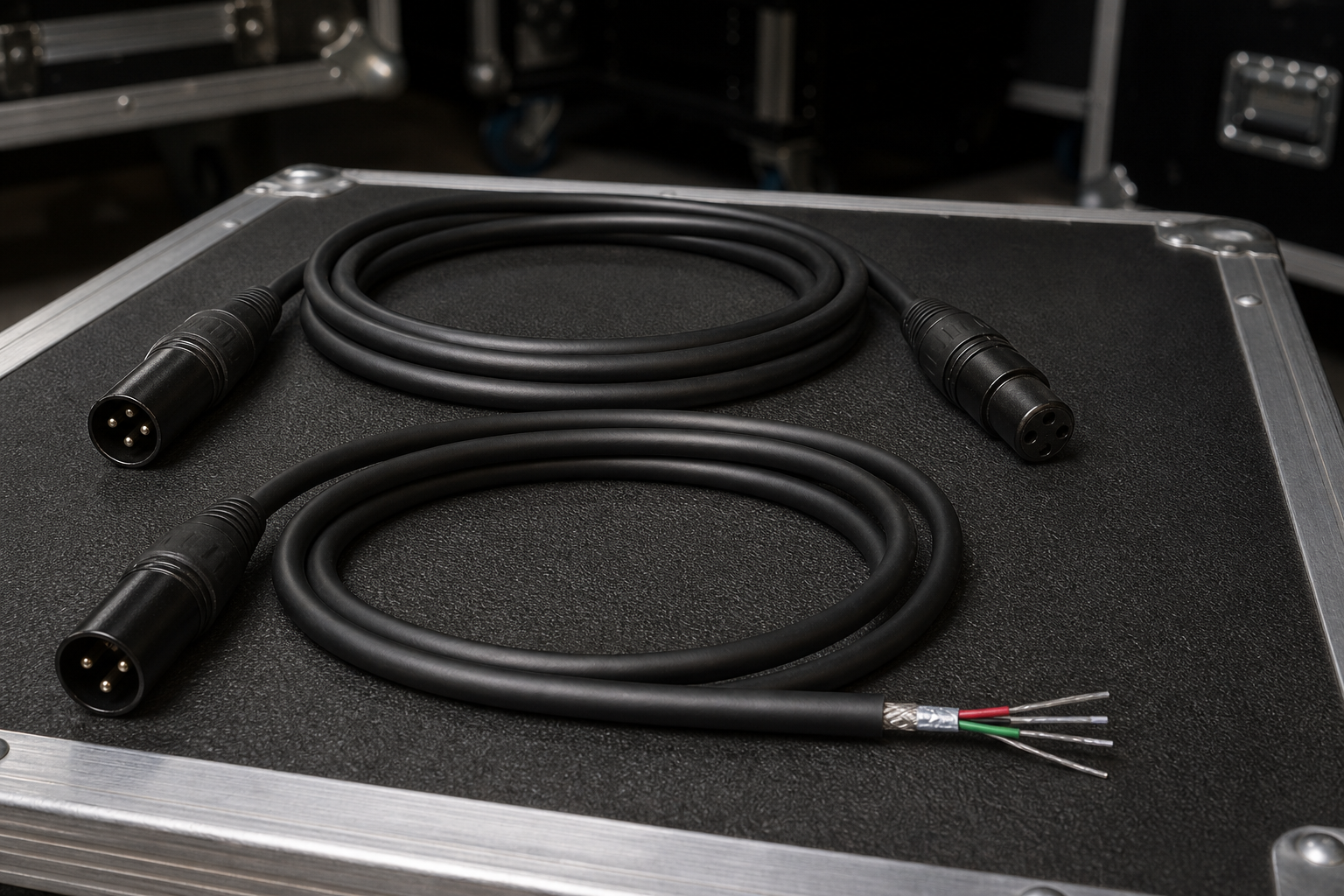
Understanding the technical differences between these cables keeps your stage running smoothly and protects your performance from unexpected dropouts.
Electrical Impedance: The Core Technical Difference
The main difference between audio XLR cables and DMX cables is characteristic impedance. Impedance measures the opposition to alternating current (AC) signal flow, measured in ohms (Ω).
| Feature | Analog Audio XLR | Digital DMX512 |
|---|---|---|
| Signal Type | Low-frequency analog | High-frequency digital |
| Nominal Impedance | 40 Ω to 70 Ω | 110 Ω to 120 Ω |
| Standard Connector | 3-pin XLR | 5-pin XLR (ANSI E1.11) |
| Primary Shielding | Braid or spiral shield | Foil and braid shield |
Standard microphone cables carry low-frequency analog electrical signals. Engineers design them with low characteristic impedance, usually between 40 Ω and 70 Ω. This low-capacitance design preserves delicate voice and instrument signals over long runs without loss of sound detail.
In contrast, ANSI E1.11 DMX512 data protocols transmit high-speed digital data pulses using the EIA-485 standard. DMX cables require a nominal impedance of 110 Ω to 120 Ω. This precise impedance lets digital square waves pass through the cable without signal distortion.
When you send high-speed digital data down a lower-impedance microphone cable, the signal hits a resistance boundary. Part of the digital wave reflects backward along the line. These signal reflections corrupt data packets, causing fixtures to flicker, moving heads to misbehave, or entire lighting universes to drop offline.
Connector Types and Wiring Specs
Physical design also separates lighting control lines from audio paths.
The official ESTA standard for DMX512 specifies 5-pin XLR connectors:
- Pin 1: Shield / Ground (Data Common)
- Pin 2: Data 1- (Primary Data Link)
- Pin 3: Data 1+ (Primary Data Link)
- Pin 4: Data 2- (Optional Secondary Data Link)
- Pin 5: Data 2+ (Optional Secondary Data Link)
Manufacturers created the 5-pin standard to prevent road crews from plugging audio equipment into digital lighting networks. Even so, many modern entry-level fixtures feature 3-pin XLR connections for convenience.
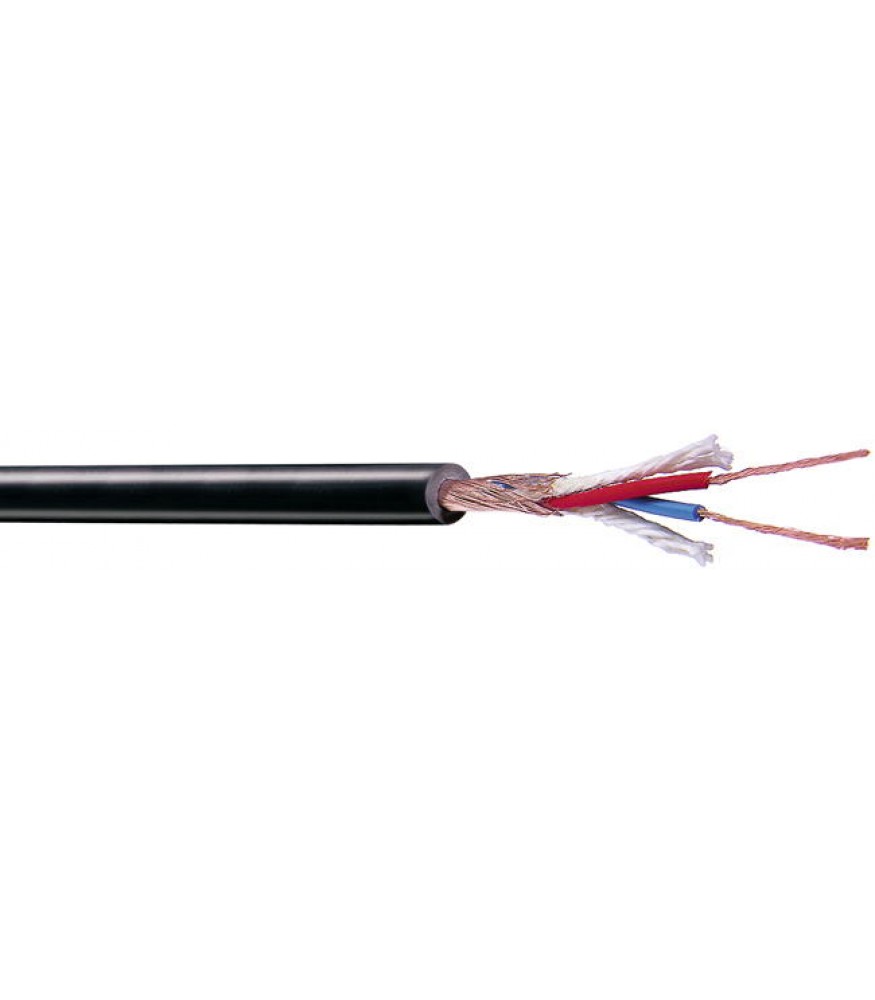
Audio microphone cables feature a single twisted pair of copper conductors surrounded by a braided shield. In many audio applications, this shield connects to Pin 1 and may ground to the outer metal shell casing.
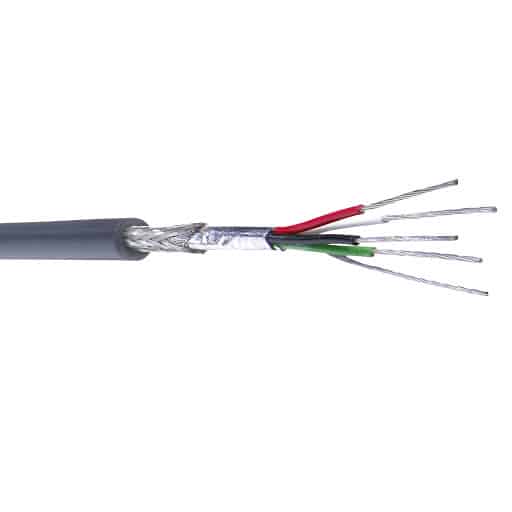
True DMX cables use double shielding (foil plus dense copper braid) to block electromagnetic interference from nearby power lines. Official standards require DMX shield wiring to connect strictly pin-to-pin. The shield remains completely isolated from the outer connector shell to prevent ground loops across stage trusses.
Can You Swap XLR and DMX Cables in an Emergency?
Quick gear substitutions happen often on stage. Knowing when you can safely substitute cables prevents costly signal errors during a show.
Official ETC technical guidance and ENTTEC DMX guidelines advise against using standard microphone cables for DMX runs. In our experience, using a short microphone cable for one fixture in an emergency might work briefly. However, as your line grows longer and you add more fixtures, signal reflections accumulate quickly. Placing a 120-ohm terminator at the end of the line cannot resolve an impedance mismatch created along the run.
Using audio cables on DMX lines often produces clear warning signs:
- Unwanted strobing or rapid flickering on LED fixtures
- Random pan and tilt movements on intelligent moving heads
- Unresponsive fixtures in the middle of a daisy-chain
- Delayed control responses from the lighting console
You can, however, use a 110-ohm DMX cable as a balanced audio microphone cable. High-quality 110-ohm to 120-ohm cables handle analog audio signals well. In fact, many digital AES/EBU audio cables share the exact same 120-ohm specification as DMX lines.
Using DMX cable for analog microphone signals is completely safe for your equipment. The only practical drawback is build flexibility: DMX cable jackets are often stiffer and harder to coil than standard microphone lines.
How to Select the Right Cable for Your Setup
Deploying dedicated cabling across your stage guarantees clean signals and faster setup times.
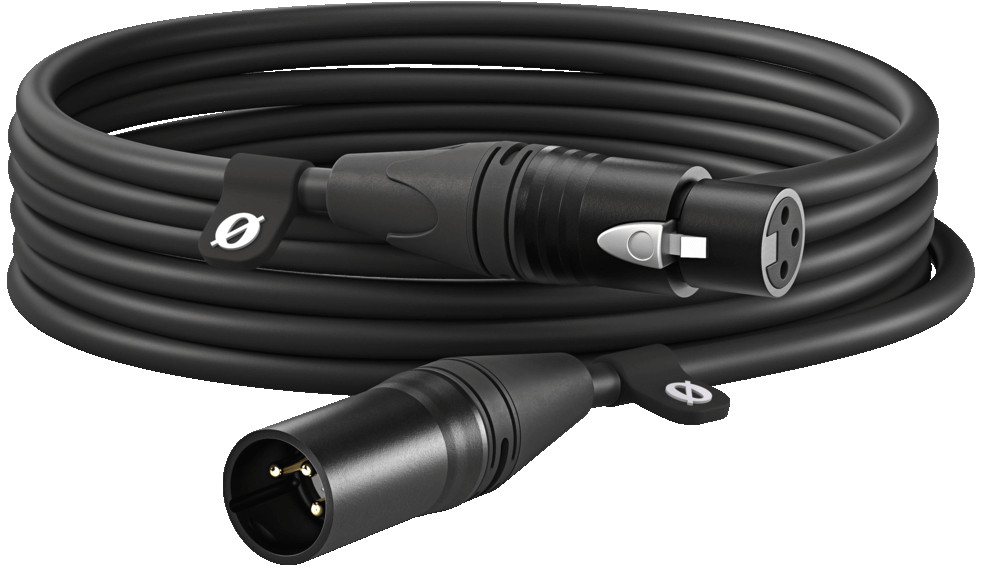
For standard live sound setups, choose dedicated balanced microphone cables with low-capacitance copper conductors and durable shielding. These carry clean analog audio from dynamic or condenser microphones directly into your stage boxes or mixing console.
When connecting specialized audio gear or routing feeds directly into camera rigs, select compact patch cables designed for noise-free signal transfer.
-
 Audio and DMX cables
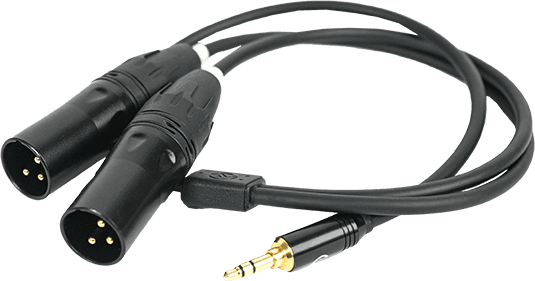
HOLLYLAND 3.5mm to Dual XLR Audio Cable
€ 29.00€ 35.96 (incl. VAT)IN STOCK -
 Audio accessories, Audio and DMX cables
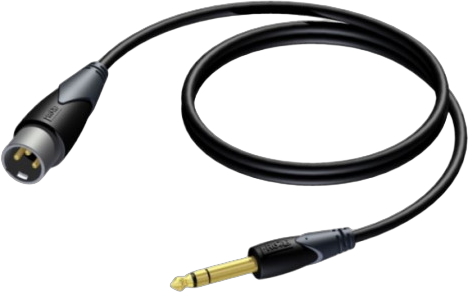
HOLLYLAND 3.5mm TRS to XLR audio cable
€ 16.72€ 20.73 (incl. VAT)IN STOCK -
 Audio and DMX cables
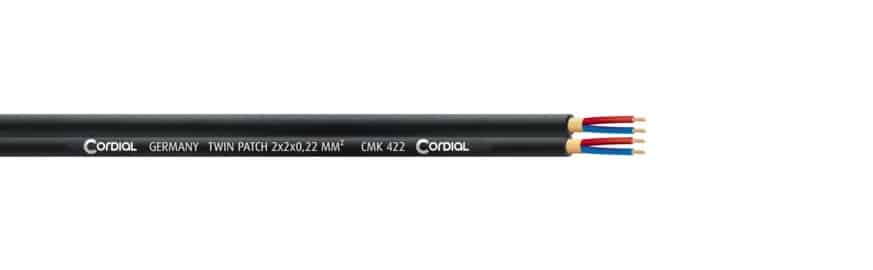
CORDIAL CMK 422 Twin Patch stereo cable
€ 2.08€ 2.58 (incl. VAT)IN STOCK -
 Audio accessories, Audio and DMX cables
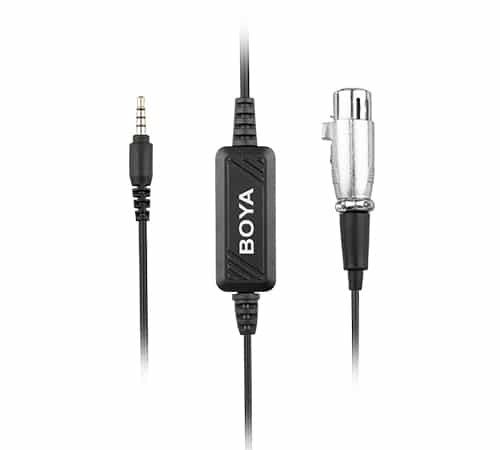
BOYA BY-BCA6 XLR to 3.5mm plug microphone cable
€ 40.00€ 49.60 (incl. VAT)IN STOCK
For complex live performance workflows – such as selecting an audio mixer for video production, configuring an in-ear monitor system for live events, or organizing gear to record live music for video – proper impedance matching maintains signal quality from the source to the recorder.
Clean signal routing also simplifies post-production when following best practices on how to sync audio and video. If you are evaluating venue gear setups, check our comparison guide on XLR vs USB microphones.
For lighting networks, always insist on dedicated 110–120 Ω digital data cables. They block signal reflections and keep long fixture chains stable throughout a show.
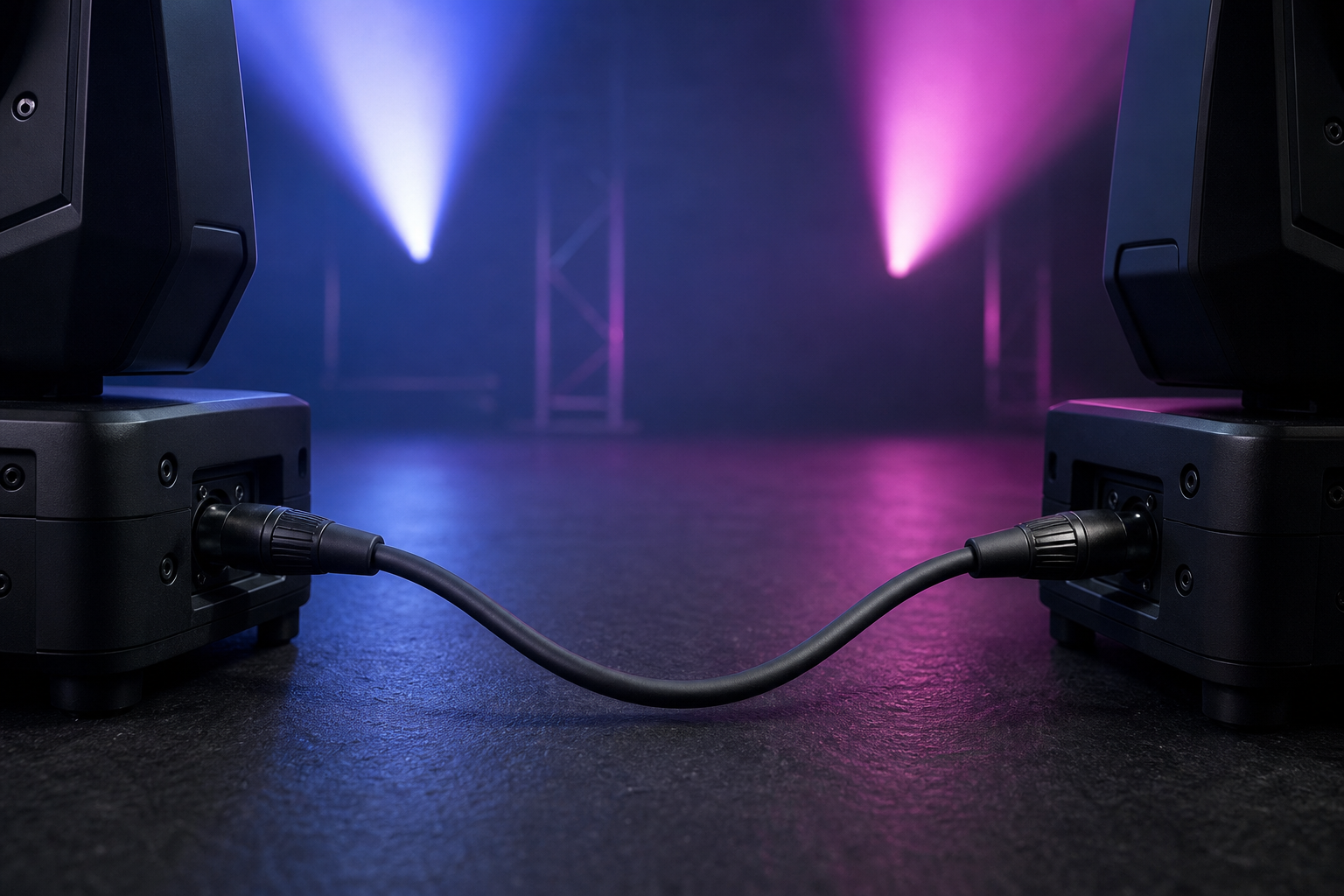
When managing cable runs across large stages, organize your stock on sturdy cable drums to prevent internal wire kinks, shield damage, and tangled lines.
Explore our full inventory of professional audio and DMX cables to build a reliable stage setup.
Key Takeaways
- Check the Impedance: Audio XLR cables are rated at 40–70 Ω, whereas DMX control lines require 110–120 Ω.
- Avoid Audio Cables on DMX: Microphone cables create signal reflections on digital lines, causing fixture flickering and data dropouts.
- DMX Cables Work for Audio: Standard 120-ohm DMX lines carry analog audio signals safely, though the cables are stiffer to handle.
- Respect Pin Isolation: True DMX specifications use isolated pin-to-pin wiring to protect equipment from ground loops.
Need help picking the right cabling infrastructure for your venue or stage rig? Contact the technical team at MediaGear today for expert advice and complete live AV system support.









