





How to Set Up a Video Podcast Studio in 6 Steps
A video podcast studio needs six things: a quiet room, good microphones, one to three cameras, soft light, a way to switch and record, and a way to hear yourself. Get the room and the audio right first. Viewers forgive a plain picture. They leave when the sound is hollow or noisy.
This guide shows you the order to work in, the numbers to aim for, and the gear choices that fit a two-host show. It is written for European studios, so shutter speeds and power advice assume 50 Hz mains.
| Step | What to get right | Target |
|---|---|---|
| 1. Room | Size, noise, echo | 14–18 m² for two hosts, background noise under 35–40 dB(A) |
| 2. Audio | Dynamic cardioid mics, close placement | Mouth 5–15 cm from the mic |
| 3. Cameras | Eye level, medium close-up | 1 camera solo, 2–3 for host and guest |
| 4. Light | Key, fill, backlight, one colour temperature | 5600K, high TLCI |
| 5. Recording | Switcher, clean HDMI, steady power | Separate file per camera |
| 6. Monitoring | Headphones for every host | Check sound before you start |
Step 1: Pick the room and tame the echo
Choose the quietest room you have. Two guides suggest 14–18 m² for two hosts and 12–20 m² for two to four speakers (Sound Zero, Acoustelio). Pick a rectangular room if you can. Square rooms tend to sound worse, because parallel walls bounce sound back and forth.
Then listen. Acoustelio suggests keeping background noise below 35–40 dB(A). Turn off fridges, fans and heating while you record. Close the windows.
Echo is the next problem. Reverberation time (RT60) is how long sound takes to fade. The Panel Hub says 0.2–0.4 seconds suits voice, while untreated rooms often sit at 0.6–1.2 seconds. Shure warns that reflections from walls, ceiling and a bare floor make a voice sound hollow.
Treat the room in this order:
- Put a rug on hard floors.
- Cover the wall behind each microphone. This is the first priority, because your voice hits it and bounces straight back.
- Treat the wall behind the speakers and the side walls.
- Add thick panels. Shure recommends 100 mm or thicker, used with care.
To find the right panel spots, hold a mirror on the wall while a host sits at the mic. Wherever you see the microphone in the mirror, a reflection hits it. Mark that spot and treat it. Our guide on how to reduce echo when recording audio goes deeper.
Step 2: Choose microphones and set them up
Use dynamic cardioid microphones. A cardioid mic hears mostly what is in front of it. A dynamic mic is less sensitive to room sound than a condenser. Shure says condenser mics capture room reflections along with the voice. That is why dynamic mics suit untreated and semi-treated rooms. Our comparison of shotgun and condenser mics explains where condensers still win.
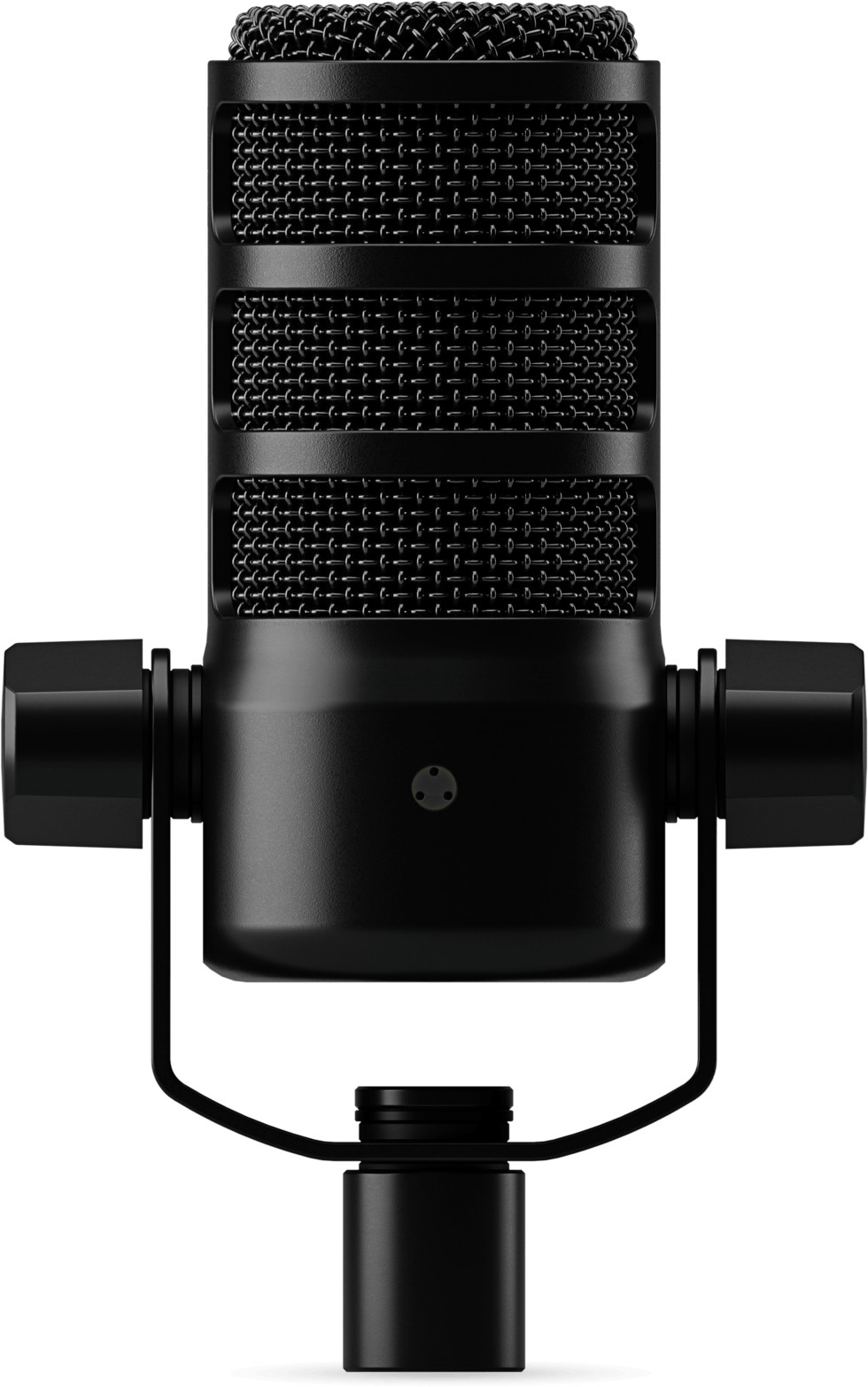
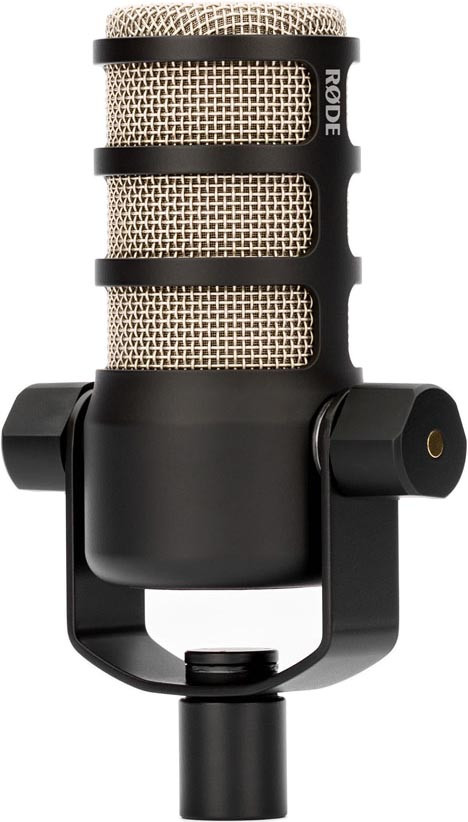
The RØDE PodMic is a good example. It is a dynamic, cardioid, XLR microphone with an internal pop filter and shock mount, and it needs no phantom power (see the RØDE datasheet). The PodMic USB adds a USB-C output, so it also plugs straight into a computer (RØDE).
XLR or USB?
An XLR mic needs an audio interface or mixer to turn the signal into digital audio. A USB mic has that converter built in, as RØDE explains. Use this rule:
- One or two hosts, recording to a computer: USB or dual USB/XLR mics are the simplest.
- Two or more hosts, a switcher, or plans to grow: XLR mics, because they connect to mixers and switchers with XLR inputs.
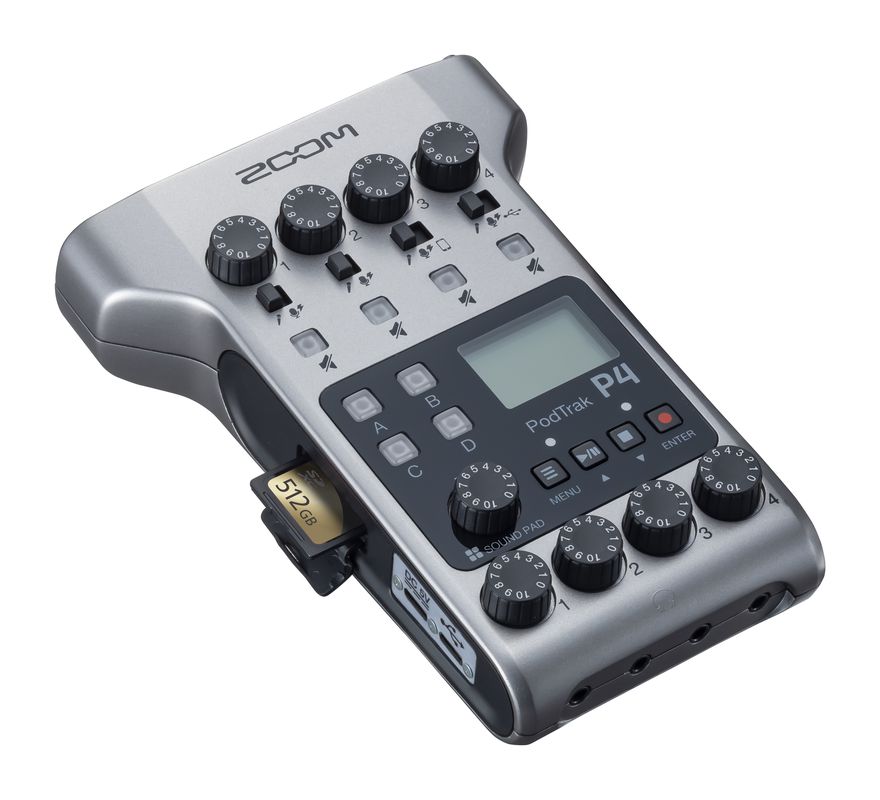
If you go XLR, a podcast mixer such as the ZOOM P4 PodTrak gives each host their own input and headphone feed.
Mic distance and boom arms
Distance matters more than the microphone model. RØDE says to keep your mouth 2–6 inches (5–15 cm) from a dynamic mic. Shure gives 1–6 inches for the SM7B and notes that moving closer adds warmth to the bass, while moving away thins it. Closer also puts your voice well above room noise.
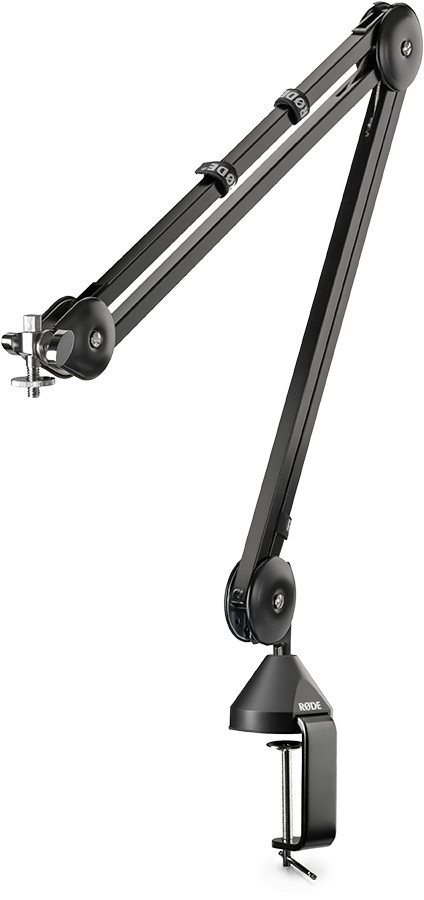
A boom arm keeps the mic close without a stand blocking the camera. The RØDE PSA1 is a studio boom arm that suits the PodMic.
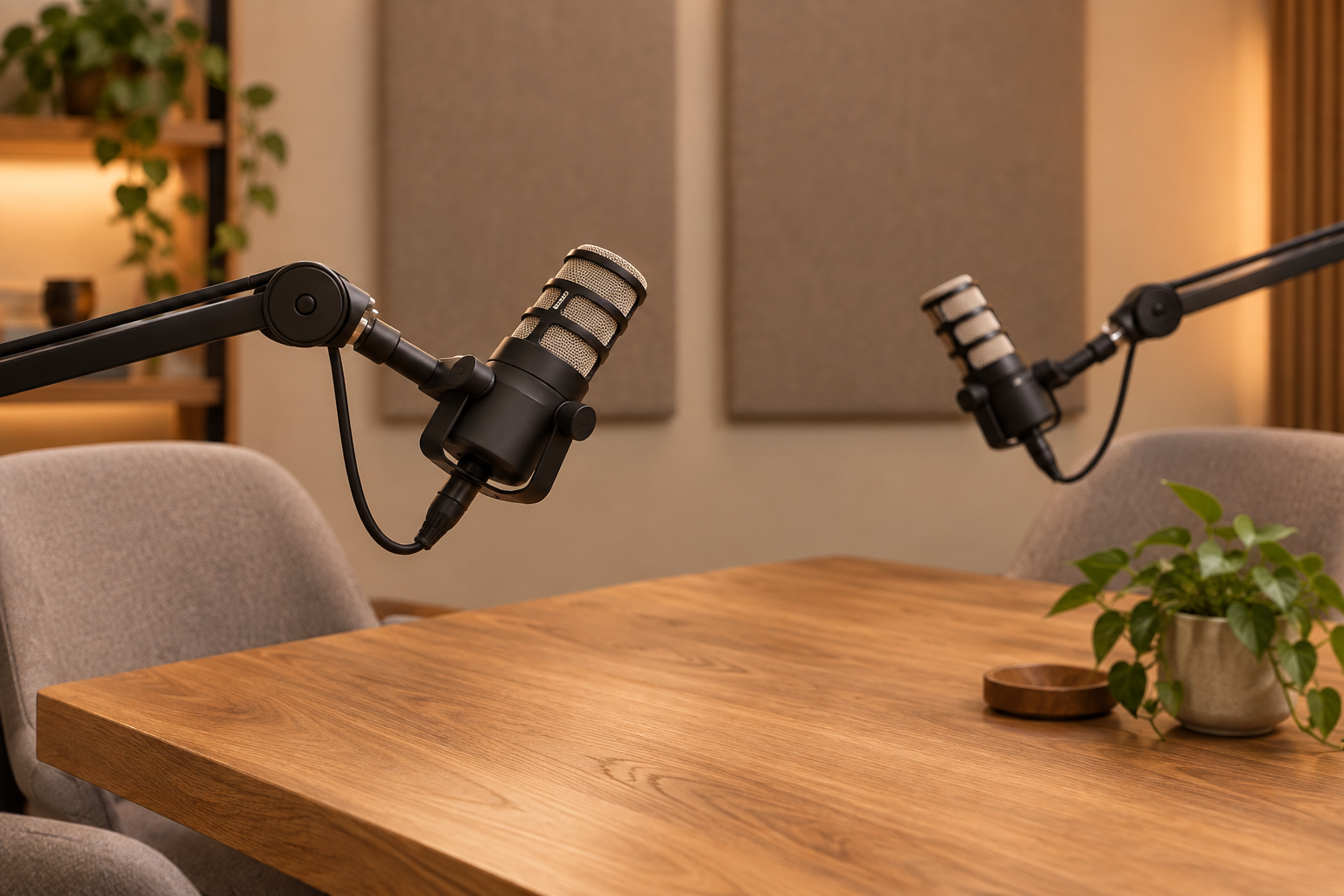
Place the mic just below the mouth and slightly off-axis. Speaking across the capsule instead of straight into it cuts plosives (the puffs of air on “p” and “b”). Browse all microphones if you need other options.
Step 3: Set up the cameras
How many cameras do you need? Use the show format to decide:
- Solo host: one camera is enough.
- Host and guest: two cameras, one per person. Three is ideal if you want a wide shot too. CVP lists this as its recommended layout.
- Panel of three or more: three or more cameras, so you have wide shots, close-ups and reaction shots.
Framing rules that work
Put the lens at eye level and frame a medium close-up, from mid-chest to just above the head. Place the eyes on the upper third of the frame and leave a little headroom, about one-tenth of the frame height (Hollyland).
Lens advice varies. Hollyland suggests a 50 mm equivalent or longer, because wide lenses distort faces at close range. In a small room, a long lens forces you to push the camera against the wall, so test your room before you buy.
Set the shutter for Europe
Mains power in Europe runs at 50 Hz, and lights can flicker on camera. The 180-degree rule sets shutter speed at double the frame rate, which gives 1/50 s at 25 fps. Sony also advises 1/50 s or 1/100 s in 50 Hz regions. So shoot 25 fps at 1/50 s. If you see bands in the picture, move to 1/100 s.
Which camera?
Webcams work for a first season. A mirrorless or cinema camera gives you better focus and lens choice. The Sony FX30 has a Super 35 sensor and records 4K up to 120p. It also has Real-time Eye AF and Real-time Tracking, which helps when hosts lean and gesture (Sony). It is overkill for a hobby show.
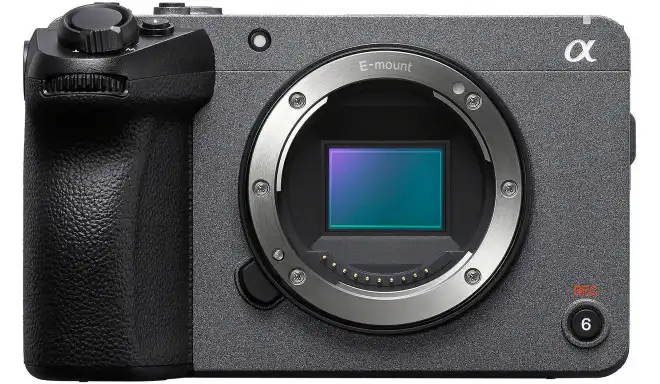
Plan for long recordings. Sony’s support page says overheating can interrupt recording. For the FX30, Sony lists about 60 minutes of continuous 4K recording under its test conditions. Some cameras also cap clips at 29 min 59 s; Canon lists this for the EOS 850D. Check your camera manual before you book a two-hour guest. Powering the camera from the wall instead of a battery also helps on long sessions, where the camera supports it.
Step 4: Light the set
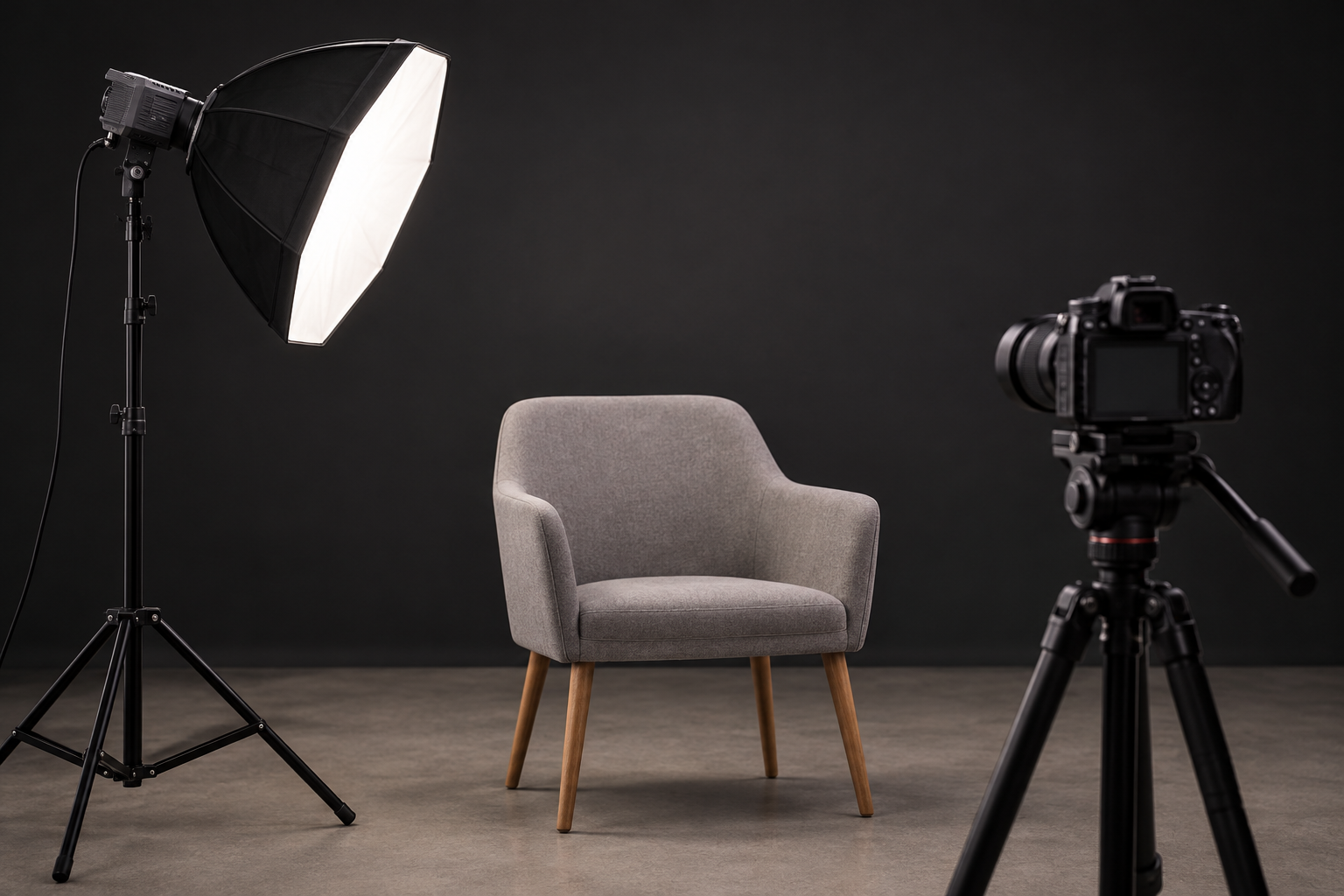
Flat room light makes people look tired. Three lights fix that:
- Key light: the main light. Place it about 45° to one side of the camera and slightly above eye level.
- Fill light: softer than the key, on the opposite side near the camera. It lifts the shadows. A starting ratio is 2:1, with the key twice as strong as the fill.
- Backlight: behind and above the host, aimed at hair and shoulders. It separates the person from the wall.
Pick one colour temperature
White balance reference points are 5600K for daylight and 3200K for tungsten, as Adobe notes. Mixing them gives orange and blue faces. Use lights at one temperature, and block or match window light. Our guide to colour temperature for video lighting shows how.
Check the colour score
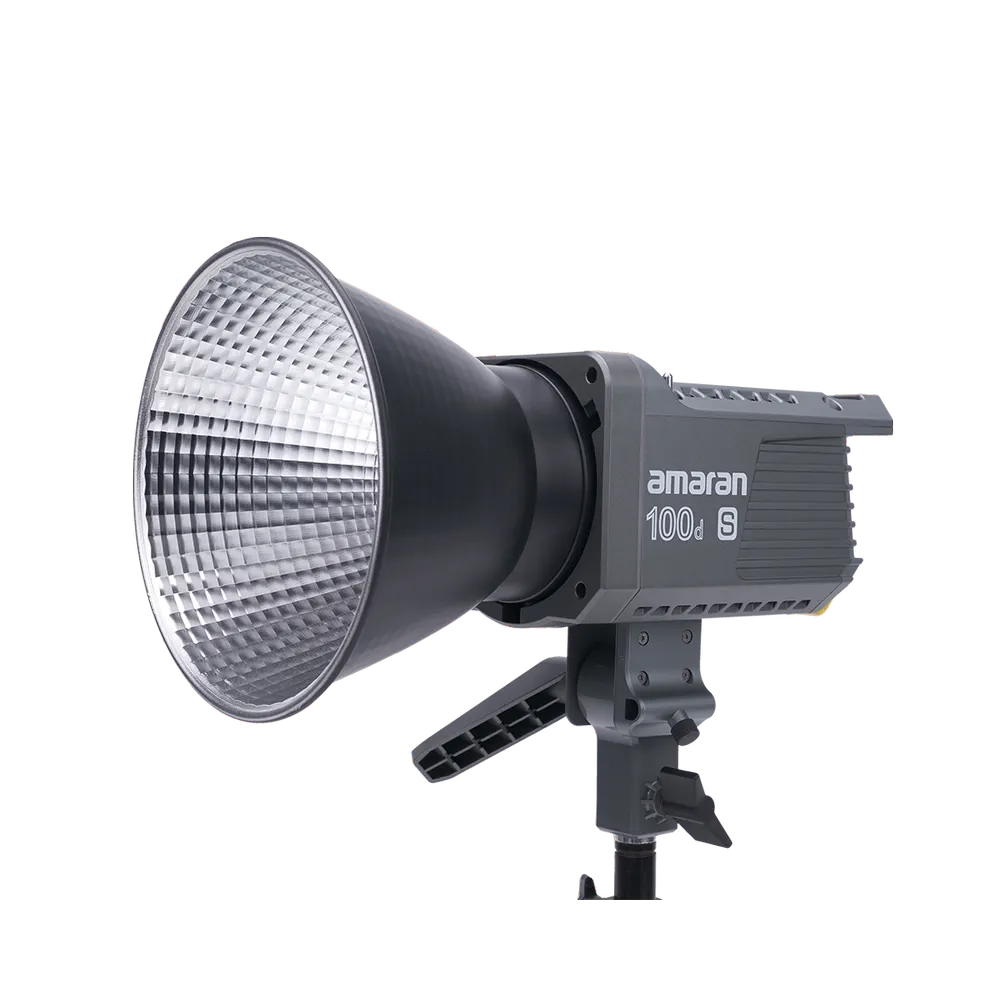
Look at TLCI (Television Lighting Consistency Index), a measure of how a camera sees colour. A Cree technical note says a 90 TLCI light is easy for a professional to correct, and a 95 TLCI light needs no correction in all but the most demanding work. The amaran 100d S lists CRI 96+ and TLCI 99+ at 5600K, with 100 W output and a Bowens mount for softboxes. It suits a key light. The amaran Pano 60c kit is a second option for fill and backlight.
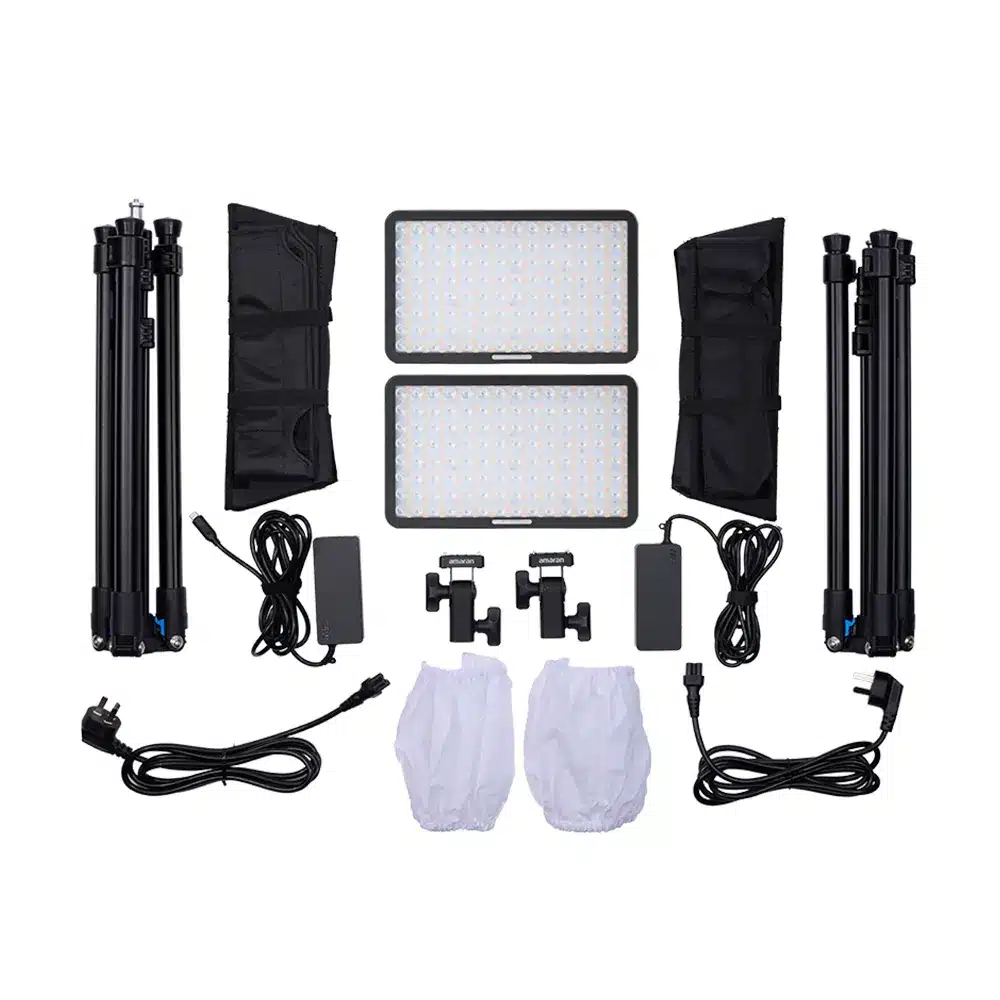
For more fixtures, see LED panels or our overview of lighting for live streaming. Working with a green backdrop? Read our green screen studio setup guide.
Step 5: Connect, switch and record
You have two routes. The simple one: each camera and mic goes into a computer with capture cards, and software records. See our capture card buyer’s guide. The studio route uses a hardware switcher.
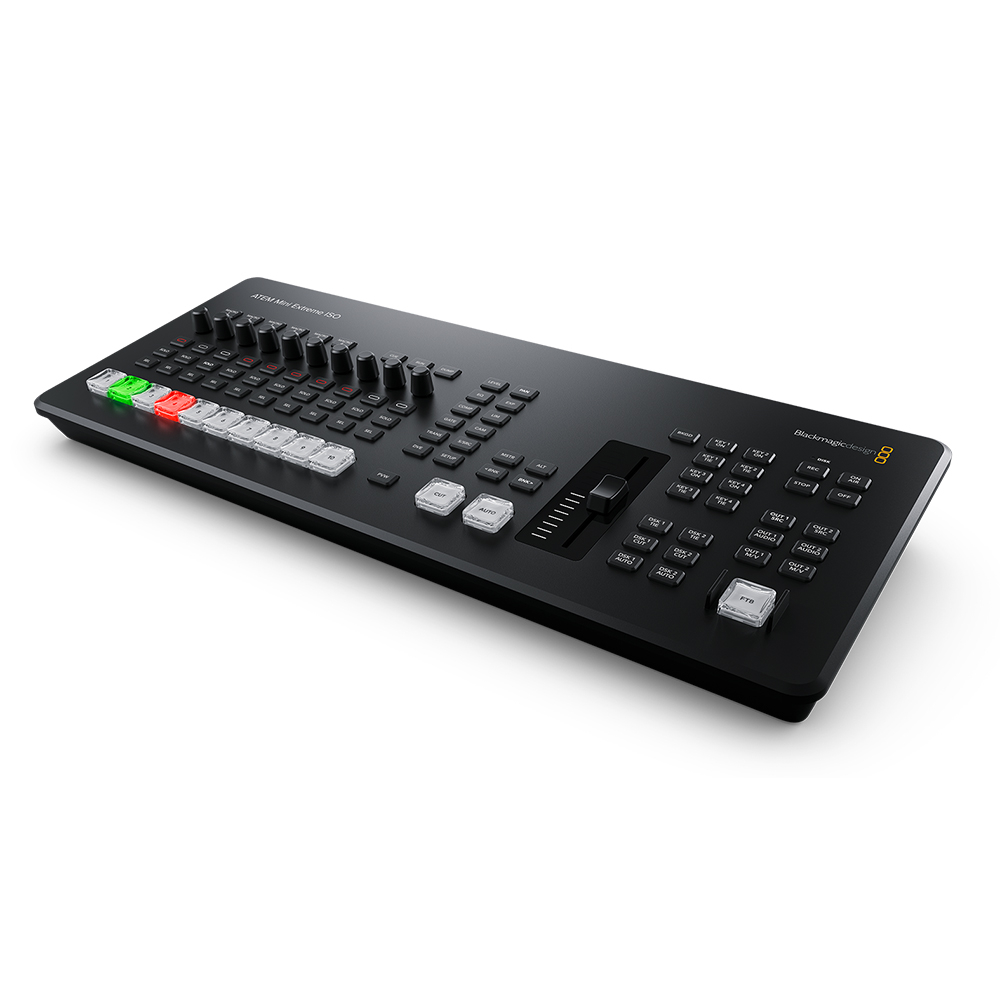
A switcher takes several HDMI cameras and lets you cut between them live. The ATEM Mini Extreme ISO G2 has 8 HDMI inputs and 2 XLR combo audio inputs. It records each input as a separate H.264 file, plus the program output, and it can record to external drives over USB-C (Blackmagic Design). ISO recording means you can fix a bad cut afterwards. ATEM ISO files carry synced timecode, and the switcher saves a DaVinci Resolve project, so the edit opens with your cuts already placed.
This switcher suits a show with three or more cameras, or a studio that streams live. For a one-camera interview it is more than you need. Stock changes, so check availability on the product page.
HDMI cables and power
HDMI has no single maximum length. The HDMI Licensing Administrator says it depends on cable type and construction, and that Ultra High Speed cables longer than a few meters are likely to need active circuitry (Engadget). One guide puts passive copper cables at about 3–7.5 m. Keep runs short, or use an active optical cable for long runs. Our HDMI cable guide for video production covers 4K60 and port strain, and you can browse all HDMI cables.
Also set your camera’s HDMI output to clean. On the FX30 that means setting HDMI Info. Display to Off, so no menus or icons reach the switcher.
Step 6: Monitor your sound
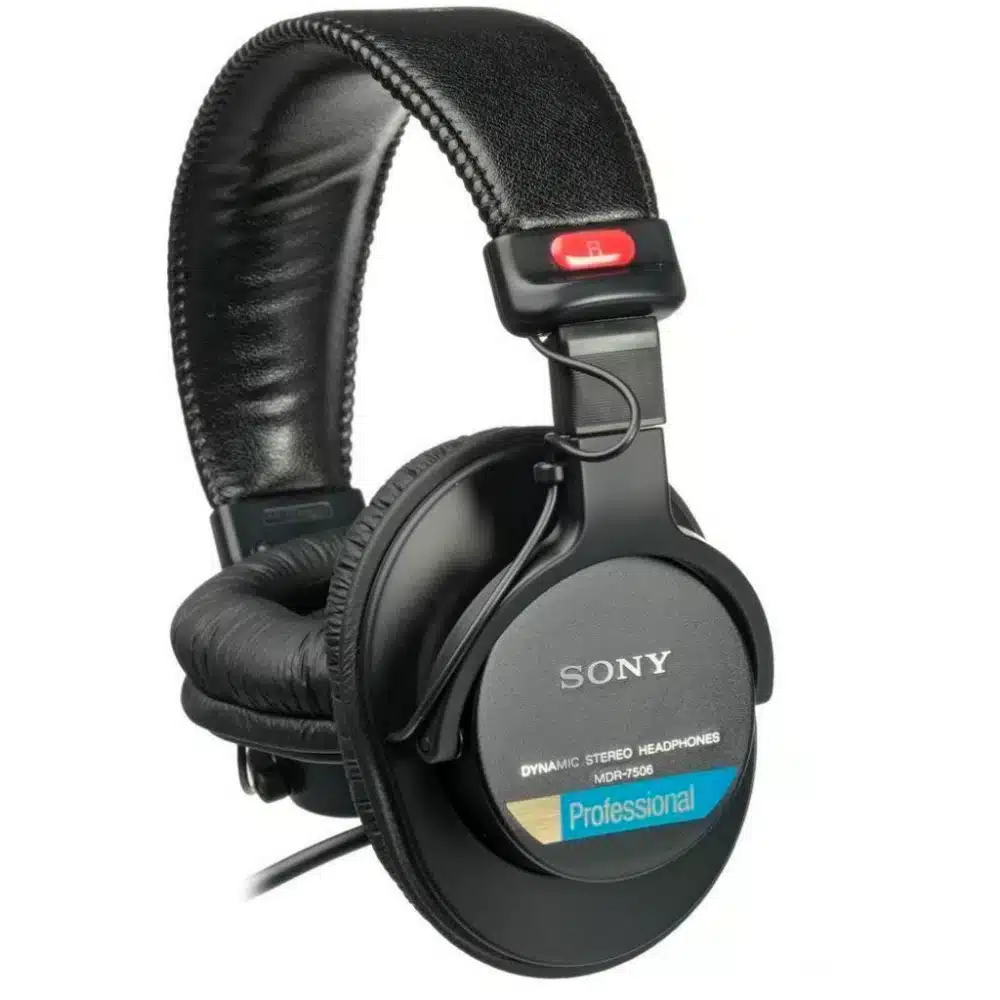
Give every host headphones. Without them, nobody hears a buzz, a clipped peak or a dropped mic until the edit. Closed headphones keep the sound from leaking back into the microphone. The Sony MDR-7506 is a closed-back studio monitor headphone.
Before you hit record, run this check:
- Record 30 seconds and play it back.
- Listen for echo, hum and air conditioning.
- Check that each mic peaks without distorting.
- Look at the framing and for flicker on screen.
Mistakes we see most often
- Spending on cameras before the room is treated. A great picture with echoing sound still feels amateur.
- Putting the mic too far away. Past 15 cm, a dynamic mic picks up more of the room.
Key Takeaways
- Start with a quiet, rectangular room and treat the wall behind each mic. Aim for RT60 of 0.2–0.4 s.
- Use dynamic cardioid mics 5–15 cm from the mouth. Choose XLR if you plan to add hosts or a switcher.
- Put cameras at eye level, shoot 25 fps at 1/50 s in Europe, and use a three-point light at one colour temperature.
- Record each camera separately with an ISO-capable switcher, and use clean HDMI.
- Give every host headphones and run a test recording first.
Planning your studio and unsure which cameras, lights and microphones fit your room? Browse our shop or contact the MediaGear team, and we will help you build a kit that matches your show.









