





How to Stabilize Handheld Video Footage: 6 Practical Fixes
Shaky footage usually has one of three causes: how you hold the camera, how the camera is set up, or the lack of support. Fix them in that order. Start with your stance and grip. Then shoot wide and use the camera’s built-in stabilization. Add a cage, shoulder rig, monopod or gimbal only when the shot needs it. Use post-production stabilization last, and shoot with it in mind.
Here is a quick map of what to use and when.
| Method | Best for | What it costs you |
|---|---|---|
| Stance, grip, “ninja walk” | Every handheld shot | Practice only |
| Wide lens + in-camera stabilization | Walk-and-talk, events, run-and-gun | Some crop in electronic modes |
| Cage with handles | Small mirrorless cameras | Extra weight, more setup |
| Shoulder rig | Long takes, documentary, heavier cameras | Bulk, and it takes time to learn |
| Monopod | Interviews, events, long lenses | Limited movement |
| Gimbal | Moving shots, walking, tracking | Payload limits, balancing time |
| Post stabilization | Rescuing a shot | Cropped frame, possible warping |
Fix your body first: stance, grip and walking
Your body is the cheapest stabilizer you own. Most shake comes from long arms and stiff wrists, not from the camera.
Stand with your feet shoulder-width apart and one foot slightly forward. Keep your knees soft. Pull your elbows into your ribs and hold the camera close to your chest, not at arm’s length. Every extra inch of distance turns a small hand tremor into a bigger movement on screen. Grip firmly, but stay relaxed. A tense grip makes jerky footage.
Walking is where most operators lose control. Use the “ninja walk”: bend your knees slightly and roll each step from heel to toe. Your knees then act like suspension and soak up the vertical bounce, as Adorama’s handheld guide describes it. Move slowly, and start and end each move on a steady frame.
We’ve seen new operators fight shake by tightening their arms. It does the opposite. Relax your shoulders, let your torso take the weight, and move from your hips and legs rather than your wrists.
Set up the camera to hide shake
Shoot wider
Longer focal lengths magnify camera shake. Canon explains that increasing focal length magnifies the subject and the shake together. A wide lens makes the same hand movement look smaller. If you can step closer instead of zooming in, do it. Our guide to wide-angle vs telephoto lenses for video shows how focal length also changes perspective and depth of field.
Use in-camera stabilization the right way
Stabilization comes in three types, and each one behaves differently:
- Optical (lens) stabilization moves glass elements in the lens to cancel movement.
- In-body stabilization (IBIS) physically shifts the sensor to counteract movement, according to Canon Europe.
- Electronic stabilization shifts image data instead. It crops the frame to do so, so your lens looks tighter than it is.
If you shoot handheld and need the widest view, test your camera’s stabilization modes. A stronger mode usually crops more. Check the menu notes for your model before a shoot, not during it.
Keep the shutter rule in mind
The 180-degree shutter rule sets your shutter speed to about twice your frame rate. That is 1/50 s at 25 fps, or 1/100 s at 50 fps. Nikon notes that it is the industry standard for natural-looking motion blur. It does not remove shake, though.
There is a trade-off if you plan to stabilize in post. Motion blur cannot be removed later. Gyroflow’s filming guide advises a high shutter speed for any electronic stabilization, because sharp frames can be moved around cleanly. The Blender manual suggests getting to at least 1/250 s as a guideline for tracking. The footage then looks crisper and a little more “hyper-real”. So choose before you shoot: natural blur, or the best base for post stabilization.
Add contact points: cages, handles and shoulder rigs
A camera held in two hands moves more than a camera held in two hands and braced on your body. Every extra contact point damps movement.
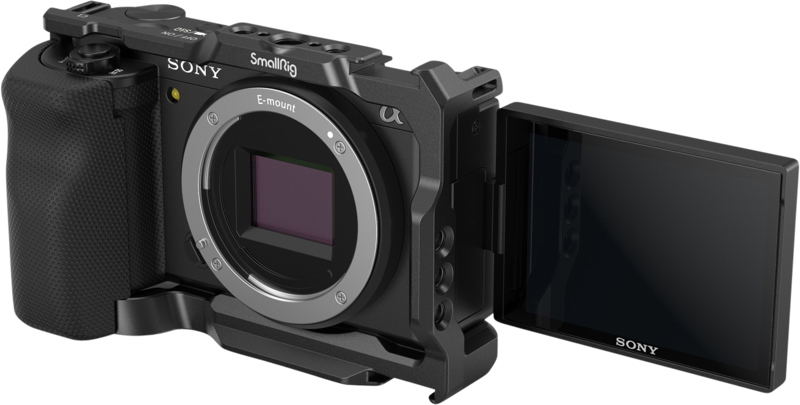
Small mirrorless cameras are hard to hold steady. They are light, and the body is small. A cage with a side handle gives your second hand a proper grip and lets you add a monitor or microphone. For a compact Sony body, a cage with grip such as the SmallRig 3538 is a simple start.
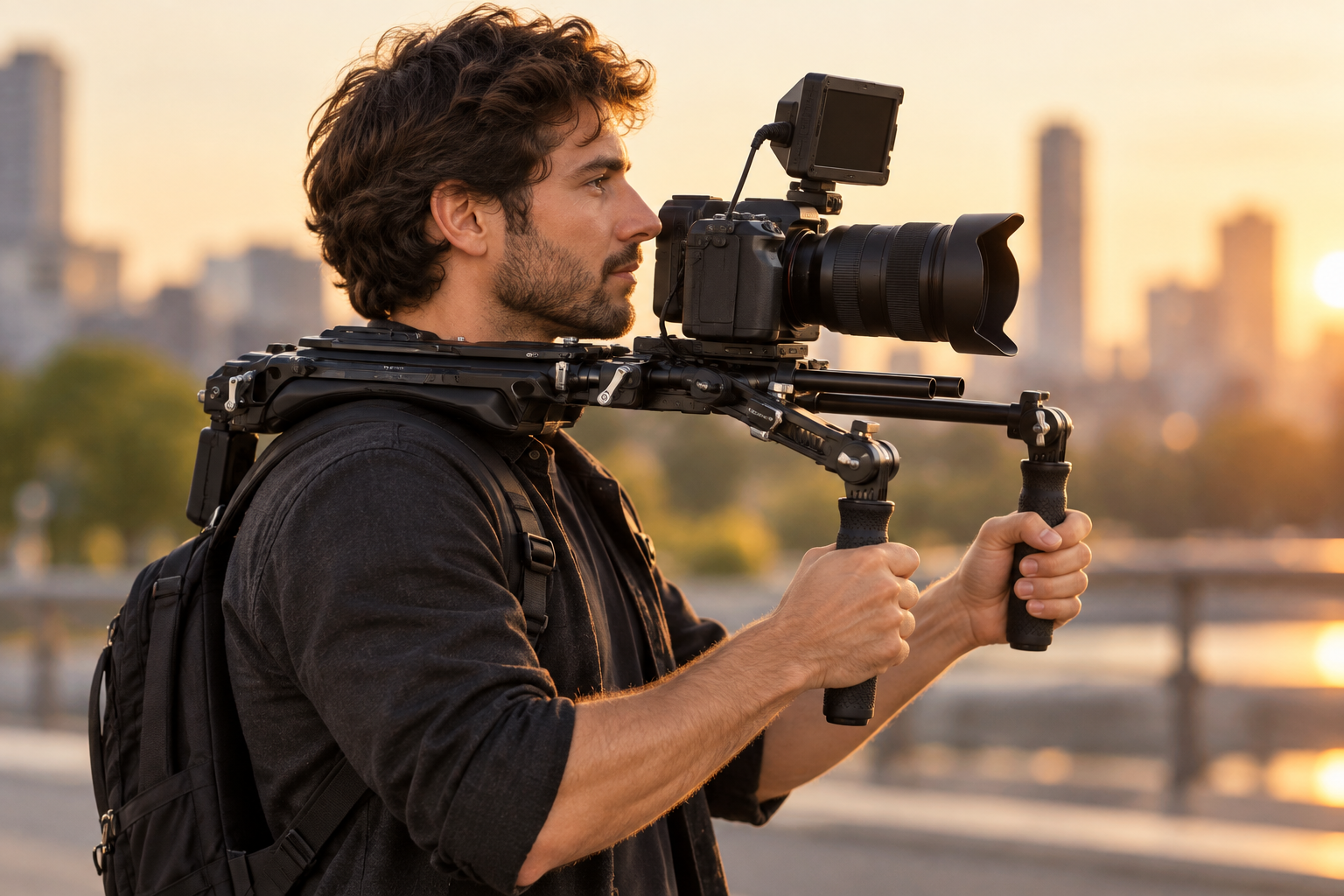
A shoulder rig goes further. It rests on your shoulder, and both hands hold the front grips. That gives you three contact points: shoulder, left hand and right hand. It also moves the weight off your arms, so you can hold longer without your hands starting to shake from fatigue. Heavier rigs help too, because added mass resists sudden movement.
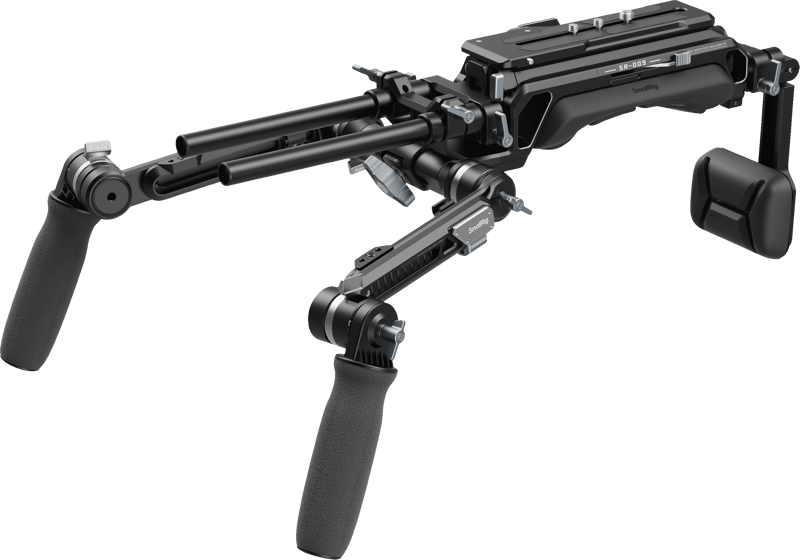
When you choose a rig, look at two things:
- Quick transition to a tripod. The SmallRig 5199 HawkLock VCT-14 shoulder rig has a built-in VCT module for one-second switching between shoulder and tripod modes. Its telescopic arm also adjusts 50 mm sideways to fit different body sizes.
- Fit to your body. The camera should sit over the middle of your shoulder and not far forward. If it feels front-heavy, add a counterweight or a battery at the back.
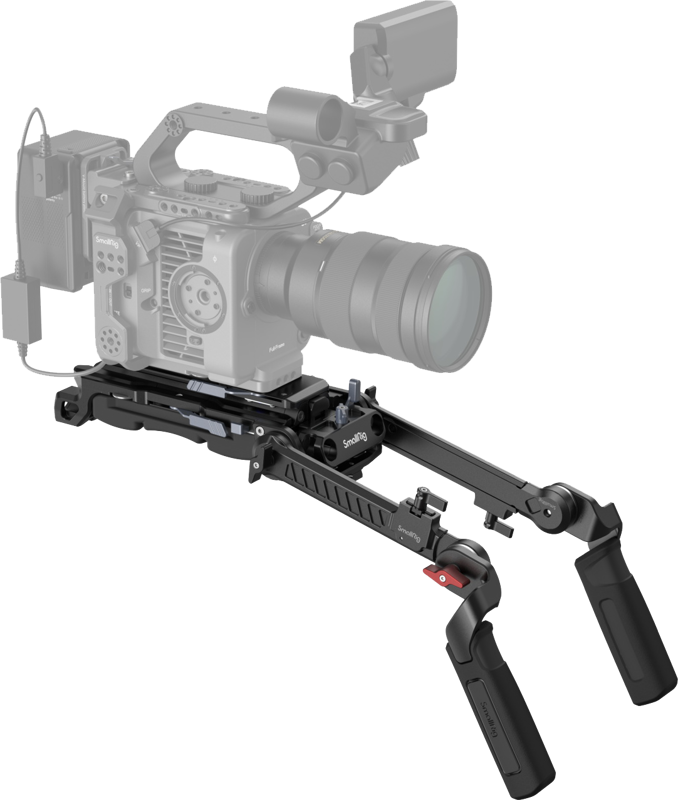
If you are unsure whether you need a cage, a rig or both, read our comparison of shoulder rigs vs camera cages.
Use a monopod when you stay in one place
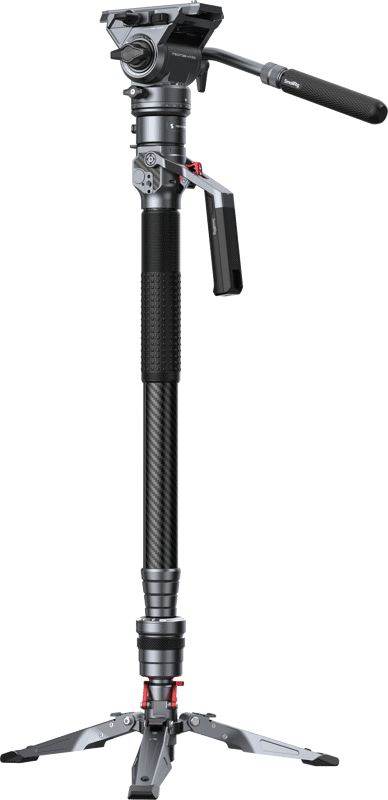
A monopod takes the weight off your arms while letting you move faster than with a tripod. It suits interviews, events and long-lens work. A pro video guide on ProVideo Coalition puts it simply: you work faster than with a tripod, but you don’t carry the camera weight for long.
Look for a video monopod with a fluid base or head. Without it, you only get up and down support, and pans may look rough. Press the monopod into the ground, keep it close to your body, and use your arms only to steer.
A monopod is not the right tool for walking shots. For those, you need a gimbal or a good walk technique. If you are weighing a gimbal against fixed support, our article on gimbal vs tripod for video covers that choice.
Use a gimbal for moving shots, and balance it properly
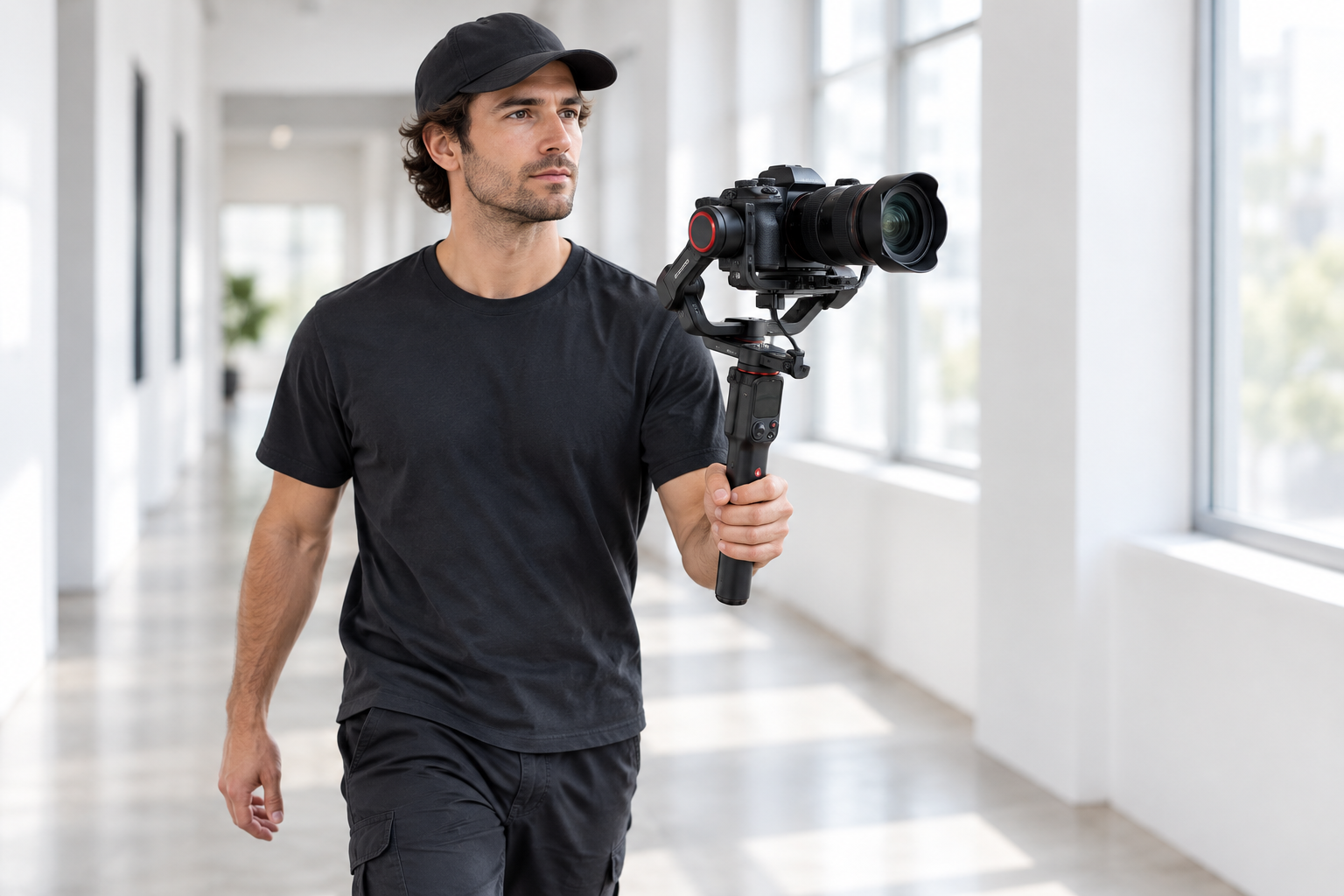
A 3-axis gimbal uses motors and sensors to keep the camera level while you move. It suits walking, following a subject and smooth reveals. It also asks more of you than other tools do: payload, balance and setup.
Check the payload with your real rig
Payload limits are model-specific. DJI lists 3 kg for the RS 5 and 2 kg for the RS 4 Mini. The Manfrotto MVG300XM is listed for cameras up to 3.4 kg. Count everything: camera, lens, cage, monitor, microphone and battery. DJI’s payload guidance adds that the centre of gravity and the space for the camera to move also affect whether a setup works, not weight alone. You can read it in DJI’s payload assessment document.
Here is an example with made-up round numbers. A camera body of 1.2 kg, a lens of 0.9 kg and a light cage of 0.3 kg add up to 2.4 kg. That is over the 2 kg limit of a small gimbal. It fits a 3 kg gimbal, but only 0.6 kg is left for a microphone or monitor. Weigh your real rig before you buy.
Balance before you power on
Balance is not optional. DJI tells users to balance the tilt, roll and pan axes in sequence with the camera fully configured, to get the best stabilization. Mount all accessories first. If you use a zoom lens, set it to the focal length you will shoot at before you balance. If you switch lenses or add a microphone later, balance again.
A well-balanced camera stays level when you let go. A badly balanced one makes the motors work hard, drains the battery and gives you jitter.
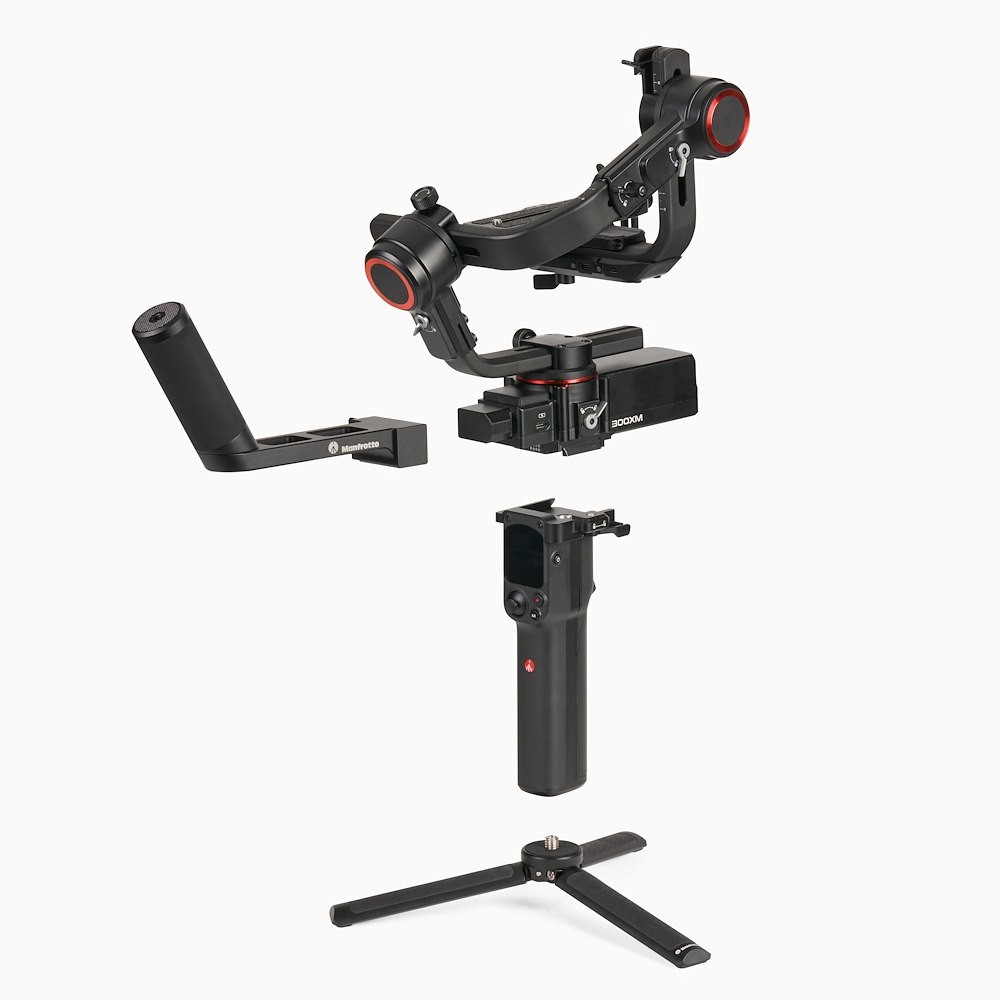
For a gimbal that suits mirrorless cameras and DSLRs, the Manfrotto Professional 3-Axis Modular Gimbal takes cameras up to 3.4 kg. Check your own rig weight against that limit. Browse our full gimbals category for other payload classes and accessories like support vests and handles.
Fix what is left in post
Post stabilization can save a shot, but it always costs you something. Tools such as Adobe’s Warp Stabilizer estimate camera movement and counter it. The default setting crops the moving edges and scales the image back up to fill the frame.
The cost is easy to calculate. Say you apply a stabilizer that needs a 120% scale. Adobe’s After Effects tutorial says that scale values under about 120% are usually fine, and above that the image can start to look soft. A 120% scale means you keep about 83% of the frame width. Shoot in UHD (3840 px wide) for a 1080p delivery, and you keep 3200 px. That is still more than the 1920 px you need, so you lose nothing visible. Shoot in 1080p and deliver in 1080p, and the same stabilization means upscaling.
Some tips that follow from this:
- Frame a little looser than you want in the final shot.
- Start with a Smoothness of 50% to 75%. Adobe suggests trying that range. Values above 100 need more cropping, according to Adobe’s settings page.
- If you see wobbly distortion, try the rolling shutter ripple option in the same settings.
- Only stabilize the clips that need it. Applying it to a whole timeline wastes analysis time.
Pick the right tool for your shot
Use these rules to decide:
- You shoot walk-and-talk with a light camera: gimbal, plus ninja walk.
- You shoot long documentary takes with a heavier camera: shoulder rig.
- You shoot interviews or events from one spot: monopod.
- You shoot small mirrorless footage on a budget: cage with a side handle, wide lens, in-body stabilization.
- You are not sure how a shot will turn out: shoot wider, and keep the shutter speed in mind for post.
Keep one more thing in mind: smooth is not always the goal. A slight handheld feel can suit documentary and drama. Gimbal-smooth movement can look unreal in those scenes. Choose the look first, then the gear.
Key Takeaways
- Fix your stance, grip and walk first. Elbows in, camera close, knees soft, heel-to-toe steps.
- Shoot wide. Long lenses magnify shake, and electronic stabilization crops the frame.
- Add contact points with a cage or shoulder rig. They damp movement and cut fatigue.
- Check your total rig weight against the gimbal payload, and balance before you power on.
- Shoot 4K for HD delivery and frame loosely, so post stabilization costs you nothing visible.
Not sure which support suits your camera? Contact the MediaGear team with your camera, lens and the kind of shots you shoot, and we’ll help you build a rig that fits. You can also browse our SmallRig range for cages, handles and rigs.









